Creador de apps WYSIWYG gratuito
Jotform’s WYSIWYG app builder lets you create a custom mobile app in minutes using a visual, no-code interface with drag-and-drop and 800+ templates. You can collect registrations, gather feedback, sell products, and accept payments through 40+ payment integrations. Build a branded app that works on Android and iOS and share it with your audience via links or downloads.
Plantillas
Plantillas gratuitas de apps
¿No quiere empezar desde cero? Elija una de nuestras plantillas de apps prediseñadas y hágala suya con nuestro intuitivo Creador de Apps de arrastrar y soltar. No necesita saber de códigos.
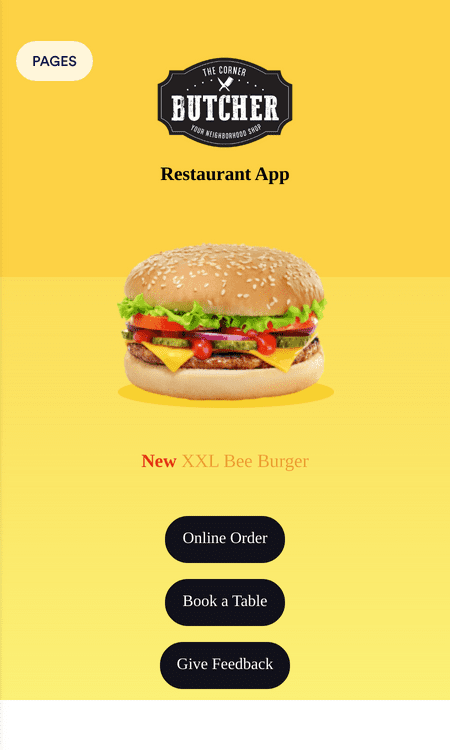
App de restaurante de hamburguesas
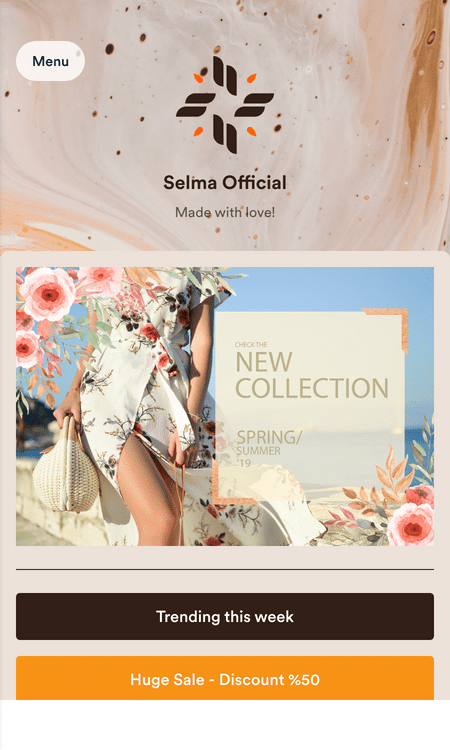
Plantilla de app de e-commerce
App de lista de compra de vivienda

Beneficios
Una manera fácil de crear su propia app
Cree una app en minutos
Jotform hace que sea fácil diseñar y publicar rápidamente una app totalmente personalizada sin códigos para cualquier ocasión. Cree una app para su empresa, cree un portal corporativo, recopile registros y respuestas a encuestas, y recolecte pagos en línea con las +40 pasarelas de pago de Jotform, todo desde una única y práctica ubicación.
Personalice en Tiempo Real
Cree su propia aplicación móvil en cuestión de minutos sin necesidad de tener conocimientos de programación. El Creador de aplicaciones de Jotform le permite ver los cambios a medida que se realizan. Simplemente arrastre y suelte para agregar formularios, firmar documentos, botones, enlaces, widgets, integraciones y mucho más. También puede subir su logotipo, seleccionar fuentes y colores, y crear un icono de aplicación y una pantalla de inicio personalizados que se adapten a su marca.
Publique su app
Una vez que esté satisfecho con el aspecto de su app, compártala con el mundo enviando invitaciones por correo electrónico, agregando un enlace en sus redes sociales, o insertándola en su sitio web. Los usuarios de Android e iOS pueden descargar su app en sus dispositivos móviles y utilizarla como una app nativa.
Gestione sus datos
Ahorre tiempo y facilite las cosas a sus usuarios agrupando todos sus formularios en una única app que funciona en cualquier dispositivo. Recopile y almacene los envíos en su cuenta segura en línea, y luego gestione todo con Jotform Tablas — nuestra potente plataforma en línea de base de datos. Vea sus envíos en forma de hojas de cálculo, calendario o tarjetas fáciles de leer.
Testimonios