Ajout d'actions dans l'application
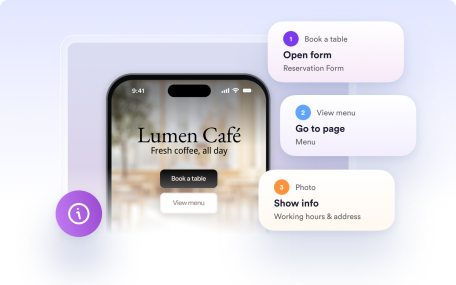
Make app elements interactive with Jotform Apps in Claude. Describe what a button, image, or other element should do, such as opening a form or navigating a page.
Add App Actions
Ajoutez des fonctionnalités interactives à vos applications Jotform dans Claude en décrivant simplement l’action souhaitée, comme ouvrir des formulaires, afficher plus de détails ou créer un lien vers une autre page.
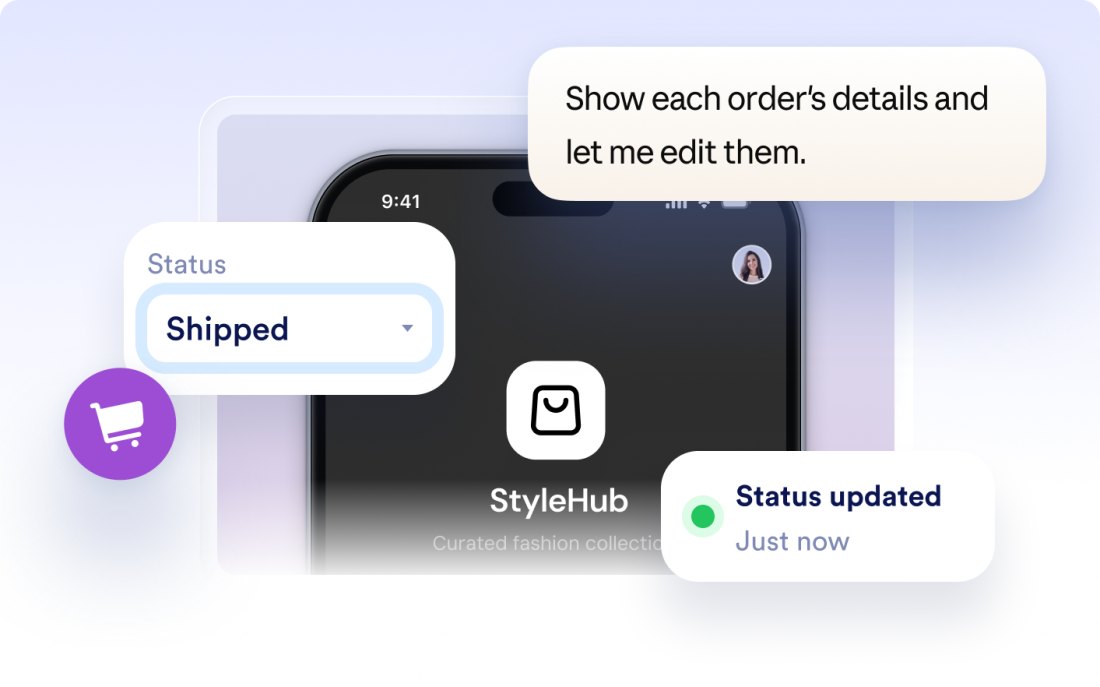
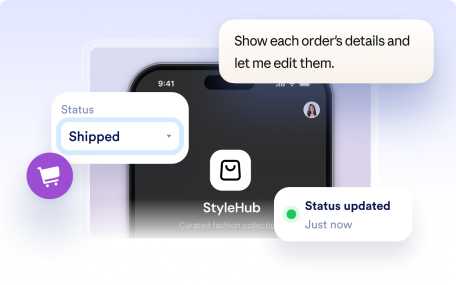
Create dynamic pages in Jotform Apps in Claude by describing the record details and edit options you want users to see. As your data changes, the app’s pages update automatically, so your audience always sees the most current information.
Keep your app up to date with dynamic pages that show record details and support real-time updates. Describe the data and edit options in Claude to let as information changes.
Describe the details and edit options you want users to access in your app. Jotform Apps in Claude creates dynamic pages that show current records and let users open edit screens, keeping information up to date as your data changes.
Show a dynamic page with a record’s details and an Edit button. When a user updates information, the page refreshes to display the latest data, ensuring everyone sees current content in your app.
Vous avez des questions sur cette fonctionnalité ? Consultez la FAQ ci-dessous pour obtenir des réponses rapides.
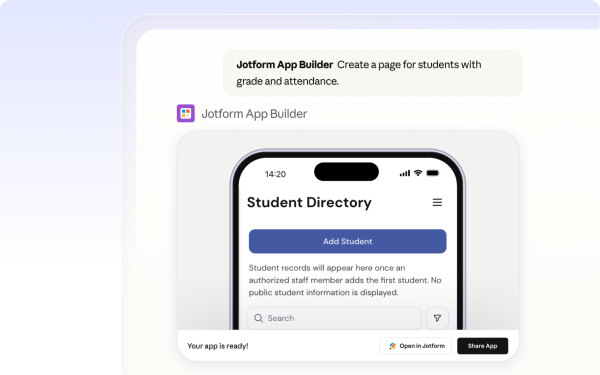
Describe the record details and edit options you want in your app directly in Claude. The Jotform AI App Builder will generate a dynamic page that updates as your data changes, so your content stays current.
You can display record details such as form responses, user information, or other structured data you specify. The page updates to show the latest values, so app users always see current information.
App users can open an edit screen from a dynamic page and update record details. When they save changes, the page refreshes to display the updated information, so everyone sees the latest data in the app.