Widget de vérification d'âge gratuit pour votre site web
Intégrez une fenêtre contextuelle de vérification d'âge personnalisable qui apparaît avant le contenu restreint de votre site web. Le widget de vérification d'âge de Jotform vous permet de définir l'âge minimum, de choisir une méthode de confirmation, de personnaliser le message, de mémoriser les visiteurs autorisés et d'intégrer le contrôle d'âge sans avoir à rédiger une seule ligne de code.
Créez votre widget gratuitement !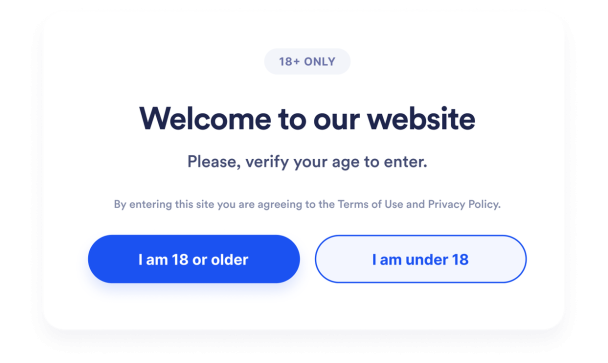

Comment créer un widget Vérification d'âge
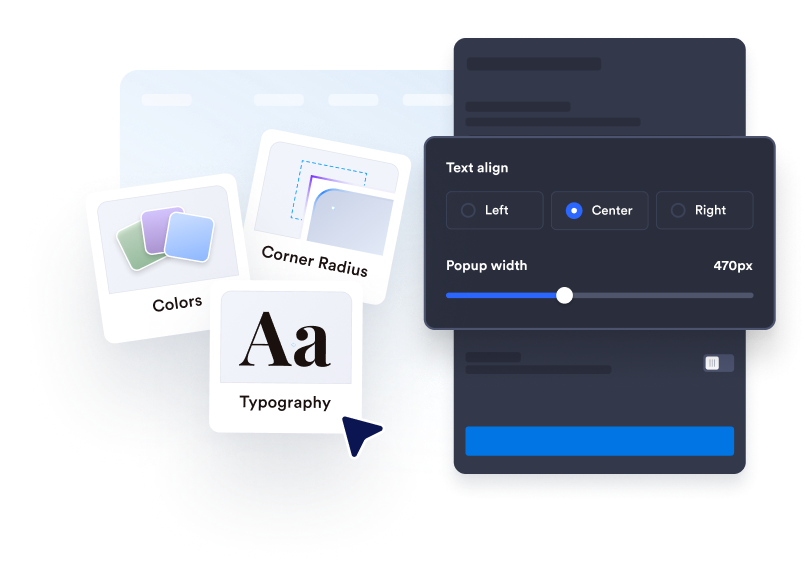
Personnalisez le contrôle de l'âge
Rédigez votre message de vérification, modifiez le texte du bouton et ajoutez les mentions légales nécessaires. Personnalisez les couleurs, la largeur, les angles et les éventuels contenus médias pour les faire correspondre à la charte graphique de votre site web.
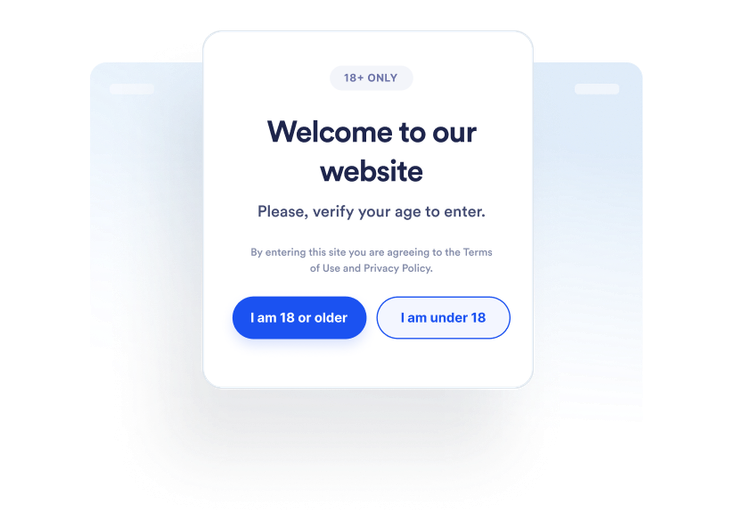
Définissez le déroulement de la visite
Choisissez comment les visiteurs confirment leur âge et ce qui se passe s'ils ne remplissent pas les conditions requises. Vous pouvez également décider si la validation des visiteurs autorisés est enregistrée et pendant combien de temps.
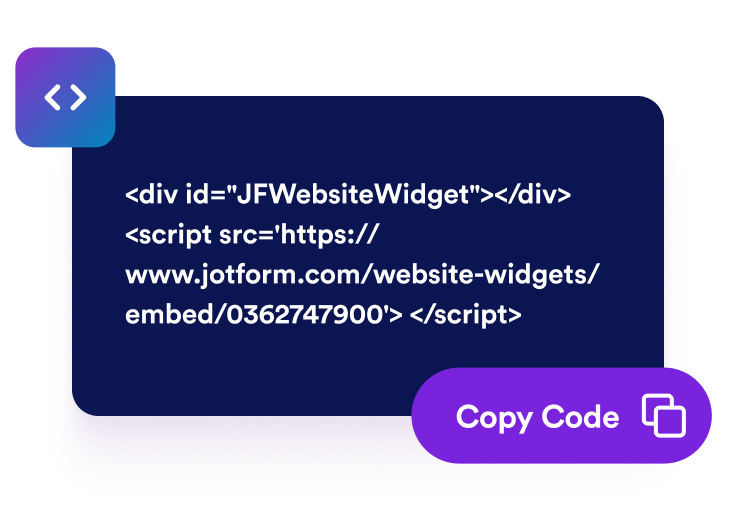
Intégrez-le à l'endroit souhaité
Prévisualisez et publiez le widget, copiez le code d'intégration généré et collez-le dans un bloc HTML personnalisé ou un bloc d'intégration sur les pages nécessitant une vérification de l'âge.
Effectuez des contrôles d'âge avant d'accéder au contenu restreint des sites web.
Demandez aux visiteurs de confirmer leur admissibilité
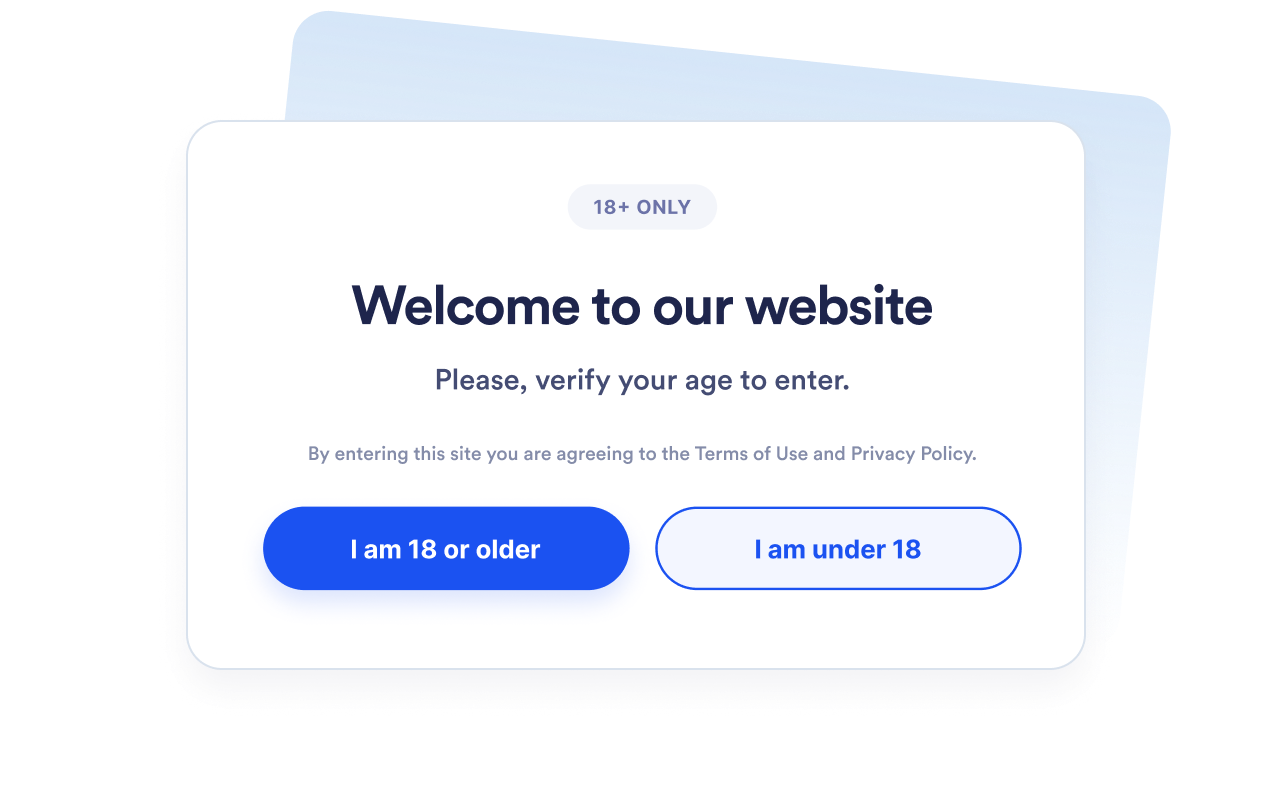
Affichez une fenêtre contextuelle de vérification de l'âge avant que les visiteurs n'accèdent à des produits, événements, communautés ou contenus multimédias restreints. Définissez un âge minimum entre 5 et 100 ans selon vos besoins.
Choisissez la méthode de vérification appropriée
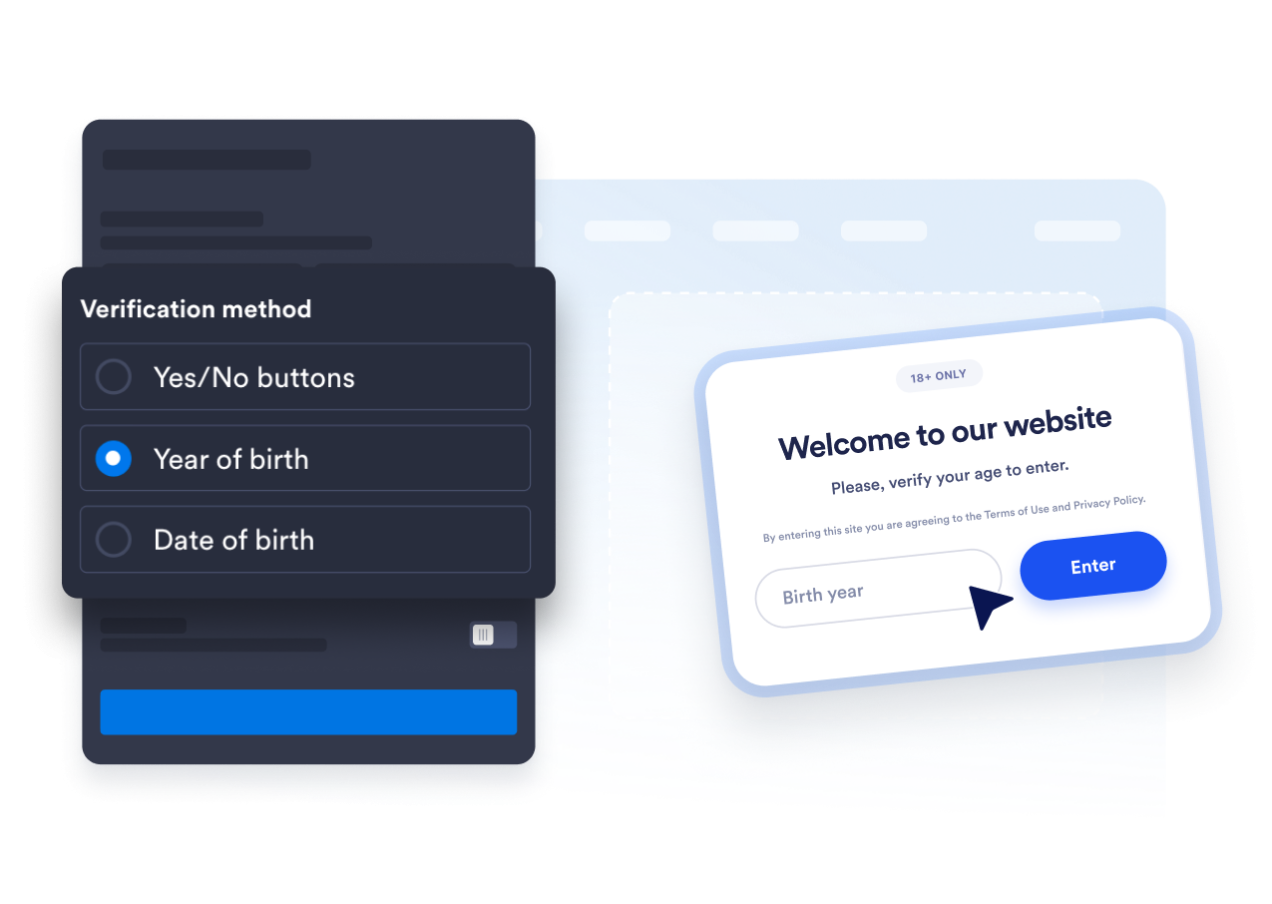
Utilisez des boutons de confirmation par oui ou par non, demandez l'année de naissance ou la date de naissance complète des visiteurs. Vous pouvez ainsi choisir entre une confirmation rapide et un calcul d'âge plus détaillé.
Adaptez la fenêtre contextuelle à votre site web
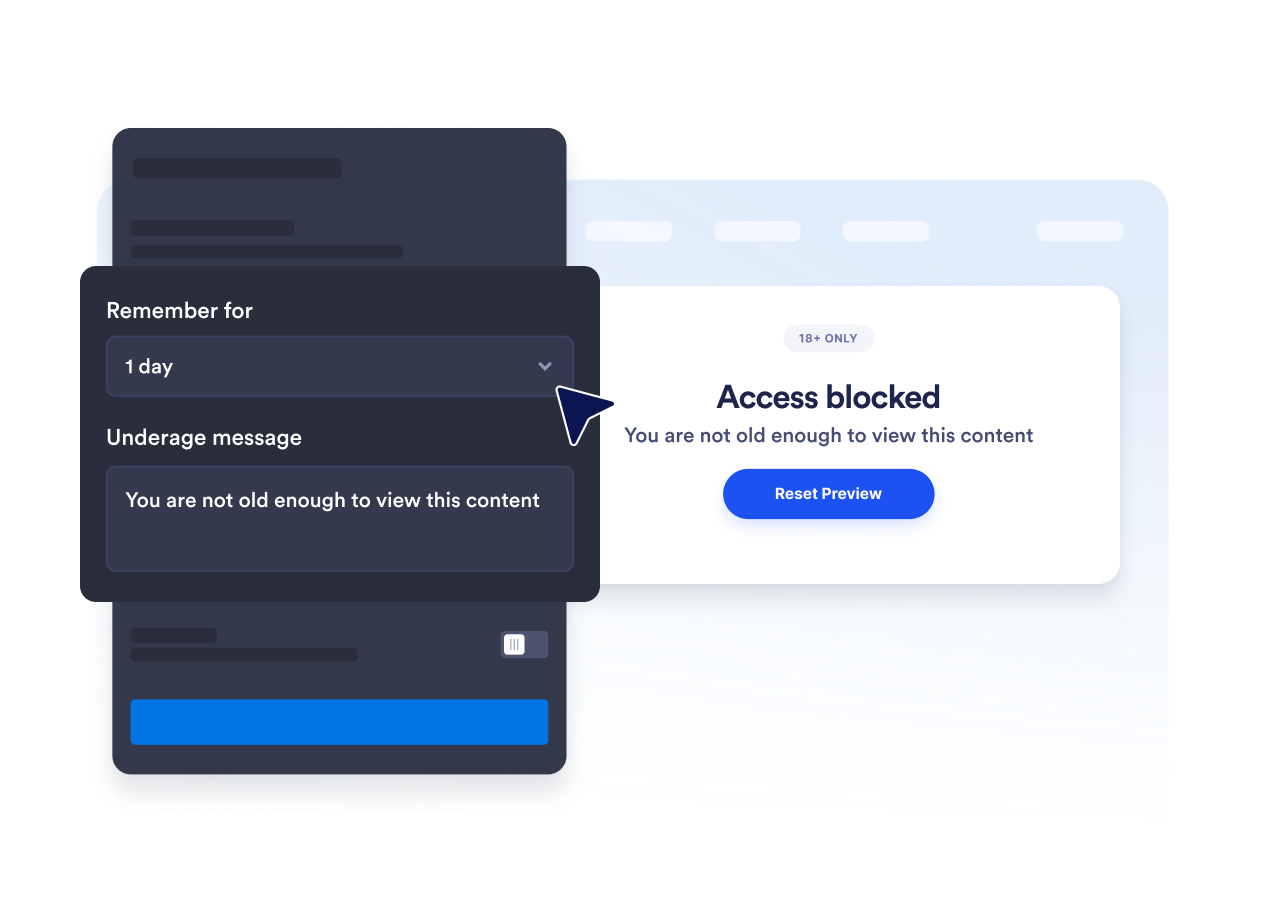
Modifiez le titre, la légende, les boutons, le message relatif aux mineurs et la mention légale. Vous pouvez également personnaliser les couleurs, la largeur de la fenêtre contextuelle, les angles arrondis et les médias optionnels pour que la vérification d'âge soit conforme à la charte graphique de votre marque.

Évitez les demandes répétées de confirmation d'âge.
Enregistrez les visiteurs autorisés pour la session en cours, 24h, sept jours, un mois, six mois ou un an. Cela réduit les interruptions répétées lorsque les visiteurs autorisés reviennent pendant la période sélectionnée.
Ce qui les rend les widgets de site web Jotform vraiment uniques
Les widgets Jotform rendent votre site web plus interactif et vous aident à augmenter vos conversions. Choisissez parmi de nombreux outils, comme des évaluations par étoiles, des curseurs de témoignages, des fenêtres contextuelles de preuve sociale ou des intégrations de contenus multimédias. Ajoutez des widgets à vos formulaires ou à vos pages de destination afin de collecter des données, d'afficher votre preuve sociale et de générer des prospects, sans coder.
Intégrez un widget Jotform à votre site web en copiant un code simple. Personnalisez, prévisualisez, puis insérez-le dans n'importe quelle page ou block HTML, le tout sans faire appel à un développeur.
Configurez les widgets de site web Jotform pour collecter des prospects, afficher des avis clients, mettre en avant votre preuve sociale, intégrer des contenus multimédias ou ajouter des outils utiles à vos pages web. Chaque widget permet aux visiteurs d'interagir directement avec votre entreprise depuis votre site web.
Si vous avez besoin d'aide pour configurer, personnaliser, intégrer ou résoudre un problème avec votre widget, l'équipe d'assistance de Jotform est disponible 24h/24 et 7j/7. Bénéficiez d'une assistance à tout moment, dès que vous en avez besoin.
Où utiliser votre widget de vérification d'âge
Placez le widget avant les pages où les visiteurs doivent confirmer qu'ils répondent aux exigences d'âge avant de consulter le contenu ou de continuer.
Débits d'alcool et de boissons pour confirmer l'âge avant que les clients ne consultent les produits réglementés.
Sites web de vente de tabac et de vapotage pour effectuer une vérification d'éligibilité avant d'accès aux produits soumis à restrictions.
Pages d'événements et de vie nocturne pour confirmer les conditions d'âge avant l'achat de billets ou l'inscription.
Communautés membres pour bloquer l'accès aux zones réservées aux adultes ou soumises à un âge minimum avant l'entrée.
Pages médias et divertissement pour demander une confirmation avant d'afficher du contenu réservé aux adultes.
Pages de destination promotionnelles pour vérifier les conditions d'âge avant que les visiteurs n'accèdent à une offre.
Transformez vos prospects en clients grâce au Générateur de formulaires Jotform
Transformez l'engagement en action grâce à Jotform. Créez des formulaires performants capables de collecter des prospects, d'encaisser des paiements et d'automatiser les réponses, le tout depuis un seul et même endroit. Chaque soumission est transférée dans votre Boîte de réception Jotform, d'où vous pouvez assurer le suivi ou l'intégrer à vos applications préférées.
Créez votre formulaire : c'est gratuit !
FAQ
Qu'est-ce qu'un widget de vérification d'âge ?
Un widget de vérification d'âge affiche une fenêtre contextuelle demandant aux visiteurs de confirmer qu'ils ont l'âge minimum requis avant de poursuivre. Il peut utiliser des boutons de confirmation, une année de naissance ou une date de naissance complète.
Le widget de vérification d'âge Jotform est-il gratuit ?
Comment ajouter une vérification d'âge à mon site web ?
Dois-je coder ?
Quelles méthodes de vérification de l'âge sont disponibles ?
Puis-je modifier l'âge minimum ?
Que se passe-t-il lorsqu'un visiteur est mineur ?
Peut-on se enregistrer des visiteurs autorisés ?
Puis-je contrôler sur quelles pages la fenêtre contextuelle s'affiche ?
Le widget vérifie-t-il l'identité du visiteur ?
Quelles plateformes de création de site web prennent en charge le widget de vérification d'âge ?
Puis-je obtenir de l'aide pour configurer mon widget de vérification d'âge ?