Widget FAQ pour votre site web
Créez une rubrique FAQ consultable qui permet aux visiteurs de trouver des réponses sans quitter la page qu'ils consultent. Le widget FAQ de Jotform vous aide à organiser les questions, à intégrer des réponses enrichies en texte et en éléments multimédia, à choisir des mises en page flexibles, à personnaliser le design, et à intégrer le tout sans coder.
Créez votre widget gratuitement !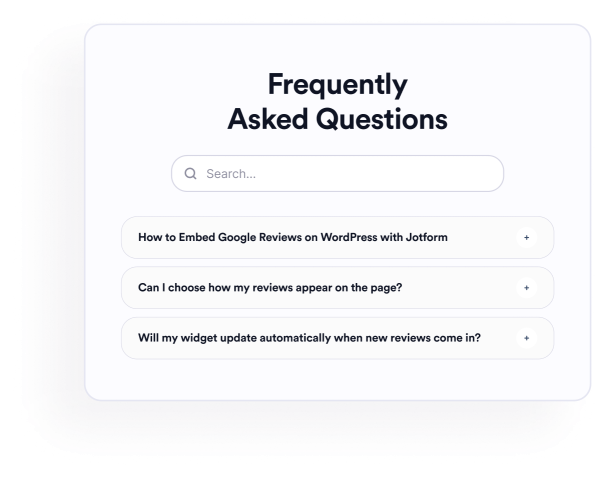

Comment créer un widget FAQ
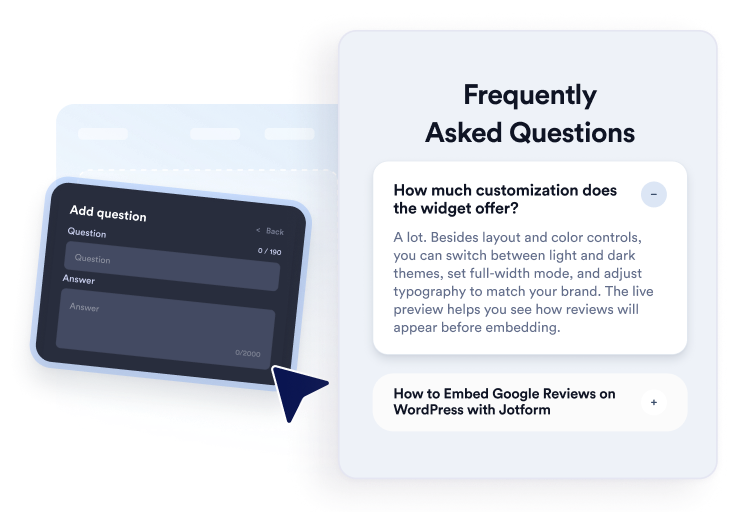
Ajoutez vos questions
Rédigez des réponses concernant les produits, les tarifs, l'assistance, les politiques ou l'intégration, et organisez-les. N'hésitez pas à y joindre des liens ou des images lorsque cela s'avère utile. Puis, dans l'éditeur visuel, dupliquez, réorganisez ou supprimer des questions.
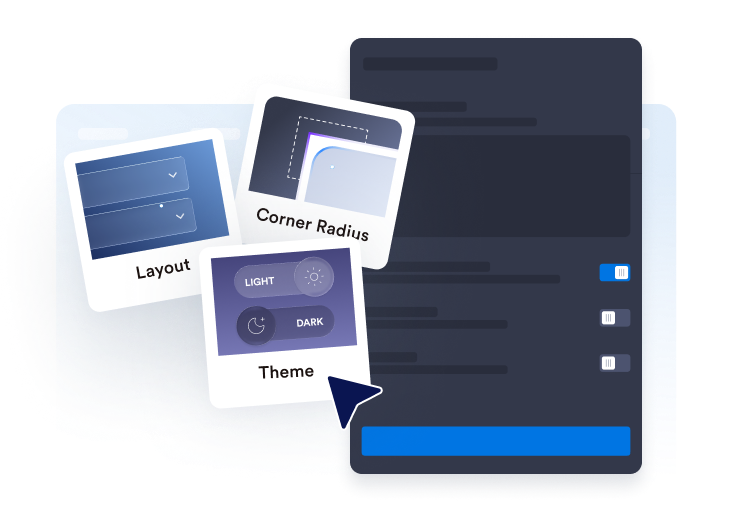
Personnalisez sa mise en page et son style
Choisissez entre une présentation en accordéon, sous forme de liste ou multicolonnes pour votre FAQ. Personnalisez ensuite la barre de recherche, les icônes, le comportement des questions, les couleurs, les espacements ainsi que les autres paramètres de design, afin d'adapter parfaitement l'affichage à vos besoins.

Intégrez-le à votre site web
Avant de publier votre FAQ, prévisualisez-la pour vérifier son rendu. Copiez ensuite le code d'intégration généré et insérez-le dans un bloc personnalisé HTML ou un bloc d'intégration. Une fois la page publiée, testez les questions, la fonction de recherche, les liens et les éléments multimédia.
Créez facilement des FAQ utiles et facilement consultables
Organisez les questions dans un seul éditeur
Ajoutez, dupliquez, réorganisez et supprimez des questions sans reconstruire la section manuellement. Utilisez des réponses en texte enrichi pour préciser les produits, les politiques de facturation, les instructions de configuration, les informations d'expédition ou d'autres sujets que les visiteurs posent fréquemment.
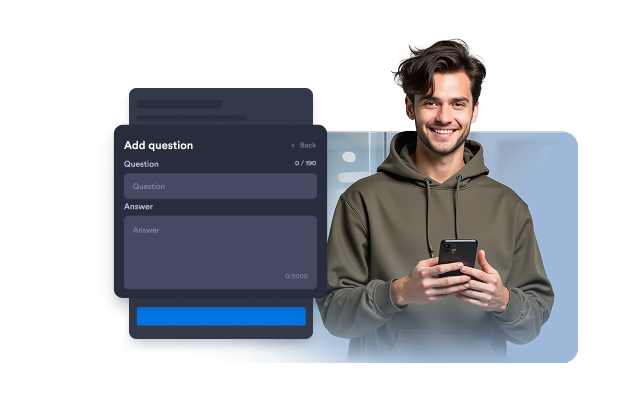
Adaptez vos FAQ à différentes mises en page
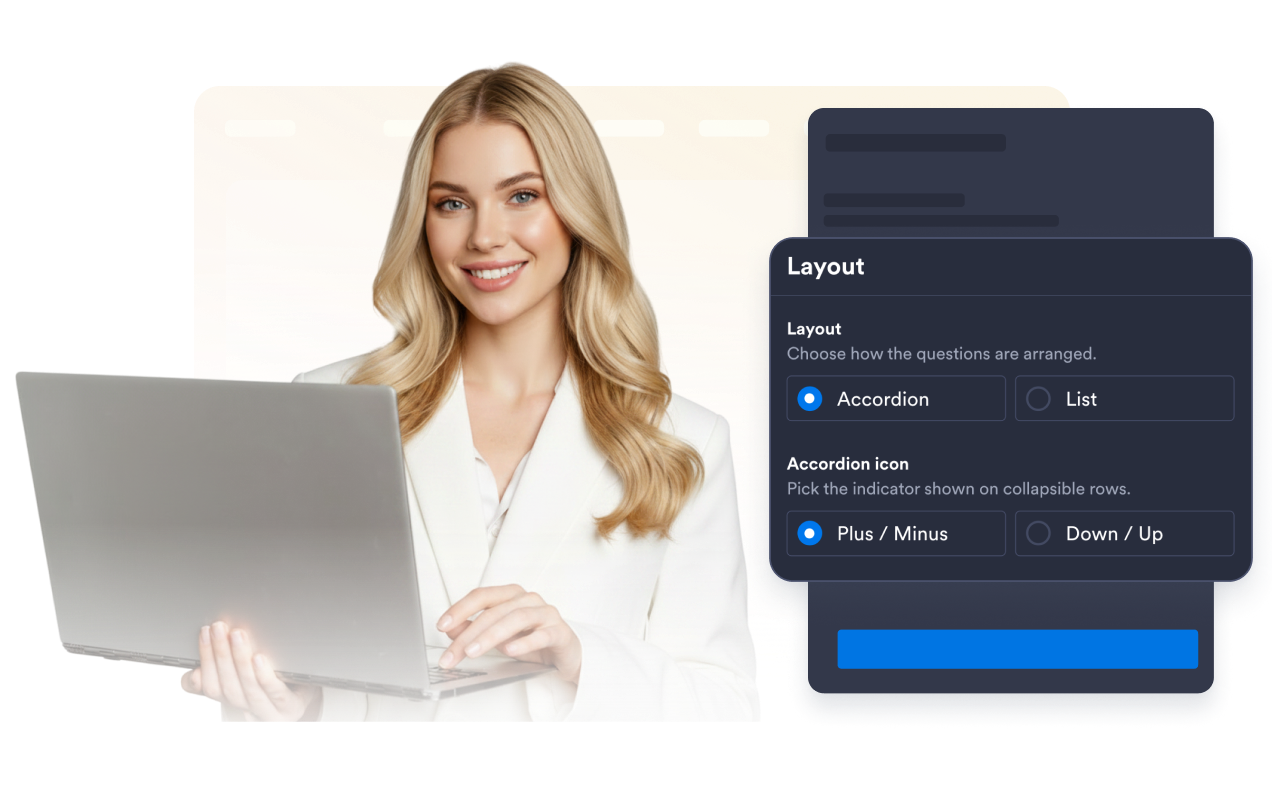
Choisissez le format accordéon pour organiser de petits groupes de questions, une liste pour des réponses qui doivent rester visibles en permanence, ou une disposition multicolonne pour les FAQ plus longues. Un agencement bien pensé facilite la navigation au sein de vastes collections d’informations.
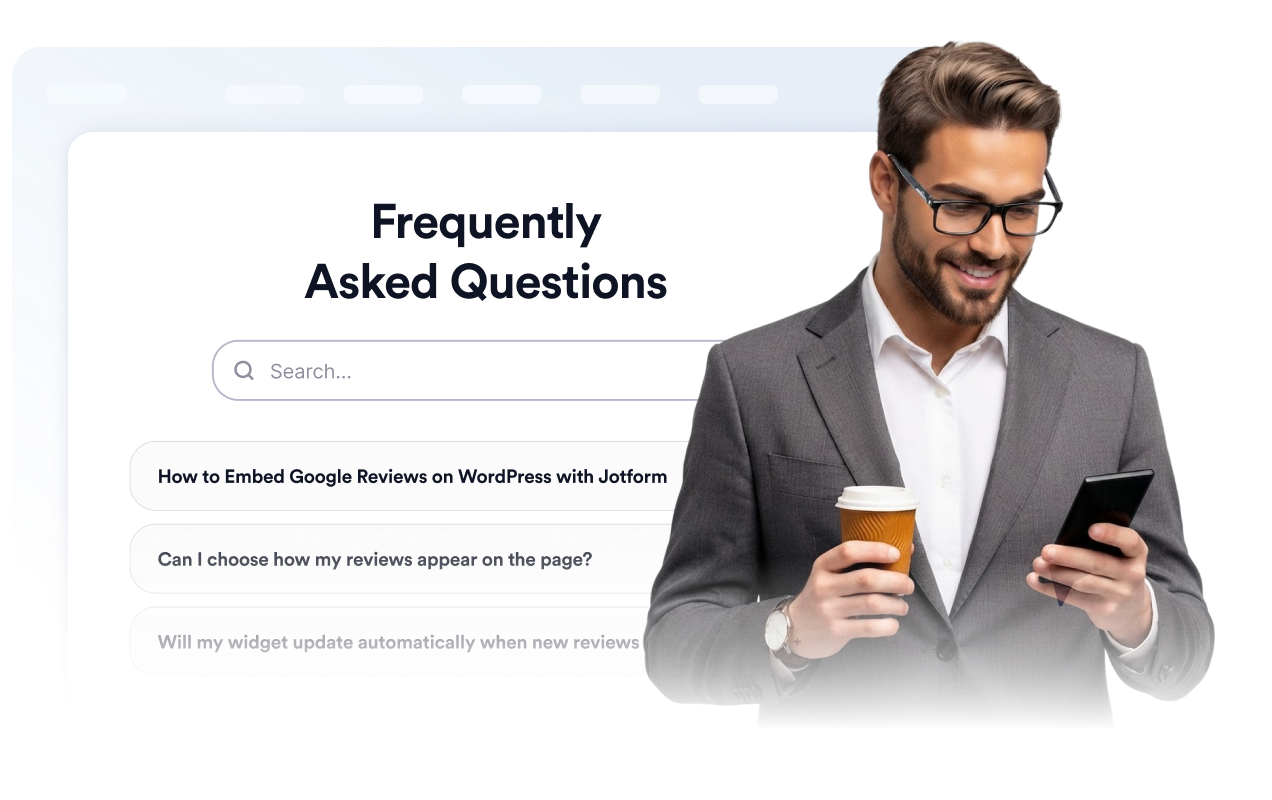
Facilitez la recherche de contenu dans la FAQ
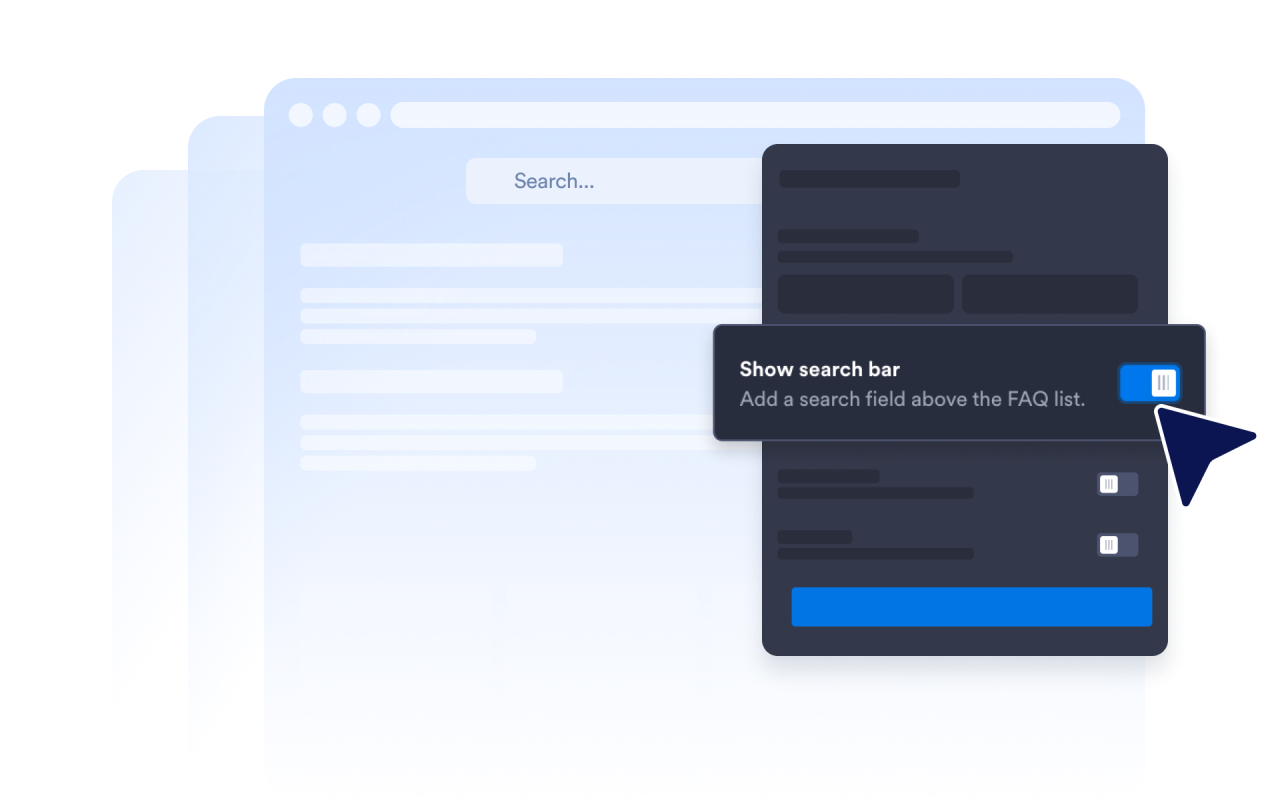
Activez la barre de recherche afin que les visiteurs puissent filtrer les questions et réponses par mots-clés. Cette fonctionnalité est particulièrement utile sur les pages d'aide et les rubriques FAQ détaillées, où il serait bien trop long d'examiner chaque question l'une après l'autre.
Contrôlez le développement des réponses
Choisissez l'icône d'accordéon et son emplacement, déterminez le nombre de questions affichées au départ, et décidez si une ou plusieurs réponses peuvent rester ouvertes. Ces réglages vous permettent d'orienter la manière dont les visiteurs pourront parcourir les FAQ les plus longues.
Ce qui les rend les widgets de site web Jotform vraiment uniques
Les widgets Jotform rendent votre site web plus interactif et vous aident à augmenter vos conversions. Choisissez parmi de nombreux outils, comme des évaluations par étoiles, des curseurs de témoignages, des fenêtres contextuelles de preuve sociale ou des intégrations de contenus multimédias. Ajoutez des widgets à vos formulaires ou à vos pages de destination afin de collecter des données, d'afficher votre preuve sociale et de générer des prospects, sans coder.
Intégrez un widget Jotform à votre site web en copiant un code simple. Personnalisez, prévisualisez, puis insérez-le dans n'importe quelle page ou block HTML, le tout sans faire appel à un développeur.
Configurez les widgets de site web Jotform pour collecter des prospects, afficher des avis clients, mettre en avant votre preuve sociale, intégrer des contenus multimédias ou ajouter des outils utiles à vos pages web. Chaque widget permet aux visiteurs d'interagir directement avec votre entreprise depuis votre site web.
Si vous avez besoin d'aide pour configurer, personnaliser, intégrer ou résoudre un problème avec votre widget, l'équipe d'assistance de Jotform est disponible 24h/24 et 7j/7. Bénéficiez d'une assistance à tout moment, dès que vous en avez besoin.
Où ajouter le widget FAQ ?
Ajoutez le widget aux pages où des réponses claires peuvent aider les visiteurs à comprendre leurs options.
Pages produits pour répondre aux questions sur les fonctionnalités, les tailles, la configuration, la compatibilité et la livraison.
Pages des tarifs pour clarifier les forfaits, les essais, les cycles de facturation, les annulations et les mises à niveau.
Centres d'aide pour organiser les questions courantes dans une section avec recherche intégrée.
Pages de réservation et d'événements pour afficher les horaires, les lieux, les remboursements et les conditions de participation.
Pages de cours et d'inscription pour répondre aux questions sur l'accès, le programme, les paiements et l'assistance.
Pages d'atterrissage pour répondre aux préoccupations courantes avant que les visiteurs ne s'inscrivent, ne réservent ou ne soumettent un formulaire.
Transformez vos prospects en clients grâce au Générateur de formulaires Jotform
Transformez l'engagement en action grâce à Jotform. Créez des formulaires performants capables de collecter des prospects, d'encaisser des paiements et d'automatiser les réponses, le tout depuis un seul et même endroit. Chaque soumission est transférée dans votre Boîte de réception Jotform, d'où vous pouvez assurer le suivi ou l'intégrer à vos applications préférées.
Créez votre formulaire : c'est gratuit !
FAQ
Qu'est-ce que le widget FAQ ?
Un widget FAQ ajoute une rubrique de questions-réponses intégrée directement sur un site web. Il permet aux visiteurs de parcourir facilement les questions les plus fréquentes, grâce à des formats interactifs, sous forme d'accordéon, de liste ou de plusieurs colonnes, le tout sans avoir à quitter la page en cours.
Le widget FAQ de Jotform est-il gratuit ?
Comment puis-je ajouter une FAQ à mon site web ?
Dois-je coder ?
Combine de questions puis-je ajouter ?
Le widget FAQ dispose-t-il d'une fonction de recherche ?
Quel format de FAQ utiliser ?
Puis-je laisser plusieurs réponses de la FAQ ouvertes en même temps ?
Est-il possible d’inclure des liens, des images ou des vidéos dans les réponses d’une FAQ ?
Peut-on personnaliser le design de la FAQ ?
Le widget FAQ fonctionne-t-il sur les appareils mobiles ?
Quelles sont les plateformes de sites web compatibles avec le widget FAQ ?
Proposez-vous de l'aide pour configurer le widget FAQ ?