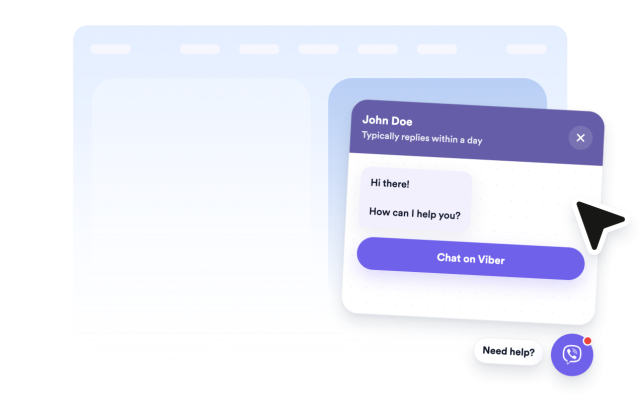
Widget Chat Viber
Viber Chat Widget Features for Websites
Add a Viber click-to-chat entry point to your website with customizable contact sources, greeting text, CTA button styling, responsive placement, and display controls.
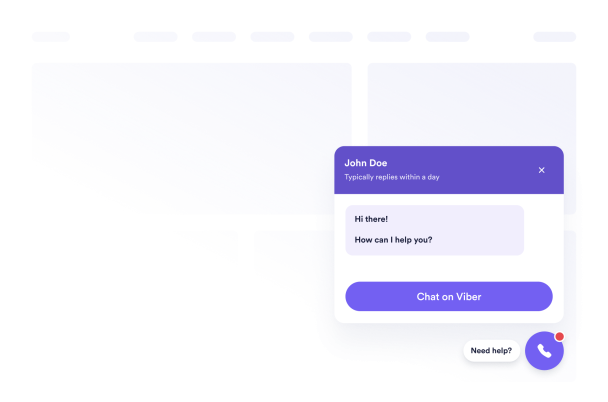
Connect Viber Without Code
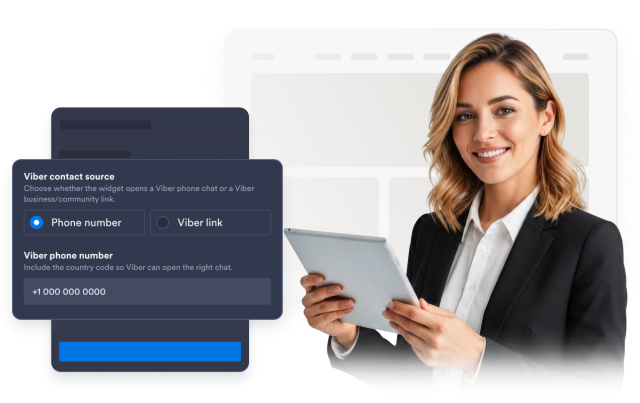
Give visitors a direct way to start a Viber conversation from your website. Add a phone number or supported Viber link, then create an embeddable click-to-chat widget without writing custom code.
Connection options include:
Set Clear Chat Expectations
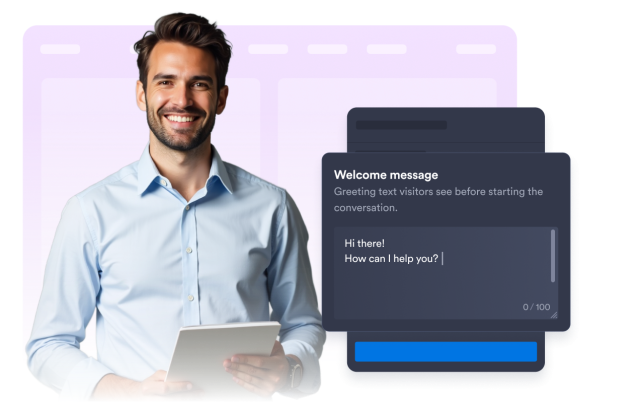
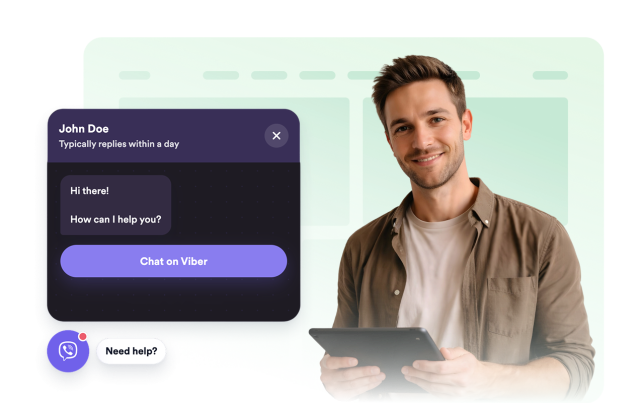
Help visitors understand who they’re contacting before they open Viber. Customize the agent name, status caption, welcome message, and CTA text to make the chat prompt feel helpful and intentional.
Content controls:
Brand Your Viber Button
Make the start-chat action match your website design. Edit the button text, background color, text color, and rounded corners so the Viber CTA stands out without feeling out of place.
CTA controls:
Place Chat Where It Fits
Veillez à ce que la fenêtre de discussion Viber reste visible sans masquer le contenu essentiel de la page. Vous pouvez définir son emplacement à gauche ou à droite, son décalage vers le bas et sur les côtés, sa visibilité sur ordinateur et sur mobile, le délai d'ouverture automatique, la taille des bulles et la largeur du panneau.
Display controls: