Widget Chat Viber pour les sites web
Ajoutez un bouton de chat Viber flottant à votre site web pour permettre aux visiteurs d’engager facilement une conversation avec votre entreprise sur Viber. Personnalisez le message d’accueil, le texte du bouton, les couleurs, l’emplacement, le badge et l’affichage sur mobile, sans coder.
Comment créer un widget Discussion Viber
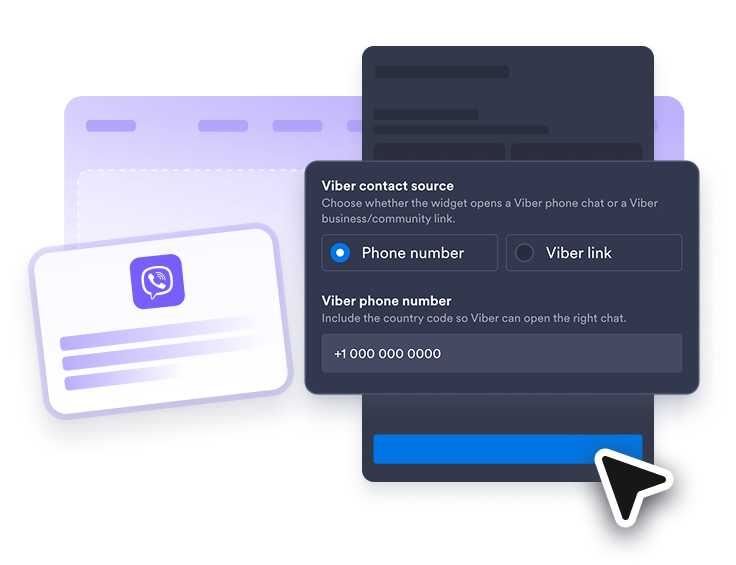
Connectez votre contact Viber
Ajoutez votre numéro de téléphone Viber, votre profil professionnel, votre lien vers une communauté ou une URL Viber compatible afin que les visiteurs accèdent directement à la bonne conversation.
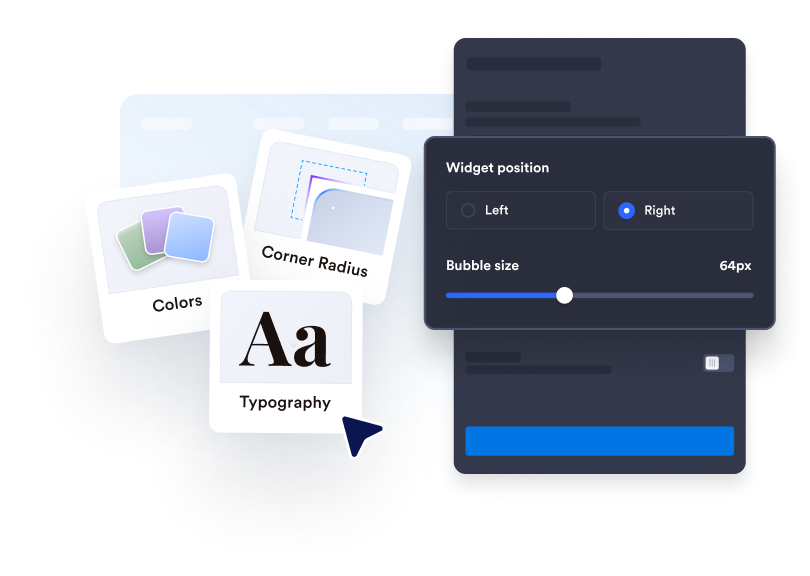
Personnalisez votre expérience de chat
Modifiez le libellé de la bulle de chat, le nom de l’agent, le message de bienvenue, les couleurs, la taille, le badge, les coins arrondis, l’affichage sur mobile et l’emplacement à l’écran.
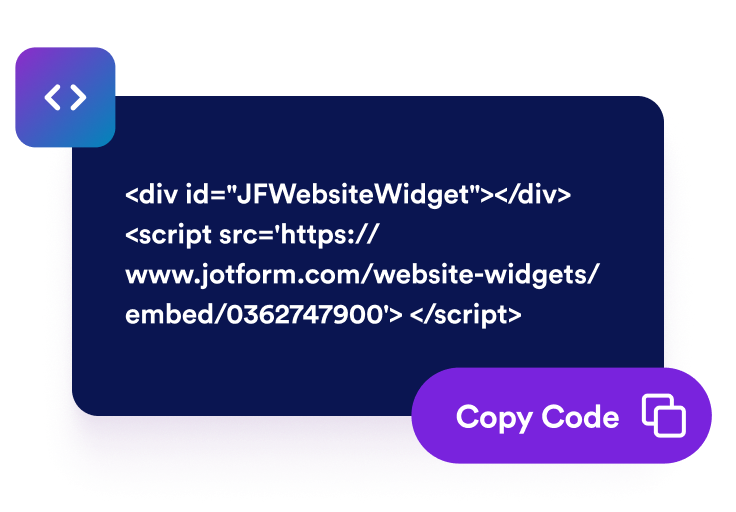
Intégrez-le à votre site web
Copiez le code d’intégration généré et publiez votre widget Chat Viber sur les pages où les visiteurs ont besoin d’un moyen rapide de vous contacter.
Aidez les visiteurs à démarrer la bonne conversation Viber
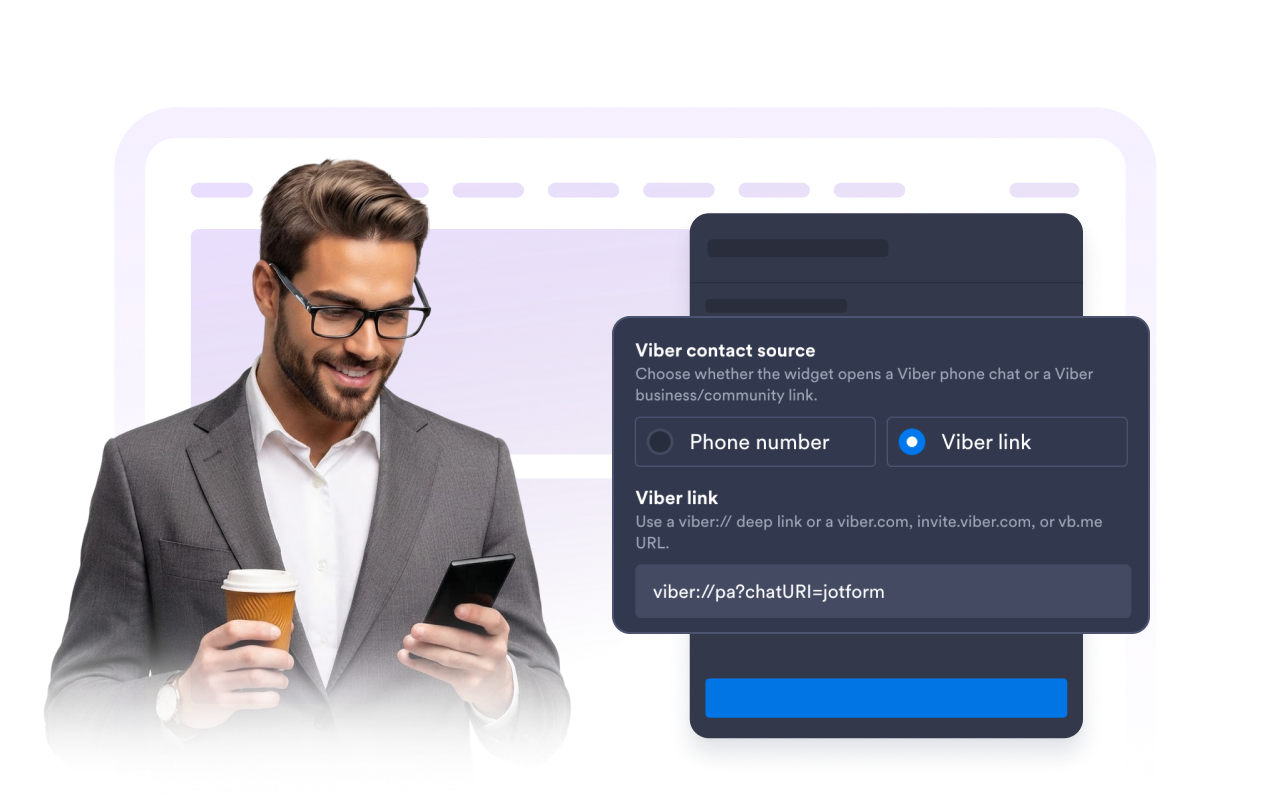
Utilisez un lien de contact Viber
Connectez le widget à un lien profond (deep link) associé à un numéro de téléphone Viber, à un profil professionnel Viber, à une communauté ou à une URL courte compatible afin que les visiteurs accèdent directement à la bonne conversation.
Définissez des attentes claires pour le chat
Présentez votre équipe, précisez les sujets sur lesquels les visiteurs peuvent vous contacter et indiquez vos délais de réponse avant qu’ils n’ouvrent Viber. Un message de bienvenue clair facilite le passage de votre site web à la conversation sur Viber.
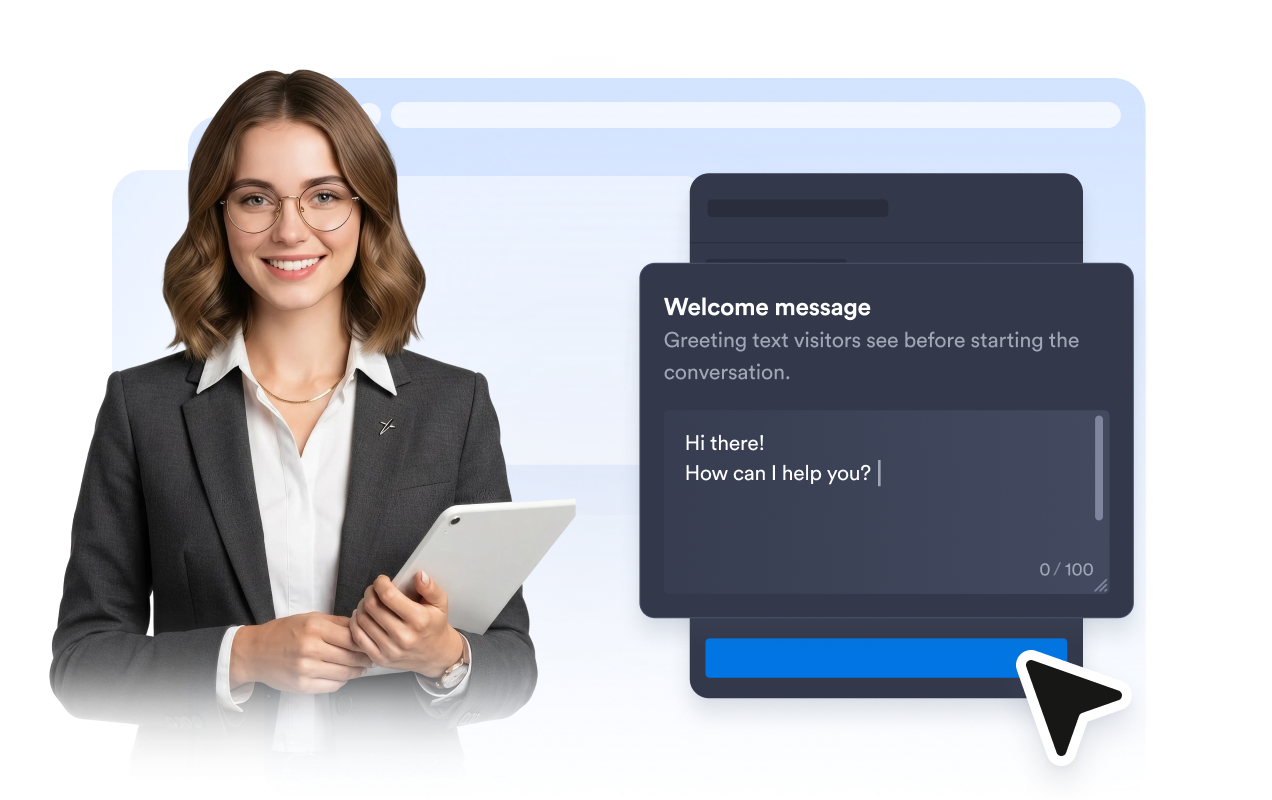
Guidez les visiteurs avec des appels à l’action clairs
Utilisez un appel à l’action Viber précis, personnalisez le texte du bouton et faites de l’étape suivante l’élément central de l’aperçu du chat afin que les visiteurs sachent exactement comment poursuivre la conversation.
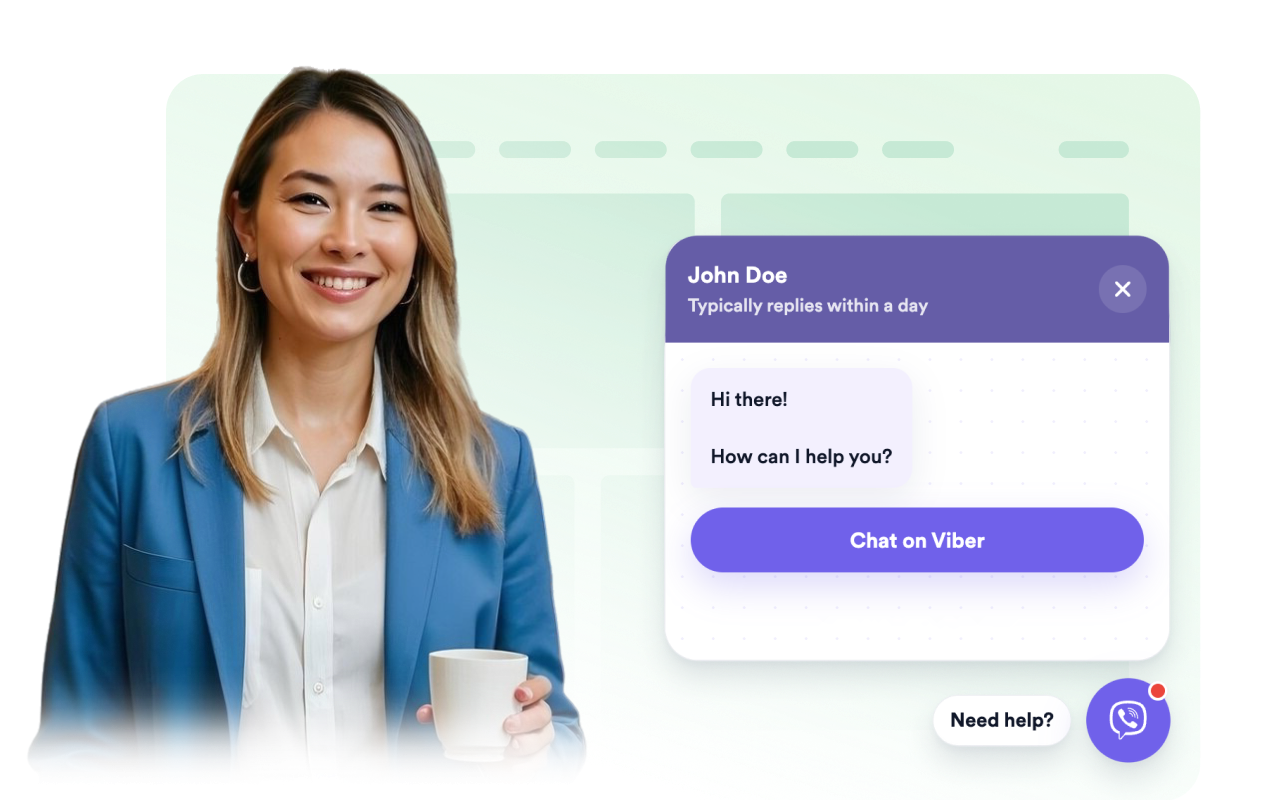
Adaptez le bouton au design de votre site
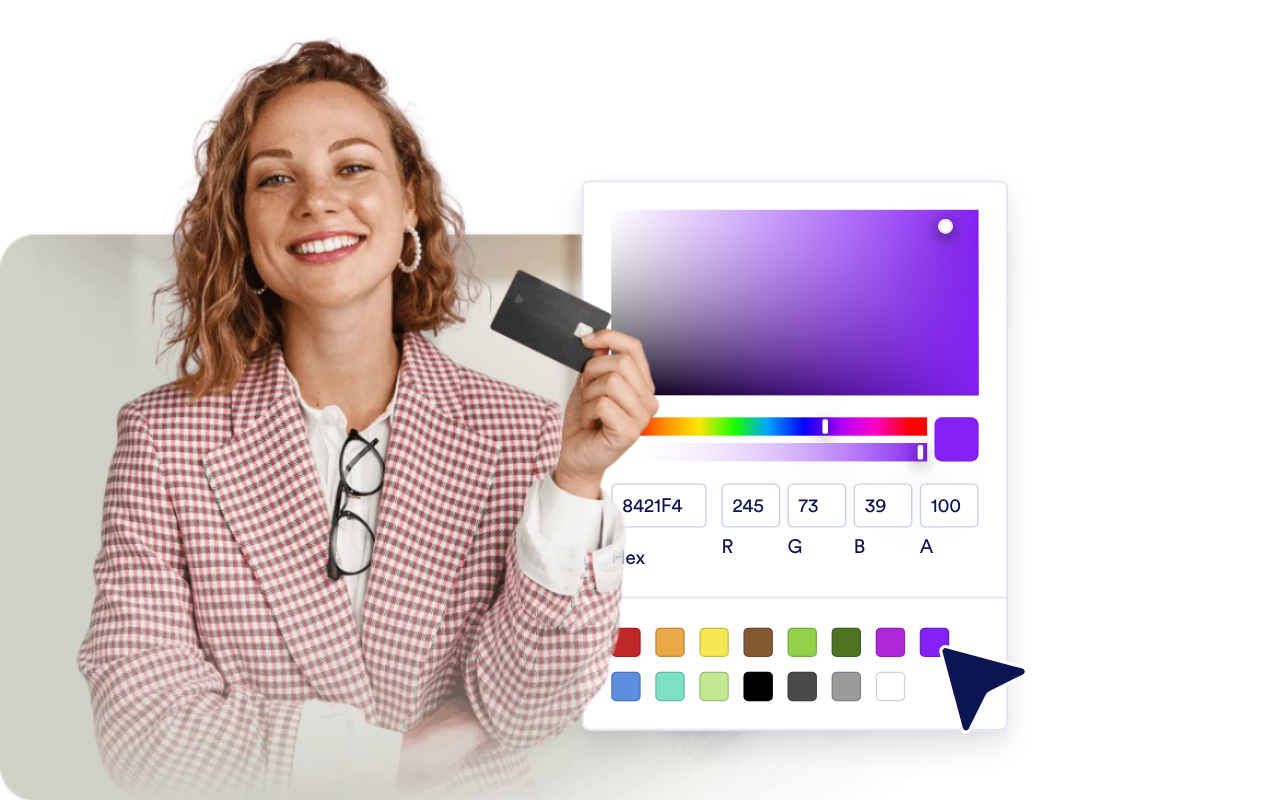
Personnalisez la bulle de chat, l’en-tête, l’arrière-plan des messages, les couleurs de l’appel à l’action, la largeur, les coins arrondis, le badge et la position à l’écran afin que votre widget Chat Viber s’intègre au design de votre page.
Ce qui les rend les widgets de site web Jotform vraiment uniques
Les widgets Jotform rendent votre site web plus interactif et vous aident à augmenter vos conversions. Choisissez parmi de nombreux outils, comme des évaluations par étoiles, des curseurs de témoignages, des fenêtres contextuelles de preuve sociale ou des intégrations de contenus multimédias. Ajoutez des widgets à vos formulaires ou à vos pages de destination afin de collecter des données, d'afficher votre preuve sociale et de générer des prospects, sans coder.
Intégrez un widget Jotform à votre site web en copiant un code simple. Personnalisez, prévisualisez, puis insérez-le dans n'importe quelle page ou block HTML, le tout sans faire appel à un développeur.
Configurez les widgets de site web Jotform pour collecter des prospects, afficher des avis clients, mettre en avant votre preuve sociale, intégrer des contenus multimédias ou ajouter des outils utiles à vos pages web. Chaque widget permet aux visiteurs d'interagir directement avec votre entreprise depuis votre site web.
Si vous avez besoin d'aide pour configurer, personnaliser, intégrer ou résoudre un problème avec votre widget, l'équipe d'assistance de Jotform est disponible 24h/24 et 7j/7. Bénéficiez d'une assistance à tout moment, dès que vous en avez besoin.
Où utiliser votre widget Chat Viber
Ajoutez le widget aux pages où les visiteurs ont besoin d’un moyen rapide de poser leurs questions ou de poursuivre la conversation sur Viber.
Boutiques en ligne pour répondre via Viber aux questions concernant les produits, la livraison, la disponibilité et les commandes.
Pages de services pour recevoir les demandes de rendez-vous, de consultation ou de devis des visiteurs intéressés.
Pages de réservation et d'événements pour aider les visiteurs à confirmer les dates, les lieux, les horaires ou les modalités d’inscription avant de s’inscrire.
Sites d'entreprises locales pour permettre aux visiteurs de contacter un restaurant, un salon, une clinique, une agence immobilière ou un service de réparation depuis une application de messagerie qu’ils connaissent déjà.
Transformez vos prospects en clients grâce au Générateur de formulaires Jotform
Transformez l'engagement en action grâce à Jotform. Créez des formulaires performants capables de collecter des prospects, d'encaisser des paiements et d'automatiser les réponses, le tout depuis un seul et même endroit. Chaque soumission est transférée dans votre Boîte de réception Jotform, d'où vous pouvez assurer le suivi ou l'intégrer à vos applications préférées.
Commencez : c'est gratuit !
FAQ
Qu’est-ce qu’un widget Chat Viber ?
Un widget Chat Viber est un bouton flottant accompagné d’un aperçu du chat sur votre site web, qui permet aux visiteurs de démarrer une conversation Viber avec votre entreprise.
Faut-il que je sache coder pour ajouter le widget à mon site web ?
Puis-je personnaliser le message d'accueil et le bouton ?
Où le chat s'ouvre-t-il ?
Ce widget comprend-il une boîte de réception Viber complète ?
Comment aider les visiteurs qui préfèrent appeler plutôt qu’envoyer un message ?