# Perangkat lunak penjadwalan janji untuk Calendly | Jotform

Penjadwalan lebih cerdas dimulai di sini
# Perangkat lunak penjadwalan janji untuk Calendly

Jotform memudahkan untuk menjadwalkan janji temu dan mengelola kalender Anda. Buat formulir yang sepenuhnya dapat disesuaikan, hubungkan dengan alat favorit Anda, sinkronkan ketersediaan, dan kumpulkan semua yang Anda butuhkan — dari pembayaran hingga detail peserta.

[Create a Scheduling Form](https://www.jotform.com/id/build/?question=appointment)

![Image 1: Appointment scheduling software for Calendly hero](https://cdn.jotfor.ms/image/r/aHR0cHM6Ly9jZG4uam90Zm9yLm1zL3AvYXBwb2ludG1lbnQtc2NoZWR1bGluZy1zb2Z0d2FyZS9hc3NldHMvaW1nLW1pbi9jYWxlbmRseS9oZXJvLnBuZz92PTAuMw==/hero.png?w=2025&t=1)

Integrasi
## Cara menghubungkan Calendly dengan Jotform

Jotform berintegrasi dengan mudah untuk meningkatkan proses penjadwalan Anda. Hilangkan tugas-tugas berulang dan bangun alur kerja janji temu khusus yang sangat sesuai dengan bisnis Anda.

### Sesuaikan formulir janji temu

Tambahkan bidang formulir, ketentuan, penafian, atau hal lain yang Anda perlukan untuk alur kerja yang lengkap

### Hubungkan Calendly

Sinkronkan ketersediaan secara real-time untuk mencerminkan slot yang sudah dipesan dan memblokir konflik secara otomatis.

### Otomatiskan Tindak Lanjut

Memicu email, undangan kalender, atau integrasi segera setelah seseorang melakukan pemesanan.

Fitur
## Powerful appointment scheduling software features

A smarter way to manage appointments — so you can focus on what matters most. Keep everything running smoothly while delivering exceptional client experiences.

## Sinkronisasi kalender cerdas

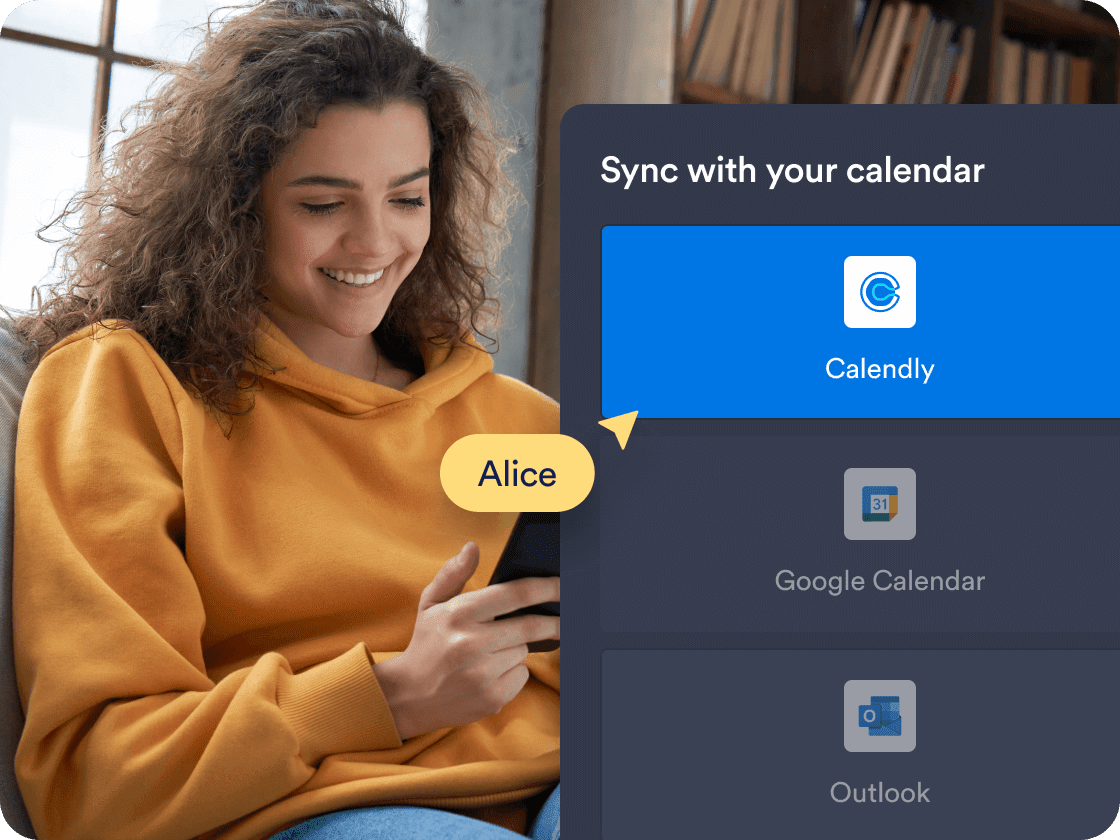
Sinkronkan janji temu secara real time dengan **Calendly**, memastikan formulir Anda selalu menampilkan ketersediaan yang akurat. Slot waktu yang sudah dipesan dan acara kalender yang ada diblokir secara otomatis untuk mencegah tumpang tindih.

[Create Free Scheduling Form](https://www.jotform.com/id/build/?question=appointment)

![Image 2: Smart calendar sync](https://cdn.jotfor.ms/image/r/aHR0cHM6Ly9jZG4uam90Zm9yLm1zL3AvYXBwb2ludG1lbnQtc2NoZWR1bGluZy1zb2Z0d2FyZS9hc3NldHMvaW1nLW1pbi9jYWxlbmRseS8xLnBuZz92PTAuMg==/1.png?w=40&t=1)

## Prefill Calendly details automatically

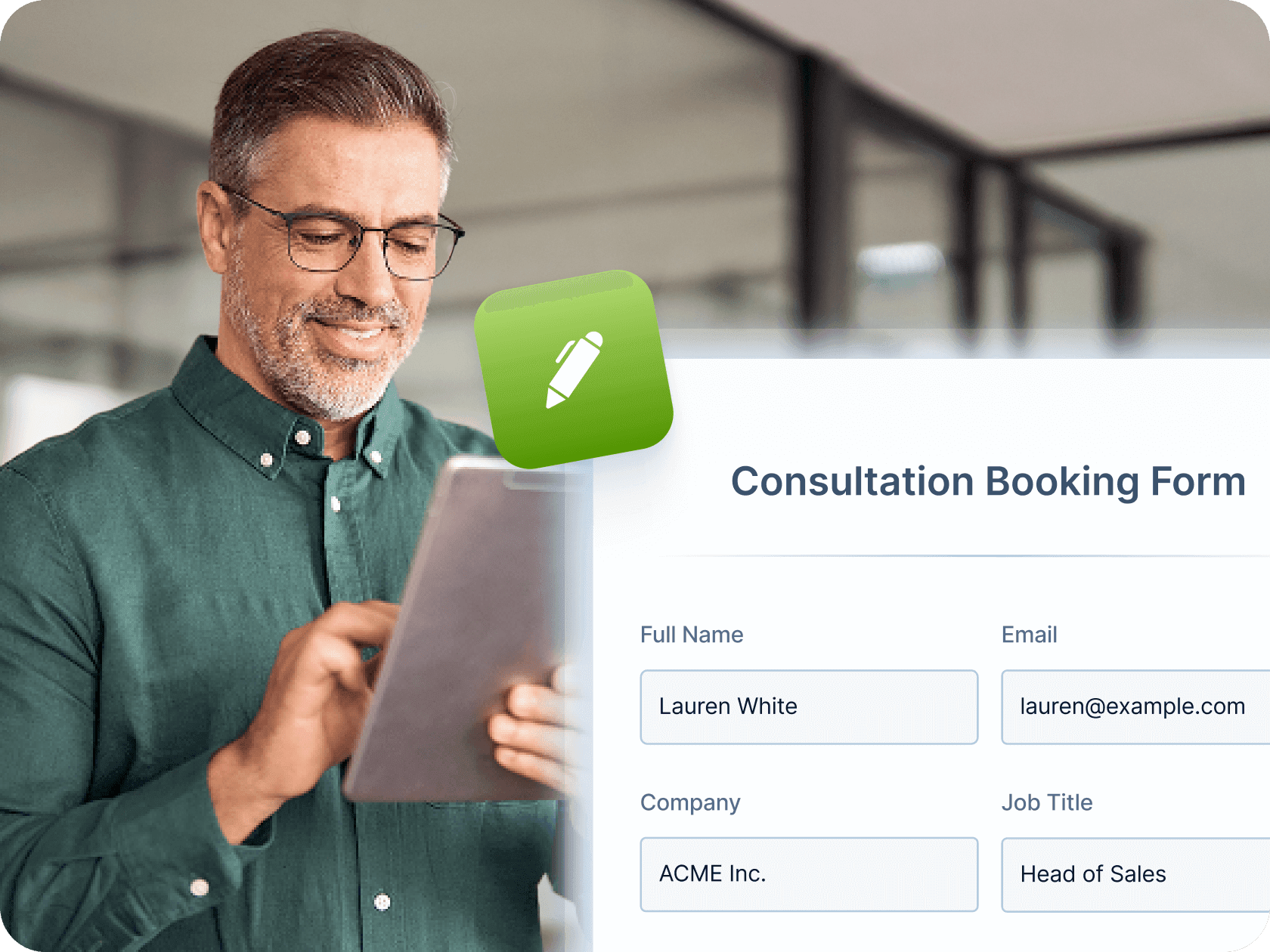
Make booking even faster by mapping Jotform form fields—like name, email, and phone number—directly to your Calendly event fields. Once a user submits the form, their details are automatically passed into Calendly, saving time and reducing manual entry for both you and your clients.

[Create Free Scheduling Form](https://www.jotform.com/id/build/?question=appointment)

![Image 3: Prefill Calendly Details Automatically](https://cdn.jotfor.ms/image/r/aHR0cHM6Ly9jZG4uam90Zm9yLm1zL3AvYXBwb2ludG1lbnQtc2NoZWR1bGluZy1zb2Z0d2FyZS9hc3NldHMvaW1nLW1pbi9jYWxlbmRseS8yLnBuZz92PTAuMg==/2.png?w=40&t=1)

## Automated workflows and integrations

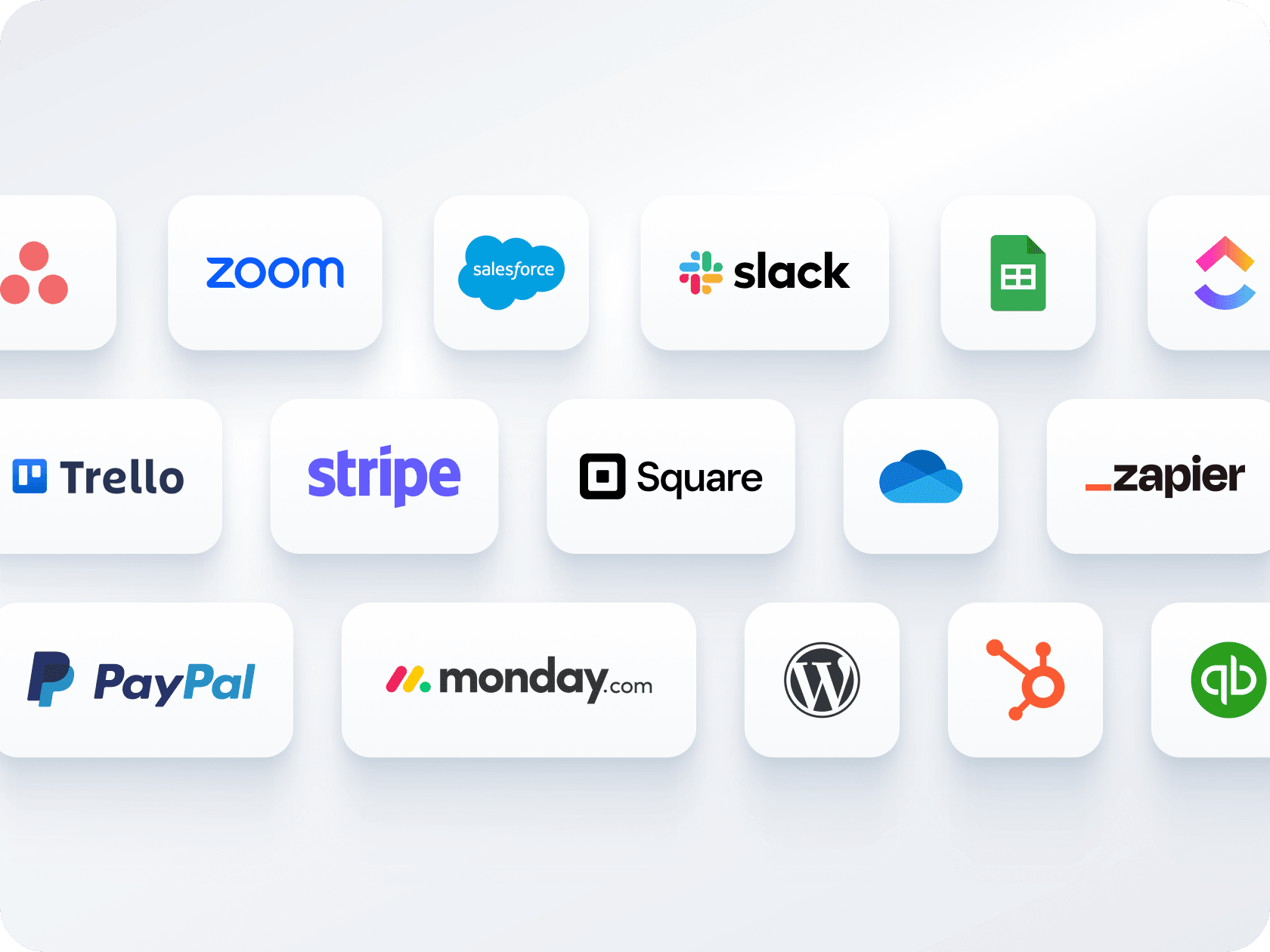
Kirim email konfirmasi, otomatiskan pengingat, dan hubungkan dengan alat seperti Zoom, Slack, atau CRM. Jotform membantu Anda membuat alur kerja yang lancar untuk setiap pemesanan — tanpa tindak lanjut manual.

[Create Free Scheduling Form](https://www.jotform.com/id/build/?question=appointment)

![Image 4: Automated workflows and integrations](https://cdn.jotfor.ms/image/r/aHR0cHM6Ly9jZG4uam90Zm9yLm1zL3AvYXBwb2ludG1lbnQtc2NoZWR1bGluZy1zb2Z0d2FyZS9hc3NldHMvaW1nLW1pbi9ob21lcGFnZS81LnBuZz92PTAuMg==/5.png?w=40&t=1)

## Beberapa formulir, satu kalender

Kumpulkan pembayaran dan jadwalkan janji temu melalui satu formulir — tidak perlu alat terpisah. Hubungkan dengan Stripe, PayPal, Square, atau gateway lainnya untuk menagih klien saat pemesanan.

[Create Free Scheduling Form](https://www.jotform.com/id/build/?question=appointment)

![Image 5: Multiple forms, one calendar](https://cdn.jotfor.ms/image/r/aHR0cHM6Ly9jZG4uam90Zm9yLm1zL3AvYXBwb2ludG1lbnQtc2NoZWR1bGluZy1zb2Z0d2FyZS9hc3NldHMvaW1nLW1pbi9jYWxlbmRseS80LnBuZz92PTAuMg==/4.png?w=40&t=1)

## Opsi berbagi dan penyematan yang mudah

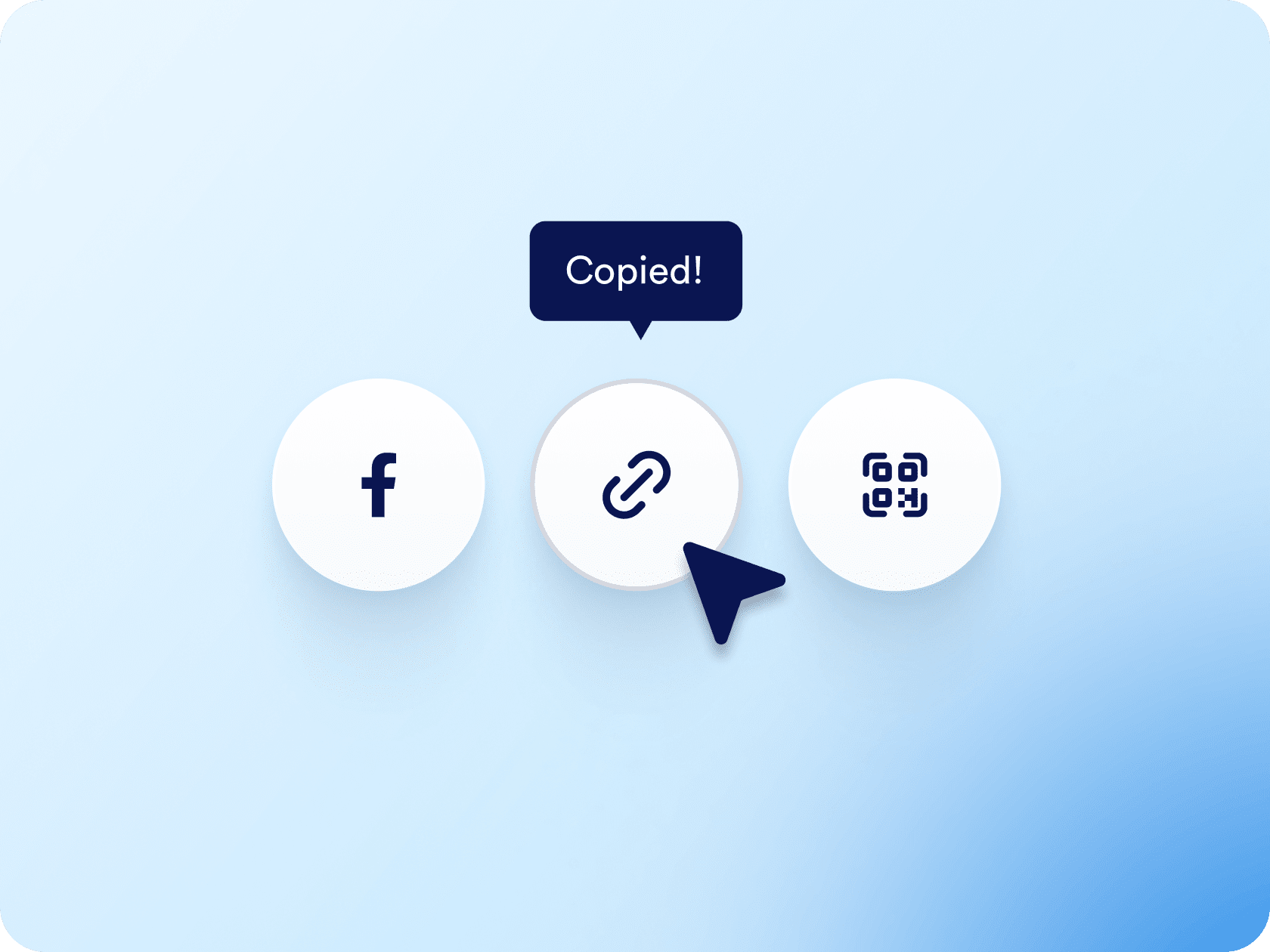
Bagikan formulir janji temu Anda melalui tautan atau kode QR, atau sematkan langsung di situs web Anda. Baik Anda membagikannya melalui email, media sosial, atau halaman arahan, hanya perlu beberapa klik saja.

[Create Free Scheduling Form](https://www.jotform.com/id/build/?question=appointment)

![Image 6: Easy sharing and embedding options](https://cdn.jotfor.ms/image/r/aHR0cHM6Ly9jZG4uam90Zm9yLm1zL3AvYXBwb2ludG1lbnQtc2NoZWR1bGluZy1zb2Z0d2FyZS9hc3NldHMvaW1nLW1pbi9lbWJlZC5wbmc/dj0wLjI=/embed.png?w=40&t=1)

## Appointment Scheduling Software for Calendly
![Image 7: Appointment Scheduling Software for Calendly](https://cdn.jotfor.ms/image/r/aHR0cHM6Ly9jZG4uam90Zm9yLm1zL3AvYXBwb2ludG1lbnQtc2NoZWR1bGluZy1zb2Z0d2FyZS9hc3NldHMvaW1nLW1pbi9jYWxlbmRseS95dC10aHVtYi5qcGc=/yt-thumb.jpg?w=40&t=1)

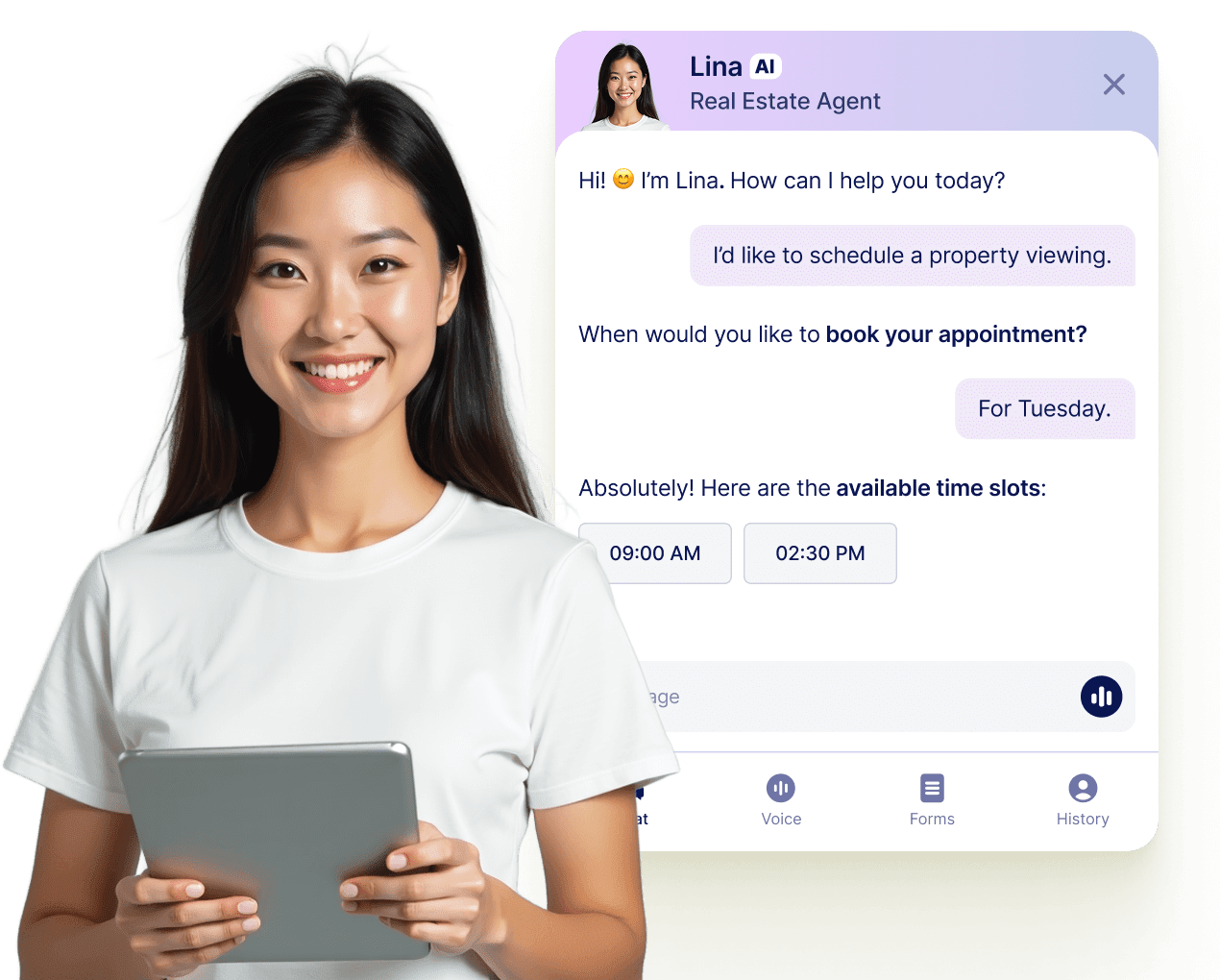
## Let your AI Agent book appointments anywhere

Turn every conversation into a confirmed booking with Jotform AI Agents. Your agent can schedule appointments in real time from your website, your email, WhatsApp, Messenger, Slack, and more — so you never miss a chance to connect.

[Pelajari lebih lanjut](https://www.jotform.com/id/ai/agents/features/multi-channel-support/)

![Image 8: Let your AI Agent book appointments anywhere](https://cdn.jotfor.ms/image/r/aHR0cHM6Ly9jZG4uam90Zm9yLm1zL3AvYXBwb2ludG1lbnQtc2NoZWR1bGluZy1zb2Z0d2FyZS9hc3NldHMvaW1nLW1pbi9hZ2VudC1jYXJkLXVzZWNhc2UucG5nP3Y9MC4x/agent-card-usecase.png?w=40&t=1)

## Tanya Jawab

*    
### How do I connect Calendly to my Jotform appointment form? To connect Calendly, go to the **Appointment Properties** panel in your form, select **Calendly**, and log in to your Calendly account. Once connected, you can configure event details, set durations, and map your form fields to the appropriate Calendly event fields for prefilled booking info.   
*    
### Can I prefill Calendly event fields using my Jotform form? Yes. After connecting Calendly, go to the **Prefill** section in the Appointment Properties sidebar. From there, you can map form fields like name, email, or phone number to the corresponding Calendly event fields—so the user's information is automatically passed through when they submit the form.   
*    
### Bagaimana Jotform mencegah pemesanan ganda? Jotform secara otomatis menonaktifkan slot waktu yang sudah diambil melalui formulir Anda atau kalender yang terhubung. Setelah pengguna memesan waktu, slot tersebut langsung dihapus dari opsi yang tersedia, sehingga tidak ada orang lain yang dapat memesan slot yang sama.   
*    
### Bisakah saya mengumpulkan pembayaran pada saat pemesanan? Absolutely. Jotform integrates with major payment processors like **Stripe**, **PayPal**, and **Square** so you can collect payments directly through the appointment form. Whether you’re charging for consultations, classes, or coaching sessions, users can pay as they schedule.   
*    
### Bisakah saya membuat jenis janji temu yang berbeda dalam satu formulir? Ya. Anda dapat menggunakan menu dropdown dan logika bersyarat untuk menawarkan berbagai layanan, durasi janji temu, dan format pertemuan (misalnya, virtual vs tatap muka). Berdasarkan apa yang dipilih pengguna, formulir dapat menampilkan pertanyaan, harga, atau instruksi yang berbeda.   
*    
### Apakah Jotform akan mengirim email konfirmasi dan pengingat secara otomatis? Ya. Anda dapat mengatur email konfirmasi otomatis, notifikasi khusus untuk tim Anda, dan email pengingat untuk mengurangi ketidakhadiran. Email-email ini dapat mencakup nama klien, waktu janji temu, tautan Zoom (jika terintegrasi), dan detail khusus lainnya dari formulir Anda.   
*    
### Bisakah saya mengotomatiskan tugas lain setelah seseorang membuat janji? Ya, dengan Alur Kerja Jotform dan ratusan integrasi, Anda dapat mengotomatiskan hampir semua tindakan tindak lanjut. Ini termasuk membuat acara kalender, mengirim notifikasi internal, menghasilkan tautan rapat Zoom, memperbarui CRM, atau memindahkan data ke Google Sheets — tanpa pekerjaan manual.   
*    
### How is availability handled when using Calendly with Jotform? Jotform will reflect the availability already set in your **Calendly** account, which syncs with your connected calendars like **Google Calendar** or **Outlook Calendar**. Any time slots marked as unavailable in Calendly or those blocked in your calendar will automatically be hidden from the form.   
*    
### Dapatkah saya menyematkan formulir janji temu di situs web saya atau membagikannya melalui tautan? Yes. You can **embed your form** on your website or share it via a direct link, an email, social media, or even a QR code.   
*    
### What happens after someone books an appointment through the form? Once a user selects a time slot and submits the form, the appointment is created directly in your Calendly account and also appears in your connected calendar (e.g., Google Calendar). The user's information, including mapped fields, is stored within the Calendly event.   
*    
### Which calendars are supported through Calendly in Jotform? Calendly supports syncing with **Google Calendar**, **Outlook Calendar**, and **iCloud Calendar**. Once Calendly is integrated into your Jotform form, all your connected calendars are used to determine available booking times.   
*    
### Can I use Calendly with Jotform on a HIPAA-enabled account? No. At this time, **Calendly is not compatible with HIPAA-compliant Jotform accounts**. If you're using Jotform for sensitive health data, it's recommended to use the native Appointment field with Google or Outlook Calendar integrations instead.   

Lihat Selengkapnya