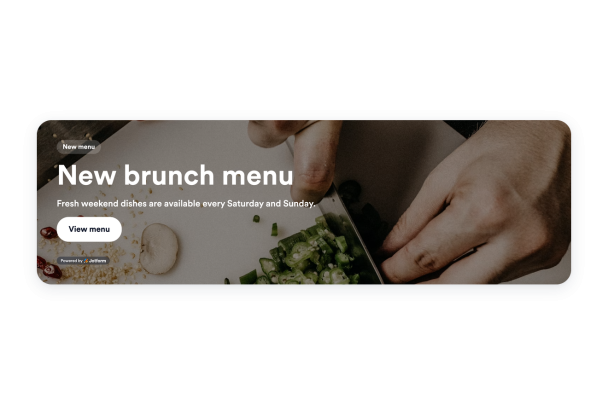

Cara membuat widget Banner
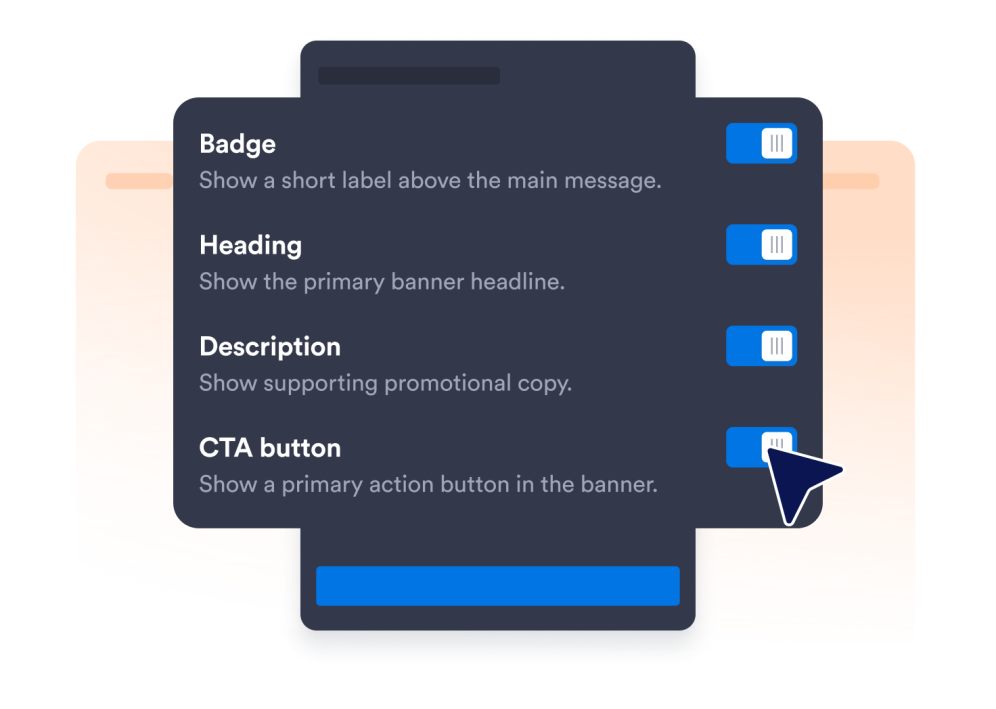
Pilih elemen widget
Pilih konten dan elemen yang ingin Anda tampilkan kepada pengunjung situs web Anda dan sesuaikan widget Anda dengan kebutuhan Anda.
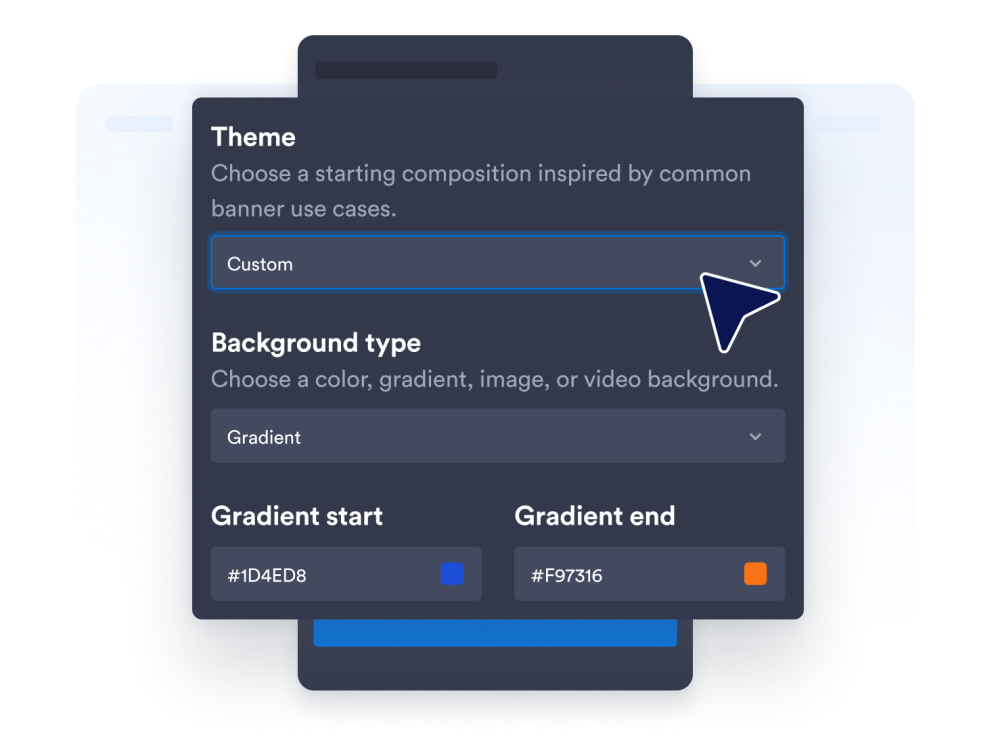
Sesuaikan widget Anda
Sesuaikan tampilan widget Anda dengan menyesuaikan warna dan pengaturan desain lainnya agar sesuai dengan gaya situs web Anda.
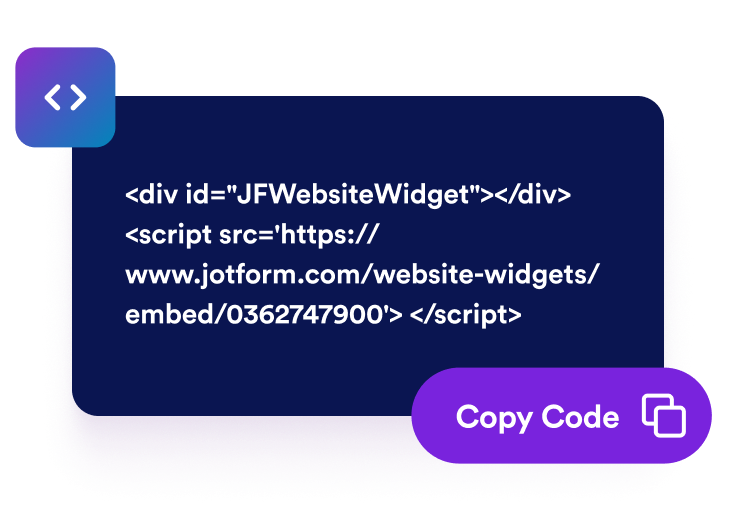
Sematkan di situs web Anda
Tempel kode semat ke dalam HTML khusus atau blok semat, lalu terbitkan halaman Anda untuk menampilkan widget banner.
Ubah banner situs web menjadi aksi kampanye yang jelas
Luncurkan promosi untuk kampanye apa pun
Buat banner untuk obral, peluncuran produk, acara, webinar, promosi restoran, penawaran perjalanan, dan kampanye musiman. Gaya banner siap pakai memberi Anda titik awal yang berguna sambil menyisakan ruang untuk menyesuaikan pesan dengan audiens dan tujuan Anda.
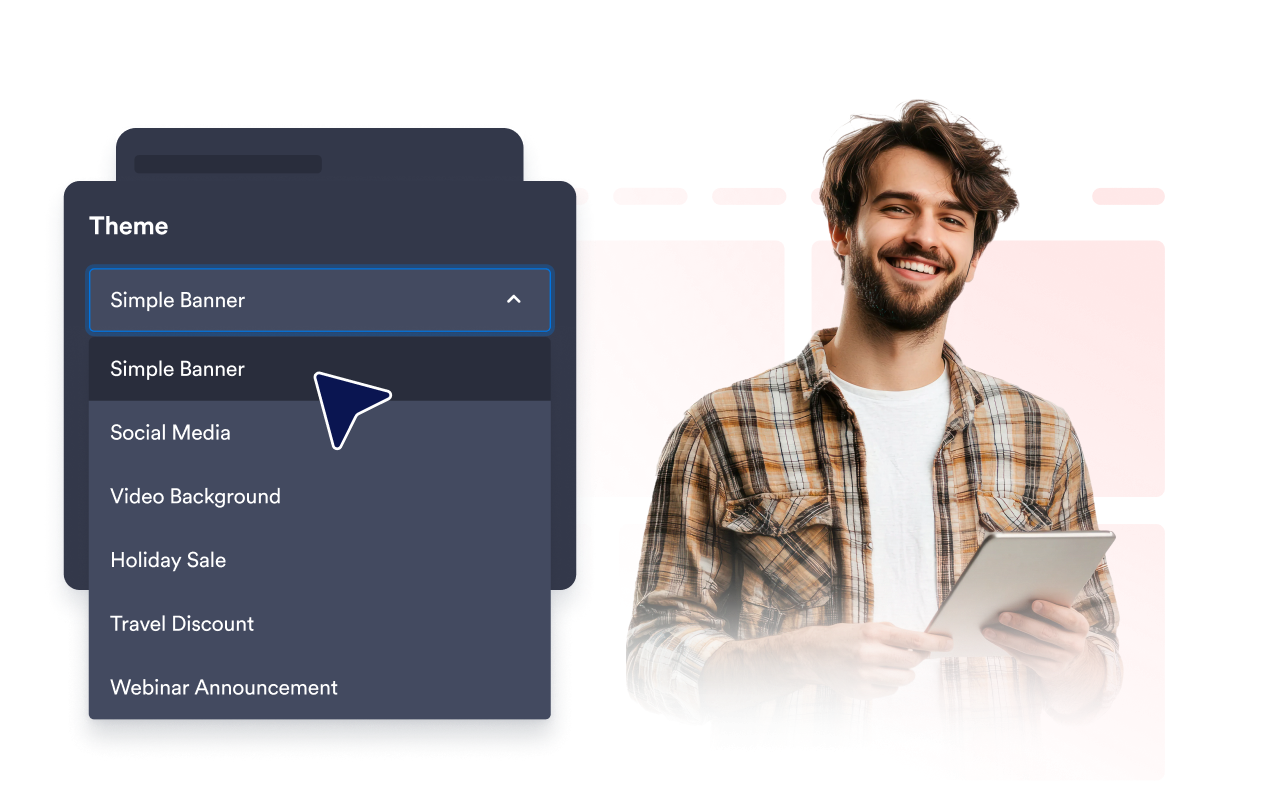
Tangkap perhatian dengan media kaya
Buat pesan penting lebih mudah diperhatikan dengan warna solid, gradien, gambar, atau latar belakang video YouTube dan Vimeo. Sesuaikan kecerahan, peregangan, dan sudut membulat untuk membuat banner yang melengkapi bagian halaman Anda lainnya.
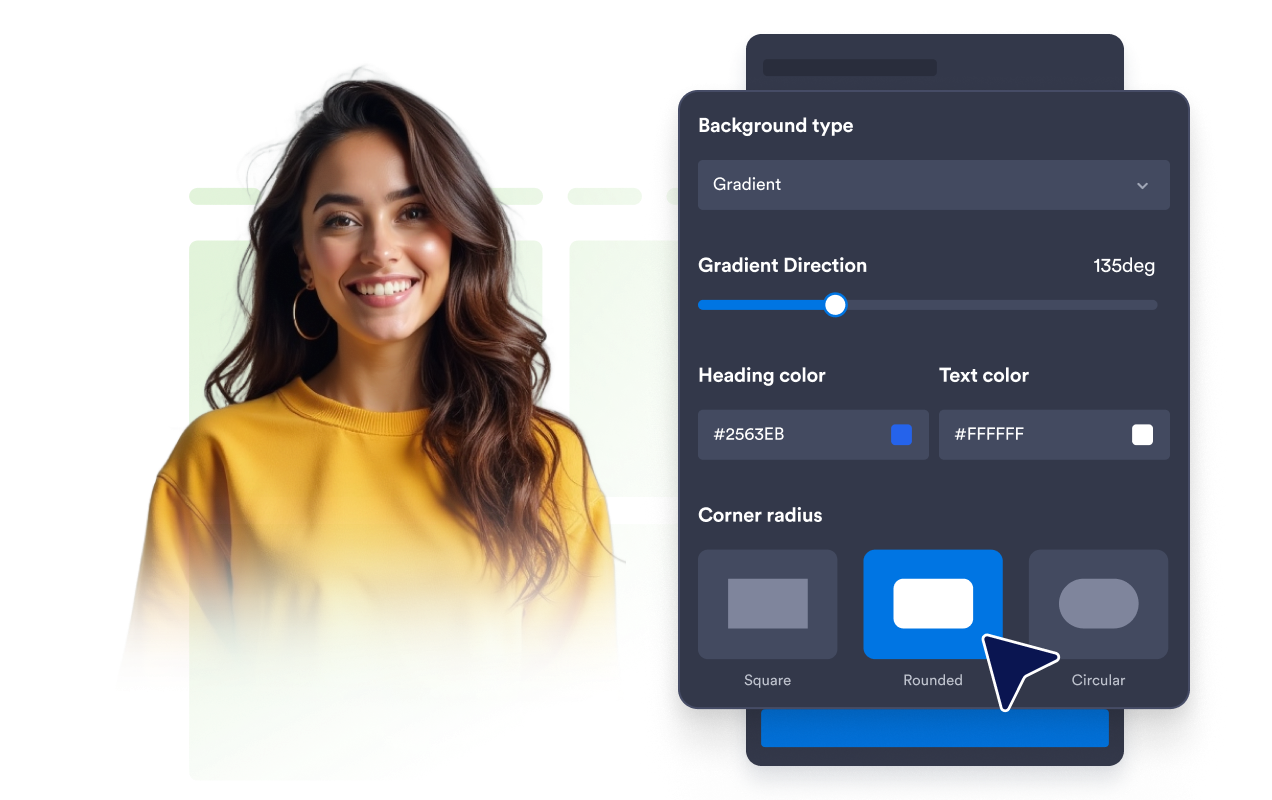
Pandu pengunjung menuju aksi utama
Arahkan pengunjung ke langkah berikutnya dengan tombol CTA, tautan teks, area banner yang dapat diklik, kode kupon, timer hitung mundur, atau formulir email. Gabungkan elemen yang sesuai untuk mempromosikan penawaran, mengumpulkan minat, atau membagikan informasi yang sensitif waktu.
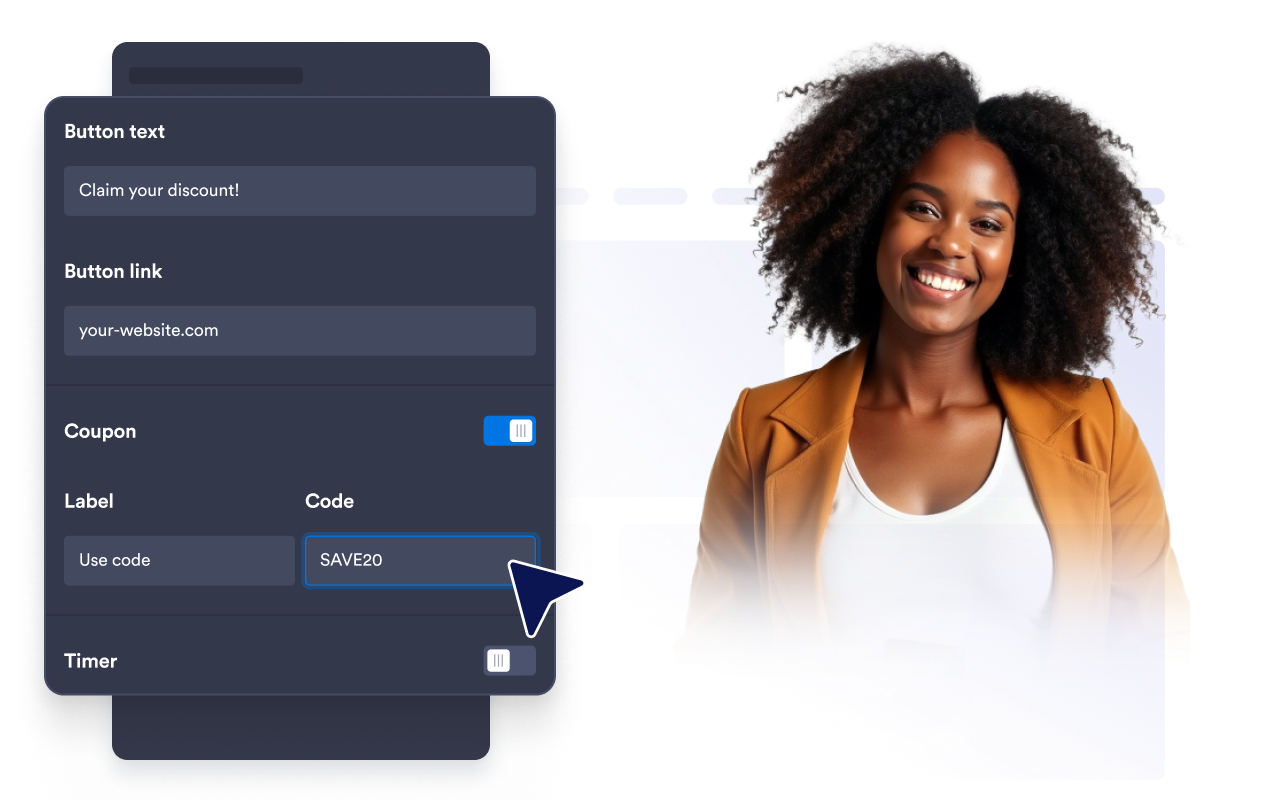
Sesuaikan banner di setiap perangkat
Pilih tata letak horizontal atau vertikal, atur lebar khusus atau penuh, dan sesuaikan perataan, padding, dan penspasian. Pengaturan visibilitas perangkat memungkinkan Anda mengontrol apakah banner muncul di semua layar atau hanya di perangkat desktop atau selular.
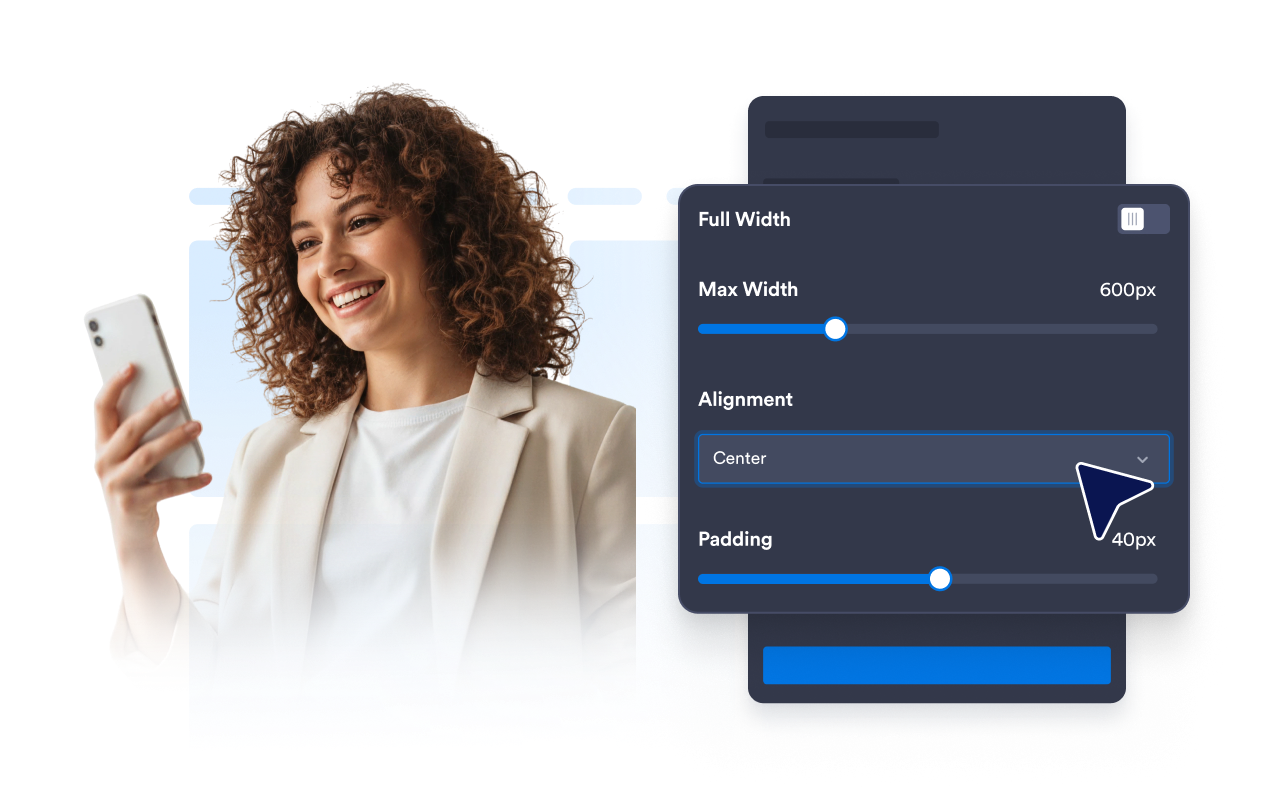
Mengapa Widget Situs Web Jotform Unggul
Widget Jotform membuat situs web Anda lebih interaktif dan meningkatkan konversi. Ada banyak alat tersedia, dari peringkat bintang dan slider testimoni hingga popup bukti sosial dan sematan media. Tambahkan widget ke formulir atau halaman arahan Anda untuk kumpulkan data, menampilkan bukti, dan menangkap prospek — tanpa perlu pengkodean.
Tambahkan widget Jotform ke situs web Anda dengan kode semat yang sederhana. Kustomisasi widget, pratinjau tampilannya, dan tempel ke halaman apa pun yang mendukung HTML kustom atau blok semat, semuanya tanpa pengembang.
Gunakan Widget Situs Web Jotform untuk menangkap prospek, menampilkan umpan balik pelanggan, menampilkan bukti sosial, menyematkan media, atau menambahkan alat halaman web yang bermanfaat. Setiap widget membantu pengunjung berinteraksi dengan bisnis Anda langsung dari situs web Anda.
Jika Anda memerlukan bantuan untuk menyiapkan, menyesuaikan, menyematkan, atau memecahkan masalah widget Anda, tim dukungan pelanggan Jotform tersedia 24-7. Anda dapat melangkah maju dengan percaya diri, mengetahui bahwa bantuan tersedia saat Anda membutuhkannya.
Tempat menggunakan Widget Banner Anda
Tempatkan banner di tempat pengunjung perlu memperhatikan penawaran, memahami pengumuman, atau mengambil langkah berikutnya.
Area hero halaman beranda untuk mempromosikan peluncuran, pengumuman, dan kampanye musiman.
Halaman produk dan harga untuk menyoroti diskon, kupon, paket, atau penawaran pengiriman.
Halaman acara dan webinar untuk menampilkan tombol pendaftaran, formulir, dan hitung mundur.
Situs web restoran untuk mempromosikan menu, pembukaan, acara, atau penawaran waktu terbatas.
Halaman perjalanan dan perhotelan untuk menyajikan promosi pemesanan dan paket musiman.
Halaman blog dan sumber daya untuk mengarahkan pembaca ke buletin, penawaran terkait, atau kampanye.
Ubah prospek menjadi pelanggan yang membayar dengan Jotform Form Builder
Ubah keterlibatan menjadi tindakan dengan Jotform. Buat formulir canggih yang menangkap prospek, mengumpulkan pembayaran, dan mengotomatiskan tanggapan, semuanya di satu tempat. Setiap tanggapan masuk ke Kotak Masuk Jotform Anda, tempat Anda dapat menindaklanjuti atau terhubung dengan aplikasi favorit Anda.
Ayo Mulai — Gratis!
FAQ
Apa itu Widget Banner?
Widget Banner adalah bagian promosi yang dapat disesuaikan yang dapat Anda sematkan di situs web Anda. Gunakan untuk menyajikan pengumuman, diskon, acara, peluncuran produk, kupon, media, peluang pendaftaran, dan ajakan bertindak lainnya.
Bagaimana cara menambahkan banner ke situs web saya?
Bisakah saya membuat seluruh banner dapat diklik?
Bisakah saya menggunakan gambar atau video di banner saya?
Bisakah saya menambahkan kupon, hitung mundur, atau formulir?
Bisakah saya mengontrol perangkat mana yang menampilkan banner?
Bisakah saya menyesuaikan tata letak banner?
Bisakah saya menambahkan CSS khusus?
Apakah saya perlu menulis kode?
Platform situs web apa saja yang mendukung Widget Banner?
Apakah Widget Banner ramah selular?
Bisakah saya mendapatkan bantuan untuk menyiapkan Widget Banner saya?