Widget Review Booking.com untuk Situs Web Anda
Bantu pelancong mengevaluasi properti Anda dengan peringkat dan umpan balik dari Booking.com. Widget Ulasan Booking dari Jotform memungkinkan Anda menghubungkan properti Anda, memilih tata letak ulasan yang responsif, menyesuaikan desain, dan menambahkannya ke situs web Anda tanpa menulis kode.
Cara membuat widget Ulasan Booking
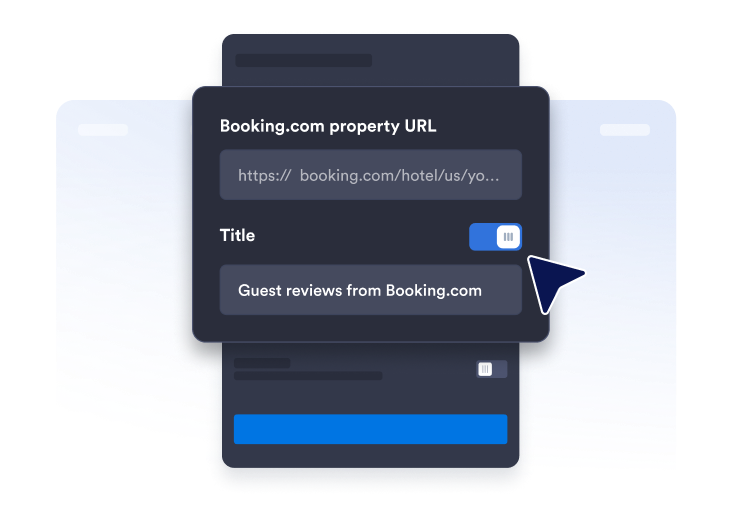
Dapatkan tautan halaman ulasan
Temukan halaman profil Booking.com Anda dan salin & tempel URL fasilitas Anda.
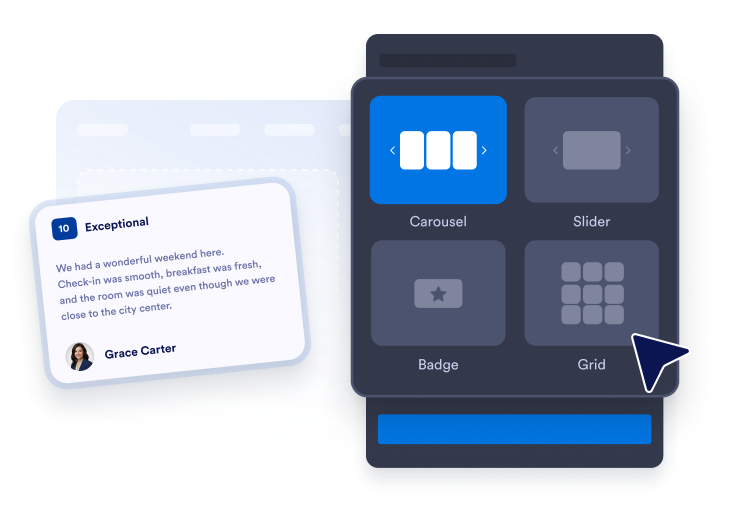
Sesuaikan tata letak widget
Atur tampilan widget Anda dengan memilih tema, warna, dan teks tombol CTA.

Sematkan di mana saja
Tempelkan kode ke situs web Anda dan publikasikan. Ulasan Booking.com Anda akan segera muncul.
Tampilkan ulasan Booking.com untuk membangun kepercayaan
Bangun kepercayaan dengan ulasan tamu
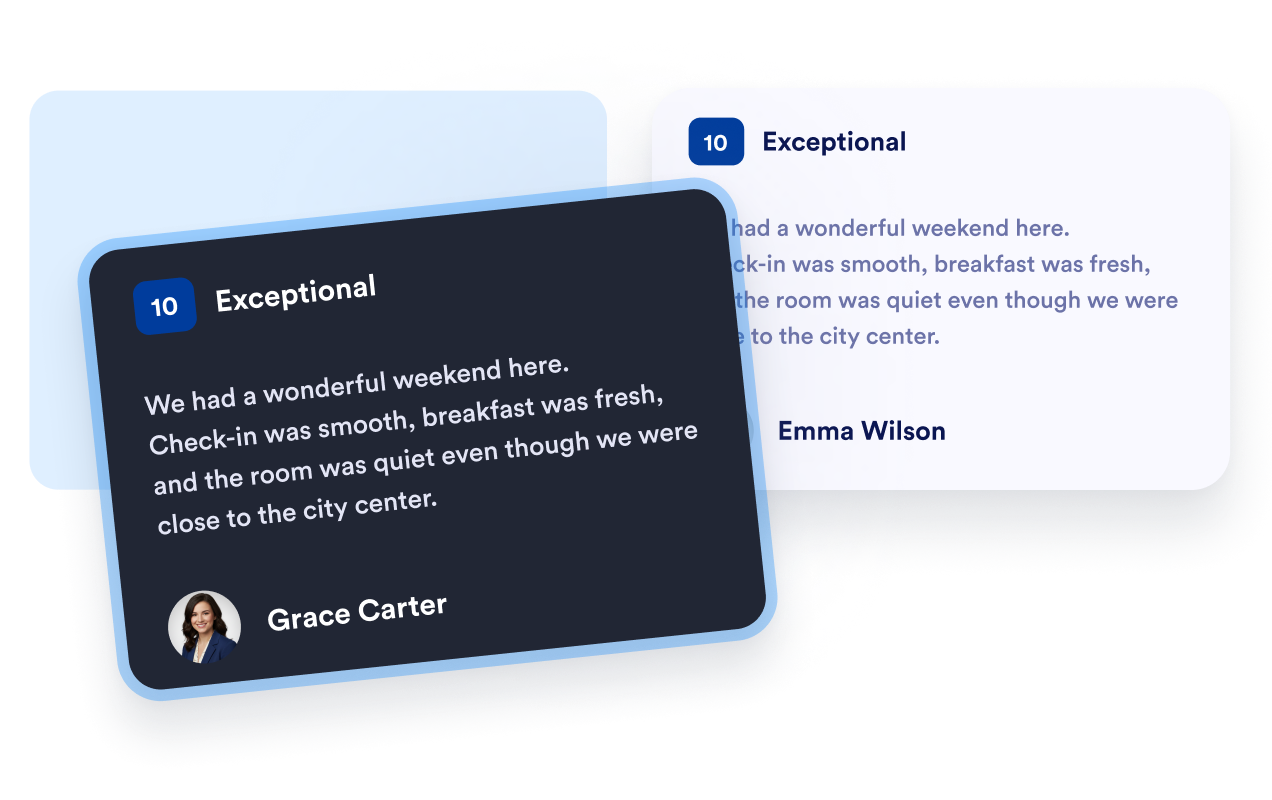
Tampilkan peringkat tamu, nama, dan teks ulasan Booking.com dalam format yang familier. Umpan balik langsung membantu pelancong mempelajari tentang menginap sebelumnya dan memberi mereka konteks yang berguna saat membandingkan properti Anda dengan opsi akomodasi lainnya.
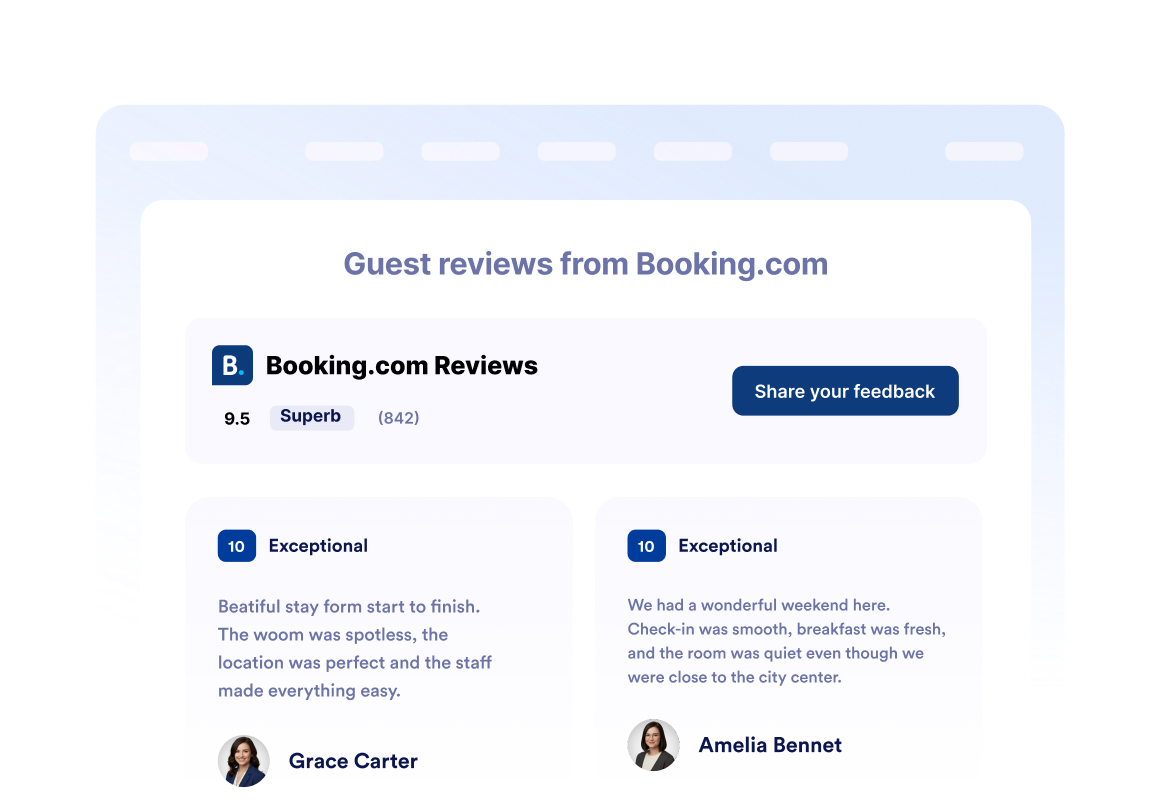
Tampilkan peringkat properti sekilas
Tempatkan peringkat Booking.com keseluruhan dan jumlah total ulasan Anda di header widget. Pengunjung dapat dengan cepat menilai reputasi properti Anda sebelum menjelajahi ulasan tamu individual, detail kamar, fasilitas, atau opsi reservasi.
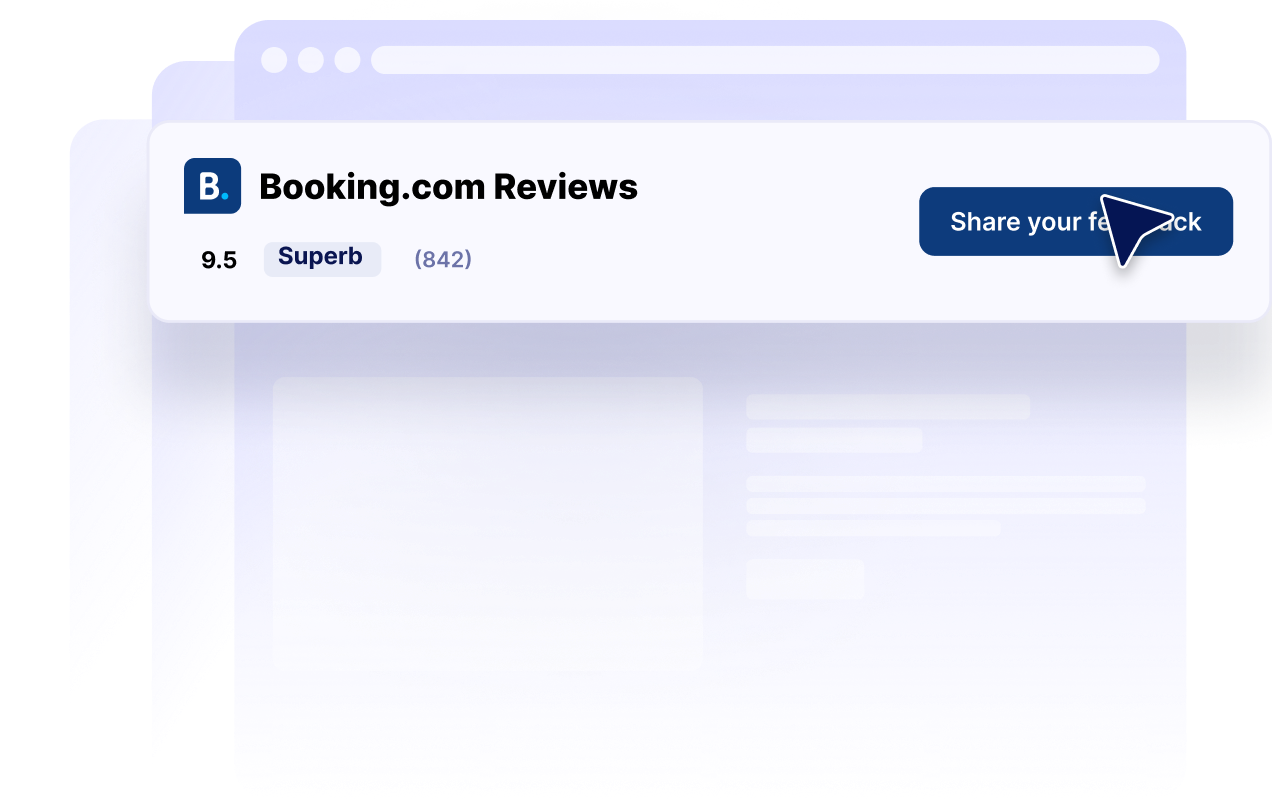
Sesuaikan tata letak ulasan dengan setiap halaman
Pilih dari tata letak korsel, penggeser, kisi, daftar, batu bata, dan lencana. Tampilkan koleksi ulasan terperinci di halaman properti atau gunakan lencana peringkat ringkas di bilah samping, footer, atau halaman arahan dengan ruang terbatas.

Cocokkan ulasan dengan situs web Anda
Sesuaikan mode gelap, judul, tombol, detail peringkat, bidang ulasan, warna, dan lebar widget. Kontrol ini membantu ulasan Booking.com Anda melengkapi situs web Anda sekaligus menjaga informasi peringkat yang dikenali tetap mudah ditemukan.
Mengapa Widget Situs Web Jotform Unggul
Widget Jotform membuat situs web Anda lebih interaktif dan meningkatkan konversi. Ada banyak alat tersedia, dari peringkat bintang dan slider testimoni hingga popup bukti sosial dan sematan media. Tambahkan widget ke formulir atau halaman arahan Anda untuk kumpulkan data, menampilkan bukti, dan menangkap prospek — tanpa perlu pengkodean.
Tambahkan widget Jotform ke situs web Anda dengan kode semat yang sederhana. Kustomisasi widget, pratinjau tampilannya, dan tempel ke halaman apa pun yang mendukung HTML kustom atau blok semat, semuanya tanpa pengembang.
Gunakan Widget Situs Web Jotform untuk menangkap prospek, menampilkan umpan balik pelanggan, menampilkan bukti sosial, menyematkan media, atau menambahkan alat halaman web yang bermanfaat. Setiap widget membantu pengunjung berinteraksi dengan bisnis Anda langsung dari situs web Anda.
Jika Anda memerlukan bantuan untuk menyiapkan, menyesuaikan, menyematkan, atau memecahkan masalah widget Anda, tim dukungan pelanggan Jotform tersedia 24-7. Anda dapat melangkah maju dengan percaya diri, mengetahui bahwa bantuan tersedia saat Anda membutuhkannya.
Di mana menggunakan Widget Ulasan Booking.com Anda
Tempatkan ulasan Booking.com di tempat pelancong membandingkan properti, mengevaluasi pengalaman tamu, dan memutuskan apakah akan membuat reservasi.
Bagian kepercayaan halaman beranda untuk memperkenalkan peringkat properti Anda kepada pengunjung baru.
Halaman kamar dan properti untuk menyediakan konteks tamu di samping fasilitas dan foto.
Halaman reservasi untuk memperkuat kepercayaan di dekat tombol pemesanan utama Anda.
Halaman arahan lokasi untuk membantu pelancong membandingkan opsi akomodasi.
Halaman arahan promosi untuk mendukung paket musiman dengan umpan balik tamu.
Bilah samping dan footer untuk menjaga peringkat properti yang ringkas tetap terlihat di seluruh situs web Anda.
Ubah prospek menjadi pelanggan yang membayar dengan Jotform Form Builder
Ubah keterlibatan menjadi tindakan dengan Jotform. Buat formulir canggih yang menangkap prospek, mengumpulkan pembayaran, dan mengotomatiskan tanggapan, semuanya di satu tempat. Setiap tanggapan masuk ke Kotak Masuk Jotform Anda, tempat Anda dapat menindaklanjuti atau terhubung dengan aplikasi favorit Anda.
Ayo Mulai — Gratis!
FAQ
Apa itu Widget Ulasan Booking.com?
Widget Ulasan Booking.com menampilkan peringkat tamu dan konten ulasan dari properti Booking.com di situs web lain. Hotel, sewa liburan, dan bisnis akomodasi lainnya dapat menggunakannya untuk menyediakan umpan balik tamu yang dikenali di seluruh situs web mereka.
Bagaimana cara membuat Widget Ulasan Booking.com?
Informasi Booking.com apa yang dapat ditampilkan widget?
Tata letak ulasan Booking.com mana yang tersedia?
Bisakah saya menyesuaikan tampilan widget?
Bisakah pengunjung mengirimkan ulasan Booking.com melalui widget?
Bisakah saya menampilkan lencana peringkat Booking.com yang ringkas?
Apakah Widget Ulasan Booking ramah selular?
Apakah saya perlu menulis kode?
Bisakah saya membuat Widget Ulasan Booking secara gratis?
Platform situs web mana yang mendukung Widget Ulasan Booking.com?
Bisakah saya mendapatkan bantuan untuk menyiapkan Widget Ulasan Booking.com saya?