Widget Klik untuk Telepon untuk Situs Web Anda
Beri pengunjung cara yang praktis untuk menghubungi bisnis Anda melalui telepon. Widget Click to Call Jotform menambahkan tombol panggilan mengambang yang dapat dikustomisasi ke situs web Anda, dengan kontrol untuk label, desain, penempatan, dan visibilitas perangkatnya—tanpa perlu pengkodean.
Buat Sekarang — Gratis!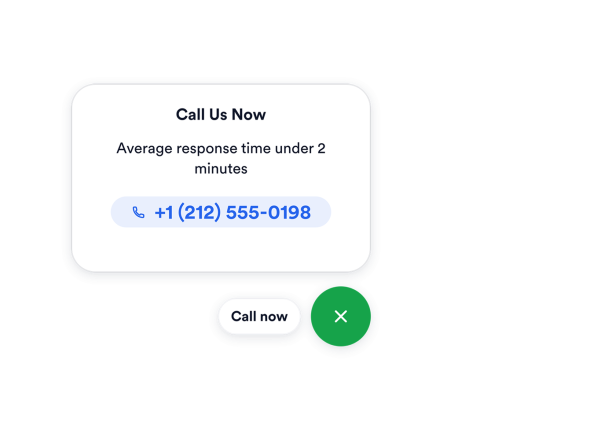

Cara membuat widget Klik untuk Telepon
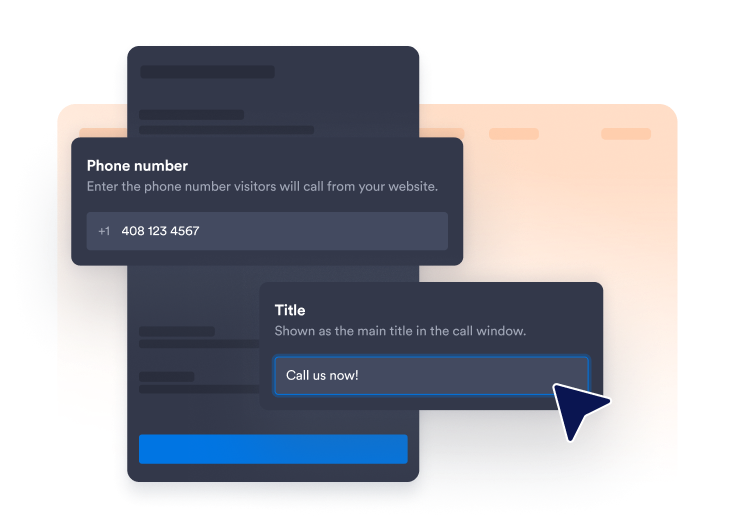
Tambahkan nomor telepon Anda
Masukkan nomor yang harus dihubungi pengunjung dan pilih apakah akan menampilkan label singkat di samping ikon telepon.
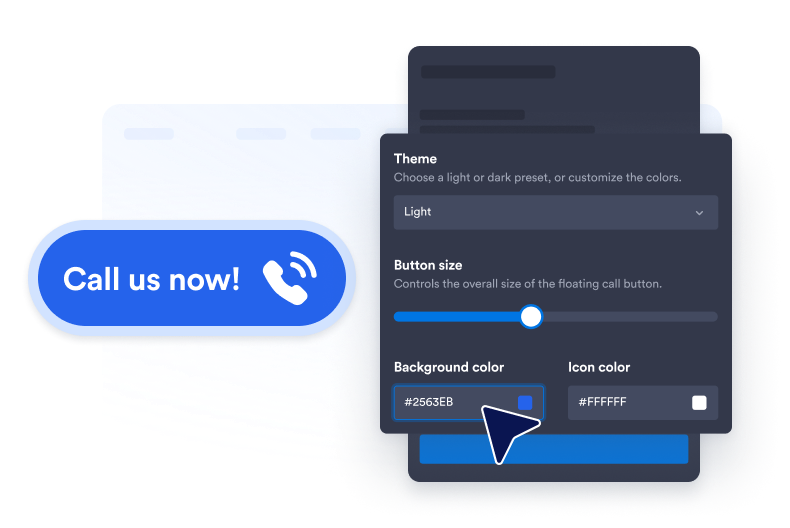
Kustomisasi gaya tombol
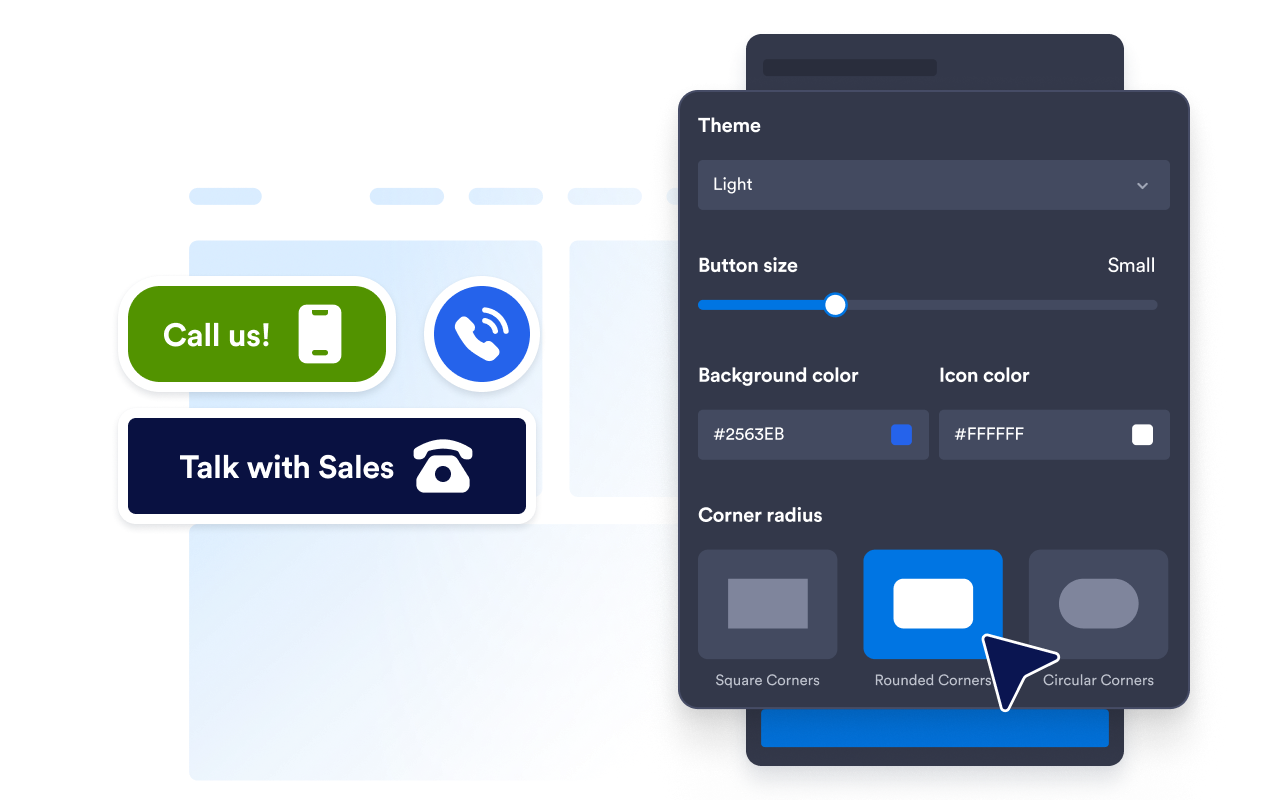
Sesuaikan warna latar belakang, ikon dan teks, ukuran tombol, radius sudut, dan bayangan agar sesuai dengan situs web Anda.

Sematkan di situs web Anda
Tempel kode semat ke dalam HTML khusus atau blok semat, lalu terbitkan halaman Anda untuk menampilkan widget banner.
Permudah dukungan telepon dengan panggilan satu ketukan
Hubungkan pengunjung dengan tim Anda
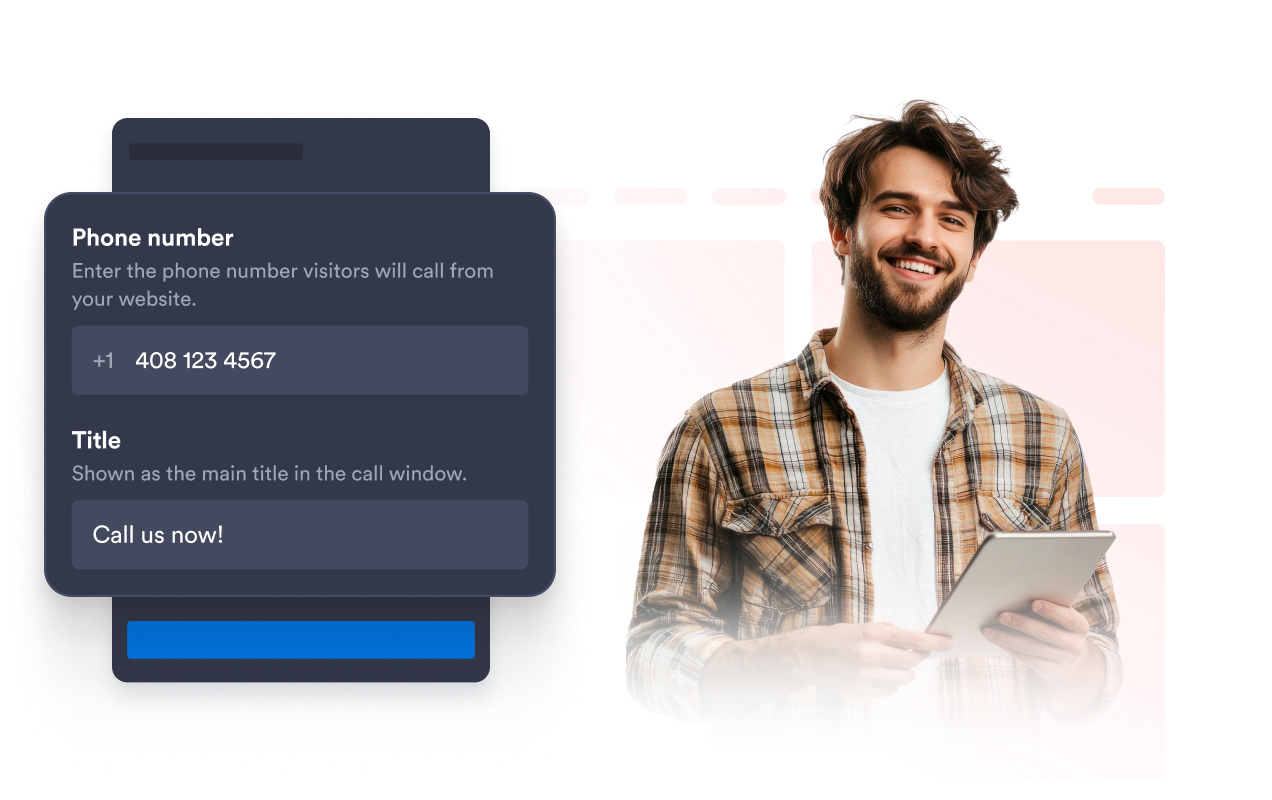
Tautkan tombol mengambang ke nomor telepon yang digunakan oleh tim penjualan, dukungan, pemesanan, atau layanan pelanggan Anda. Tambahkan label opsional seperti “Hubungi Kami Sekarang” agar pengunjung langsung memahami aksi yang tersedia.
Jaga tombol panggilan tetap sesuai merek
Kustomisasi latar belakang tombol, ikon telepon, warna teks, ukuran, radius sudut, dan bayangan. Pengaturan ini membantu tombol panggilan tetap menonjol sekaligus melengkapi gaya visual situs web Anda.
Posisikan tombol tanpa menutupi konten
Sesuaikan jarak tombol dari bagian bawah dan samping jendela browser. Penataan jarak yang cermat menjaga opsi panggilan tetap dapat diakses tanpa menutupi navigasi, formulir, alat obrolan, atau elemen halaman penting lainnya.

Tampilkan panggilan di perangkat yang dipilih
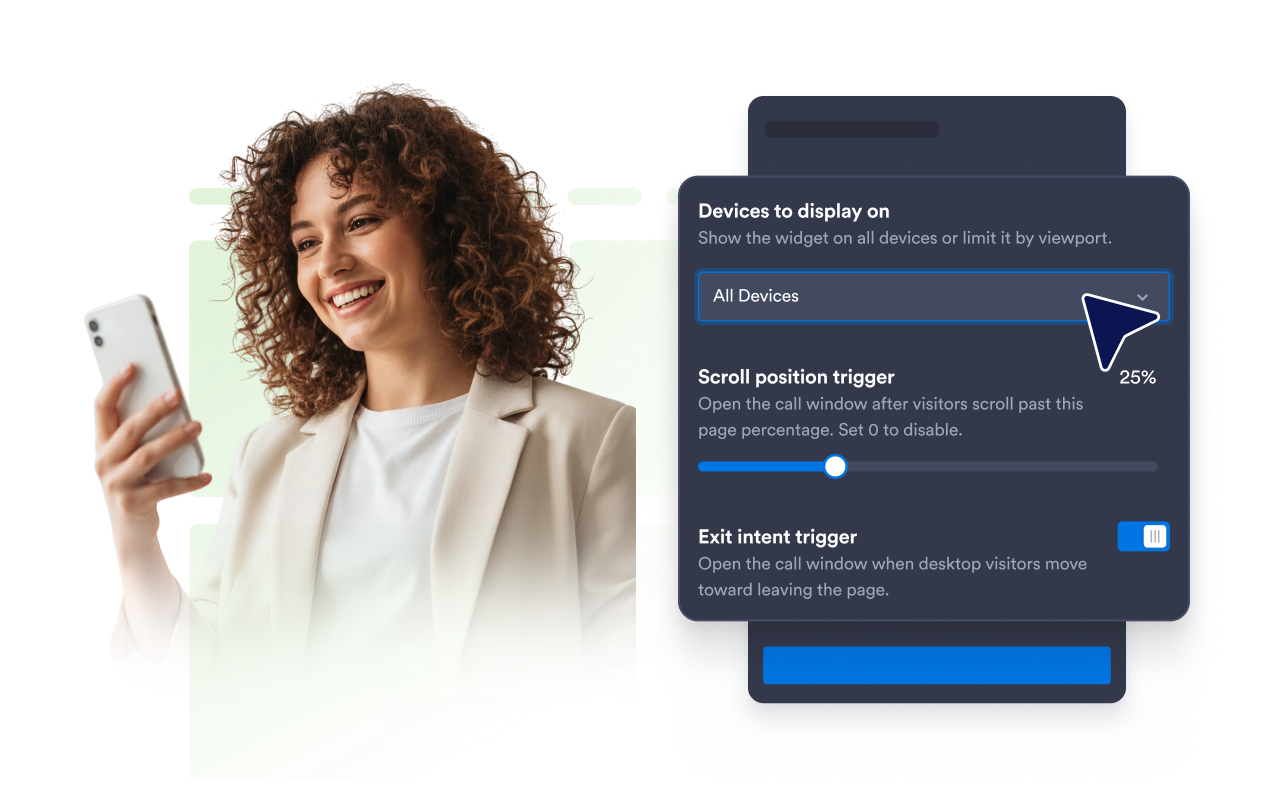
Kontrol apakah Widget Click to Call muncul di layar desktop, layar selular, atau keduanya. Anda dapat memprioritaskan akses tap-to-call untuk pengunjung selular atau menjaga bantuan telepon tetap tersedia di seluruh situs web Anda.
Mengapa Widget Situs Web Jotform Unggul
Widget Jotform membuat situs web Anda lebih interaktif dan meningkatkan konversi. Ada banyak alat tersedia, dari peringkat bintang dan slider testimoni hingga popup bukti sosial dan sematan media. Tambahkan widget ke formulir atau halaman arahan Anda untuk kumpulkan data, menampilkan bukti, dan menangkap prospek — tanpa perlu pengkodean.
Tambahkan widget Jotform ke situs web Anda dengan kode semat yang sederhana. Kustomisasi widget, pratinjau tampilannya, dan tempel ke halaman apa pun yang mendukung HTML kustom atau blok semat, semuanya tanpa pengembang.
Gunakan Widget Situs Web Jotform untuk menangkap prospek, menampilkan umpan balik pelanggan, menampilkan bukti sosial, menyematkan media, atau menambahkan alat halaman web yang bermanfaat. Setiap widget membantu pengunjung berinteraksi dengan bisnis Anda langsung dari situs web Anda.
Jika Anda memerlukan bantuan untuk menyiapkan, menyesuaikan, menyematkan, atau memecahkan masalah widget Anda, tim dukungan pelanggan Jotform tersedia 24-7. Anda dapat melangkah maju dengan percaya diri, mengetahui bahwa bantuan tersedia saat Anda membutuhkannya.
Di mana menggunakan Widget Click to Call Anda
Tambahkan widget ke halaman di mana berbicara dengan tim Anda dapat membantu pengunjung mendapatkan informasi atau mengambil langkah selanjutnya.
Halaman kontak untuk membuat nomor telepon Anda dapat langsung digunakan.
Halaman layanan untuk membahas harga, ketersediaan, atau persyaratan proyek.
Halaman arahan kampanye untuk menyediakan opsi kontak langsung bagi pengunjung yang tertarik.
Situs web selular untuk memberi pengguna aksi tap-to-call yang praktis.
Halaman bisnis lokal untuk restoran, klinik, salon, agensi, dan layanan rumah.
Halaman penjualan dan dukungan di mana pertanyaan mungkin lebih mudah diselesaikan melalui telepon.
Ubah prospek menjadi pelanggan yang membayar dengan Jotform Form Builder
Ubah keterlibatan menjadi tindakan dengan Jotform. Buat formulir canggih yang menangkap prospek, mengumpulkan pembayaran, dan mengotomatiskan tanggapan, semuanya di satu tempat. Setiap tanggapan masuk ke Kotak Masuk Jotform Anda, tempat Anda dapat menindaklanjuti atau terhubung dengan aplikasi favorit Anda.
Ayo Mulai — Gratis!
FAQ
Apa itu Widget Click to Call?
Widget Click to Call menambahkan tombol telepon mengambang ke situs web Anda. Ketika pengunjung memilihnya, perangkat atau browser mereka dapat membuka opsi panggilan yang tersedia menggunakan nomor telepon yang Anda konfigurasikan.
Bagaimana cara menambahkan tombol click to call ke situs web saya?
Bisakah saya menyesuaikan nomor telepon dan label tombol?
Bisakah saya mengubah desain tombol panggilan?
Bisakah saya mengubah lokasi kemunculan tombol mengambang?
Bisakah saya menampilkan widget hanya di selular?
Apa yang terjadi ketika pengunjung memilih tombol tersebut?
Bisakah saya menggunakan nomor telepon internasional?
Apakah saya perlu menulis kode?
Bisakah saya membuat Widget Click to Call gratis?
Platform situs web mana yang mendukung Widget Click to Call?
Bisakah saya mendapatkan bantuan untuk menyiapkan Widget Click to Call saya?