Widget Penghitung Waktu Mundur Gratis untuk Situs Web Anda
Ciptakan urgensi untuk penjualan, peluncuran produk, webinar, acara, dan kampanye musiman. Widget Timer Hitung Mundur Jotform memungkinkan Anda menetapkan tanggal target, memilih waktu mulai ulang, menyesuaikan tata letak dan warna, menambahkan tombol tindakan, dan menyematkan widget di situs web Anda — tanpa perlu pengkodean.
Buat Sekarang — Gratis!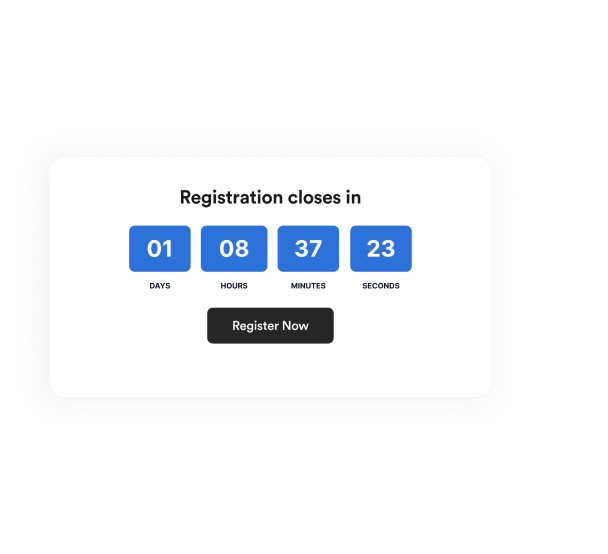

Cara membuat widget Penghitung Waktu Mundur
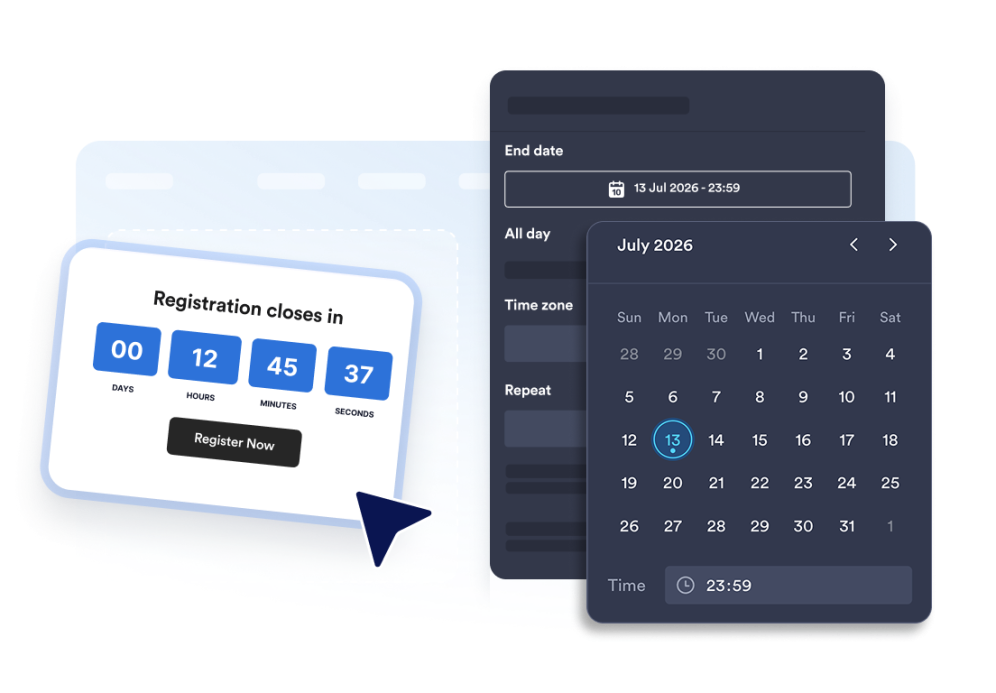
Siapkan timer hitung mundur
Pilih tanggal akhir, zona waktu, jenis acara, dan jadwal mulai ulang opsional.
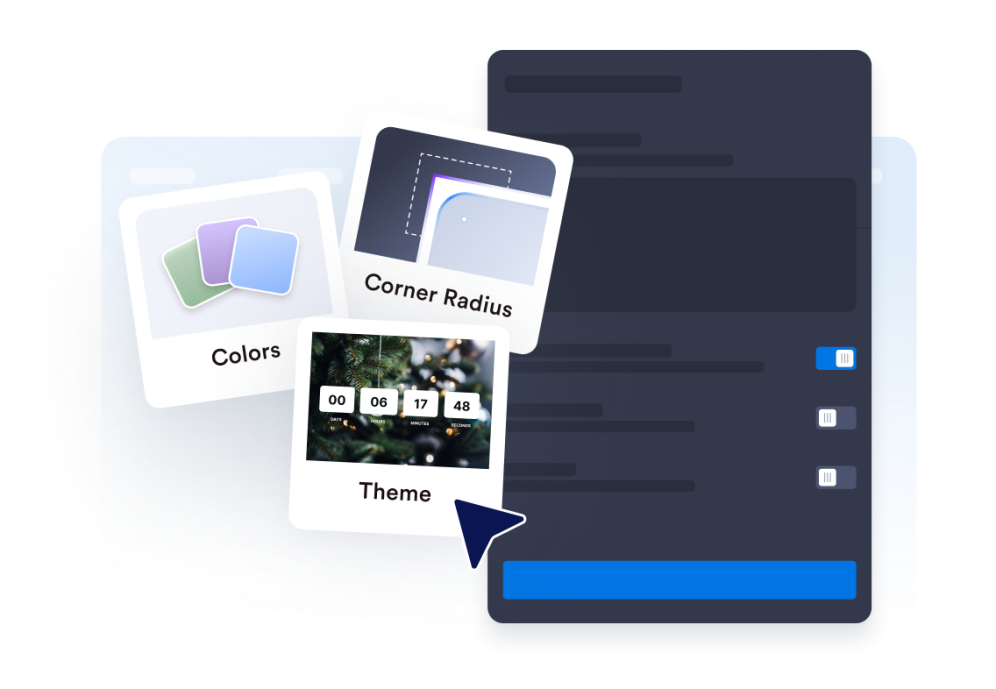
Sesuaikan tata letak dan tema
Pilih posisi untuk timer Anda dan sesuaikan warna, label, dan gaya sudut.
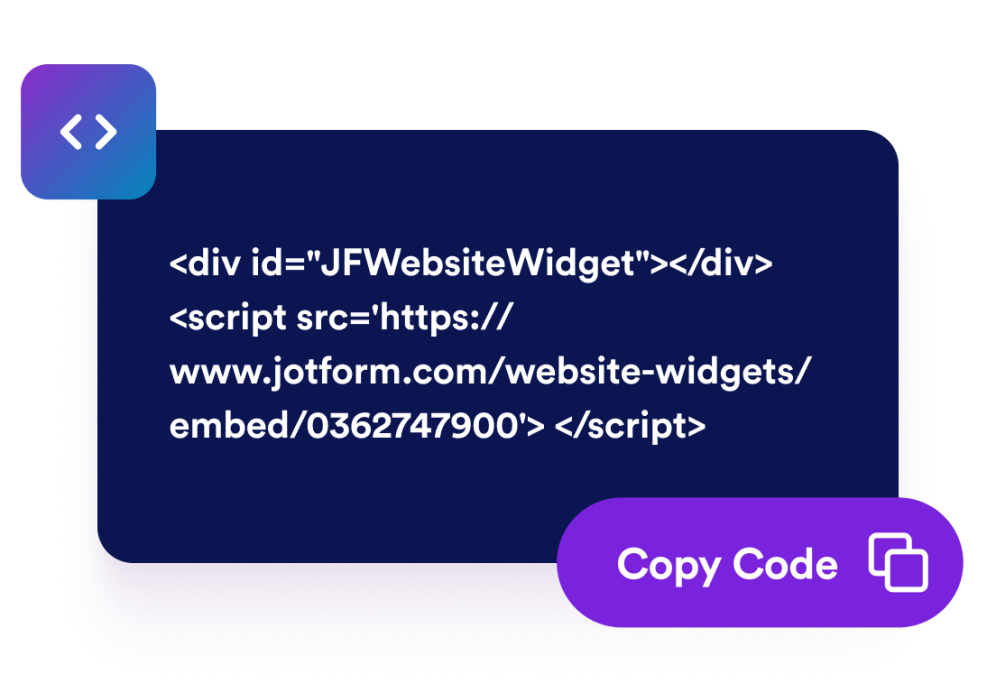
Sematkan di situs web Anda
Tambahkan tombol ajakan bertindak, pratinjau timer, dan salin kode semat untuk menerbitkannya di mana saja.
Ciptakan urgensi dengan penghitung waktu mundur yang sesuai dengan halaman Anda
Hitung mundur ke tanggal dan waktu tertentu
Tetapkan tenggat waktu yang tepat untuk peluncuran, promosi, webinar, perilisan produk, atau kampanye acara. Fungsionalitas zona waktu menjaga hitung mundur tetap konsisten untuk kampanye Anda.
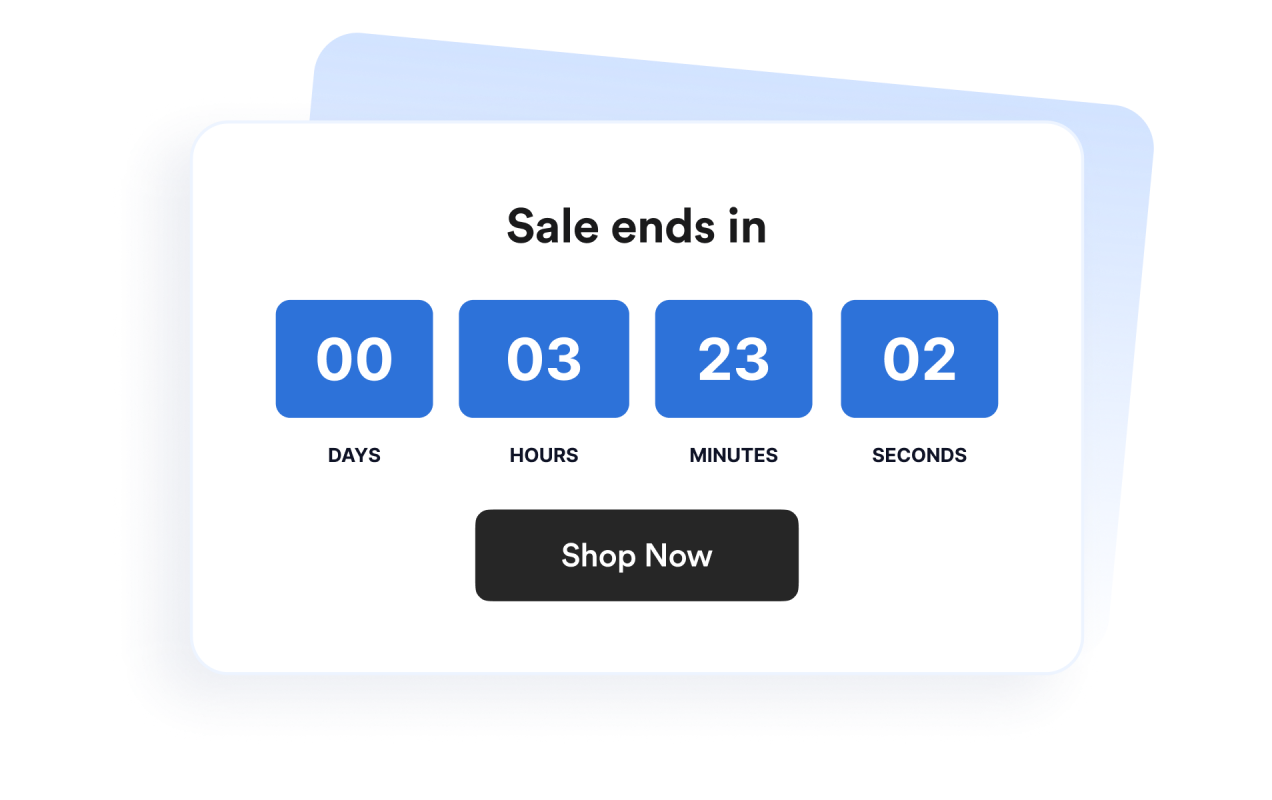
Gunakan tata letak untuk banner dan bagian sebaris
Tampilkan timer secara sebaris, sebagai bagian selebar penuh, sebagai bilah atas atau bawah tetap, atau sebagai kartu mengambang. Ini memudahkan untuk menyesuaikan widget ke dalam desain situs web yang berbeda.
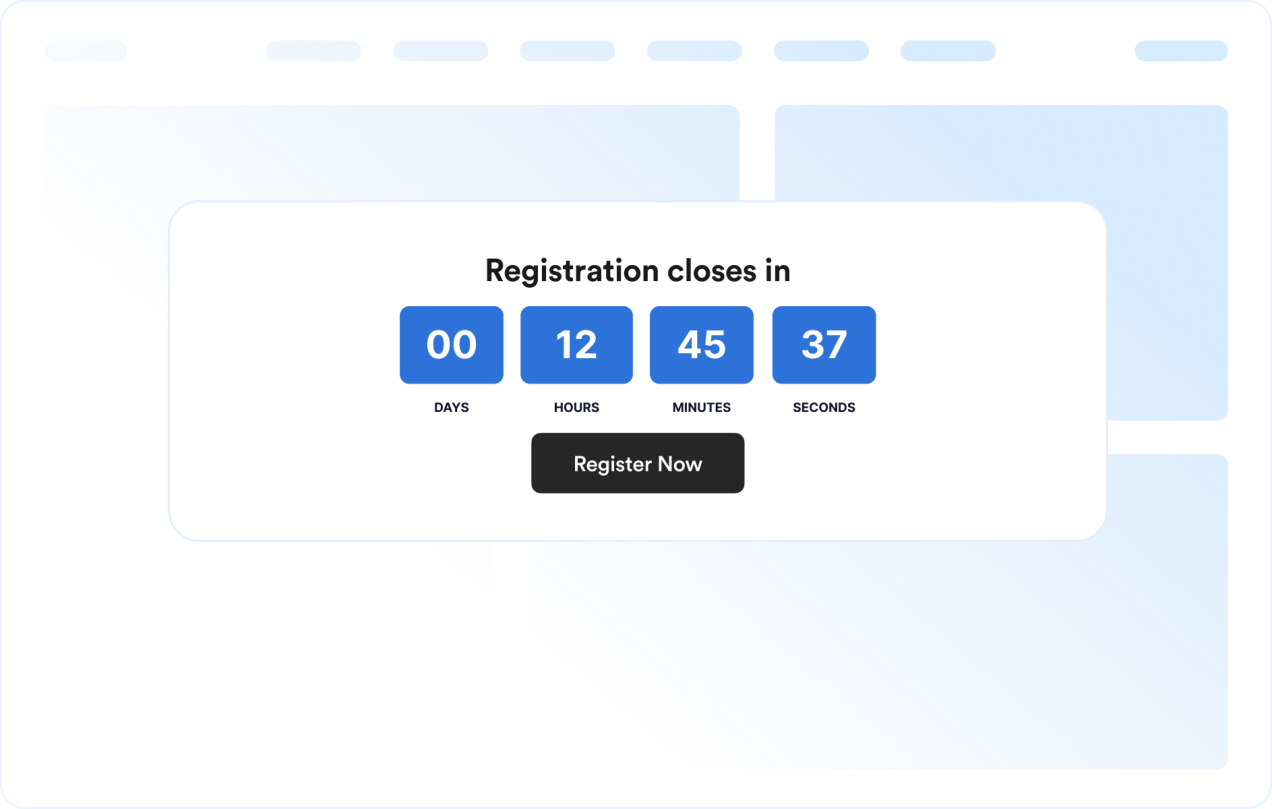
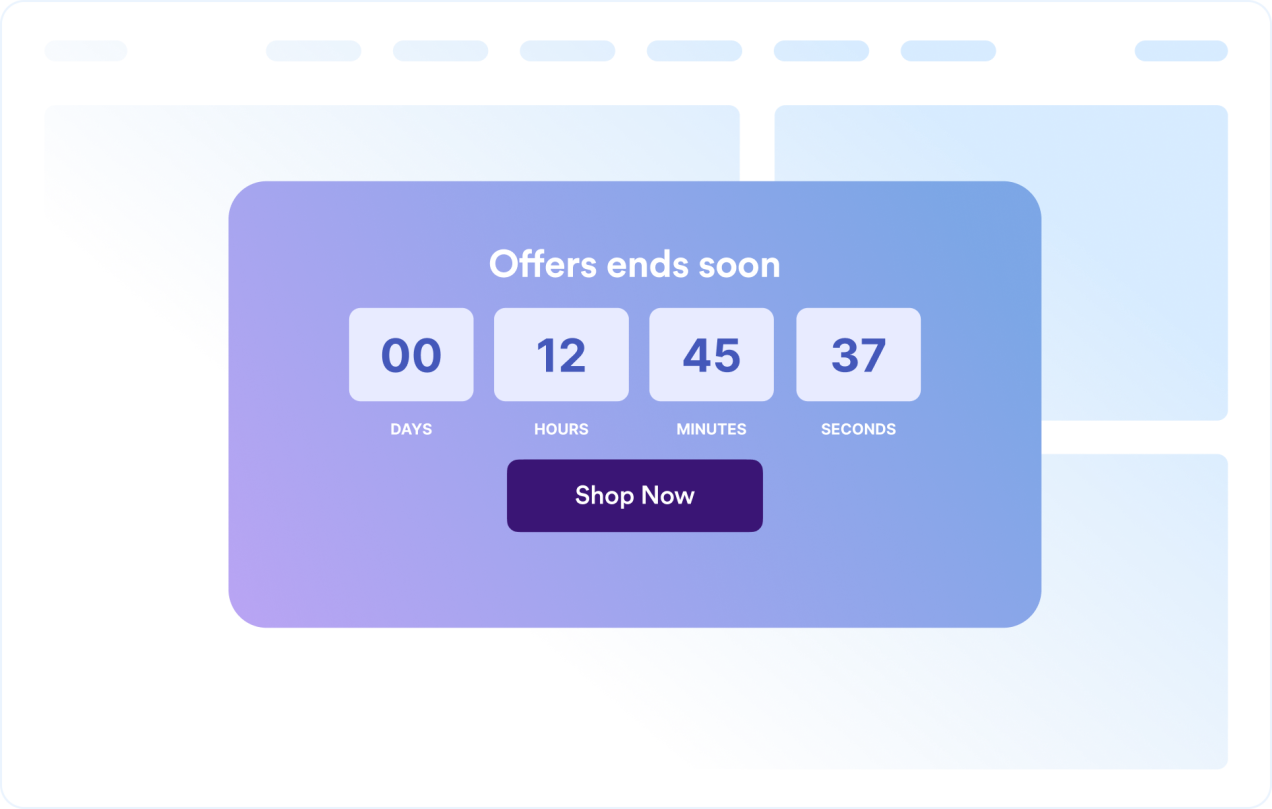
Sesuaikan desain timer
Tampilkan atau sembunyikan unit waktu, sesuaikan label, atur gaya sudut, dan terapkan preset tema yang siap kampanye.
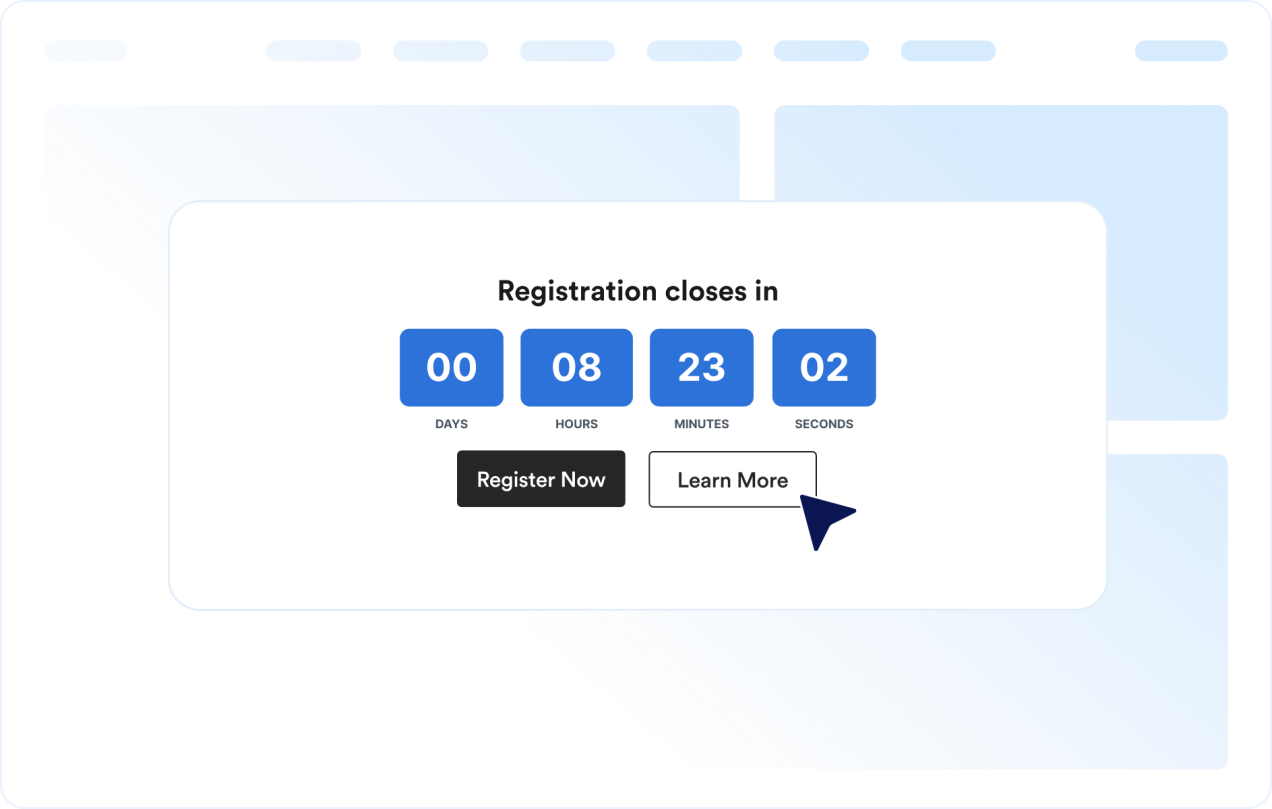
Pandu pengunjung ke tindakan berikutnya
Tambahkan widget di mana saja di situs Anda saat tenggat waktu yang jelas dapat memerintahkan pengunjung untuk mengambil tindakan.
Mengapa Widget Situs Web Jotform Unggul
Widget Jotform membuat situs web Anda lebih interaktif dan meningkatkan konversi. Ada banyak alat tersedia, dari peringkat bintang dan slider testimoni hingga popup bukti sosial dan sematan media. Tambahkan widget ke formulir atau halaman arahan Anda untuk kumpulkan data, menampilkan bukti, dan menangkap prospek — tanpa perlu pengkodean.
Tambahkan widget Jotform ke situs web Anda dengan kode semat yang sederhana. Kustomisasi widget, pratinjau tampilannya, dan tempel ke halaman apa pun yang mendukung HTML kustom atau blok semat, semuanya tanpa pengembang.
Gunakan Widget Situs Web Jotform untuk menangkap prospek, menampilkan umpan balik pelanggan, menampilkan bukti sosial, menyematkan media, atau menambahkan alat halaman web yang bermanfaat. Setiap widget membantu pengunjung berinteraksi dengan bisnis Anda langsung dari situs web Anda.
Jika Anda memerlukan bantuan untuk menyiapkan, menyesuaikan, menyematkan, atau memecahkan masalah widget Anda, tim dukungan pelanggan Jotform tersedia 24-7. Anda dapat melangkah maju dengan percaya diri, mengetahui bahwa bantuan tersedia saat Anda membutuhkannya.
Di mana menggunakan widget Timer Hitung Mundur Anda
Tambahkan widget di mana saja saat tenggat waktu yang jelas dapat membantu pengunjung bertindak lebih cepat dan memahami kapan penawaran, acara, atau kampanye berakhir.
Halaman arahan penjualan untuk menyoroti diskon waktu terbatas dan kampanye kilat
Halaman peluncuran produk untuk membangun antisipasi sebelum rilis
Halaman acara dan webinar untuk menampilkan tenggat waktu pendaftaran atau kehadiran
Bilah pengumuman untuk menjaga tenggat waktu tetap terlihat di bagian atas atau bawah situs
Halaman checkout dan harga untuk memperkuat tenggat waktu promosi di dekat keputusan pembelian
Halaman segera hadir untuk menghitung mundur ke tanggal peluncuran dengan ajakan bertindak yang jelas
Ubah prospek menjadi pelanggan yang membayar dengan Jotform Form Builder
Ubah keterlibatan menjadi tindakan dengan Jotform. Buat formulir canggih yang menangkap prospek, mengumpulkan pembayaran, dan mengotomatiskan tanggapan, semuanya di satu tempat. Setiap tanggapan masuk ke Kotak Masuk Jotform Anda, tempat Anda dapat menindaklanjuti atau terhubung dengan aplikasi favorit Anda.
Ayo Mulai — Gratis!
FAQ
Apa itu widget Timer Hitung Mundur?
Widget Timer Hitung Mundur menampilkan waktu yang tersisa hingga tanggal dan waktu yang dipilih. Widget ini membantu situs web mempromosikan penjualan, acara, peluncuran, dan kampanye sensitif waktu lainnya.
Bisakah saya menyesuaikan tata letak?
Bisakah saya mengubah warna dan tata letak?
Bisakah hitung mundur diulang?
Bisakah saya menambahkan tombol ke hitung mundur?
Apa yang terjadi saat hitung mundur berakhir?
Apakah berfungsi di selular?
Apakah saya perlu menulis kode?