Widget Tabel Harga untuk situs web Anda
Bandingkan paket, soroti fitur, dan tingkatkan konversi dengan Widget Tabel Harga yang dapat dikustomisasi untuk situs web apa pun.
Buat Sekarang — Gratis!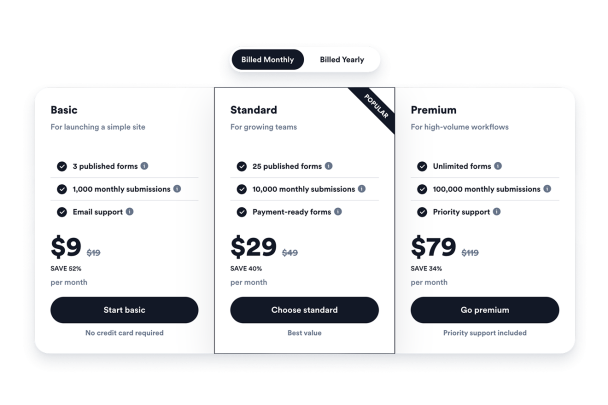

Cara membuat widget Tabel Harga
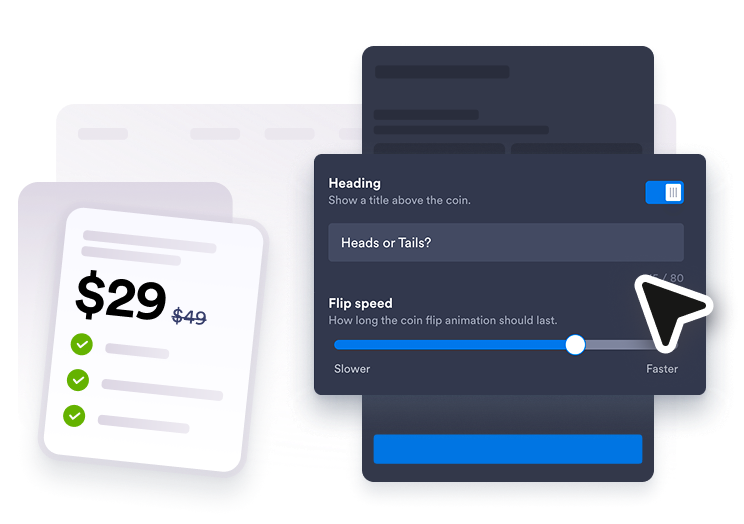
Tambahkan paket harga Anda
Buat tabel untuk harga bulanan, tahunan, paket, atau layanan dan edit setiap judul paket, harga, fitur, petunjuk, dan tombol.
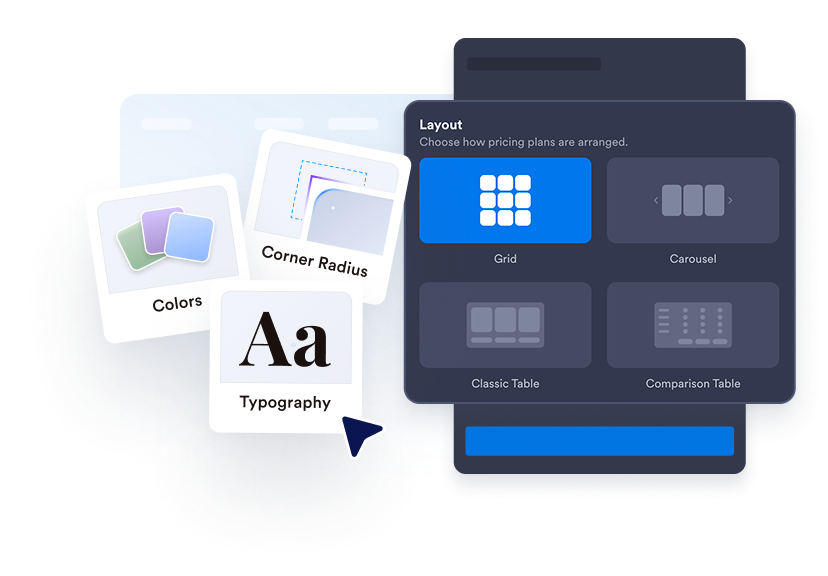
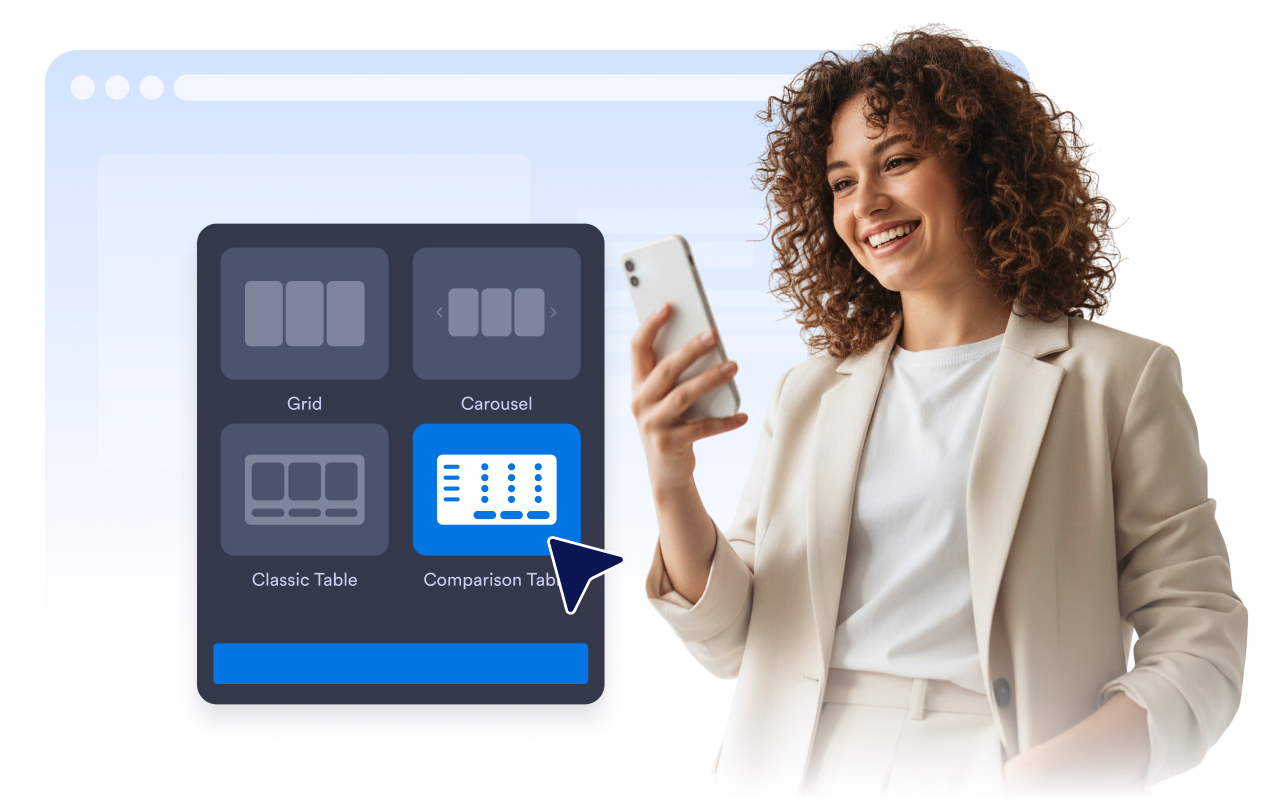
Pilih tata letak tabel
Gunakan kisi harga, kolom yang selaras, tabel perbandingan, atau tata letak carousel agar sesuai dengan bagian halaman.
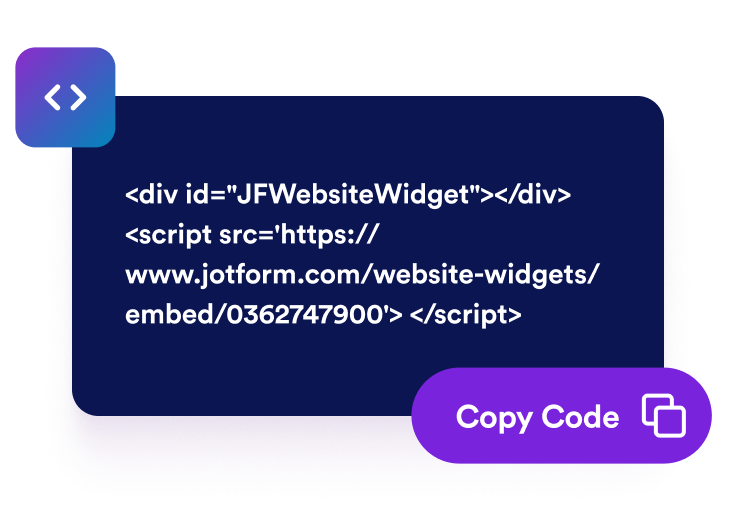
Beri gaya dan sematkan
Kustomisasi warna, label, tipografi, sudut, tombol, branding, dan CSS yang tercakup, lalu salin kode semat ke situs web Anda.
Buat harga lebih mudah dipindai dan dibandingkan
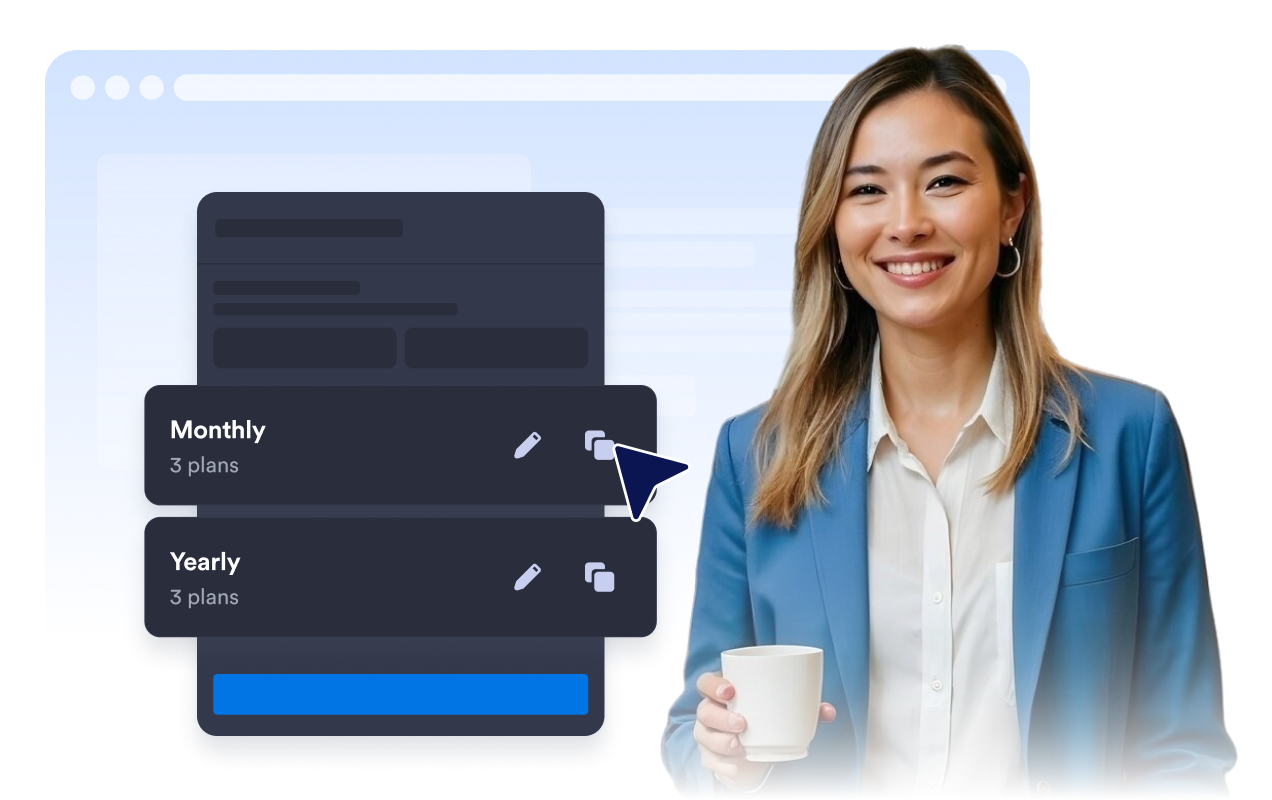
Buat Beberapa Tabel Harga
Buat tabel bulanan, tahunan, layanan, paket, grosir, atau bertingkat dan biarkan pengunjung beralih di antaranya dengan tombol pengalih penagihan.
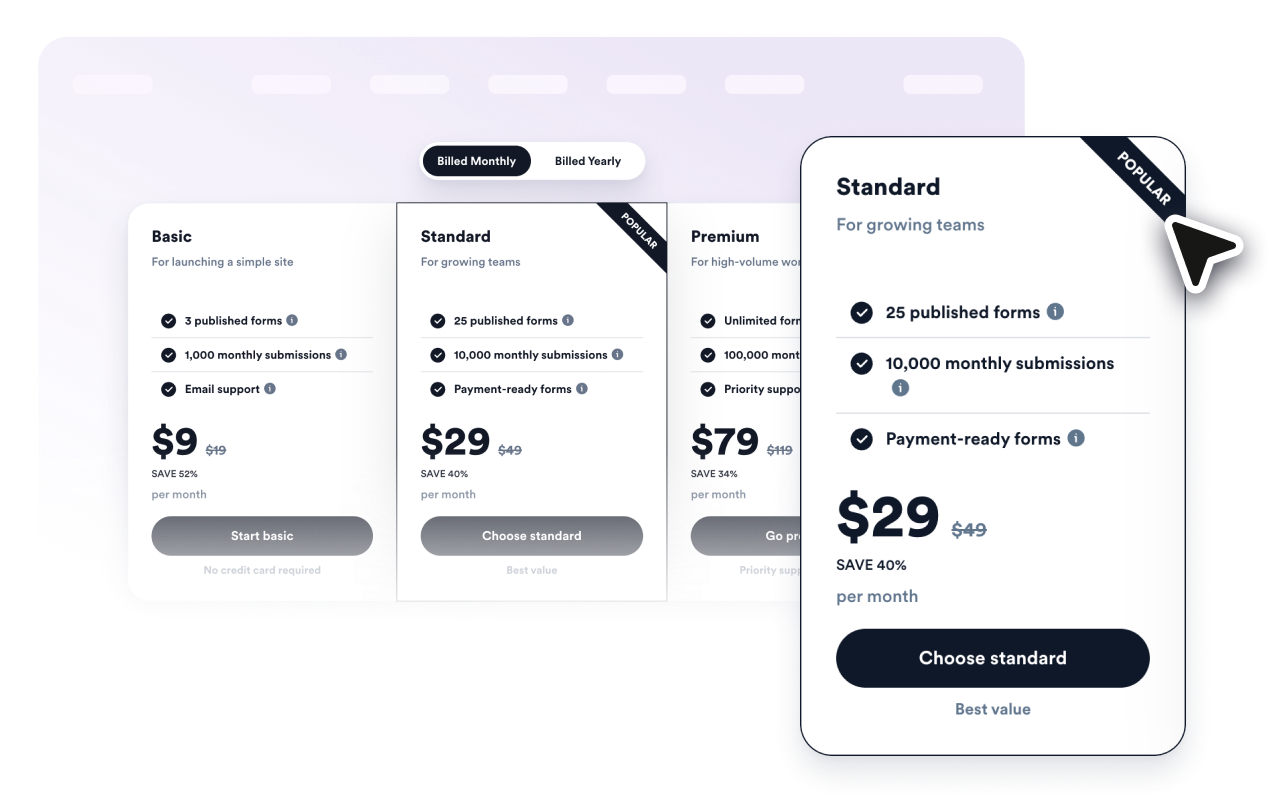
Sorot Paket Terbaik
Tambahkan label populer, teks obral, harga lama, diskon, keterangan, dan warna khusus paket sehingga pembeli dapat mengenali opsi yang direkomendasikan.
Bandingkan Fitur dengan Jelas
Cantumkan fitur yang disertakan untuk setiap paket, tambahkan teks petunjuk yang bermanfaat, dan beralih ke mode tabel perbandingan untuk evaluasi paket secara berdampingan.
Cocokkan dengan Desain Situs Web Anda
Kontrol tata letak, gaya kartu, warna, ukuran teks, gaya tombol, sudut kolom, lebar, perilaku seluler, branding, dan CSS khusus yang tercakup.

Mengapa Widget Situs Web Jotform Unggul
Widget Jotform membuat situs web Anda lebih interaktif dan meningkatkan konversi. Ada banyak alat tersedia, dari peringkat bintang dan slider testimoni hingga popup bukti sosial dan sematan media. Tambahkan widget ke formulir atau halaman arahan Anda untuk kumpulkan data, menampilkan bukti, dan menangkap prospek — tanpa perlu pengkodean.
Tambahkan widget Jotform ke situs web Anda dengan kode semat yang sederhana. Kustomisasi widget, pratinjau tampilannya, dan tempel ke halaman apa pun yang mendukung HTML kustom atau blok semat, semuanya tanpa pengembang.
Gunakan Widget Situs Web Jotform untuk menangkap prospek, menampilkan umpan balik pelanggan, menampilkan bukti sosial, menyematkan media, atau menambahkan alat halaman web yang bermanfaat. Setiap widget membantu pengunjung berinteraksi dengan bisnis Anda langsung dari situs web Anda.
Jika Anda memerlukan bantuan untuk menyiapkan, menyesuaikan, menyematkan, atau memecahkan masalah widget Anda, tim dukungan pelanggan Jotform tersedia 24-7. Anda dapat melangkah maju dengan percaya diri, mengetahui bahwa bantuan tersedia saat Anda membutuhkannya.
Di mana menggunakan Widget Tabel Harga Anda
Tambahkan tabel harga di mana pun pengunjung perlu membandingkan opsi sebelum mendaftar, memesan, atau membeli.
Halaman harga SaaS untuk membandingkan langganan bulanan dan tahunan dengan tingkatan fitur
Halaman layanan untuk menampilkan paket konsultasi, pemasaran, desain, perbaikan, kesehatan, dan layanan lokal
Halaman kursus untuk membandingkan paket pembelajaran mandiri, kohort, sertifikat, dan premium
Halaman arahan produk untuk menampilkan bundel, add-on, langganan, dan penawaran peluncuran
Portofolio agensi untuk menjelaskan paket starter, growth, dan premium retainer dengan deliverable yang jelas
Halaman grosir atau keanggotaan untuk menampilkan tingkatan volume, diskon, dan detail kelayakan
Ubah prospek menjadi pelanggan yang membayar dengan Jotform Form Builder
Ubah keterlibatan menjadi tindakan dengan Jotform. Buat formulir canggih yang menangkap prospek, mengumpulkan pembayaran, dan mengotomatiskan tanggapan, semuanya di satu tempat. Setiap tanggapan masuk ke Kotak Masuk Jotform Anda, tempat Anda dapat menindaklanjuti atau terhubung dengan aplikasi favorit Anda.
Ayo Mulai — Gratis!
FAQ
Apa itu Widget Tabel Harga?
Widget Tabel Harga adalah widget yang dapat disematkan yang menampilkan paket, harga, daftar fitur, diskon, dan tombol di situs web Anda.
Dapatkah saya membuat tabel bulanan dan tahunan?
Bisakah saya menyorot paket yang direkomendasikan?
Apakah mendukung perbandingan fitur?
Dapatkah saya menghubungkan tombol ke halaman checkout atau pendaftaran?
Apakah saya memerlukan kode untuk disematkan?