Widget Kode QR untuk situs web Anda
Tambahkan Kode QR langsung ke situs web Anda dan bantu pengunjung mengakses menu, formulir, unduhan, acara, dan penawaran dalam hitungan detik. Siapkan dengan alat gratis tanpa kode dari Jotform. Kustomisasi tata letak, hubungkan tautan tujuan Anda, dan buat setiap pemindaian lebih mudah diubah menjadi tindakan.
Buat Sekarang — Gratis!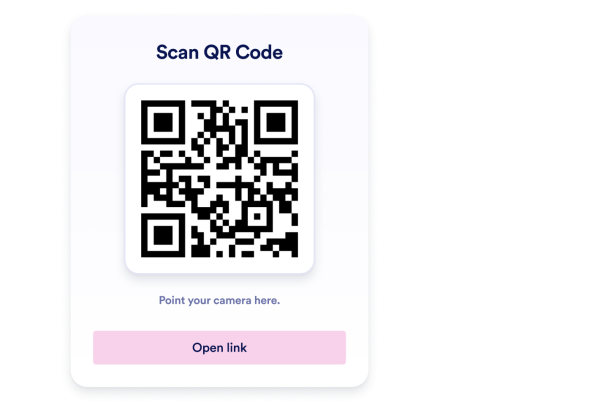

Cara membuat widget Kode QR
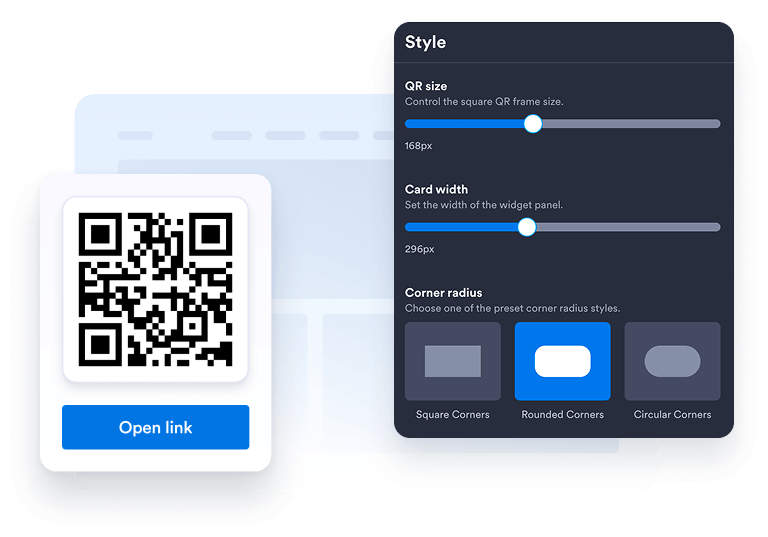
Sesuaikan widget Anda
Pilih tata letak, warna, CTA, dan tampilan keseluruhan yang Anda sukai agar sesuai dengan desain situs web Anda.
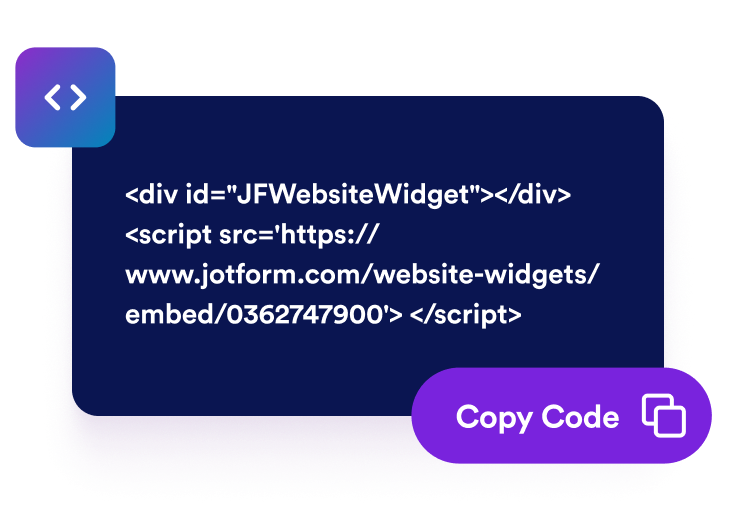
Dapatkan kode sematan
Salin kode sematan yang dihasilkan secara otomatis dan tempelkan di mana saja di situs web Anda.
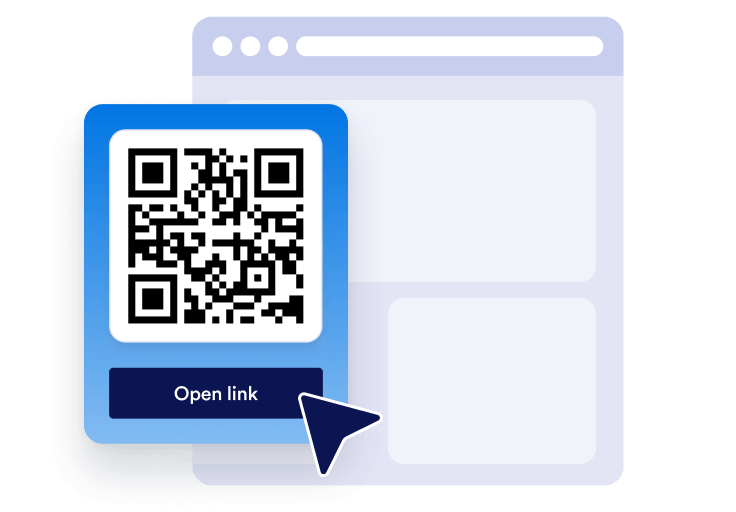
Sematkan di mana saja
Publikasi Kode QR Anda di seluruh situs Anda dalam hitungan detik. Tidak perlu pengaturan teknis.
Ubah akses selular cepat menjadi pertumbuhan bisnis nyata
Bangun kredibilitas dengan akses mudah
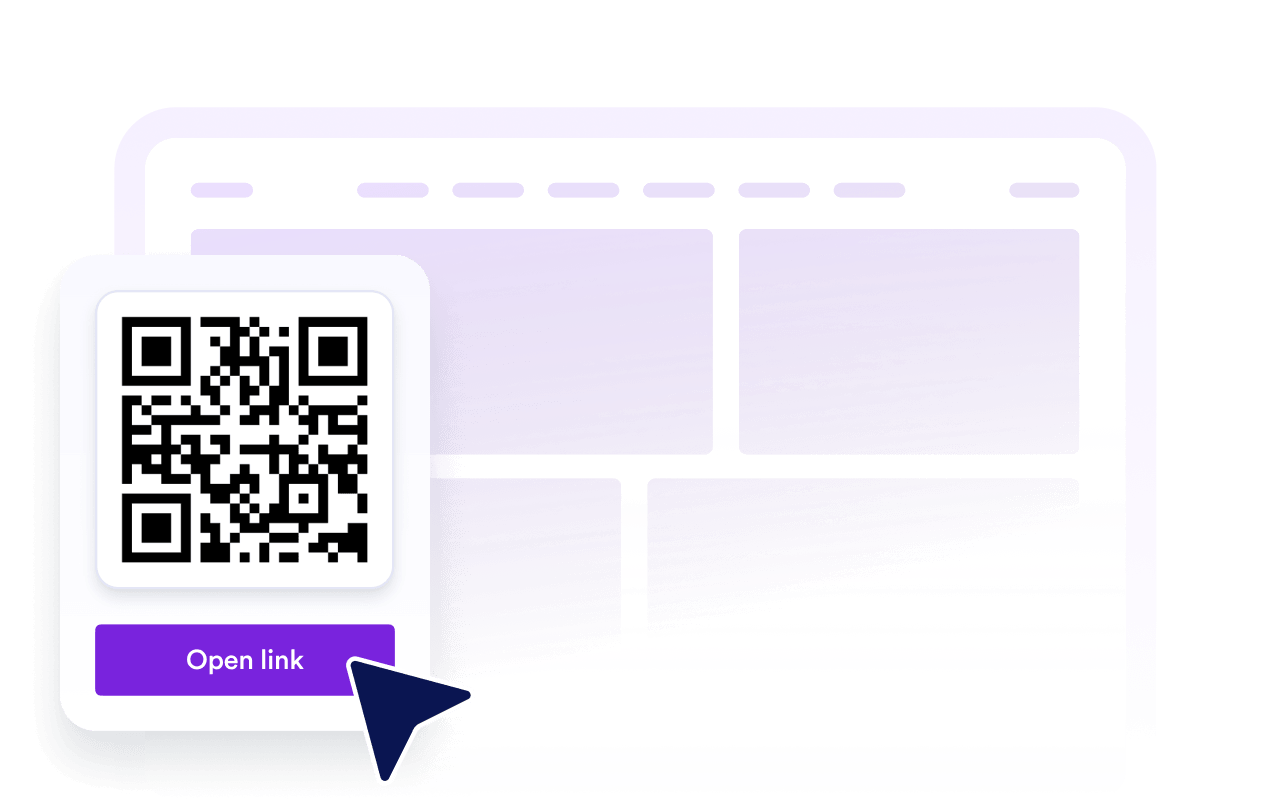
Kode QR yang jelas membantu pengunjung berpindah dari situs web Anda ke formulir, menu, file, atau penawaran dengan lebih mudah.
Tingkatkan visibilitas dan SEO
Alat dalam halaman yang bermanfaat dapat meningkatkan keterlibatan, mendukung kepercayaan merek, dan membuat konten Anda lebih mudah digunakan.

Konversi lebih banyak pengunjung
Arahkan pengunjung ke formulir pendaftaran, halaman pembayaran, formulir pemesanan, unduhan, atau promosi tepat saat mereka tertarik.

Jaga konten tetap segar dengan pembaruan mudah
Lakukan pembaruan tujuan Kode QR di Jotform saat kampanye, formulir, atau penawaran Anda berubah tanpa membangun ulang halaman Anda.
Mengapa Widget Situs Web Jotform Unggul
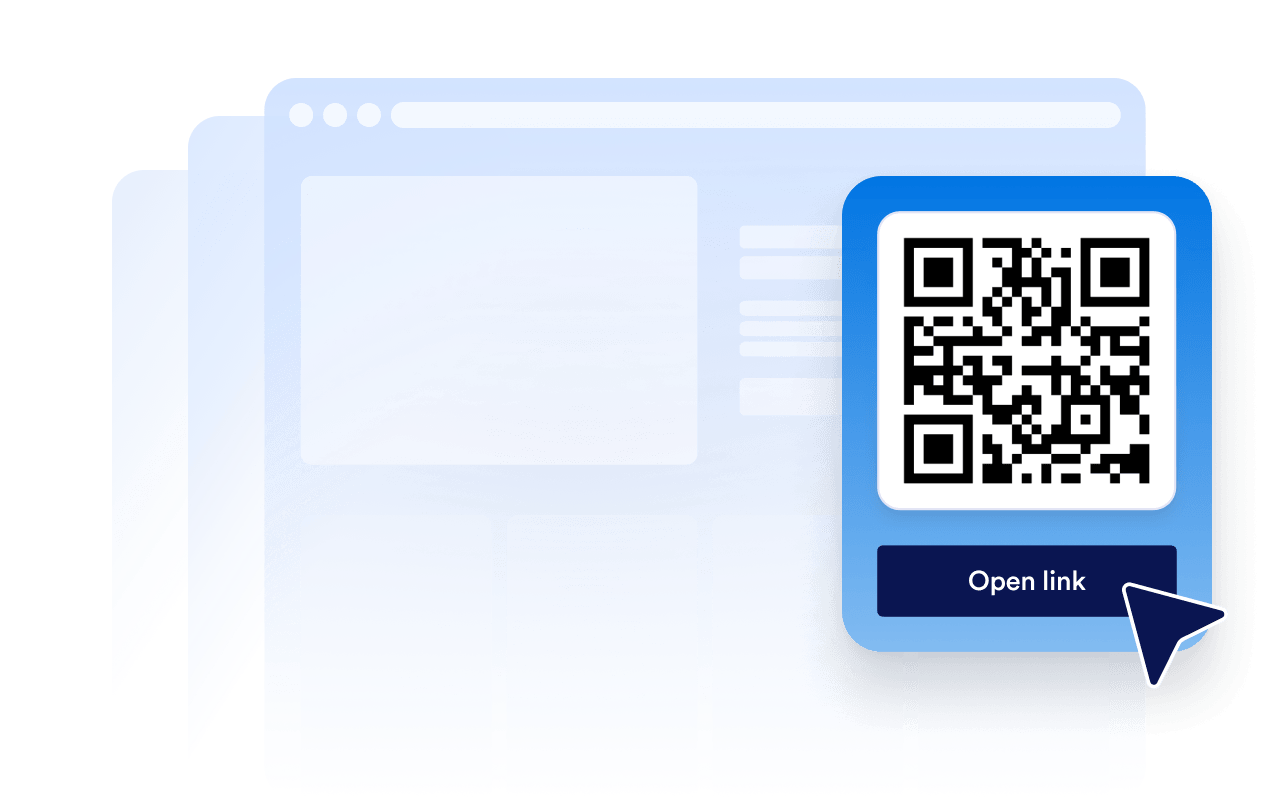
Widget Jotform membuat situs web Anda lebih interaktif dan meningkatkan konversi. Ada banyak alat tersedia, dari peringkat bintang dan slider testimoni hingga popup bukti sosial dan sematan media. Tambahkan widget ke formulir atau halaman arahan Anda untuk kumpulkan data, menampilkan bukti, dan menangkap prospek — tanpa perlu pengkodean.
Tambahkan widget Jotform ke situs web Anda dengan kode semat yang sederhana. Kustomisasi widget, pratinjau tampilannya, dan tempel ke halaman apa pun yang mendukung HTML kustom atau blok semat, semuanya tanpa pengembang.
Gunakan Widget Situs Web Jotform untuk menangkap prospek, menampilkan umpan balik pelanggan, menampilkan bukti sosial, menyematkan media, atau menambahkan alat halaman web yang bermanfaat. Setiap widget membantu pengunjung berinteraksi dengan bisnis Anda langsung dari situs web Anda.
Jika Anda memerlukan bantuan untuk menyiapkan, menyesuaikan, menyematkan, atau memecahkan masalah widget Anda, tim dukungan pelanggan Jotform tersedia 24-7. Anda dapat melangkah maju dengan percaya diri, mengetahui bahwa bantuan tersedia saat Anda membutuhkannya.
Di mana menggunakan Kode QR Anda
Kode QR berguna di mana saja pengunjung membutuhkan cara yang lebih cepat untuk mengambil tindakan dari perangkat apa pun. Tambahkan ke halaman berintensi tinggi sehingga orang dapat memindai, menyimpan, mendaftar, membayar, mengunduh, atau menghubungi Anda tanpa langkah tambahan.
Halaman beranda mengarahkan pengunjung ke formulir utama, penawaran, aplikasi, atau halaman kontak Anda.
Halaman produk menautkan pembeli ke panduan, demo, manual, atau formulir pembayaran.
Halaman restoran memungkinkan tamu memindai menu, formulir pemesanan, atau halaman reservasi.
Halaman acara memandu peserta ke registrasi, tiket, peta, atau formulir check-in.
Halaman arahan menghubungkan kampanye ke pendaftaran, kupon, unduhan, atau formulir prospek.
Halaman kontak membantu pengunjung menyimpan detail, meminta penawaran, atau memesan janji temu.
Ubah prospek menjadi pelanggan yang membayar dengan Jotform Form Builder
Ubah keterlibatan menjadi tindakan dengan Jotform. Buat formulir canggih yang menangkap prospek, mengumpulkan pembayaran, dan mengotomatiskan tanggapan, semuanya di satu tempat. Setiap tanggapan masuk ke Kotak Masuk Jotform Anda, tempat Anda dapat menindaklanjuti atau terhubung dengan aplikasi favorit Anda.
Ayo Mulai — Gratis!
FAQ
Bagaimana cara menambahkan Kode QR ke situs web saya?
Buat widget Kode QR Anda di Jotform, pilih tujuan yang Anda ingin pengunjung buka, dan salin kode semat. Tempelkan ke situs web, halaman arahan, atau posting blog Anda agar langsung tersedia.
Bisakah saya menyesuaikan desain widget Kode QR?
Bisakah saya melakukan pembaruan Kode QR setelah disematkan?
Apa saja yang dapat saya tautkan dengan Kode QR?
Mengapa saya harus menggunakan Kode QR di situs web saya?
Apakah widget Kode QR gratis?
Apakah Kode QR berfungsi di perangkat selular?
Bisakah saya menggunakan Kode QR dengan formulir dan otomatisasi Jotform?