Widget Tabel Ukuran untuk situs web Anda
Bantu pembeli memilih ukuran yang tepat sebelum checkout. Tambahkan tab kategori, tabel pengukuran yang dapat diedit, gambar panduan, tata letak responsif, warna, branding, dan CSS khusus dengan widget Tabel Ukuran tanpa kode dari Jotform.
Buat Sekarang — Gratis!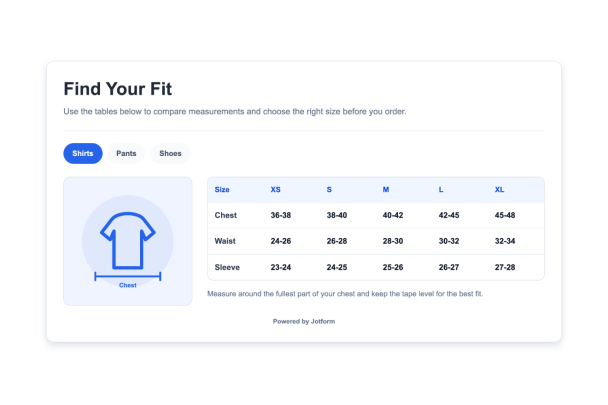

Cara membuat widget Bagan Ukuran
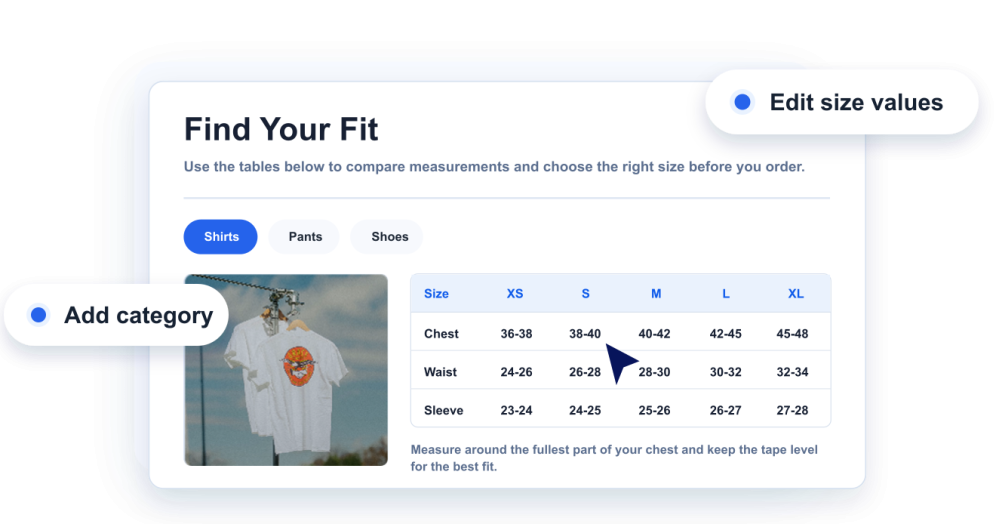
Tambahkan panduan ukuran Anda
Buat kategori tabel ukuran, kolom, baris, nilai ukuran, dan catatan bermanfaat untuk setiap jenis produk.
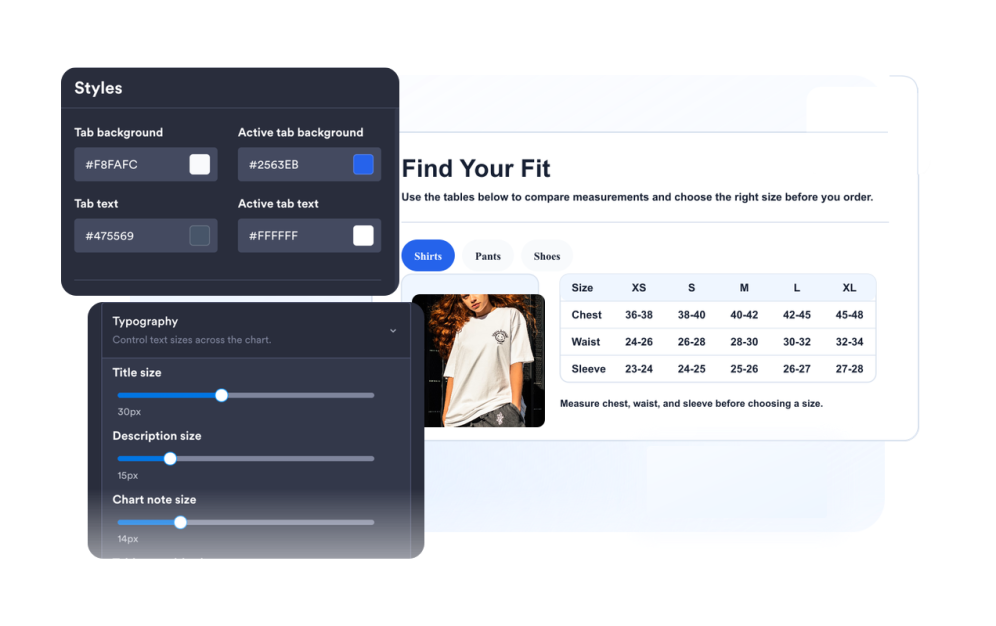
Sesuaikan panduan
Pilih ilustrasi pengukuran, tata letak, warna, tab, kepadatan tabel, radius sudut, dan branding.
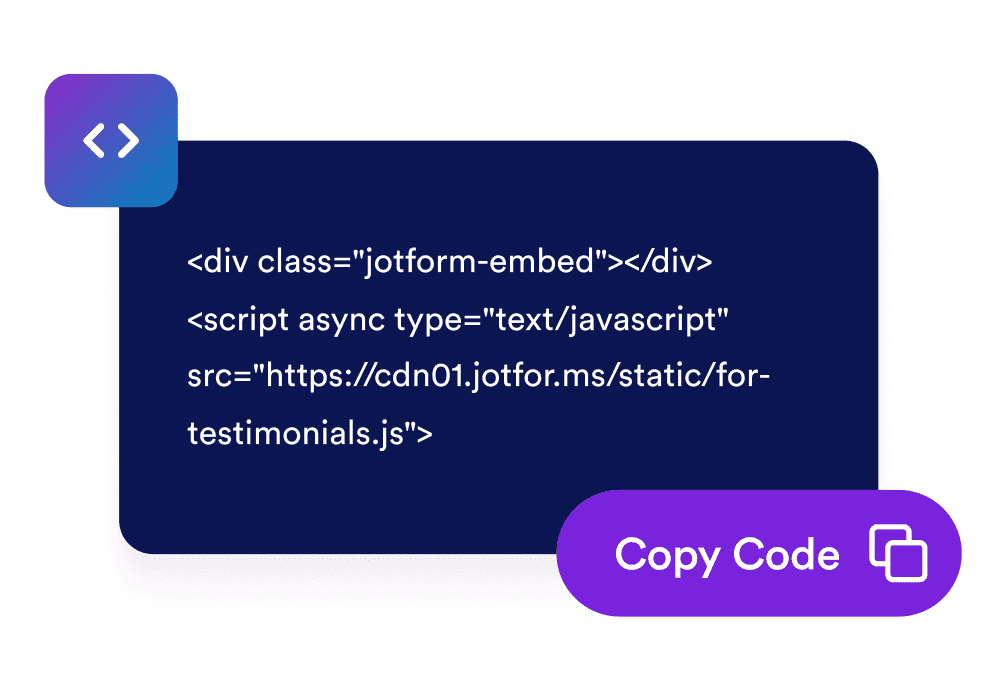
Sematkan di situs web Anda
Pratinjau widget, salin kode semat yang dihasilkan, dan publikasikan panduan ukuran Anda di halaman produk atau bantuan.
Berikan pembeli panduan ukuran yang jelas di setiap halaman produk
Buat tabel ukuran yang dapat diedit
Tambahkan kolom, baris, label, dan nilai untuk pakaian, sepatu, aksesori, atau kategori produk apa pun yang memerlukan konteks ukuran.
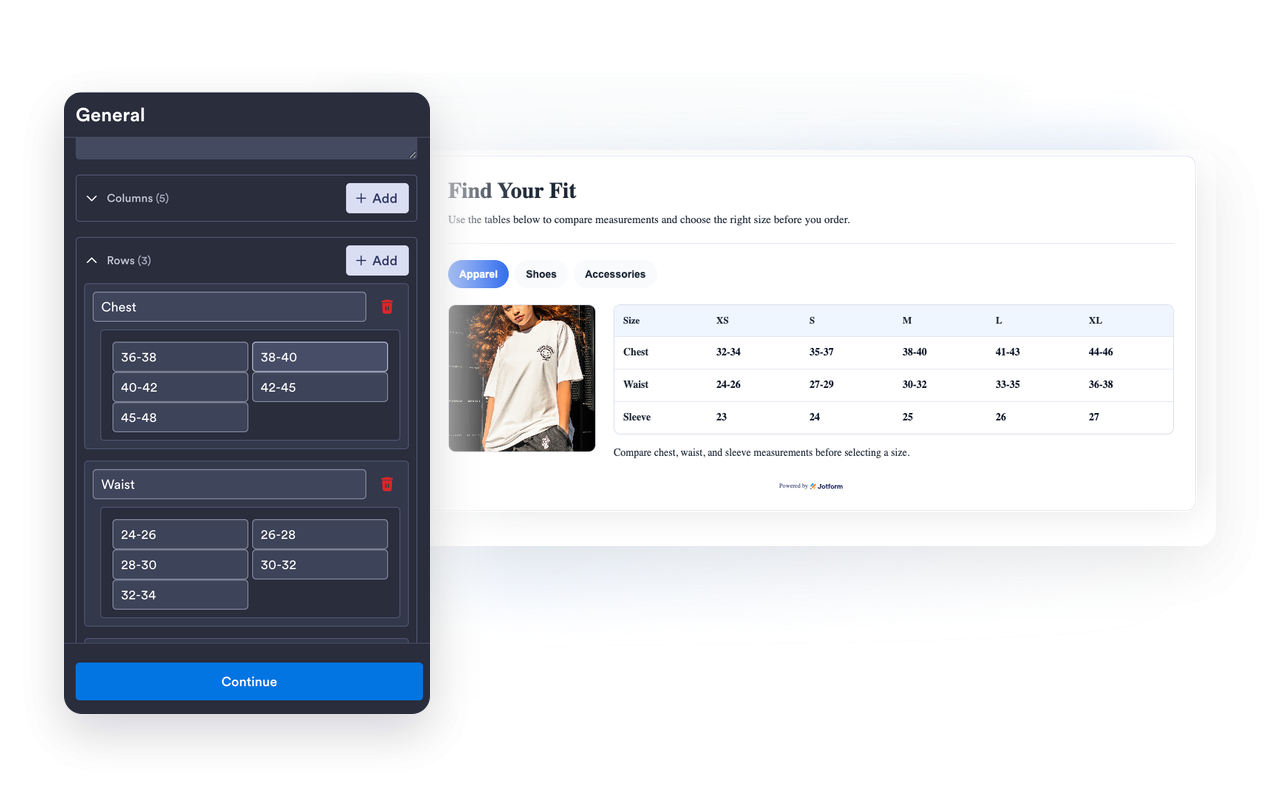
Pasangkan setiap tabel dengan gambar pengukuran
Gunakan ilustrasi panduan bawaan atau URL gambar khusus agar pengunjung memahami di mana dan bagaimana cara mengukur.
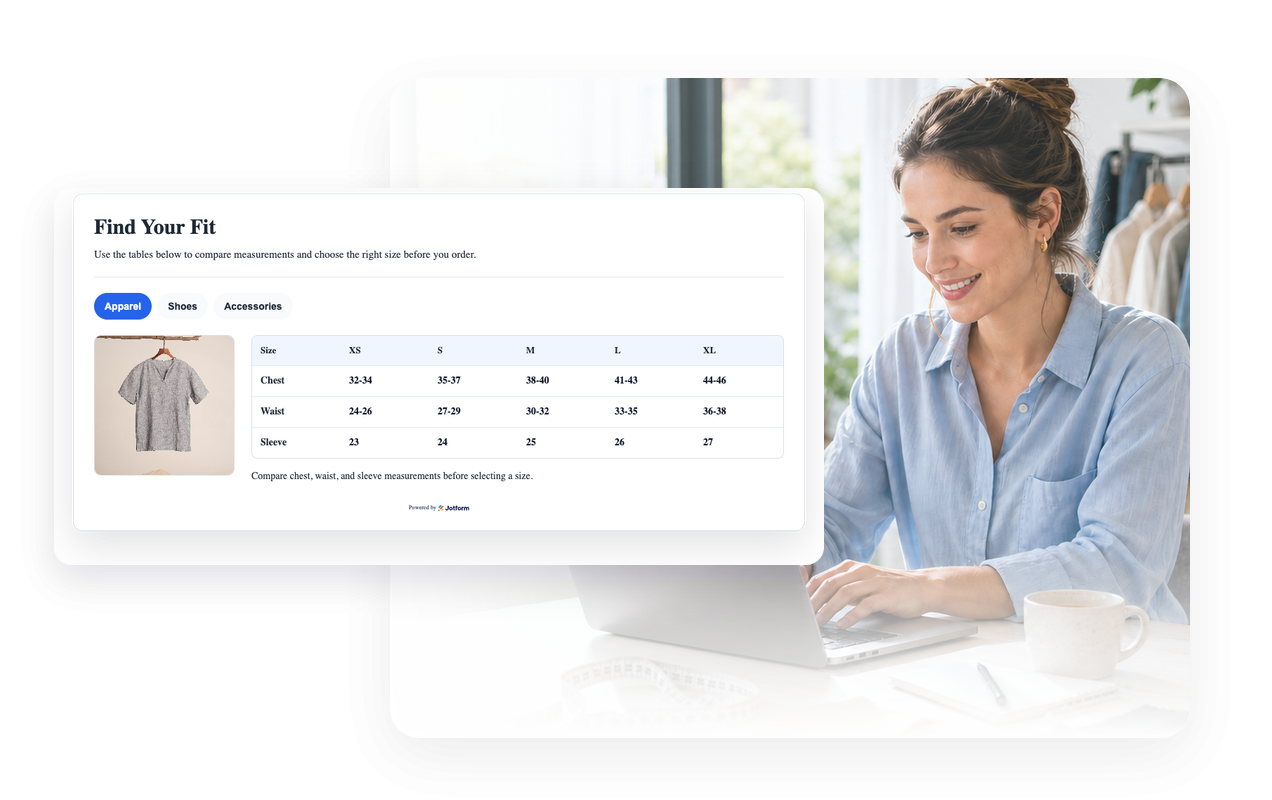
Cocokkan dengan desain toko Anda
Sesuaikan tema terang atau gelap, warna tabel, warna tab, batas, radius sudut, branding, dan CSS khusus yang dicakupkan.
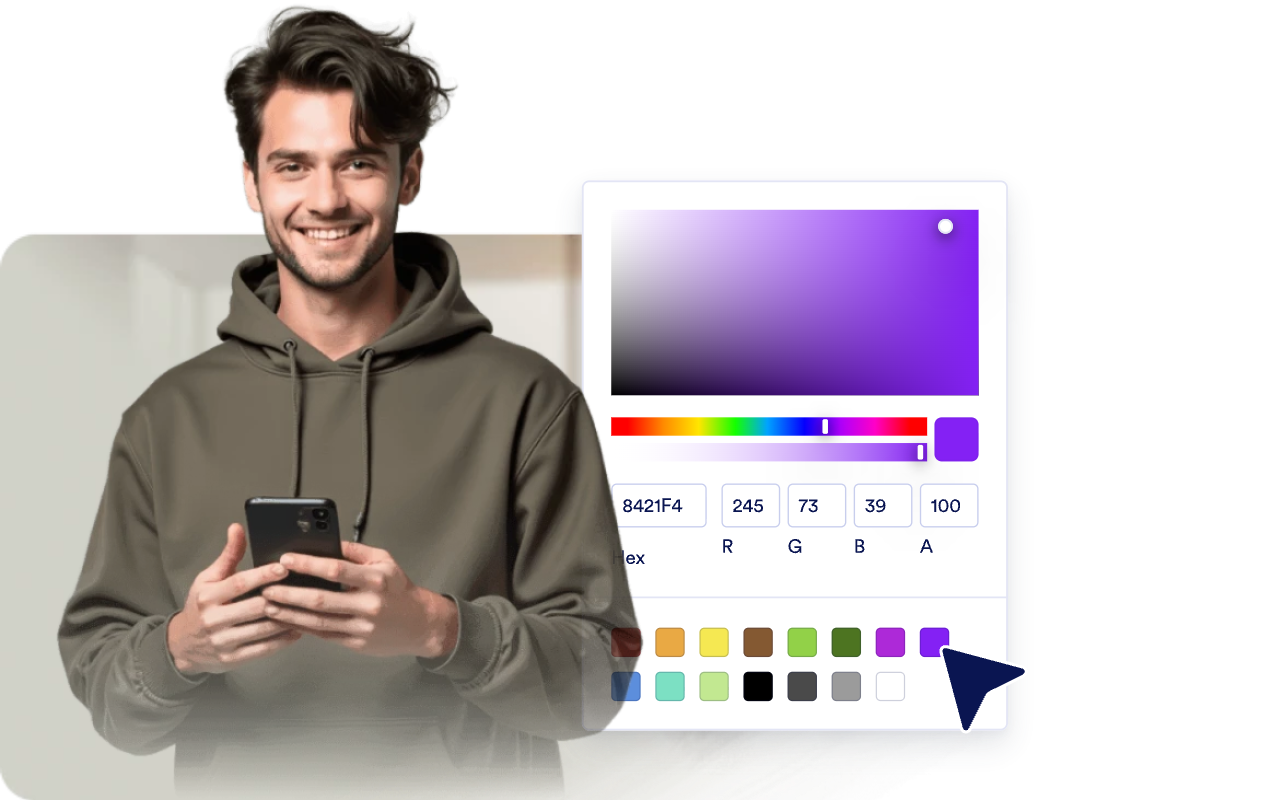
Jaga lebar tabel tetap mudah dibaca di perangkat selular
Pilih penempatan media, lebar responsif, kepadatan tabel, dan gulir tabel horizontal untuk layar berukuran kecil.
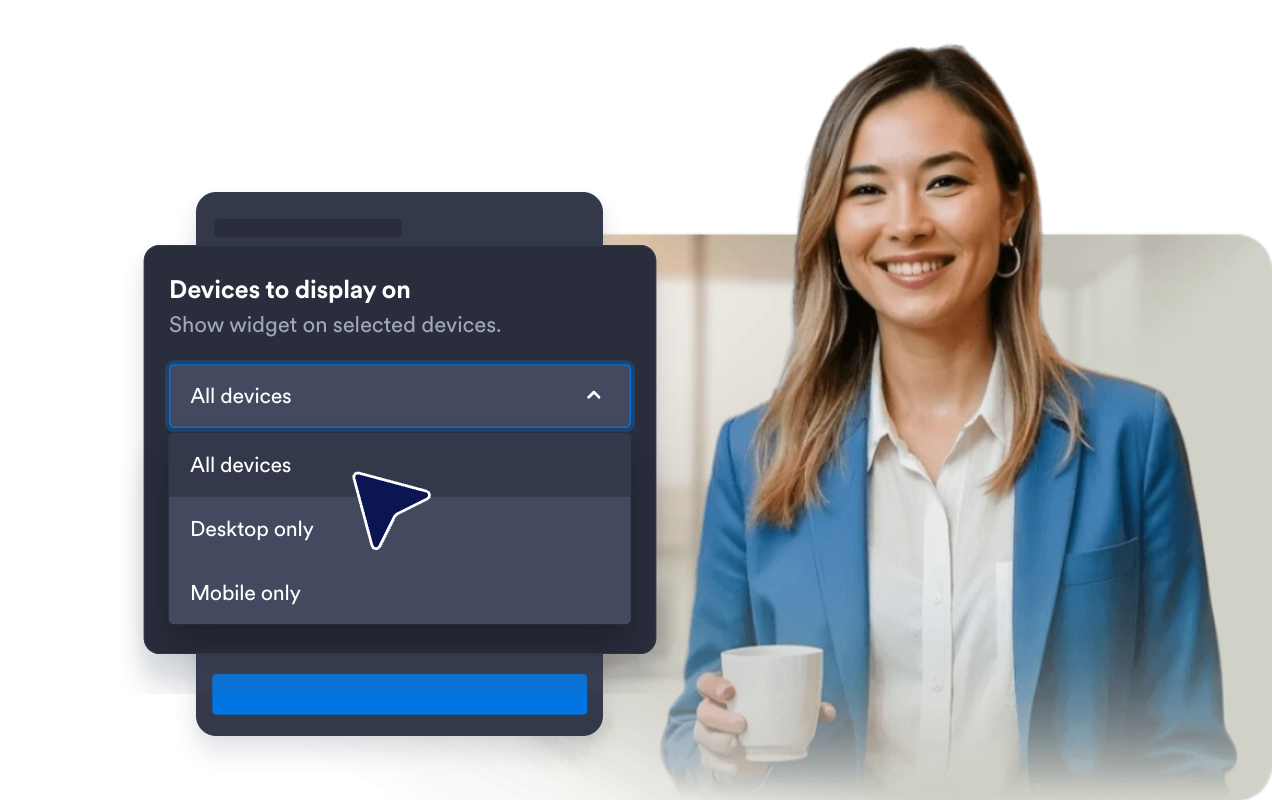
Mengapa Widget Situs Web Jotform Unggul
Widget Jotform membuat situs web Anda lebih interaktif dan meningkatkan konversi. Ada banyak alat tersedia, dari peringkat bintang dan slider testimoni hingga popup bukti sosial dan sematan media. Tambahkan widget ke formulir atau halaman arahan Anda untuk kumpulkan data, menampilkan bukti, dan menangkap prospek — tanpa perlu pengkodean.
Tambahkan widget Jotform ke situs web Anda dengan kode semat yang sederhana. Kustomisasi widget, pratinjau tampilannya, dan tempel ke halaman apa pun yang mendukung HTML kustom atau blok semat, semuanya tanpa pengembang.
Gunakan Widget Situs Web Jotform untuk menangkap prospek, menampilkan umpan balik pelanggan, menampilkan bukti sosial, menyematkan media, atau menambahkan alat halaman web yang bermanfaat. Setiap widget membantu pengunjung berinteraksi dengan bisnis Anda langsung dari situs web Anda.
Jika Anda memerlukan bantuan untuk menyiapkan, menyesuaikan, menyematkan, atau memecahkan masalah widget Anda, tim dukungan pelanggan Jotform tersedia 24-7. Anda dapat melangkah maju dengan percaya diri, mengetahui bahwa bantuan tersedia saat Anda membutuhkannya.
Di mana menggunakan widget Tabel Ukuran Anda
Tempatkan tabel ukuran di mana saja pembeli membutuhkan panduan pengukuran sebelum mereka membeli, memesan, atau membandingkan produk.
Halaman produk untuk membantu pembeli membandingkan ukuran tanpa membuka panduan terpisah.
Toko pakaian untuk menampilkan ukuran atasan, bawahan, gaun, dan pakaian luar dalam satu widget bertab.
Halaman sepatu untuk menjelaskan konversi wilayah, panjang kaki, dan catatan kecocokan.
Halaman aksesori untuk topi, ikat pinggang, sarung tangan, perhiasan, atau tas dengan ukuran spesifik pengukuran.
Daftar marketplace tempat merek atau vendor yang berbeda menggunakan sistem ukuran yang berbeda.
Pusat bantuan dan halaman panduan ukuran untuk memusatkan instruksi pengukuran di seluruh katalog Anda.
Ubah prospek menjadi pelanggan yang membayar dengan Jotform Form Builder
Ubah keterlibatan menjadi tindakan dengan Jotform. Buat formulir canggih yang menangkap prospek, mengumpulkan pembayaran, dan mengotomatiskan tanggapan, semuanya di satu tempat. Setiap tanggapan masuk ke Kotak Masuk Jotform Anda, tempat Anda dapat menindaklanjuti atau terhubung dengan aplikasi favorit Anda.
Ayo Mulai — Gratis!
FAQ
Apa itu widget Tabel Ukuran?
Widget Tabel Ukuran adalah panduan situs web yang dapat disematkan dan menampilkan ukuran produk, kolom ukuran, tab kategori, serta gambar pengukuran opsional.
Bisakah saya membuat beberapa tabel ukuran?
Bisakah saya mengedit baris dan kolom?
Bisakah saya menampilkan panduan ukuran?
Bisakah saya menyesuaikan warna dan tata letak?
Apakah berfungsi di selular?
Apakah saya perlu menulis kode?