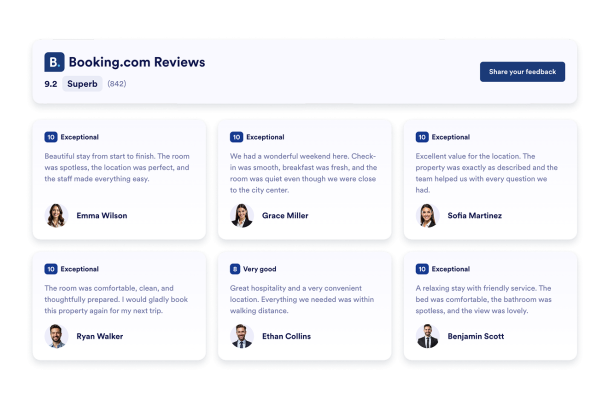

Come creare un widget Recensioni Booking
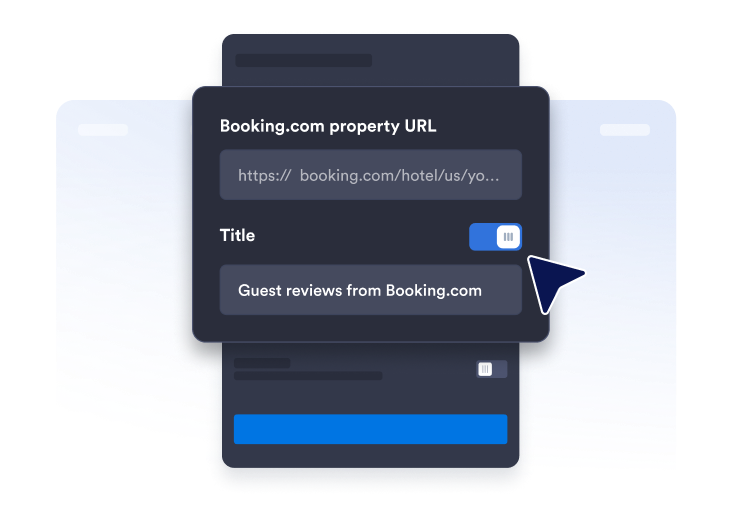
Ottieni il link della pagina delle recensioni
Trova la pagina del tuo profilo Booking.com e copia & incolla l'URL della tua struttura.
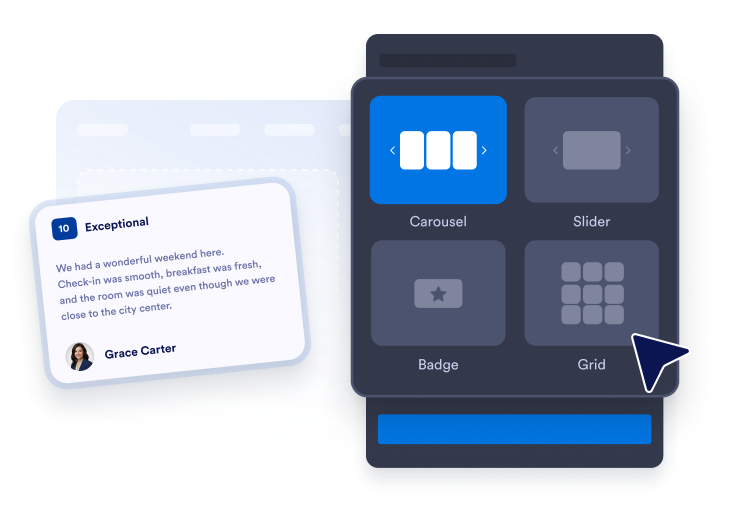
Personalizza il layout del widget
Organizza l'aspetto del tuo widget selezionando tema, colori e testo del pulsante CTA.

Incorporalo ovunque
Incolla il codice nel tuo sito web e pubblica. Le tue recensioni Booking.com appariranno immediatamente.
Metti in mostra le recensioni Booking.com per costruire fiducia
Costruisci fiducia con le recensioni degli ospiti
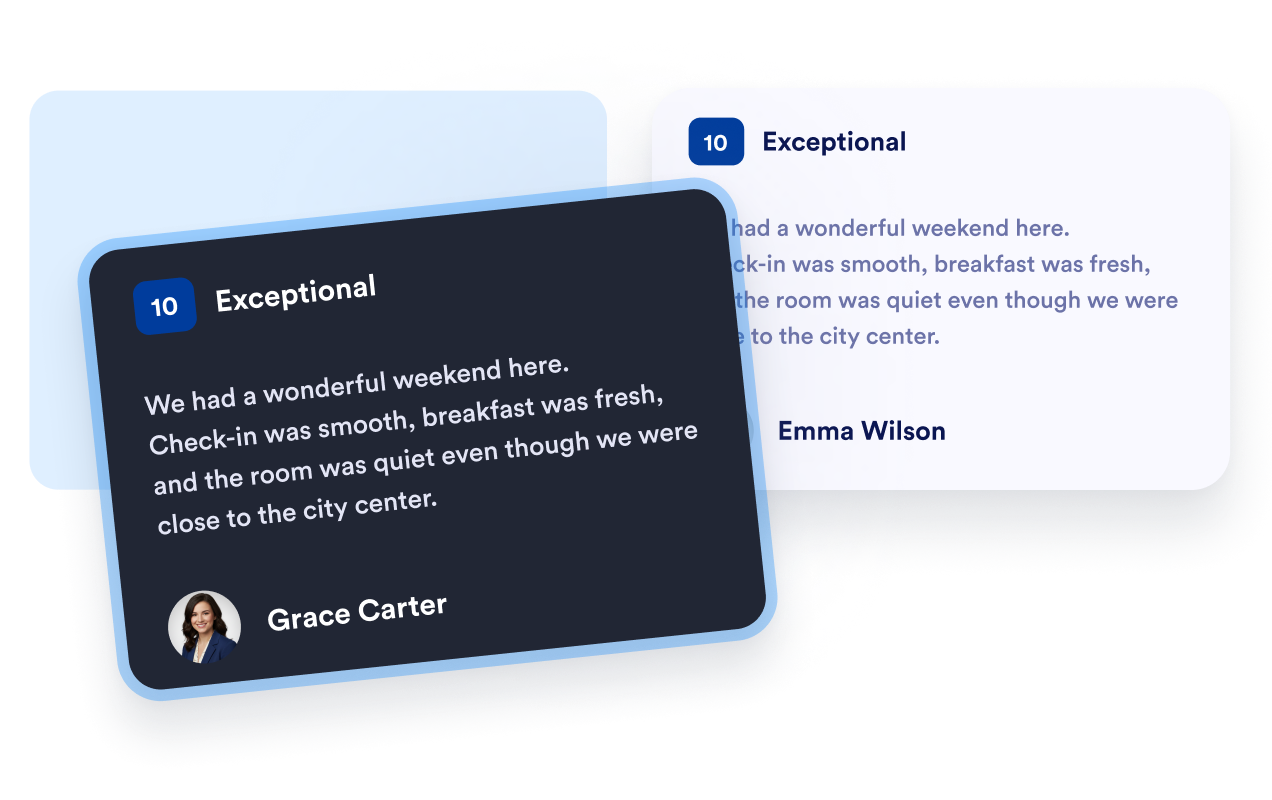
Mostra valutazioni, nomi e testo delle recensioni degli ospiti da Booking.com in un formato familiare. I feedback diretti aiutano i viaggiatori a conoscere i soggiorni precedenti e forniscono loro un contesto utile mentre confrontano la tua struttura con altre opzioni di alloggio.
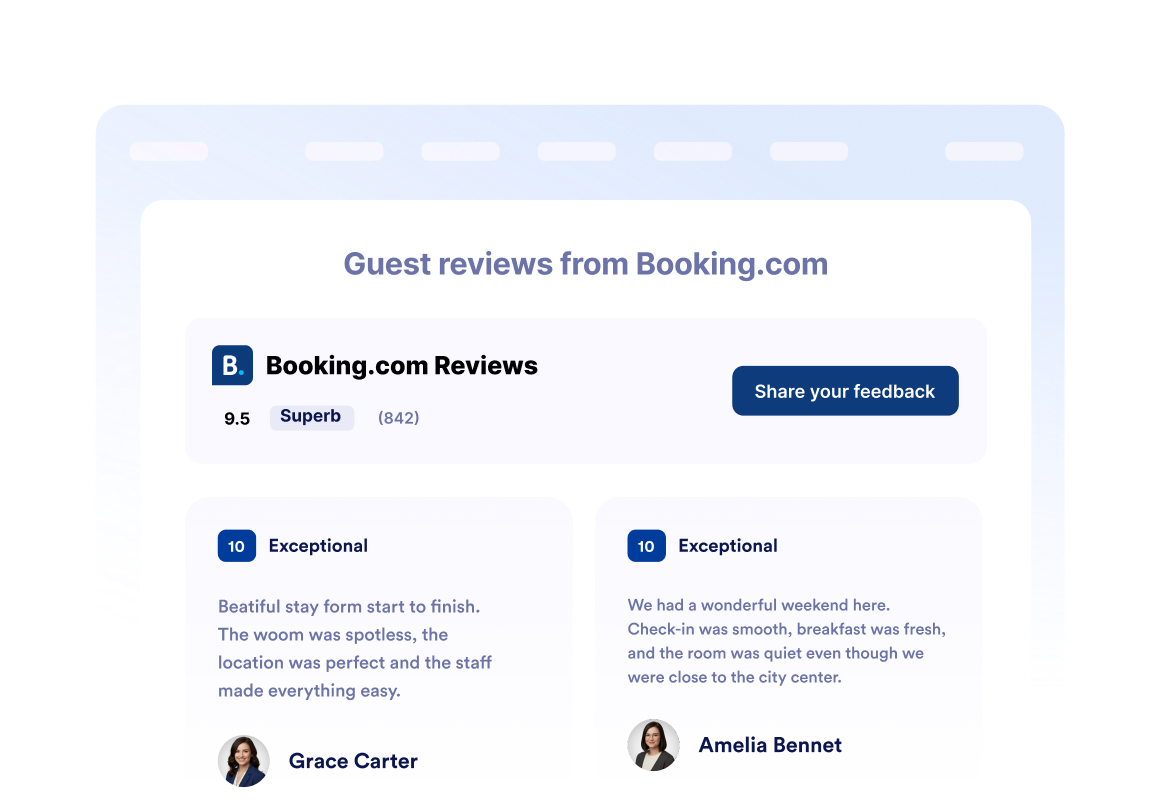
Mostra le valutazioni della struttura a colpo d'occhio
Posiziona la tua valutazione complessiva Booking.com e il numero totale di recensioni nell'intestazione del widget. I visitatori possono valutare rapidamente la reputazione della tua struttura prima di esplorare le singole recensioni degli ospiti, i dettagli delle camere, i servizi o le opzioni di prenotazione.
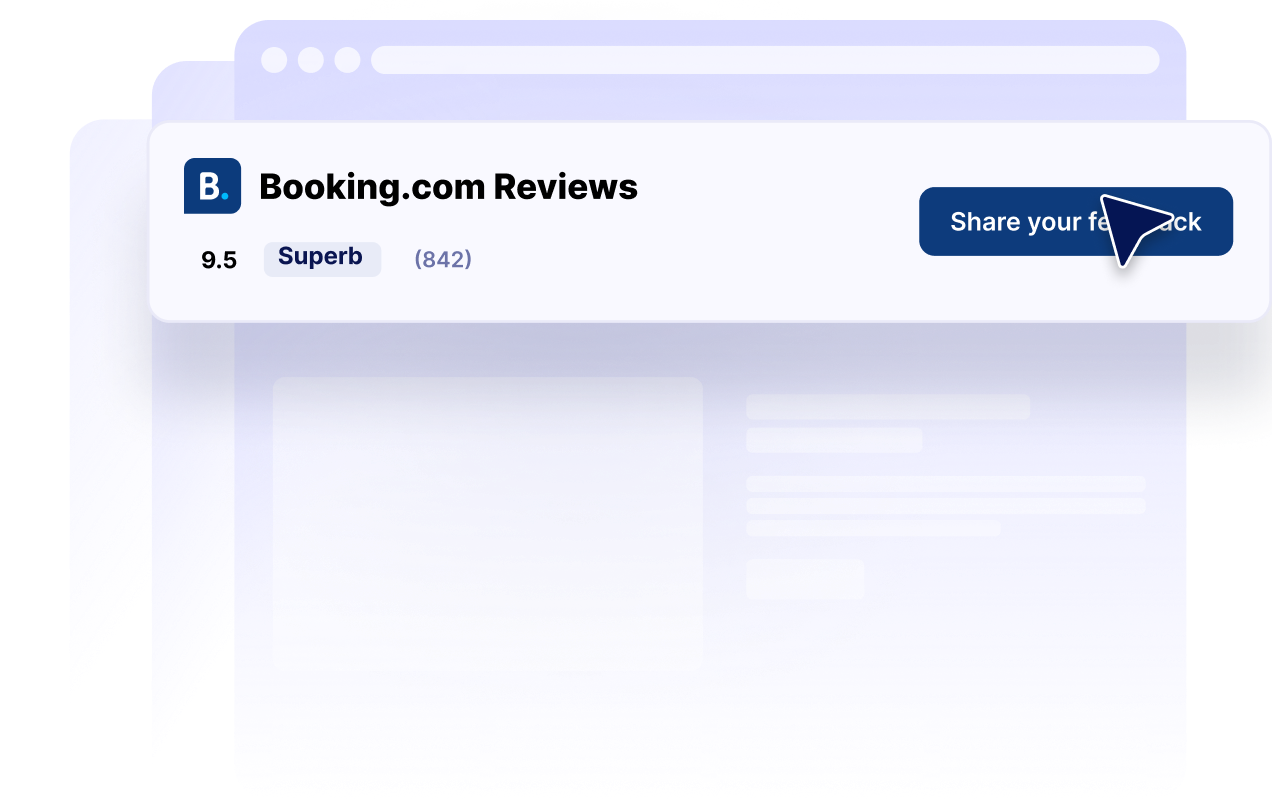
Adatta i layout delle recensioni a ogni pagina
Scegli tra layout carosello, slider, griglia, elenco, masonry e badge. Mostra una raccolta dettagliata di recensioni su una pagina della struttura oppure usa un badge di valutazione compatto in una barra laterale, un footer o una landing page con spazio limitato.

Abbina le recensioni al tuo sito web
Personalizza la modalità scura, i titoli, i pulsanti, i dettagli delle valutazioni, i campi delle recensioni, i colori e la larghezza del widget. Questi controlli aiutano le tue recensioni Booking.com a integrarsi con il tuo sito web, mantenendo facilmente reperibili le informazioni riconoscibili sulle valutazioni.
Perché i Widget del sito web di Jotform si distinguono
I widget di Jotform rendono il tuo sito web più interattivo e aumentano le conversioni. Sono disponibili molti strumenti, dalle valutazioni a stelle e gli slider di testimonianze ai popup di riprova sociale e agli embed di media. Aggiungi widget ai tuoi moduli o alle tue landing page per raccogliere dati, mostrare prove e acquisire lead, senza bisogno di programmazione.
Aggiungi i widget Jotform al tuo sito web con un semplice codice embed. Personalizza il widget, visualizza in anteprima il suo aspetto e incollalo in qualsiasi pagina che supporti HTML personalizzato o blocchi embed, il tutto senza uno sviluppatore.
Usa i Widget del sito web di Jotform per acquisire lead, mostrare feedback dei clienti, visualizzare riprova sociale, incorporare media o aggiungere utili strumenti per le pagine web. Ogni widget aiuta i visitatori a interagire con la tua attività direttamente dal tuo sito web.
Se hai bisogno di aiuto per configurare, personalizzare, incorporare o risolvere problemi con il tuo widget, il team di assistenza clienti di Jotform è disponibile 24 ore su 24, 7 giorni su 7. Puoi andare avanti con fiducia, sapendo che l'aiuto è a disposizione quando ne hai bisogno.
Dove utilizzare il tuo Widget Recensioni Booking.com
Posiziona le recensioni Booking.com dove i viaggiatori confrontano le strutture, valutano le esperienze degli ospiti e decidono se effettuare una prenotazione.
Sezioni di fiducia nella homepage per presentare la valutazione della tua struttura ai nuovi visitatori.
Pagine delle camere e della struttura per fornire contesto agli ospiti insieme a servizi e foto.
Pagine di prenotazione per rafforzare la fiducia vicino al tuo pulsante di prenotazione principale.
Landing page per località per aiutare i viaggiatori a confrontare le opzioni di alloggio.
Landing page promozionali per supportare i pacchetti stagionali con i feedback degli ospiti.
Barre laterali e footer per mantenere visibile una valutazione compatta della struttura su tutto il tuo sito web.
Converti i lead in clienti paganti con il costruttore di Moduli Jotform
Trasforma il coinvolgimento in azione con Jotform. Crea moduli potenti che acquisiscono lead, raccolgono pagamenti e automatizzano le risposte, tutto in un unico posto. Ogni risposta arriva nella tua Posta Jotform, dove puoi dare seguito o collegarti con le tue app preferite.
Inizia Subito — È Gratis!
FAQ
Che cos'è un Widget Recensioni Booking.com?
Un Widget Recensioni Booking.com mostra le valutazioni degli ospiti e i contenuti delle recensioni di una struttura Booking.com su un altro sito web. Hotel, case vacanza e altre attività ricettive possono utilizzarlo per rendere disponibili feedback riconoscibili degli ospiti su tutti i loro siti web.
Come posso creare un Widget booking recensioni?
Quali informazioni Booking.com può mostrare il widget?
Quali layout di recensioni Booking.com sono disponibili?
Posso personalizzare l'aspetto del widget?
I visitatori possono inviare una recensione Booking.com tramite il widget?
Posso mostrare un badge di valutazione Booking.com compatto?
Il Widget Recensioni Booking è mobile-friendly?
Devo scrivere codice?
Posso creare un Widget Recensioni Booking gratuitamente?
Quali piattaforme web supportano il Widget Recensioni Booking.com?
Posso ricevere aiuto per configurare il mio Widget Recensioni Booking.com?