Widget di notifiche push web per il tuo sito
Attira l'attenzione e coinvolgi nuovamente i visitatori con una notifica animata in stile browser che scivola, sfuma, rimbalza o si ingrandisce nell'angolo della tua pagina. Aggiungi un titolo, un messaggio, un'immagine e un pulsante, riproduci un suono opzionale e controlla tempistica, posizione, frequenza e targeting, il tutto con un widget gratuito e senza codice che puoi incorporare ovunque.
Create Now — It’s Free!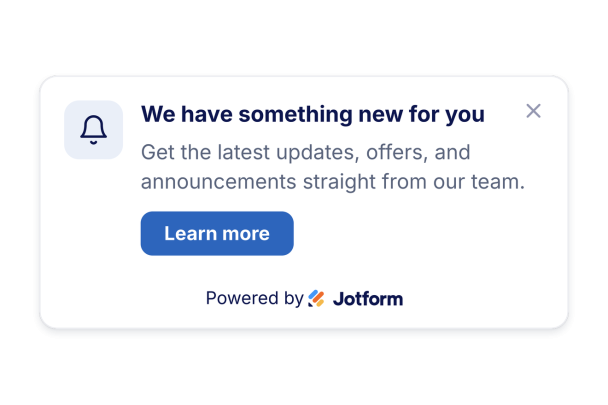

Come creare un widget Browser Notification
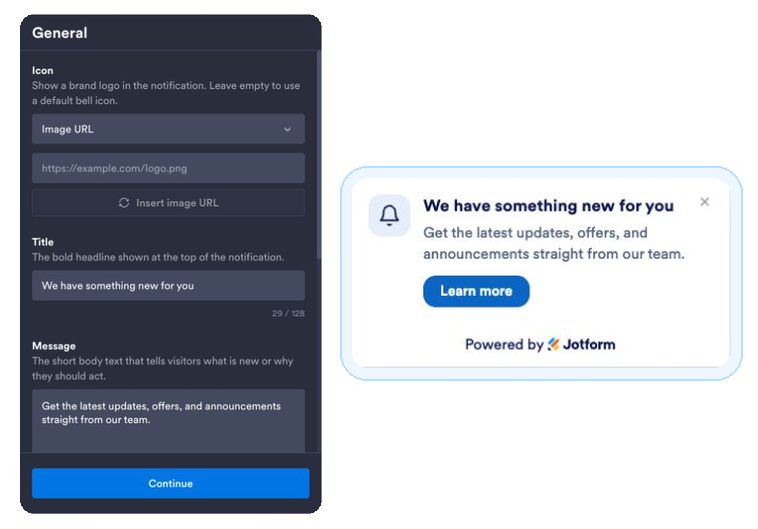
Scrivi la tua notifica
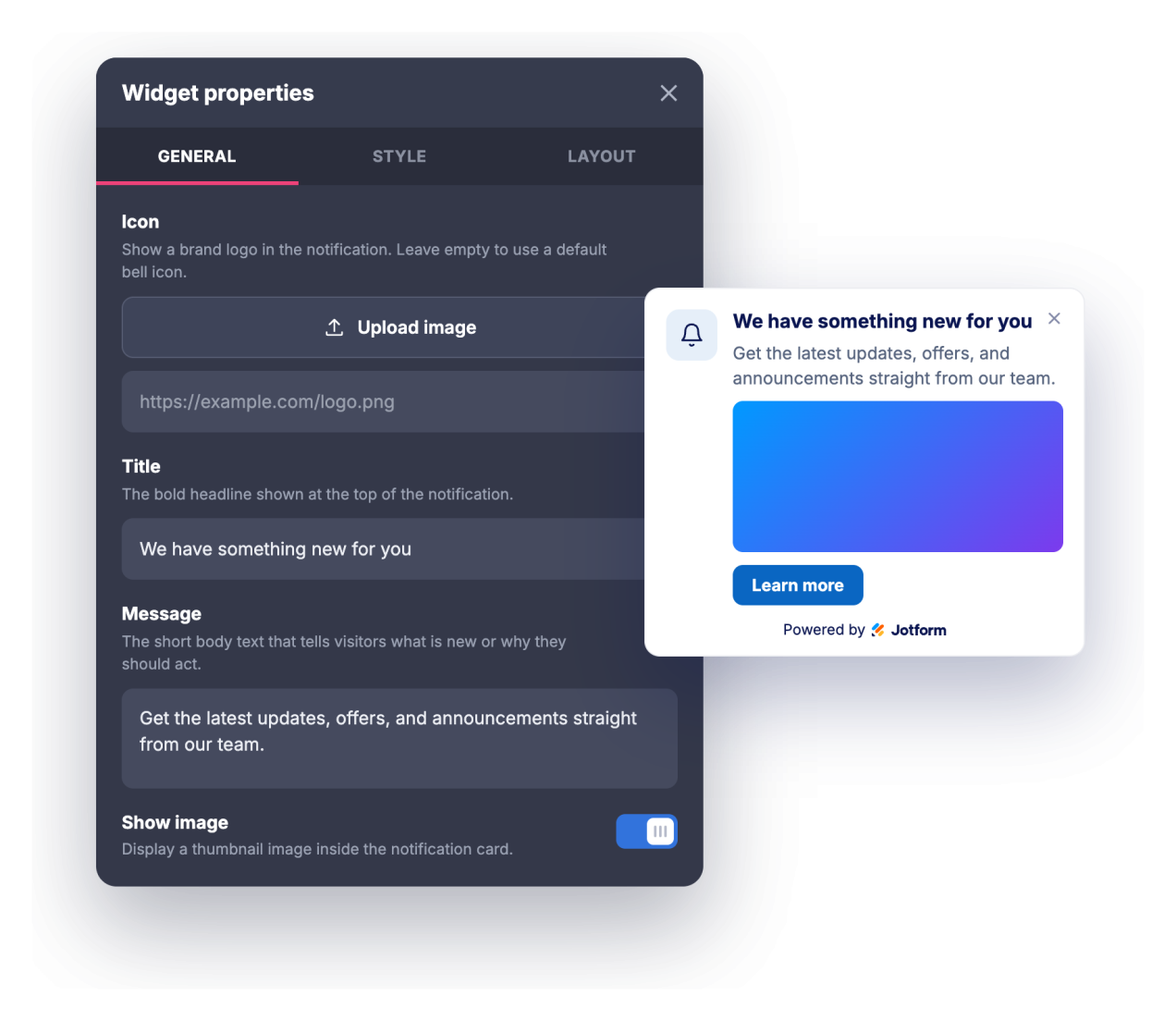
Aggiungi un titolo, un messaggio, un'icona o un'immagine opzionale e un link al pulsante di call-to-action.
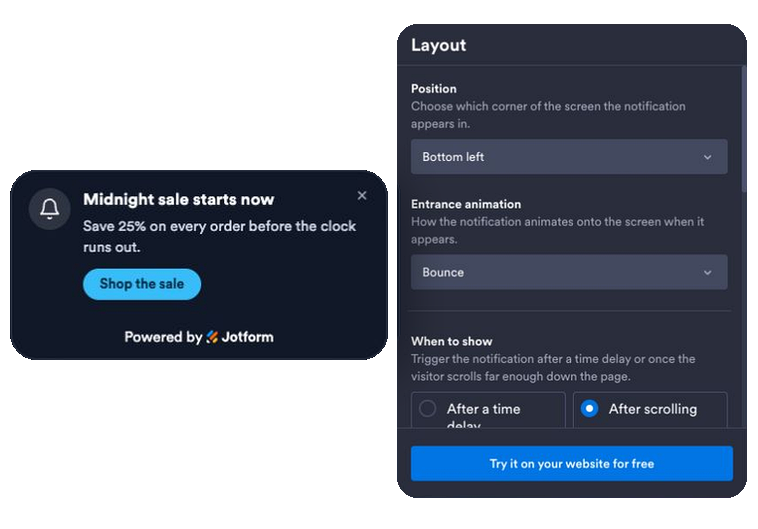
Imposta animazione, tempistica e regole
Scegli un'animazione d'ingresso, scegli un trigger a tempo o di scorrimento, attiva un suono opzionale o una vera notifica del browser e imposta la posizione, la frequenza, le pagine e i dispositivi che la mostrano.
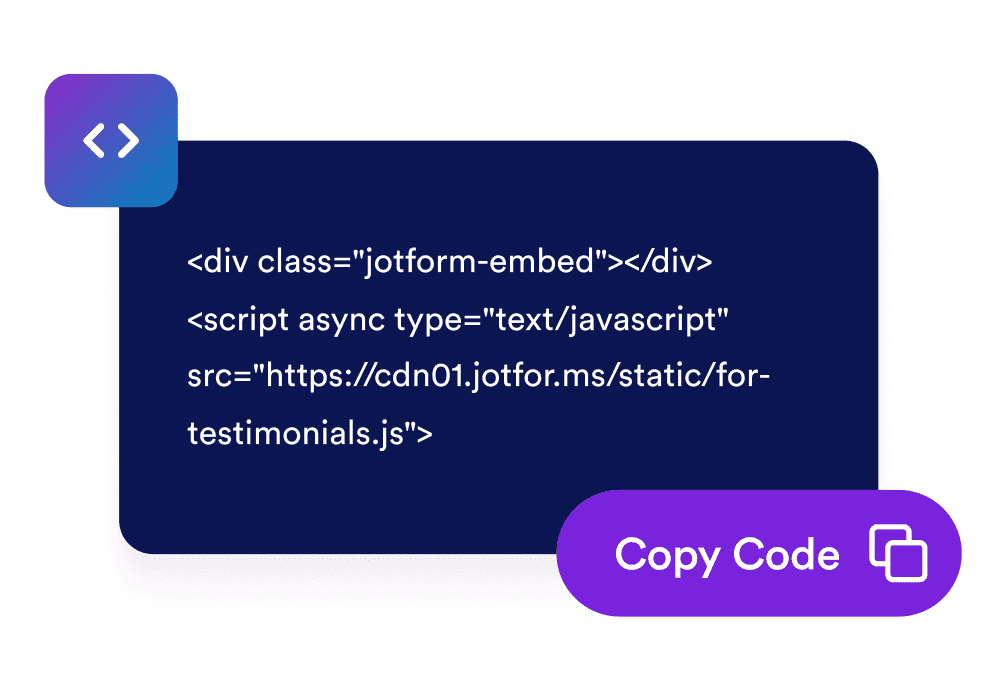
Incorporalo sul tuo sito
Copia il codice embed generato e incollalo ovunque sul tuo sito web per avviare la notifica all'istante.
Trasforma le visite passive in coinvolgimento
Recapita un messaggio tempestivo che si fa notare
Una scheda di notifica in stile browser si anima nell'angolo della tua pagina con un titolo, un messaggio e un pulsante, così promozioni, aggiornamenti e annunci vengono visti senza interrompere l'intero schermo.
Adattalo allo stile del tuo brand in pochi clic
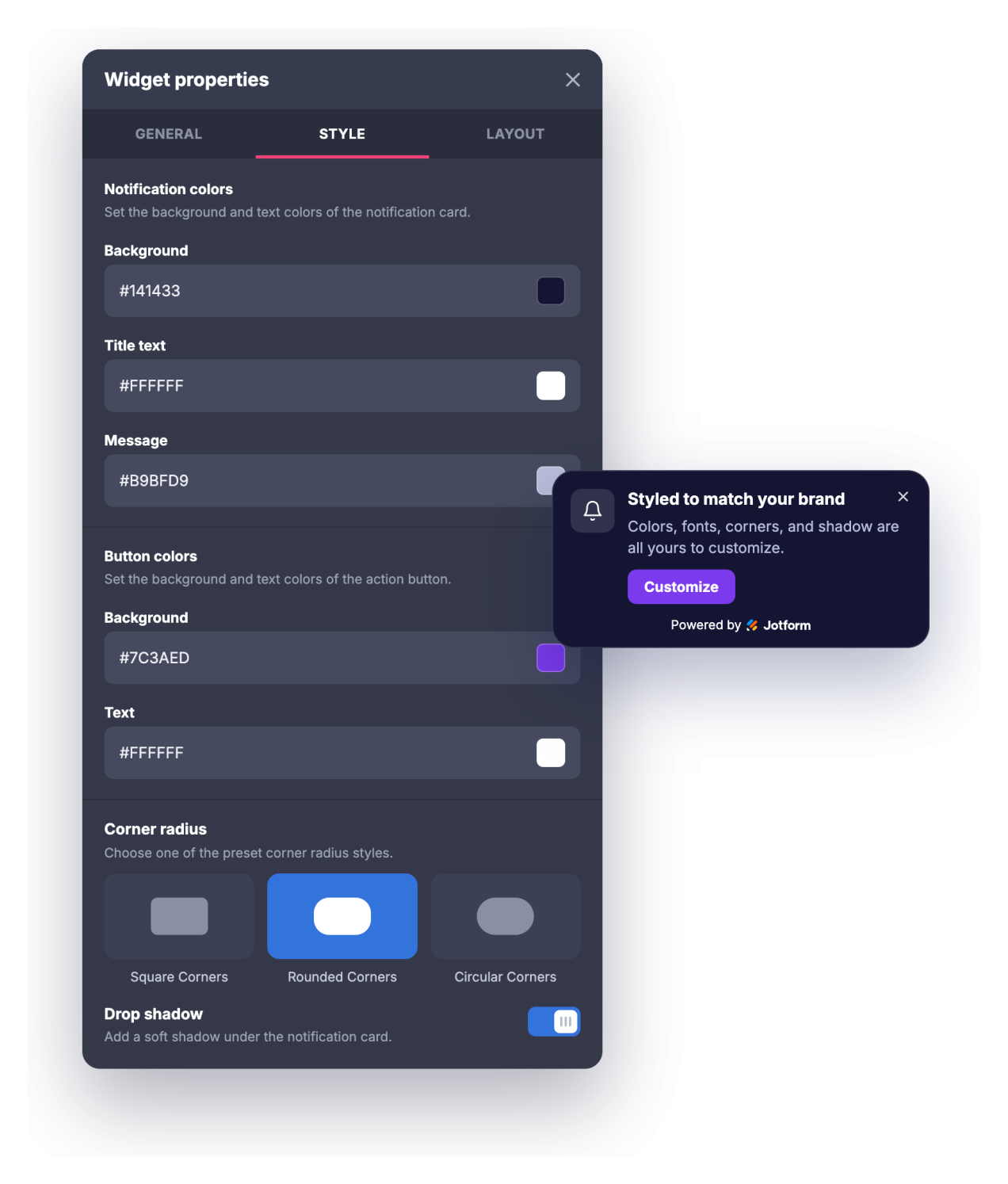
Regola i colori dello sfondo, del titolo, del messaggio e del pulsante, le dimensioni del titolo e del messaggio, il raggio degli angoli e l'ombra esterna in modo che la notifica sembri una parte naturale del tuo sito anziché un popup generico.
Riporta indietro i visitatori e controlla la frequenza
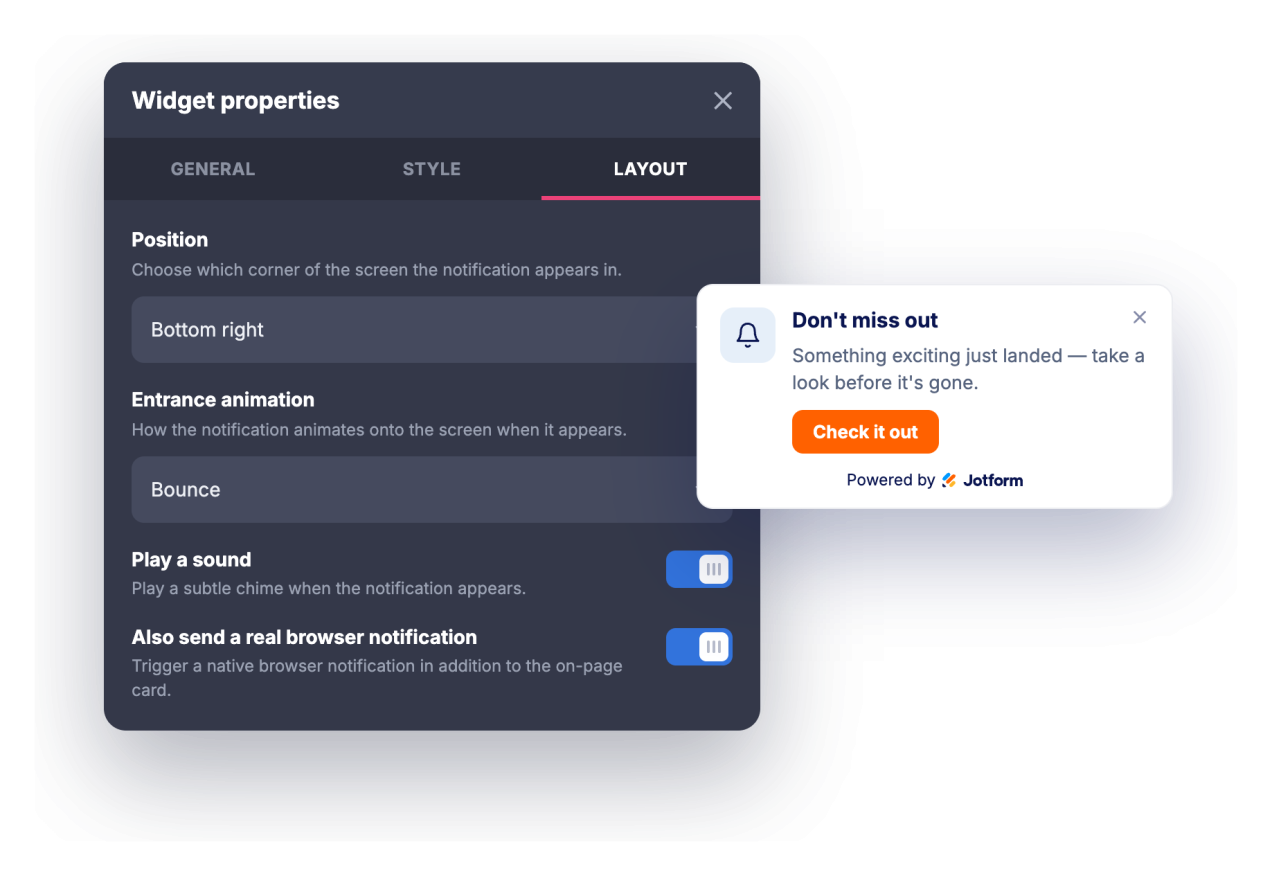
Attira l'attenzione con un suono opzionale o una vera notifica del browser a cui i visitatori possono aderire, quindi imposta un ritardo di visualizzazione o un trigger di scorrimento, un timer di chiusura automatica e la frequenza con cui la notifica ricompare.
Raggiungi le pagine e i dispositivi giusti
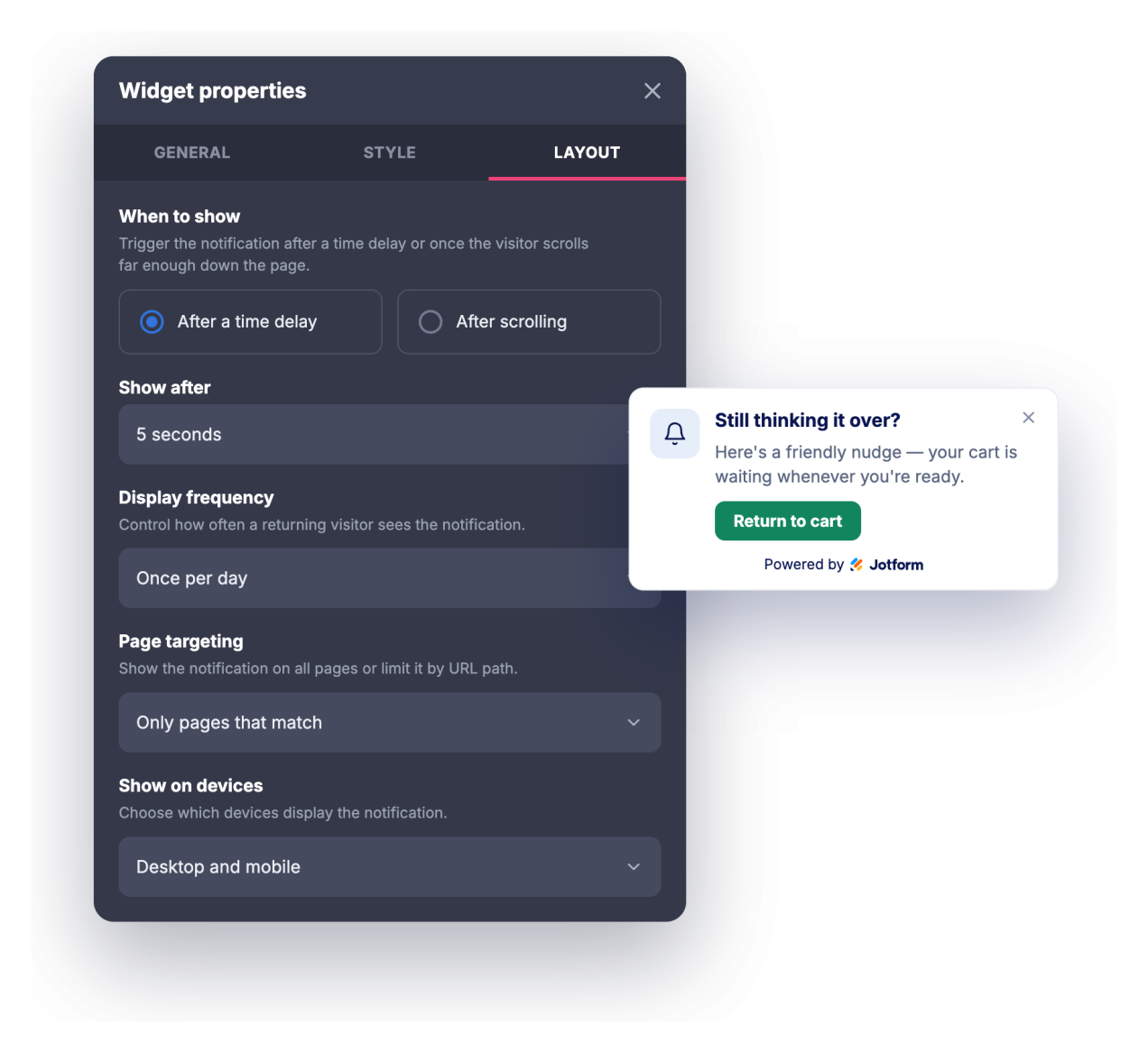
Mostra la notifica su ogni pagina, solo sulle pagine il cui URL corrisponde, oppure ovunque tranne le pagine corrispondenti, quindi scegli se visualizzarla su desktop, dispositivi mobili o entrambi.
Perché i Widget del sito web di Jotform si distinguono
I widget di Jotform rendono il tuo sito web più interattivo e aumentano le conversioni. Sono disponibili molti strumenti, dalle valutazioni a stelle e gli slider di testimonianze ai popup di riprova sociale e agli embed di media. Aggiungi widget ai tuoi moduli o alle tue landing page per raccogliere dati, mostrare prove e acquisire lead, senza bisogno di programmazione.
Aggiungi i widget Jotform al tuo sito web con un semplice codice embed. Personalizza il widget, visualizza in anteprima il suo aspetto e incollalo in qualsiasi pagina che supporti HTML personalizzato o blocchi embed, il tutto senza uno sviluppatore.
Usa i Widget del sito web di Jotform per acquisire lead, mostrare feedback dei clienti, visualizzare riprova sociale, incorporare media o aggiungere utili strumenti per le pagine web. Ogni widget aiuta i visitatori a interagire con la tua attività direttamente dal tuo sito web.
Se hai bisogno di aiuto per configurare, personalizzare, incorporare o risolvere problemi con il tuo widget, il team di assistenza clienti di Jotform è disponibile 24 ore su 24, 7 giorni su 7. Puoi andare avanti con fiducia, sapendo che l'aiuto è a disposizione quando ne hai bisogno.
Dove utilizzare il tuo widget di notifiche push web
Usa il widget ovunque un messaggio breve e ben tempificato possa spingere i visitatori verso il passo successivo senza invadere la pagina.
Landing page per evidenziare un'offerta a tempo limitato, un lancio o un lead magnet non appena i visitatori arrivano
Negozi online per annunciare saldi, soglie di spedizione gratuita, codici sconto o riassortimenti in una notifica in un angolo
Blog e siti di contenuti per promuovere una newsletter, un post correlato o una risorsa riservata mentre i lettori scorrono
Pagine SaaS e di prodotto per mostrare nuove funzionalità, changelog, webinar o inviti alla prova ai visitatori giusti
Pagine di eventi e corsi per comunicare scadenze di iscrizione, prezzi early-bird o promemoria di programma
Pagine di supporto e documentazione per indirizzare gli utenti verso aggiornamenti di stato, nuove guide o opzioni di contatto
Converti i lead in clienti paganti con il costruttore di Moduli Jotform
Trasforma il coinvolgimento in azione con Jotform. Crea moduli potenti che acquisiscono lead, raccolgono pagamenti e automatizzano le risposte, tutto in un unico posto. Ogni risposta arriva nella tua Posta Jotform, dove puoi dare seguito o collegarti con le tue app preferite.
Inizia Subito — È Gratis!
FAQ
Cos'è il widget di notifiche push web?
Il widget di notifiche push web è una scheda incorporabile, con lo stile di una notifica del browser, che si anima nell'angolo del tuo sito web per mostrare un titolo, un messaggio, un'immagine e un pulsante call-to-action. Offre animazioni di entrata, un suono opzionale, controlli tipografici e regole di temporizzazione e targeting. I visitatori che lo consentono possono anche ricevere una vera notifica del browser mentre sono sul tuo sito.
Cosa posso animare?
Può riprodurre un suono?
I visitatori devono concedere il permesso?
Posso controllare quando appare la notifica?
Posso mostrarla solo su determinate pagine?
Posso personalizzare il design?
Funziona sui dispositivi mobili?
Devo scrivere codice per utilizzarlo?
Il widget di notifiche push web è gratuito?