
Free Countdown Timer Widget for Your Website
Create urgency for sales, product launches, webinars, events, and seasonal campaigns. Jotform's Countdown Timer widget lets you set a target date, select restart timing, customize layout and colors, add action buttons, and embed the widget on your website — no coding required.
Come creare un widget Countdown Timer
Create urgency with a countdown timer that fits your page
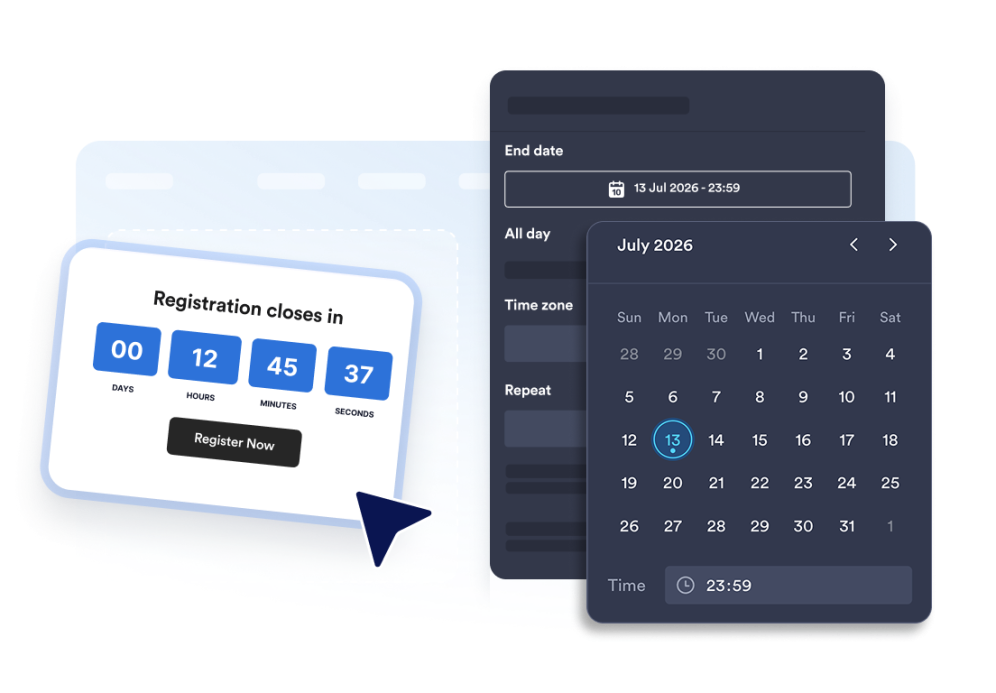
Count down to a specific date and time
Set a precise deadline for launches, promotions, webinars, product drops, or event campaigns. Time zone functionality keeps the countdown consistent for your campaign.

Use layouts for banners and inline sections
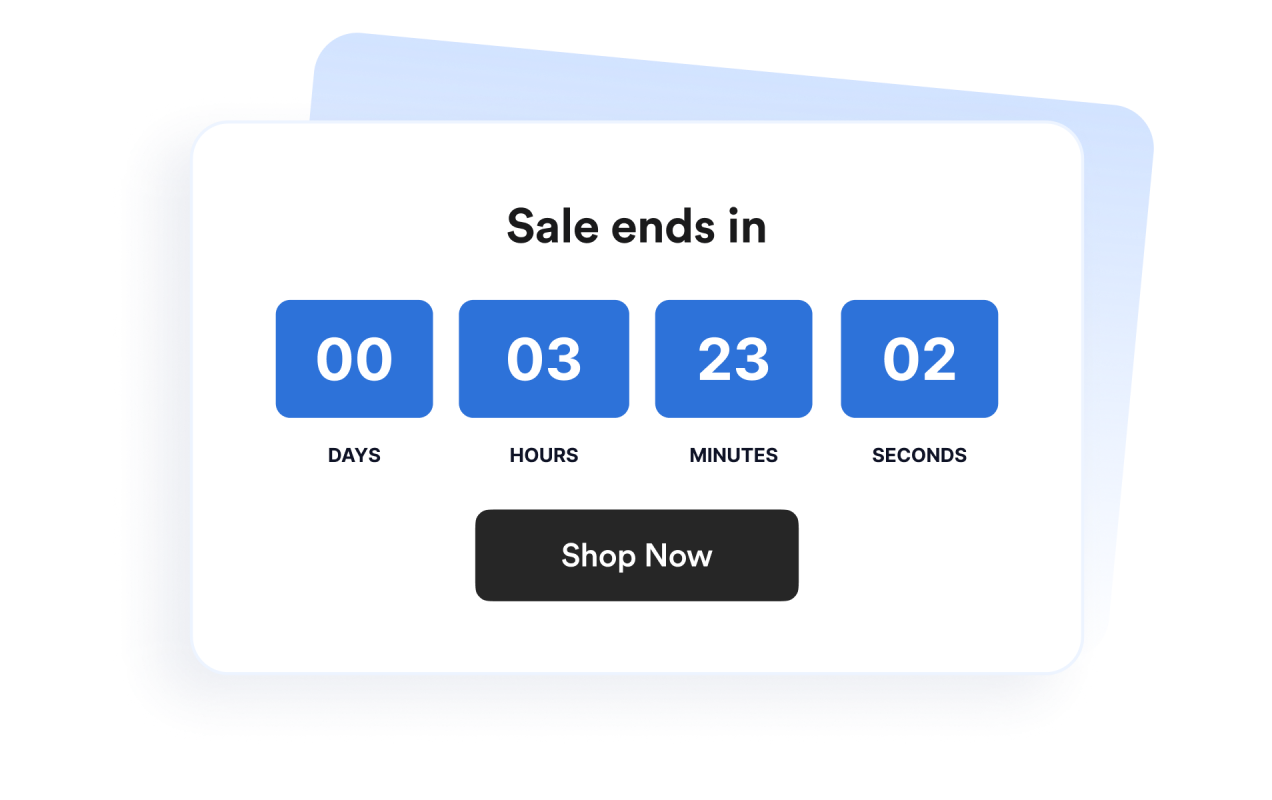
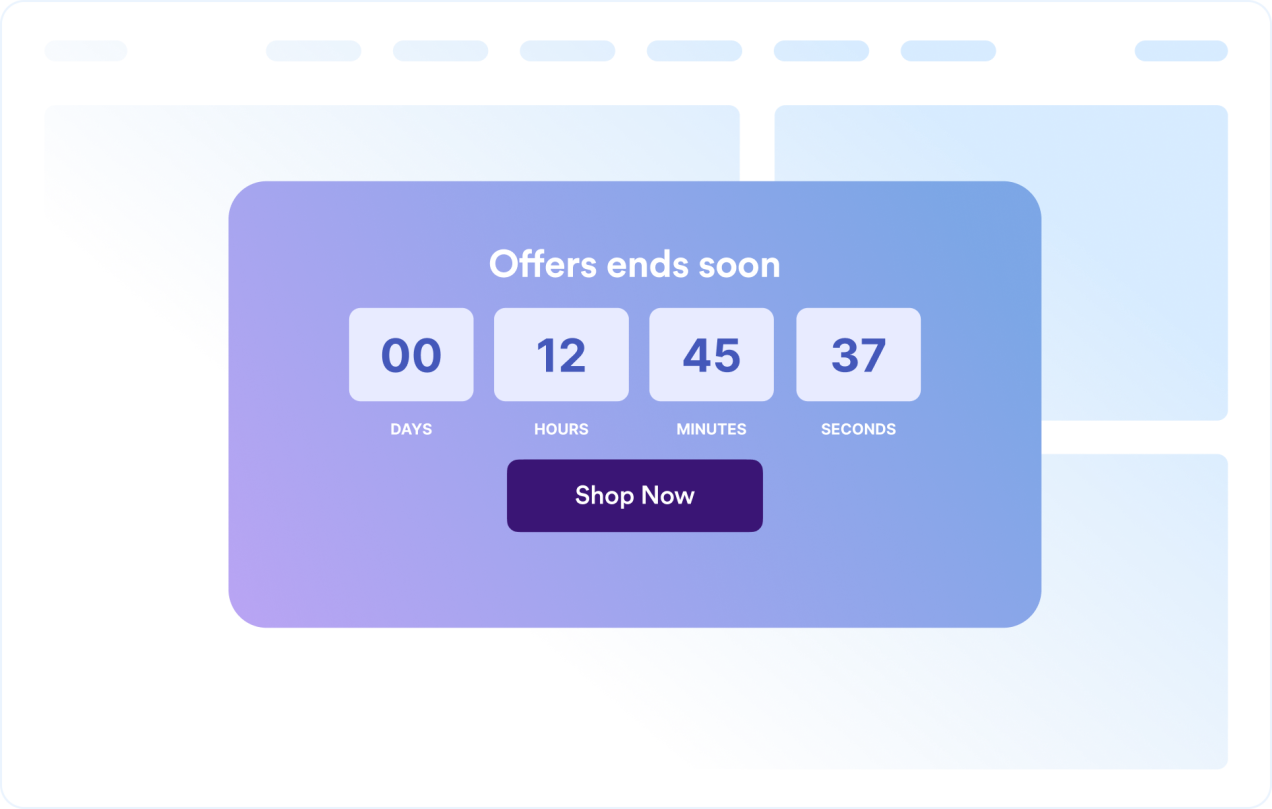
Display the timer inline, as a full-width section, as a fixed top or bottom bar, or as a floating card. This makes it easy to fit the widget into different website designs.

Customize the timer design
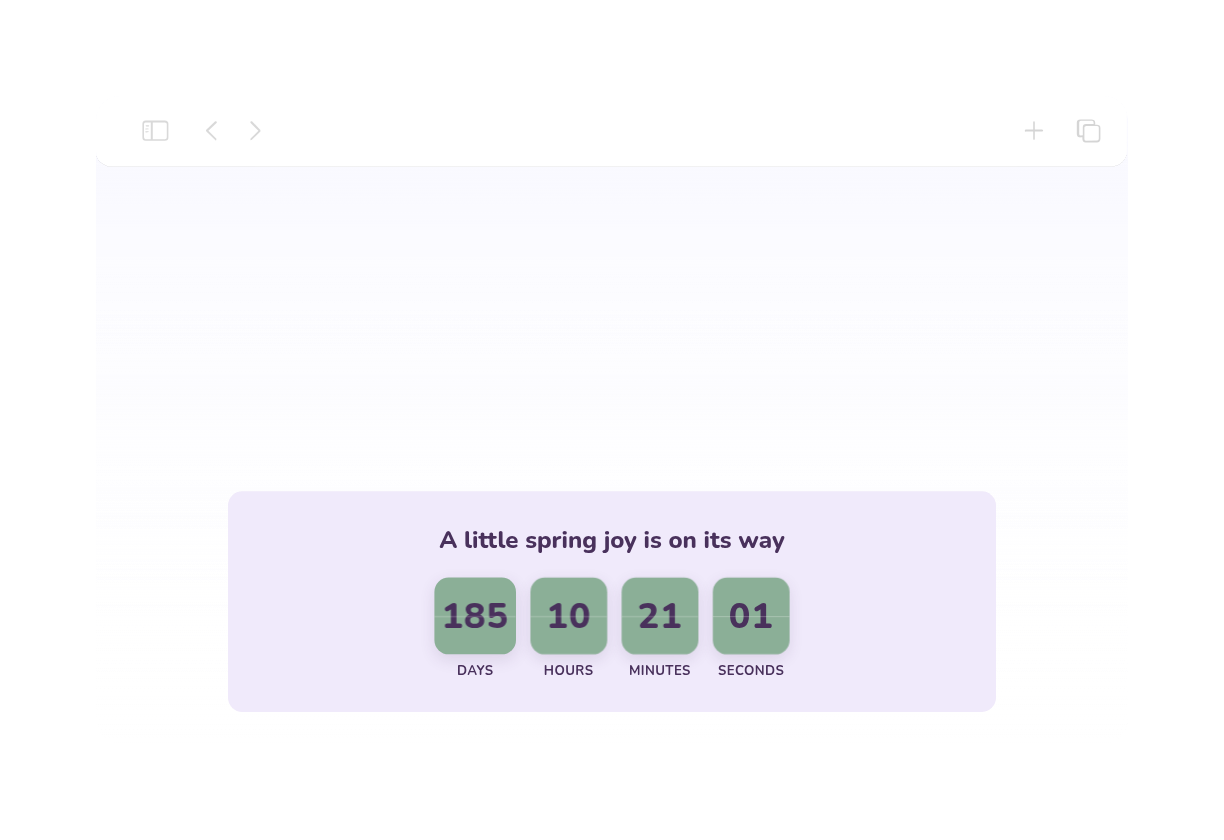
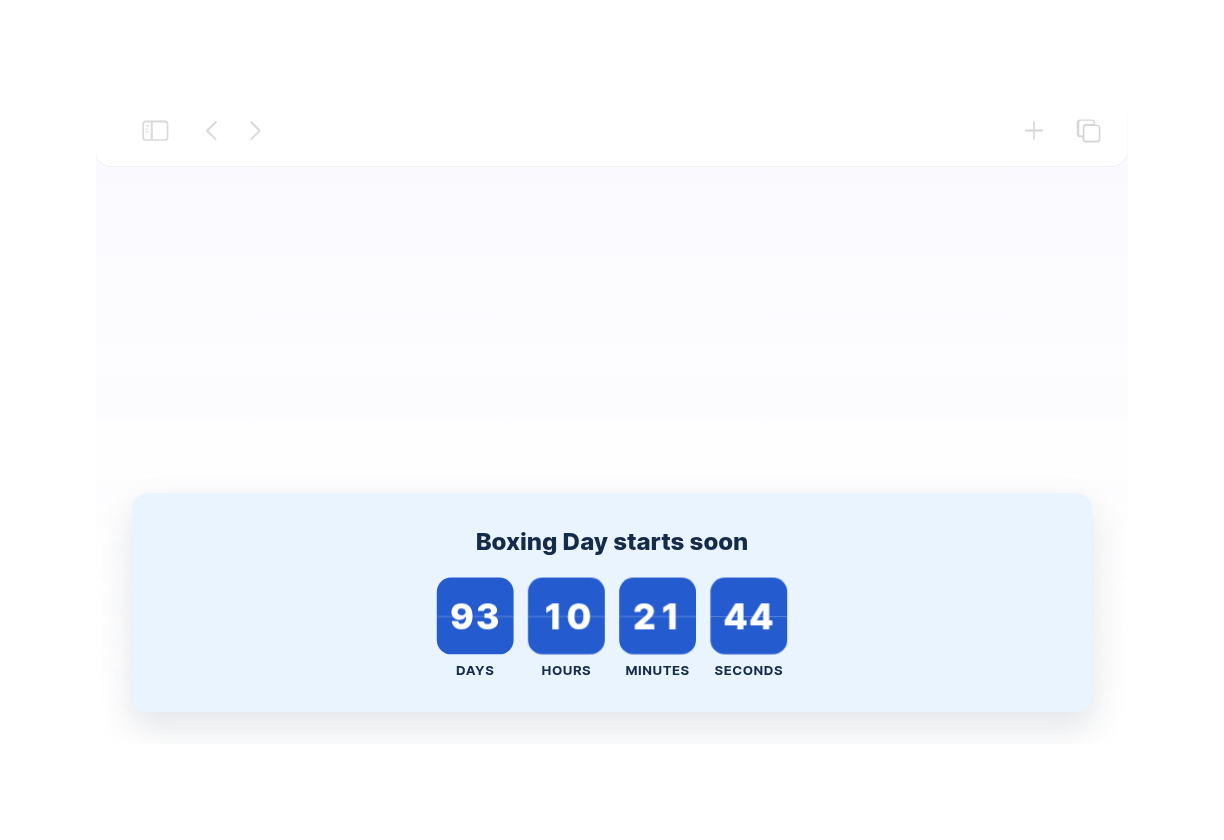
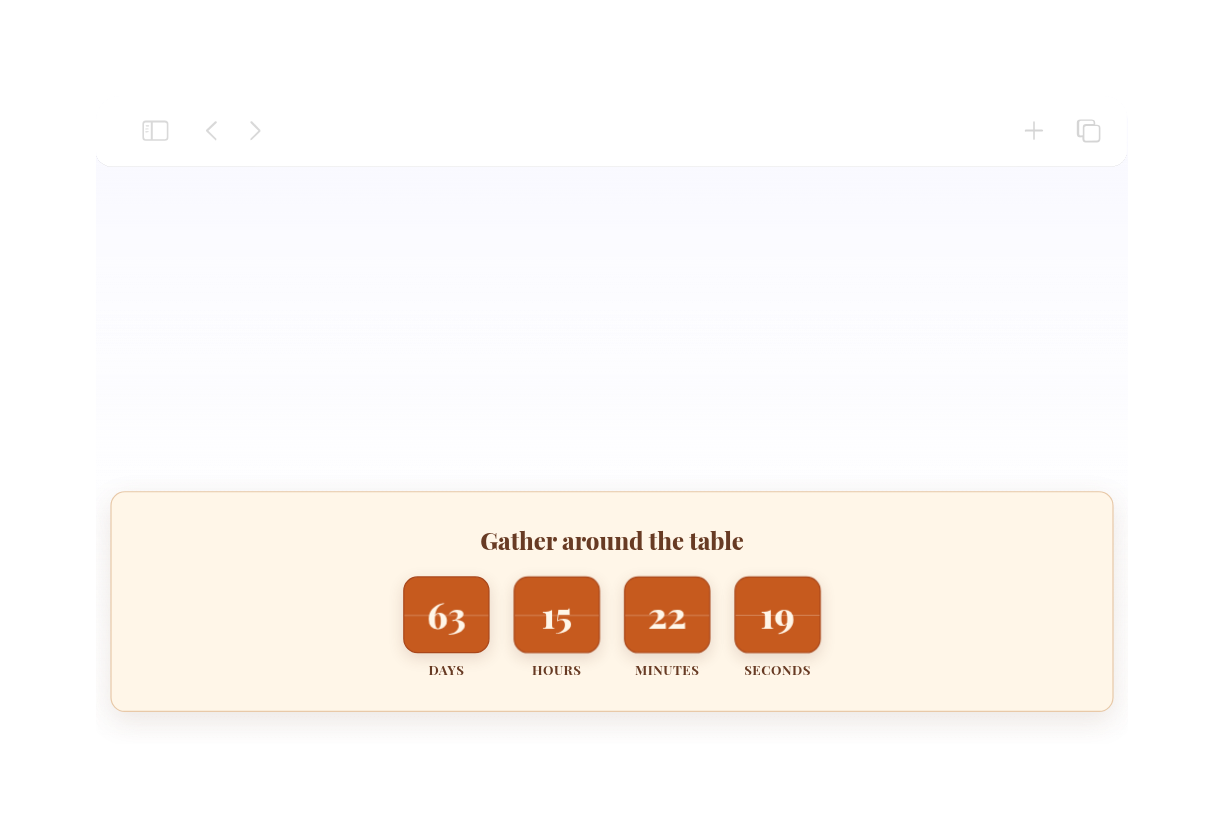
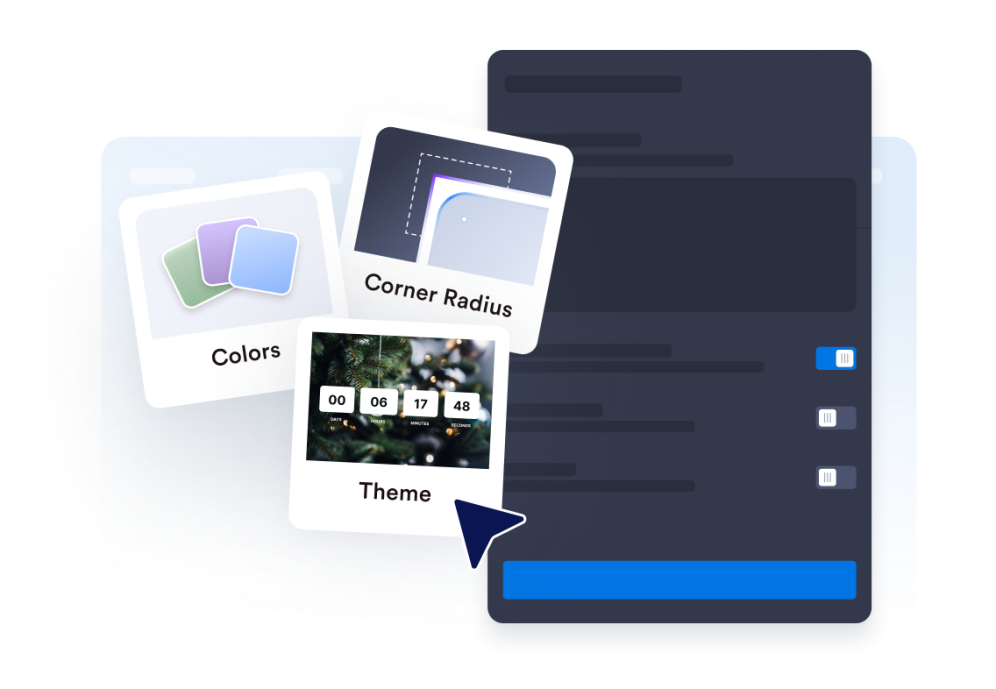
Show or hide time units, adjust labels, set the corner style, and apply campaign-ready theme presets.

Guide visitors to the next action
Add the widget anywhere on your site where a clear deadline might prompt visitors to take action.

Perché i Widget Jotform per siti web sono così utili
I widget di Jotform rendono il tuo sito web più interattivo e aumentano le conversioni. Sono disponibili numerosi strumenti, dalle valutazioni a stelle e slider di testimonianze ai popup con la prova sociale e all'integrazione di contenuti multimediali. Aggiungi widget ai tuoi moduli o landing page per raccogliere dati, mostrare prove e acquisire lead, senza bisogno di scrivere codice.
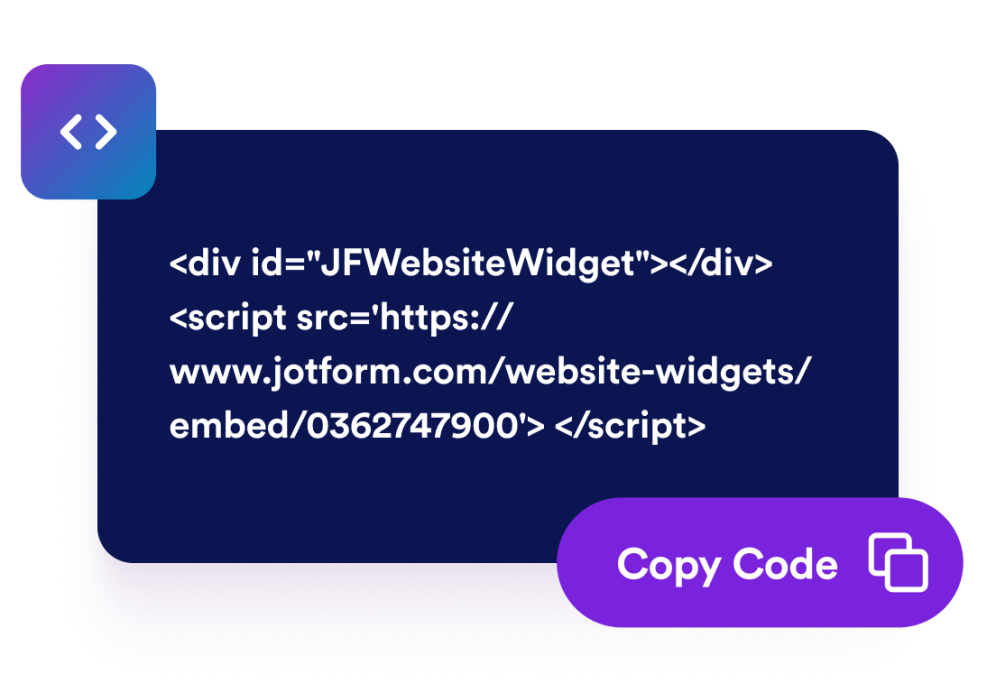
Aggiungi i widget di Jotform al tuo sito web con un semplice codice di incorporamento. Personalizza il widget, visualizza l'anteprima e incollalo in qualsiasi pagina che supporti HTML personalizzato o blocchi di incorporamento, il tutto senza bisogno di assumere un programmatore.
Utilizza i widget per siti web di Jotform per raccogliere contatti, mostrare il feedback dei clienti, presentare prove sociali, incorporare contenuti multimediali o aggiungere strumenti utili alle tue pagine web. Ogni widget consente ai visitatori di interagire con la tua attività direttamente dal tuo sito web.
Se hai bisogno di aiuto per configurare, personalizzare, integrare o risolvere problemi relativi al tuo widget, il team di assistenza clienti di Jotform è disponibile 24 ore su 24, 7 giorni su 7. Puoi stare tranquillo, sapendo che avrai tutto l'aiuto di cui hai bisogno, ogni volta che ne avrai bisogno.
Where to use your Countdown Timer widget
Add the widget anywhere a clear deadline can help visitors act sooner and understand when an offer, event, or campaign ends.
Sale landing pages to highlight limited-time discounts and flash campaigns
Product launch pages to build anticipation before a release
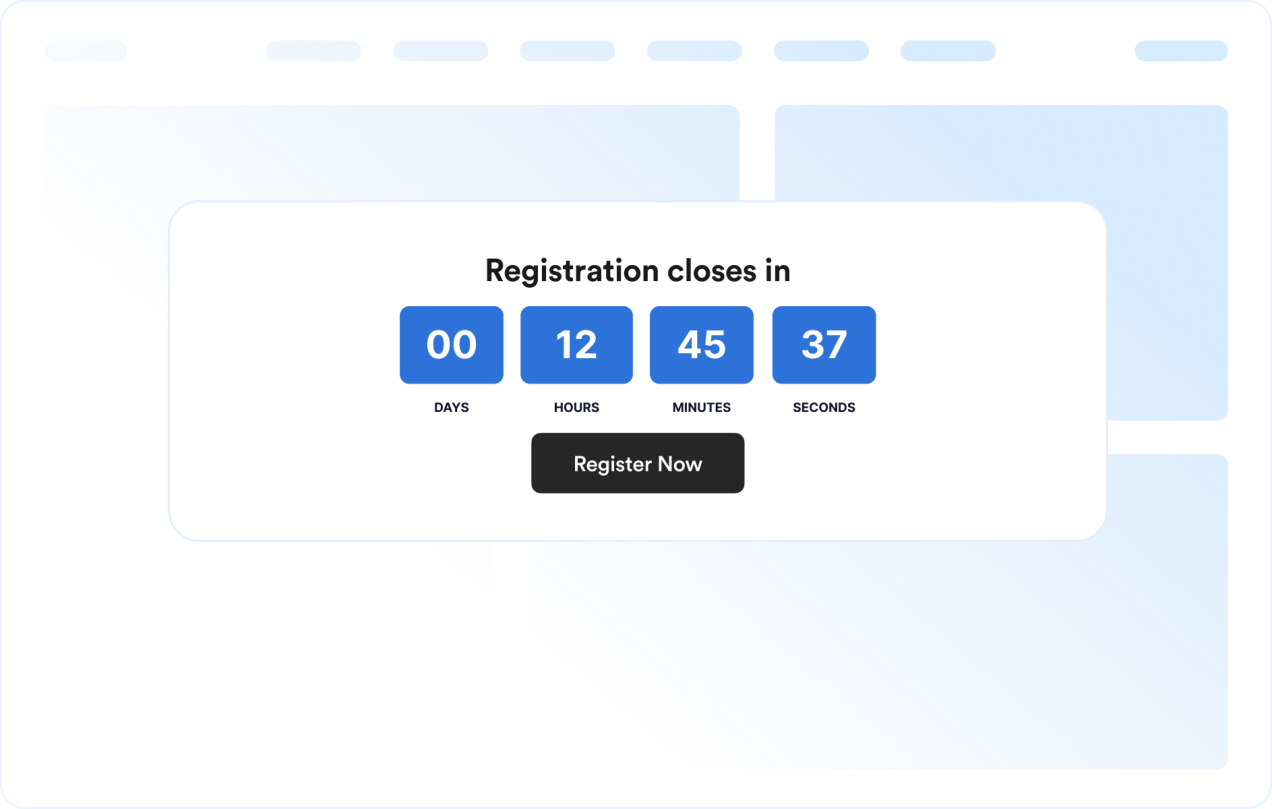
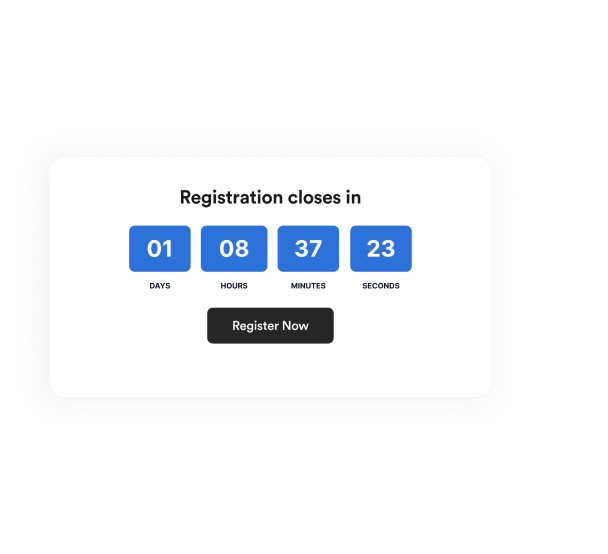
Event and webinar pages to show registration or attendance deadlines
Announcement bars to keep a deadline visible across the top or bottom of a site
Checkout and pricing pages to reinforce promotional deadlines near purchase decisions
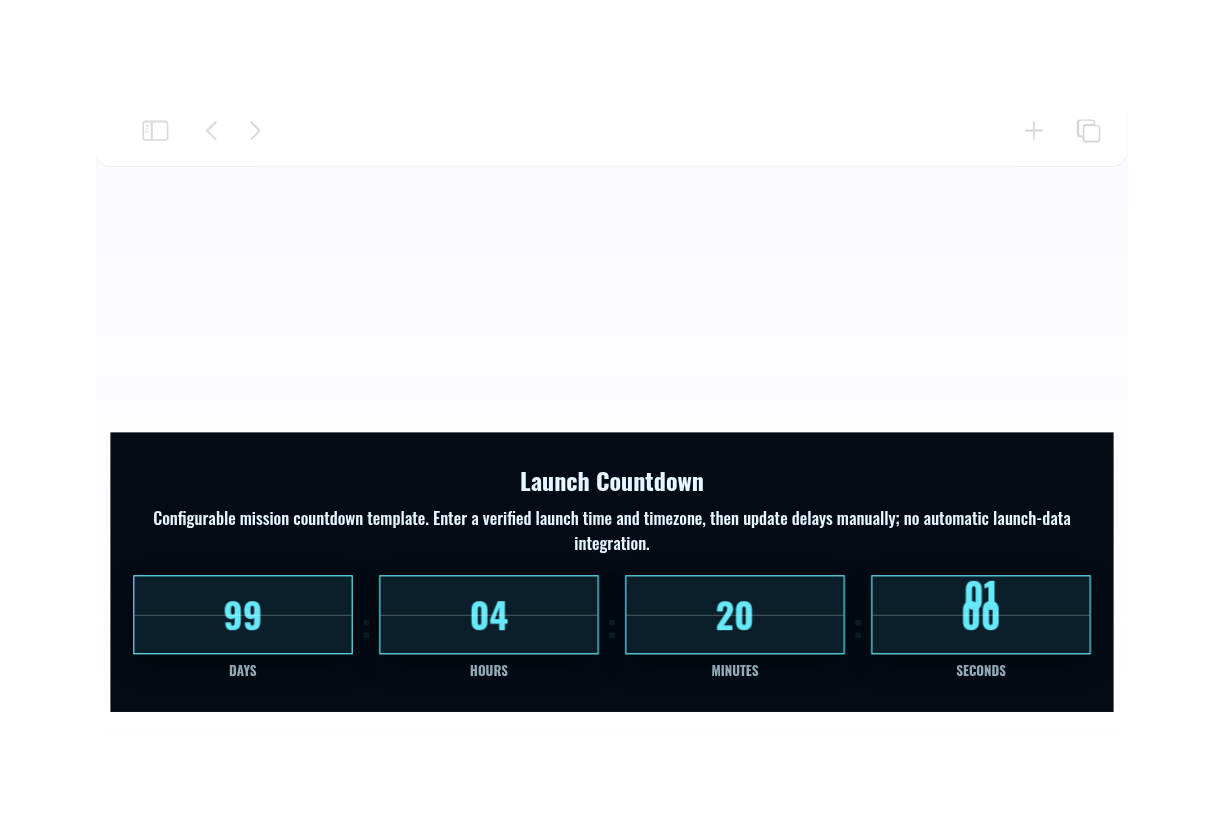
Coming soon pages to count down to a launch date with a clear call-to-action
Trasforma i lead in clienti paganti con il generatore di moduli Jotform
Trasforma l'interazione in azione con Jotform. Crea moduli efficaci per acquisire contatti, riscuotere pagamenti e automatizzare le risposte, tutto in un unico posto. Ogni modulo inviato arriva nella tua casella di posta Jotform, dove puoi gestire i follow-up o integrarlo con le tue app preferite.
Inizia subito. È gratis!
FAQ
What is a Countdown Timer widget?
A Countdown Timer widget displays the time remaining until a chosen date and time. It helps websites promote sales, events, launches, and other time-sensitive campaigns.
Can I customize the layout?
Can I change the colors and layout?
Can the countdown repeat?
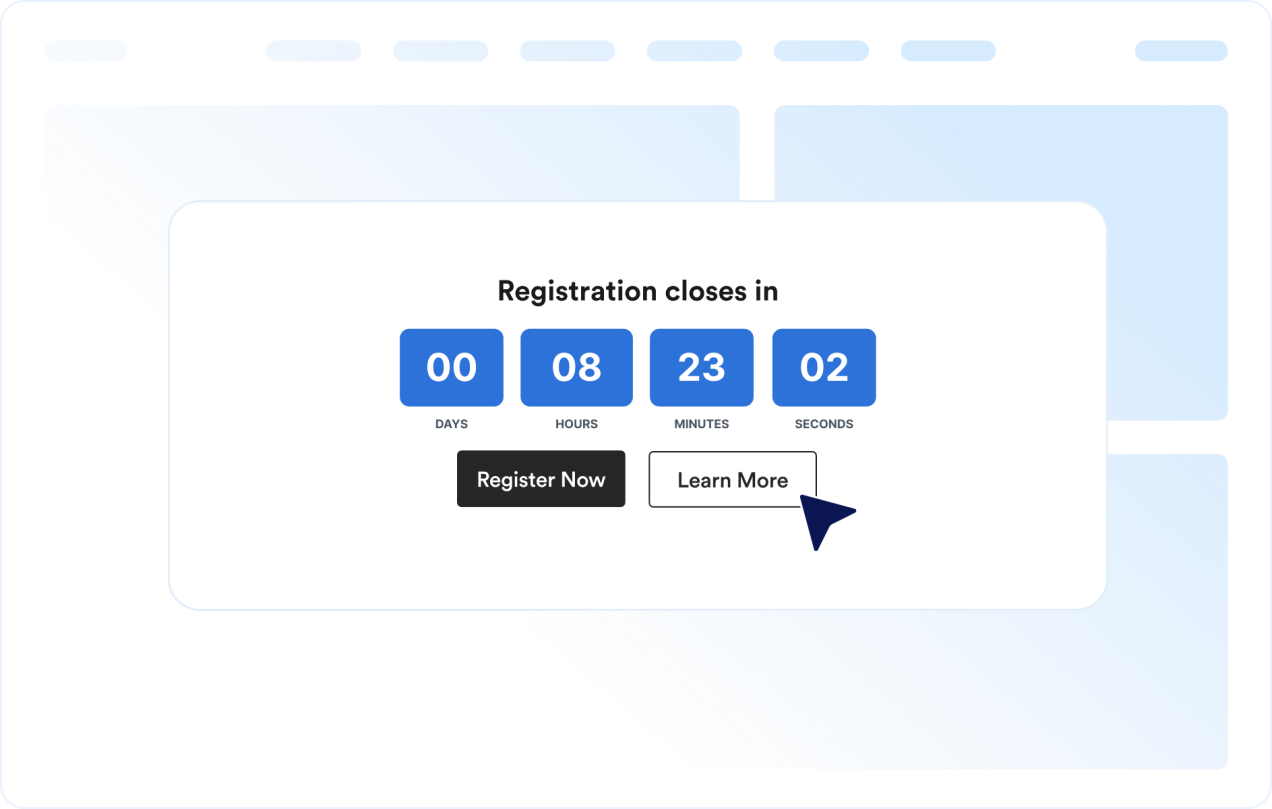
Can I add buttons to the countdown?
What happens when the countdown ends?
Does it work on mobile?
Devo scrivere codice?