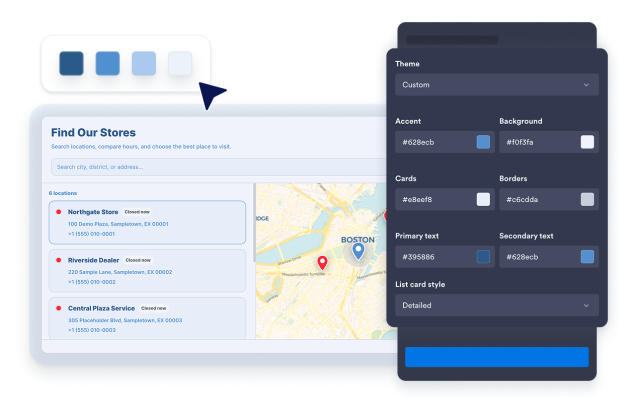
Widget Localizzatore di Negozi
Create a Store Locator Widget for Your Website
Build a responsive location directory with searchable cards, an interactive map, contact details, business hours, photos, map themes, and styling controls in a no-code builder.
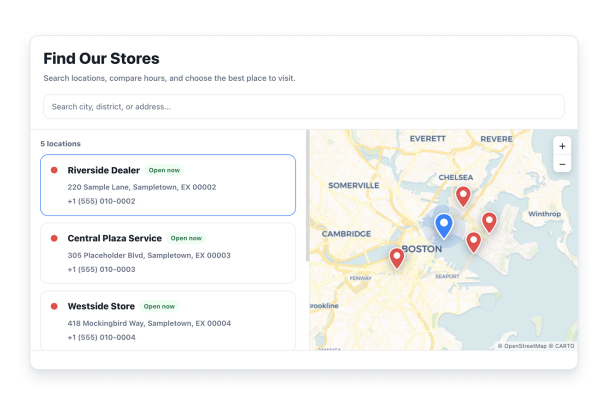

Add Location Details Visitors Need
Search for a business or address with Google, then add an introduction, photos, and a logo. Choose whether phone, business hours, email, and website details appear for each location.
Location details include:

Help Visitors Search Locations Quickly
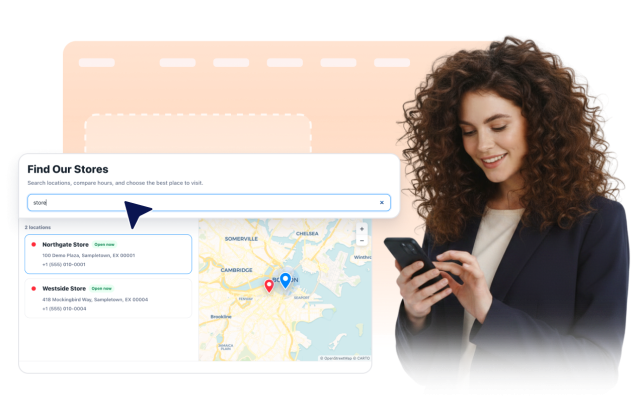
Show an optional search bar so visitors can narrow the list using location names, addresses, descriptions, and the contact details you choose to display.
Search covers:
Connect Every Location to an Interactive Map
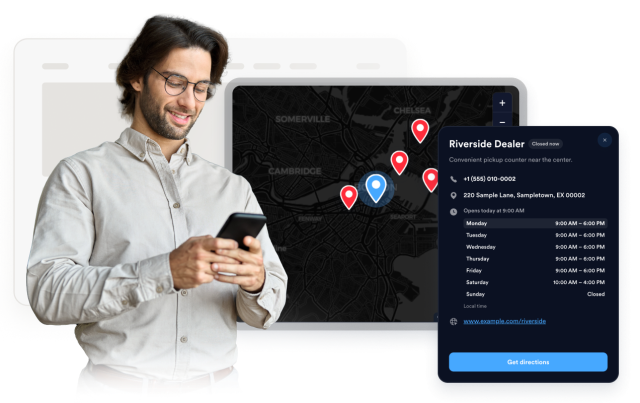
Let visitors pan and zoom the map, select a location card or pin, and open its details. Choose a map theme, zoom level, pin shape, labels, and marker colors.
Map controls include:
Choose Layouts and Brand Styling
Place the map on the left, right, or top, or use a grid without the map. Select photo, detailed, or compact cards, then adjust the theme, colors, corner radius, sizing, branding, and scoped CSS.
Style controls include: