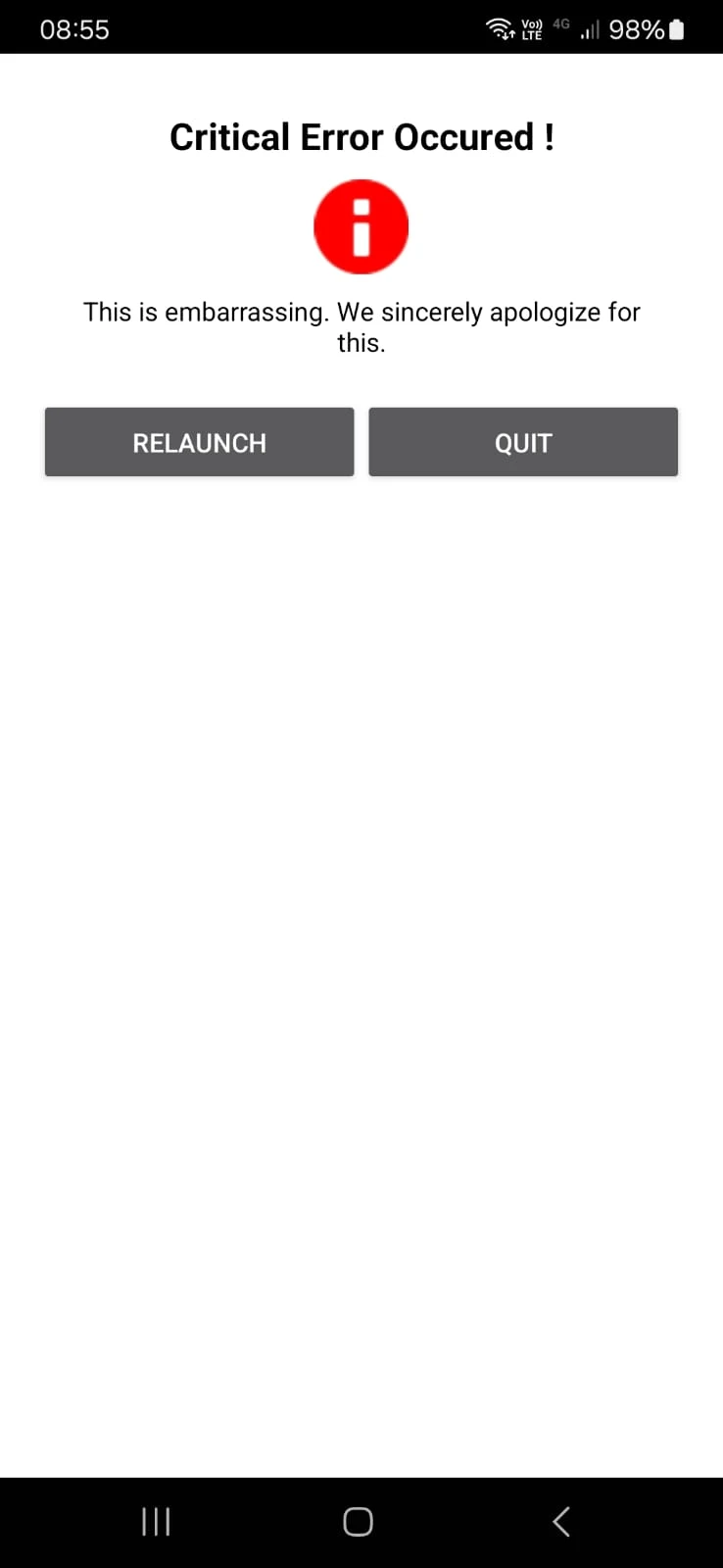
-
MMarcos Silvares
Clico na opção de login através da Microsoft, valido meu e-mail corretamente, quando volto pra tela do Jotform aparece um erro crítico, não sei do que se trata o erro, porém gostaria de logar através da microsoft com e-mail corporativo.

-
 Jotform Support Former Jotform Support
Hi Marcos,
Thanks for reaching out to Jotform Support. Our Portuguese Support agents are busy helping other Jotform users right now, so I'll try to help you in English using Google Translate, but you can reply in whichever language you feel comfortable using. Or, if you'd rather have support in Portuguese, let us know and we can have them do that. But, it might take a while until they're available again.
Now, coming back to your question, can you share the account username or email address linked to the account you're trying to access? It'll also help if you can share the URL of the page from where you're logging in. If you have access to the inbox of the email address associated with your account, I recommend you reset your Jotform account password. That's easy to do, let me walk you through it:
- Go to the Jotform Main page and click on Login at the top-right corner of the page.
- In the window that opens, click on Forgot Password?.
- Enter your email address, and then click on Send Reset Instructions.
- You'll receive an email with instructions on how to reset your password. Open the email and click on the Reset Password button.
- Enter your new password, enter it again to verify it, and then click on Create a New Password.
There you go. Your new password is now set, and you can use it to log into your Jotform account. You can also check out our How to Reset Your Jotform Password guide for more information.
Reach out again if you need any other help.
- Go to the Jotform Main page and click on Login at the top-right corner of the page.