-
FFelipe SouzaAmigos, como estão? Sou do Brasil e escrevo esse e-mail em português. Seria muito bom se vocês tivessem um suporte também em Língua Portuguesa.
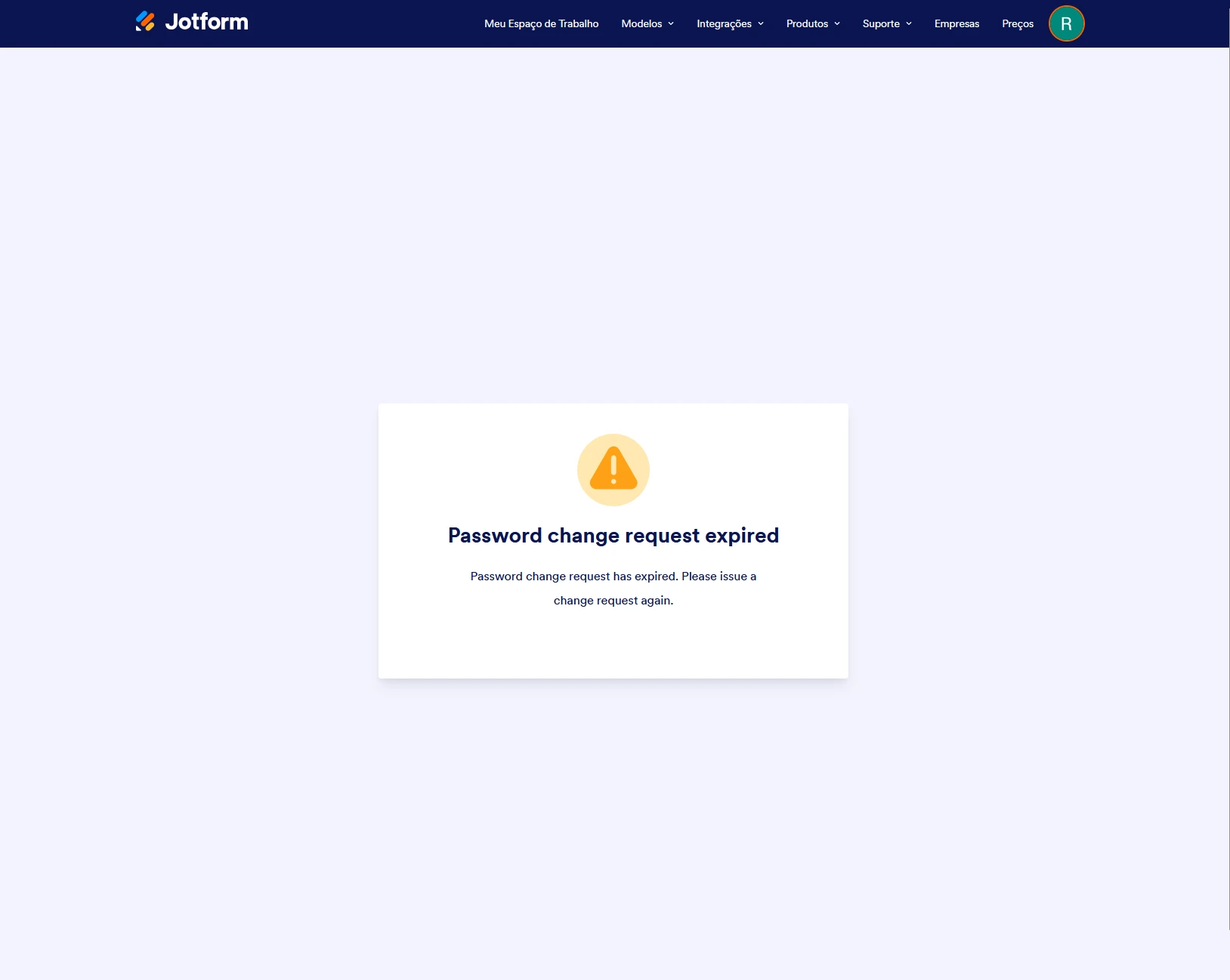
Vamos lá. Ao tentar entrar na minha conta hoje (rh.apse.ucb@gmail.com), me deparo com a tela de "Password change request expired". Porém, eu não solicitei alteração de senha em nenhum momento. Não compartilho minha conta e não necessito da Enterprise.Qualquer tela que tento entrar, a mesma tela de alteração de senha. Porém, não consigo solicitar um novo link de alteração e nem acessar minhas configurações. Estou pagando pelo serviço, porém, não consigo utilizar. Poderiam me ajudar?

-
 Eliza Enterprise Support
Hi Felipe,
While we do offer Support in many foreign languages, and we're working hard to add more every day, we don't currently have Portuguese Support agents who can help you. So I'll try to help you in English using Google Translate, but you can reply in whichever language you feel comfortable using.
Now, coming back to your question, can you confirm if you tried logging in to multiple devices simultaneously? I've gone ahead and flushed all your login attempts. I recommend clearing your browser's cache and cookies first or using other browsers, including Incognito/Private browsing.
After that, you can try resetting your account password. Resetting your Jotform account password is easy to do. Let me walk you through it:
1. Go to the Jotform Main page and click on Login at the top-right corner of the page.
2. In the window that opens, click on Forgot Password?.
3. Enter your email address, and then click on Send Reset Instructions.
4. You'll receive an email with instructions on how to reset your password. Open the email and click on the Reset Password button.
5. Enter your new password, enter it again to verify it, and then click on Create a New Password.
There you go. Your new password is now set, and you can use it to log into your Jotform account. You can also check out our How to Reset Your Jotform Password guide for more information.Give it a try and let us know how it goes.