
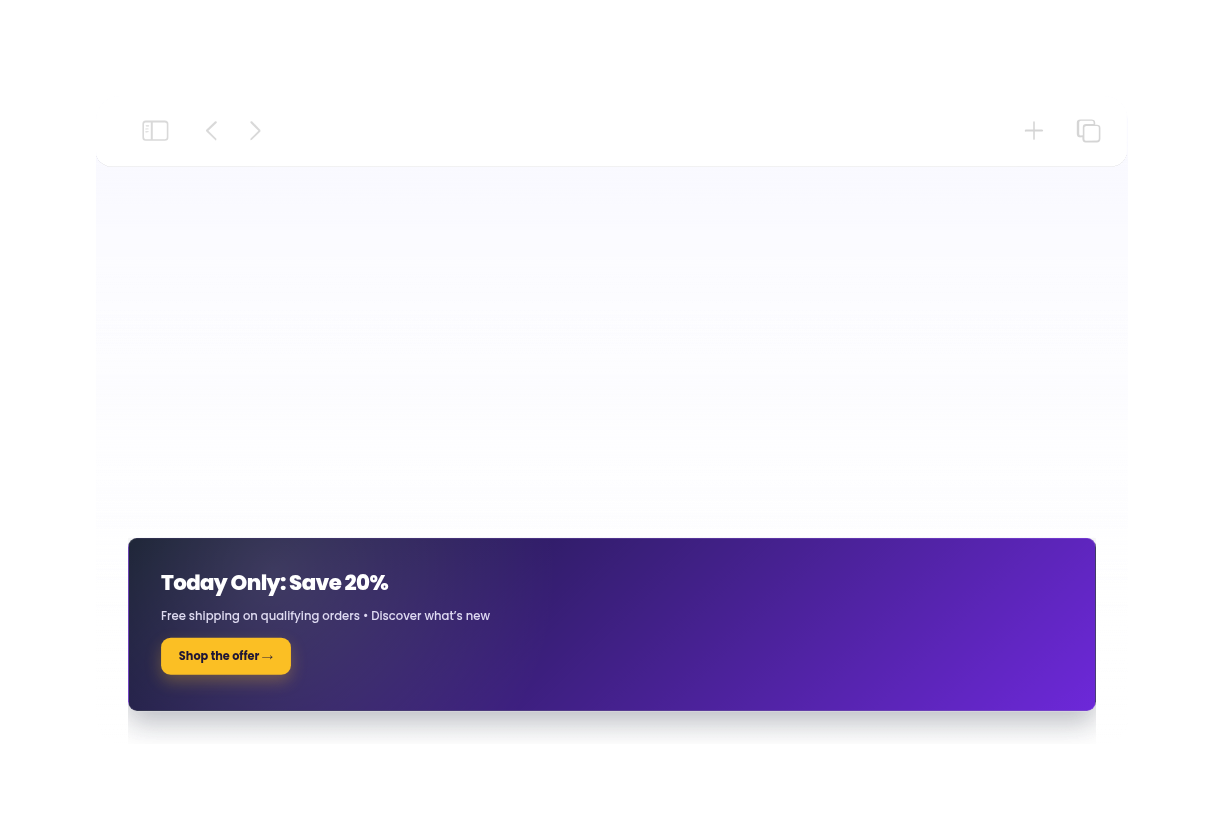
Announcement Bar Widget for your website
Share important updates across the top, bottom, or inline area of your website. Jotform's Announcement Bar widget includes templates for sales, shipping, launches, events, webinars, coupons, policies, alerts, and signup campaigns, plus controls for position, schedule, page rules, CTA buttons, countdowns, uploaded images, colors, gradients, and custom CSS.
How to create a Announcement Bar widget
Create announcement bars for every campaign
Start from 19 announcement templates
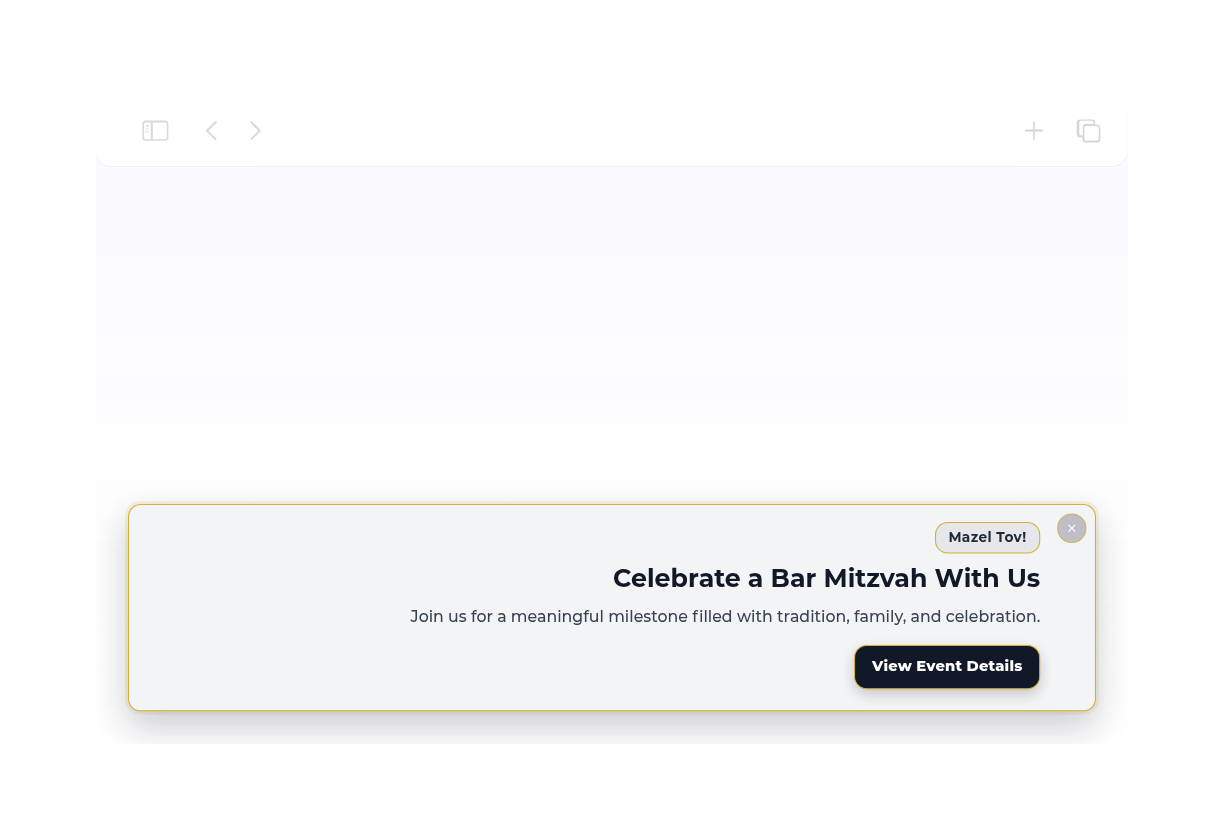
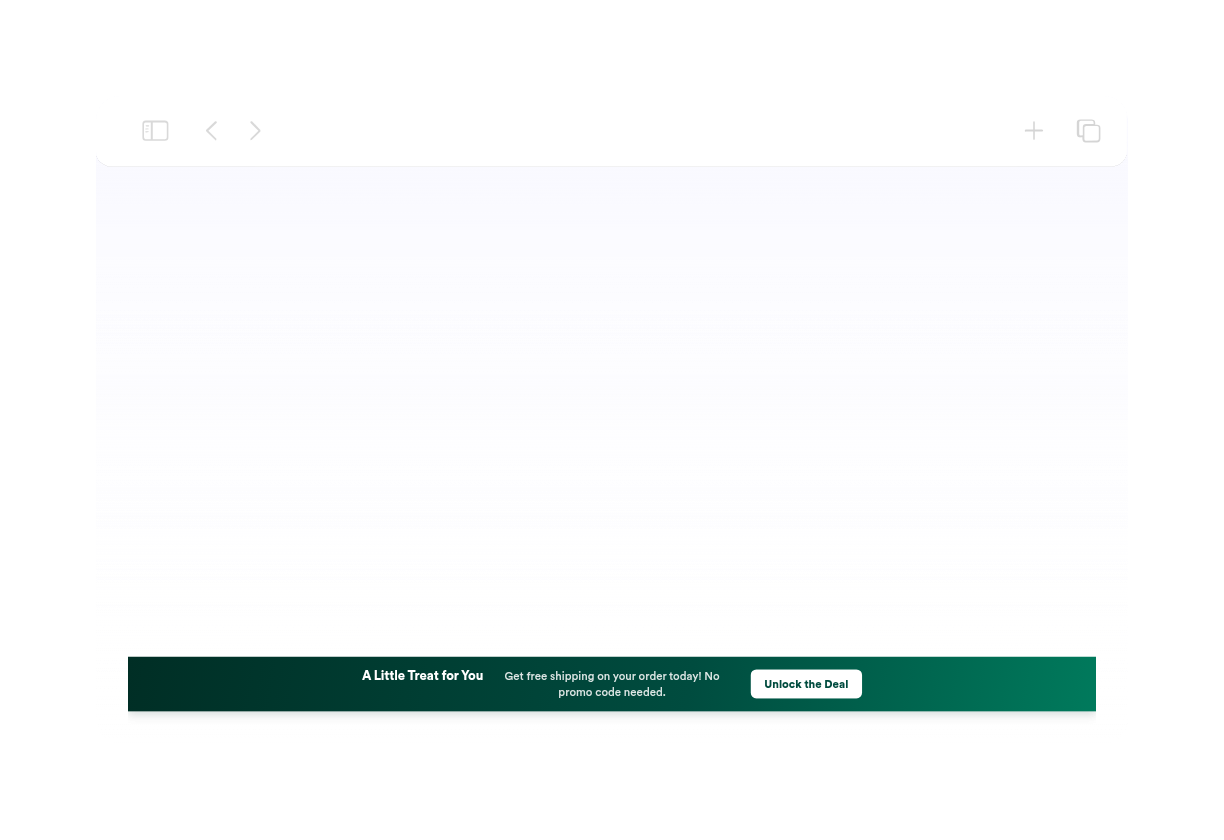
Use templates for sale, product, store opening, free shipping, news, update, Black Friday, Christmas, coupon, event, webinar, birthday sale, community, lead capture, policy, minimal, floating bottom, inline info, and service alert announcements.
Add actions and urgency
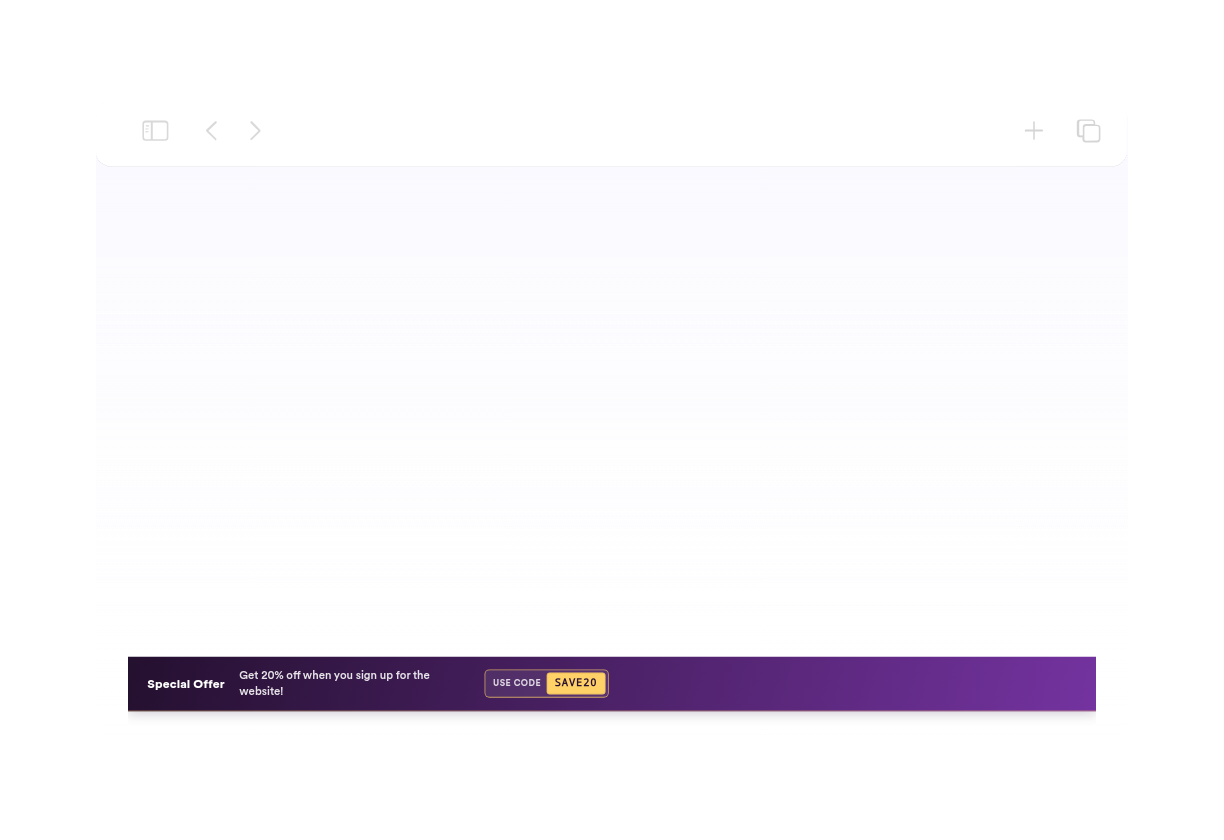
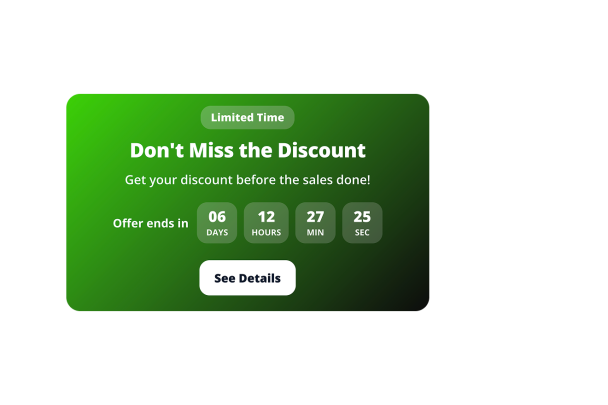
Show CTA buttons, text links, clickable bars, coupon codes, countdown timers, and separators so visitors can act from the announcement.
Control placement and targeting
Choose top, bottom, or inline placement, enable the close button, show the bar on selected devices, schedule campaign windows, and match page URLs when the embed referrer is available.
Match your site design
Customize colors, gradients, uploaded image backgrounds, brightness, typography, padding, spacing, button styling, responsive sizes, branding, and scoped custom CSS.
Why Jotform Website Widgets stand out
Jotform’s widgets make your website more interactive and increase conversions. There are many tools available, from star ratings and testimonial sliders to social proof popups and media embeds. Add widgets to your forms or landing pages to collect data, display proof, and capture leads — no coding required.
Add Jotform widgets to your website with a simple embed code. Customize the widget, preview how it looks, and paste it into any page that supports custom HTML or embed blocks, all without a developer.
Use Jotform Website Widgets to collect leads, show customer feedback, display social proof, embed media, or add helpful web page tools. Each widget helps visitors interact with your business directly from your website.
If you need help setting up, customizing, embedding, or troubleshooting your widget, Jotform’s customer support team is available 24-7. You can move forward with confidence, knowing that help is there when you need it.
Where to use your Announcement Bar widget
Use an announcement bar anywhere visitors need a timely, visible message without interrupting the page.
E-commerce stores to promote discounts, free shipping, coupon codes, limited-time deals, and seasonal campaigns.
Product and launch pages to announce new features, collections, waitlists, product drops, or service updates.
Event and webinar pages to drive registration with CTA buttons, links, and countdown timers.
Blogs and content hubs to highlight newsletter signup, recent news, policy changes, or related offers.
Support and status pages to show service alerts, holiday hours, maintenance windows, or important notices.
Convert leads into paying customers with the Jotform Form Builder
Turn engagement into action with Jotform. Create powerful forms that capture leads, collect payments, and automate responses, all in one place. Every submission lands in your Jotform Inbox, where you can follow up or connect with your favorite apps.
Comece já — é grátis!
Perguntas Frequentes
What is an Announcement Bar widget?
An Announcement Bar widget displays a short message at the top, bottom, or inline area of your website so visitors can see promotions, alerts, updates, or calls to action.
How many templates are included?
Can visitors close the bar?
Can I schedule when it appears?
Can I use page display rules?
Can I add coupons or countdowns?