Widget Voltar ao Topo para seu site
Facilite a navegação em páginas longas com um botão personalizável que leva os visitantes de volta ao topo. O widget Voltar ao Topo da Jotform permite escolher o ícone, tamanho, cores, posição, gatilho de rolagem e visibilidade por dispositivo e incorporar o botão sem escrever código.
Como criar um widget Voltar ao Topo
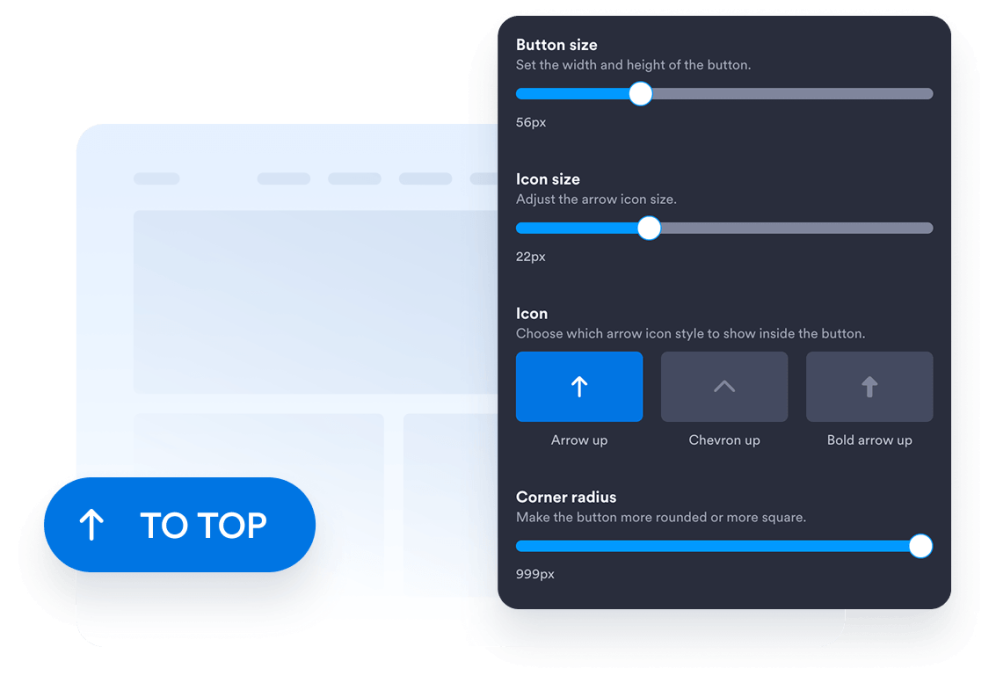
Personalize o design do seu botão
Escolha estilo, ícone, tamanho, cores, arredondamento dos cantos e posição do botão. Ajuste espaçamento e aparência para refletir o design do seu site.
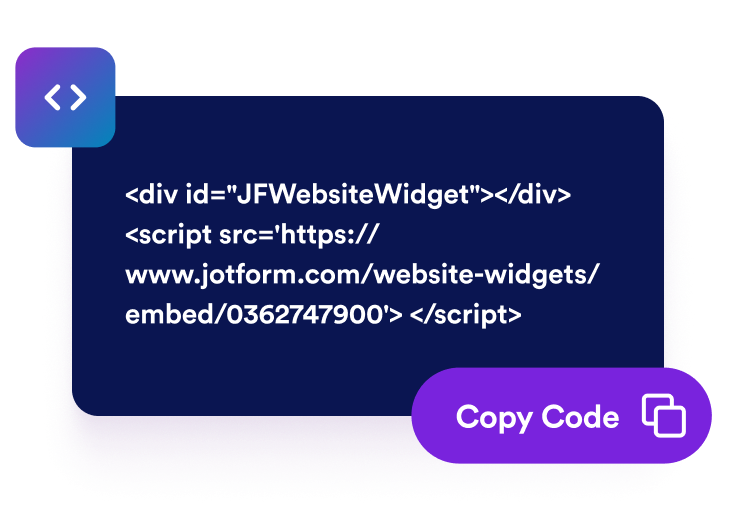
Obtenha o código de incorporação
Copie o código de incorporação pronto gerado pela Jotform. Não é necessário configurar ou programar nada.
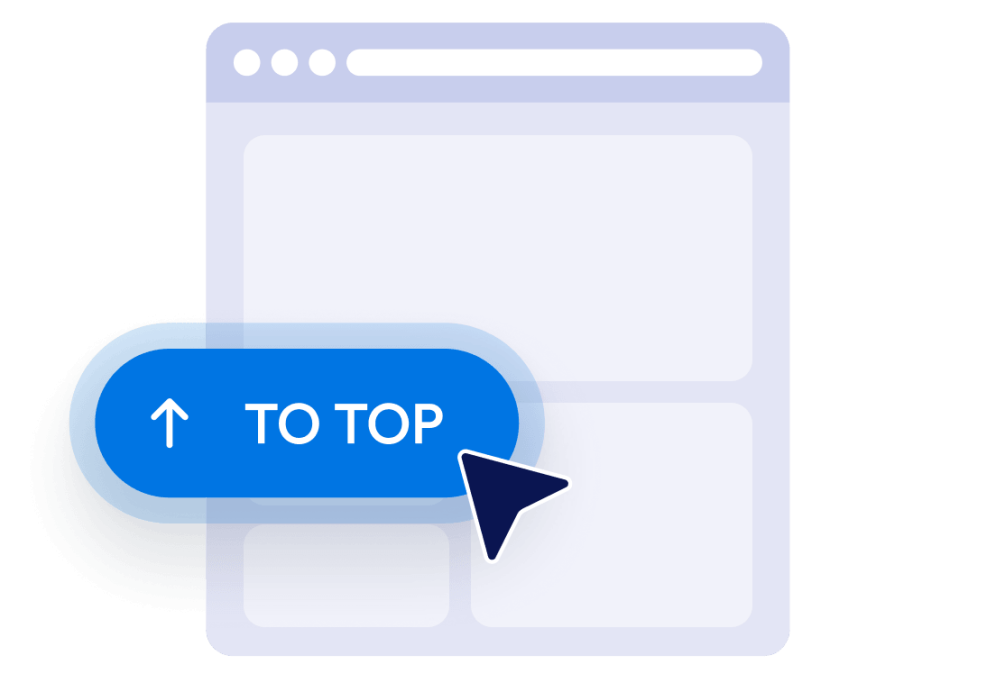
Incorpore ao seu site
Confira o botão, copie o código de incorporação gerado e cole-o em um bloco de HTML personalizado ou de incorporação. Publique a página e teste o botão em computadores e dispositivos móveis.
Facilite a navegação em páginas longas do seu site
Ajude os visitantes a voltar ao topo
Ofereça aos visitantes uma maneira rápida de voltar ao início de páginas longas sem precisar rolar manualmente. O botão permanece ao alcance e leva o visitante suavemente de volta ao topo quando selecionado.
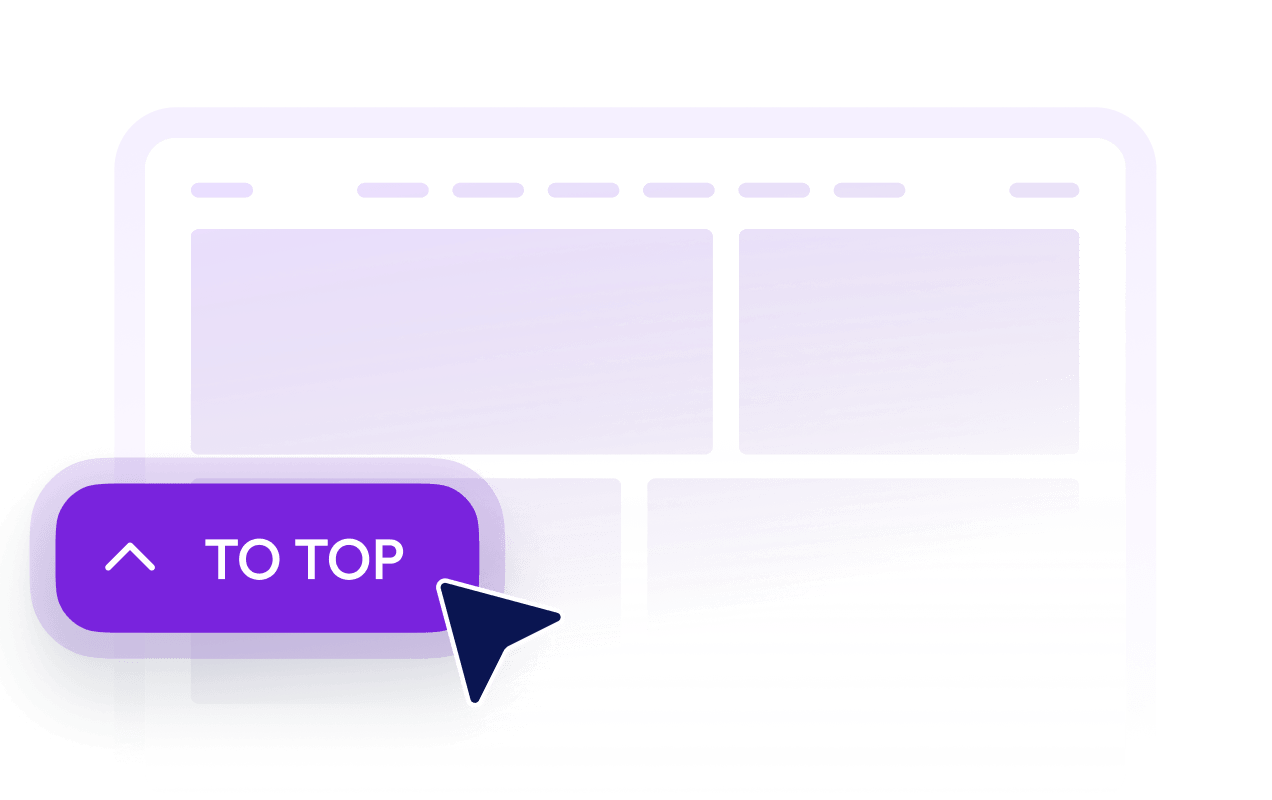
Exiba o botão depois que os visitantes rolarem a página
Defina quanto o visitante precisa rolar a página antes que o botão apareça. Assim, ele fica fora do caminho próximo ao topo e disponível quando voltar ao início se tornar útil.

Adapte o botão ao design do site
Personalize ícone, tamanho, cores, arredondamento dos cantos e espaçamento para criar um botão Voltar ao Topo alinhado ao design do site. Posicione-o à esquerda ou à direita conforme o layout da página.

Controle a visibilidade em computadores e dispositivos móveis
Escolha se o botão será exibido em computadores, dispositivos móveis ou ambos. Os controles de visibilidade por dispositivo e posicionamento ajudam a evitar que o botão cubra conteúdos importantes, mantendo a navegação acessível em telas menores.
Por que os Widgets para Sites Jotform se destacam
Os widgets da Jotform tornam seu site mais interativo e aumentam as conversões. Há diversas opções disponíveis, desde avaliações com estrelas e deslizadores de depoimentos até pop-ups de prova social e incorporações de mídia. Adicione widgets aos seus formulários ou landing pages para coletar dados, exibir provas sociais e capturar leads — tudo sem precisar programar.
Adicione widgets da Jotform ao seu site com um simples código de incorporação. Personalize o widget, veja uma prévia de como ele ficará e cole-o em qualquer página que aceite HTML personalizado ou blocos de incorporação, sem precisar de um desenvolvedor.
Use os Widgets para Sites Jotform para coletar leads, exibir avaliações de clientes, expor provas sociais, incorporar mídia ou adicionar ferramentas úteis às suas páginas. Cada widget ajuda os visitantes a interagir com sua empresa diretamente no site.
Se precisar de ajuda para configurar, personalizar, incorporar ou solucionar problemas com o seu widget, a equipe de suporte Jotform está disponível 24h. Assim, você pode seguir em frente com confiança, sabendo que terá ajuda sempre que precisar.
Onde usar seu botão Voltar ao Topo
Adicione o botão a páginas em que os visitantes precisam rolar bastante para acessar conteúdos, listas, imagens ou informações complementares.
Posts e artigos de blog para ajudar os leitores a voltar ao título, à navegação ou ao índice.
Páginas de categorias de produtos para permitir que os clientes voltem aos filtros, às opções de ordenação ou à navegação da categoria.
Landing pages e páginas de vendas para ajudar os visitantes a voltar ao conteúdo introdutório e às principais chamadas para ação.
Páginas de documentação para facilitar a navegação por guias, instruções e materiais de referência extensos.
Páginas de portfólio e galerias para ajudar os visitantes a retomar a navegação depois de visualizar uma grande quantidade de trabalhos.
Páginas de perguntas frequentes e recursos para oferecer um caminho conveniente de volta depois que os visitantes explorarem várias seções.
Converta leads em clientes pagantes com o Criador de Formulários Jotform
Transforme engajamento em ação usando Jotform. Crie formulários poderosos para captar leads, receber pagamentos e automatizar respostas, tudo em um só lugar. Cada envio chega à sua Caixa de Envios Jotform, onde você pode fazer o acompanhamento ou conectar seus apps favoritos.
Comece já — é grátis!
Perguntas Frequentes
O que é um widget Voltar ao Topo?
Um widget Voltar ao Topo adiciona um botão flutuante que leva os visitantes de volta ao início da página. Ele é especialmente útil em artigos longos, listas de produtos, páginas de documentação, galerias e outros conteúdos que exigem muita rolagem.
Como posso adicionar um botão Voltar ao Topo ao meu site?
Preciso escrever código para criar o botão?
Posso personalizar o design do botão Voltar ao Topo?
Quando o botão Voltar ao Topo é exibido?
Posso alterar a posição do botão na tela?
O botão funciona em dispositivos móveis?
O widget Voltar ao Topo da Jotform é gratuito?
Posso adicionar um botão Voltar ao Topo ao WordPress ou Elementor?
Quais plataformas de sites são compatíveis com o widget Voltar ao Topo?