Widget de Botão para seu site
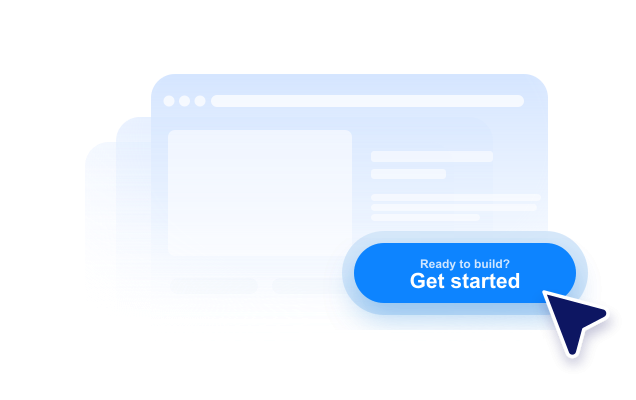
Crie um botão de CTA sem precisar de código para levar os visitantes à próxima etapa certa. Adicione um link para uma página, comece uma chamada, abra um e-mail, inicie um chat ou role até uma seção da página com um botão que você pode personalizar e incorporar em qualquer lugar.
Crie já — [1[é grátis!]]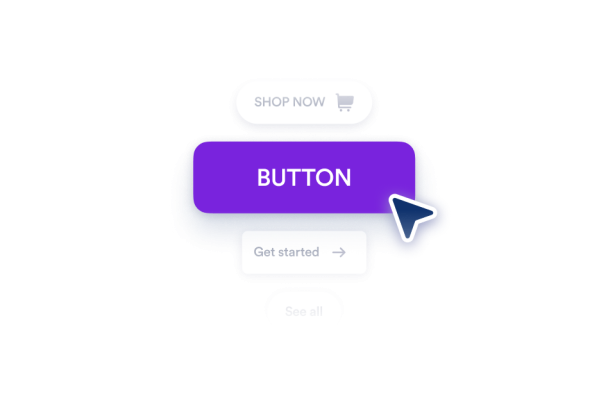

Como criar um widget Botão
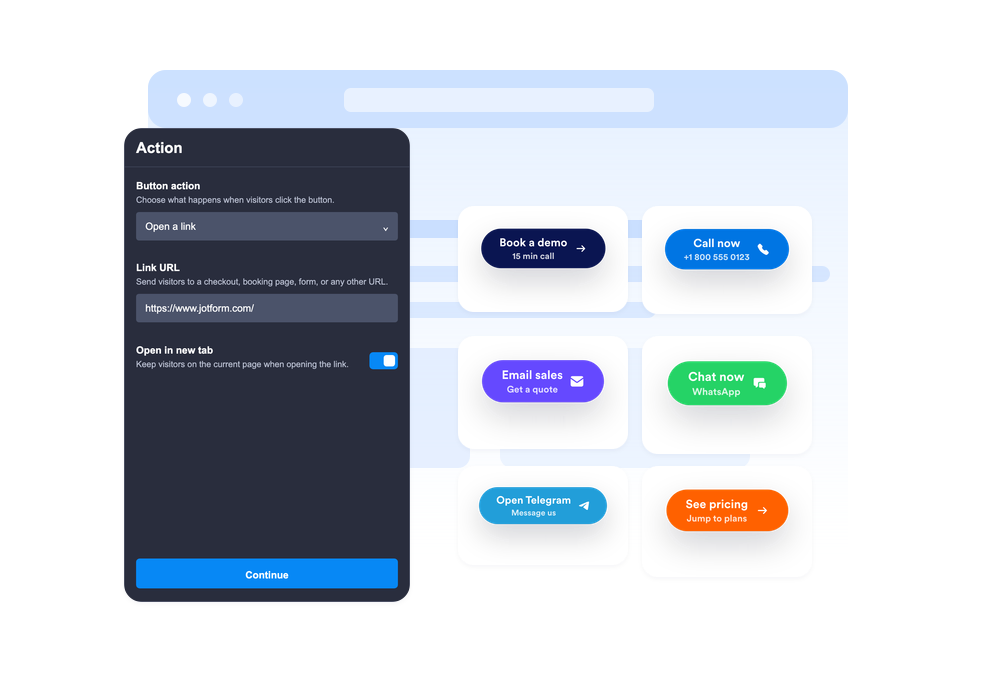
Escolha a ação do botão
Escolha se o botão abrirá um link, iniciará uma chamada telefônica, criará um e-mail, abrirá o WhatsApp ou o Telegram, ou rolará até uma seção da página.
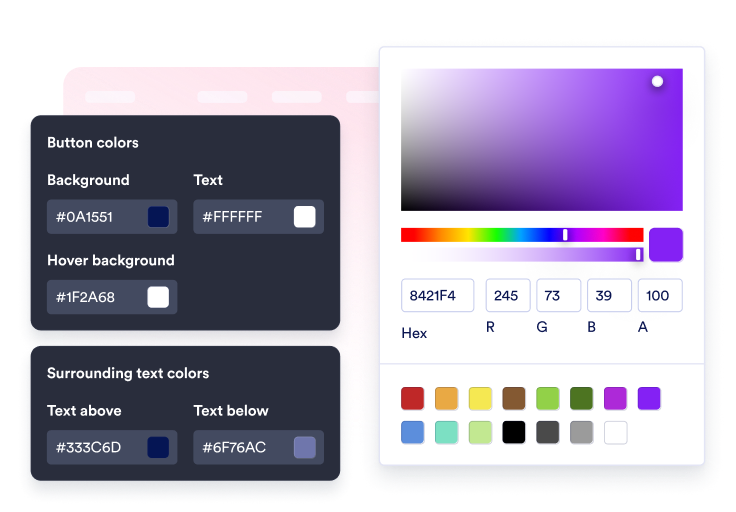
Personalize seu conteúdo e estilo
Edite o rótulo, a segunda linha opcional, o texto ao redor, o ícone, as cores, o tamanho, o raio dos cantos, a sombra e o posicionamento.

Incorpore ao seu site
Visualize a CTA no contexto da página, copie o código de incorporação gerado e publique o botão no seu site sem precisar escrever código.
Guie os visitantes com um clique
Conecte o botão a várias ações
Use um único widget para links de vendas, cadastros, e-mails de suporte, chamadas telefônicas, conversas no WhatsApp, conversas no Telegram, links para perfis em redes sociais ou navegação suave entre seções.
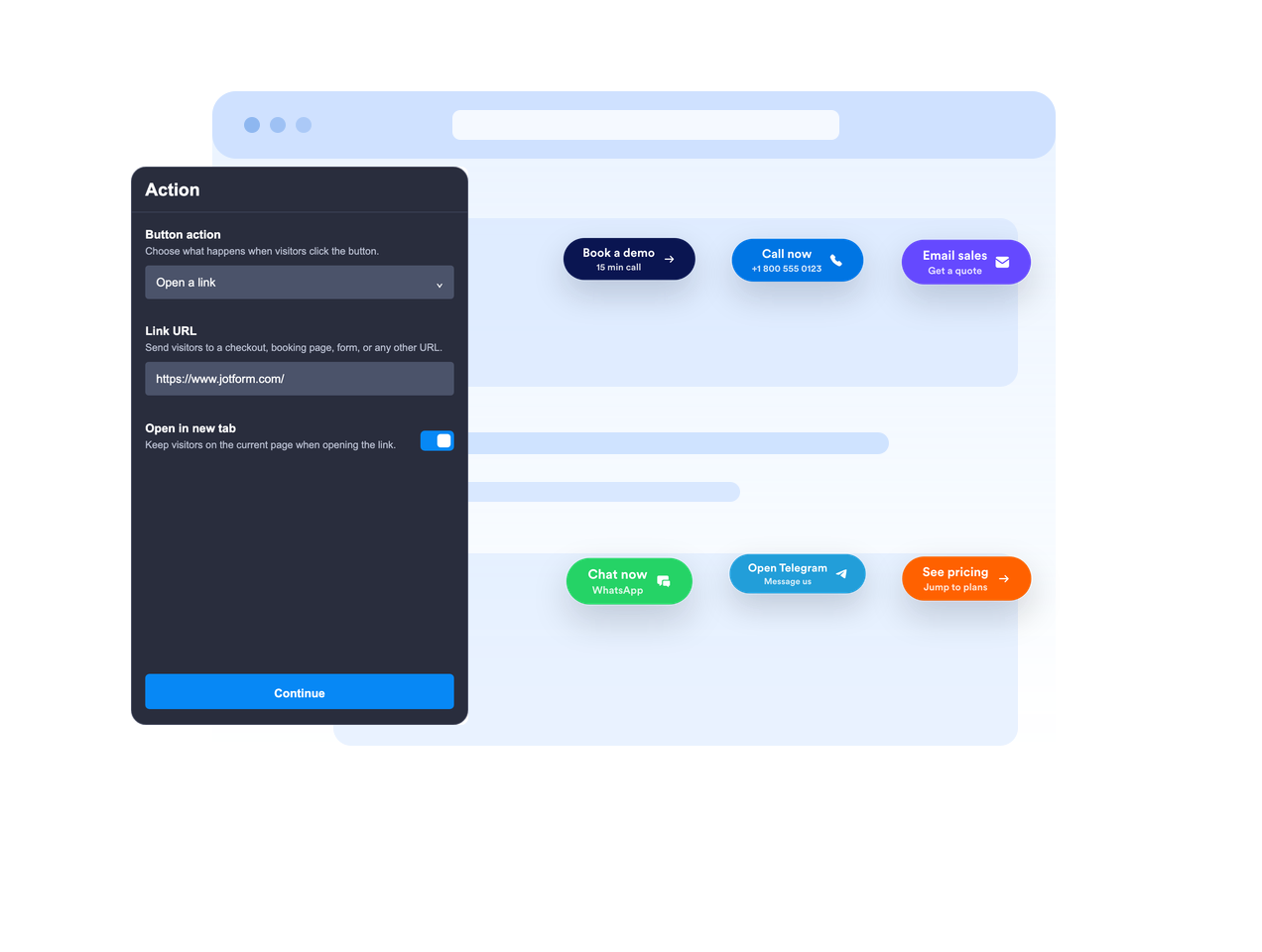
Posicione-o em linha ou mantenha-o flutuante
Incorpore o botão ao conteúdo da página ou deixe-o flutuando em uma posição fixa na tela para manter o CTA visível enquanto os visitantes rolam a página.

Crie uma chamada para ação clara
Use um rótulo principal, uma segunda linha opcional, um texto acima e um texto abaixo para dar aos visitantes o contexto necessário antes do clique.
Alinhe o widget ao estilo do seu site
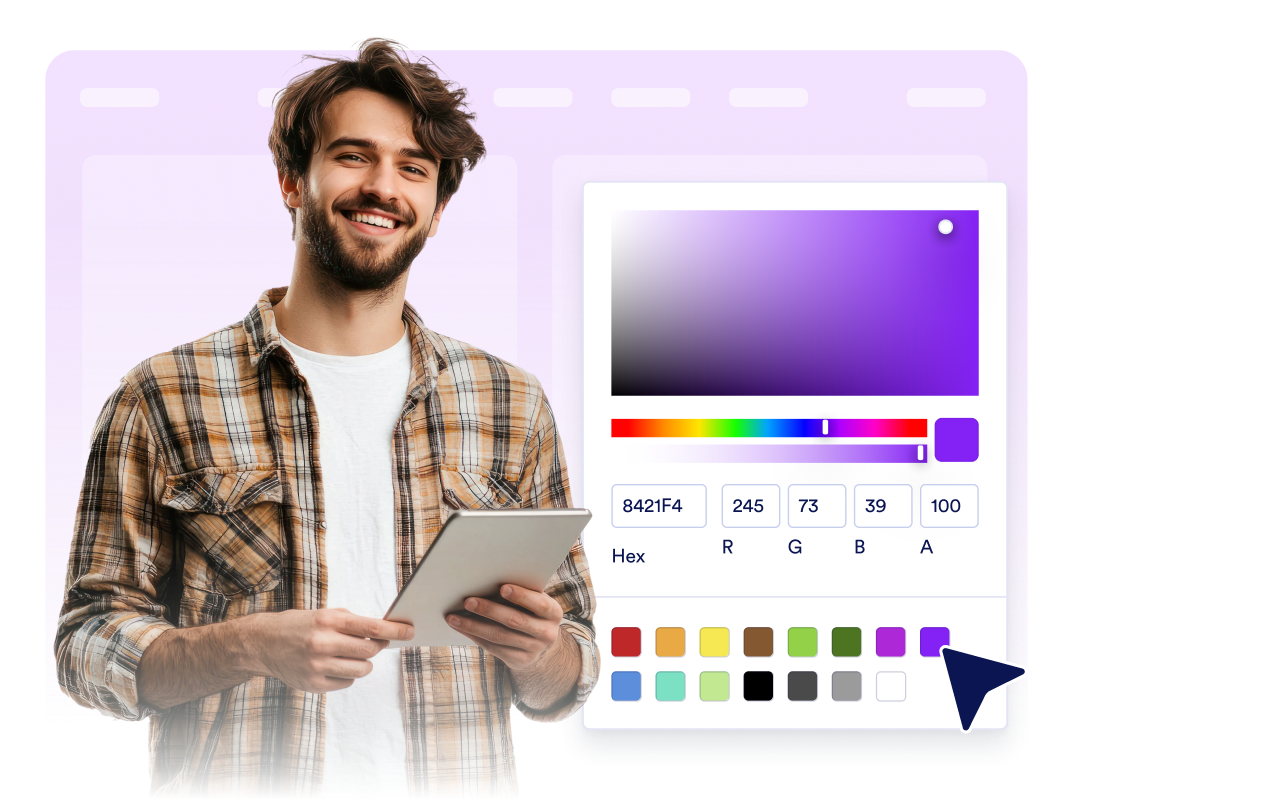
Ajuste o posicionamento do ícone, a altura do botão, o espaçamento interno, o tamanho da fonte, as cores, a cor ao passar o cursor, o arredondamento dos cantos, a sombra, a visibilidade em diferentes dispositivos, a identidade visual e o CSS personalizado.
Por que os Widgets para Sites Jotform se destacam
Os widgets da Jotform tornam seu site mais interativo e aumentam as conversões. Há diversas opções disponíveis, desde avaliações com estrelas e deslizadores de depoimentos até pop-ups de prova social e incorporações de mídia. Adicione widgets aos seus formulários ou landing pages para coletar dados, exibir provas sociais e capturar leads — tudo sem precisar programar.
Adicione widgets da Jotform ao seu site com um simples código de incorporação. Personalize o widget, veja uma prévia de como ele ficará e cole-o em qualquer página que aceite HTML personalizado ou blocos de incorporação, sem precisar de um desenvolvedor.
Use os Widgets para Sites Jotform para coletar leads, exibir avaliações de clientes, expor provas sociais, incorporar mídia ou adicionar ferramentas úteis às suas páginas. Cada widget ajuda os visitantes a interagir com sua empresa diretamente no site.
Se precisar de ajuda para configurar, personalizar, incorporar ou solucionar problemas com o seu widget, a equipe de suporte Jotform está disponível 24h. Assim, você pode seguir em frente com confiança, sabendo que terá ajuda sempre que precisar.
Onde usar o widget de Botão
Adicione um widget de Botão em qualquer lugar onde os visitantes precisem de um próximo passo claro, especialmente em páginas nas quais a ação principal deve ser fácil de encontrar.
Landing pages para direcionar os visitantes a fichas de cadastro, páginas de preços, checkout, reservas ou solicitações de demonstração.
Páginas de produtos para destacar ações como adicionar ao carrinho, comprar agora, entrar em contato com a equipe de vendas ou solicitar um orçamento.
Páginas de suporte para iniciar conversas por e-mail, telefone, WhatsApp ou Telegram a partir de um único CTA.
Posts de blog e guias completos para direcionar os leitores a formulários, downloads, ofertas ou seções relevantes.
Páginas de campanhas nas redes sociais para direcionar os visitantes ao Instagram, Facebook, TikTok, X, Pinterest ou outros perfis.
Páginas para dispositivos móveis onde um CTA flutuante compacto pode tornar chamadas, conversas no chat ou compras mais rápidas.
Converta leads em clientes pagantes com o Criador de Formulários Jotform
Transforme engajamento em ação usando Jotform. Crie formulários poderosos para captar leads, receber pagamentos e automatizar respostas, tudo em um só lugar. Cada envio chega à sua Caixa de Envios Jotform, onde você pode fazer o acompanhamento ou conectar seus apps favoritos.
Comece já — é grátis!
Perguntas Frequentes
O que é um widget de Botão?
Um widget de Botão é um botão de CTA personalizável que você pode incorporar ao seu site. Ele pode abrir links, iniciar chamadas, enviar e-mails, abrir chats e direcionar para seções da página.
Quais ações o botão pode executar?
O botão pode ficar flutuando na tela?
Posso personalizar o texto do botão?
Posso usar um ícone?
Posso deixar o widget com a aparência do meu site?
O widget de Botão funciona em dispositivos móveis?
Preciso escrever código?