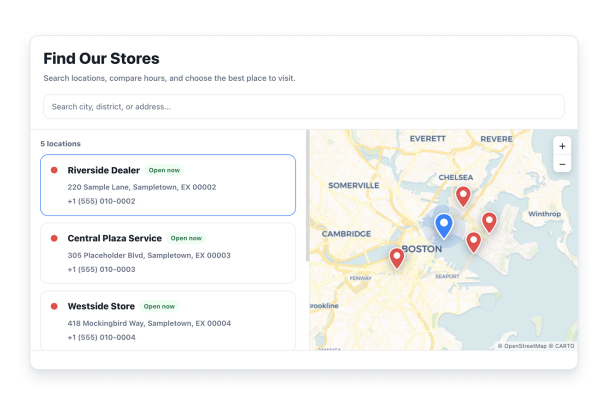

Como criar um widget Store Locator
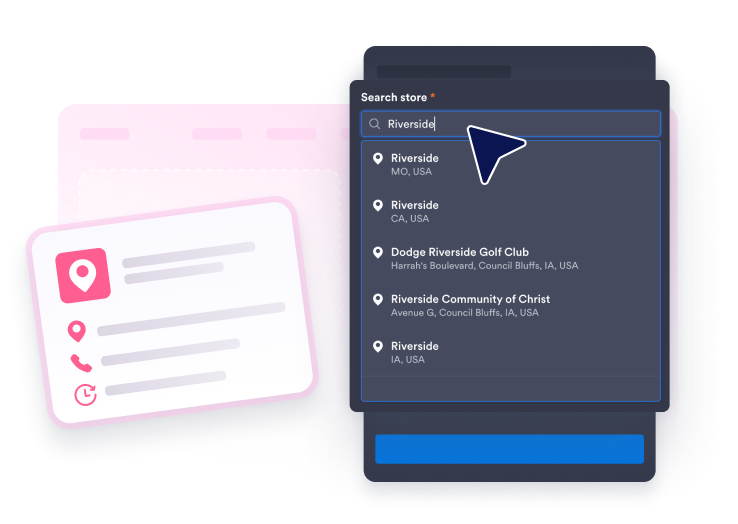
Adicione suas localizações
Pesquise por um negócio ou endereço com o Google e depois adicione uma introdução, horários semanais, detalhes de contato, fotos, um logo e uma cor de marcador para cada local.
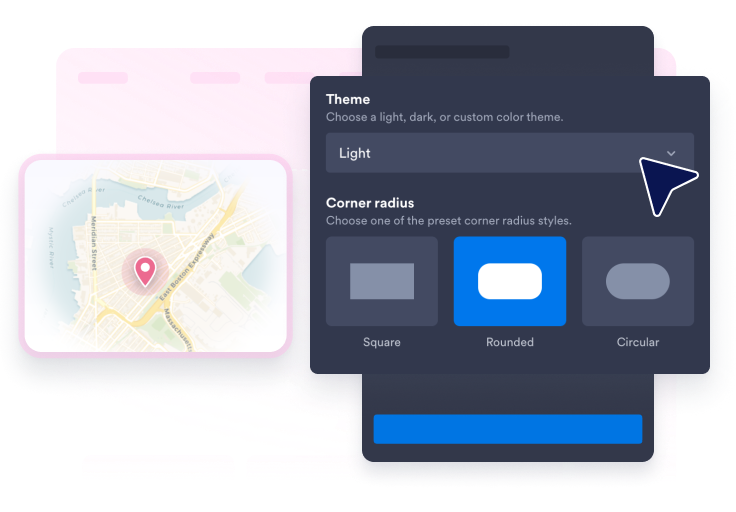
Personalize a pesquisa, o mapa e o estilo
Escolha um layout, tema do mapa, estilo dos cartões, formato dos marcadores, rótulos dos marcadores, cores, raio das bordas, dimensionamento e se deseja exibir a barra de pesquisa.
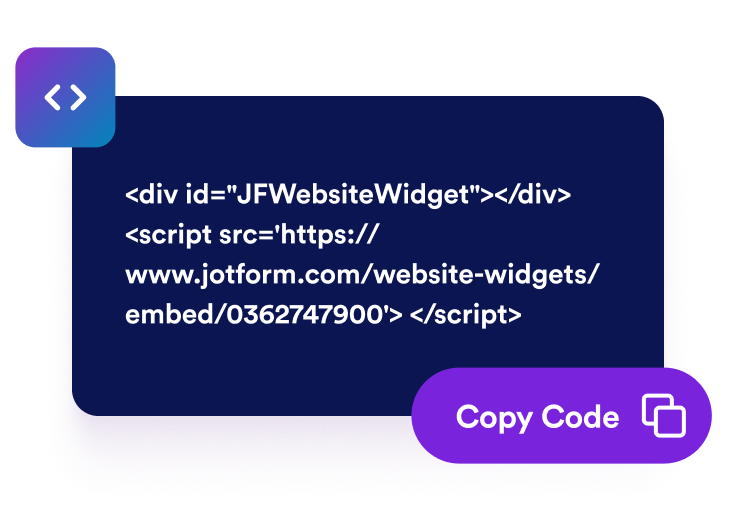
Incorpore ao seu site
Visualize o localizador de lojas, publique-o e cole o código de incorporação gerado em qualquer página onde os visitantes precisem de detalhes da loja ou rotas.
Torne cada local fácil de encontrar e acessar
Crie cartões de locais úteis
Apresente nomes, endereços, descrições, horários de funcionamento, detalhes de contato visíveis, fotos, logos, status de aberto ou fechado com base na programação e rotas para cada local.
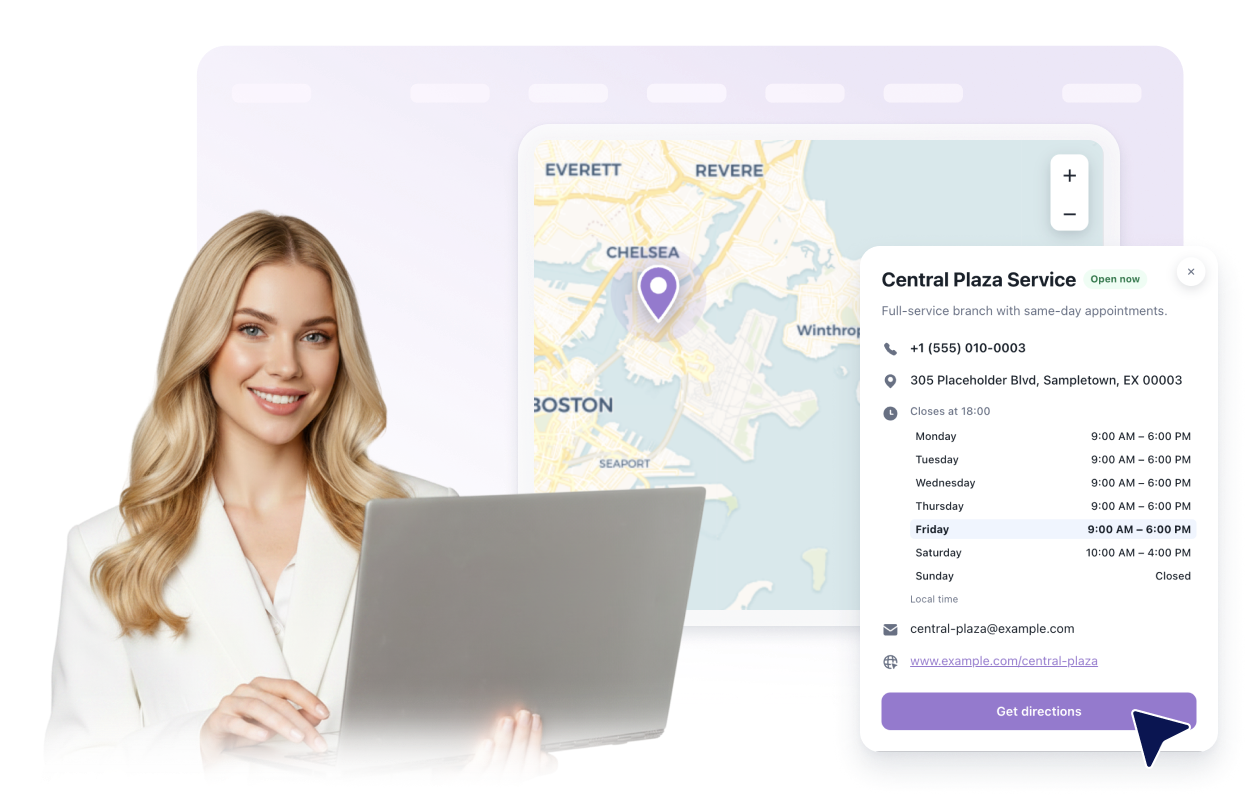
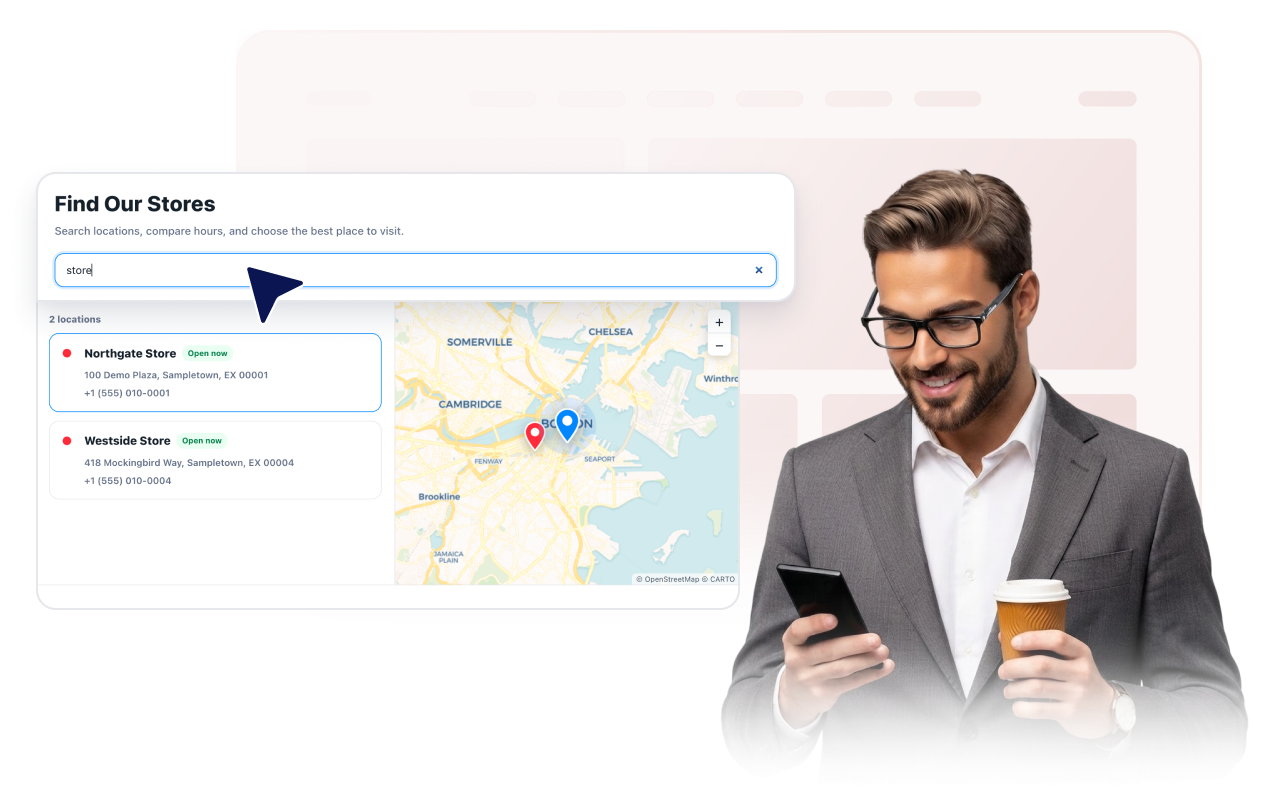
Ajude os visitantes a pesquisar na lista de locais
Exiba uma barra de pesquisa opcional que corresponde a nomes de locais, endereços, descrições e ao telefone, e-mail, site ou horários que você escolher exibir.
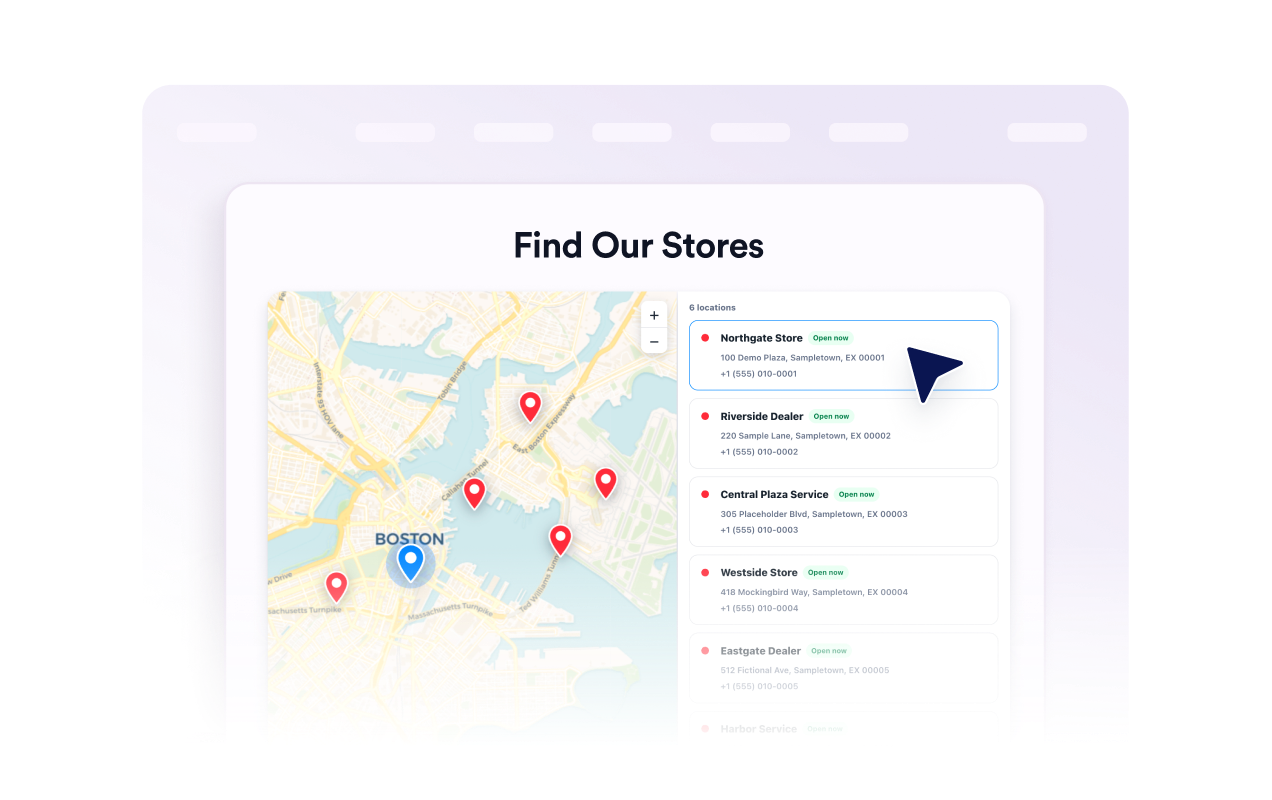
Conecte a lista a um mapa interativo
Permita que os visitantes movam e ampliem o mapa, selecionem um cartão de local ou marcador e abram seus detalhes. Escolha o tema do mapa, o nível de zoom, o estilo dos marcadores, os rótulos e as cores dos marcadores.
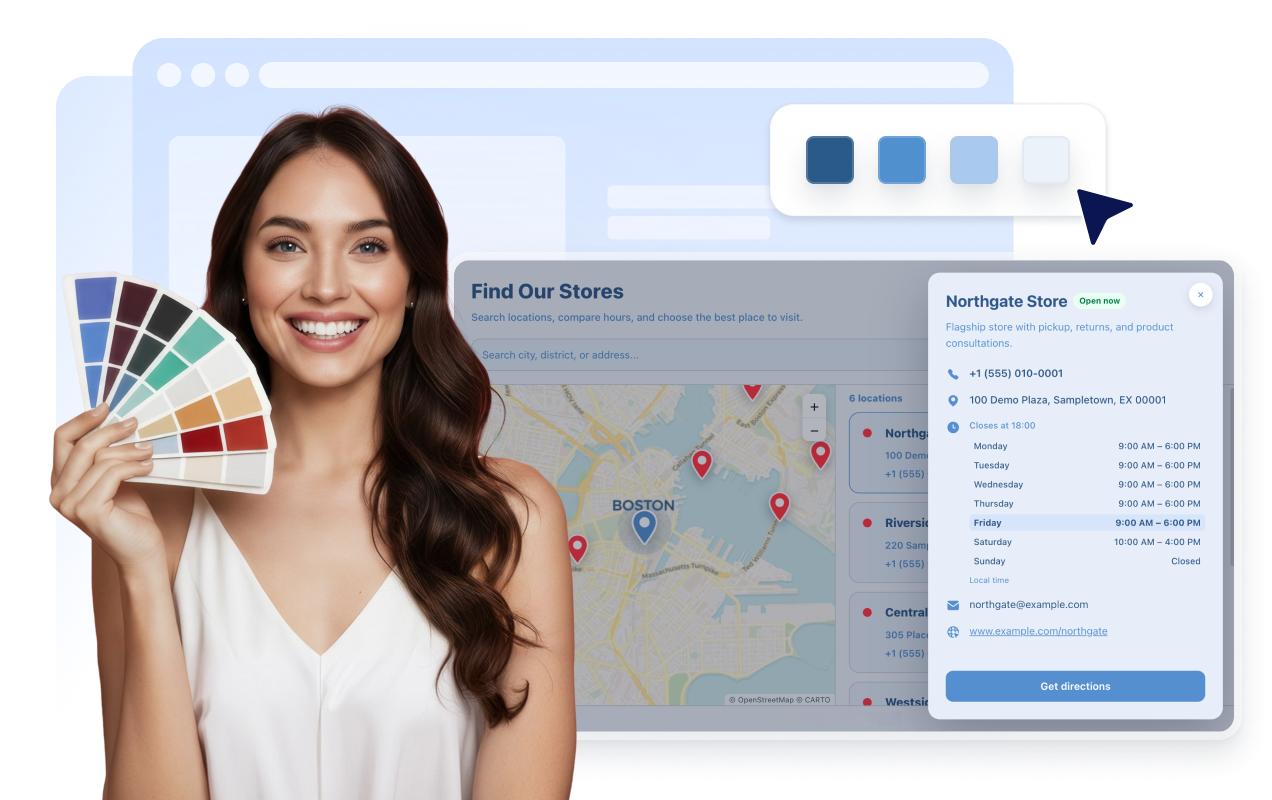
Combine o widget com o seu site
Escolha um estilo claro, escuro ou personalizado; cartões com foto, detalhados ou compactos; e layouts com mapa à esquerda, à direita, acima ou em grade. Ajuste cores, raio, dimensionamento, marca e CSS com escopo.
Por que os Widgets para Sites Jotform se destacam
Os widgets da Jotform tornam seu site mais interativo e aumentam as conversões. Há diversas opções disponíveis, desde avaliações com estrelas e deslizadores de depoimentos até pop-ups de prova social e incorporações de mídia. Adicione widgets aos seus formulários ou landing pages para coletar dados, exibir provas sociais e capturar leads — tudo sem precisar programar.
Adicione widgets da Jotform ao seu site com um simples código de incorporação. Personalize o widget, veja uma prévia de como ele ficará e cole-o em qualquer página que aceite HTML personalizado ou blocos de incorporação, sem precisar de um desenvolvedor.
Use os Widgets para Sites Jotform para coletar leads, exibir avaliações de clientes, expor provas sociais, incorporar mídia ou adicionar ferramentas úteis às suas páginas. Cada widget ajuda os visitantes a interagir com sua empresa diretamente no site.
Se precisar de ajuda para configurar, personalizar, incorporar ou solucionar problemas com o seu widget, a equipe de suporte Jotform está disponível 24h. Assim, você pode seguir em frente com confiança, sabendo que terá ajuda sempre que precisar.
Onde usar o seu widget de localizador de lojas
Incorpore o widget em qualquer lugar onde os visitantes precisem comparar locais disponíveis, revisar detalhes ou escolher para onde ir em seguida.
Sites de varejo para mostrar lojas, pontos de retirada, departamentos e detalhes de contato local.
Grupos de restaurantes para ajudar os clientes a conferir endereços, horários de funcionamento, telefones e sites dos locais.
Empresas de serviços para listar ramos, escritórios de atendimento e locais de área de serviço.
Páginas de revendedores e parceiros para ajudar os clientes a encontrar vendedores autorizados ou pontos de suporte.
Páginas de eventos e locais para mostrar entradas, áreas de retirada, bilheterias ou locais regionais.
Páginas de suporte para permitir que os visitantes comparem endereços de ramos, horários e opções de contato.
Converta leads em clientes pagantes com o Criador de Formulários Jotform
Transforme engajamento em ação usando Jotform. Crie formulários poderosos para captar leads, receber pagamentos e automatizar respostas, tudo em um só lugar. Cada envio chega à sua Caixa de Envios Jotform, onde você pode fazer o acompanhamento ou conectar seus apps favoritos.
Comece já — é grátis!
Perguntas Frequentes
O que é um widget de localizador de lojas?
Um widget de localizador de lojas, também chamado de widget de busca de lojas ou de localização, exibe cartões de locais pesquisáveis com um mapa interativo, detalhes do negócio, fotos e rotas no seu site.
Posso adicionar mais de um local?
Os visitantes podem pesquisar por um local?
Posso escolher quais detalhes do local são exibidos?
O widget inclui um mapa?
Posso adicionar fotos e um logo a cada local?
Posso personalizar o design?
Ele funciona em celular e tablet?
Preciso escrever código?
O widget de localizador de lojas é gratuito?