-
 Cora_thielen
 -
 Anna Jotform Support
Hi Cora,
Thanks for reaching out to Jotform Support. You can add an Edit Link on the Autoresponder that is sent to the user so that they can access their submission and edit it. It's easy, let's do it:
1. In Form Builder, in the orange navigation bar at the top of the page, click on Settings.
2. In the menu on the left side of the page, click on Emails.
3. Hover your mouse over your Autoresponder and click on the Pencil icon to customize it.

4. Click on the Email Content window, then click on Form Fields, and select Edit Link.
5. Customize the Edit Link the way you want, and when you're finished, click on Save on the bottom-right side of the Email Content window.
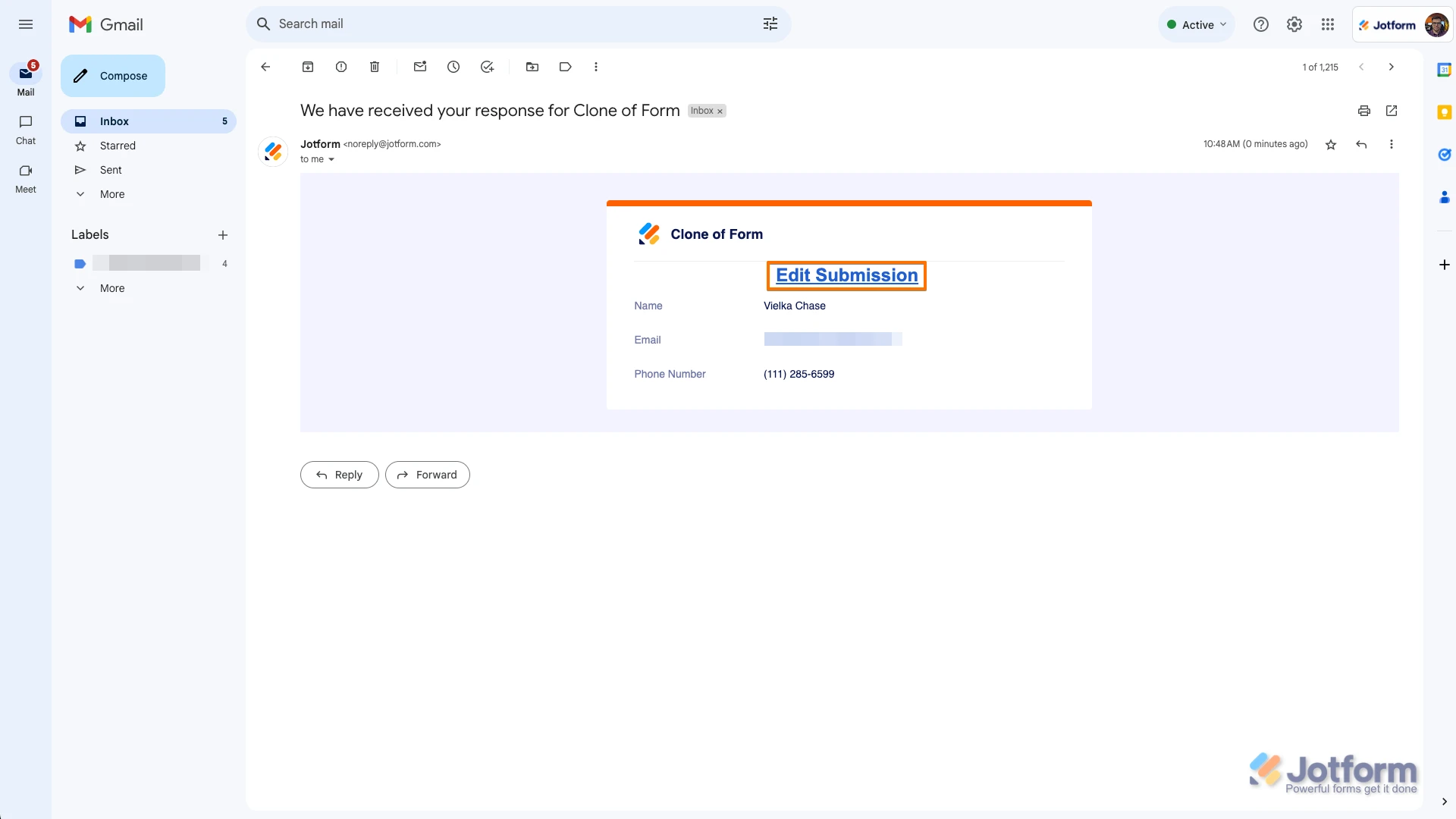
After submitting the form, responders will receive an email like the one below. Once they click on it, they'll be able to edit their submission:
Reach out again if you have any more questions.