Gestione firmas electrónicas para Salesforce sin esfuerzo
Ahorre tiempo recopilando firmas en línea y sincronice automáticamente los documentos firmados con Salesforce. Con esta integración de Jotform Firmas, puede enviar instantáneamente documentos firmados importantes y datos de clientes a los registros de Salesforce. No es necesario transferir nada manualmente: comparta documentos sin problemas, recopile firmas electrónicas y gestione todo desde su cuenta de Salesforce.
¡Descargue la App — Es gratis!Plantillas de documentos firmables
Simplifique su proceso de firma de documentos con plantillas gratuitas de Jotform. Ya sea que necesite un contrato, acuerdo o formulario de consentimiento, estas plantillas prediseñadas se pueden personalizar completamente en segundos para que pueda recopilar firmas rápidamente.
Simple One Page Lease Agreement
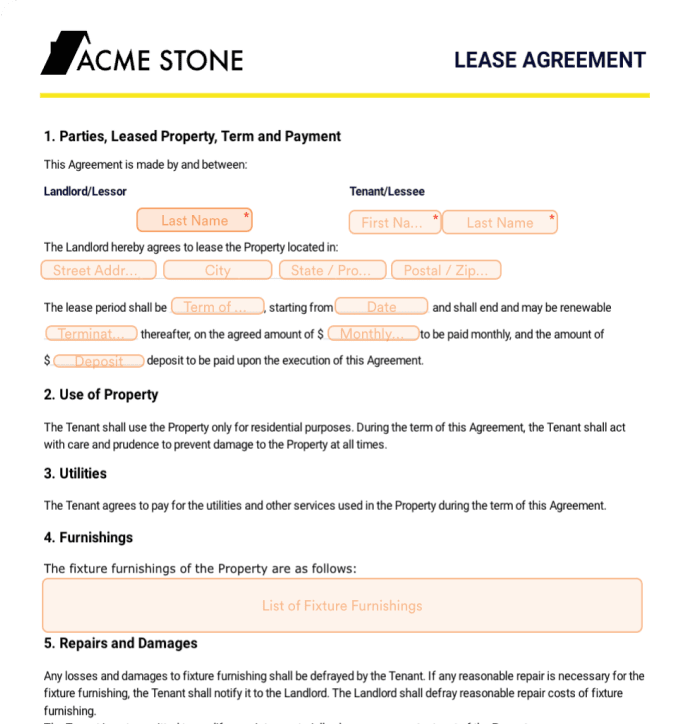
Acuerdo de pagos
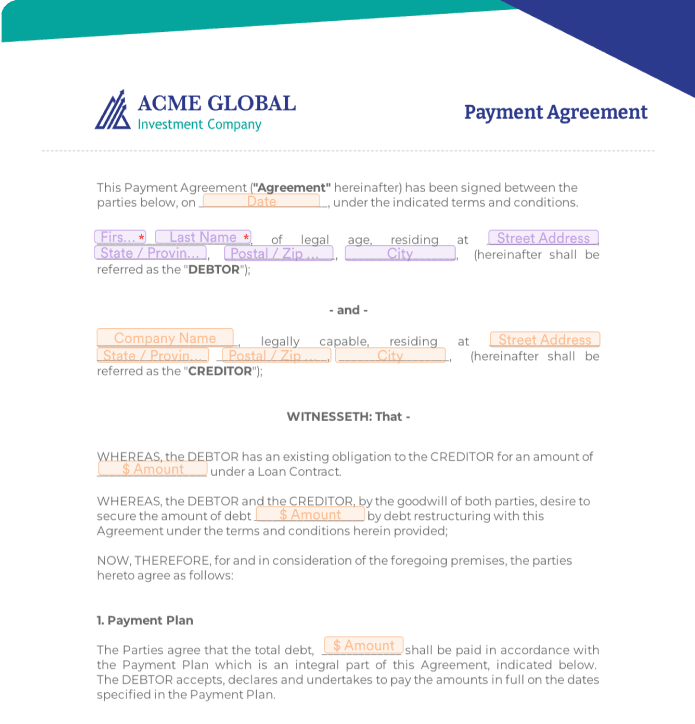
Contrato de alquiler de casa

Integre con facilidad Jotform con Salesforce
¡Jotform está disponible en Salesforce AppExchange! Descargue Jotform directamente en la plataforma o configure la integración en el Creador de Firmas de Jotform con solo unos clics.
¡Descargue la App — Es gratis!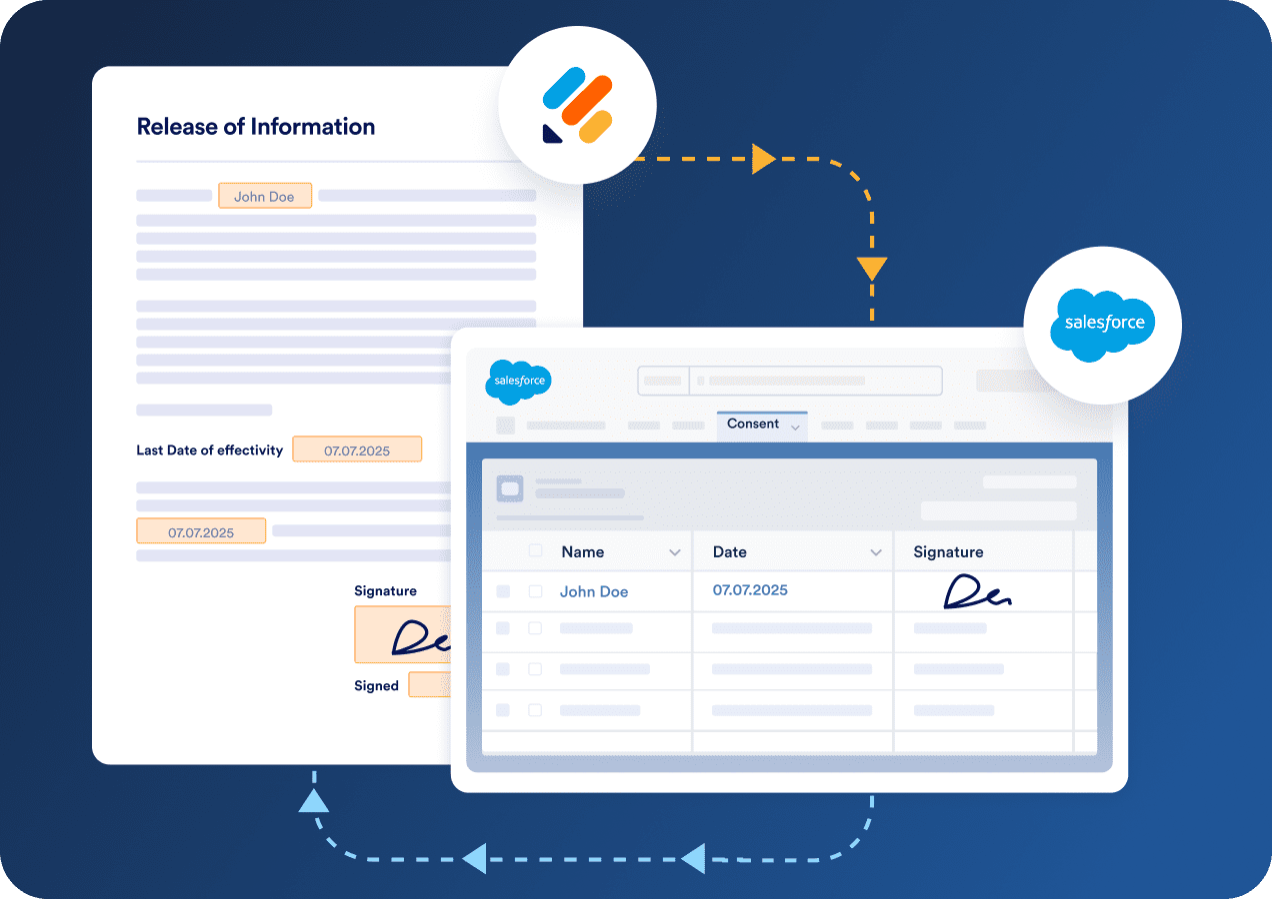
Cree documentos de firma personalizados
Use el intuitivo creador de arrastrar y soltar de Jotform para adaptar documentos a las necesidades de su negocio. Jotform es una forma rápida, segura y confiable de completar PDF, crear formularios y gestionar documentos en línea.
Cree un documento de firmas ahora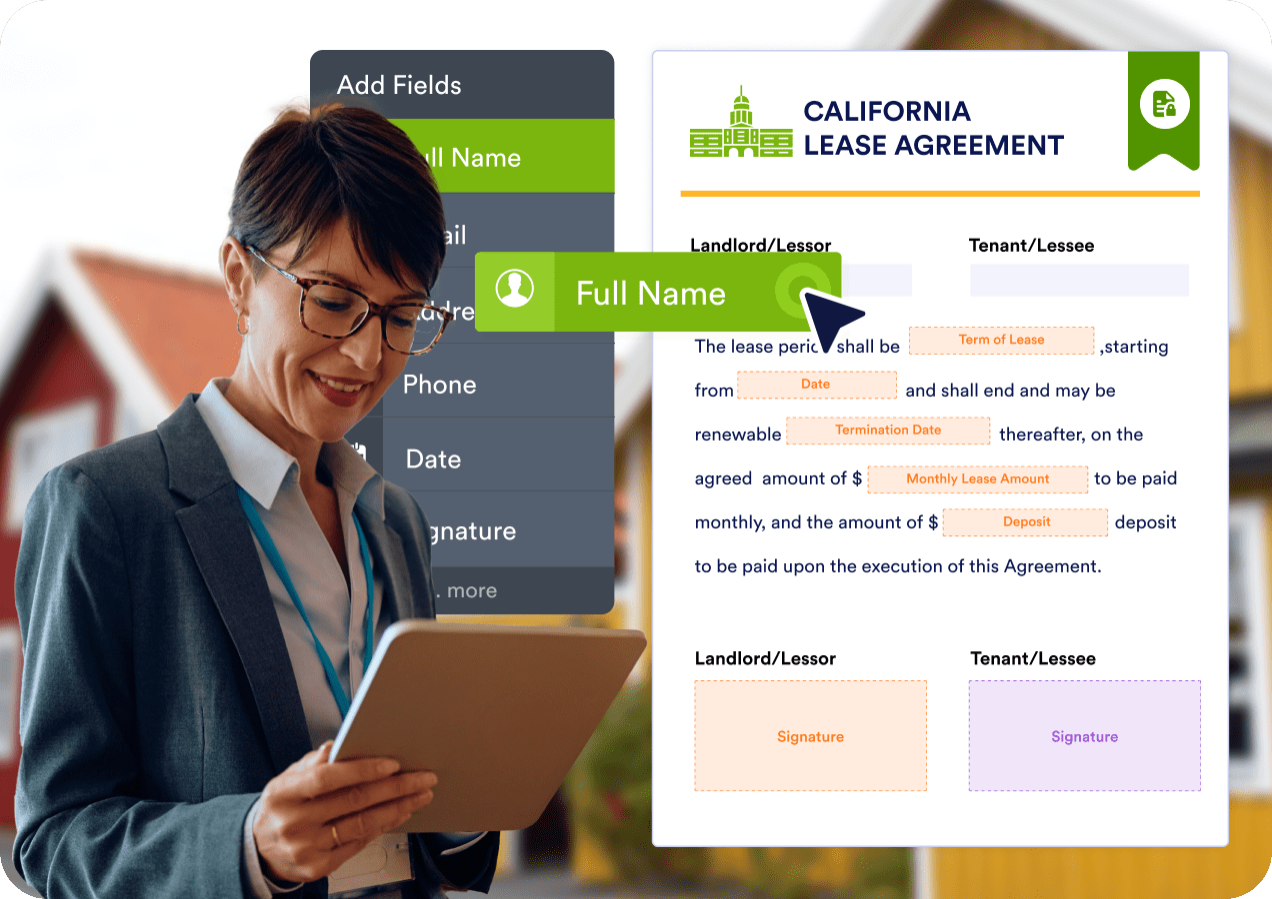
Precargue dinámicamente formularios con datos de Salesforce
Con Salesforce Dynamic Prefill, puede recuperar los datos más recientes de los clientes de sus registros de Salesforce y precargar dinámicamente los formularios para una experiencia de usuario más fluida. No más cambios entre plataformas para obtener información importante del cliente.
¡Descargue la App — Es gratis!
Ventajas
Adjunte automáticamente documentos firmados a registros de Salesforce

Optimice la gestión de documentos cuando integre Jotform Firmas y Salesforce. Una vez que se firma un documento usando Jotform Firmas, puede adjuntarse automáticamente a los registros correspondientes de Salesforce.
¡Descargue la App — Es gratis!Monitoree registros de auditoría para cada firma

Garantice total transparencia y seguridad con la función integral de registro de auditoría de Jotform. Cada documento firmado incluye un registro de auditoría detallado que registra acciones clave, incluida la creación del documento, visualización y marcas de tiempo de firma, para que pueda realizar un seguimiento fácil de todo el ciclo de vida del documento dentro de Salesforce.
¡Descargue la App — Es gratis!Sincronice sin problemas con Salesforce

Sus formularios se sincronizan automáticamente con Salesforce, manteniendo su cuenta actualizada cada vez que recibe un nuevo envío.
¡Descargue la App — Es gratis!



Lo que nuestros usuarios dicen sobre Jotform
"Jotform ha sido un cambio radical para nosotros."
"Jotform nos ha aportado un cambio radical. Utilizamos Jotform para un montón de formularios diferentes para distintas divisiones de nuestra empresa. Nuestro principal objetivo es llevar a una empresa por todo el proceso de cotización de un seguro de salud para pequeñas empresas. Una vez procesado el presupuesto, empleamos Jotform para llevarles a cabo el proceso de implementación, en el que múltiples formularios en papel se condensan en un único Jotform. Antes, en un sistema de formularios en papel, el usuario tenía que introducir su información por separado en cada formulario, pero nosotros hemos agilizado todas esas entradas y firmas hasta reducirlas a un puñado de campos obligatorios, y el sistema rellena cada formulario en función de ello".
— Matt Abbott
Gerente de Marketing,Exemplar HPO
Preguntas Frecuentes
¿Cómo funciona Jotform Firmas en Salesforce?
Puede integrar Salesforce con Jotform Firmas para enviar automáticamente firmas electrónicas y datos de envíos de formularios a su cuenta de Salesforce sin necesidad de introducir datos manualmente ni transferir archivos. Recopile sin problemas firmas electrónicas en contratos, facturas y más, y sincronice automáticamente datos de envíos, archivos subidos y documentos firmados con los registros de Salesforce. Agregue nuevos prospectos al instante, gestione documentos firmados desde una ubicación central y disfrute de un flujo de datos sin interrupciones.
¿Puedo enviar documentos para firmar directamente desde Salesforce?
Absolutamente. Al agregar Jotform Firmas desde Salesforce AppExchange, puede crear y compartir documentos firmables directamente desde su panel de control de Salesforce. Estos documentos estarán preintegrados con objetos existentes de Salesforce para ayudar a ahorrar tiempo.
¿Son seguras las firmas?
Jotform garantiza que los datos suyos y de sus clientes estén protegidos con características de seguridad de primera clase como una conexión SSL de 256 bits, certificación PCI, cumplimiento de CCPA y GDPR, así como características opcionales de cumplimiento de HIPAA y cifrado de formularios.
¿Puedo recibir una notificación cuando se produzca un error en mi integración de Salesforce?
Después de que se firma un documento, los datos del cliente y la firma electrónica se envían directamente a su cuenta de Salesforce para crear o actualizar un registro según su configuración. También puede optar por enviar una copia en PDF del documento firmado y guardarla automáticamente en la sección Notas y Adjuntos del registro del objeto correspondiente.
¿Cómo se almacenan los documentos firmados en Salesforce?
Sí, Jotform para Salesforce es gratuito. Los usuarios del plan gratuito Inicial de Jotform pueden disfrutar de hasta 5 formularios, 100 envíos mensuales y 100 MB de almacenamiento. Si necesita más formularios, envíos o almacenamiento, considere la posibilidad de actualizar su cuenta a uno de nuestros planes de pago. Para un acceso empresarial completo, infórmese sobre nuestro plan Corporativo.
¿Cómo configuro la integración de Jotform Firmas y Salesforce?
Conectar Salesforce y Jotform Firmas es sencillo. Una forma es agregar Jotform desde Salesforce AppExchange. Inicie sesión en su cuenta de Salesforce y abra el Iniciador de aplicaciones para buscar Jotform. Haga clic en Obtenerlo ahora, luego inicie sesión en su cuenta de Jotform y siga las instrucciones para completar la configuración. Al agregar Jotform desde Salesforce AppExchange, puede crear formularios que se integran automáticamente con Salesforce, eliminando la necesidad de mapeo manual.
También puede establecer la integración desde el Creador de firmas Jotform. Vaya a la pestaña Ajustes y seleccione Integraciones para buscar Salesforce. Una vez conectado a su cuenta de Salesforce, haga clic en Autenticar y estará listo para configurar las acciones de Salesforce. Seleccione si desea crear nuevos registros de Salesforce o actualizar registros existentes, después seleccione el objeto al que enviará los datos del formulario y establezca los campos del formulario en cuestión de segundos. Haga clic en el botón Guardar una vez que haya terminado y los datos del formulario se enviarán directamente a Salesforce cada vez que reciba un nuevo envío.
¿Puedo realizar un seguimiento del estado de los documentos dentro de Salesforce?
Puede realizar un seguimiento de los documentos directamente desde su panel de control de Salesforce.
¿Cómo puedo adjuntar un documento firmado a un registro de Salesforce?
Para adjuntar un documento firmado a un registro de Salesforce, conecte Jotform y Salesforce, y cree una nueva acción. Elija su configuración y active la opción Adjuntos, luego seleccione los archivos que desea enviar a Salesforce y guarde su configuración. Ahora, cuando reciba un nuevo envío, puede enviar automáticamente una copia en PDF del documento firmado a la sección Notas y Adjuntos del registro del objeto correspondiente.