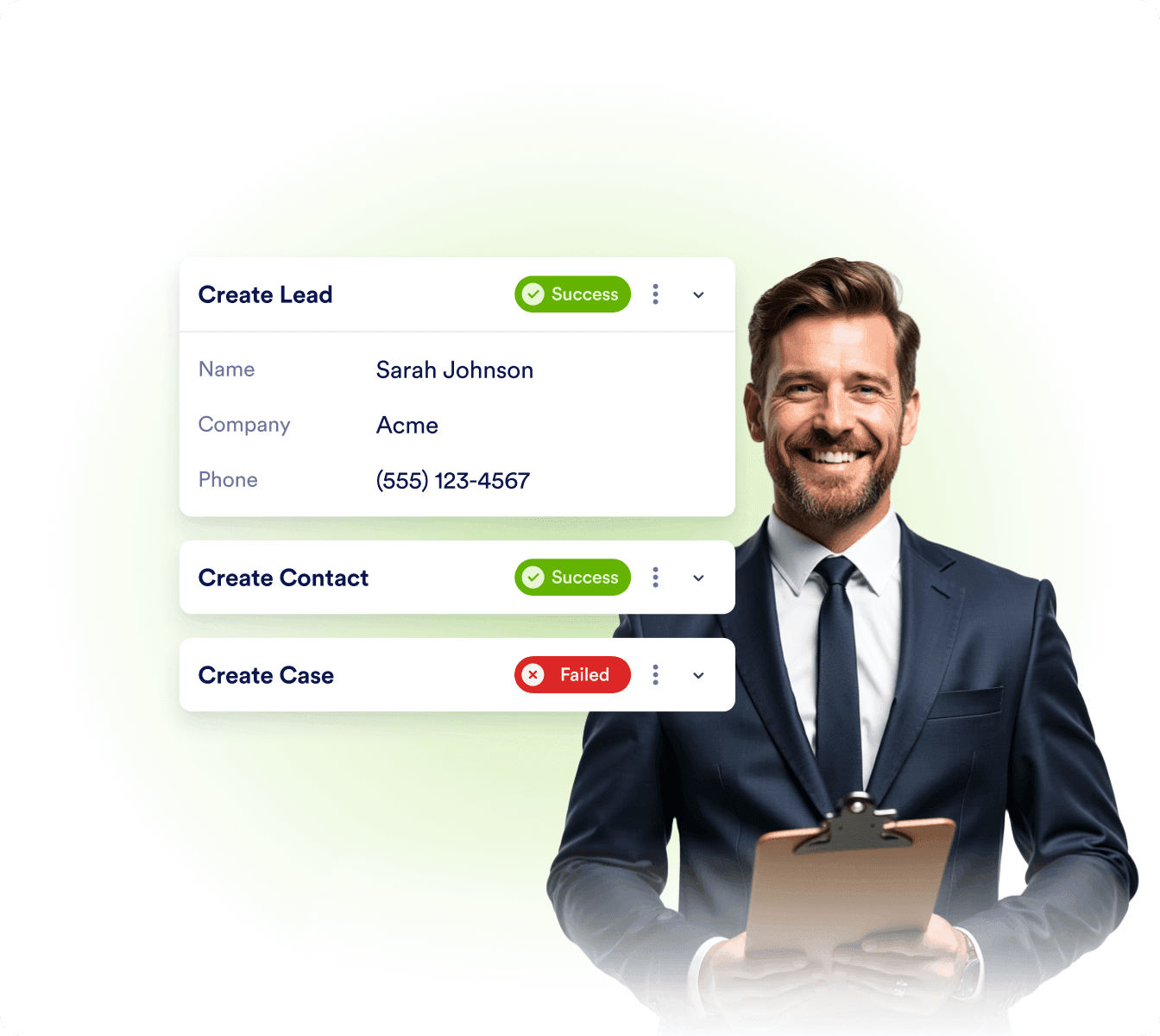

Lead capturing
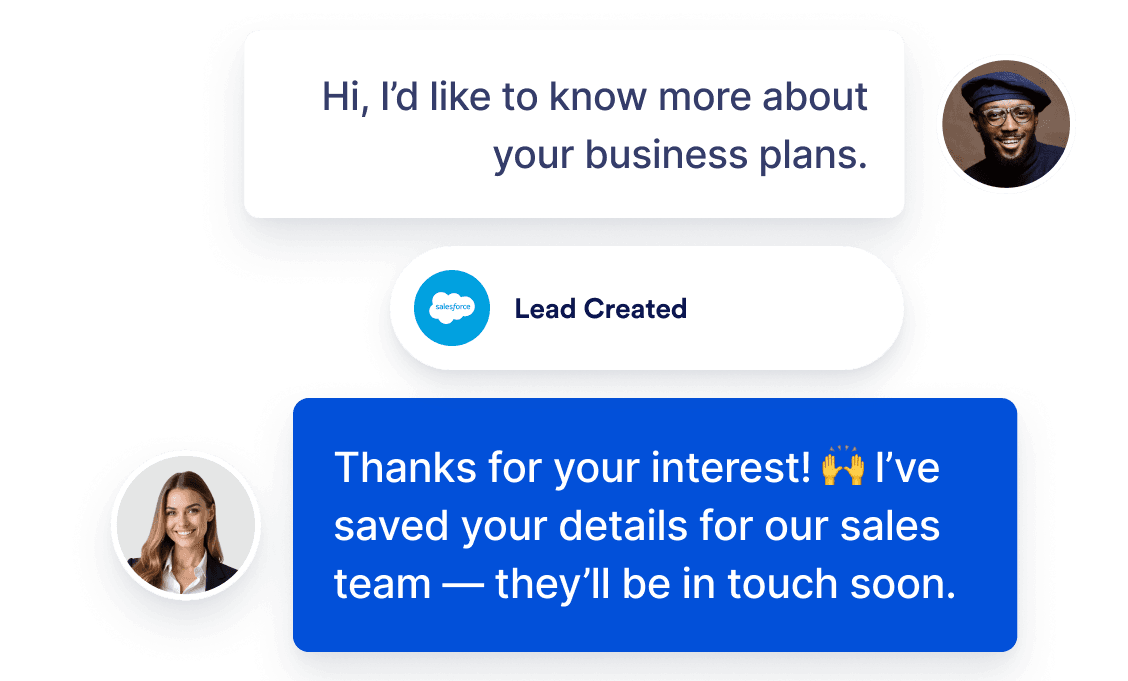
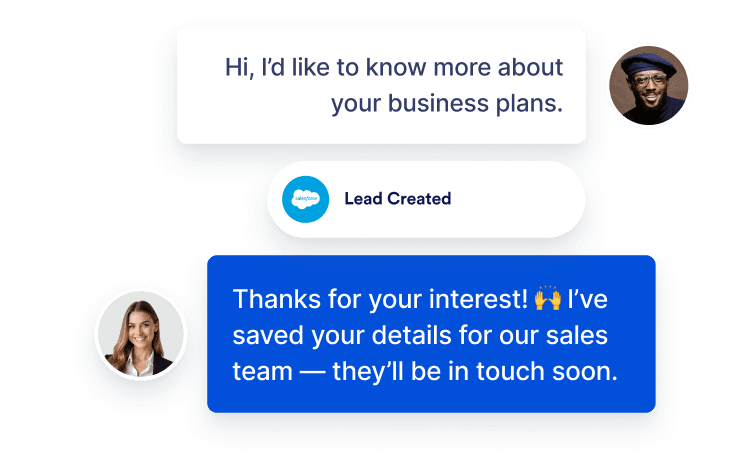
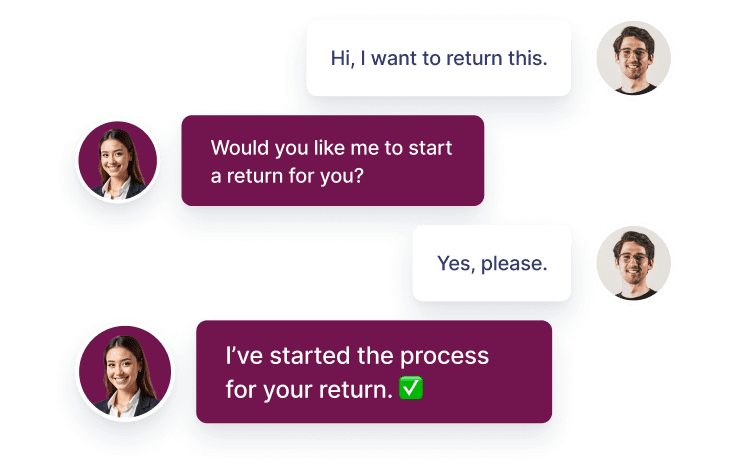
Collect prospect details, ask qualifying questions, and create leads automatically so sales never misses an opportunity.
Let AI handle everyday Salesforce tasks — capture leads, create or update records, automate case handling, and deliver personalized support, so your team can focus on higher-value work.

From accurate answers and lead capture to record updates and case handling, the agent works like a dedicated Salesforce pro so your team can focus on impact.
Collect prospect details, ask qualifying questions, and create leads automatically so sales never misses an opportunity.
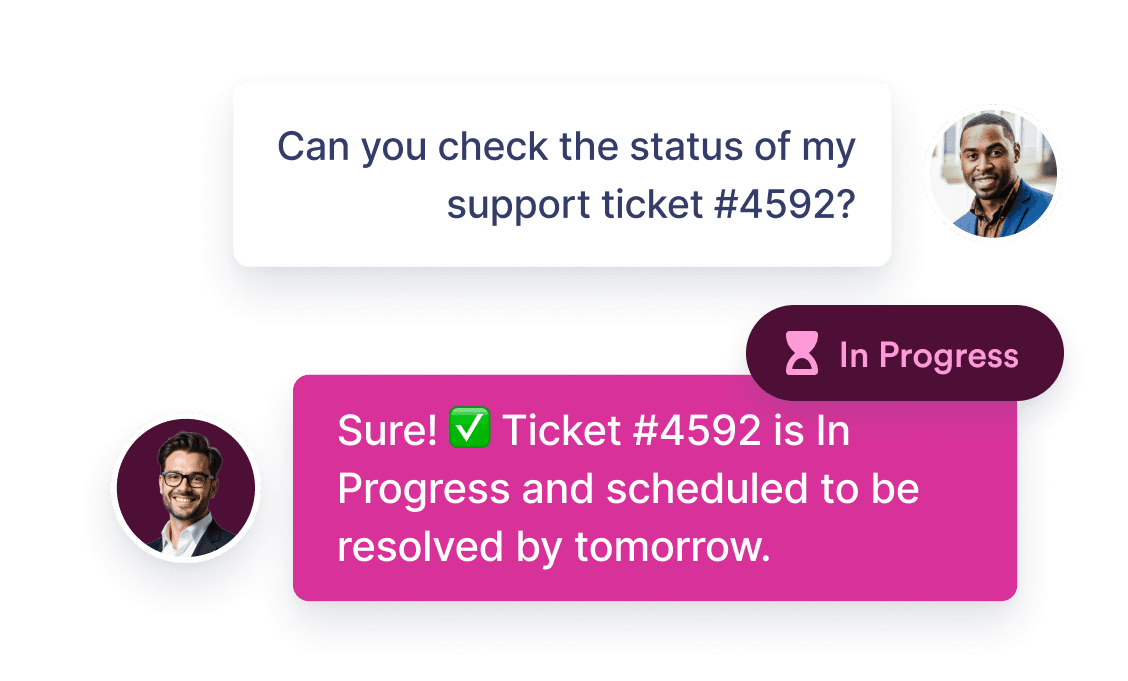
Give customers real-time order and account updates by pulling the latest Salesforce records into the chat.
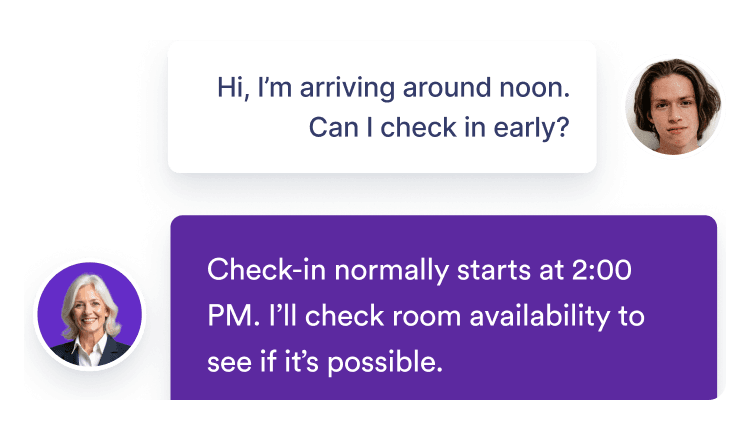
Always available to answer questions, giving customers help whenever they need it, without waiting for business hours.
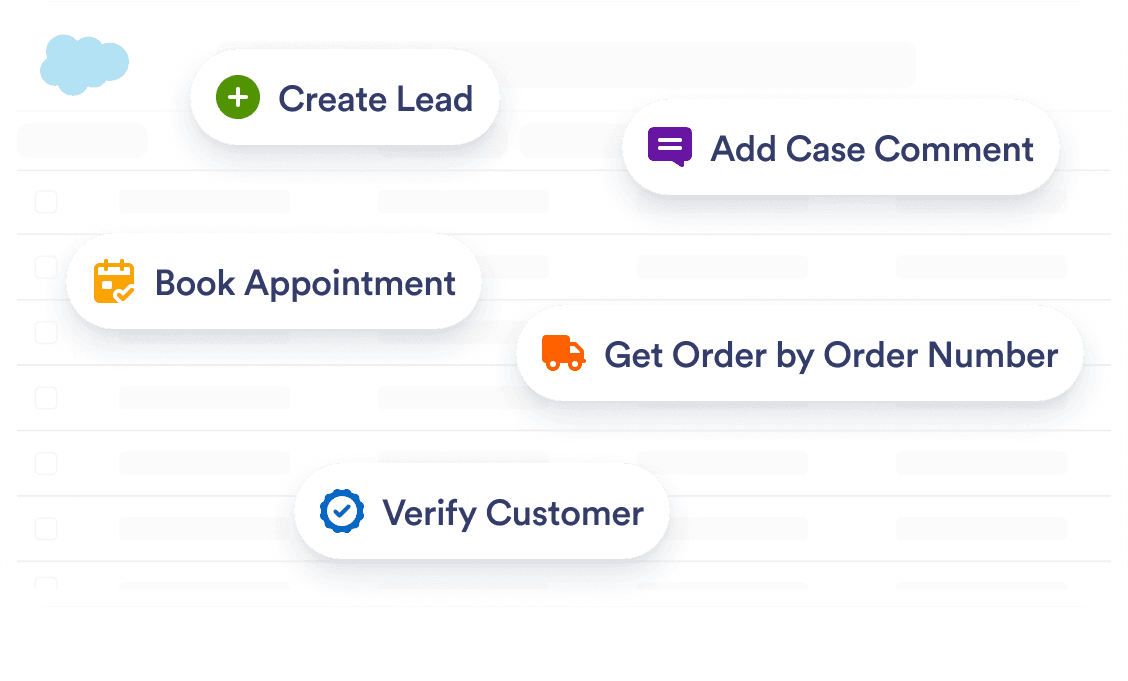
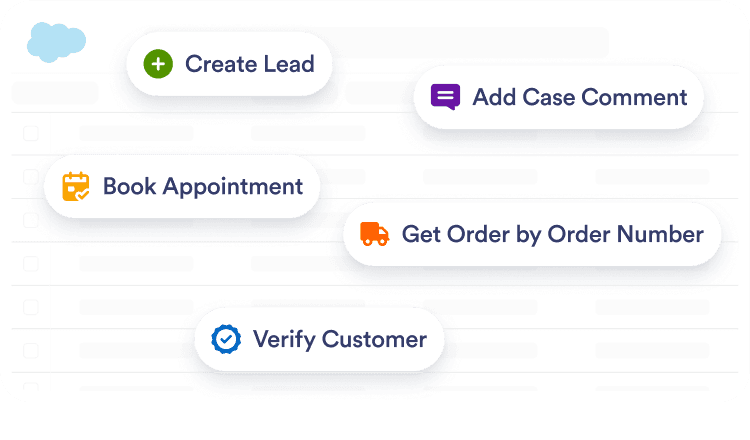
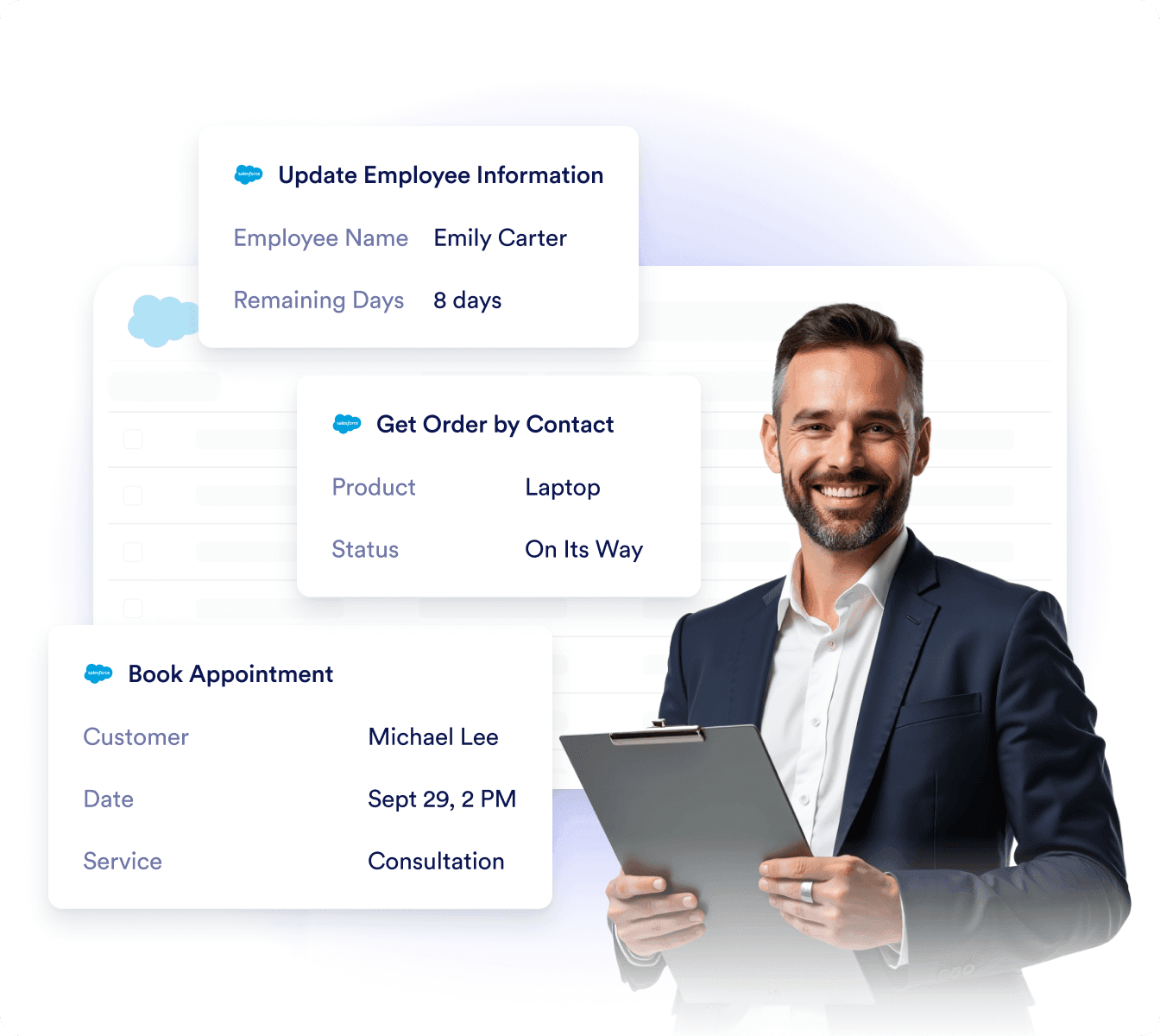
Quickly send and receive Salesforce data with ready-made actions for leads, cases, appointments, and more.
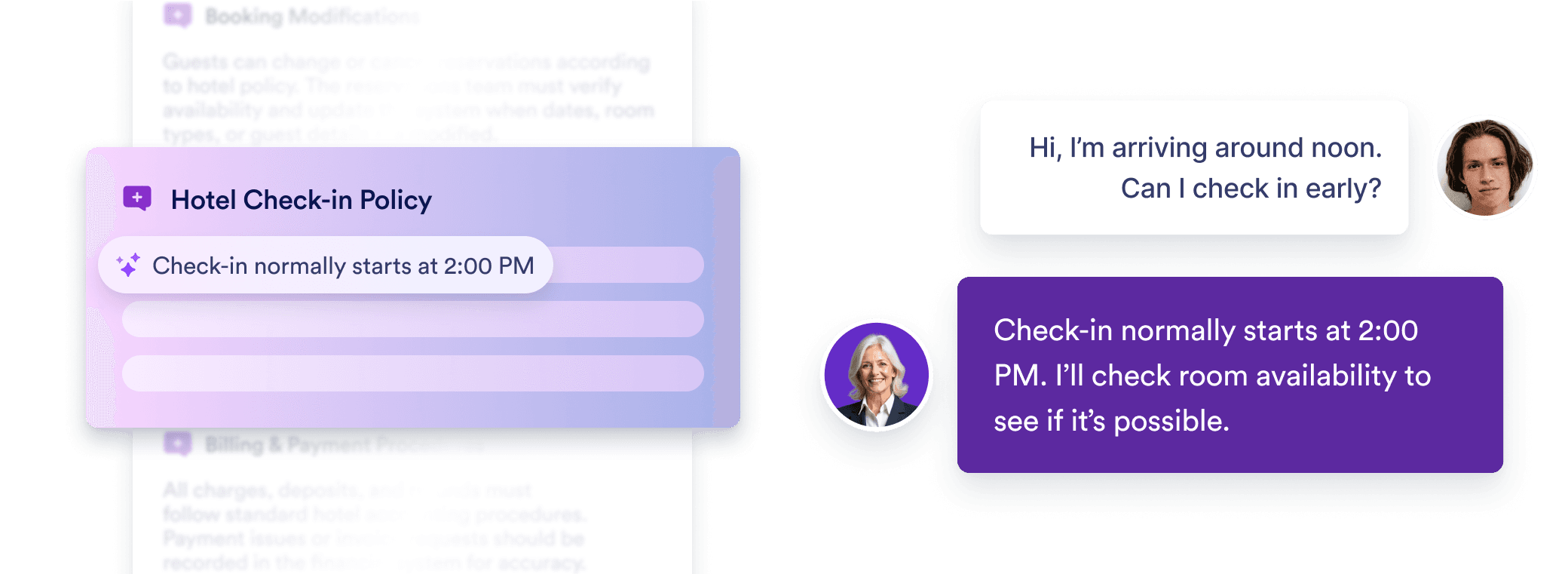
Your agent can train on Service Cloud Knowledge, FAQs, and documented procedures to deliver context-aware answers that reflect your organization’s best practices.
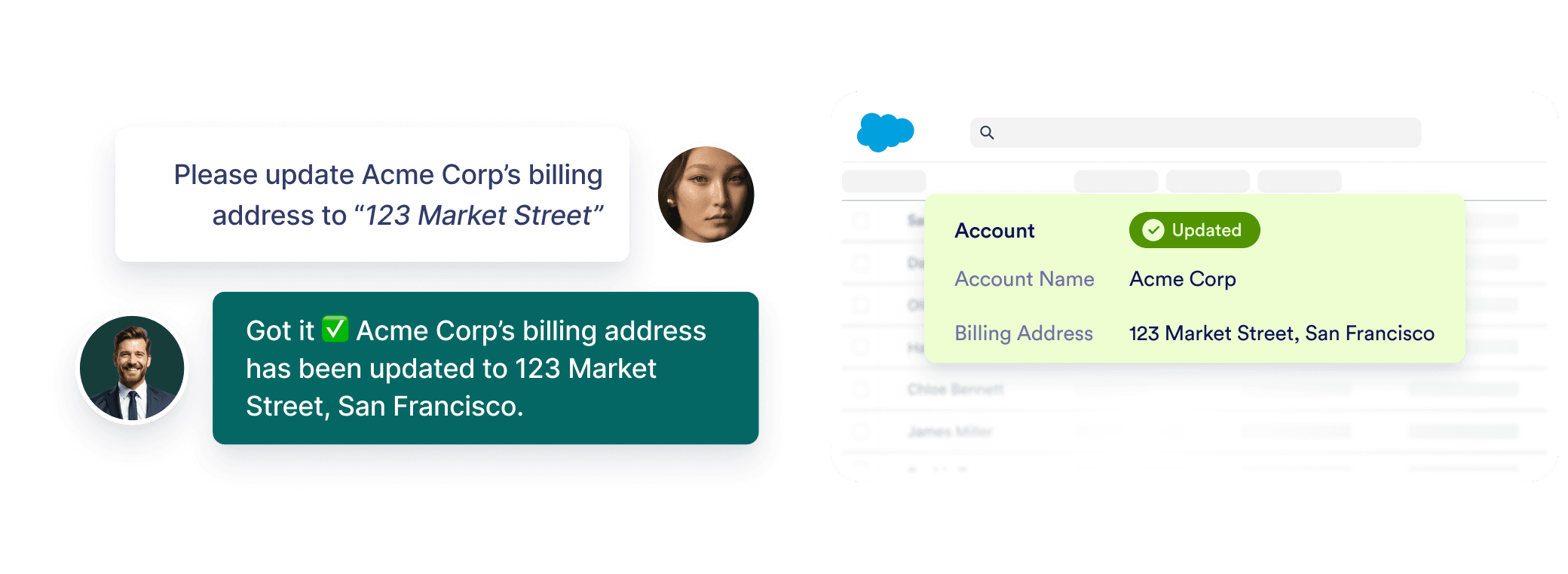
Your agent automatically syncs with Salesforce data, so customer details, opportunities, and cases are always up to date without extra effort.
Avoid time-consuming setup and costly migration. Jotform offers a frictionless, ready-to-use alternative.
Switch to Jotform todayYour agent can be shared directly on Salesforce Experience Cloud, extending 24/7 support to customers, employees, and partners right where they need it.

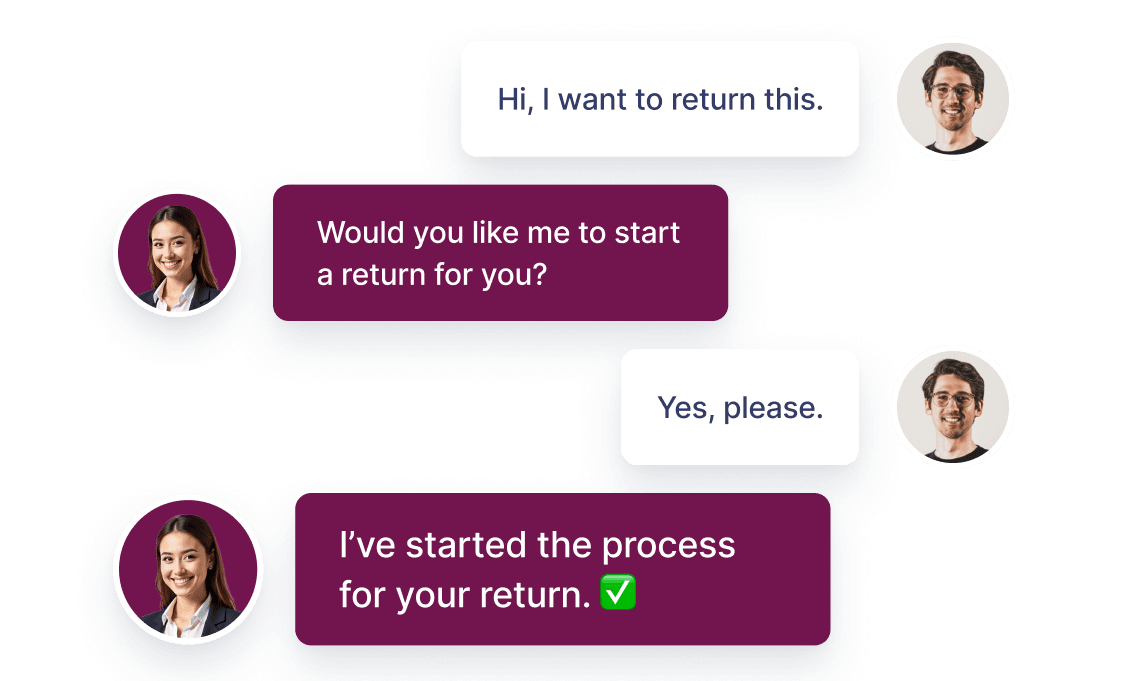
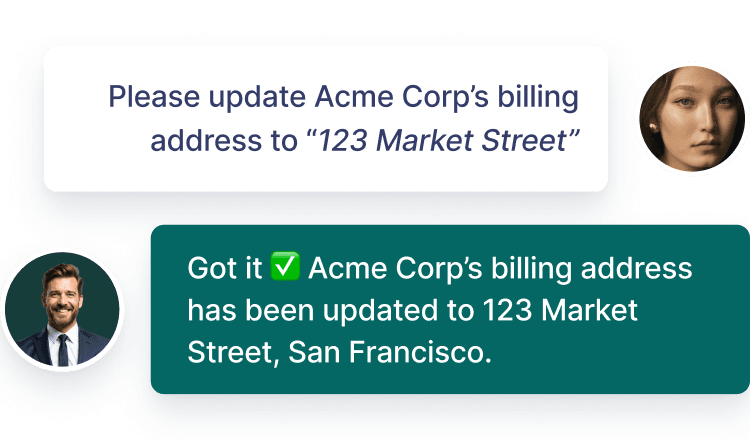
Automate tasks effortlessly — manage orders, send updates, answer questions, and more in just a few clicks.
When this region has keyboard focus, press Escape to pause or resume the animation. The animation resumes when keyboard focus leaves this region. If your screen reader uses Escape, use its pass-through command first.
Show list of items
Allow your agent to provide a list of helpful links.
Send Slack messages
Stay updated in real time with automated Slack alerts from your AI Agent.
Show images
Use images to show steps, offers, or campaign graphics, promotions, or troubleshooting.
Set appointment in Google Calendar
Let your AI agent manage customer reservations based on your availability.
Send email notifications
Allow your agent to compose and send emails as needed.
Find in website
Set up your agent to search your site and deliver helpful content to customers.
Get consent
Enable your AI agent to request customer consent during conversations.
Forms
Allow your agent complete forms to gather customer feedback and data.
Trigger workflow
Automatically launch workflows the moment a customer completes a purchase.
Take photo
Let customers snap and send photos directly in the chat.
Set appointment
Let your agent schedule customer appointments based on your availability.
Show video
Bring your storefront to life with smart, in-chat video responses.
Send to Google Drive
Allow your agent to collect documents, images or videos and send it to Google Drive.
Show location
Allow your agent to display your store location using Google Maps.
Ask for information
Allow your agent to collect information, values, or data from customers during chat.
Show checklist
Allow your agent to display a checklist and guide customers through each step.
When this region has keyboard focus, press Escape to pause or resume the animation. The animation resumes when keyboard focus leaves this region. If your screen reader uses Escape, use its pass-through command first.
Show list of items
Allow your agent to provide a list of helpful links.
Send Slack messages
Stay updated in real time with automated Slack alerts from your AI Agent.
Show images
Use images to show steps, offers, or campaign graphics, promotions, or troubleshooting.
Set appointment in Google Calendar
Let your AI agent manage customer reservations based on your availability.
Send email notifications
Allow your agent to compose and send emails as needed.
Find in website
Set up your agent to search your site and deliver helpful content to customers.
Get consent
Enable your AI agent to request customer consent during conversations.
Forms
Allow your agent complete forms to gather customer feedback and data.
Trigger workflow
Automatically launch workflows the moment a customer completes a purchase.
Take photo
Let customers snap and send photos directly in the chat.
Set appointment
Let your agent schedule customer appointments based on your availability.
Show video
Bring your storefront to life with smart, in-chat video responses.
Send to Google Drive
Allow your agent to collect documents, images or videos and send it to Google Drive.
Show location
Allow your agent to display your store location using Google Maps.
Ask for information
Allow your agent to collect information, values, or data from customers during chat.
Show checklist
Allow your agent to display a checklist and guide customers through each step.

Your agent can learn from Salesforce articles, FAQs, and links to deliver context-aware responses.
Learn Jotform Salesforce Agent with tutorials, feature walkthroughs, product demos, and expert tips. Watch more on our YouTube channel.
The Salesforce Agent is an AI-powered assistant that connects directly to your Salesforce account. It can capture leads, create or update records, automate case handling, and deliver personalized support—all directly inside the chat experience.