Widget Retour en haut pour votre site web
Simplifiez la navigation sur les pages longues grâce à un bouton personnalisable qui ramène les visiteurs en haut de page. Le widget Retour en haut de Jotform vous permet de choisir l'icône, la taille, les couleurs, la position, le déclencheur de défilement et la visibilité sur l'appareil, puis d'intégrer le bouton sans avoir à rédiger une seule ligne de code.
Créez votre widget gratuitement !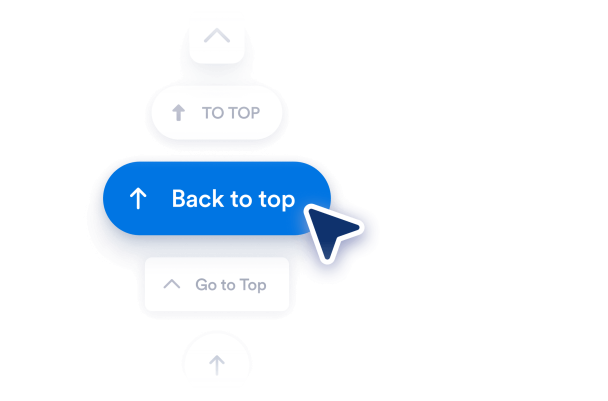

Comment créer un widget Retour en haut de page
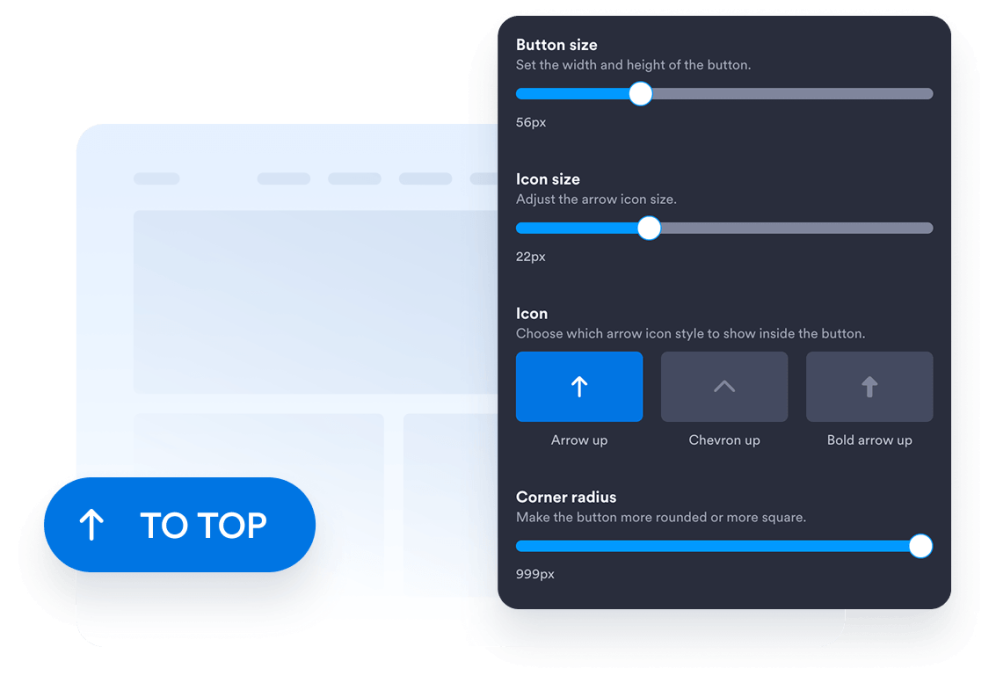
Personnalisez le design de votre bouton
Choisissez le style, l'icône, la taille, les couleurs, le rayon des coins et la position du bouton à l'écran. Ajustez son espacement et son apparence pour qu'il s'intègre parfaitement au design de votre site web.
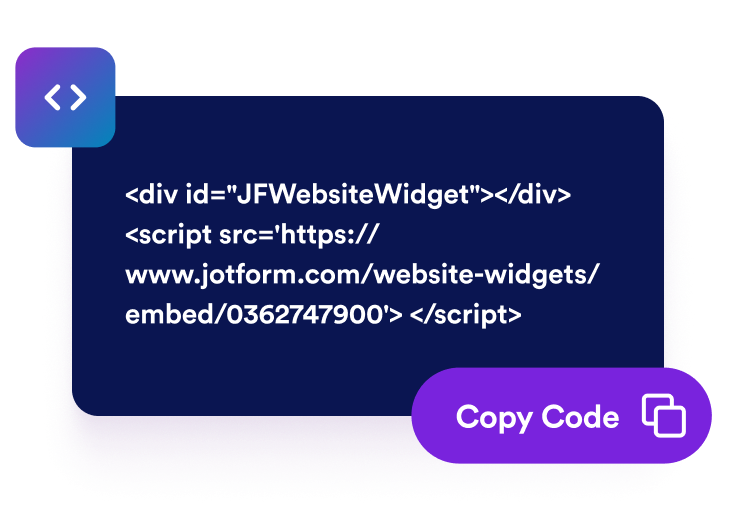
Récupérez le code d'intégration
Copiez le code d'intégration prêt à l'emploi généré par Jotform. Aucune configuration n'est nécessaire. Sans coder.
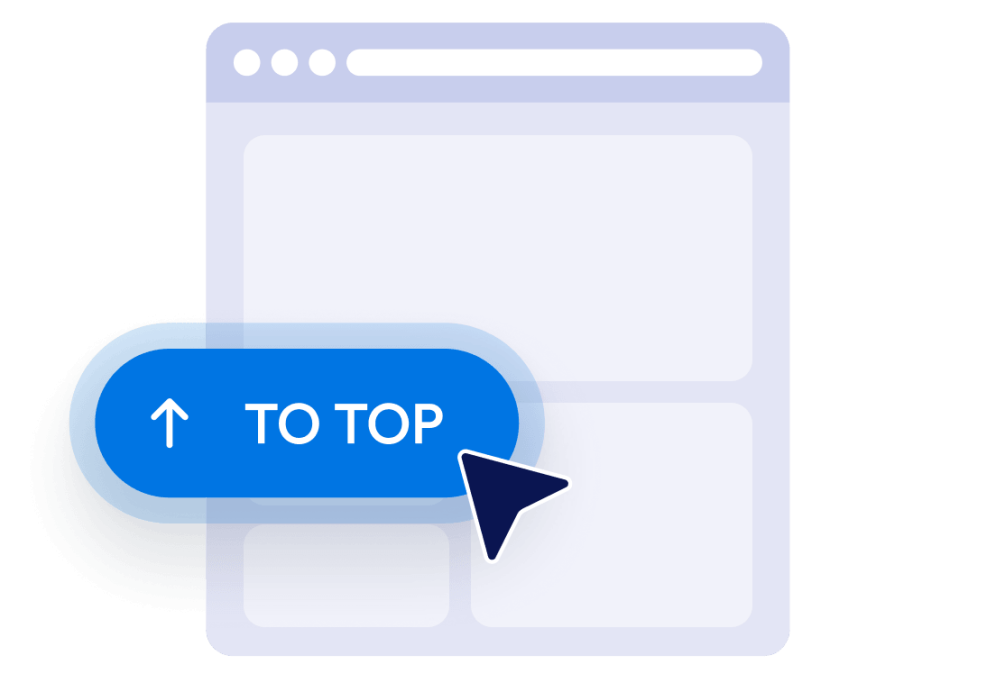
Intégrez-le à votre site web
Prévisualisez le bouton, copiez le code d'intégration généré et collez-le dans un bloc HTML personnalisé ou un bloc d'intégration. Publiez la page et testez le bouton sur ordinateur et mobile.
Rendez les pages web longues plus faciles à naviguer
Facilitez le retour en haut de la page.
Offrez à vos visiteurs un moyen rapide de revenir en haut des pages longues sans avoir à faire défiler manuellement. Le bouton reste facilement accessible et ramène les visiteurs en douceur en haut de la page.
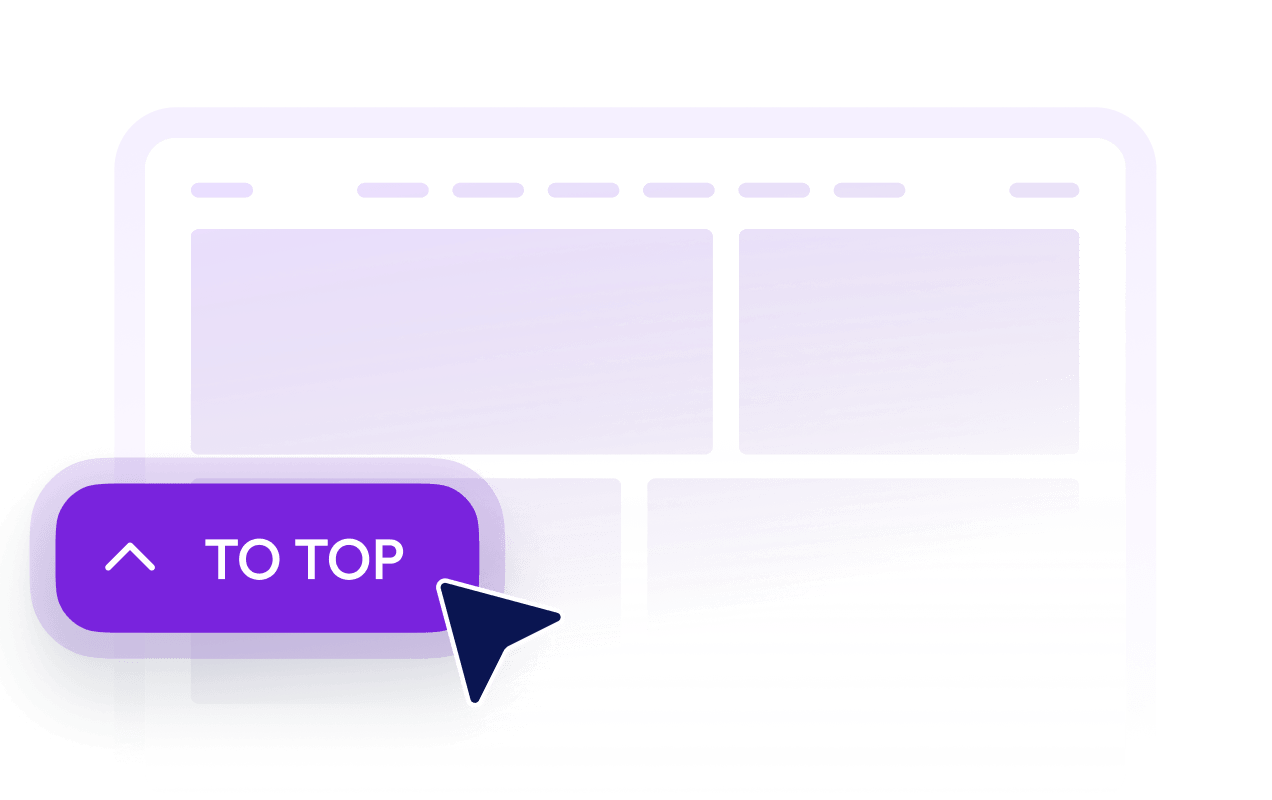
Affichez les boutons après le défilement
Définissez jusqu'où les visiteurs doivent faire défiler la page avant que le bouton ne devienne visible. Cela permet de le garder discret en haut de la page tout en le rendant accessible lorsque revenir en haut devient utile.

Personnalisez les boutons à vos couleurs
Personnalisez l'icône, la taille, les couleurs, le rayon des coins et l'espacement pour créer un bouton "Retour en haut" adapté à votre site web. Placez-le à gauche ou à droite selon la mise en page.

Contrôler sa visibilité sur ordinateur et mobile
Choisissez si le bouton doit apparaître sur les ordinateurs, les appareils mobiles ou les deux. Les options de visibilité et de positionnement vous permettent d'éviter de masquer des éléments importants de la page tout en conservant une navigation accessible sur les petits écrans.
Ce qui les rend les widgets de site web Jotform vraiment uniques
Les widgets Jotform rendent votre site web plus interactif et vous aident à augmenter vos conversions. Choisissez parmi de nombreux outils, comme des évaluations par étoiles, des curseurs de témoignages, des fenêtres contextuelles de preuve sociale ou des intégrations de contenus multimédias. Ajoutez des widgets à vos formulaires ou à vos pages de destination afin de collecter des données, d'afficher votre preuve sociale et de générer des prospects, sans coder.
Intégrez un widget Jotform à votre site web en copiant un code simple. Personnalisez, prévisualisez, puis insérez-le dans n'importe quelle page ou block HTML, le tout sans faire appel à un développeur.
Configurez les widgets de site web Jotform pour collecter des prospects, afficher des avis clients, mettre en avant votre preuve sociale, intégrer des contenus multimédias ou ajouter des outils utiles à vos pages web. Chaque widget permet aux visiteurs d'interagir directement avec votre entreprise depuis votre site web.
Si vous avez besoin d'aide pour configurer, personnaliser, intégrer ou résoudre un problème avec votre widget, l'équipe d'assistance de Jotform est disponible 24h/24 et 7j/7. Bénéficiez d'une assistance à tout moment, dès que vous en avez besoin.
Où utiliser votre bouton Retour en haut
Ajoutez ce bouton aux pages où les visiteurs doivent faire défiler un contenu important, des listes, des images ou des informations complémentaires.
Articles et billets de blog pour aider les lecteurs à revenir au titre, à la navigation ou à la table des matières.
Pages de catégories de produits pour permettre aux acheteurs de revenir aux filtres ou à la navigation par catégorie.
Pages de destination et de vente pour aider les visiteurs à revisiter le contenu d'introduction et les principaux appels à l'action.
Pages de documentation pour simplifier la navigation dans les longs guides, instructions et documents de référence.
Pages de portfolio et de galerie pour aider les visiteurs à reprendre leur navigation après avoir consulté de nombreux travaux.
FAQ et pages de ressources pour offrir un chemin de retour pratique après que les visiteurs ont exploré plusieurs sections.
Transformez vos prospects en clients grâce au Générateur de formulaires Jotform
Transformez l'engagement en action grâce à Jotform. Créez des formulaires performants capables de collecter des prospects, d'encaisser des paiements et d'automatiser les réponses, le tout depuis un seul et même endroit. Chaque soumission est transférée dans votre Boîte de réception Jotform, d'où vous pouvez assurer le suivi ou l'intégrer à vos applications préférées.
Créez votre formulaire : c'est gratuit !
FAQ
Qu'est-ce qu'un widget Retour en haut ?
Le widget Retour en haut ajoute un bouton flottant qui ramène les visiteurs au début de la page. Il est particulièrement utile pour les articles longs, les listes de produits, la documentation, les galeries et autres pages nécessitant un défilement important.
Comment ajouter un bouton "Retour en haut" à mon site web ?
Dois-je rédiger du code pour créer le bouton ?
Puis-je personnaliser le design du bouton Retour en haut ?
Quand le bouton « Retour en haut » apparaît-il ?
Puis-je modifier la position du bouton à l'écran ?
Le bouton fonctionne-t-il sur les appareils mobiles ?
Le widget Jotform Retour en haut est-il gratuit ?
Est-il possible d'ajouter un bouton Retour en haut à WordPress ou Elementor ?
Quelles plateformes de sites web prennent en charge le widget Retour en haut de page ?