Widget Notification push web pour votre site web
Attirez l’attention et réengagez vos visiteurs grâce à une notification animée inspirée des notifications du navigateur, qui peut glisser, apparaître en fondu, rebond ou zoom dans un coin de votre page. Ajoutez un titre, un message, une image et un bouton, activez éventuellement un signal sonore et contrôlez le moment de l'affichage, la position, la fréquence et le ciblage, le tout avec un widget gratuit et sans code que vous pouvez intégrer où vous le souhaitez.
Créez votre widget gratuitement !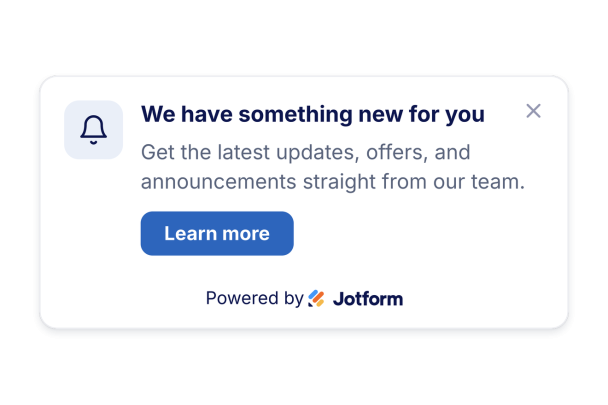

Comment créer un widget Notifications de navigateur
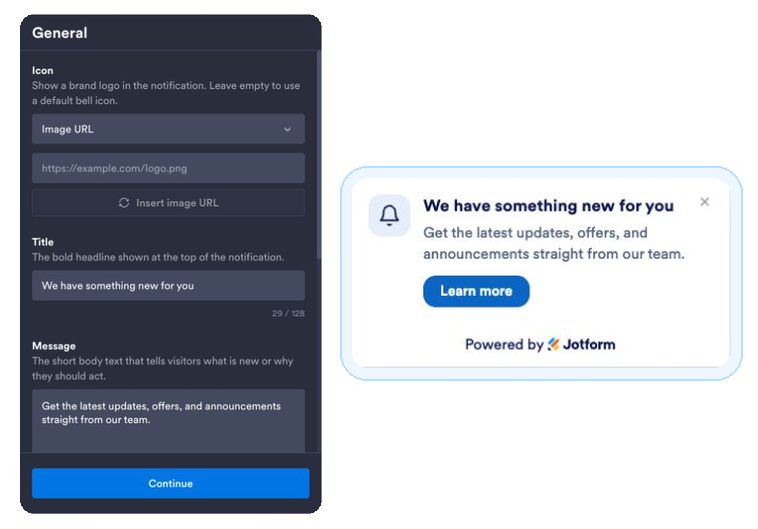
Rédigez votre notification
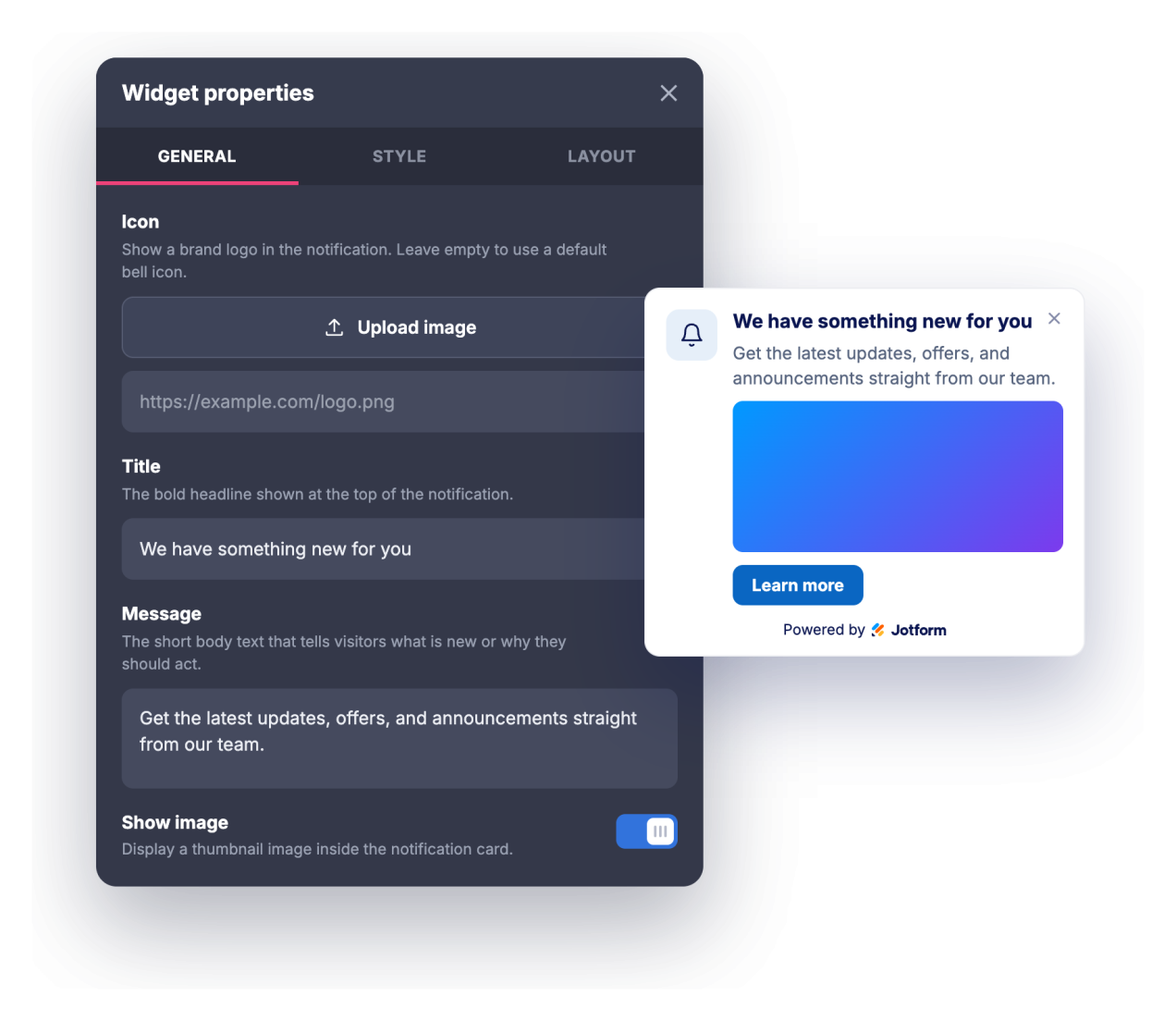
Ajoutez un titre, un message, une icône ou une image facultative, ainsi qu’un lien associé à un bouton d’appel à l’action.
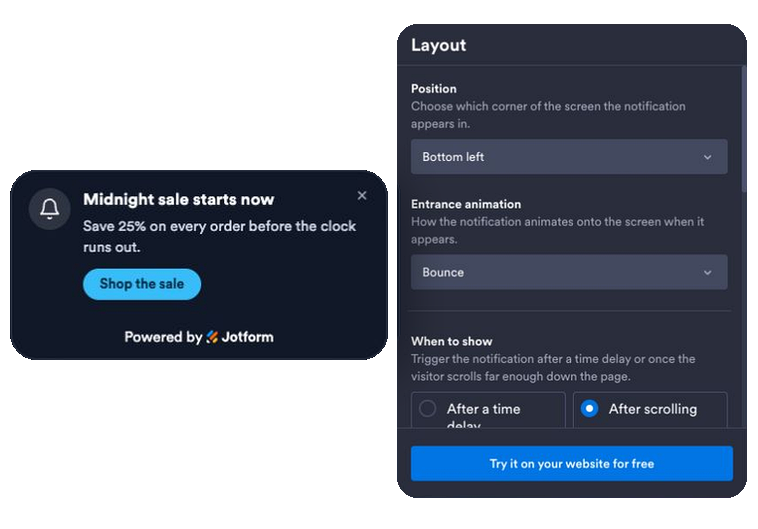
Définissez l’animation, le moment et les règles d'affichage
Choisissez une animation lors de l'affichage de la notification push web, déclenchez-la après un certain délai ou selon la progression du défilement, activez éventuellement un son ou une véritable notification du navigateur, puis définissez sa position, sa fréquence, et les pages et appareils sur lesquels elle s’affiche.
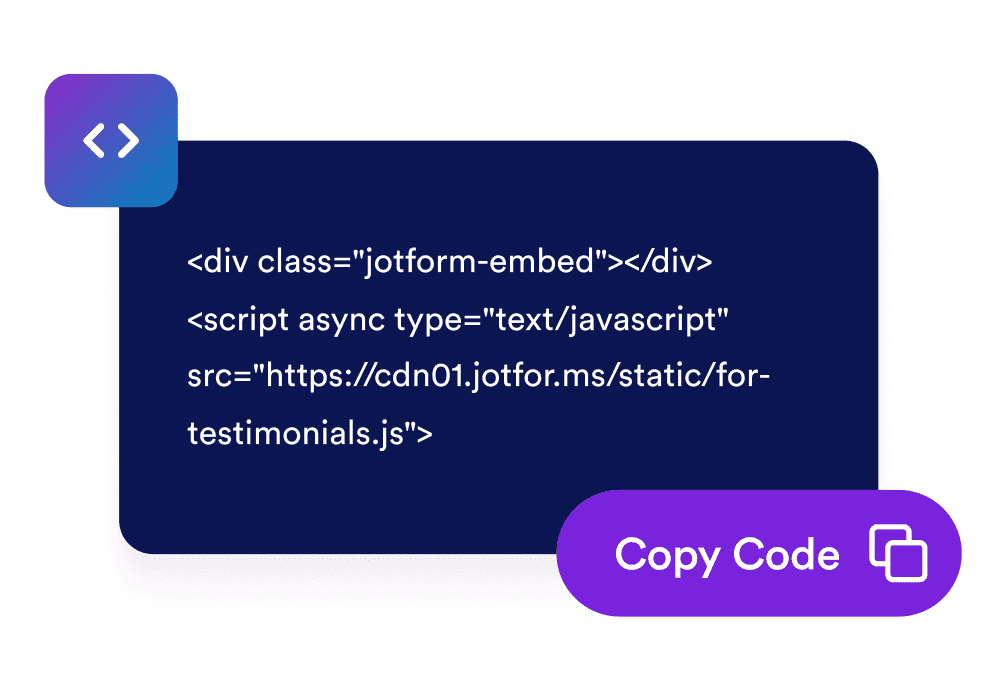
Intégrez-le à votre site
Copiez le code d’intégration généré et collez-le où vous le souhaitez sur votre site web pour afficher immédiatement votre notification.
Transformez les visites passives en engagement
Diffusez un message au bon moment pour attirer l’attention
Une carte de notification inspirée des notifications du navigateur apparaît avec une animation dans un coin de votre page et affiche un titre, un message et un bouton. Vos promotions, actualités et annonces gagnent ainsi en visibilité sans occuper tout l’écran.
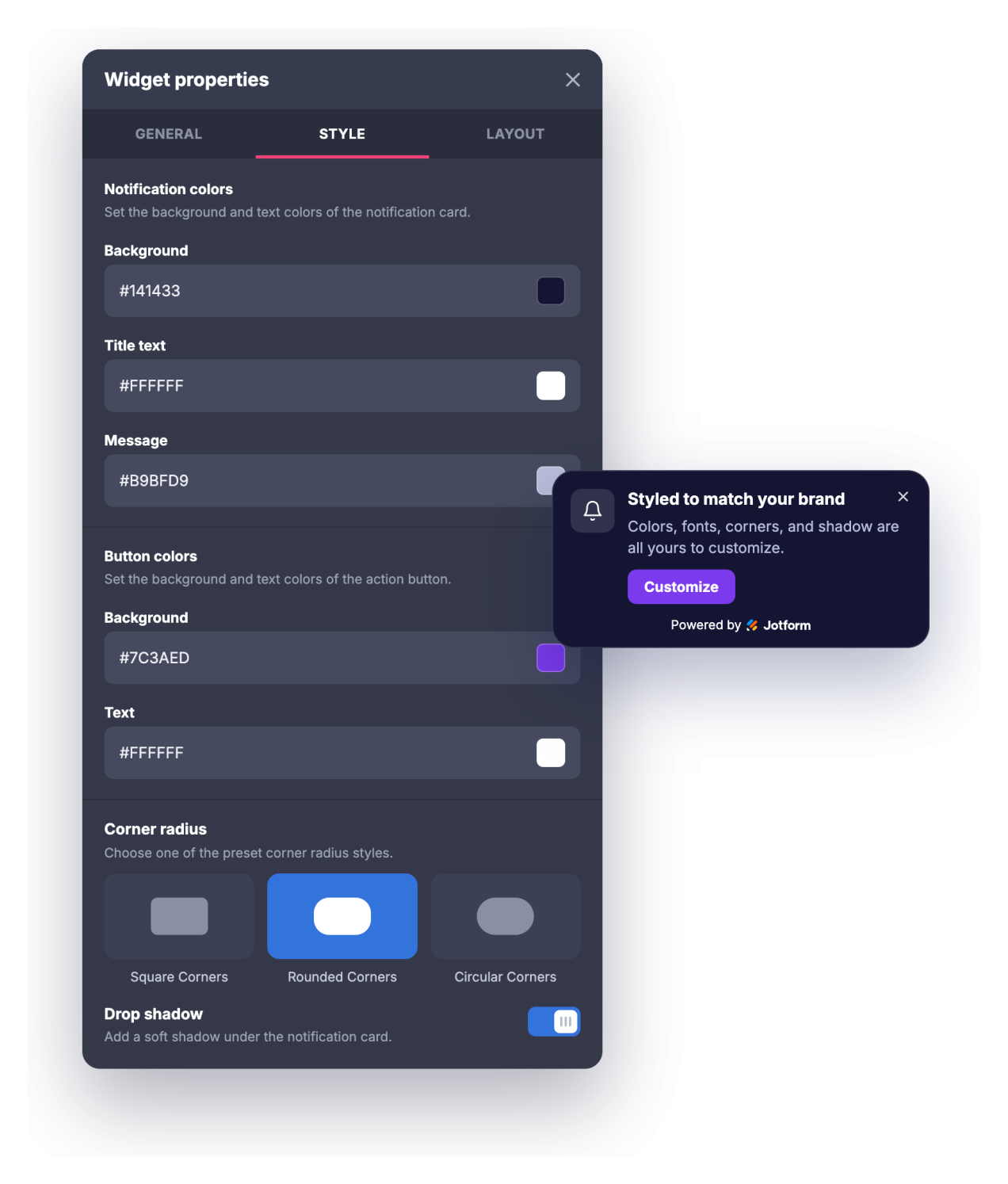
Associez votre marque en quelques clics
Personnalisez les couleurs de l’arrière-plan, du titre, du message et du bouton, la taille du titre et du message, l’arrondi des angles et l’ombre portée. Votre notification s’intègre ainsi naturellement au design de votre site au lieu de ressembler à une fenêtre contextuelle générique.
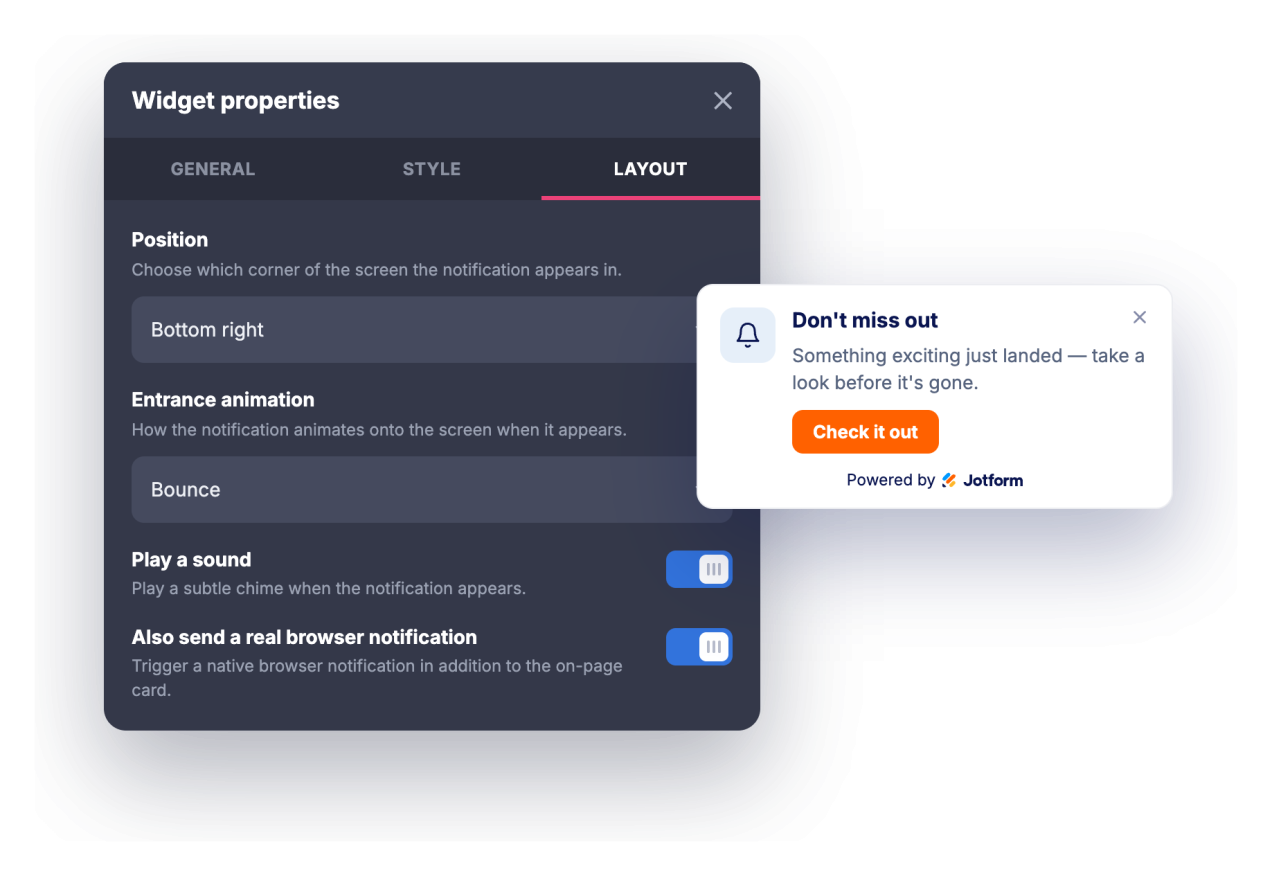
Réengagez vos visiteurs et contrôlez la fréquence d’affichage
Attirez l’attention avec un signal sonore facultatif ou une véritable notification push web que les visiteurs peuvent accepter de recevoir. Définissez ensuite un délai ou un niveau de défilement pour déclencher son affichage, programmez sa fermeture automatique et choisissez sa fréquence de réapparition.
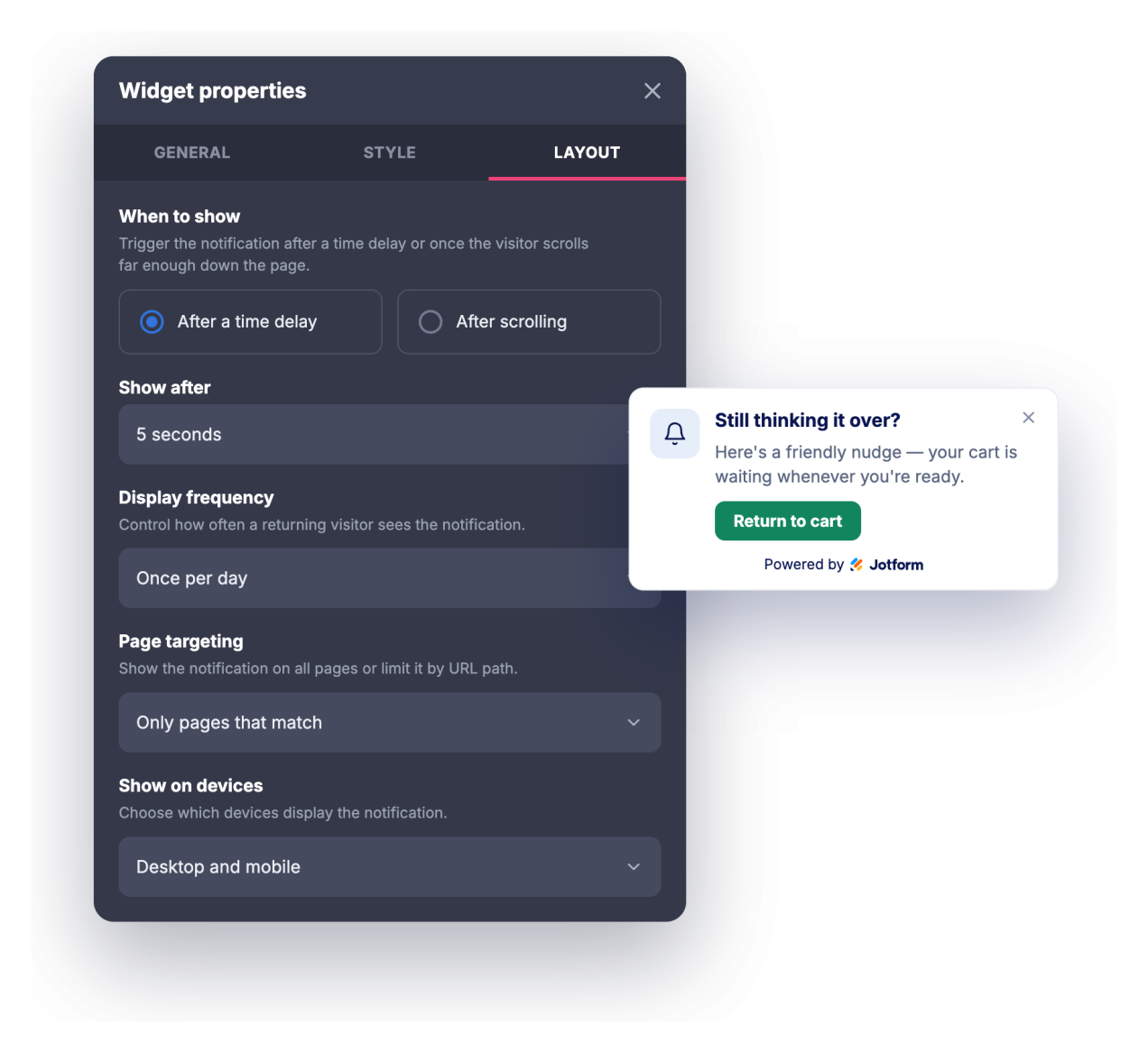
Ciblez les bonnes pages et les bons appareils
Affichez la notification sur toutes les pages, uniquement sur celles dont l’URL correspond à vos critères ou partout sauf sur les pages correspondantes. Choisissez ensuite si elle doit apparaître sur ordinateur, sur mobile ou sur les deux.
Ce qui les rend les widgets de site web Jotform vraiment uniques
Les widgets Jotform rendent votre site web plus interactif et vous aident à augmenter vos conversions. Choisissez parmi de nombreux outils, comme des évaluations par étoiles, des curseurs de témoignages, des fenêtres contextuelles de preuve sociale ou des intégrations de contenus multimédias. Ajoutez des widgets à vos formulaires ou à vos pages de destination afin de collecter des données, d'afficher votre preuve sociale et de générer des prospects, sans coder.
Intégrez un widget Jotform à votre site web en copiant un code simple. Personnalisez, prévisualisez, puis insérez-le dans n'importe quelle page ou block HTML, le tout sans faire appel à un développeur.
Configurez les widgets de site web Jotform pour collecter des prospects, afficher des avis clients, mettre en avant votre preuve sociale, intégrer des contenus multimédias ou ajouter des outils utiles à vos pages web. Chaque widget permet aux visiteurs d'interagir directement avec votre entreprise depuis votre site web.
Si vous avez besoin d'aide pour configurer, personnaliser, intégrer ou résoudre un problème avec votre widget, l'équipe d'assistance de Jotform est disponible 24h/24 et 7j/7. Bénéficiez d'une assistance à tout moment, dès que vous en avez besoin.
Où utiliser votre widget Notification push web
Utilisez le widget partout où un message court affiché au bon moment peut inciter les visiteurs à passer à l’étape suivante sans monopoliser toute la page.
Pages de destination pour mettre en avant une offre à durée limitée, un lancement ou un aimant à prospects dès l'arrivée des visiteurs.
Boutiques en ligne pour annoncer des promotions, des seuils de livraison gratuite, des codes de réduction ou des retours en stock grâce à une notification affichée dans un coin de l’écran.
Blogs et sites de contenu pour promouvoir une newsletter, un article connexe ou une ressource à accès restreint pendant que les internautes parcourent votre contenu.
Pages SaaS et de produits pour présenter de nouvelles fonctionnalités, des journaux des modifications, des webinaires ou des invitations à essayer votre produit aux visiteurs concernés.
Pages d'événements et de formations pour rappeler les dates limites d’inscription, les tarifs préférentiels pour les inscriptions anticipées ou les horaires importants.
Pages d'assistance et de documentation pour diriger les utilisateurs vers des mises à jour de statut, de nouveaux guides ou les différentes options permettant de contacter votre équipe.
Transformez vos prospects en clients grâce au Générateur de formulaires Jotform
Transformez l'engagement en action grâce à Jotform. Créez des formulaires performants capables de collecter des prospects, d'encaisser des paiements et d'automatiser les réponses, le tout depuis un seul et même endroit. Chaque soumission est transférée dans votre Boîte de réception Jotform, d'où vous pouvez assurer le suivi ou l'intégrer à vos applications préférées.
Commencez : c'est gratuit !
FAQ
Qu’est-ce que le widget Notification push web ?
Le Notification push web est une carte intégrable dans le style d’une notification de navigateur, qui apparaît avec une animation dans un coin de votre site web. Elle permet d’afficher un titre, un message, une image et un bouton d’appel à l’action. Le widget propose plusieurs animations d'affichage, un signal sonore facultatif, des options de personnalisation typographique ainsi que des règles de déclenchement et de ciblage. Les visiteurs qui donnent leur autorisation peuvent également recevoir une véritable notification du navigateur lorsqu’ils se trouvent sur votre site.
Quelles animations puis-je utiliser ?
La notification push web peut-elle émettre un son ?
Les visiteurs doivent-ils donner leur autorisation ?
Puis-je contrôler le moment où la notification apparaît ?
Puis-je afficher la notification push web uniquement sur certaines pages ?
Puis-je personnaliser le design ?
Le widget Jeu morpion fonctionne-t-il sur les appareils mobiles ?
Dois-je écrire du code pour l'utiliser ?
Le widget Notification push web est-il gratuit ?