Widget Météo gratuit pour votre site web
Permettez à vos visiteurs de consulter les conditions météorologiques actuelles et les prévisions à venir sans quitter votre site web. Le widget météo de Jotform vous permet de choisir un lieu, de sélectionner un affichage à l'heure, à la journée ou détaillé des conditions météorologiques actuelles ou uniquement des températures ; de personnaliser le design et d'intégrer gratuitement le widget à votre site web même sans aucune connaissance en programmation.
Créez votre widget gratuitement !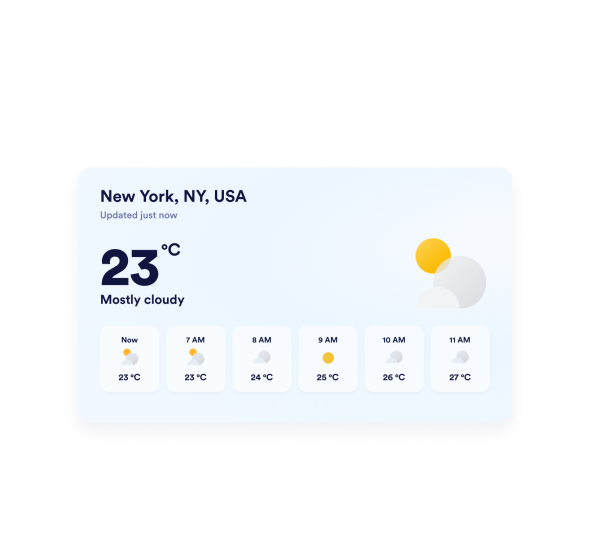

Comment créer un widget Météo
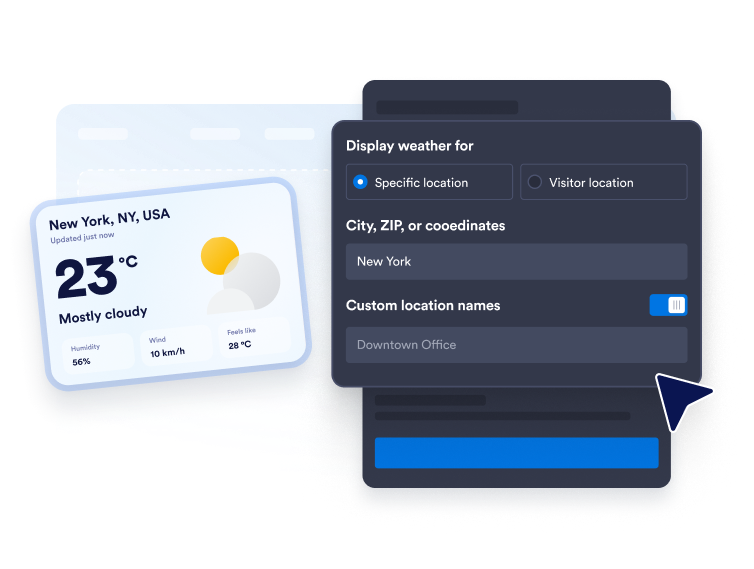
Choisissez l'emplacement météo
Saisissez une ville, un code postal ou des coordonnées pour obtenir des prévisions météo précises. Vous pouvez également utiliser le mode de géolocalisation pour que le widget affiche la météo en fonction de la position du visiteur.
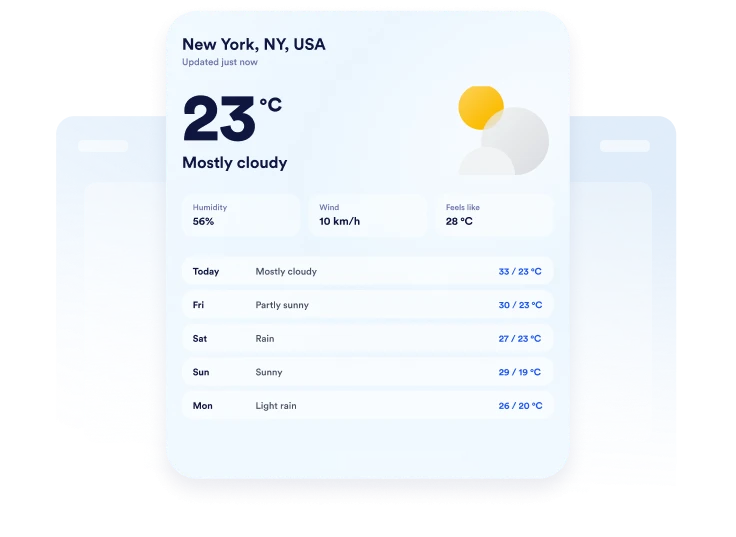
Personnalisez l'affichage des prévisions
Choisissez l'unité de température (Fahrenheit ou Celsius), définissez la période de prévision et décidez des informations à afficher. Selon la mise en page choisie, vous pouvez inclure la température, le taux d'humidité, le vent et la température ressentie.

Intégrez-le à votre site web
Personnalisez les couleurs, prévisualisez la carte météo et copiez le code d'intégration généré. Collez-le dans un bloc HTML personnalisé ou un bloc d'intégration, puis publiez votre page et vérifiez l'affichage.
Afficher la météo locale dans un format flexible
Affichez la météo pour les lieux sélectionnés
Affichez la météo pour une ville, un code postal ou des coordonnées pertinentes pour votre public. Ajoutez une étiquette de localisation personnalisée pour que les prévisions soient plus pertinentes pour un hôtel, un lieu précis pour un événement, une école, une destination touristique ou un commerce local.
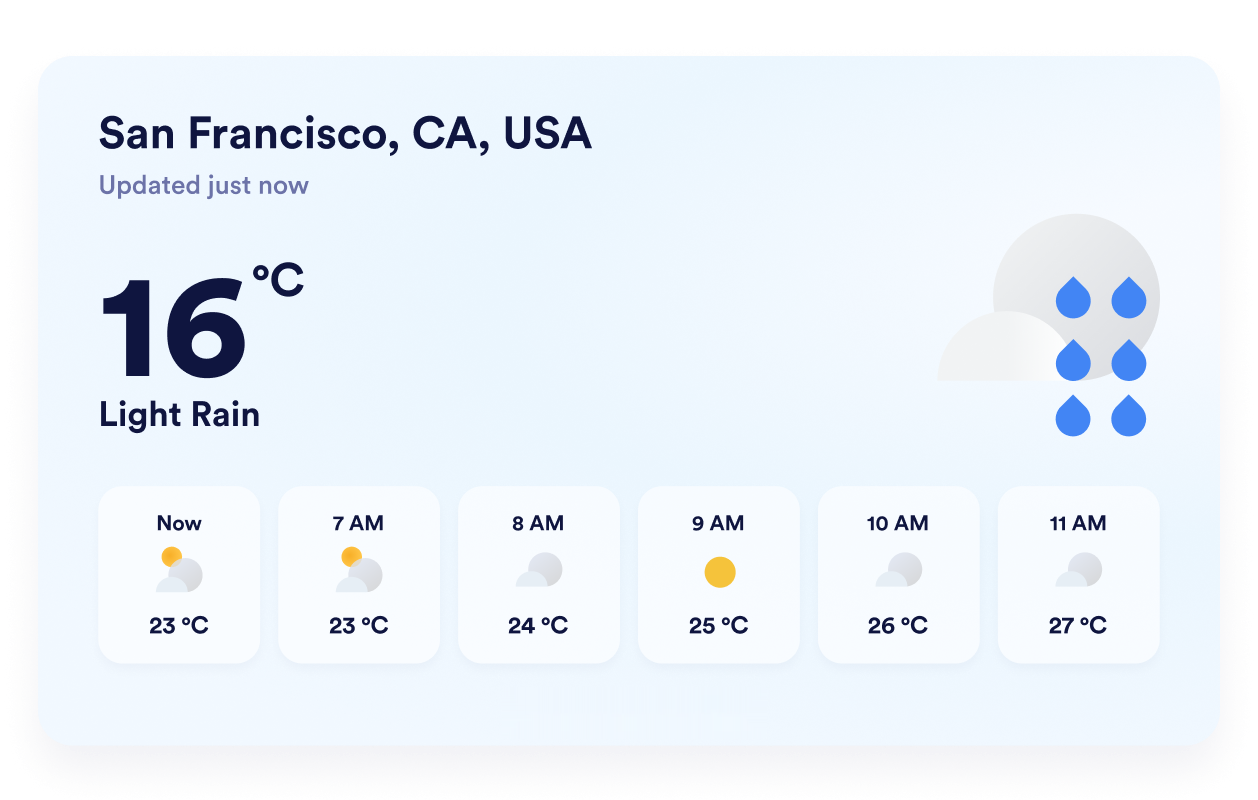
Choisissez la vue prévisionnelle appropriée
Choisissez un affichage détaillé, quotidien, horaire, météo actuelle ou température uniquement, en fonction de l'espace disponible. Cette flexibilité vous permet de présenter des prévisions complètes ou de concentrer le widget sur les informations météorologiques les plus importantes pour vos visiteurs.
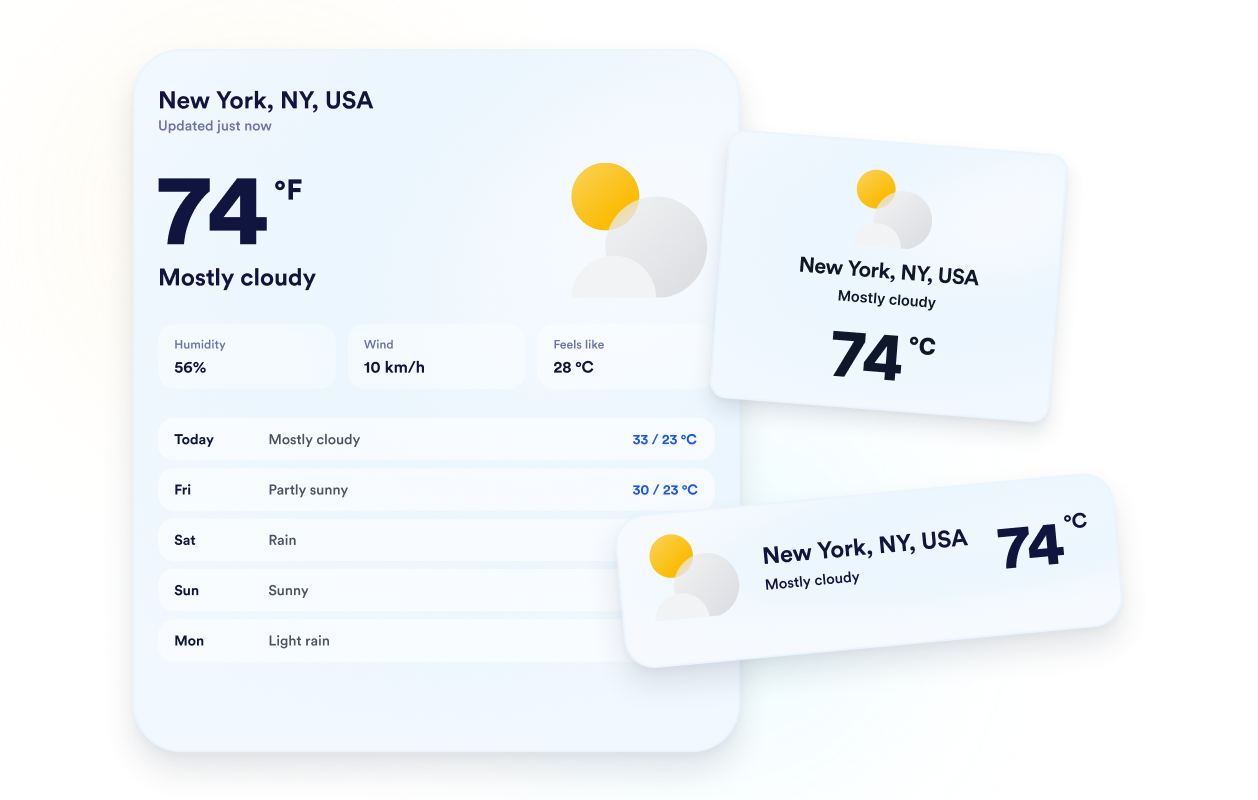
Adaptez les prévisions à votre site web
Choisissez un thème ou une couleur unie pour l'arrière-plan, puis ajustez la carte, les lignes de prévisions, le texte, les couleurs d'accentuation, la largeur et le rayon des coins. Ces options visuelles permettent d'intégrer harmonieusement le widget météo à la mise en page de votre site.
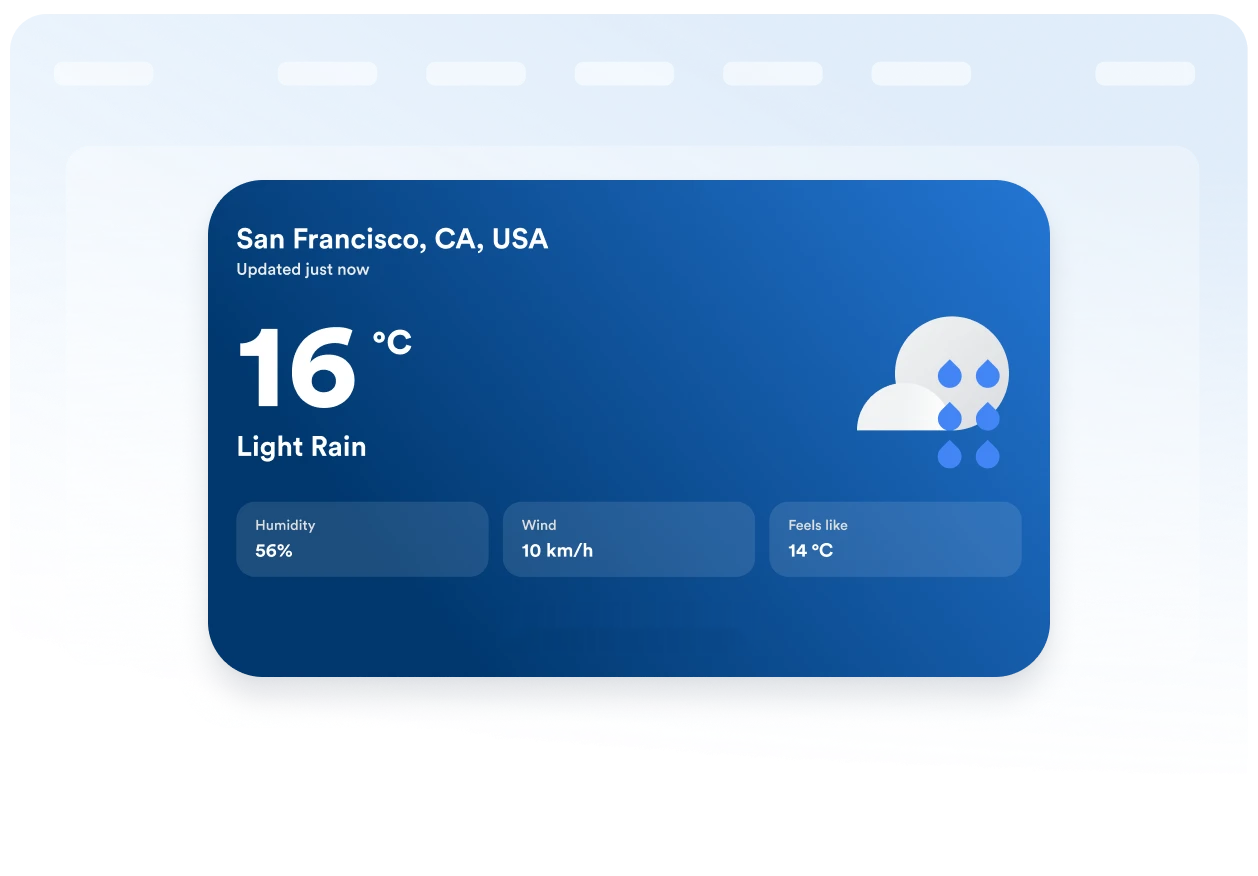
Gardez les unités et les étiquettes lisibles
Affichez les températures en degrés Fahrenheit ou Celsius et traduisez les libellés principaux du widget pour votre public. Son affichage adaptatif et ses options de visibilité sur ordinateur et mobile garantissent une lisibilité optimale des informations météorologiques, quelle que soit la taille de l'écran.
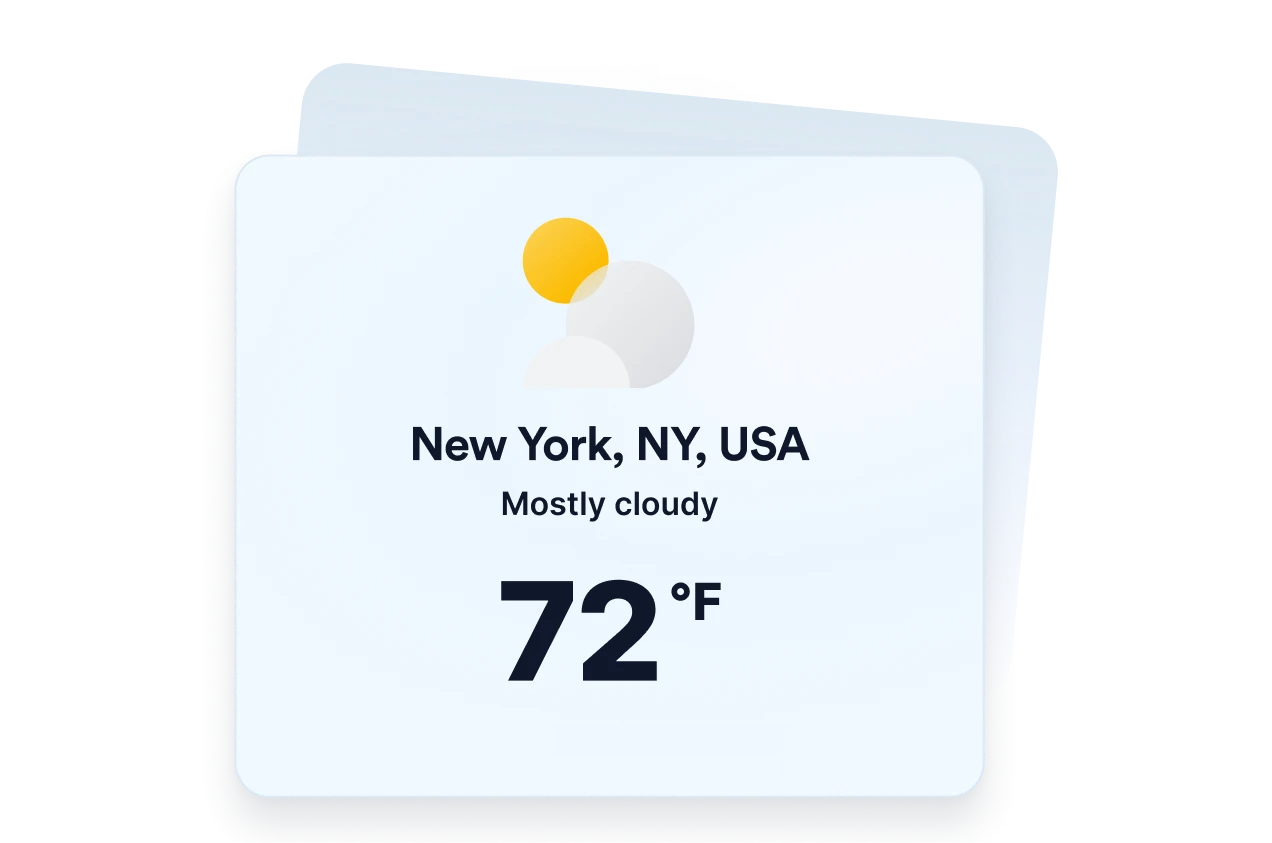
Ce qui les rend les widgets de site web Jotform vraiment uniques
Les widgets Jotform rendent votre site web plus interactif et vous aident à augmenter vos conversions. Choisissez parmi de nombreux outils, comme des évaluations par étoiles, des curseurs de témoignages, des fenêtres contextuelles de preuve sociale ou des intégrations de contenus multimédias. Ajoutez des widgets à vos formulaires ou à vos pages de destination afin de collecter des données, d'afficher votre preuve sociale et de générer des prospects, sans coder.
Intégrez un widget Jotform à votre site web en copiant un code simple. Personnalisez, prévisualisez, puis insérez-le dans n'importe quelle page ou block HTML, le tout sans faire appel à un développeur.
Configurez les widgets de site web Jotform pour collecter des prospects, afficher des avis clients, mettre en avant votre preuve sociale, intégrer des contenus multimédias ou ajouter des outils utiles à vos pages web. Chaque widget permet aux visiteurs d'interagir directement avec votre entreprise depuis votre site web.
Si vous avez besoin d'aide pour configurer, personnaliser, intégrer ou résoudre un problème avec votre widget, l'équipe d'assistance de Jotform est disponible 24h/24 et 7j/7. Bénéficiez d'une assistance à tout moment, dès que vous en avez besoin.
Où utiliser votre widget Météo
Ajoutez des informations météorologiques pertinentes aux pages où les conditions peuvent affecter les plans, la préparation ou la décision d'un visiteur.
Pages d'hôtels ou de complexes hôteliers pour aider les clients à se préparer aux conditions locales avant leur séjour.
Pages d'événements pour indiquer aux participants les conditions météorologiques prévues avant un événement en extérieur ou en présentiel.
Pages de visites et d'activités pour aider les voyageurs à s'organiser en termes de vêtements, d'équipement et de dates de réservation.
Pages d'établissements scolaires ou de communautés pour partager les conditions locales avec les familles, les élèves et les résidents.
Pages dédiées aux sports et aux loisirs pour aider les visiteurs à se préparer aux jeux, installations ou activités de plein air.
Sites web d'entreprises locales pour fournir des informations météorologiques utiles avant la visite des clients.
Transformez vos prospects en clients grâce au Générateur de formulaires Jotform
Transformez l'engagement en action grâce à Jotform. Créez des formulaires performants capables de collecter des prospects, d'encaisser des paiements et d'automatiser les réponses, le tout depuis un seul et même endroit. Chaque soumission est transférée dans votre Boîte de réception Jotform, d'où vous pouvez assurer le suivi ou l'intégrer à vos applications préférées.
Créez votre formulaire : c'est gratuit !
FAQ
Qu'est-ce qu'un widget météo ?
Le widget météo affiche les conditions en cours et les prévisions directement sur un site web. Selon la mise en page choisie, les visiteurs peuvent consulter les températures, les prévisions journalières ou horaires, l'humidité, le vent et la température ressentie sans quitter la page.
Le widget météo Jotform est-il gratuit ?
Puis-je choisir le lieu dont les données sont affichées par le widget ?
Le widget peut-il utiliser la géolocalisation du visiteur ?
Quels formats de prévisions météorologiques puis-je utiliser ?
Puis-je afficher des détails météorologiques autres que la température ?
Puis-je utiliser Celsius au lieu de Fahrenheit ?
Puis-je personnaliser l'apparence du widget météo ?
Le widget Météo fonctionne-t-il sur les appareils mobiles ?
Dois-je rédiger du code pour créer un widget Météo ?
Quelles plateformes web prennent en charge le widget Météo ?
Puis-je obtenir de l'aide pour configurer mon widget Météo ?