Fitur Aksesibilitas untuk situs web Anda
Beri pengunjung pengalaman penjelajahan yang lebih nyaman dengan preset aksesibilitas, alat bantu baca, dukungan keyboard, mode warna dan kontras, kontrol gerakan, dan preferensi yang tersimpan. Bangun dan sematkan widget Anda dengan Jotform, tanpa perlu kode.
Buat Sekarang — Gratis!

Cara membuat widget Aksesibilitas
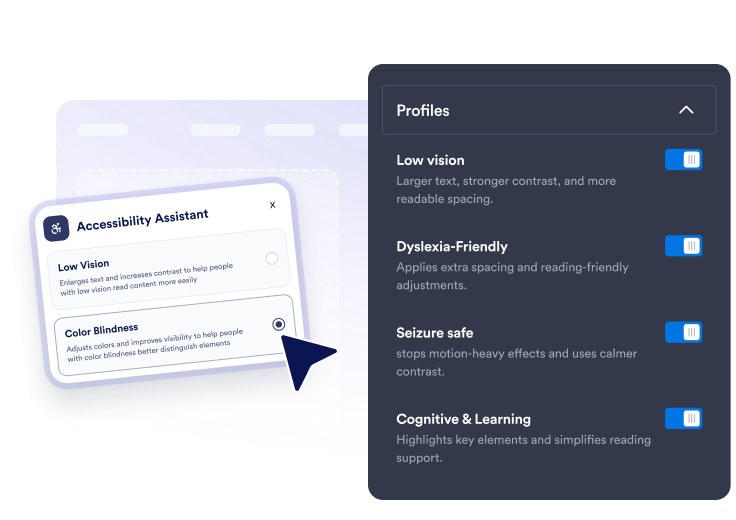
Pilih preset dan alat
Aktifkan preset cepat plus kontrol terperinci untuk ukuran teks, penspasian, alat bantu baca, fokus keyboard, sorot tautan, gerakan, dan mode warna.
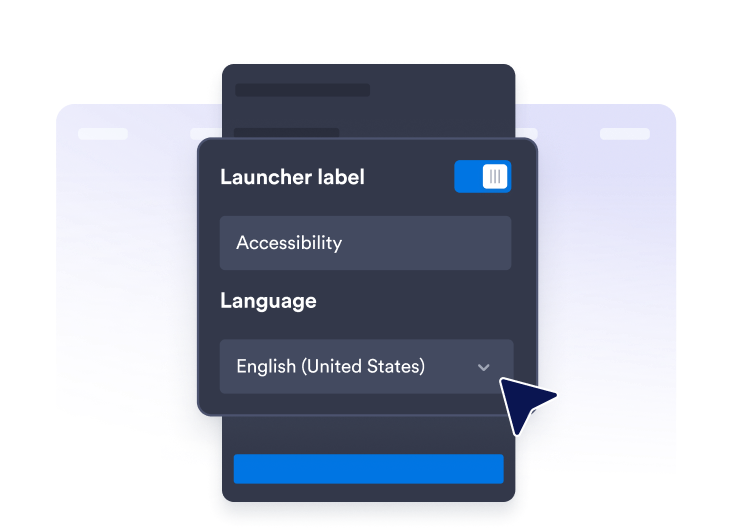
Kustomisasi asisten
Edit teks panel, pesan skor, bahasa, posisi peluncur, warna tema, lebar panel, ukuran tombol, dan durasi preferensi.

Publikasikan di mana saja
Salin kode semat dan tambahkan asisten aksesibilitas mengambang ke halaman mana pun yang membutuhkan opsi pembacaan dan navigasi yang lebih jelas.
Bantu pengunjung menyesuaikan situs Anda dengan kebutuhan mereka
Tawarkan preset aksesibilitas cepat
Izinkan pengunjung menerapkan preset Penglihatan Rendah, Buta Warna, Ramah Disleksia, Aman Kejang, Kurangi Gangguan, Bantuan Motorik, Kognitif & Pembelajaran, dan Navigasi Keyboard.
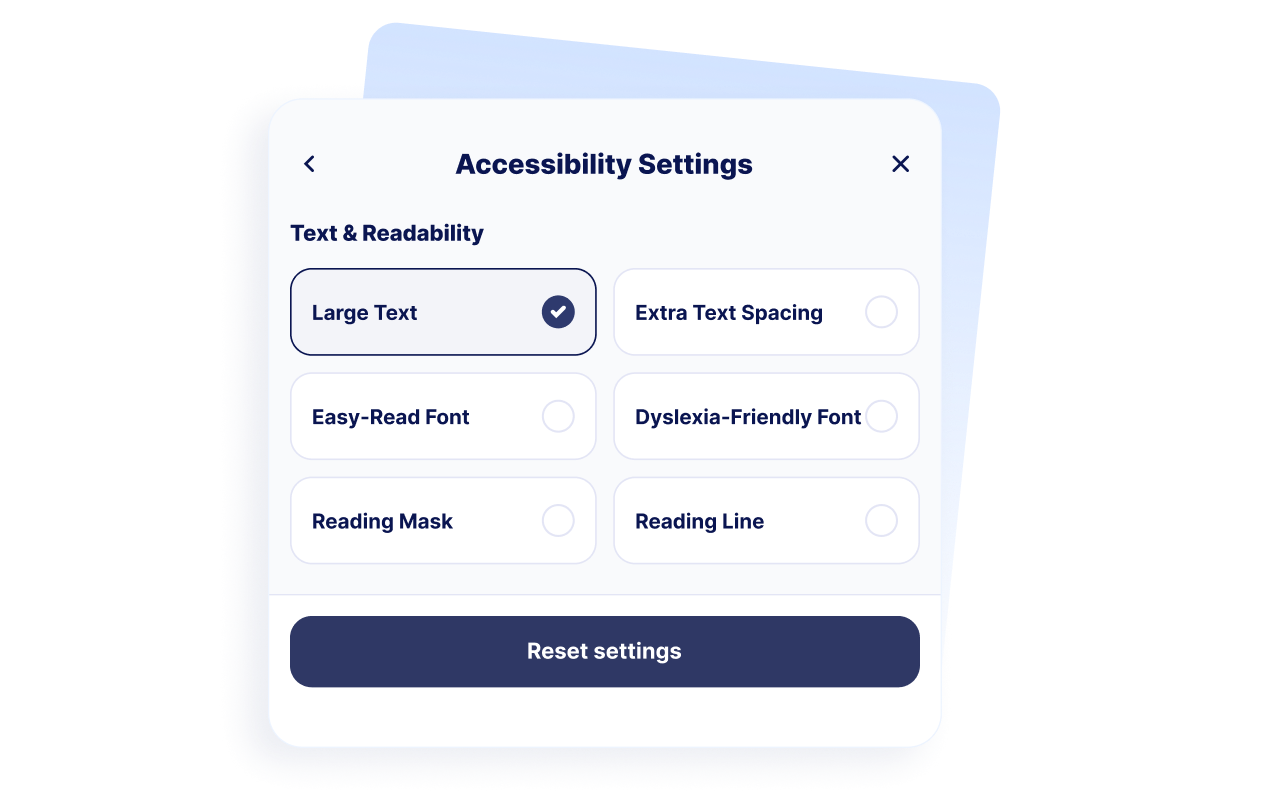
Dukung kenyamanan membaca
Beri pengunjung kontrol untuk teks besar, penspasian teks ekstra, penyesuaian mudah dibaca, penspasian ramah disleksia, masker baca, dan panduan garis baca.
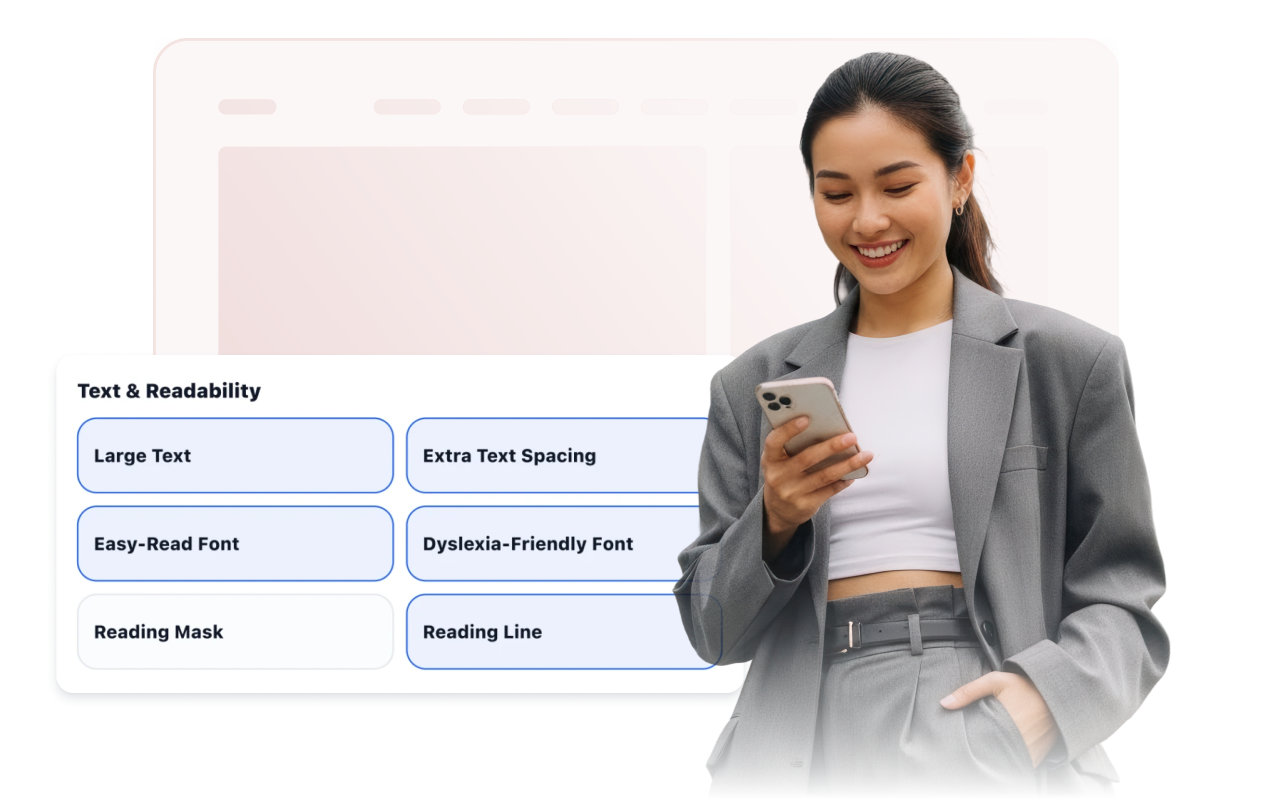
Tingkatkan navigasi, warna, dan gerakan
Tampilkan fokus keyboard, area yang dapat diklik besar, kursor besar, tautan yang disorot, hentikan animasi, kontras tinggi, skala abu-abu, warna terbalik, dan mode buta warna.

Beri gaya pada peluncur dan asisten
Sesuaikan posisi peluncur, visibilitas label, preset tema, lebar panel, warna, ukuran tombol, radius sudut, aturan tampilan, dan durasi preferensi yang tersimpan.
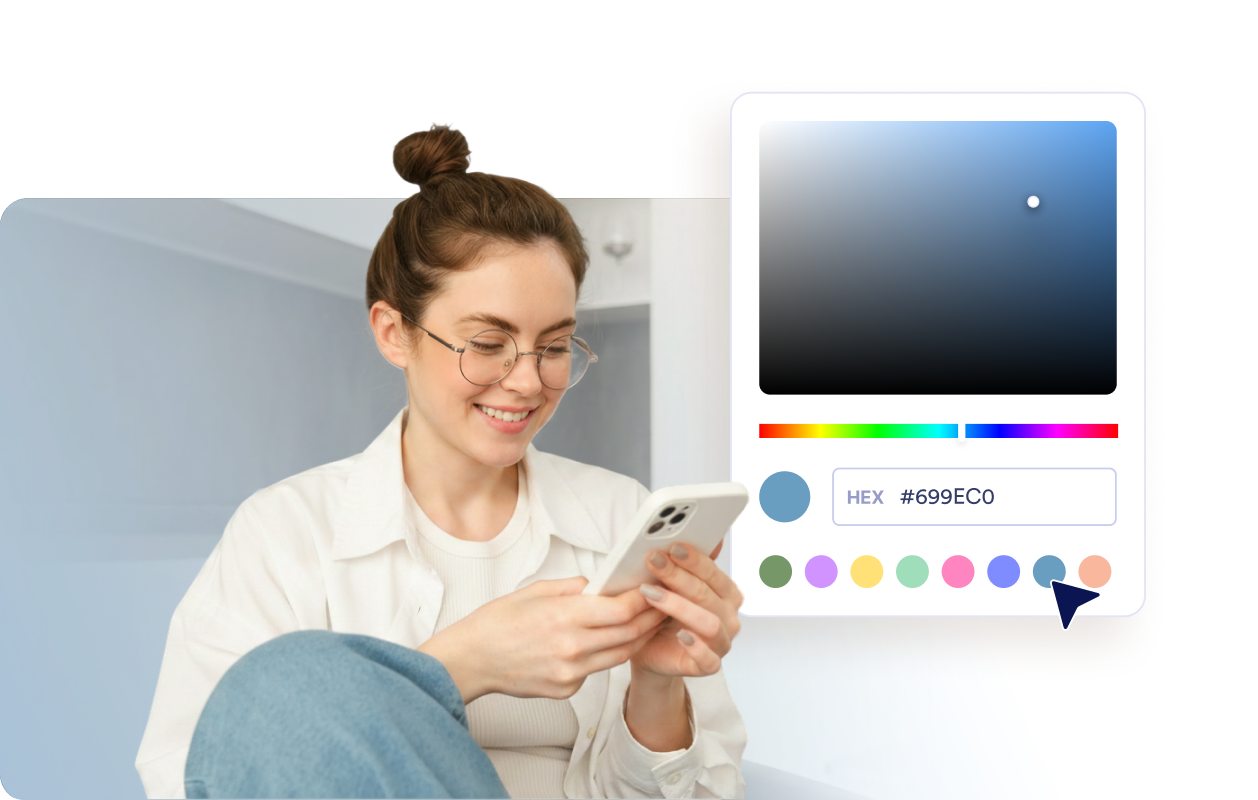
Mengapa Widget Situs Web Jotform Unggul
Widget Jotform membuat situs web Anda lebih interaktif dan meningkatkan konversi. Ada banyak alat tersedia, dari peringkat bintang dan slider testimoni hingga popup bukti sosial dan sematan media. Tambahkan widget ke formulir atau halaman arahan Anda untuk kumpulkan data, menampilkan bukti, dan menangkap prospek — tanpa perlu pengkodean.
Tambahkan widget Jotform ke situs web Anda dengan kode semat yang sederhana. Kustomisasi widget, pratinjau tampilannya, dan tempel ke halaman apa pun yang mendukung HTML kustom atau blok semat, semuanya tanpa pengembang.
Gunakan Widget Situs Web Jotform untuk menangkap prospek, menampilkan umpan balik pelanggan, menampilkan bukti sosial, menyematkan media, atau menambahkan alat halaman web yang bermanfaat. Setiap widget membantu pengunjung berinteraksi dengan bisnis Anda langsung dari situs web Anda.
Jika Anda memerlukan bantuan untuk menyiapkan, menyesuaikan, menyematkan, atau memecahkan masalah widget Anda, tim dukungan pelanggan Jotform tersedia 24-7. Anda dapat melangkah maju dengan percaya diri, mengetahui bahwa bantuan tersedia saat Anda membutuhkannya.
Di mana menggunakan Widget Aksesibilitas Anda
Gunakan widget di halaman penting tempat pengunjung perlu membaca, membandingkan, menavigasi, atau menyelesaikan tugas dengan nyaman.
Situs web pendidikan dengan halaman sumber daya yang panjang, konten pendaftaran, dan informasi kursus.
Situs web layanan kesehatan tempat pasien membutuhkan informasi yang mudah dibaca dan detail janji temu.
Halaman pemerintahan dan layanan publik yang seharusnya lebih mudah dinavigasi oleh lebih banyak pengunjung.
Halaman e-commerce tempat detail produk, perbandingan, dan langkah checkout perlu tetap mudah dibaca.
Pusat dukungan tempat pengunjung memindai artikel bantuan dan langkah pemecahan masalah.
Situs web dengan banyak konten berisi artikel, panduan, dokumentasi, atau halaman kebijakan.
Ubah prospek menjadi pelanggan yang membayar dengan Jotform Form Builder
Ubah keterlibatan menjadi tindakan dengan Jotform. Buat formulir canggih yang menangkap prospek, mengumpulkan pembayaran, dan mengotomatiskan tanggapan, semuanya di satu tempat. Setiap tanggapan masuk ke Kotak Masuk Jotform Anda, tempat Anda dapat menindaklanjuti atau terhubung dengan aplikasi favorit Anda.
Ayo Mulai — Gratis!
FAQ
Apa itu Widget Aksesibilitas?
Widget aksesibilitas menambahkan bilah alat situs web mengambang dengan kontrol untuk keterbacaan, kontras, warna, gambar, gerakan, dan preferensi penjelajahan lainnya. Pengunjung dapat membuka panel dan menerapkan penyesuaian individual atau preset yang diaktifkan.
Apakah Widget Aksesibilitas Jotform gratis?
Preset aksesibilitas mana yang dapat saya tawarkan?
Alat keterbacaan mana yang dapat digunakan pengunjung?
Bisakah widget mengingat preferensi pengunjung?
Bisakah saya mengkustomisasi bilah alat aksesibilitas?
Apakah Widget Aksesibilitas menjamin kepatuhan WCAG atau ADA?
Apakah widget menggantikan audit aksesibilitas?
Apakah saya perlu menulis kode?
Apakah Widget Aksesibilitas berfungsi di perangkat seluler?
Platform situs web mana yang mendukung Widget Aksesibilitas?
Bisakah saya mendapatkan bantuan untuk menyiapkan Widget Aksesibilitas saya?