Widget Aksesibilitas

Website Accessibility Checker

Find accessibility issues on your website. Enter a public page URL to run an automated check and explore practical next steps for a more accessible experience.

Check your webpage

Find accessibility issues and explore ways to improve your page.

Quick check fetches public page HTML on Jotform servers. Lighthouse sends the URL to Google PageSpeed Insights. Neither scan establishes WCAG or legal compliance.

Website Accessibility Checker

Try now

How to check your website’s accessibility

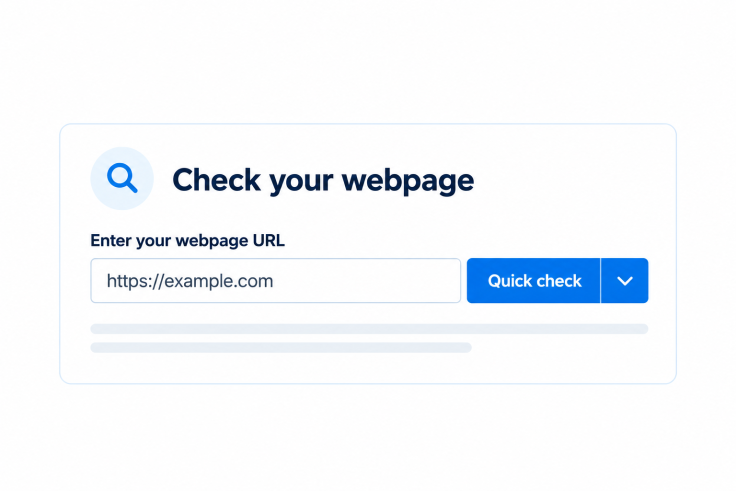
A webpage URL entered beside the blue Quick check split button.

Enter a public page URL

Paste the full URL of the page you want to check. This scan checks one publicly accessible page, without signing in or submitting forms.
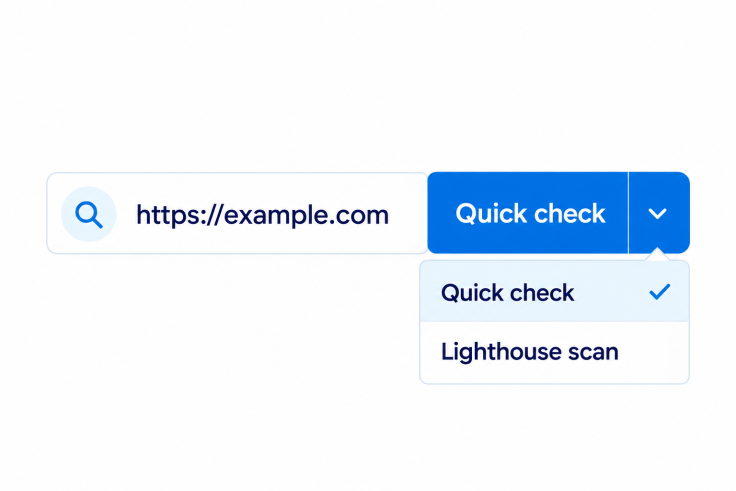
The Quick check button dropdown with Quick check and Lighthouse scan options.

Choose a quick or detailed scan

Start with a fast check of the page’s initial HTML. Choose Lighthouse when you want a rendered-page scan that can check supported contrast cases and content added by JavaScript.
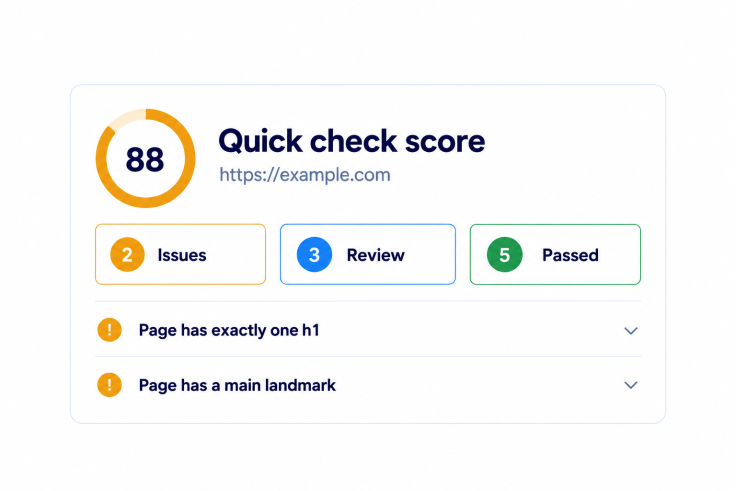
A Quick check report with a score of 88, two issues, three review items, and five passed checks.

Review and improve

Explore the detected issues, affected elements, and guidance. Review items that need human judgment, then test your page again after making changes.

Turn accessibility findings into next steps

Start with HTML, then check rendered content

Quick check looks for common issues in the HTML delivered by your page. Run Lighthouse for additional checks after the page loads in a browser. Each report identifies its scan type and limitations.
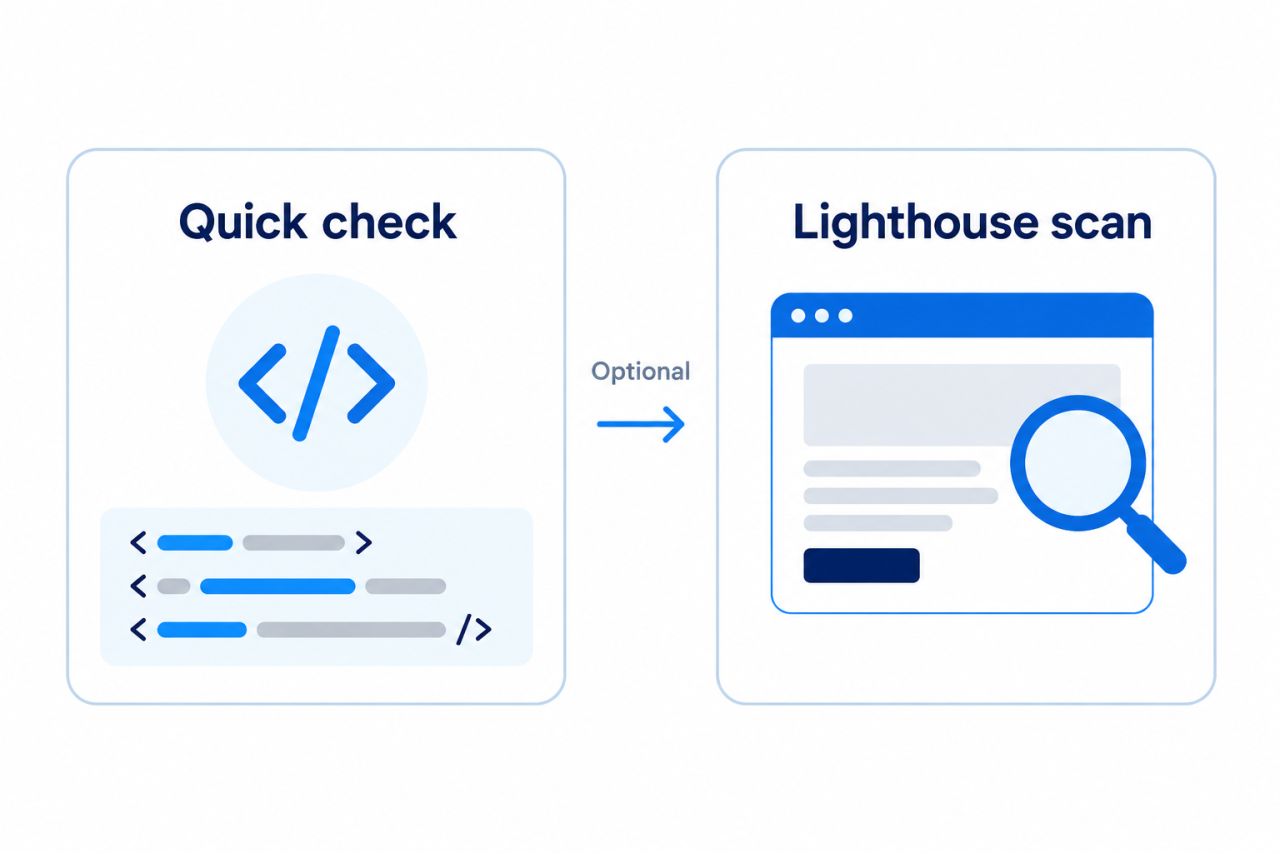
Quick check analyzing HTML followed by an optional Lighthouse scan of the rendered webpage.

See what needs attention

Review detected issues, inspect affected HTML where available, and follow the rule guidance. Manual checks appear separately so you can plan a human review.
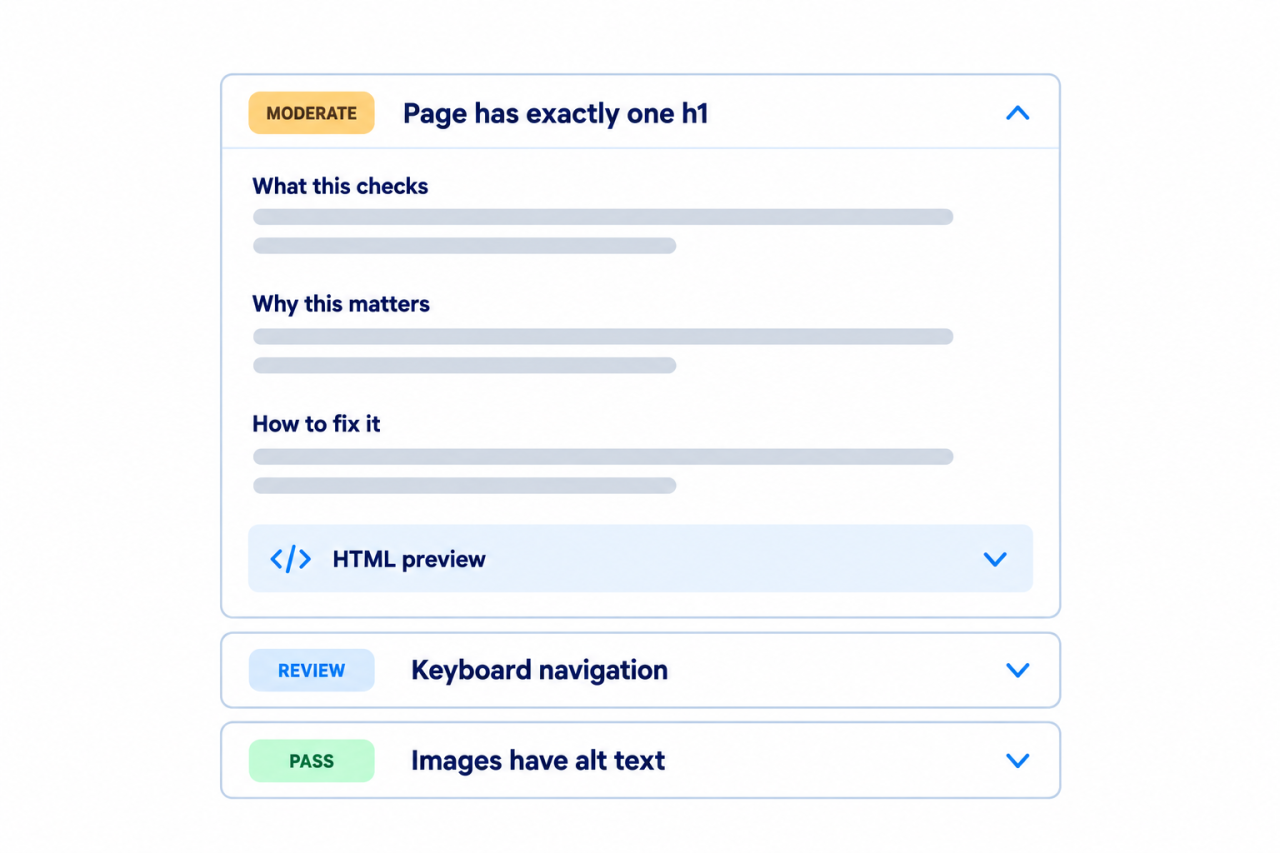
An expanded accessibility finding with check details, fix guidance, and an HTML preview beside review and passed results.

Keep human testing in the process

An automated scan is a starting point. Test keyboard navigation, screen reader behavior, content clarity, and interactive states yourself. A report with no detected issues is not a guarantee of accessibility or legal compliance.
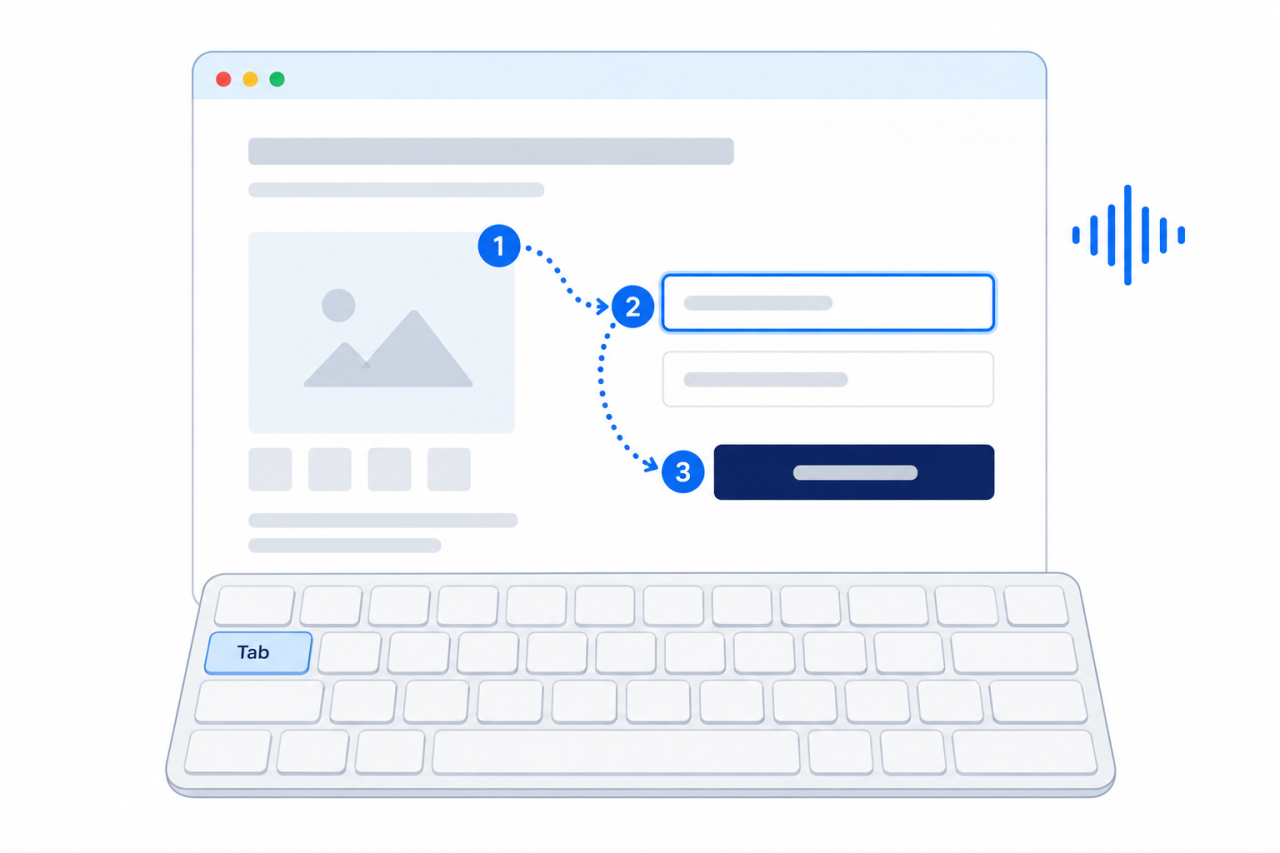
A keyboard with the Tab key highlighted beneath a webpage showing focus order between interactive elements.

Give visitors more ways to use your website

Explore Jotform’s Accessibility Widget to offer visitors display and reading options. A widget complements your work on the underlying page; it does not fix every accessibility issue or establish compliance.

Tanya Jawab

  • What does the Website Accessibility Checker test?

    Quick check fetches your public page HTML and runs 20 local checks without executing JavaScript or loading stylesheets. The optional Lighthouse scan sends the URL to Google PageSpeed Insights for rendered-page accessibility audits. Both reports separate detected issues, passed rules, and manual checks. Neither covers every WCAG requirement or interactive state.

  • Does a clean report mean my website is WCAG compliant?

  • Can I check an entire website?

  • Why could my page not be scanned?

  • What does needs review mean?

  • Are Quick check and Lighthouse scores comparable?

  • Can an accessibility widget fix all findings?