Widget Verifikasi Usia Gratis untuk Situs Web Anda
Tempatkan popup verifikasi usia yang dapat disesuaikan sebelum konten situs web yang dibatasi. Widget Verifikasi Usia Jotform memungkinkan Anda mengatur usia minimum, memilih metode konfirmasi, menyesuaikan pesan, mengingat pengunjung yang disetujui, dan menyematkan gerbang usia tanpa coding.
Buat Sekarang — Gratis!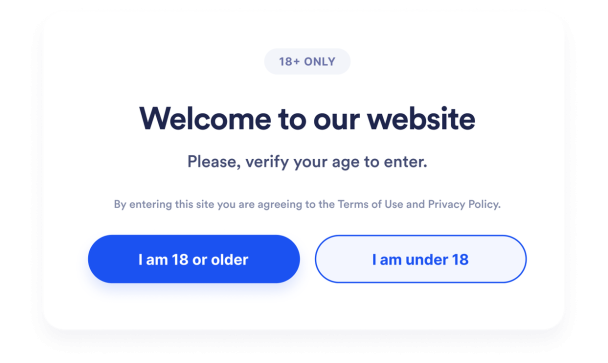

Cara membuat widget Verifikasi Umur
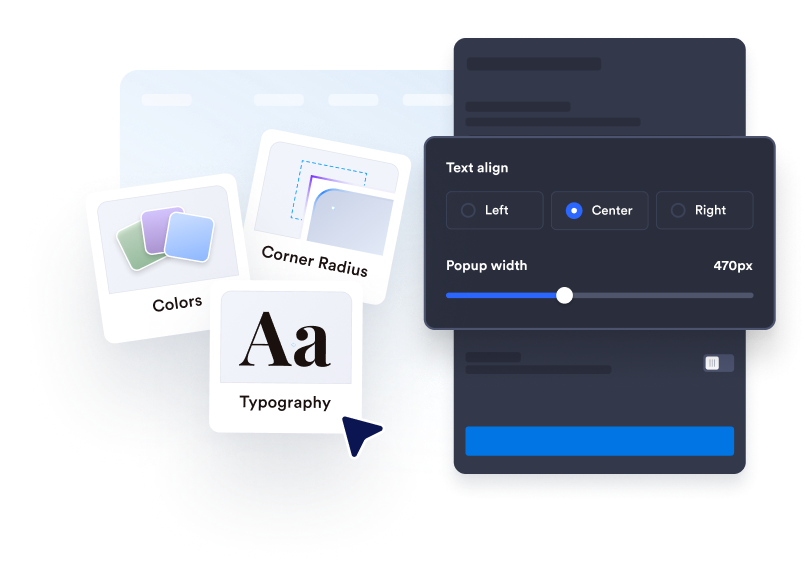
Sesuaikan gerbang usia
Tulis pesan verifikasi Anda, edit teks tombol, dan tambahkan informasi hukum pendukung apa pun. Sesuaikan warna, lebar, sudut, dan media opsional agar sesuai dengan situs web Anda.
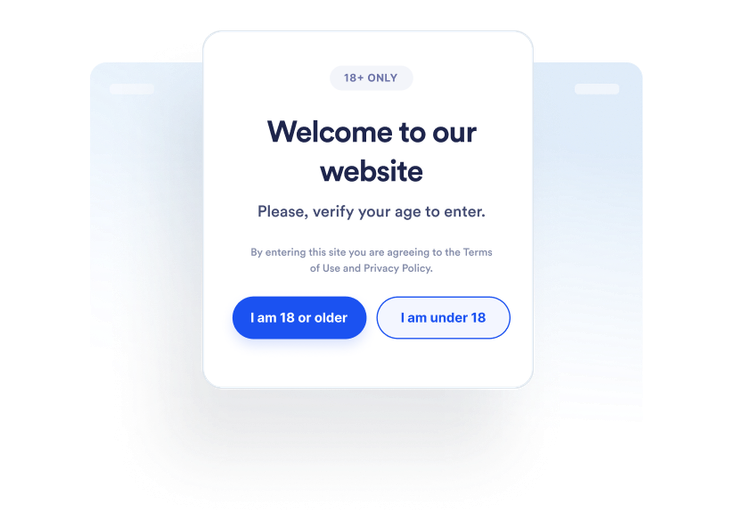
Atur perilaku pengunjung
Pilih bagaimana pengunjung mengonfirmasi usia mereka dan apa yang terjadi ketika mereka tidak memenuhi persyaratan. Anda juga dapat memutuskan apakah pengunjung yang disetujui akan diingat dan berapa lama.
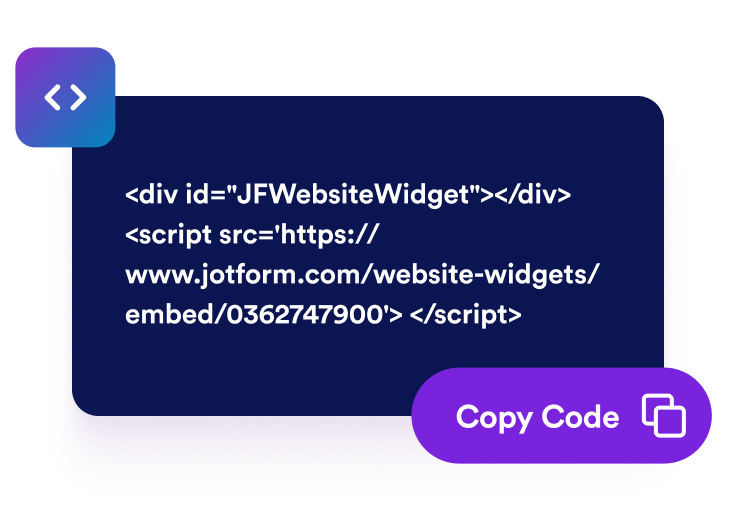
Sematkan di mana saja
Pratinjau dan terbitkan widget, salin kode semat yang dihasilkan, dan tempelkan ke blok HTML khusus atau blok semat di halaman yang memerlukan pemeriksaan usia.
Tempatkan pemeriksaan usia sebelum konten situs web yang dibatasi
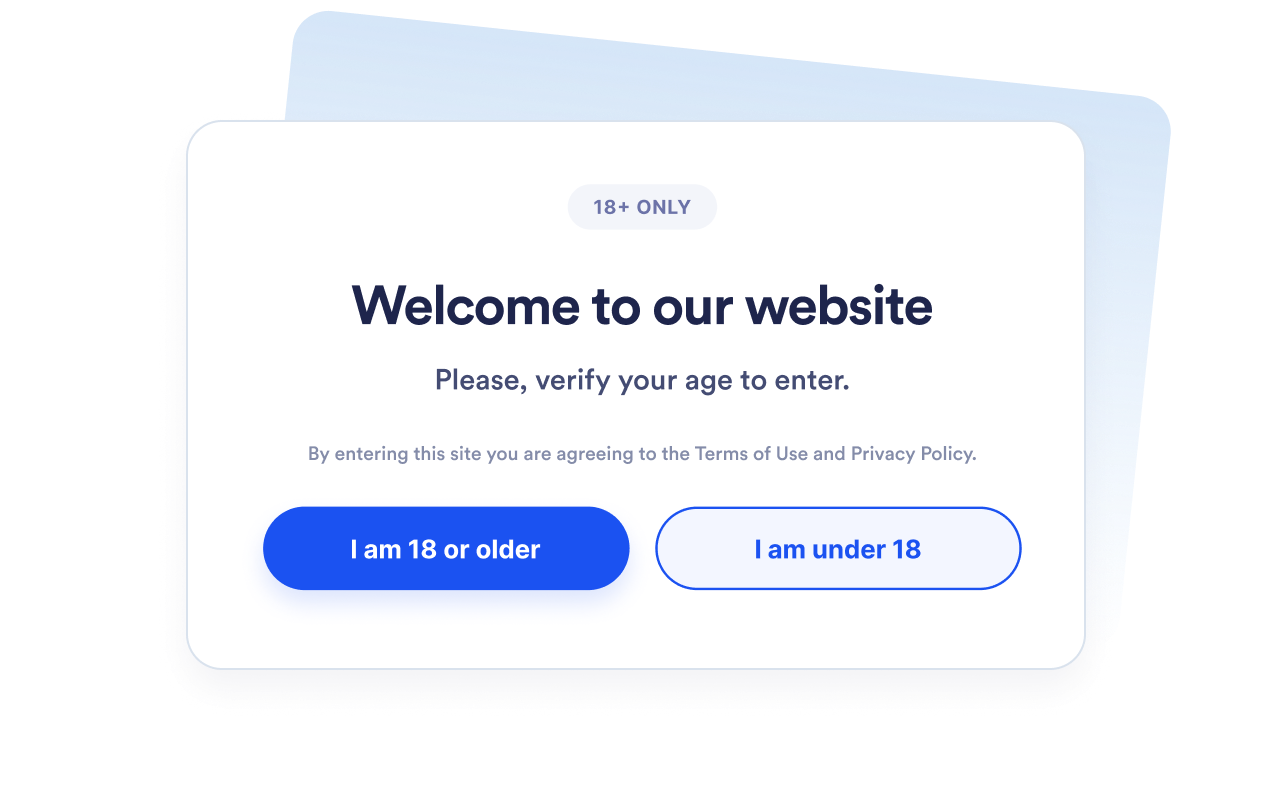
Minta pengunjung untuk mengonfirmasi kelayakan
Tampilkan popup verifikasi usia sebelum pengunjung melanjutkan ke produk, acara, komunitas, atau media yang dibatasi. Atur usia minimum antara 5 dan 100 berdasarkan persyaratan yang perlu Anda komunikasikan.
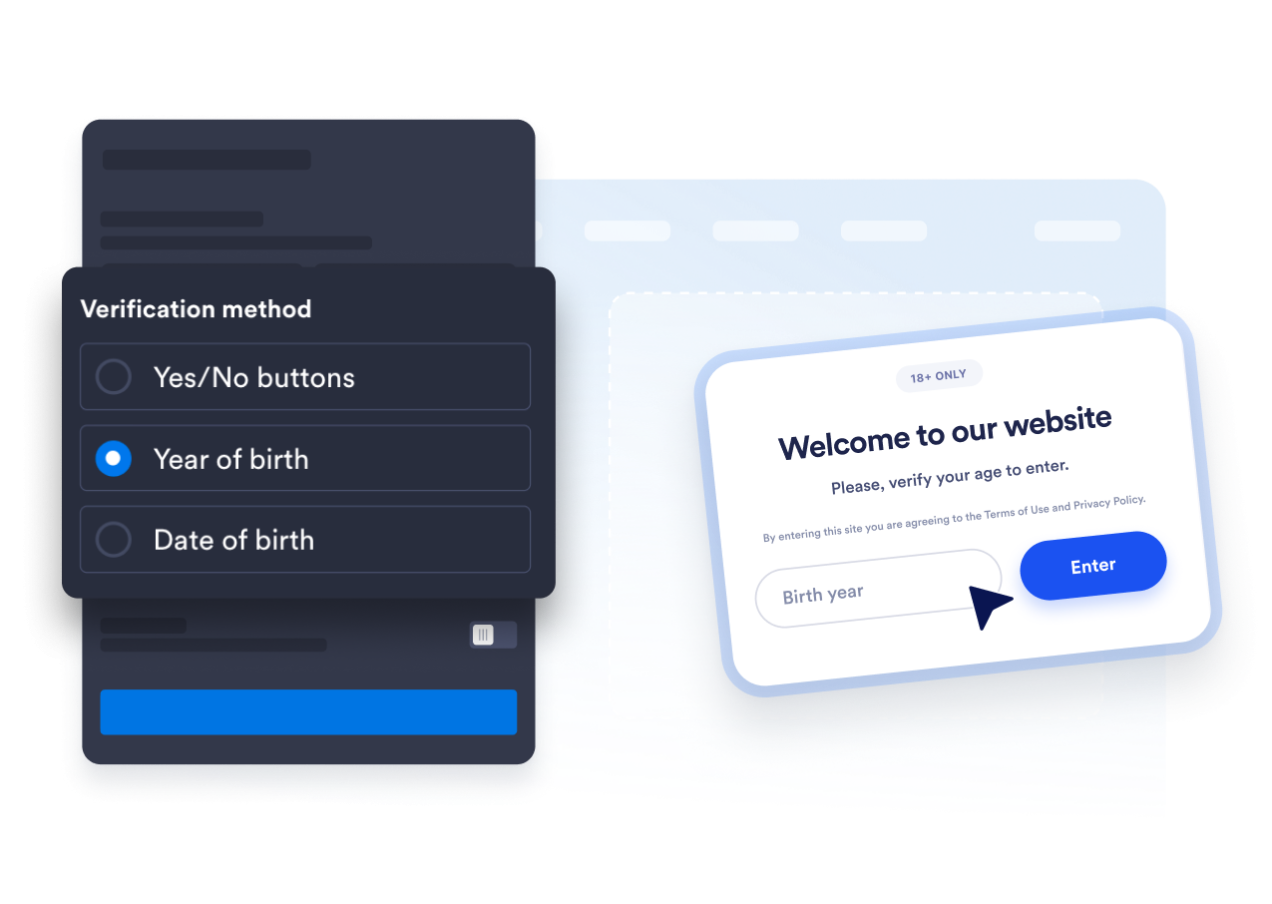
Pilih metode verifikasi yang tepat
Gunakan tombol konfirmasi ya-atau-tidak, minta tahun lahir, atau tanyakan tanggal lahir lengkap pengunjung. Ini memungkinkan Anda memilih antara pengakuan cepat dan alur perhitungan usia yang lebih rinci.
Cocokkan popup dengan situs web Anda
Edit judul, keterangan, tombol, pesan di bawah umur, dan catatan hukum pendukung. Anda juga dapat menyesuaikan warna, lebar popup, radius sudut, dan media opsional agar gerbang usia sesuai dengan merek Anda.

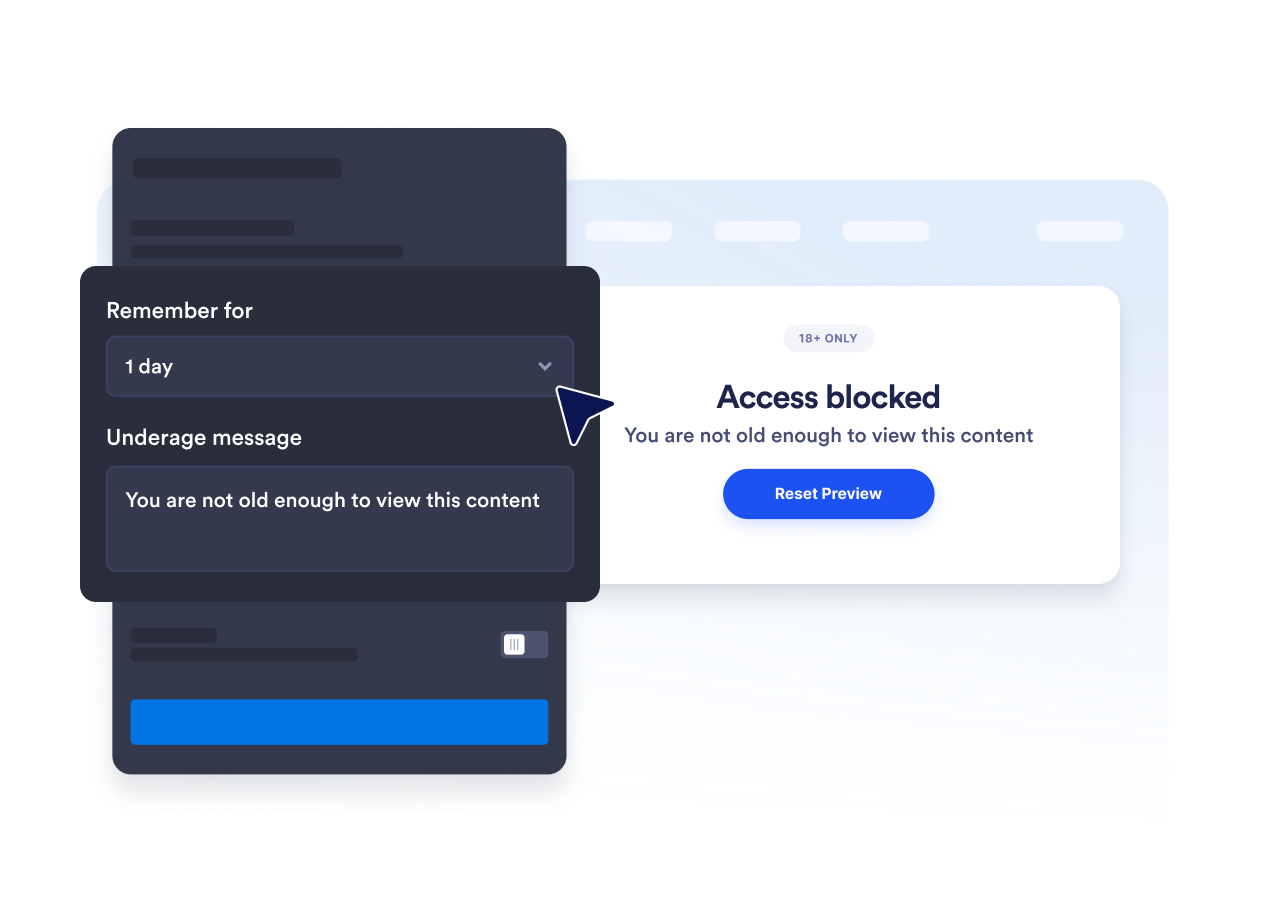
Hindari permintaan konfirmasi usia yang berulang
Ingat pengunjung yang disetujui untuk sesi saat ini, satu hari, tujuh hari, satu bulan, enam bulan, atau satu tahun. Ini mengurangi gangguan berulang saat pengunjung yang memenuhi syarat kembali selama periode yang dipilih.
Mengapa Widget Situs Web Jotform Unggul
Widget Jotform membuat situs web Anda lebih interaktif dan meningkatkan konversi. Ada banyak alat tersedia, dari peringkat bintang dan slider testimoni hingga popup bukti sosial dan sematan media. Tambahkan widget ke formulir atau halaman arahan Anda untuk kumpulkan data, menampilkan bukti, dan menangkap prospek — tanpa perlu pengkodean.
Tambahkan widget Jotform ke situs web Anda dengan kode semat yang sederhana. Kustomisasi widget, pratinjau tampilannya, dan tempel ke halaman apa pun yang mendukung HTML kustom atau blok semat, semuanya tanpa pengembang.
Gunakan Widget Situs Web Jotform untuk menangkap prospek, menampilkan umpan balik pelanggan, menampilkan bukti sosial, menyematkan media, atau menambahkan alat halaman web yang bermanfaat. Setiap widget membantu pengunjung berinteraksi dengan bisnis Anda langsung dari situs web Anda.
Jika Anda memerlukan bantuan untuk menyiapkan, menyesuaikan, menyematkan, atau memecahkan masalah widget Anda, tim dukungan pelanggan Jotform tersedia 24-7. Anda dapat melangkah maju dengan percaya diri, mengetahui bahwa bantuan tersedia saat Anda membutuhkannya.
Di mana menggunakan widget Verifikasi Usia Anda
Tempatkan widget sebelum halaman tempat pengunjung harus mengonfirmasi bahwa mereka memenuhi persyaratan usia sebelum melihat konten atau melanjutkan.
Toko alkohol dan minuman untuk meminta konfirmasi usia sebelum pengunjung menjelajahi produk yang diatur.
Situs web tembakau dan vape untuk menempatkan pemeriksaan kelayakan sebelum konten produk yang dibatasi.
Halaman acara dan kehidupan malam untuk mengonfirmasi persyaratan usia sebelum pembelian tiket atau pendaftaran.
Komunitas keanggotaan untuk membatasi area dewasa atau yang dibatasi usia sebelum masuk.
Halaman media dan hiburan untuk meminta konfirmasi sebelum menampilkan konten dewasa.
Halaman arahan promosi untuk mengomunikasikan persyaratan usia sebelum pengunjung mengakses penawaran.
Ubah prospek menjadi pelanggan yang membayar dengan Jotform Form Builder
Ubah keterlibatan menjadi tindakan dengan Jotform. Buat formulir canggih yang menangkap prospek, mengumpulkan pembayaran, dan mengotomatiskan tanggapan, semuanya di satu tempat. Setiap tanggapan masuk ke Kotak Masuk Jotform Anda, tempat Anda dapat menindaklanjuti atau terhubung dengan aplikasi favorit Anda.
Ayo Mulai — Gratis!
FAQ
Apa itu widget Verifikasi Usia?
Widget Verifikasi Usia menampilkan popup yang meminta pengunjung untuk mengonfirmasi bahwa mereka memenuhi persyaratan usia minimum sebelum melanjutkan. Widget dapat menggunakan tombol konfirmasi, tahun lahir, atau tanggal lahir lengkap.
Apakah widget Verifikasi Usia Jotform gratis?
Bagaimana cara menambahkan verifikasi usia ke situs web saya?
Apakah saya perlu menulis kode?
Metode verifikasi usia mana yang tersedia?
Bisakah saya mengubah usia minimum?
Apa yang terjadi ketika pengunjung di bawah umur?
Bisakah pengunjung yang disetujui diingat?
Bisakah saya mengontrol halaman mana yang menampilkan popup?
Apakah widget memverifikasi identitas pengunjung?
Platform situs web mana yang mendukung widget Verifikasi Usia?
Bisakah saya mendapatkan bantuan untuk menyiapkan widget Verifikasi Usia saya?