Widget Slider Sebelum dan Sesudah untuk situs web Anda
Tampilkan transformasi visual dengan penggeser perbandingan interaktif. Widget Slider Sebelum dan Sesudah dari Jotform memungkinkan Anda menambahkan pasangan gambar, memilih arah tampilan horizontal atau vertikal, mengatur interaksi seret atau arahkan kursor, menambahkan label dan keterangan, mengaktifkan tampilan layar penuh, dan menyematkan hasilnya di situs web Anda tanpa kode.
Buat Sekarang — Gratis!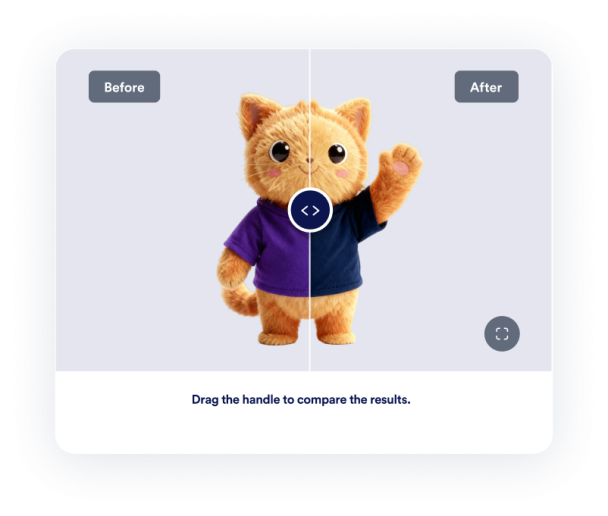

Cara membuat widget Slider Sebelum dan Sesudah
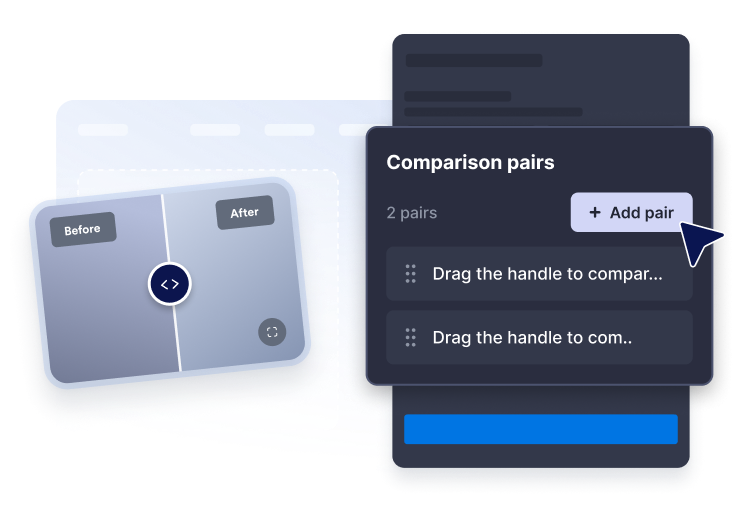
Tambahkan pasangan gambar
Tempel URL gambar sebelum dan sesudah, lalu tulis label dan keterangan yang jelas untuk setiap perbandingan.
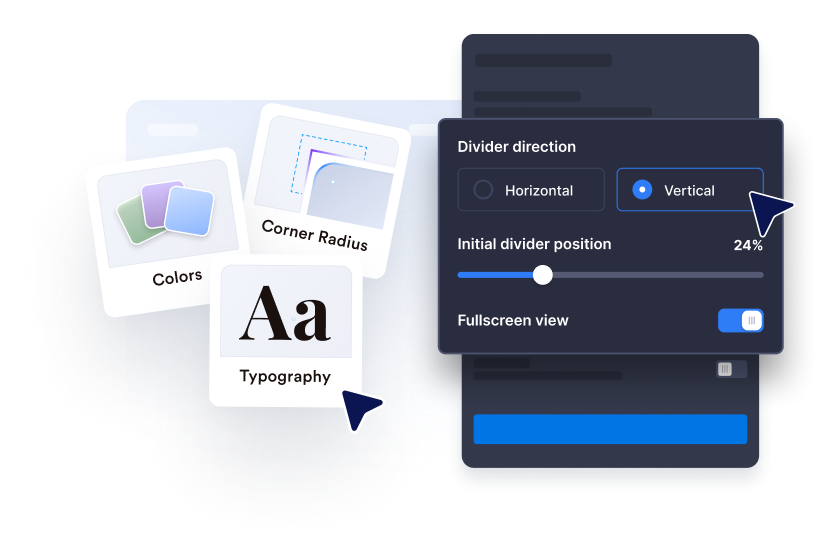
Sesuaikan tampilan
Pilih arah horizontal atau vertikal, atur posisi awal pembagi, dan gunakan interaksi seret, klik, atau arahkan kursor.
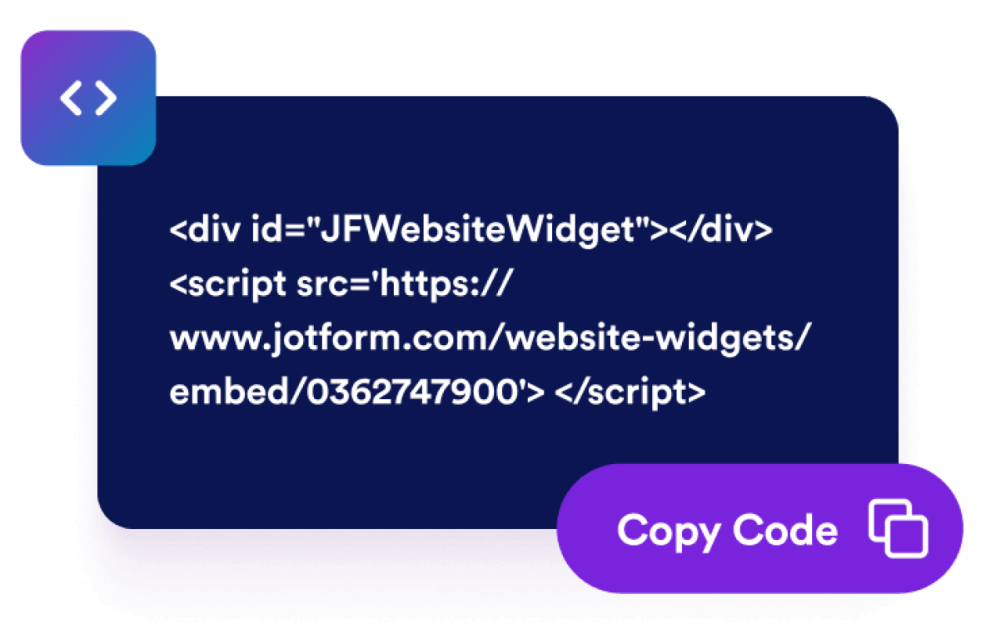
Sematkan di situs web Anda
Sesuaikan ukuran, rasio, warna, perilaku layar penuh, dan aturan tampilan sebelum mempublikasikan widget.
Tampilkan transformasi dengan widget perbandingan yang sesuai dengan halaman Anda
Bandingkan gambar sebelum dan sesudah
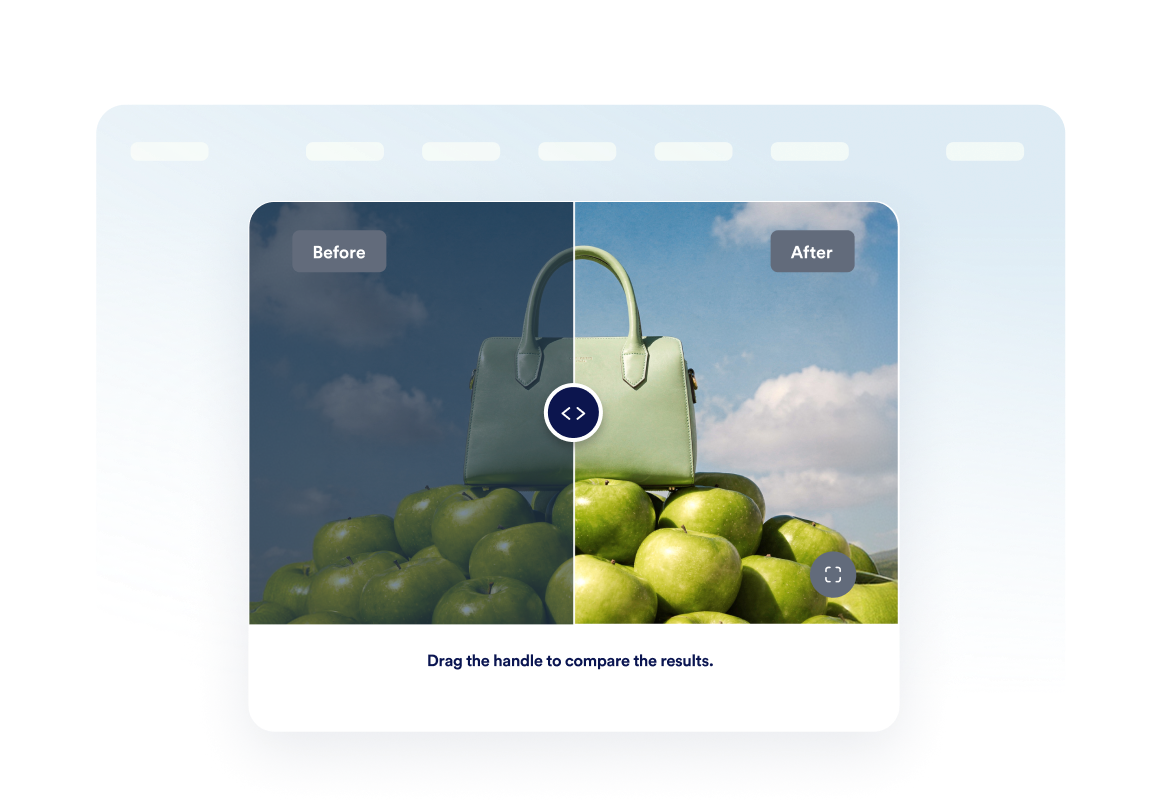
Tempatkan dua gambar dalam satu bingkai sehingga pengunjung dapat langsung memahami perubahan renovasi, desain, kecantikan, perbaikan, atau produk.
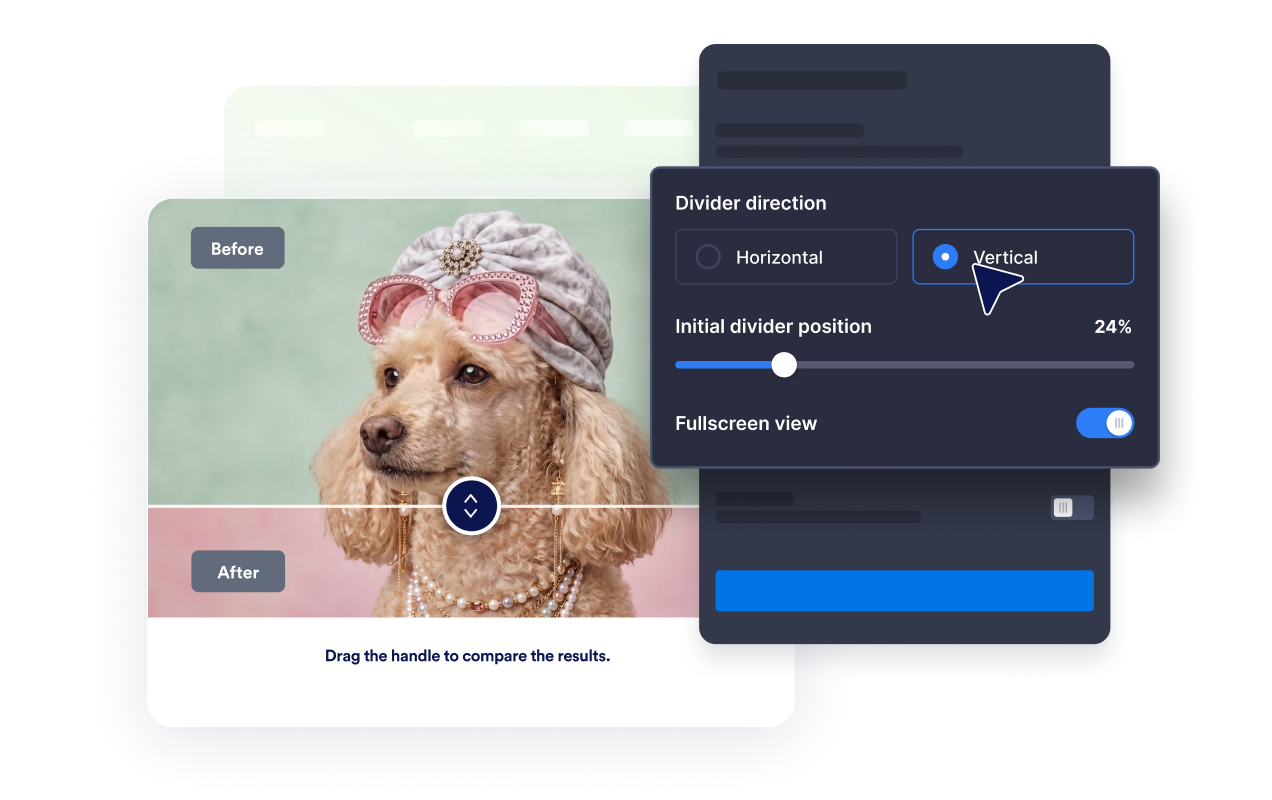
Gunakan tampilan horizontal atau vertikal
Ganti arah pembagi agar sesuai dengan materi pokok dan biarkan pengunjung memeriksa perubahan dengan gerakan seret, klik, atau arahkan kursor.
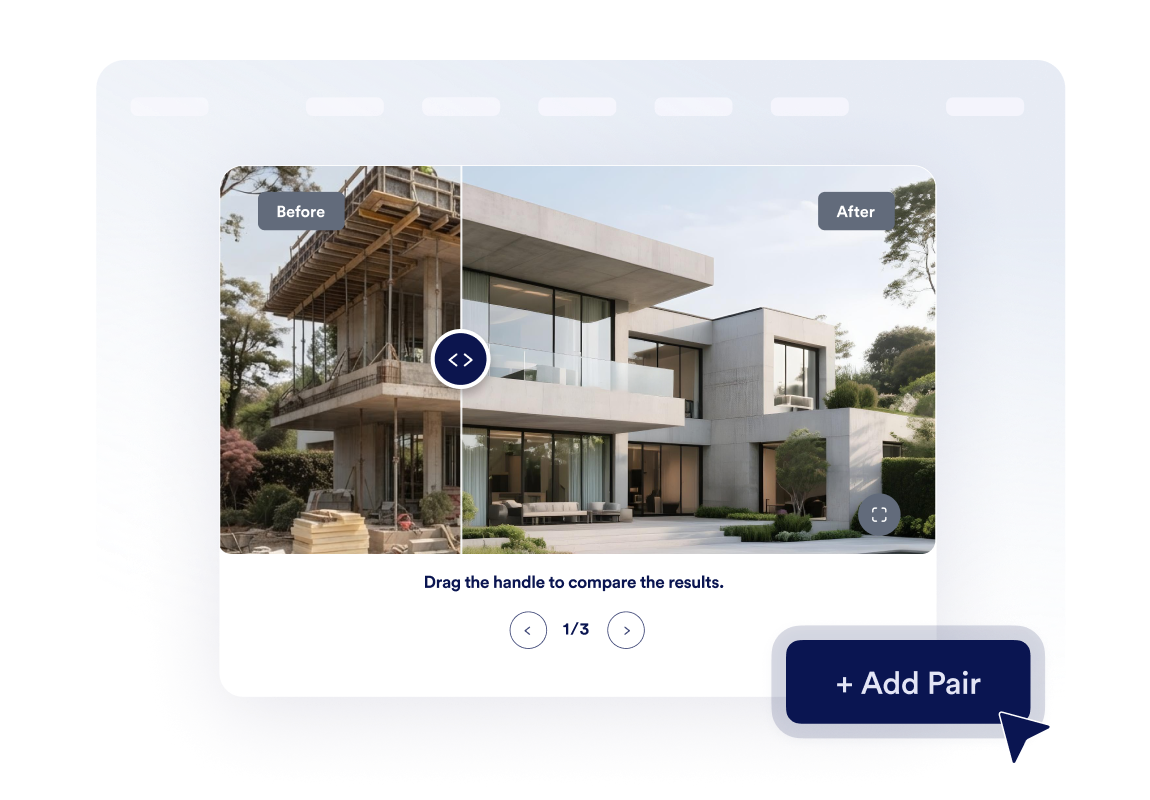
Buat galeri transformasi kecil
Tambahkan hingga tiga pasangan gambar dan aktifkan navigasi carousel sehingga pengunjung dapat menjelajahi berbagai tahap proyek atau studi kasus.
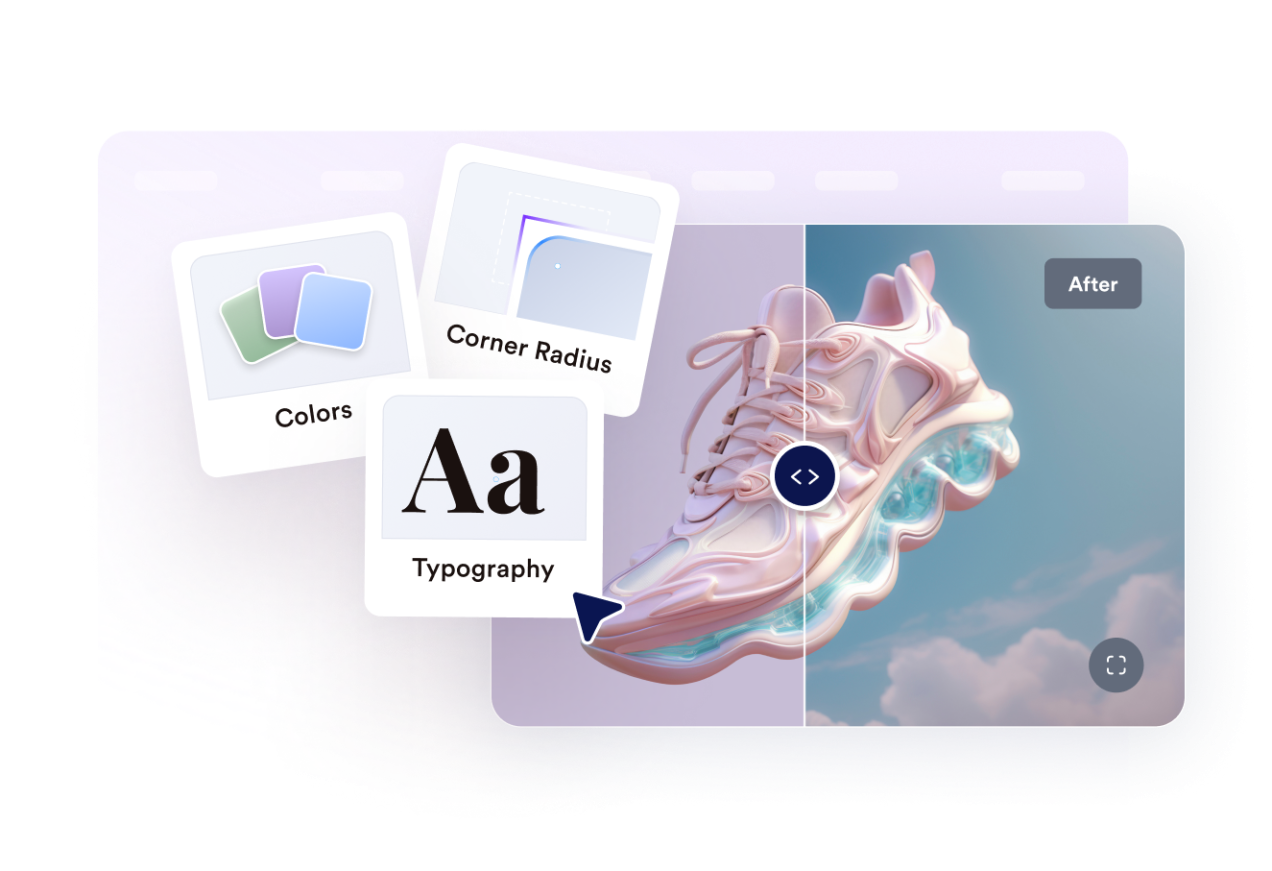
Sesuaikan dengan gaya situs web Anda.
Kontrol lebar, rasio gambar, radius sudut, ukuran pembagi, warna, label, keterangan, CSS khusus, mode layar penuh, dan visibilitas seluler.
Mengapa Widget Situs Web Jotform Unggul
Widget Jotform membuat situs web Anda lebih interaktif dan meningkatkan konversi. Ada banyak alat tersedia, dari peringkat bintang dan slider testimoni hingga popup bukti sosial dan sematan media. Tambahkan widget ke formulir atau halaman arahan Anda untuk kumpulkan data, menampilkan bukti, dan menangkap prospek — tanpa perlu pengkodean.
Tambahkan widget Jotform ke situs web Anda dengan kode semat yang sederhana. Kustomisasi widget, pratinjau tampilannya, dan tempel ke halaman apa pun yang mendukung HTML kustom atau blok semat, semuanya tanpa pengembang.
Gunakan Widget Situs Web Jotform untuk menangkap prospek, menampilkan umpan balik pelanggan, menampilkan bukti sosial, menyematkan media, atau menambahkan alat halaman web yang bermanfaat. Setiap widget membantu pengunjung berinteraksi dengan bisnis Anda langsung dari situs web Anda.
Jika Anda memerlukan bantuan untuk menyiapkan, menyesuaikan, menyematkan, atau memecahkan masalah widget Anda, tim dukungan pelanggan Jotform tersedia 24-7. Anda dapat melangkah maju dengan percaya diri, mengetahui bahwa bantuan tersedia saat Anda membutuhkannya.
Di mana menggunakan widget Slider Sebelum dan Sesudah Anda
Tambahkan widget di mana saja saat perbandingan visual membantu pengunjung memercayai hasil, memahami kualitas, atau membuat keputusan lebih cepat.
Halaman renovasi dan desain interior untuk menampilkan transformasi proyek yang telah selesai.
Situs kecantikan, kesehatan, dan kebugaran untuk membandingkan kemajuan klien atau perawatan yang terlihat.
Halaman produk untuk menyoroti peningkatan, pemulihan, penyuntingan, atau perbaikan fitur.
Halaman portofolio dan studi kasus untuk membuat hasil lebih nyata daripada sekadar teks.
Listing properti untuk membandingkan penataan, perbaikan, lanskap, atau pekerjaan renovasi.
Halaman layanan kreatif untuk menampilkan retouching, mockup, revisi desain, atau penyegaran merek.
Ubah prospek menjadi pelanggan yang membayar dengan Jotform Form Builder
Ubah keterlibatan menjadi tindakan dengan Jotform. Buat formulir canggih yang menangkap prospek, mengumpulkan pembayaran, dan mengotomatiskan tanggapan, semuanya di satu tempat. Setiap tanggapan masuk ke Kotak Masuk Jotform Anda, tempat Anda dapat menindaklanjuti atau terhubung dengan aplikasi favorit Anda.
Ayo Mulai — Gratis!
FAQ
Apa itu widget Slider Sebelum dan Sesudah?
Widget Slider Sebelum dan Sesudah menampilkan dua gambar terkait dalam satu bingkai interaktif. Pengunjung menggerakkan pembagi untuk menampilkan lebih banyak gambar sebelum atau sesudah dan membandingkan transformasinya.
Bisakah saya memilih arah penggeser?
Bagaimana pengunjung dapat menggerakkan pembagi?
Bisakah saya mengatur posisi awal pembagi?
Bisakah saya menampilkan lebih dari satu perbandingan?
Bisakah saya menambahkan label dan keterangan?
Apakah widget mendukung tampilan layar penuh?
Apakah berfungsi di selular?
Apakah saya perlu menulis kode?