Widget Tombol untuk situs web Anda
Buat tombol CTA tanpa kode yang mengarahkan pengunjung ke langkah selanjutnya yang tepat. Tautkan ke halaman, mulai panggilan, buka email, luncurkan chat, atau gulir ke bagian halaman dengan tombol yang dapat Anda sesuaikan dan sematkan di mana saja.
Buat Sekarang — Gratis!

Cara membuat widget Tombol
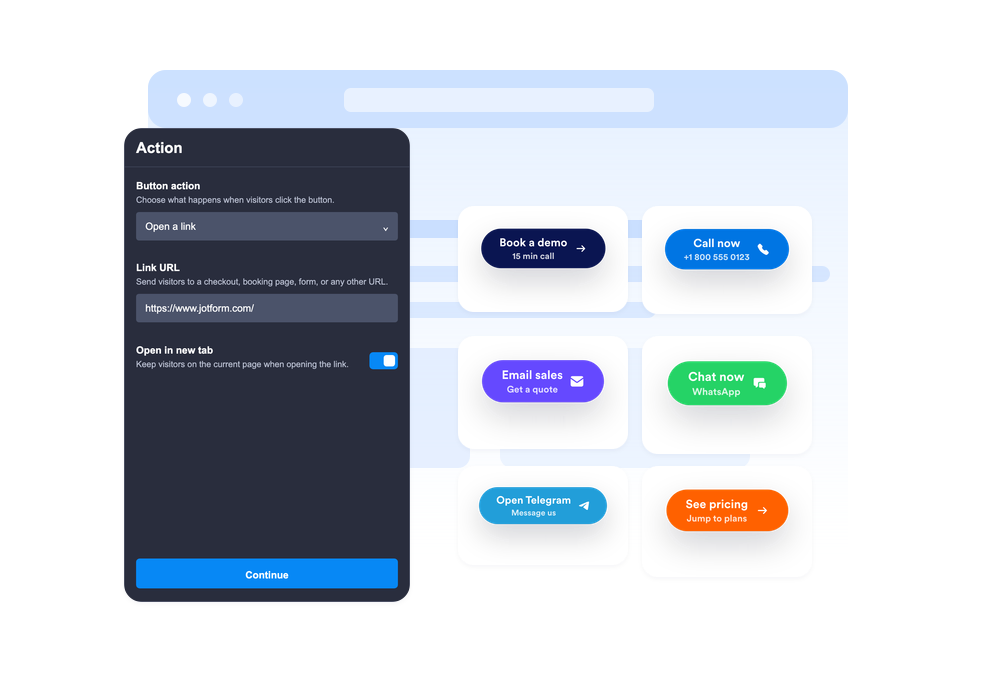
Pilih tindakan tombol
Pilih apakah tombol tersebut membuka tautan, memulai panggilan telepon, membuat email, membuka WhatsApp atau Telegram, atau menggulir ke bagian halaman tertentu.
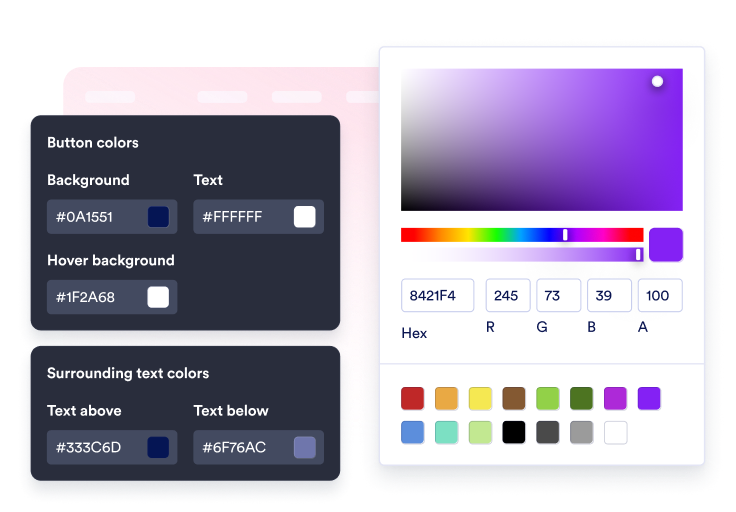
Sesuaikan konten dan gaya
Ubah label, baris kedua opsional, teks di sekitarnya, ikon, warna, ukuran, radius sudut, bayangan, dan penempatan.

Sematkan di situs Anda
Pratinjau CTA dalam konteksnya, salin kode sematan yang dihasilkan, dan publikasikan tombol tersebut di situs web Anda tanpa kode kustom.
Arahkan pengunjung ke tindakan selanjutnya hanya dengan satu klik.
Hubungkan tombol ke beberapa tindakan.
Gunakan satu widget untuk tautan penjualan, formulir pendaftaran, email dukungan, panggilan telepon, chat WhatsApp, chat Telegram, tautan profil media sosial, atau perpindahan antar bagian yang lancar.
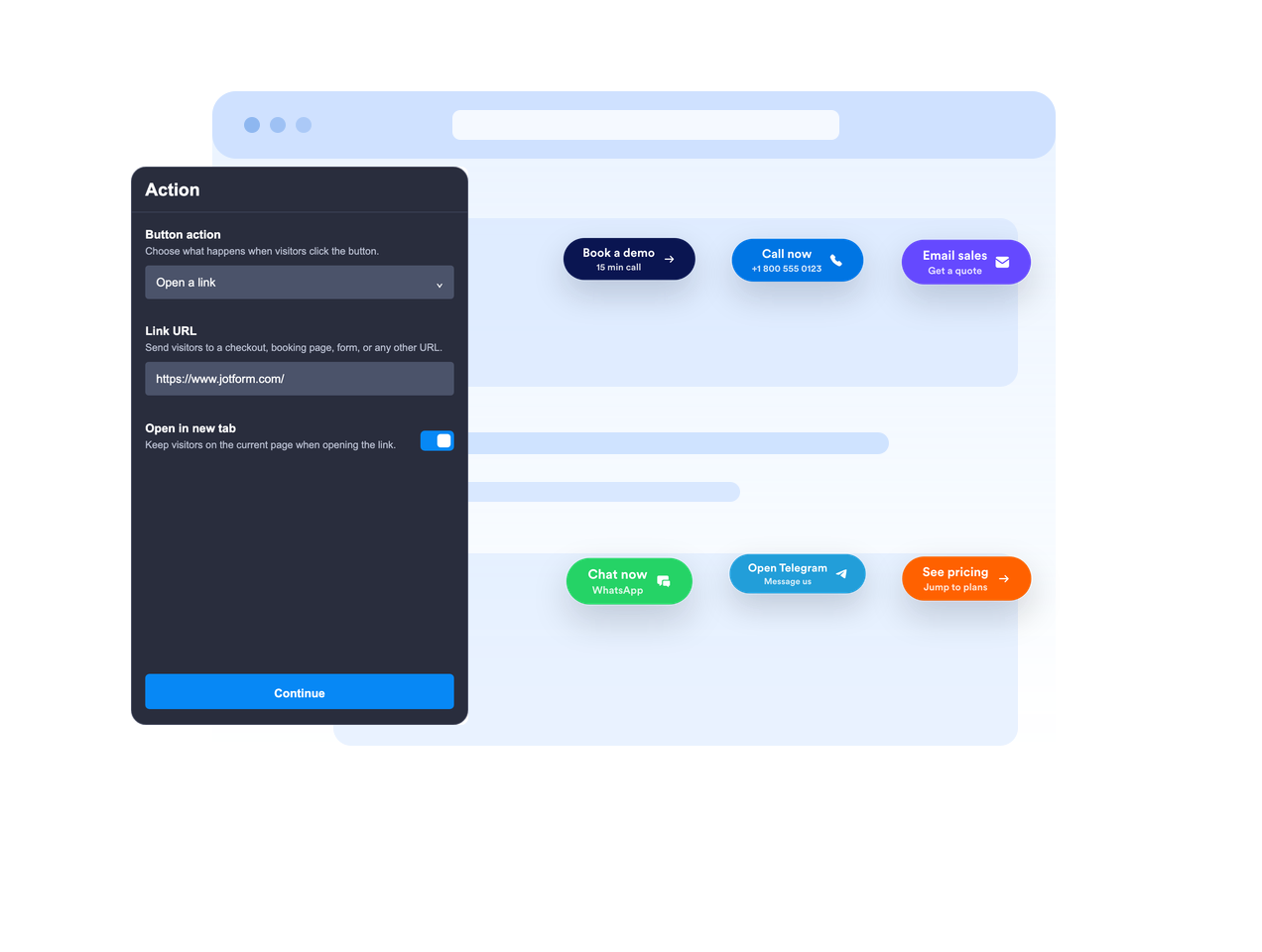
Letakkan sejajar atau biarkan mengambang
Sematkan tombol di dalam konten halaman atau biarkan mengambang di posisi layar tetap sehingga ajakan bertindak tetap terlihat saat pengunjung menggulir halaman.

Sampaikan pesan CTA dengan jelas.
Gunakan label utama, baris kedua opsional, teks di atas, dan teks di bawah untuk memberikan konteks yang cukup kepada pengunjung sebelum mereka mengklik.
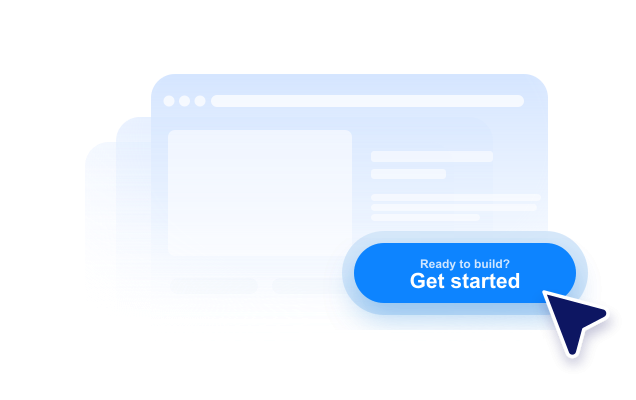
Sesuaikan dengan gaya situs web Anda.
Sesuaikan penempatan ikon, tinggi tombol, padding, ukuran font, warna, warna hover, radius sudut, bayangan, visibilitas perangkat, branding, dan CSS khusus yang tercakup.
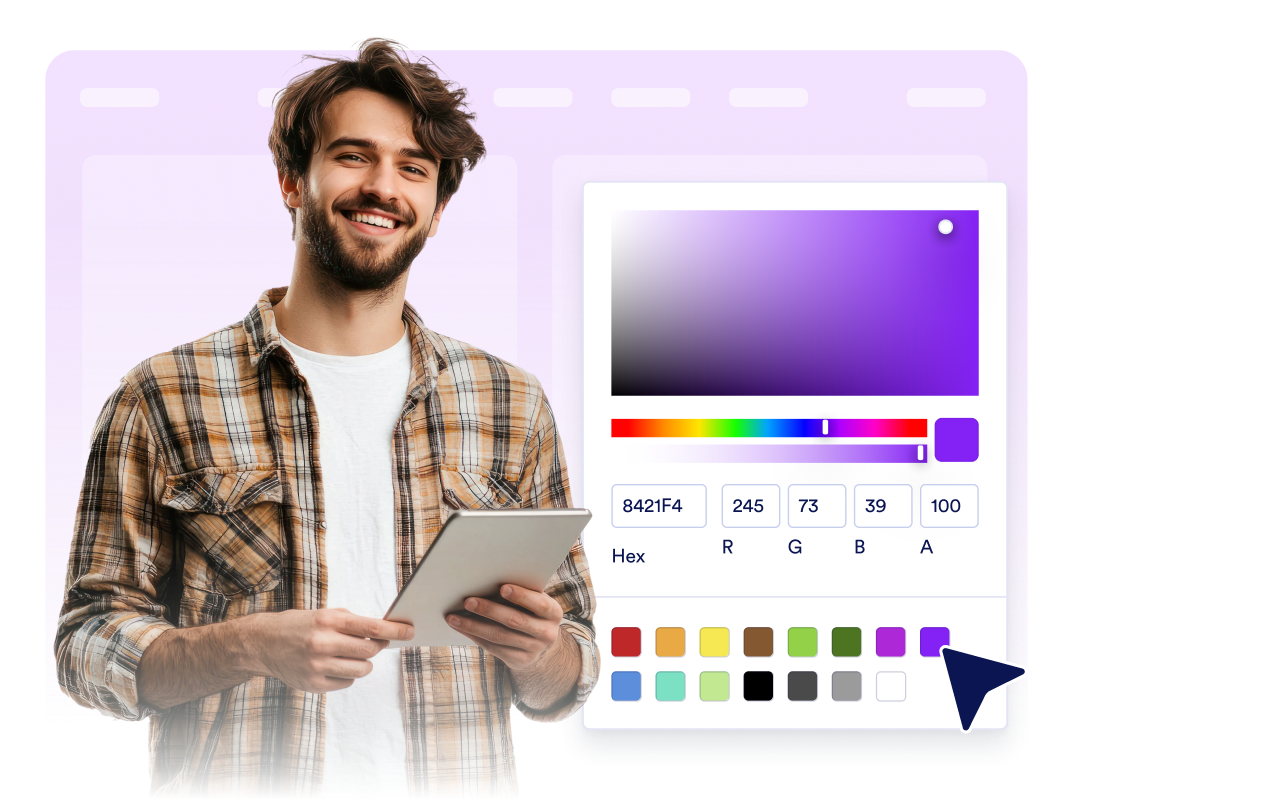
Mengapa Widget Situs Web Jotform Unggul
Widget Jotform membuat situs web Anda lebih interaktif dan meningkatkan konversi. Ada banyak alat tersedia, dari peringkat bintang dan slider testimoni hingga popup bukti sosial dan sematan media. Tambahkan widget ke formulir atau halaman arahan Anda untuk kumpulkan data, menampilkan bukti, dan menangkap prospek — tanpa perlu pengkodean.
Tambahkan widget Jotform ke situs web Anda dengan kode semat yang sederhana. Kustomisasi widget, pratinjau tampilannya, dan tempel ke halaman apa pun yang mendukung HTML kustom atau blok semat, semuanya tanpa pengembang.
Gunakan Widget Situs Web Jotform untuk menangkap prospek, menampilkan umpan balik pelanggan, menampilkan bukti sosial, menyematkan media, atau menambahkan alat halaman web yang bermanfaat. Setiap widget membantu pengunjung berinteraksi dengan bisnis Anda langsung dari situs web Anda.
Jika Anda memerlukan bantuan untuk menyiapkan, menyesuaikan, menyematkan, atau memecahkan masalah widget Anda, tim dukungan pelanggan Jotform tersedia 24-7. Anda dapat melangkah maju dengan percaya diri, mengetahui bahwa bantuan tersedia saat Anda membutuhkannya.
Di mana menggunakan widget Tombol Anda?
Tambahkan widget tombol di mana pun pengunjung membutuhkan langkah berikutnya yang jelas, terutama di halaman tempat tindakan utama harus tetap mudah ditemukan.
Halaman arahan untuk mengarahkan pengunjung ke formulir pendaftaran, harga, checkout, pemesanan, atau permintaan demo.
Halaman produk untuk menonjolkan tindakan tambah-ke-keranjang, belanja-sekarang, hubungi-penjualan, atau minta-penawaran.
Halaman dukungan untuk memulai percakapan email, telepon, WhatsApp, atau Telegram dari satu CTA.
Postingan blog dan panduan panjang untuk mengarahkan pembaca ke formulir, unduhan, penawaran, atau bagian yang relevan.
Halaman kampanye sosial untuk mengarahkan pengunjung ke Instagram, Facebook, TikTok, X, Pinterest, atau tautan profil lainnya.
Halaman selular tempat CTA mengambang yang ringkas dapat mempercepat panggilan, obrolan, atau pembelian.
Ubah prospek menjadi pelanggan yang membayar dengan Jotform Form Builder
Ubah keterlibatan menjadi tindakan dengan Jotform. Buat formulir canggih yang menangkap prospek, mengumpulkan pembayaran, dan mengotomatiskan tanggapan, semuanya di satu tempat. Setiap tanggapan masuk ke Kotak Masuk Jotform Anda, tempat Anda dapat menindaklanjuti atau terhubung dengan aplikasi favorit Anda.
Ayo Mulai — Gratis!
FAQ
Apa itu widget Tombol?
Widget tombol adalah tombol ajakan bertindak yang dapat disesuaikan dan bisa Anda sematkan di situs web Anda. Ini dapat membuka tautan, panggilan, email, obrolan, dan bagian halaman.
Tombol tersebut dapat melakukan tindakan apa saja?
Apakah tombol tersebut bisa melayang di layar?
Bisakah saya menyesuaikan teks tombol?
Bisakah saya menggunakan ikon?
Apakah desainnya bisa disesuaikan dengan situs web saya?
Apakah widget Tombol berfungsi di perangkat seluler?
Apakah saya perlu menulis kode?