Widget Ulasan Google Play untuk Situs Web Anda
Tampilkan peringkat aplikasi nyata dan umpan balik pengguna di tempat pengunjung mengevaluasi produk Anda. Widget Ulasan Google Play dari Jotform memungkinkan Anda menghubungkan daftar aplikasi publik, menampilkan ulasan baru secara otomatis, menyesuaikan desain, dan menyematkan widget tanpa pengkodean.
Buat Sekarang — Gratis!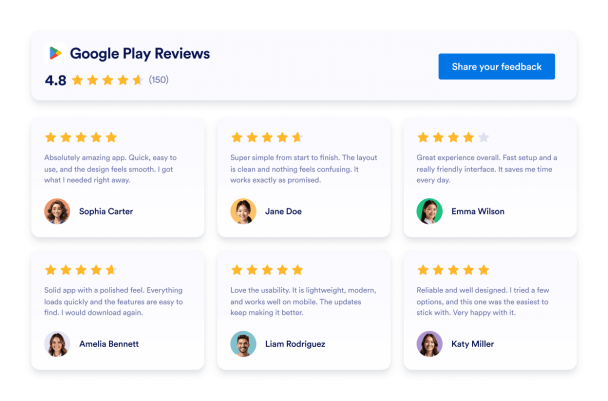

Cara membuat widget Google Play Reviews
Sesuaikan widget Anda
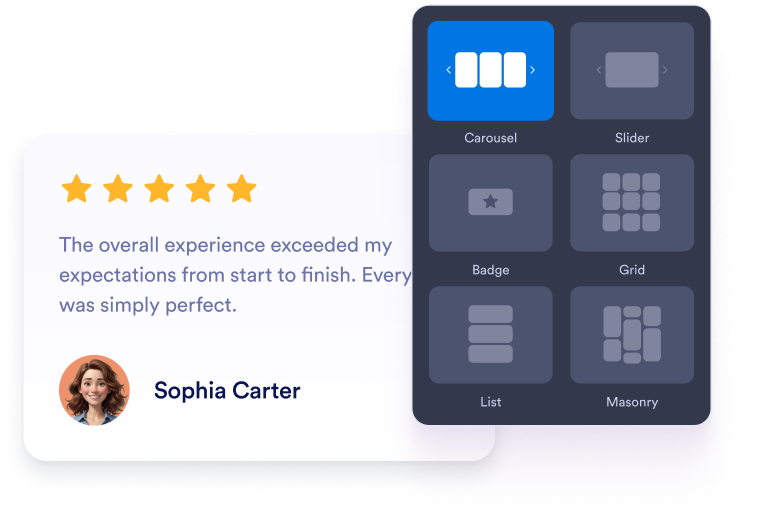
Pilih tata letak korsel, penggeser, lencana, kisi, atau daftar. Sesuaikan warna, tipografi, jarak, dan lebar agar sesuai dengan situs web aplikasi Anda.
Dapatkan kode sematan
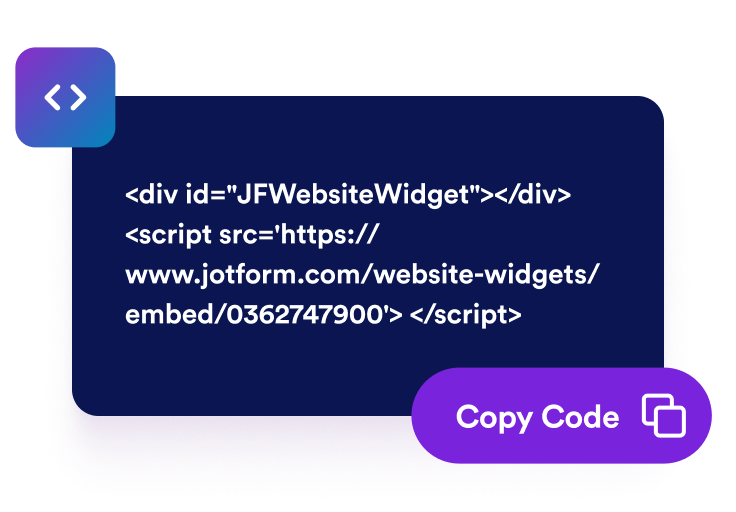
Pratinjau ulasan Google Play Anda dan lanjutkan ke langkah penerbitan. Jotform secara otomatis menghasilkan kode semat, jadi Anda tidak perlu membuat atau mengeditnya secara manual.

Sematkan di mana saja
Tempelkan kode yang dihasilkan ke dalam HTML kustom atau blok semat. Terbitkan halaman dan periksa bagaimana ulasan muncul di layar desktop dan selular.
Ubah ulasan Google Play menjadi keputusan aplikasi yang percaya diri
Bangun kepercayaan dengan ulasan aplikasi nyata
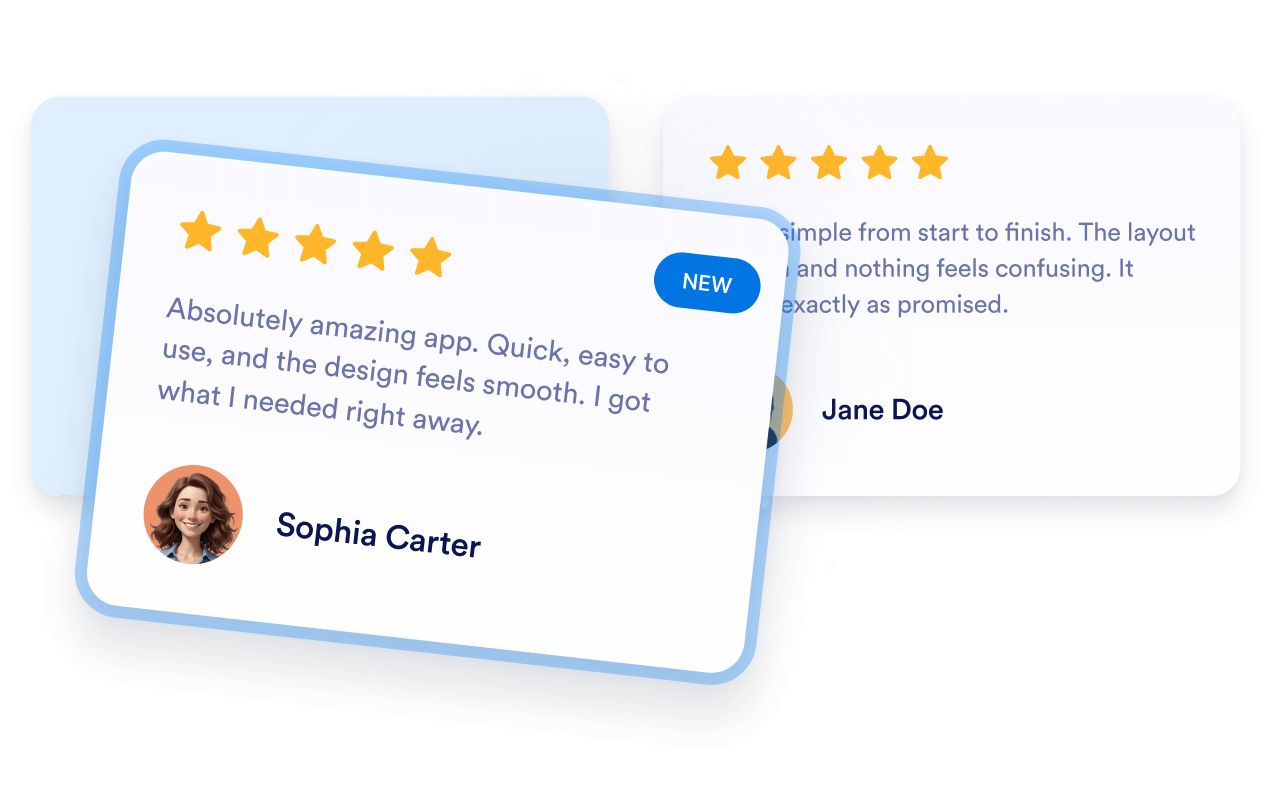
Tampilkan peringkat dan komentar dari pengguna Google Play bersama deskripsi aplikasi Anda. Umpan balik langsung memberikan calon pengguna konteks berharga tentang fitur, kegunaan, keandalan, dan pengalaman keseluruhan aplikasi sebelum mereka mempertimbangkan untuk memasangnya.
Jaga konten ulasan tetap terkini secara otomatis
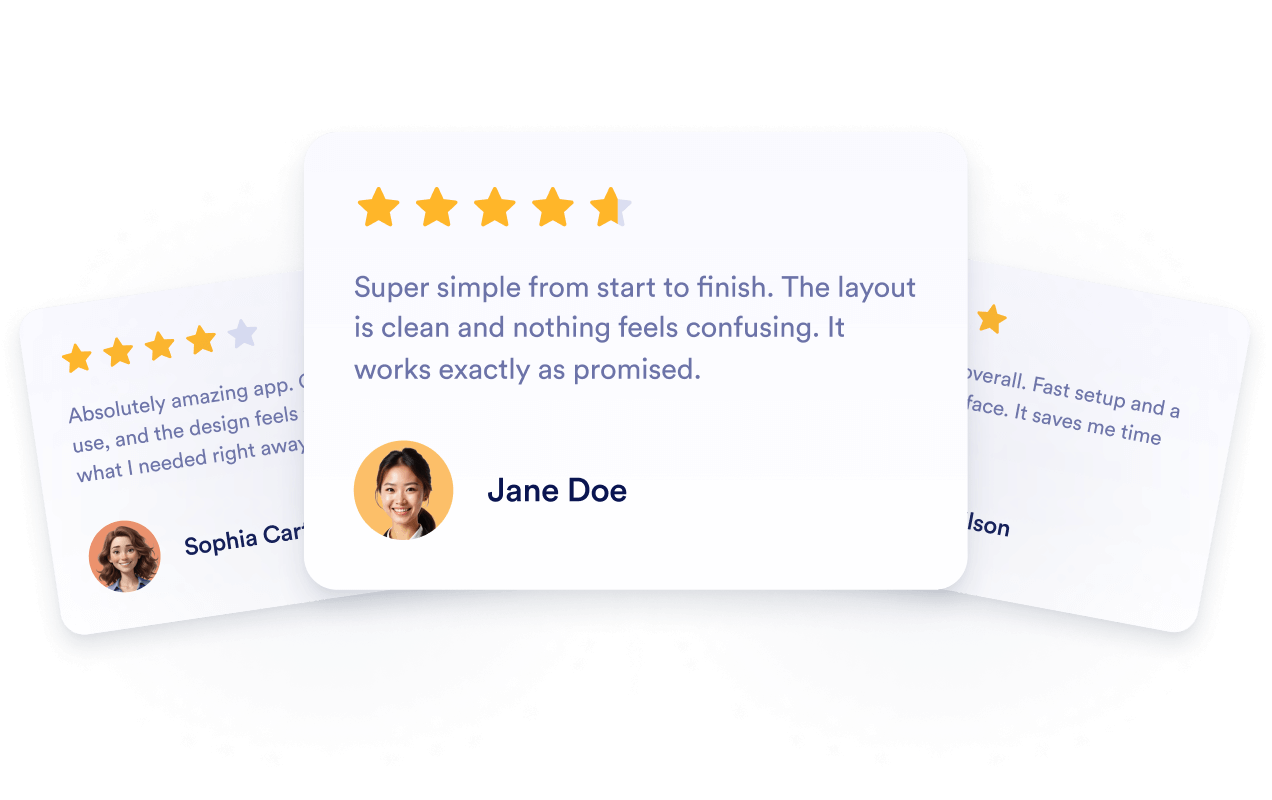
Hubungkan widget ke daftar Google Play publik Anda sehingga peringkat dan ulasan yang baru tersedia dapat muncul secara otomatis. Anda dapat terus menampilkan umpan balik pengguna terbaru tanpa membangun ulang bagian tersebut secara manual atau mengganti kode sematnya.
Dukung visibilitas aplikasi dengan ulasan
Tambahkan umpan balik Google Play yang relevan ke halaman arahan aplikasi tempat pengunjung meneliti produk Anda. Ulasan memberikan konteks yang berguna bagi calon pengguna, meskipun menyematkannya tidak menjamin pengindeksan atau peringkat pencarian yang lebih tinggi.

Dorong pengunjung untuk mengambil tindakan
Tempatkan umpan balik pengguna yang positif di dekat tombol unduhan, deskripsi fitur, demo, atau opsi pendaftaran. Ulasan yang relevan dapat mengatasi kekhawatiran umum dan membantu pengunjung memutuskan apakah akan memasang aplikasi atau menjelajahinya lebih lanjut.

Mengapa Widget Situs Web Jotform Unggul
Widget Jotform membuat situs web Anda lebih interaktif dan meningkatkan konversi. Ada banyak alat tersedia, dari peringkat bintang dan slider testimoni hingga popup bukti sosial dan sematan media. Tambahkan widget ke formulir atau halaman arahan Anda untuk kumpulkan data, menampilkan bukti, dan menangkap prospek — tanpa perlu pengkodean.
Tambahkan widget Jotform ke situs web Anda dengan kode semat yang sederhana. Kustomisasi widget, pratinjau tampilannya, dan tempel ke halaman apa pun yang mendukung HTML kustom atau blok semat, semuanya tanpa pengembang.
Gunakan Widget Situs Web Jotform untuk menangkap prospek, menampilkan umpan balik pelanggan, menampilkan bukti sosial, menyematkan media, atau menambahkan alat halaman web yang bermanfaat. Setiap widget membantu pengunjung berinteraksi dengan bisnis Anda langsung dari situs web Anda.
Jika Anda memerlukan bantuan untuk menyiapkan, menyesuaikan, menyematkan, atau memecahkan masalah widget Anda, tim dukungan pelanggan Jotform tersedia 24-7. Anda dapat melangkah maju dengan percaya diri, mengetahui bahwa bantuan tersedia saat Anda membutuhkannya.
Tempat untuk menggunakan Widget Ulasan Google Play Anda
Tambahkan ulasan ke halaman tempat pengunjung membandingkan fitur, mengevaluasi pengalaman pengguna, atau memutuskan apakah akan memasang aplikasi Anda.
Halaman unduhan aplikasi untuk menampilkan umpan balik pengguna di dekat tangkapan layar dan tombol pasang.
Bagian beranda untuk memperkenalkan peringkat dan ulasan bersama pesan utama aplikasi Anda.
Halaman fitur untuk mendukung informasi produk dengan pengalaman yang dibagikan oleh pengguna saat ini.
Halaman harga untuk memberikan konteks tambahan sebelum pengunjung memilih paket.
Halaman rilis untuk menyajikan umpan balik terbaru bersama informasi versi dan pembaruan.
Halaman dukungan untuk meyakinkan calon pengguna yang meneliti pengaturan, kegunaan, atau keandalan.
Ubah prospek menjadi pelanggan yang membayar dengan Jotform Form Builder
Ubah keterlibatan menjadi tindakan dengan Jotform. Buat formulir canggih yang menangkap prospek, mengumpulkan pembayaran, dan mengotomatiskan tanggapan, semuanya di satu tempat. Setiap tanggapan masuk ke Kotak Masuk Jotform Anda, tempat Anda dapat menindaklanjuti atau terhubung dengan aplikasi favorit Anda.
Ayo Mulai — Gratis!
FAQ
Apa itu Widget Ulasan Google Play?
Widget Ulasan Google Play menampilkan peringkat dan umpan balik pengguna publik dari daftar Google Play aplikasi di situs web Anda. Pengunjung dapat mengevaluasi pengalaman aplikasi tanpa meninggalkan produk atau halaman unduhan Anda.
Bagaimana cara menambahkan ulasan Google Play ke situs web saya?
Tata letak ulasan mana yang dapat saya gunakan?
Bisakah saya menyesuaikan widget agar sesuai dengan merek saya?
Apakah ulasan Google Play baru akan muncul secara otomatis?
Ulasan Google Play mana yang ditampilkan?
Apakah widget memerlukan akses ke Google Play Console?
Bisakah ulasan Google Play yang disematkan meningkatkan SEO?
Bagaimana jika tautan Google Play saya tidak berfungsi?
Apakah saya perlu menulis kode?
Apakah Widget Ulasan Google Play ramah selular?
Apakah Widget Ulasan Google Play gratis?
Platform situs web mana yang mendukung Widget Ulasan Google Play?
Bisakah saya mendapatkan bantuan untuk menyiapkan widget?