Widget Popup untuk situs web Anda
Buat popup situs web, bilah tetap, slide-in, dan penawaran melayang yang membantu pengunjung mengambil tindakan. Gunakan widget popup tanpa kode dari Jotform untuk mempromosikan diskon, mengumpulkan pendaftaran buletin, mengumumkan peluncuran, mengarahkan pengunjung ke formulir, dan menjaga pesan penting tetap terlihat tanpa mengedit kode situs Anda.
Buat Sekarang — Gratis!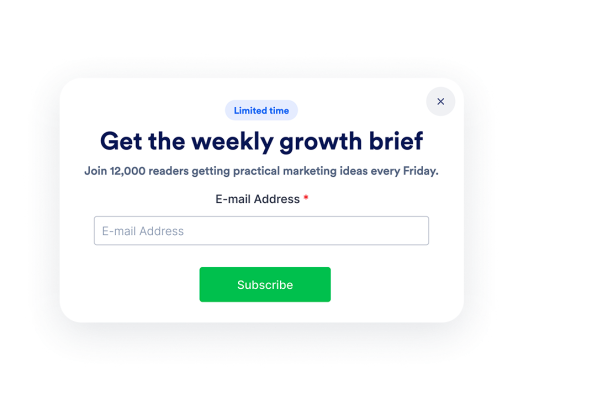

Cara membuat widget Popup

Sesuaikan konten dan waktu
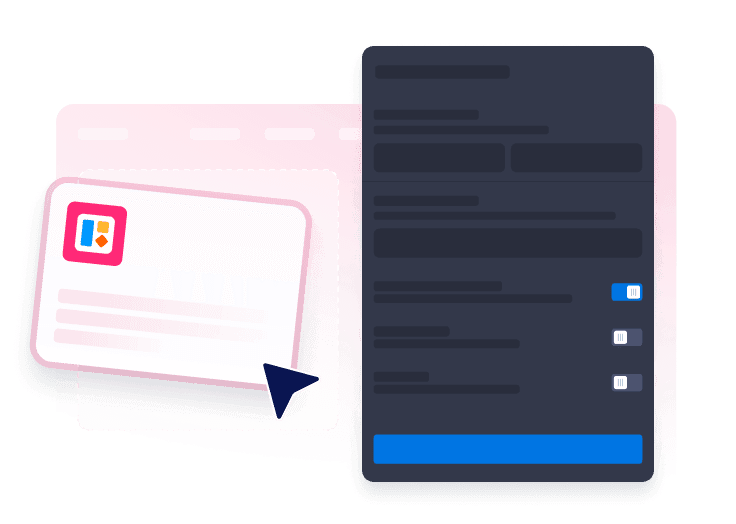
Mulai dengan menambahkan teks dan warna, tombol, formulir, pemicu, penargetan, perilaku tutup, dan frekuensi tampilan Anda.
Pilih format popup Anda
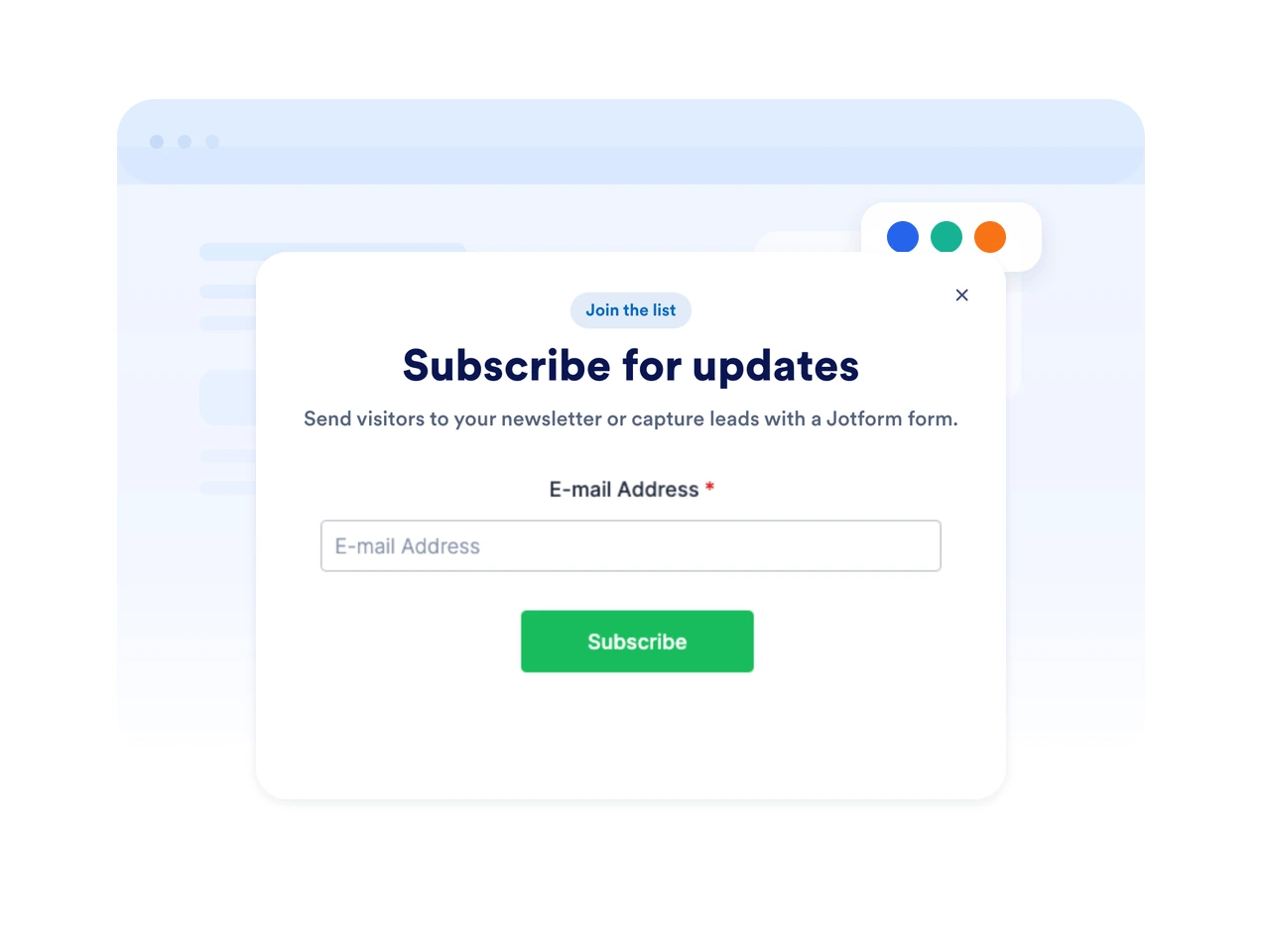
Pilih tata letak dari popup terpusat, bilah atas, bilah bawah, slide-in, atau promosi melayang.

Sematkan di situs web Anda
Pratinjau popup, salin kode semat, dan terbitkan di halaman mana pun yang harus dilihat pengunjung penawaran Anda.
Tarik perhatian dengan popup yang cocok dengan kampanye Anda
Gunakan popup, bilah, slide-in, dan penawaran melayang
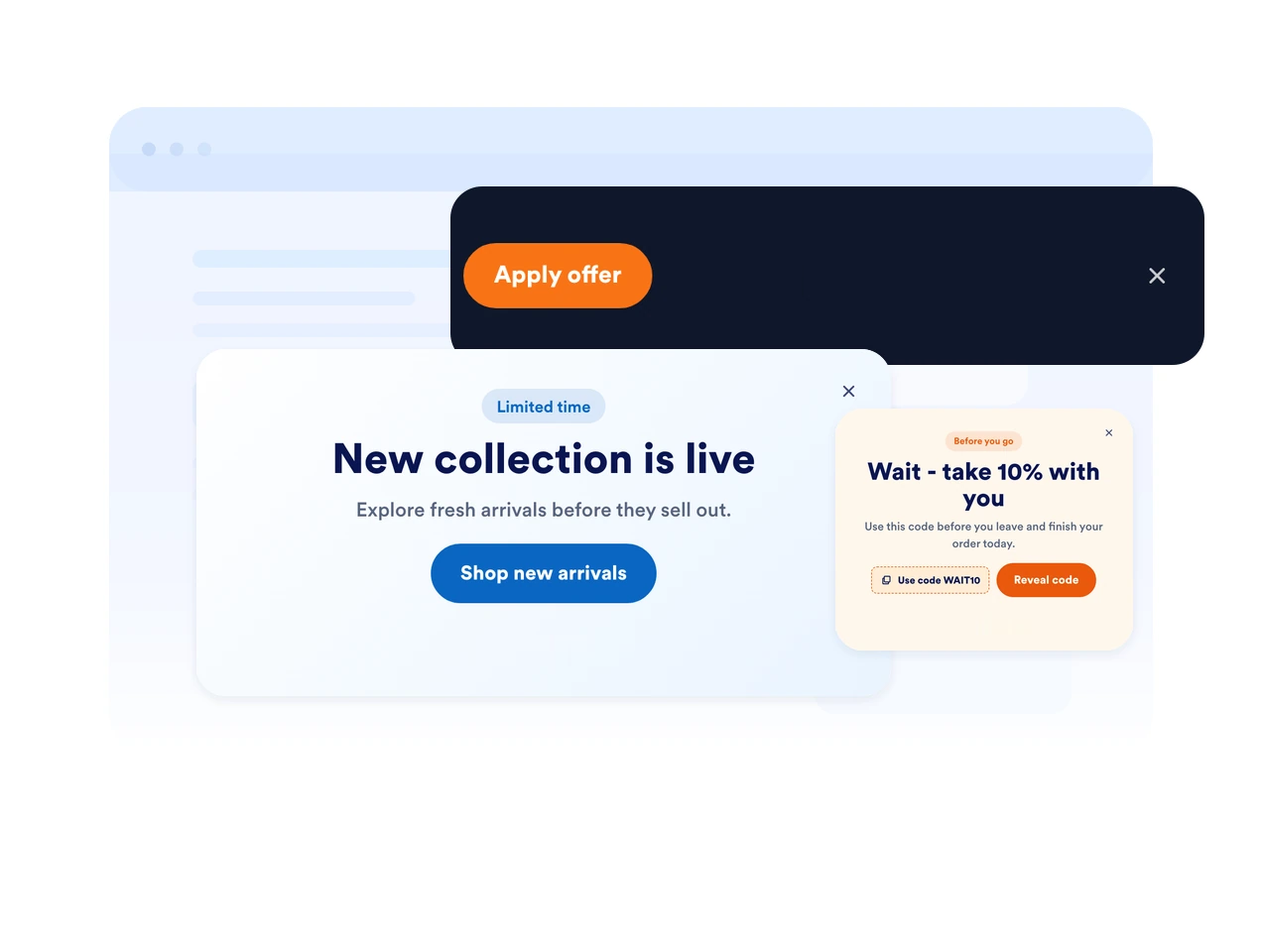
Pilih gaya tampilan yang cocok dengan halaman Anda. Tampilkan modal yang terfokus, bilah tetap di atas atau bawah, slide-in samping, atau callout melayang yang ringkas.
Picu pesan pada saat yang tepat
Tampilkan popup Anda saat pemuatan halaman, setelah penundaan, saat menggulir, saat niat keluar, atau ketika pengunjung mengklik tombol. Cocokkan waktu dengan titik keputusan.
Cocokkan setiap pesan dengan merek Anda
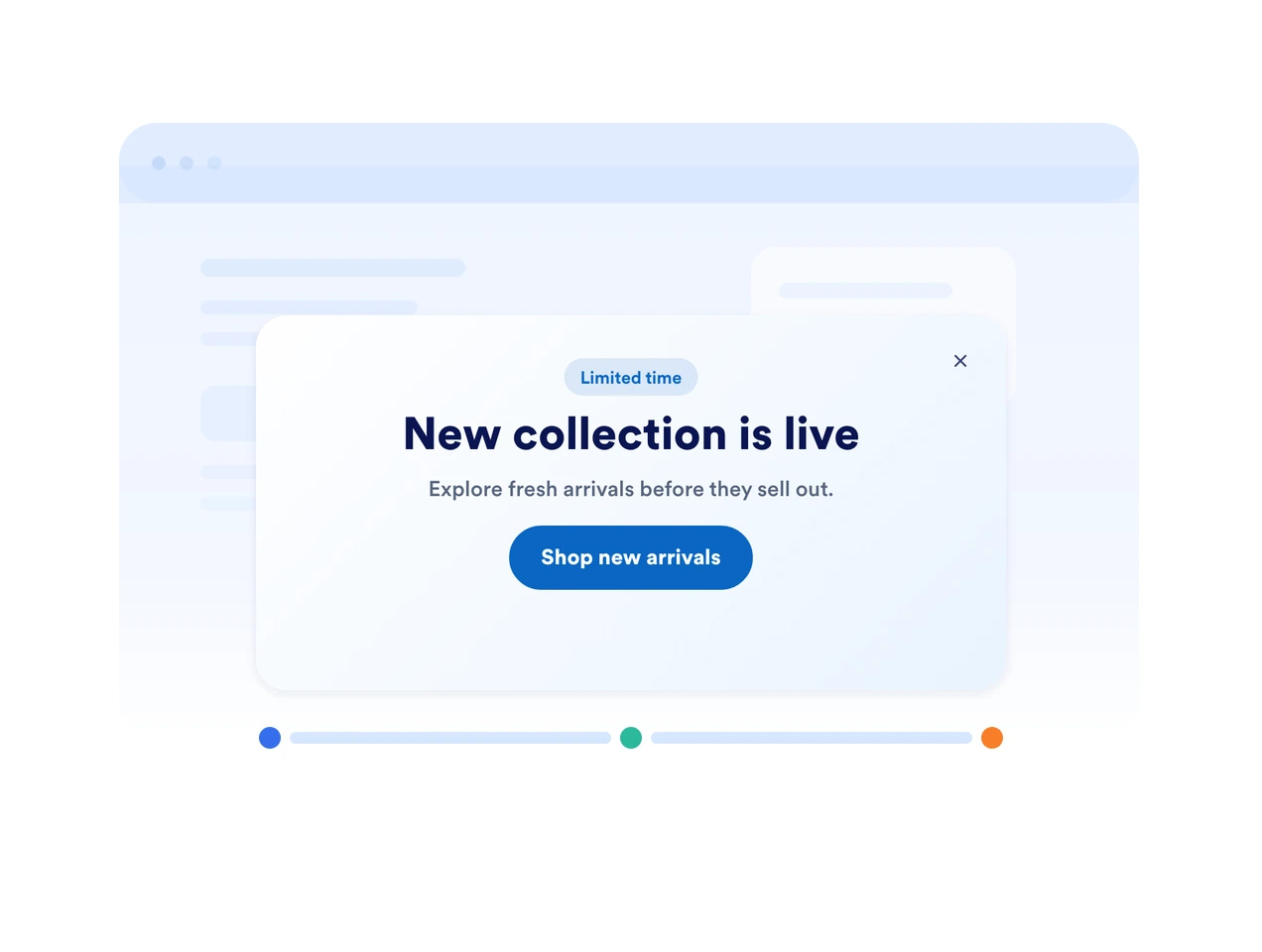
Sesuaikan warna, sudut membulat, penspasian, citra, gaya tombol, dan kolom formulir sehingga popup Anda terasa asli di situs web Anda.
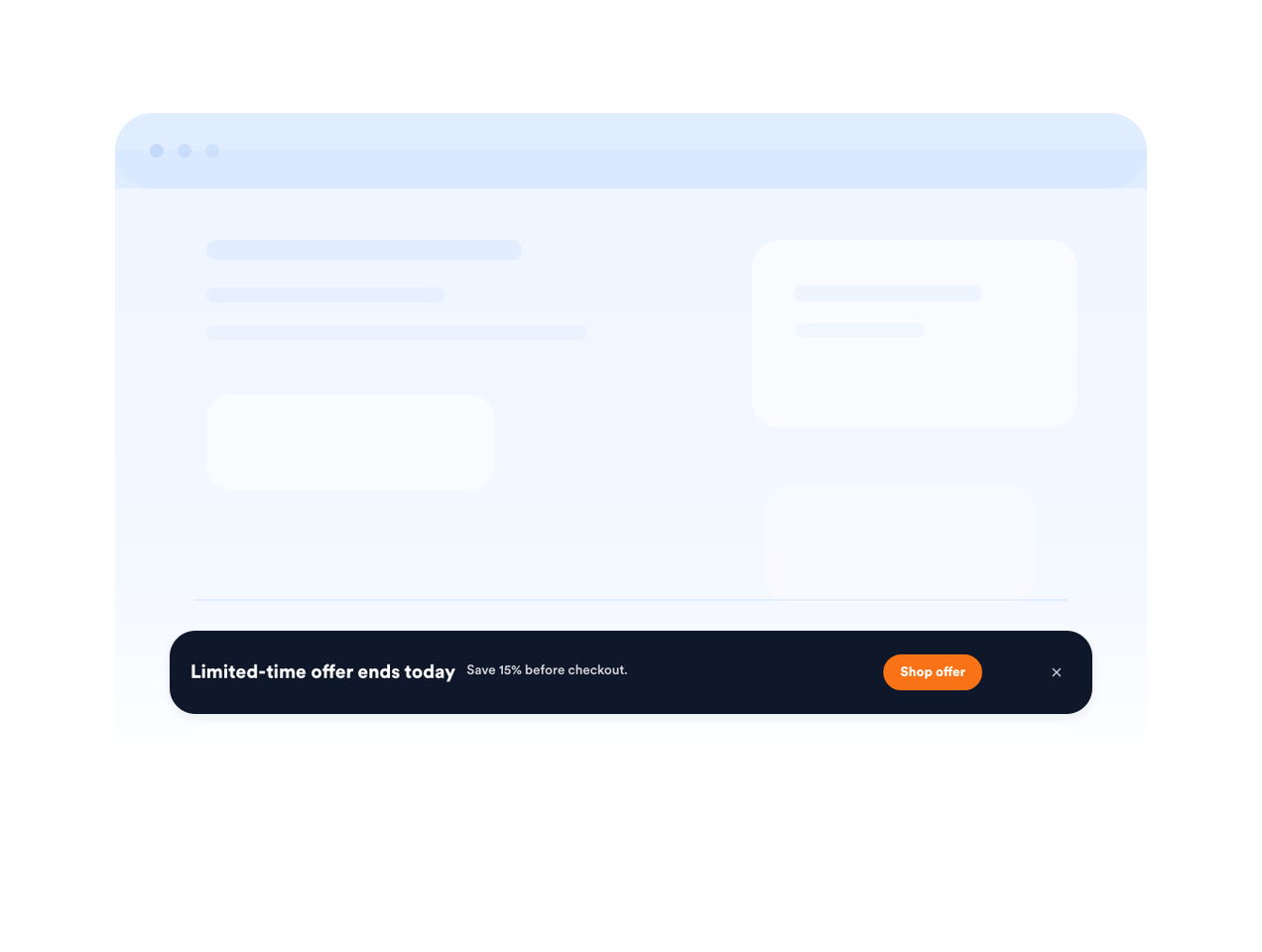
Jaga agar penawaran mendesak tetap terlihat dengan bilah tetap
Gunakan bilah tetap di atas atau bawah untuk tenggat pengiriman, pengingat penjualan, pendaftaran acara, atau pembaruan layanan penting.
Mengapa Widget Situs Web Jotform Unggul
Widget Jotform membuat situs web Anda lebih interaktif dan meningkatkan konversi. Ada banyak alat tersedia, dari peringkat bintang dan slider testimoni hingga popup bukti sosial dan sematan media. Tambahkan widget ke formulir atau halaman arahan Anda untuk kumpulkan data, menampilkan bukti, dan menangkap prospek — tanpa perlu pengkodean.
Tambahkan widget Jotform ke situs web Anda dengan kode semat yang sederhana. Kustomisasi widget, pratinjau tampilannya, dan tempel ke halaman apa pun yang mendukung HTML kustom atau blok semat, semuanya tanpa pengembang.
Gunakan Widget Situs Web Jotform untuk menangkap prospek, menampilkan umpan balik pelanggan, menampilkan bukti sosial, menyematkan media, atau menambahkan alat halaman web yang bermanfaat. Setiap widget membantu pengunjung berinteraksi dengan bisnis Anda langsung dari situs web Anda.
Jika Anda memerlukan bantuan untuk menyiapkan, menyesuaikan, menyematkan, atau memecahkan masalah widget Anda, tim dukungan pelanggan Jotform tersedia 24-7. Anda dapat melangkah maju dengan percaya diri, mengetahui bahwa bantuan tersedia saat Anda membutuhkannya.
Tempat menggunakan widget popup Anda
Tambahkan popup dan bilah di mana pun pesan yang tepat waktu dapat membantu pengunjung berlangganan, membeli, memesan, atau melanjutkan ke langkah berikutnya.
Halaman produk e-commerce untuk mempromosikan diskon, paket, penawaran pengiriman, atau peringatan stok terbatas.
Halaman checkout dan keranjang untuk memulihkan pembeli yang meninggalkan keranjang dengan kode kupon atau perintah dukungan.
Halaman buletin dan konten untuk mengembangkan daftar email Anda dengan sumber daya yang dapat diunduh atau pembaruan.
Halaman acara dan webinar untuk mengingatkan pengunjung tentang tenggat pendaftaran dan sesi mendatang.
Pengumuman halaman beranda untuk menyoroti peluncuran, kampanye musiman, atau pembaruan layanan.
Halaman arahan untuk iklan untuk menjaga penawaran yang terfokus tetap terlihat saat pengunjung membandingkan detail.
Ubah prospek menjadi pelanggan yang membayar dengan Jotform Form Builder
Ubah keterlibatan menjadi tindakan dengan Jotform. Buat formulir canggih yang menangkap prospek, mengumpulkan pembayaran, dan mengotomatiskan tanggapan, semuanya di satu tempat. Setiap tanggapan masuk ke Kotak Masuk Jotform Anda, tempat Anda dapat menindaklanjuti atau terhubung dengan aplikasi favorit Anda.
Ayo Mulai — Gratis!
FAQ
Apa itu widget popup?
Widget popup adalah pesan situs web yang dapat disematkan dan muncul sebagai modal, bilah, slide-in, atau callout melayang. Ini membantu mempromosikan penawaran, mengumpulkan prospek, mengumumkan pembaruan, dan mengarahkan pengunjung ke formulir atau tautan.
Bisakah saya membuat bilah tetap di atas atau bawah?
Bisakah saya mengontrol kapan popup muncul?
Bisakah saya menambahkan formulir ke popup saya?
Bisakah saya menyesuaikan desain popup?
Apakah widget popup akan berfungsi di seluler?
Bisakah pengunjung menutup popup?
Apakah saya perlu membuat kode apa pun?