Widget Notifikasi Penjualan untuk situs web Anda
Tampilkan notifikasi pembelian dan aktivitas terbaru yang membantu pengunjung memperhatikan minat produk, pesanan baru, pemesanan, pendaftaran, atau tindakan tepat waktu lainnya. Sesuaikan pesan, gambar, tautan CTA, pengaturan waktu, penempatan, warna, perilaku tutup, dan tampilan responsif dalam pembuat tanpa kode.
Buat Sekarang — Gratis!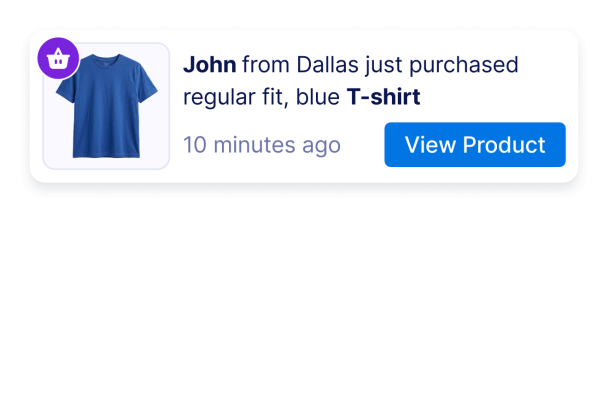

Cara membuat widget Sales Notification
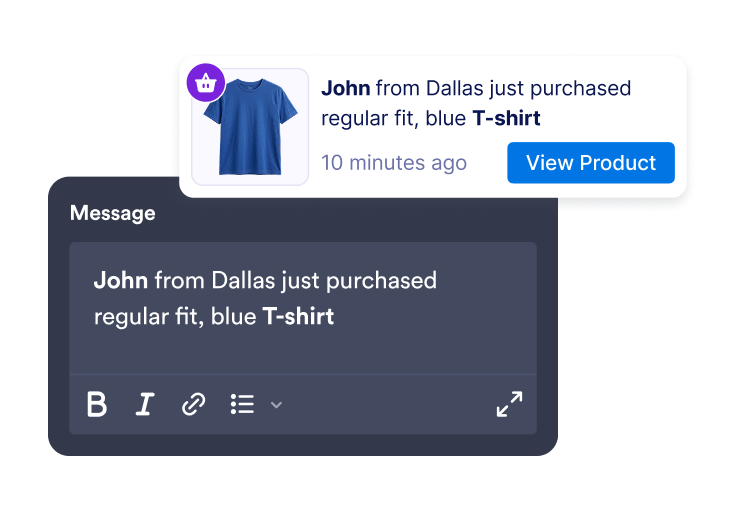
Tambahkan pesan aktivitas
Buat notifikasi penjualan atau aktivitas dengan nama pelanggan, lokasi, nama produk, stempel waktu, gambar, lencana, dan tautan CTA.
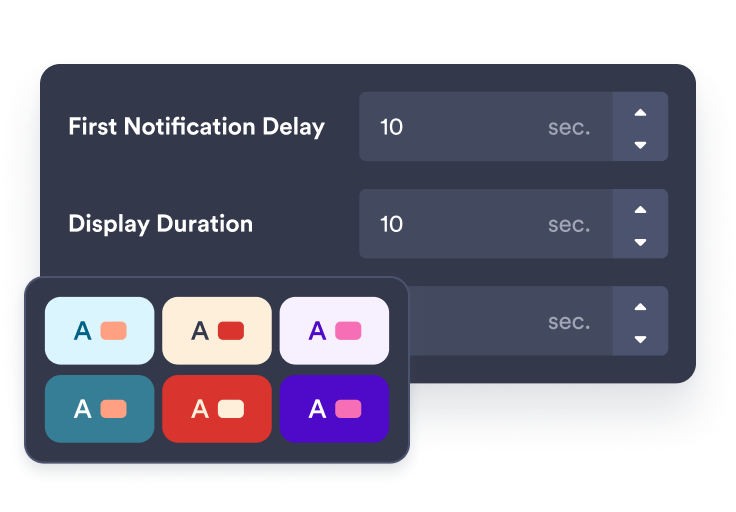
Sesuaikan pengaturan waktu dan gaya
Pilih di mana notifikasi muncul, berapa lama tetap terlihat, seberapa sering berotasi, dan bagaimana ia cocok dengan merek Anda.
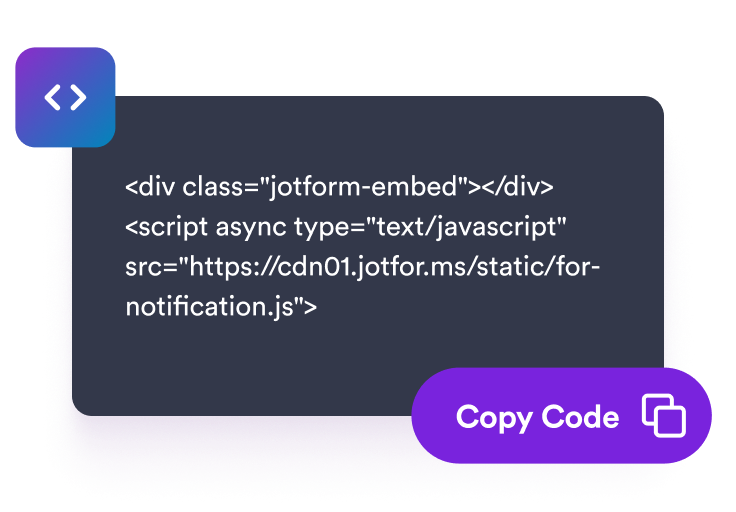
Sematkan di situs Anda
Pratinjau widget notifikasi Anda, salin kode semat, dan tambahkan ke halaman tempat aktivitas terbaru dapat mendukung keputusan pengunjung.
Tampilkan notifikasi aktivitas tepat waktu yang sesuai dengan toko Anda
Buat peringatan penjualan dan aktivitas terbaru
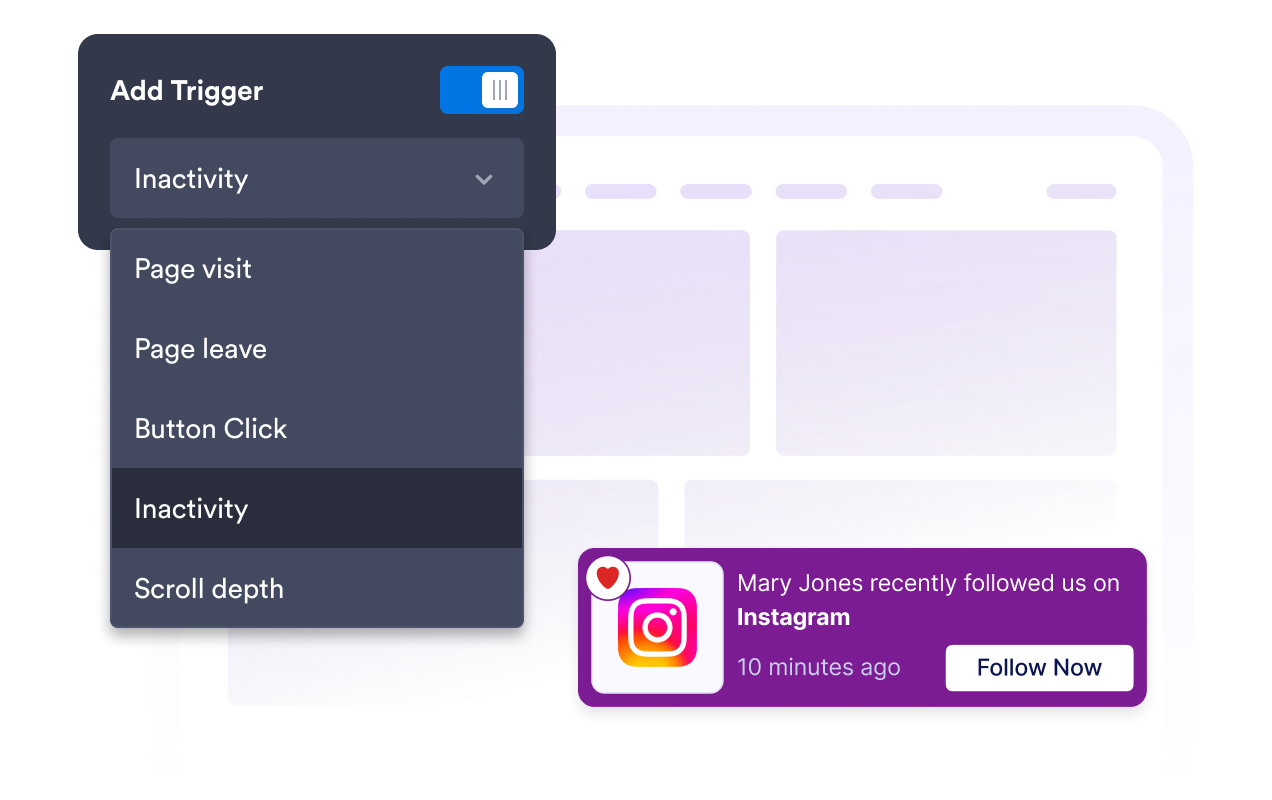
Tambahkan notifikasi yang dapat diubah untuk pembelian, pemesanan, pendaftaran, donasi, pembaruan stok menipis, atau aktivitas lain yang mendukung pesan halaman Anda.
Rotasikan notifikasi dengan pengaturan waktu yang jelas
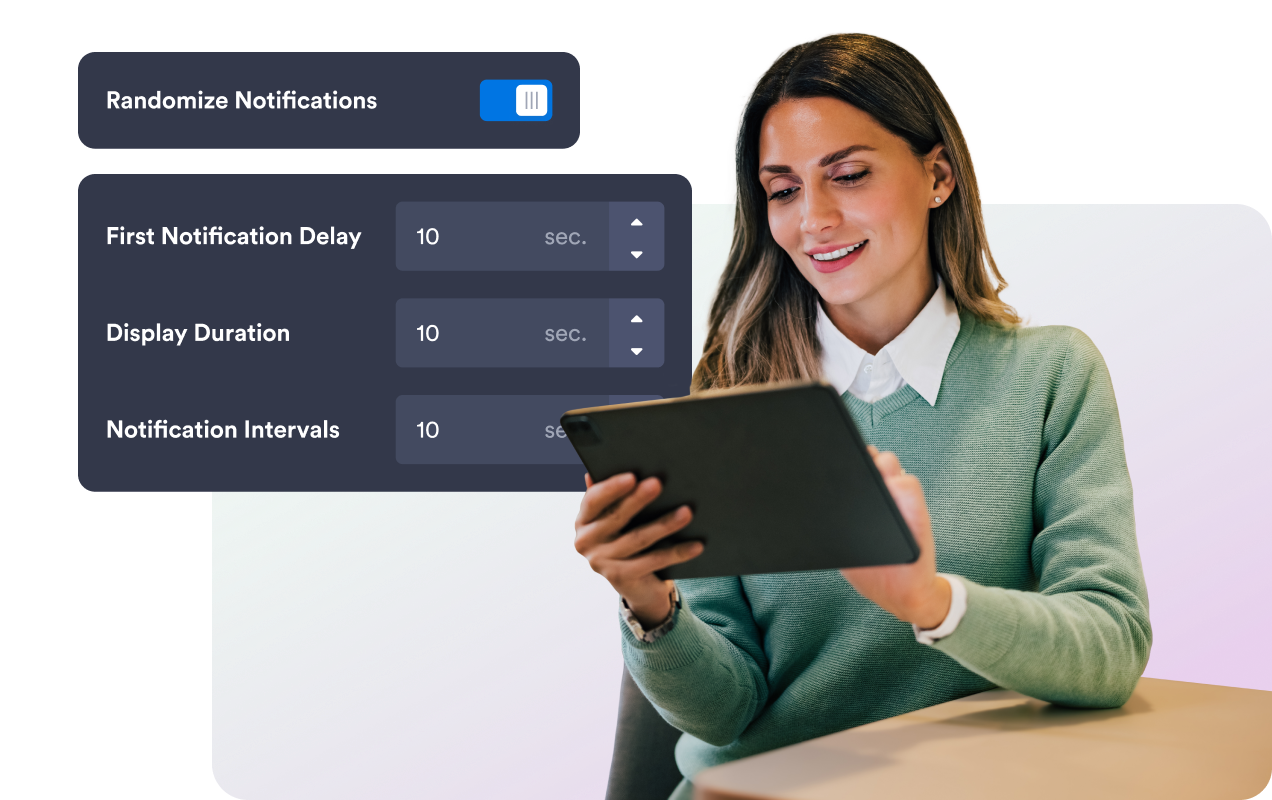
Atur penundaan pertama, durasi tampilan, interval, urutan acak, dan aturan memori pengunjung sehingga notifikasi terasa tepat waktu tanpa membebani pengunjung.
Cocokkan notifikasi dengan website Anda
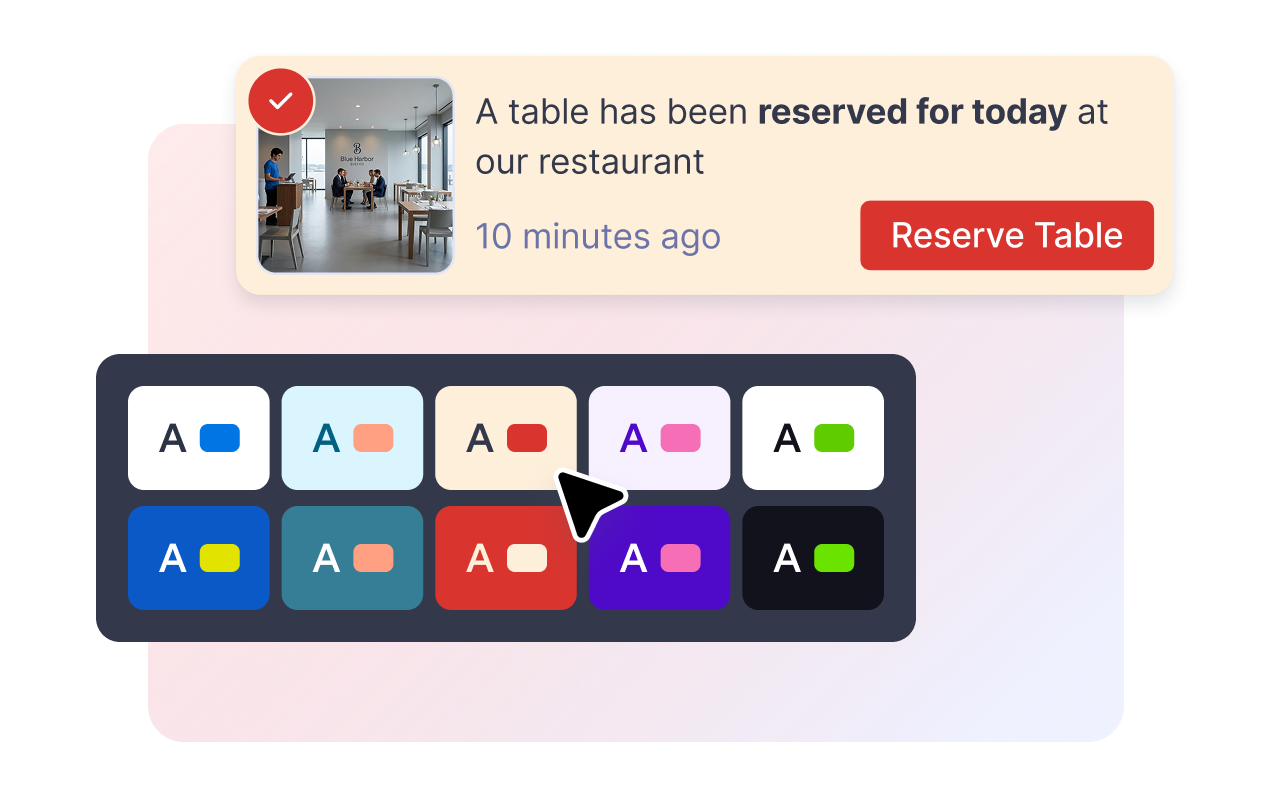
Sesuaikan warna kartu, teks pesan, warna tombol CTA, warna lencana, sudut membulat, ukuran gambar, bayangan, branding, dan CSS khusus yang tercakup.
Kontrol penempatan pada desktop dan mobile
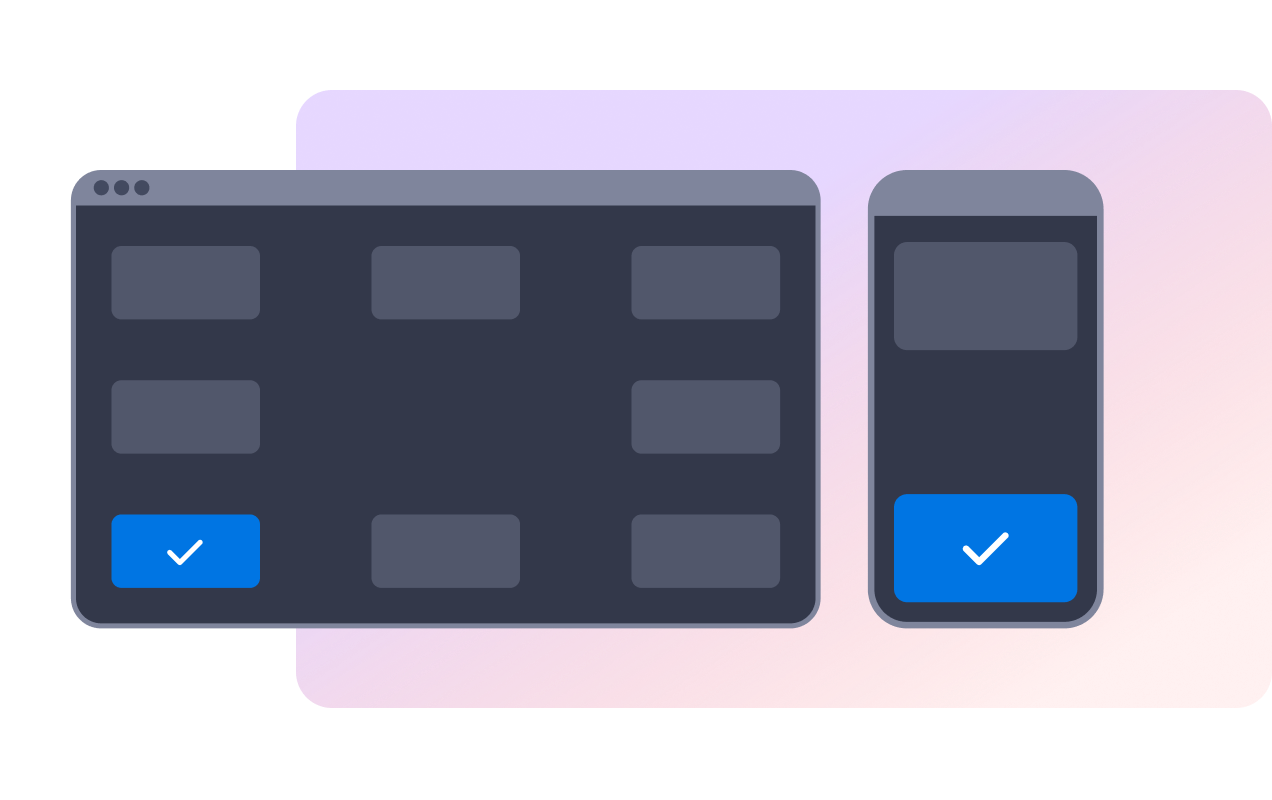
Tempatkan notifikasi di sudut layar pada desktop, pilih atas atau bawah pada mobile, dan biarkan pengunjung menutup pesan dengan kontrol tutup atau geser.
Mengapa Widget Situs Web Jotform Unggul
Widget Jotform membuat situs web Anda lebih interaktif dan meningkatkan konversi. Ada banyak alat tersedia, dari peringkat bintang dan slider testimoni hingga popup bukti sosial dan sematan media. Tambahkan widget ke formulir atau halaman arahan Anda untuk kumpulkan data, menampilkan bukti, dan menangkap prospek — tanpa perlu pengkodean.
Tambahkan widget Jotform ke situs web Anda dengan kode semat yang sederhana. Kustomisasi widget, pratinjau tampilannya, dan tempel ke halaman apa pun yang mendukung HTML kustom atau blok semat, semuanya tanpa pengembang.
Gunakan Widget Situs Web Jotform untuk menangkap prospek, menampilkan umpan balik pelanggan, menampilkan bukti sosial, menyematkan media, atau menambahkan alat halaman web yang bermanfaat. Setiap widget membantu pengunjung berinteraksi dengan bisnis Anda langsung dari situs web Anda.
Jika Anda memerlukan bantuan untuk menyiapkan, menyesuaikan, menyematkan, atau memecahkan masalah widget Anda, tim dukungan pelanggan Jotform tersedia 24-7. Anda dapat melangkah maju dengan percaya diri, mengetahui bahwa bantuan tersedia saat Anda membutuhkannya.
Di mana menggunakan widget Notifikasi Penjualan Anda
Tambahkan notifikasi penjualan di tempat aktivitas terbaru dapat membuat produk, penawaran, pemesanan, atau jalur pendaftaran terasa aktif dan terkini.
Halaman produk untuk menampilkan pembelian terbaru, item populer, dan tautan CTA di dekat keputusan pembelian.
Halaman koleksi untuk menyoroti aktivitas seputar kategori tertentu atau kampanye musiman.
Halaman pemesanan untuk menampilkan reservasi, janji temu, atau pendaftaran terbaru.
Halaman dukungan checkout untuk menegaskan bahwa pengunjung lain sedang menyelesaikan tindakan serupa.
Halaman donasi atau acara untuk menampilkan kontribusi, pembelian tiket, atau pendaftaran terbaru.
Ubah prospek menjadi pelanggan yang membayar dengan Jotform Form Builder
Ubah keterlibatan menjadi tindakan dengan Jotform. Buat formulir canggih yang menangkap prospek, mengumpulkan pembayaran, dan mengotomatiskan tanggapan, semuanya di satu tempat. Setiap tanggapan masuk ke Kotak Masuk Jotform Anda, tempat Anda dapat menindaklanjuti atau terhubung dengan aplikasi favorit Anda.
Ayo Mulai — Gratis!
FAQ
Apa itu widget Notifikasi Penjualan?
Widget Notifikasi Penjualan adalah popup website yang dapat disematkan yang menampilkan pesan pembelian atau aktivitas terbaru dalam kartu notifikasi mengambang.
Bisakah saya mengubah pesan notifikasi?
Bisakah saya mengontrol kapan notifikasi muncul?
Bisakah pengunjung menutup notifikasi?
Bisakah saya menyesuaikan desain?
Apakah widget secara otomatis tersinkronisasi dengan pesanan toko saya?
Apakah akan berfungsi di seluler?
Apakah saya perlu membuat kode apa pun?