Widget Pencari Toko untuk situs web Anda
Bantu pengunjung menemukan dan meninjau toko, cabang, titik penjemputan, atau lokasi layanan tanpa meninggalkan situs Anda. Widget Pencari Toko dari Jotform menggabungkan kartu lokasi yang dapat dicari, peta interaktif, detail kontak, jam operasional, foto, dan tata letak yang dapat dikustomisasi dalam satu semat tanpa kode.
Buat Sekarang — Gratis!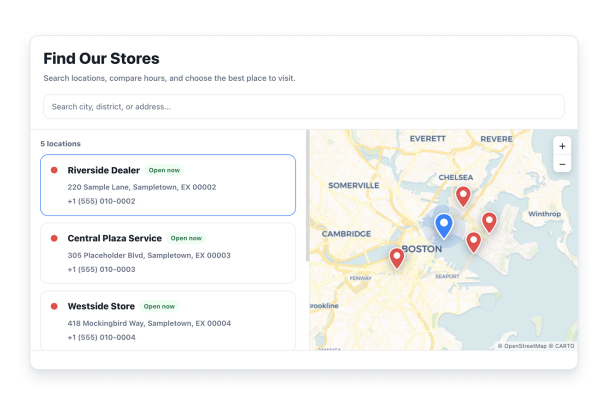

Cara membuat widget Store Locator
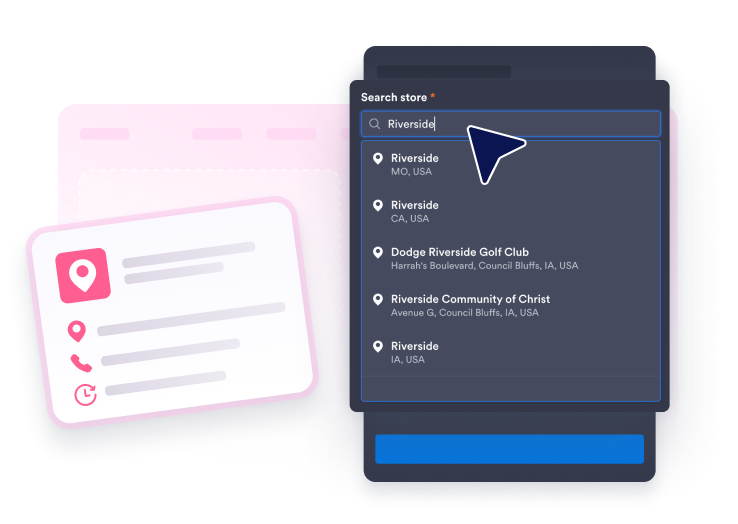
Tambahkan lokasi Anda
Cari bisnis atau alamat dengan Google, lalu tambahkan pengantar, jam mingguan, detail kontak, foto, logo, dan warna penanda untuk setiap lokasi.
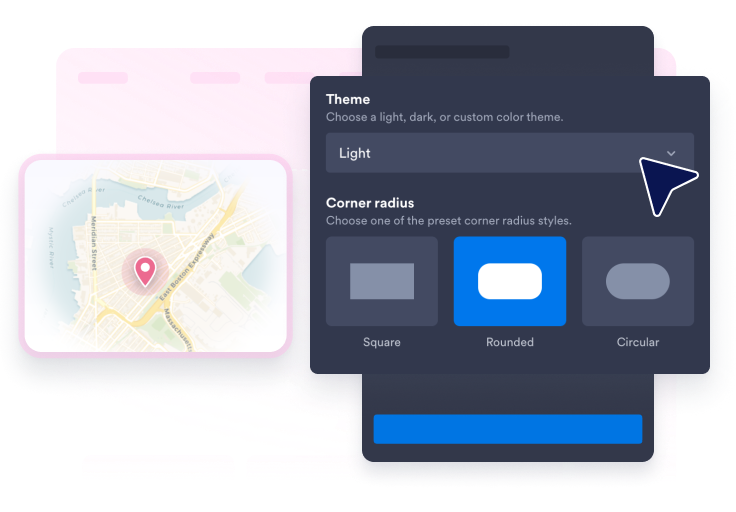
Kustomisasi pencarian, peta, dan gaya
Pilih tata letak, tema peta, gaya kartu, bentuk pin, label pin, warna, radius sudut, ukuran, dan apakah akan menampilkan bilah pencarian.
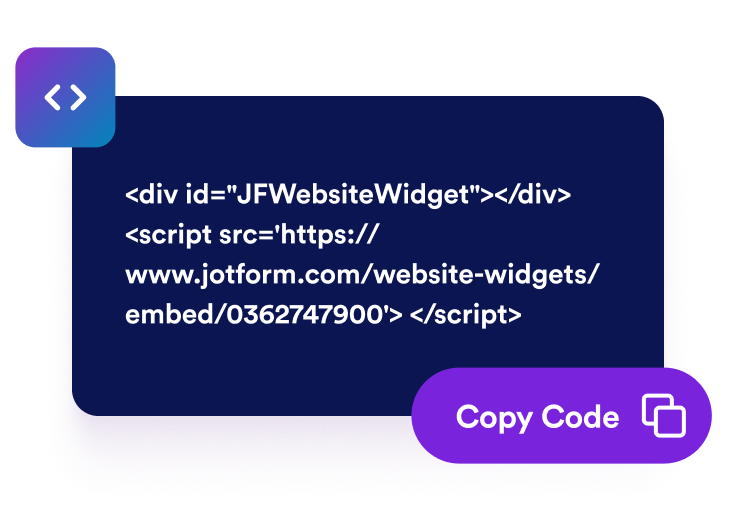
Sematkan di situs web Anda
Pratinjau pencari lokasi, publikasikan, dan tempel kode semat yang dihasilkan ke halaman mana pun tempat pengunjung membutuhkan detail toko atau petunjuk arah.
Jadikan setiap lokasi mudah ditemukan dan ditindaklanjuti
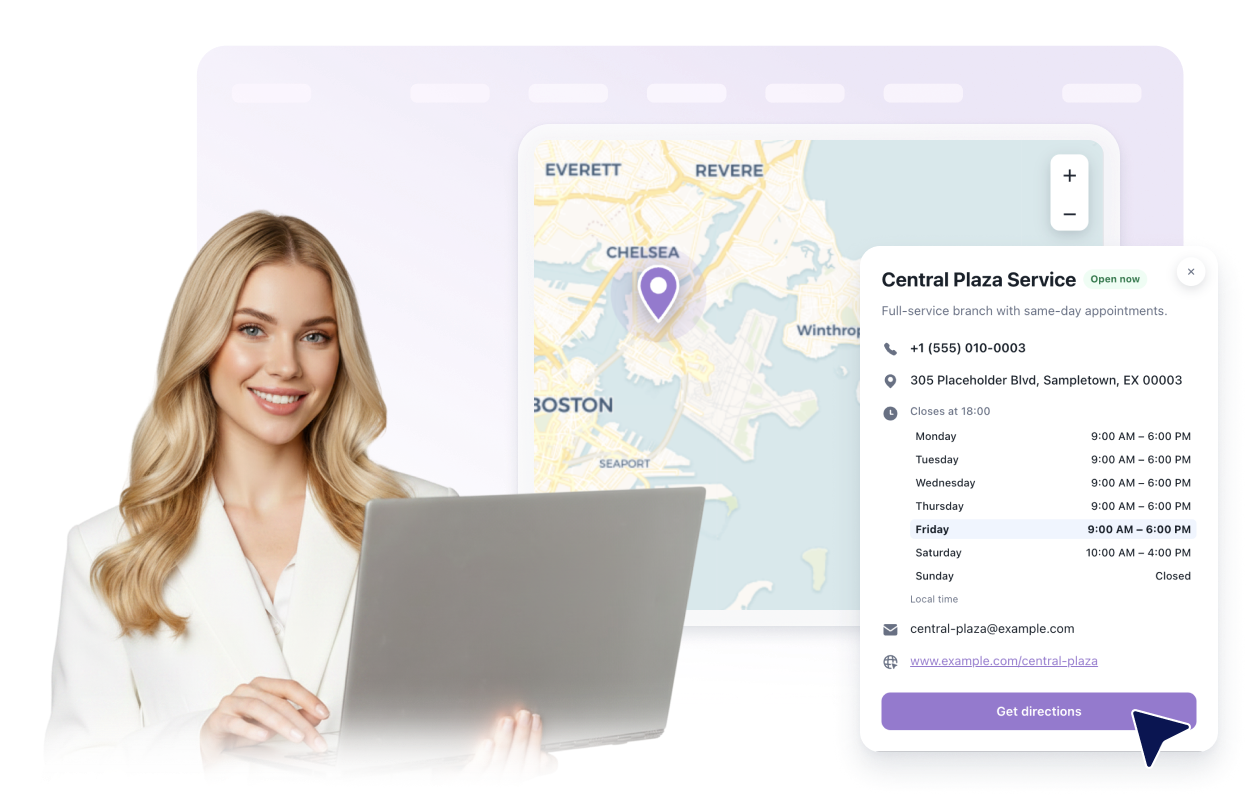
Buat kartu lokasi yang bermanfaat
Tampilkan nama, alamat, deskripsi, jam operasional, detail kontak yang terlihat, foto, logo, status buka atau tutup berbasis jadwal, dan petunjuk arah untuk setiap lokasi.
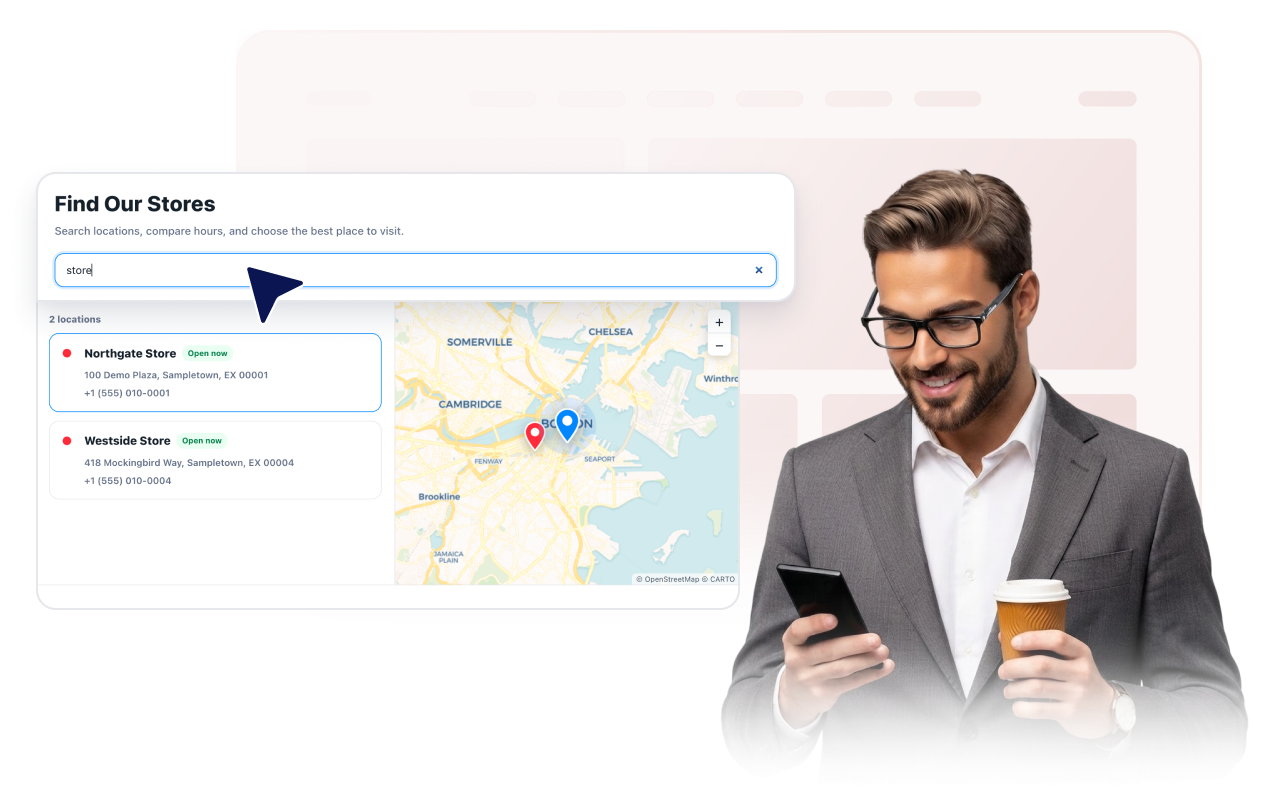
Bantu pengunjung mencari daftar lokasi
Tampilkan bilah pencarian opsional yang cocok dengan nama lokasi, alamat, deskripsi, serta telepon, email, situs web, atau jam yang Anda pilih untuk ditampilkan.
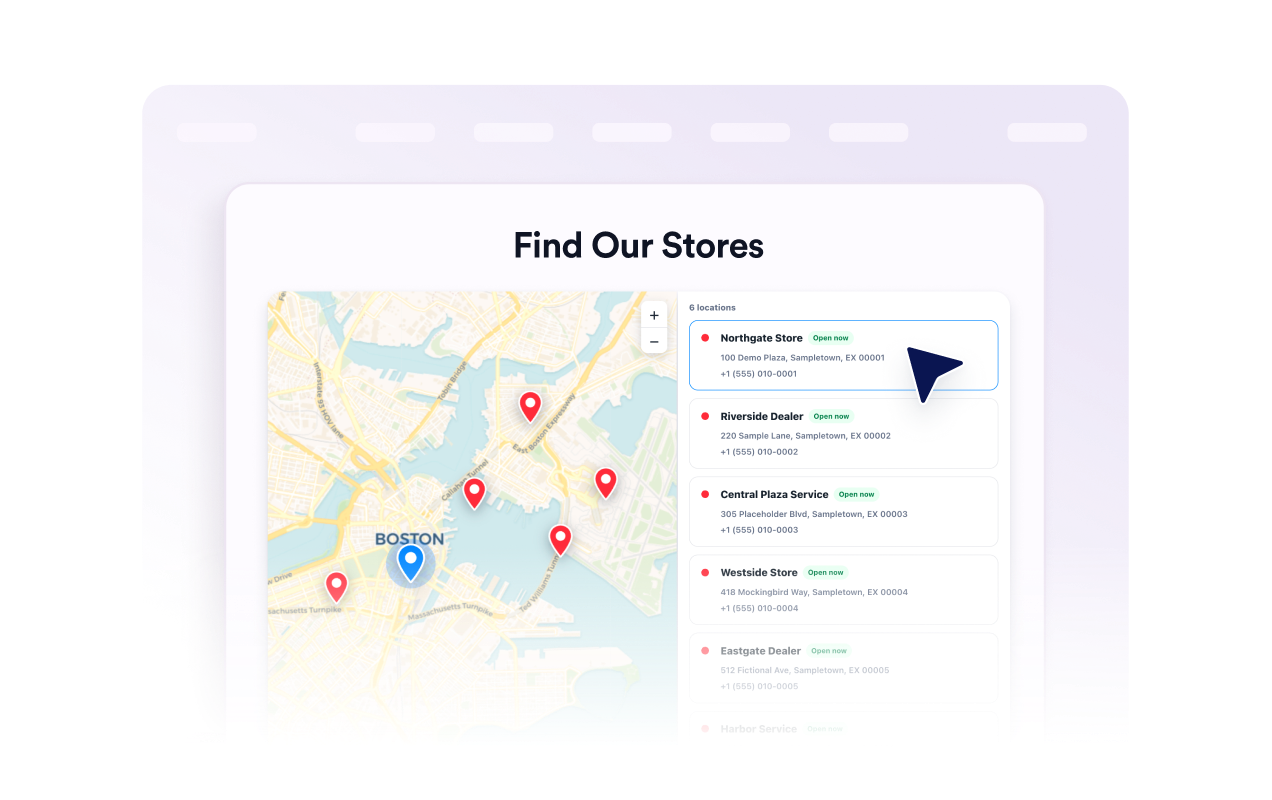
Hubungkan daftar ke peta interaktif
Biarkan pengunjung menggeser dan memperbesar, memilih kartu atau pin lokasi, dan membuka detailnya. Pilih tema peta, tingkat zoom, gaya pin, label, dan warna penanda.
Cocokkan widget dengan situs Anda
Pilih gaya terang, gelap, atau kustom; kartu foto, terperinci, atau ringkas; dan tata letak peta-kiri, peta-kanan, peta-atas, atau kisi. Sempurnakan warna, radius, ukuran, branding, dan CSS bercakupan.

Mengapa Widget Situs Web Jotform Unggul
Widget Jotform membuat situs web Anda lebih interaktif dan meningkatkan konversi. Ada banyak alat tersedia, dari peringkat bintang dan slider testimoni hingga popup bukti sosial dan sematan media. Tambahkan widget ke formulir atau halaman arahan Anda untuk kumpulkan data, menampilkan bukti, dan menangkap prospek — tanpa perlu pengkodean.
Tambahkan widget Jotform ke situs web Anda dengan kode semat yang sederhana. Kustomisasi widget, pratinjau tampilannya, dan tempel ke halaman apa pun yang mendukung HTML kustom atau blok semat, semuanya tanpa pengembang.
Gunakan Widget Situs Web Jotform untuk menangkap prospek, menampilkan umpan balik pelanggan, menampilkan bukti sosial, menyematkan media, atau menambahkan alat halaman web yang bermanfaat. Setiap widget membantu pengunjung berinteraksi dengan bisnis Anda langsung dari situs web Anda.
Jika Anda memerlukan bantuan untuk menyiapkan, menyesuaikan, menyematkan, atau memecahkan masalah widget Anda, tim dukungan pelanggan Jotform tersedia 24-7. Anda dapat melangkah maju dengan percaya diri, mengetahui bahwa bantuan tersedia saat Anda membutuhkannya.
Tempat menggunakan widget Pencari Toko Anda
Sematkan widget di mana saja pengunjung perlu membandingkan lokasi yang tersedia, meninjau detail, atau memilih ke mana harus pergi selanjutnya.
Situs web ritel untuk menampilkan toko, titik penjemputan, departemen, dan detail kontak lokal.
Grup restoran untuk membantu tamu meninjau alamat, jam operasional, nomor telepon, dan situs web lokasi.
Bisnis layanan untuk mencantumkan cabang, kantor janji temu, dan lokasi area layanan.
Halaman dealer dan mitra untuk membantu pelanggan menemukan penjual resmi atau titik dukungan.
Halaman acara dan tempat untuk menampilkan pintu masuk, area penjemputan, loket tiket, atau lokasi regional.
Halaman dukungan untuk memungkinkan pengunjung membandingkan alamat cabang, jam, dan opsi kontak.
Ubah prospek menjadi pelanggan yang membayar dengan Jotform Form Builder
Ubah keterlibatan menjadi tindakan dengan Jotform. Buat formulir canggih yang menangkap prospek, mengumpulkan pembayaran, dan mengotomatiskan tanggapan, semuanya di satu tempat. Setiap tanggapan masuk ke Kotak Masuk Jotform Anda, tempat Anda dapat menindaklanjuti atau terhubung dengan aplikasi favorit Anda.
Ayo Mulai — Gratis!
FAQ
Apa itu widget Pencari Toko?
Widget Pencari Toko, yang juga disebut widget pencari toko atau pencari lokasi, menampilkan kartu lokasi yang dapat dicari dengan peta interaktif, detail bisnis, foto, dan petunjuk arah di situs web Anda.
Bisakah saya menambahkan lebih dari satu lokasi?
Bisakah pengunjung mencari suatu lokasi?
Bisakah saya memilih detail lokasi mana yang ditampilkan?
Apakah widget menyertakan peta?
Bisakah saya menambahkan foto dan logo untuk setiap lokasi?
Bisakah saya menyesuaikan desain?
Apakah berfungsi di perangkat selular dan tablet?
Apakah saya perlu menulis kode?
Apakah widget Pencari Toko gratis?