

Come creare un widget Accessibilità
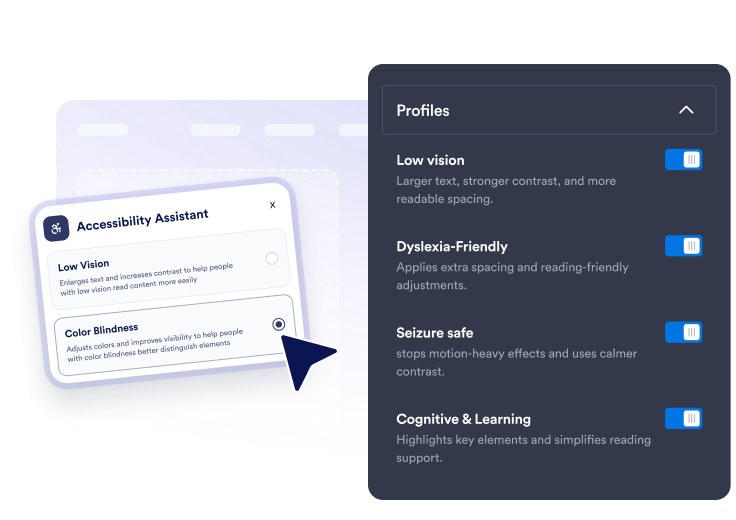
Scegli preset e strumenti
Abilita preset rapidi e controlli dettagliati per la dimensione del testo, la spaziatura, gli ausili alla lettura, il focus da tastiera, l'evidenziazione dei link, il movimento e le modalità colore.
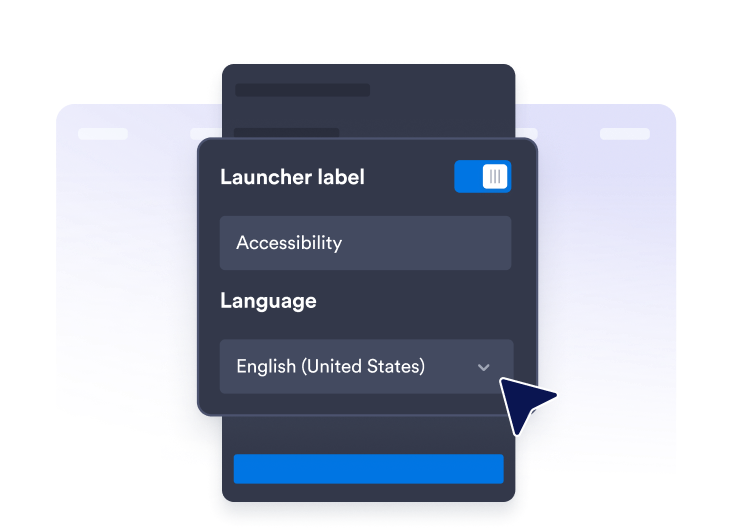
Personalizza l'assistente
Modifica il testo del pannello, i messaggi del punteggio, la lingua, la posizione del launcher, i colori del tema, la larghezza del pannello, la dimensione del pulsante e la durata delle preferenze.

Pubblicalo ovunque
Copia il codice embed e aggiungi l'assistente di accessibilità fluttuante a qualsiasi pagina che necessiti di opzioni di lettura e navigazione più chiare.
Aiuta i visitatori ad adattare il tuo sito alle loro esigenze
Offri preset di accessibilità rapidi
Consenti ai visitatori di applicare i preset Ipovisione, Daltonismo, Adatto alla dislessia, Sicuro per le crisi epilettiche, Riduci le distrazioni, Assistenza motoria, Cognitivo e apprendimento e Navigazione da tastiera.
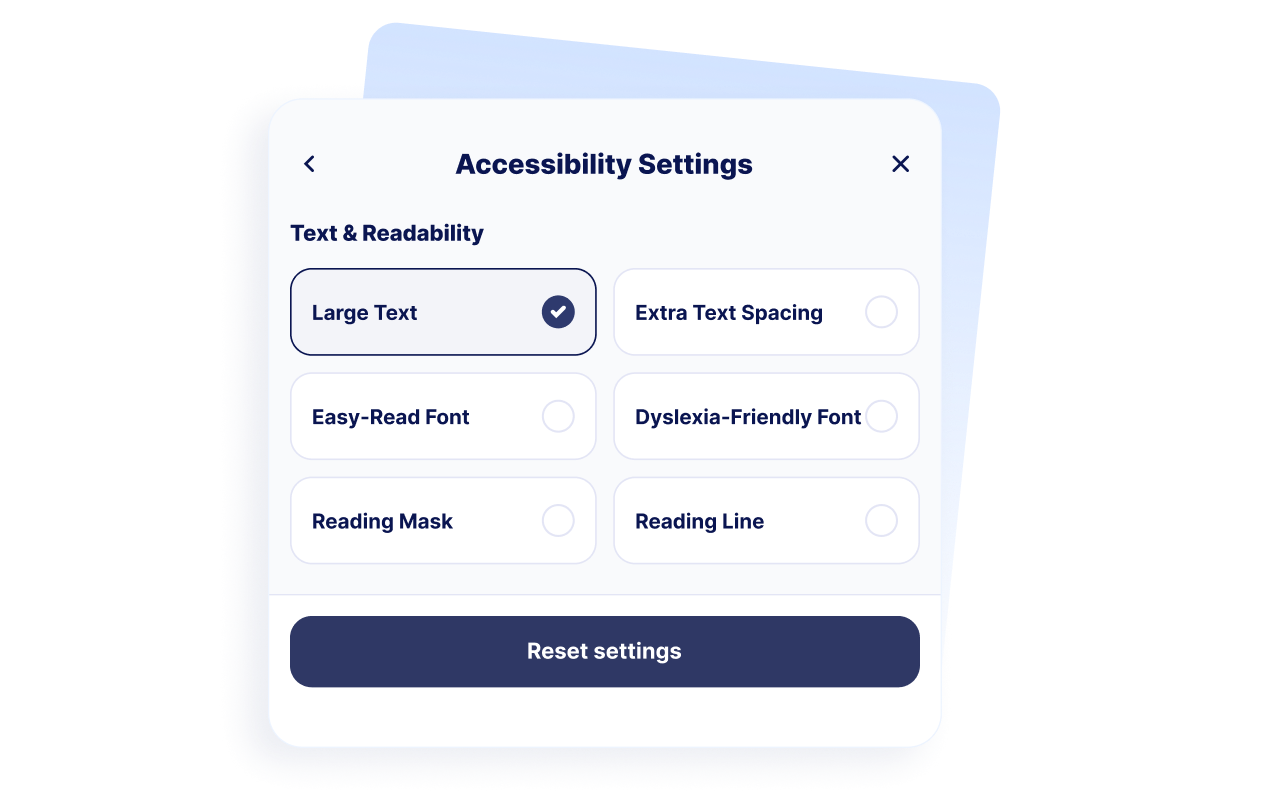
Supporta il comfort di lettura
Offri ai visitatori controlli per testo grande, spaziatura extra del testo, regolazioni di facile lettura, spaziatura adatta alla dislessia, maschera di lettura e guide di lettura a righe.
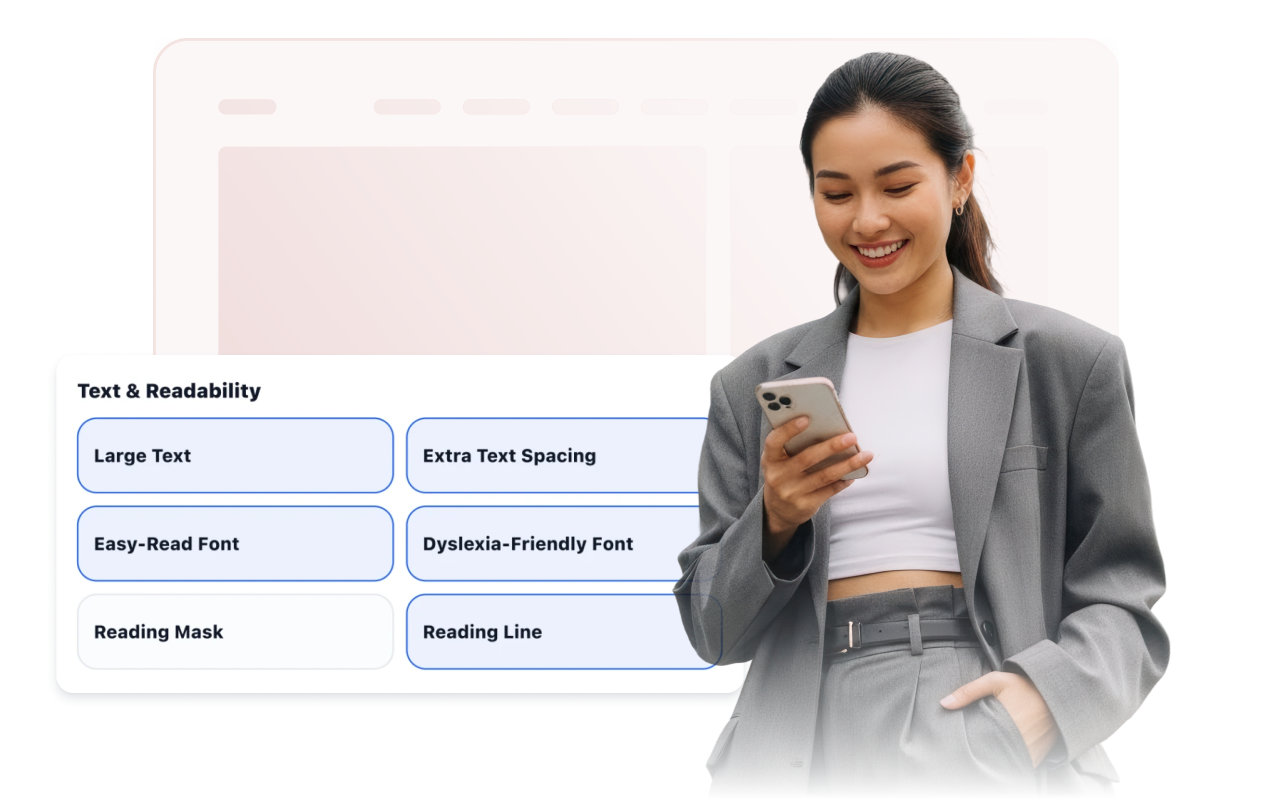
Migliora navigazione, colore e movimento
Rendi disponibili focus da tastiera, aree cliccabili grandi, cursore grande, link evidenziati, arresto delle animazioni, contrasto elevato, scala di grigi, colori invertiti e modalità per daltonici.

Personalizza lo stile del launcher e dell'assistente
Regola la posizione del launcher, la visibilità dell'etichetta, il preset del tema, la larghezza del pannello, i colori, la dimensione del pulsante, il raggio degli angoli, le regole di visualizzazione e la durata delle preferenze salvate.
Perché i Widget del sito web di Jotform si distinguono
I widget di Jotform rendono il tuo sito web più interattivo e aumentano le conversioni. Sono disponibili molti strumenti, dalle valutazioni a stelle e gli slider di testimonianze ai popup di riprova sociale e agli embed di media. Aggiungi widget ai tuoi moduli o alle tue landing page per raccogliere dati, mostrare prove e acquisire lead, senza bisogno di programmazione.
Aggiungi i widget Jotform al tuo sito web con un semplice codice embed. Personalizza il widget, visualizza in anteprima il suo aspetto e incollalo in qualsiasi pagina che supporti HTML personalizzato o blocchi embed, il tutto senza uno sviluppatore.
Usa i Widget del sito web di Jotform per acquisire lead, mostrare feedback dei clienti, visualizzare riprova sociale, incorporare media o aggiungere utili strumenti per le pagine web. Ogni widget aiuta i visitatori a interagire con la tua attività direttamente dal tuo sito web.
Se hai bisogno di aiuto per configurare, personalizzare, incorporare o risolvere problemi con il tuo widget, il team di assistenza clienti di Jotform è disponibile 24 ore su 24, 7 giorni su 7. Puoi andare avanti con fiducia, sapendo che l'aiuto è a disposizione quando ne hai bisogno.
Dove usare il tuo Widget Accessibilità
Usa il widget su pagine importanti dove i visitatori devono leggere, confrontare, navigare o completare attività comodamente.
Siti web educativi con lunghe pagine di risorse, contenuti sulle ammissioni e informazioni sui corsi.
Siti web sanitari dove i pazienti hanno bisogno di informazioni leggibili e dettagli sugli appuntamenti.
Pagine governative e di servizi pubblici che dovrebbero essere più facili da navigare per un maggior numero di visitatori.
Pagine e-commerce dove i dettagli dei prodotti, i confronti e i passaggi di checkout devono rimanere leggibili.
Centri di supporto dove i visitatori consultano articoli di aiuto e passaggi per la risoluzione dei problemi.
Siti web ricchi di contenuti con articoli, guide, documentazione o pagine informative.
Converti i lead in clienti paganti con il costruttore di Moduli Jotform
Trasforma il coinvolgimento in azione con Jotform. Crea moduli potenti che acquisiscono lead, raccolgono pagamenti e automatizzano le risposte, tutto in un unico posto. Ogni risposta arriva nella tua Posta Jotform, dove puoi dare seguito o collegarti con le tue app preferite.
Inizia Subito — È Gratis!
FAQ
Cos'è un widget di accessibilità?
Un widget di accessibilità aggiunge al sito web una barra degli strumenti fluttuante con controlli per leggibilità, contrasto, colore, immagini, movimento e altre preferenze di navigazione. I visitatori possono aprire il pannello e applicare regolazioni individuali o preset abilitati.
Il Widget Accessibilità di Jotform è gratuito?
Quali preset di accessibilità posso offrire?
Quali strumenti di leggibilità possono usare i visitatori?
Il widget può ricordare le preferenze dei visitatori?
Posso personalizzare la barra degli strumenti di accessibilità?
Il Widget Accessibilità garantisce la conformità a WCAG o ADA?
Il widget sostituisce un audit di accessibilità?
Devo scrivere codice?
Il Widget Accessibilità funziona sui dispositivi mobili?
Quali piattaforme di siti web supportano il Widget Accessibilità?
Posso ricevere aiuto per configurare il mio Widget Accessibilità?