Widget gratuiti per migliorare l’usabilità del tuo sito

Migliora navigazione, accessibilità e interazione con componenti già pronti da aggiungere al tuo sito web, senza scrivere codice.
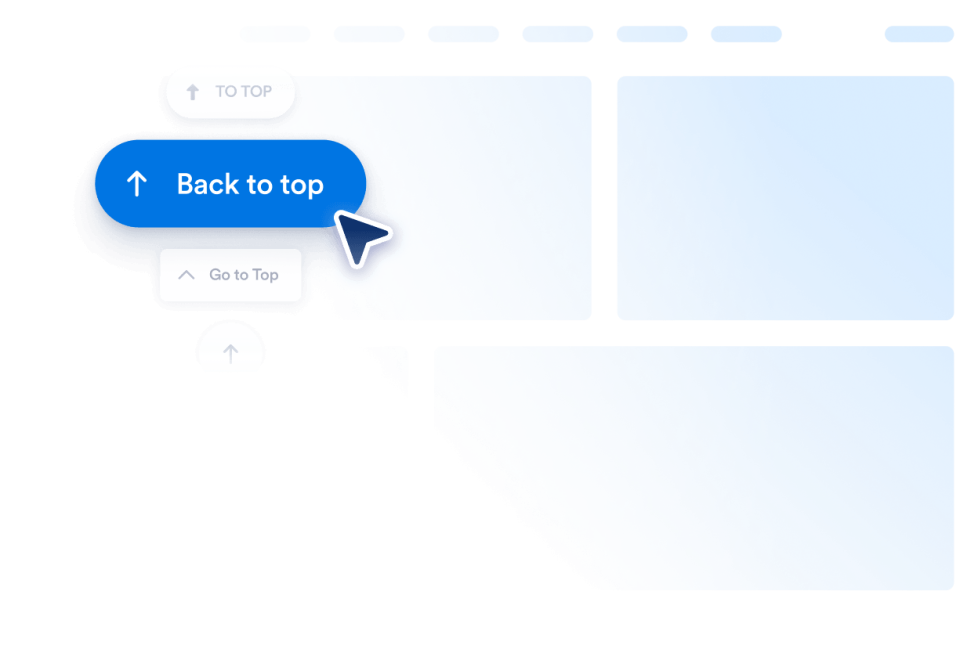
Torna su

Aggiungi un widget Torna su al tuo sito web in pochi secondi. Consenti ai visitatori di tornare in cima in modo fluido con un pulsante personalizzabile e senza codice che puoi incorporare ovunque.

Vai alla Categoria:Website ExperienceUsa il Widget
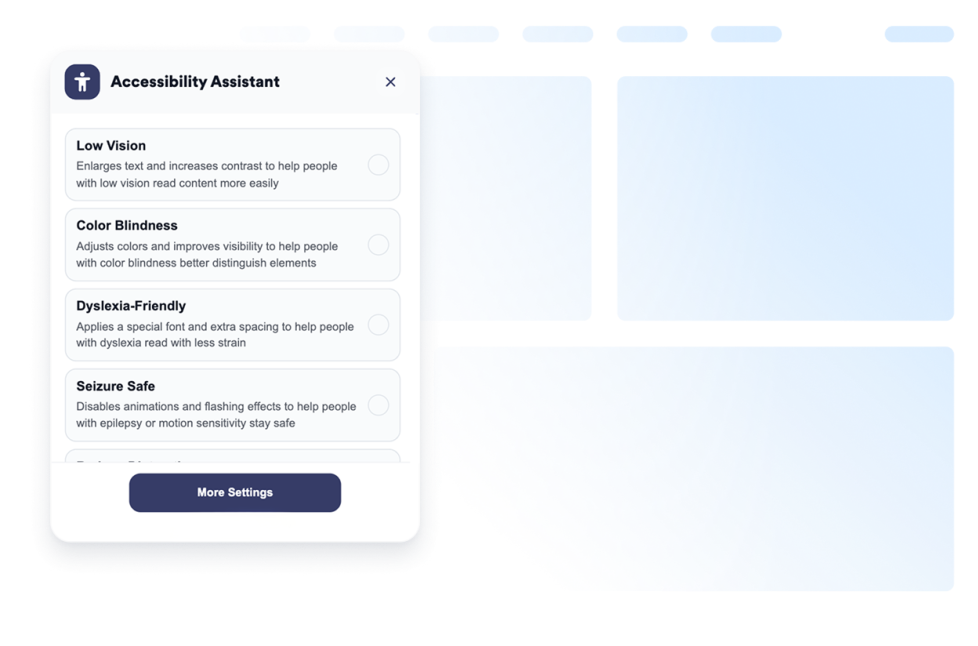
Accessibilità

Aggiungi un widget di accessibilità web personalizzabile per aiutare i visitatori a regolare contrasto, dimensione del testo, spaziatura e movimento. Offri modalità di accessibilità predefinite e memorizza le preferenze degli utenti senza codice.

Vai alla Categoria:Website ExperienceUsa il Widget
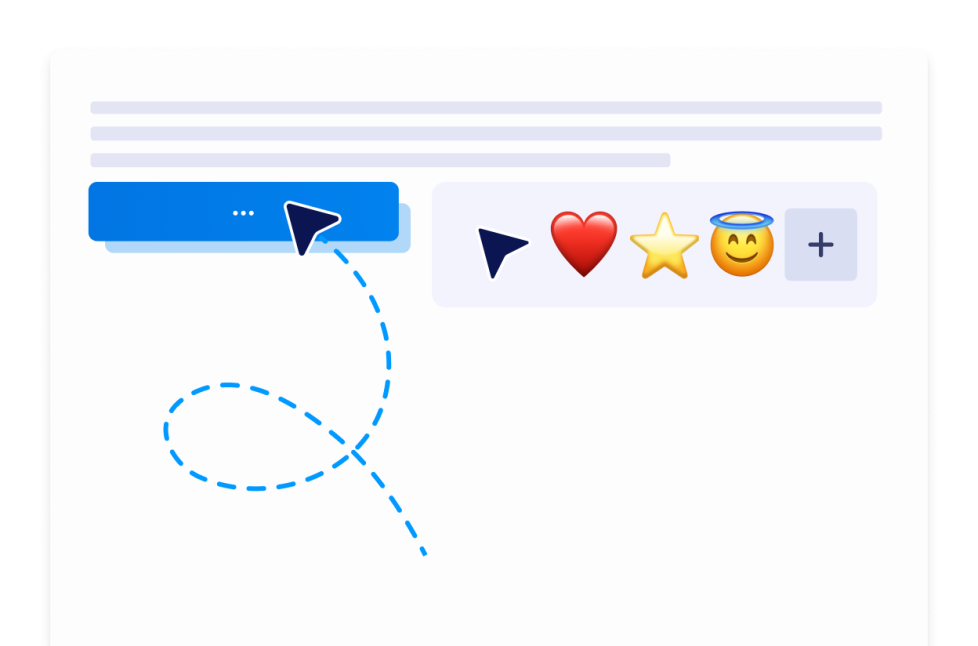
Custom Cursor

Con il widget Custom Cursor, puoi scegliere uno stile di cursore, personalizzarne l'aspetto e il movimento, aggiungere effetti interattivi e incorporarlo nel tuo sito web senza programmare.

Vai alla Categoria:Website ExperienceUsa il Widget
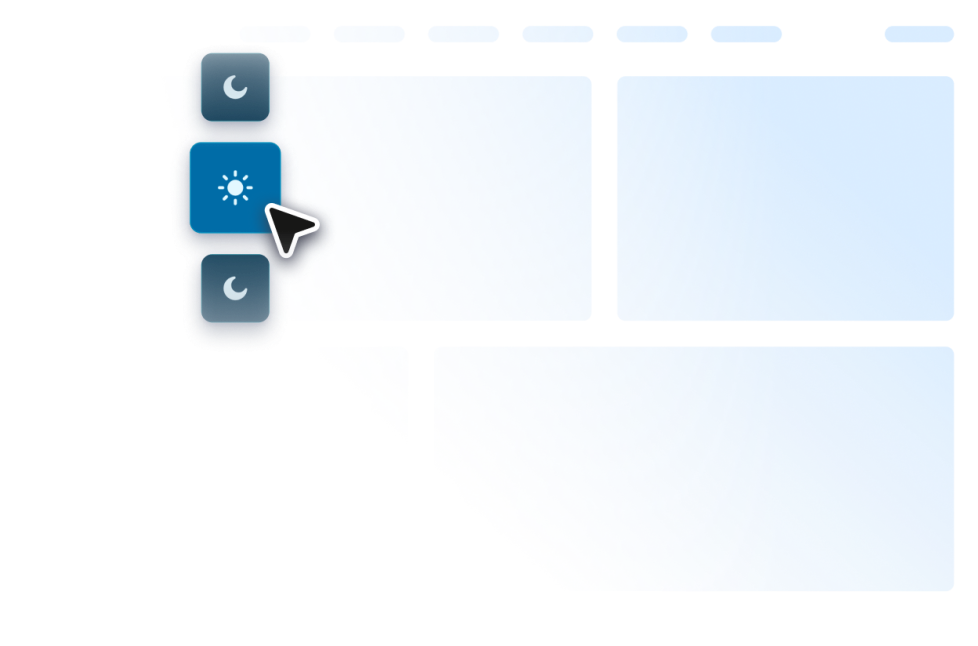
Dark Mode

Aggiungi al tuo sito web un widget Modalità Scura personalizzabile per una navigazione con luce soffusa. Imposta colori, posizionamento, pianificazione e stili in un widget no-code.

Vai alla Categoria:Website ExperienceUsa il Widget
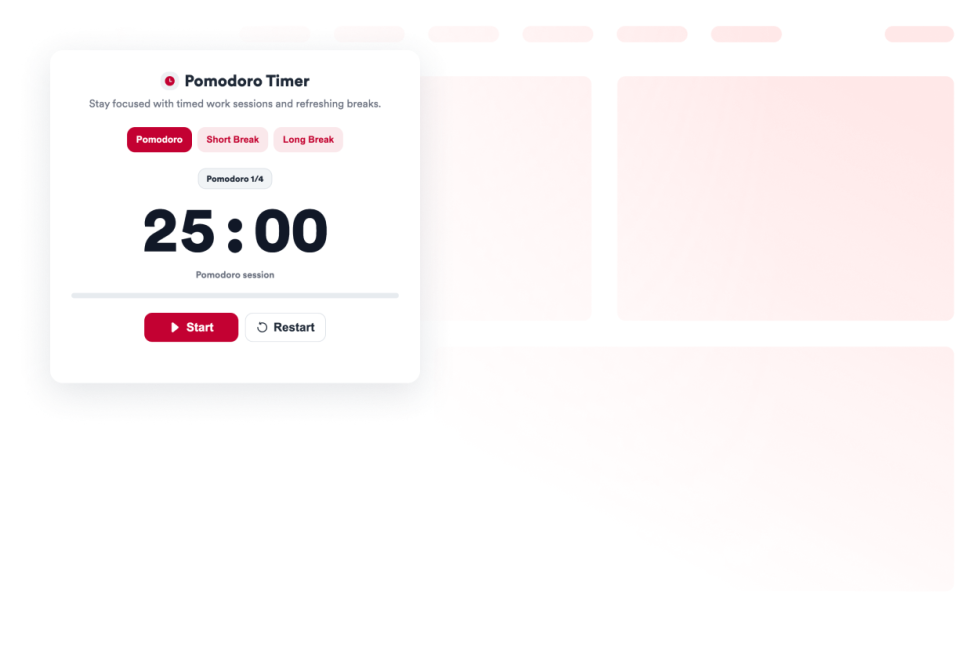
Pomodoro

Aggiungi un widget Pomodoro al tuo sito web per sessioni di lavoro concentrate, pause brevi, pause lunghe, suoni di allarme e stile personalizzato.

Vai alla Categoria:Website ExperienceUsa il Widget
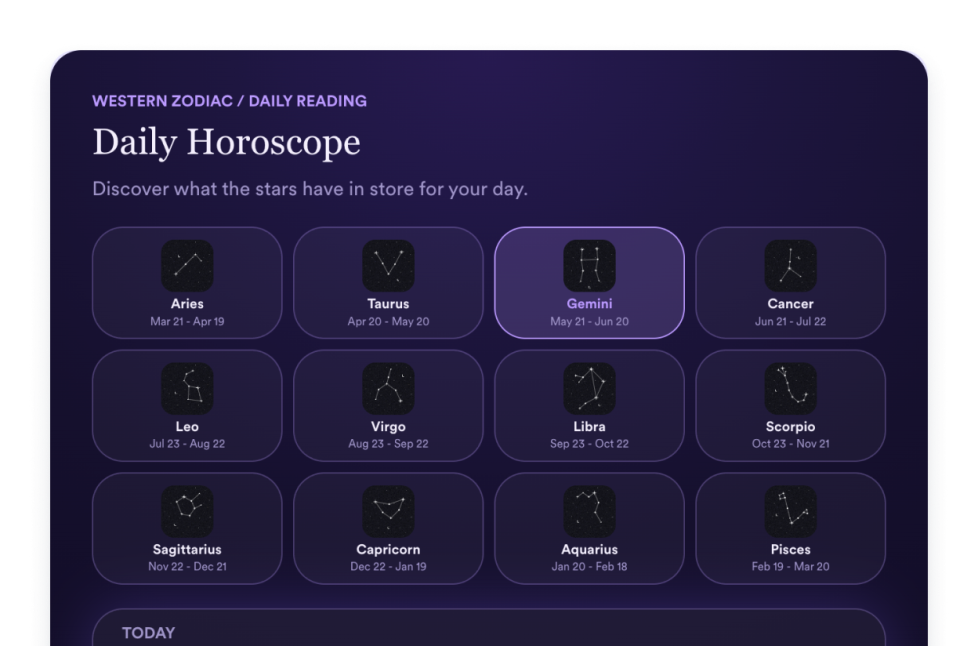
Oroscopo

Aggiungi un widget Oroscopo al tuo sito web per condividere letture zodiacali, selettori dei segni, layout a lista, griglia, slider e in evidenza, colori, CTA e CSS personalizzato.

Vai alla Categoria:Website ExperienceUsa il Widget
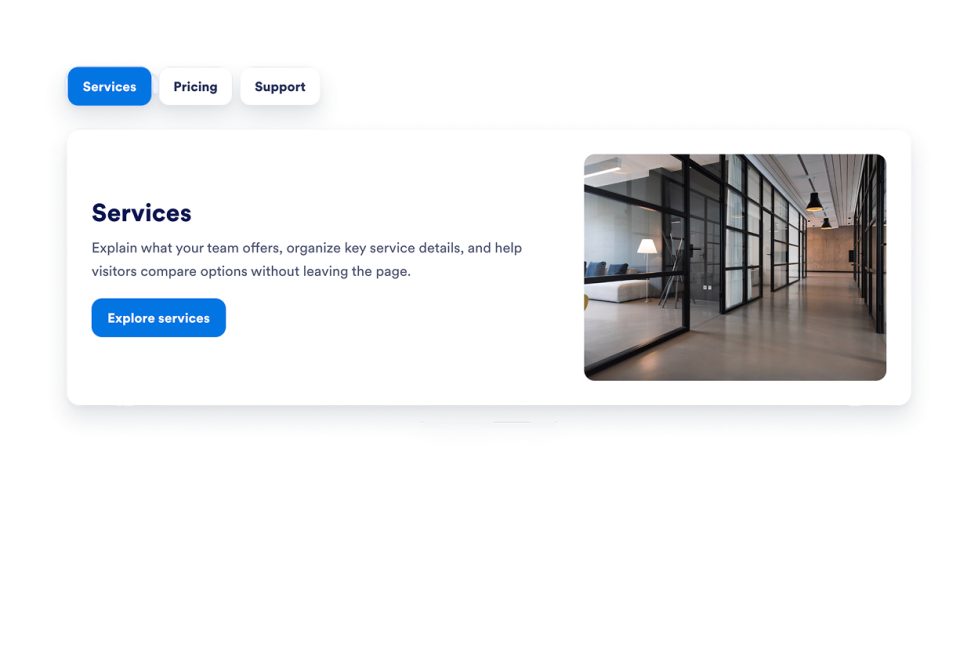
Tab

Aggiungi un Widget Schede personalizzabile al tuo sito web per organizzare i contenuti in sezioni ordinate e cliccabili con una scheda HTML. Crea layout a schede per FAQ, funzionalità, prezzi, menù, portfolio e altro ancora senza scrivere codice.

Vai alla Categoria:Website ExperienceUsa il Widget
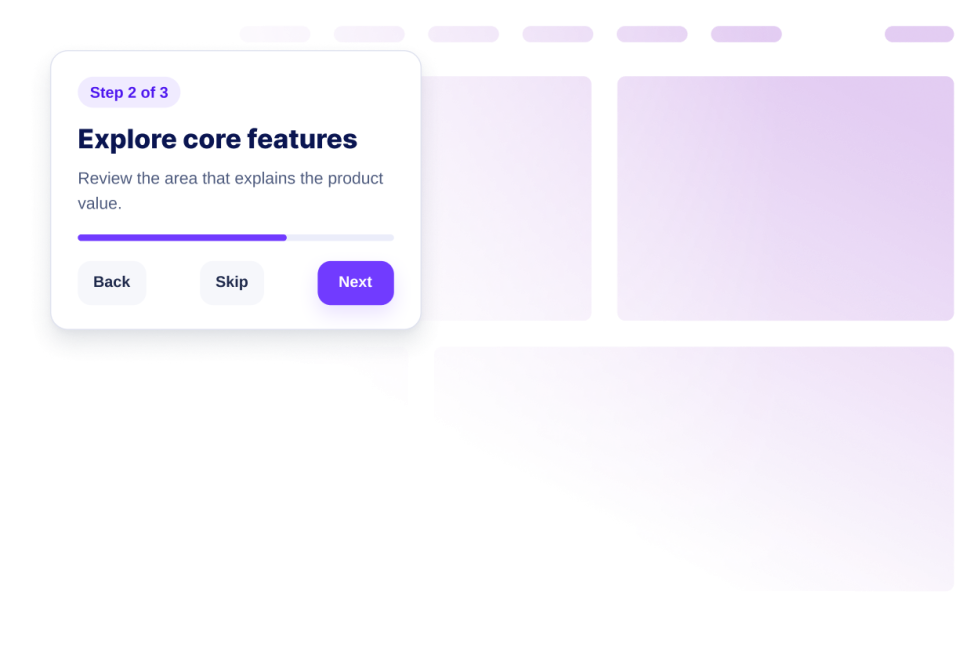
Website Tour

Crea un widget Tour del Sito con passaggi guidati, evidenziazioni, tooltip, controlli di avvio, visualizzazione responsive e configurazione dell'incorporamento senza codice.

Vai alla Categoria:Website ExperienceUsa il Widget
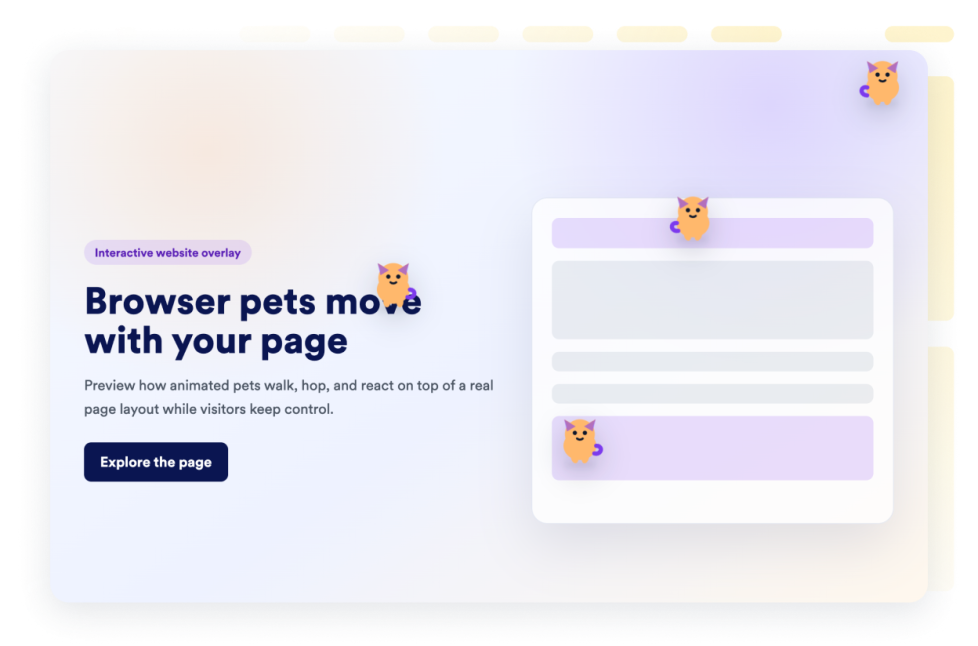
Browser Pets

Aggiungi un widget animaletto virtuale al tuo sito web in pochi secondi. Personalizza il design e incorporalo con il generatore di widget per siti web senza codice di Jotform.

Vai alla Categoria:Website ExperienceUsa il Widget
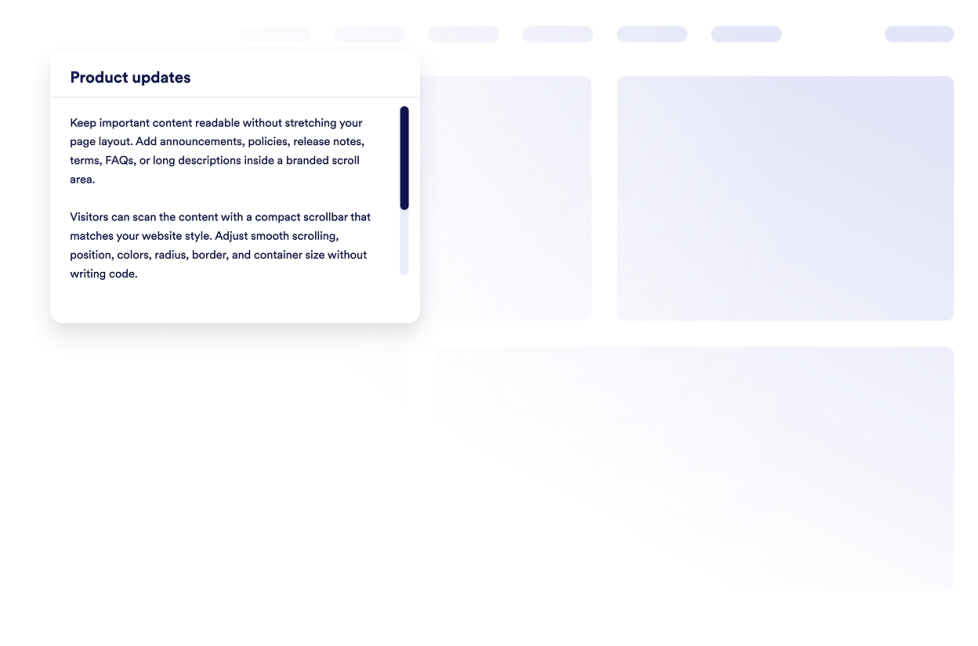
Custom Scrollbar

Aggiungi un widget scrollbar personalizzata al tuo sito web. Crea aree di contenuto scorrevoli con lo stile del tuo brand, con larghezza, colori, posizione, bordo, raggio e comportamento di scorrimento personalizzati.

Vai alla Categoria:Website ExperienceUsa il Widget
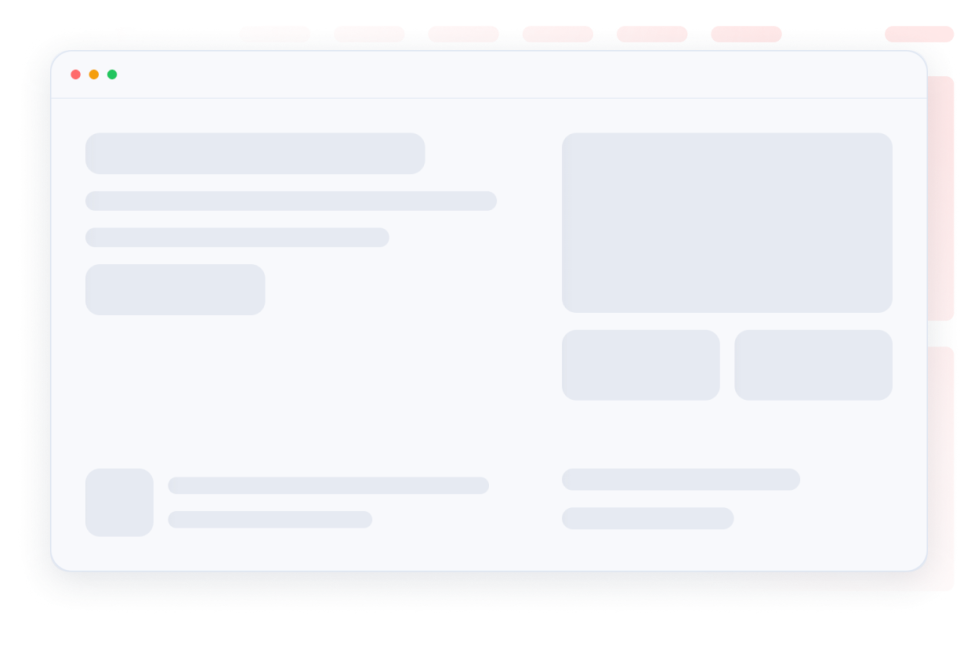
Skeleton Loader

Rendi fluide le fasi di caricamento con segnaposto scheletro per i contenuti nella stessa cartolina. Personalizza un colore scheletro, il raggio e la velocità dello shimmer e incorpora il widget.

Vai alla Categoria:Website ExperienceUsa il Widget
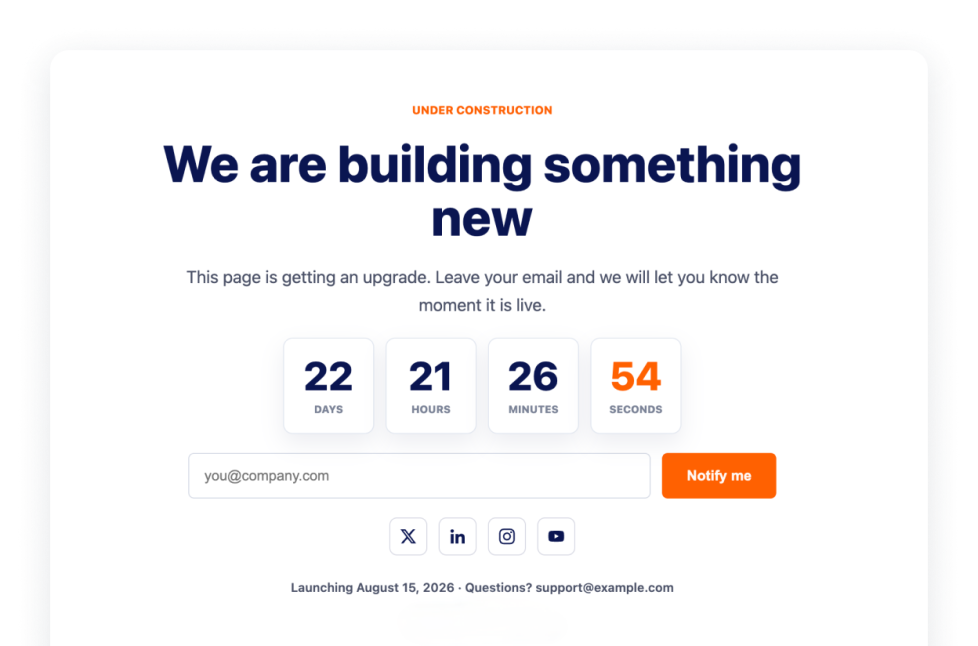
Under Construction

Fai sapere ai visitatori che la tua pagina è in costruzione con l'Under Construction Widget, che include branding, link ai social, linea di contatto, nota di lancio e logo.

Vai alla Categoria:Website ExperienceUsa il Widget
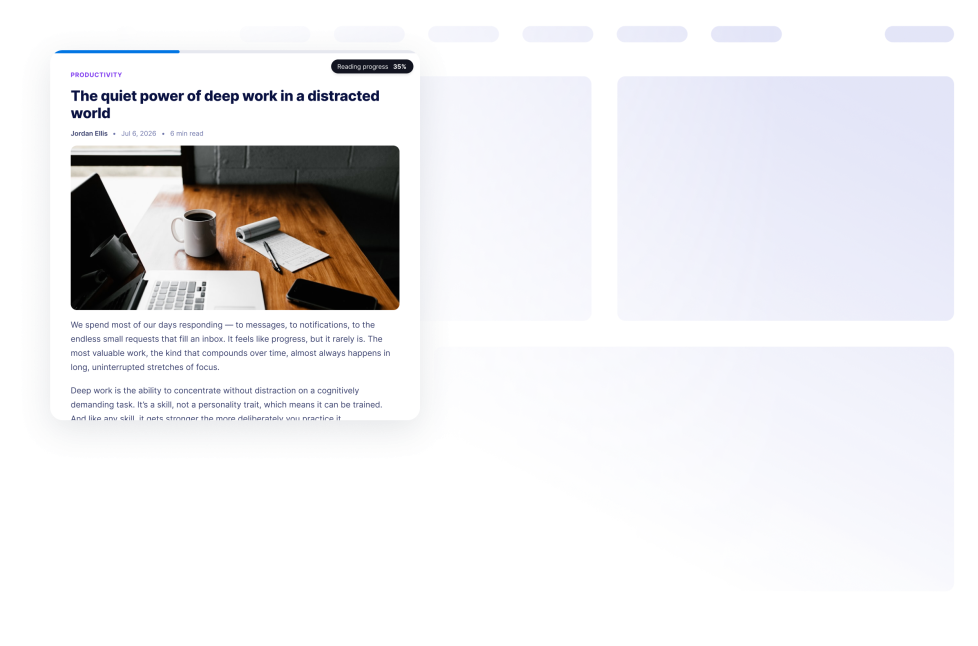
Reading Progress

Aggiungi un widget di Avanzamento Lettura al tuo sito web. Mostra l'avanzamento dello scorrimento, la percentuale, il tempo rimanente e visualizzazioni a barra, cerchio o passaggi, senza codice.

Vai alla Categoria:Website ExperienceUsa il Widget
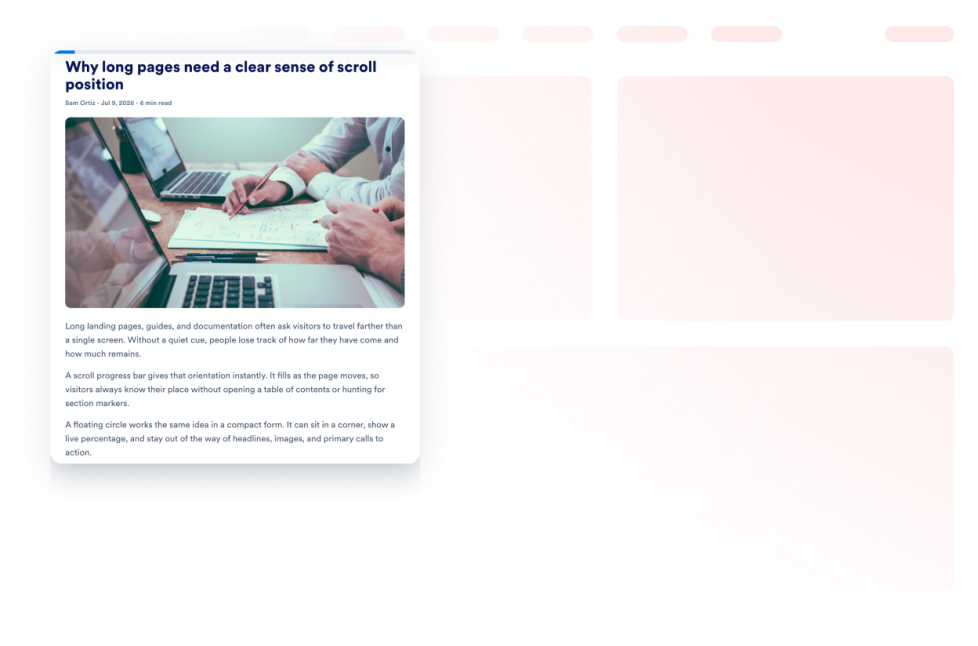
Scroll Progress

Aggiungi un widget indicatore di avanzamento dello scorrimento al tuo sito web. Mostra una barra di avanzamento o un pulsante di avanzamento fluttuante, abilita lo scorrimento verso l'alto, personalizza i colori e controlla il posizionamento su desktop e dispositivi mobili.

Vai alla Categoria:Website ExperienceUsa il Widget
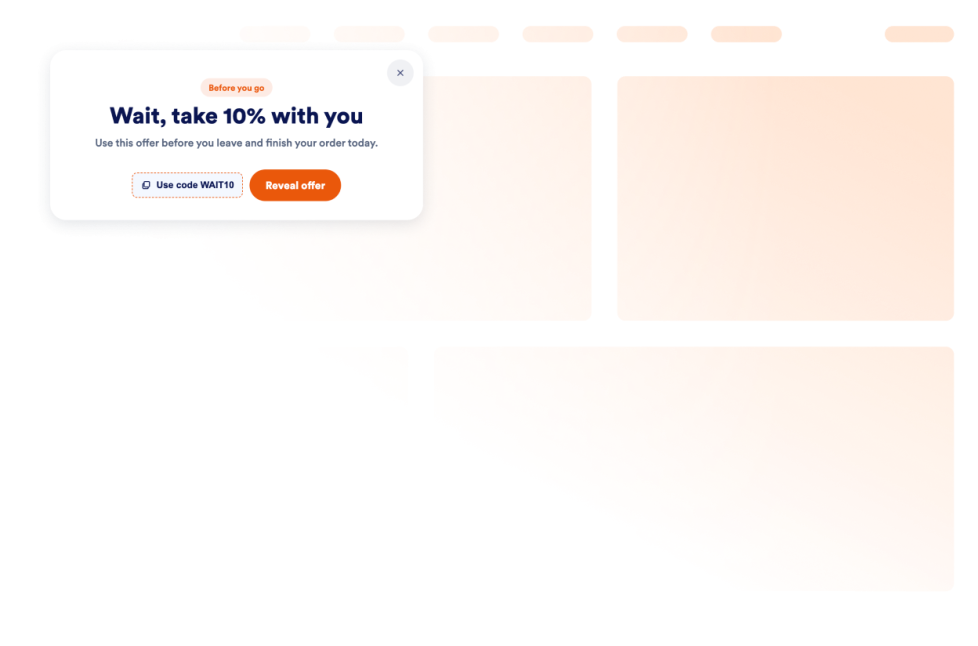
Exit Intent Popup

Aggiungi un widget Exit Intent Popup per recuperare i visitatori in uscita con offerte, moduli, coupon, targeting, controlli sulla frequenza ed embed senza codice.

Vai alla Categoria:Website ExperienceUsa il Widget

About Website Experience Widgets

Website experience widgets help make websites easier to navigate, read, and interact with without custom code. These embeddable tools can improve accessibility, organize page content, guide visitors through a website, and add helpful controls for browsing.

With Jotform’s website experience widgets, you can add features such as accessibility controls, back-to-top buttons, dark mode, tabs, reading progress indicators, website tours, custom scrollbars, and exit intent popups. They can be used on landing pages, blogs, help centers, product pages, portfolios, online stores, and business websites.

What can you do with website experience widgets?

Website experience widgets can help you:

  • Improve page navigation with back-to-top buttons, custom scrollbars, and scroll progress indicators
  • Give visitors more control over readability with accessibility and dark mode widgets
  • Organize information into clickable tabs
  • Show visitors how far they have progressed through an article or long page
  • Introduce important website features with a guided website tour
  • Display an under-construction message while a page is being prepared
  • Add interactive elements such as a custom cursor or Pomodoro timer
  • Present a message, form, coupon, or offer with an exit intent pop-up
  • Create a more useful website experience without building new features from scratch

Popular website experience widget use cases

Website experience widgets can support different visitor needs across a website. A Back to Top widget can help people navigate long articles, resource pages, and product listings. A Reading Progress widget can show progress, percentage, or estimated time remaining as visitors move through longer content.

An Accessibility widget can let visitors adjust options such as contrast, text size, spacing, and motion. A Dark Mode widget can provide an alternative viewing option for low-light browsing, while a Tabs widget can organize FAQs, services, pricing information, menus, or portfolio content into compact sections.

Businesses can also use a Website Tour widget to introduce key page features through guided steps and tooltips. An Exit Intent Popup widget can display a form, coupon, offer, or message when a visitor is preparing to leave the page.

Easy website widgets for any team

Embeddable website experience widgets can be useful for small businesses, creators, agencies, educators, nonprofits, bloggers, online stores, and website owners who want to improve their pages without relying on a developer or designer.

With Jotform, users can select a widget, customize its content, settings, and design, preview the result, and copy the embed code. The code can then be added to a supported website editor or HTML section without custom code.

This enables different teams to add navigation controls, accessibility options, content sections, guided instructions, and interactive page features while keeping the widget consistent with the rest of their website.

Guide correlate

To learn more about setting up and managing widgets, users can read Jotform’s guide on managing website widgets. The guide explains that users can create new widgets, edit existing widgets, copy embed codes, control widget visibility, and organize their widget assets from the My Website Widgets page.

Website Experience Widgets FAQ

What are website experience widgets?

Website experience widgets are embeddable tools that improve how visitors browse and interact with a webpage. They can support navigation, accessibility, readability, content organization, guided browsing, and other on-page interactions.

What types of website experience widgets are available?

Available options include Accessibility, Back to Top, Custom Scrollbar, Custom Cursor, Pomodoro, Tabs, Dark Mode, Reading Progress, Under Construction, Exit Intent Popup, Scroll Progress, and Website Tour widgets. Each widget supports a different part of the visitor experience.

Where can I use website experience widgets?

You can use these widgets on landing pages, blogs, help pages, product pages, portfolios, online stores, educational websites, and business websites. Choose a widget based on what visitors need to read, find, or do on the page.

Do website experience widgets require coding?

No. You do not need a developer or designer to add a Jotform website widget. You can customize the widget, copy the embed code, and add it to your website without custom code. The exact placement method depends on the website platform or page editor you use.