Widget Gratuito di Verifica Età per il Tuo Sito Web
Posiziona un popup personalizzabile per la verifica età prima dei contenuti riservati del sito web. Il Widget di Verifica Età di Jotform ti consente di impostare l'età minima, scegliere un metodo di conferma, personalizzare i messaggi, memorizzare i visitatori approvati e incorporare il blocco per la verifica età senza scrivere codice.
Come creare un widget Verifica dell'età
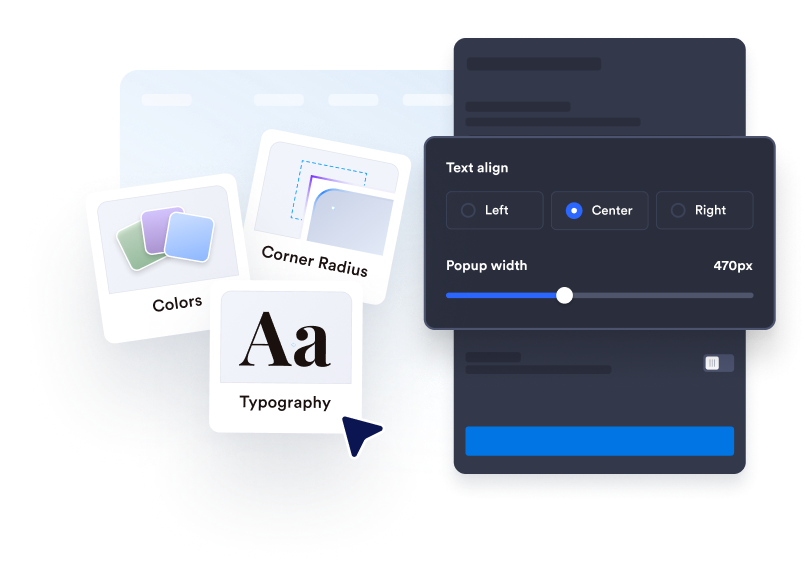
Personalizza il blocco per la verifica età
Scrivi il tuo messaggio di verifica, modifica il testo del pulsante e aggiungi eventuali informazioni legali di supporto. Personalizza i colori, la larghezza, gli angoli e i contenuti multimediali opzionali per abbinarli al tuo sito web.
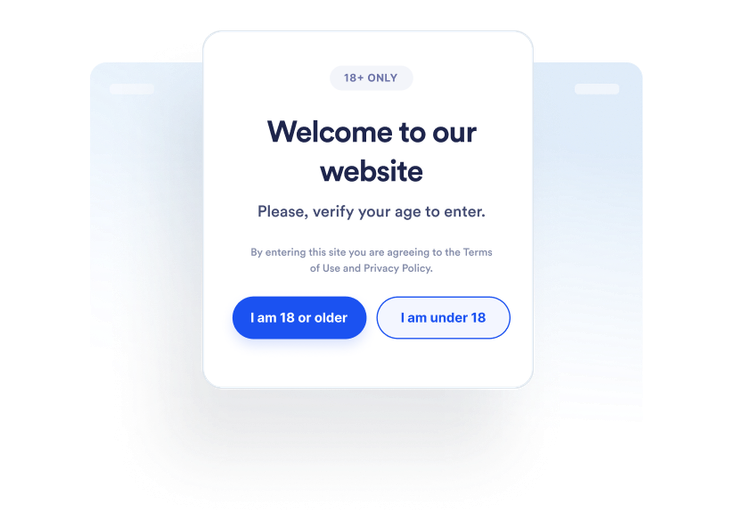
Imposta il comportamento dei visitatori
Scegli come i visitatori confermano la loro età e cosa succede quando non soddisfano il requisito. Puoi anche decidere se memorizzare i visitatori approvati e per quanto tempo.
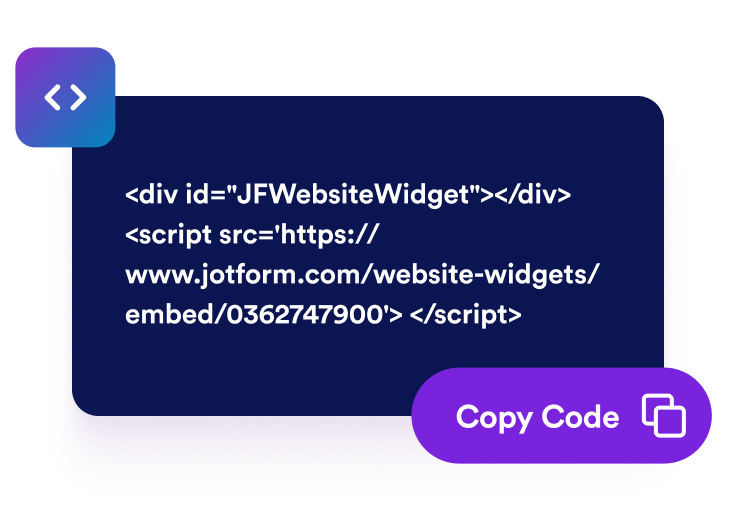
Incorporalo ovunque
Visualizza in anteprima e pubblica il widget, copia il codice embed generato e incollalo in un blocco HTML personalizzato o di incorporamento nelle pagine che richiedono un controllo dell'età.
Inserisci i controlli dell'età prima dei contenuti del sito web soggetti a restrizioni
Chiedi ai visitatori di confermare l'idoneità
Mostra un popup di verifica età prima che i visitatori continuino verso prodotti, eventi, community o media con restrizioni. Imposta un'età minima tra 5 e 100 in base al requisito che devi comunicare.
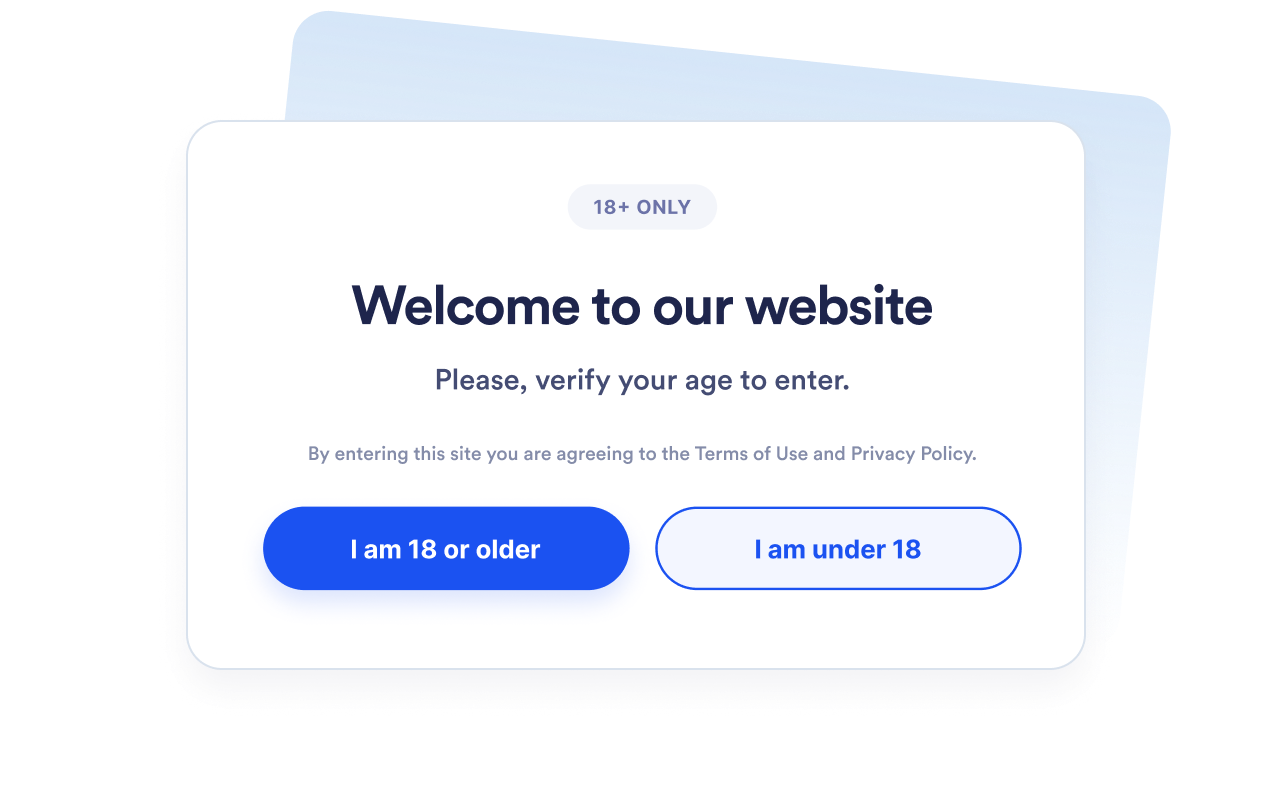
Scegli il metodo di verifica giusto
Usa pulsanti di conferma sì o no, richiedi un anno di nascita o chiedi ai visitatori la loro data di nascita completa. Questo ti permette di scegliere tra una conferma rapida e un flusso di calcolo dell'età più dettagliato.
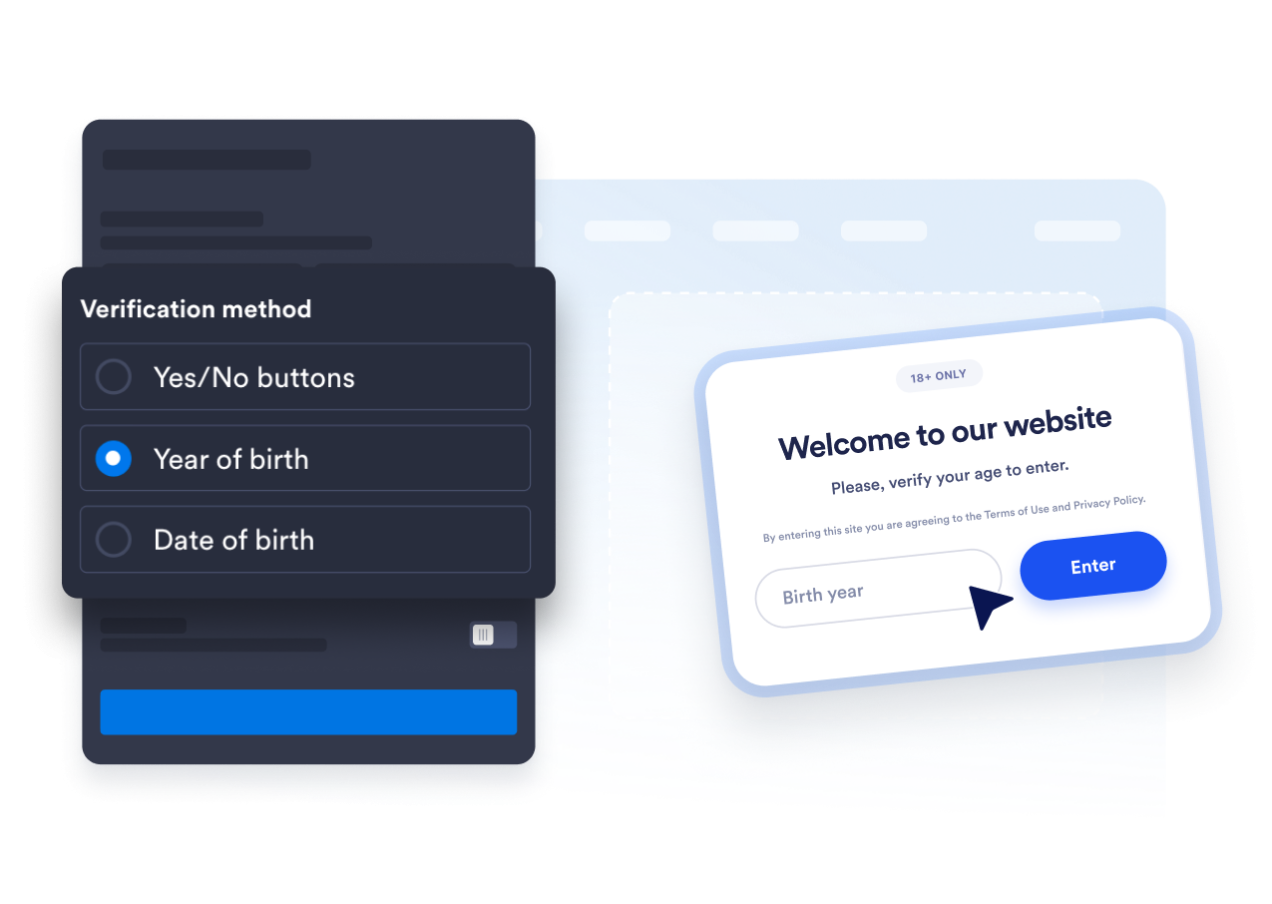
Adatta il popup al tuo sito web
Modifica il titolo, la didascalia, i pulsanti, il messaggio per i minorenni e la nota legale di supporto. Puoi anche personalizzare i colori, la larghezza del popup, il raggio degli angoli e i media facoltativi così il blocco di età si adatta al tuo brand.

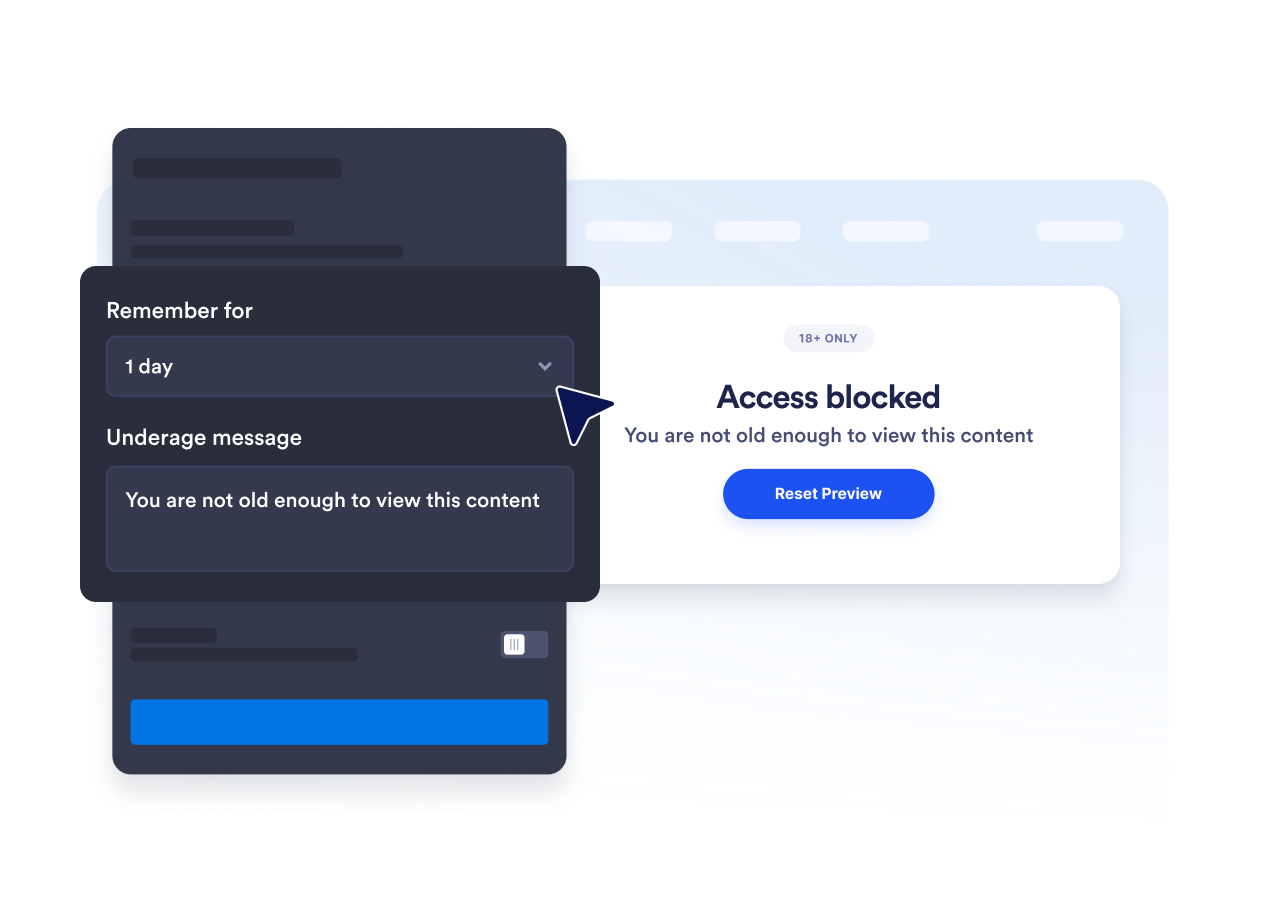
Evita richieste ripetute di conferma dell'età
Ricorda i visitatori approvati per la sessione corrente, un giorno, sette giorni, un mese, sei mesi o un anno. Questo riduce le interruzioni ripetute quando i visitatori idonei tornano durante il periodo selezionato.
Perché i Widget del sito web di Jotform si distinguono
I widget di Jotform rendono il tuo sito web più interattivo e aumentano le conversioni. Sono disponibili molti strumenti, dalle valutazioni a stelle e gli slider di testimonianze ai popup di riprova sociale e agli embed di media. Aggiungi widget ai tuoi moduli o alle tue landing page per raccogliere dati, mostrare prove e acquisire lead, senza bisogno di programmazione.
Aggiungi i widget Jotform al tuo sito web con un semplice codice embed. Personalizza il widget, visualizza in anteprima il suo aspetto e incollalo in qualsiasi pagina che supporti HTML personalizzato o blocchi embed, il tutto senza uno sviluppatore.
Usa i Widget del sito web di Jotform per acquisire lead, mostrare feedback dei clienti, visualizzare riprova sociale, incorporare media o aggiungere utili strumenti per le pagine web. Ogni widget aiuta i visitatori a interagire con la tua attività direttamente dal tuo sito web.
Se hai bisogno di aiuto per configurare, personalizzare, incorporare o risolvere problemi con il tuo widget, il team di assistenza clienti di Jotform è disponibile 24 ore su 24, 7 giorni su 7. Puoi andare avanti con fiducia, sapendo che l'aiuto è a disposizione quando ne hai bisogno.
Dove usare il tuo widget di verifica età
Inserisci il widget prima delle pagine dove i visitatori devono confermare di soddisfare un requisito di età prima di visualizzare i contenuti o continuare.
Negozi di alcolici e bevande per richiedere la conferma dell'età prima che i visitatori sfoglino i prodotti regolamentati.
Siti web di tabacco e svapo per inserire un controllo di idoneità prima dei contenuti di prodotti soggetti a restrizioni.
Pagine di eventi e vita notturna per confermare i requisiti di età prima dell'acquisto dei biglietti o della registrazione.
Community di iscritti per bloccare aree per adulti o con limiti di età prima dell'ingresso.
Pagine di media e intrattenimento per richiedere la conferma prima di mostrare contenuti per adulti.
Landing page promozionali per comunicare i requisiti di età prima che i visitatori accedano a un'offerta.
Converti i lead in clienti paganti con il costruttore di Moduli Jotform
Trasforma il coinvolgimento in azione con Jotform. Crea moduli potenti che acquisiscono lead, raccolgono pagamenti e automatizzano le risposte, tutto in un unico posto. Ogni risposta arriva nella tua Posta Jotform, dove puoi dare seguito o collegarti con le tue app preferite.
Inizia Subito — È Gratis!
FAQ
Cos'è un widget di verifica età?
Un widget di verifica età mostra un popup che chiede ai visitatori di confermare di soddisfare un requisito di età minima prima di continuare. Può usare pulsanti di conferma, un anno di nascita o una data di nascita completa.
Il widget di verifica età di Jotform è gratuito?
Come aggiungo la verifica età al mio sito web?
Devo scrivere codice?
Quali metodi di verifica età sono disponibili?
Posso modificare l'età minima?
Cosa succede quando un visitatore è minorenne?
È possibile ricordare i visitatori approvati?
Posso controllare quali pagine mostrano il popup?
Il widget verifica l'identità di un visitatore?
Quali piattaforme web supportano il widget di verifica età?
Posso ricevere aiuto per configurare il mio widget di verifica età?