Widget Slider prima e dopo per il tuo sito web
Mostra trasformazioni visive con uno slider di confronto interattivo. Il widget Slider Prima e Dopo di Jotform ti permette di aggiungere coppie di immagini, scegliere la direzione di rivelazione orizzontale o verticale, impostare l'interazione con trascinamento o passaggio del mouse, aggiungere etichette e didascalie, abilitare la visualizzazione a schermo intero e incorporare il risultato nel tuo sito web senza codice.
Create Now — It’s Free!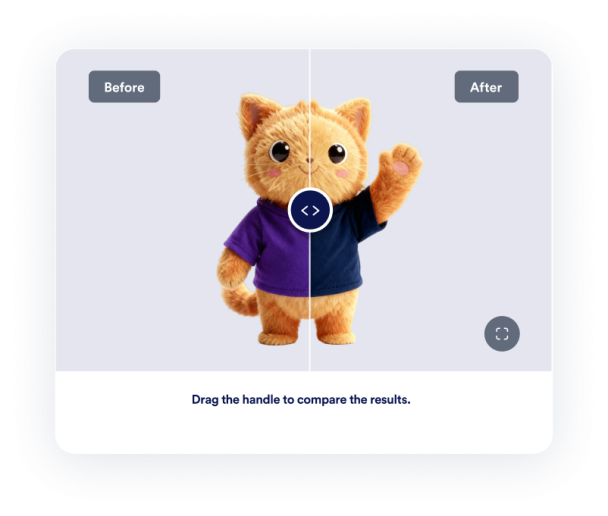

Come creare un widget Slider Prima e Dopo
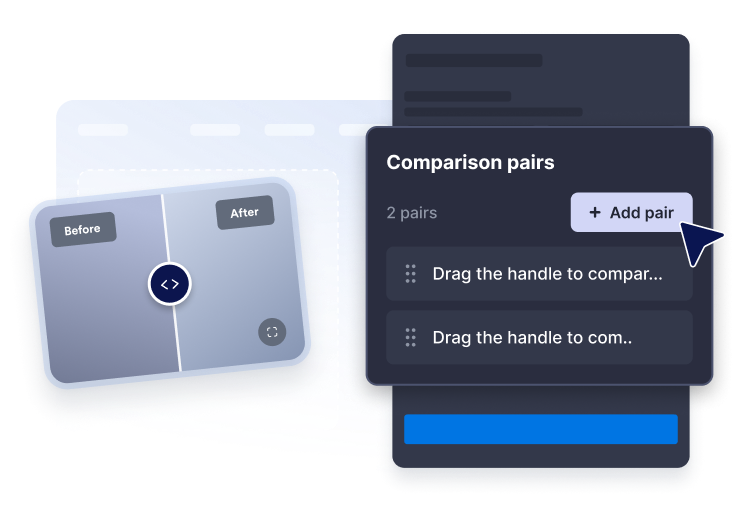
Aggiungi coppie di immagini
Incolla gli URL delle immagini prima e dopo, poi scrivi etichette e didascalie chiare per ogni confronto.
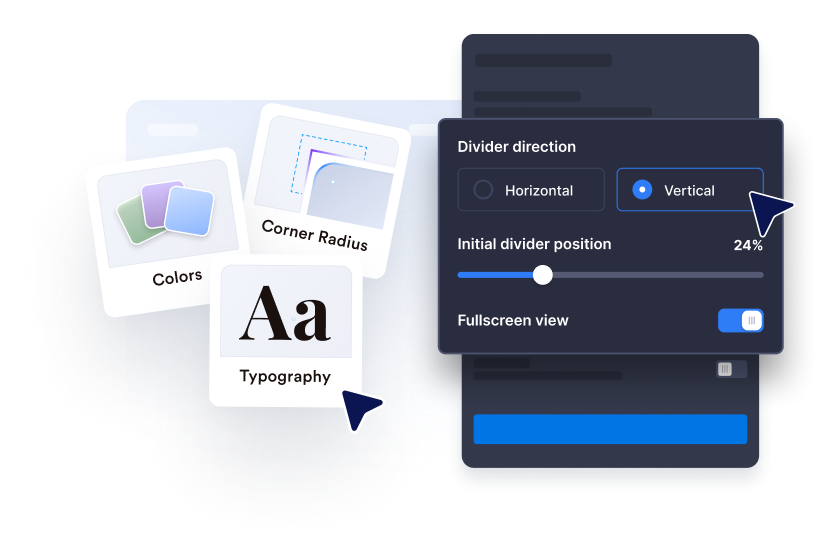
Personalizza la rivelazione
Scegli la direzione orizzontale o verticale, imposta la posizione iniziale del divisore e usa l'interazione trascina, clicca o passaggio del mouse.
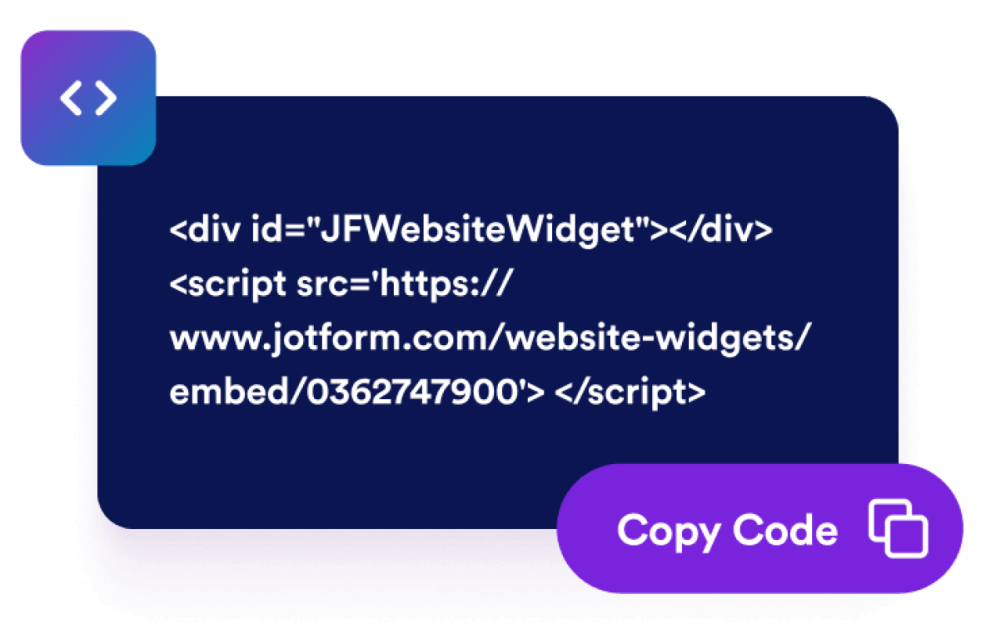
Incorporalo nel tuo sito web
Regola dimensione, proporzioni, colori, comportamento a schermo intero e regole di visualizzazione prima di pubblicare il widget.
Mostra le trasformazioni con un widget di confronto che si adatta alla tua pagina
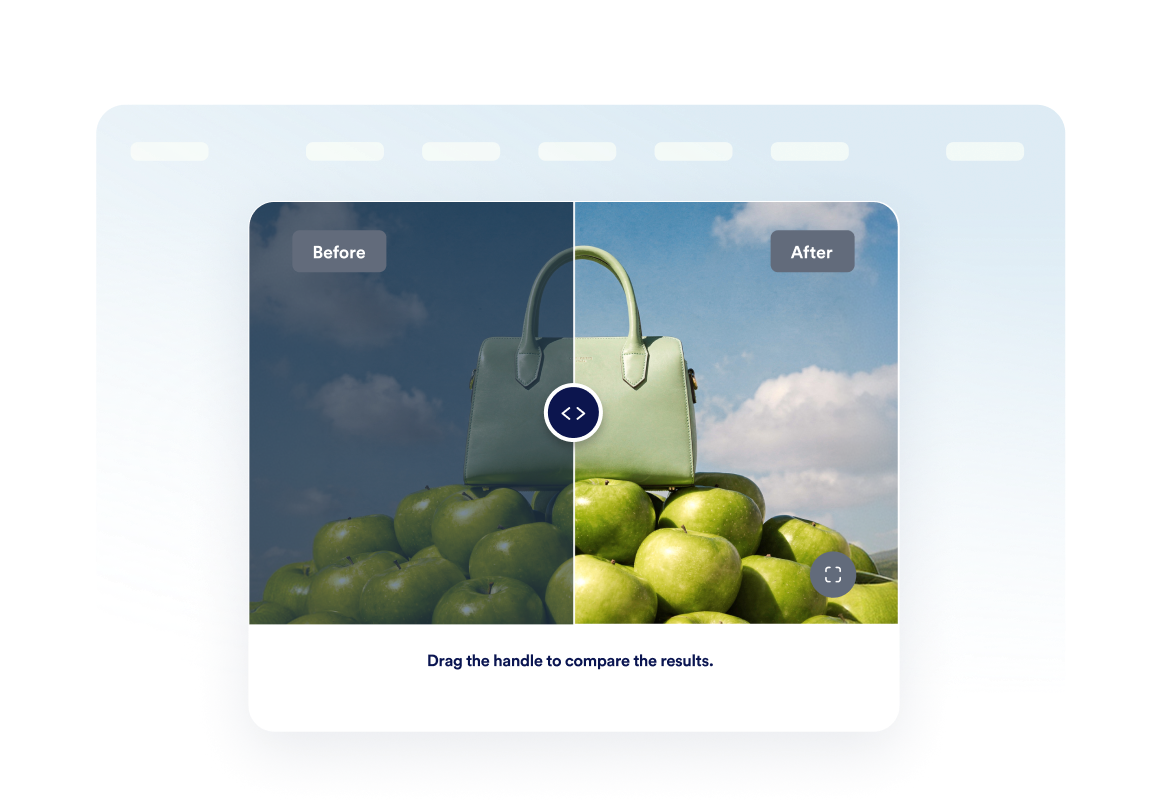
Confronta le immagini prima e dopo
Posiziona due immagini in un'unica cornice così i visitatori possono capire istantaneamente i cambiamenti di ristrutturazione, design, bellezza, riparazione o prodotto.
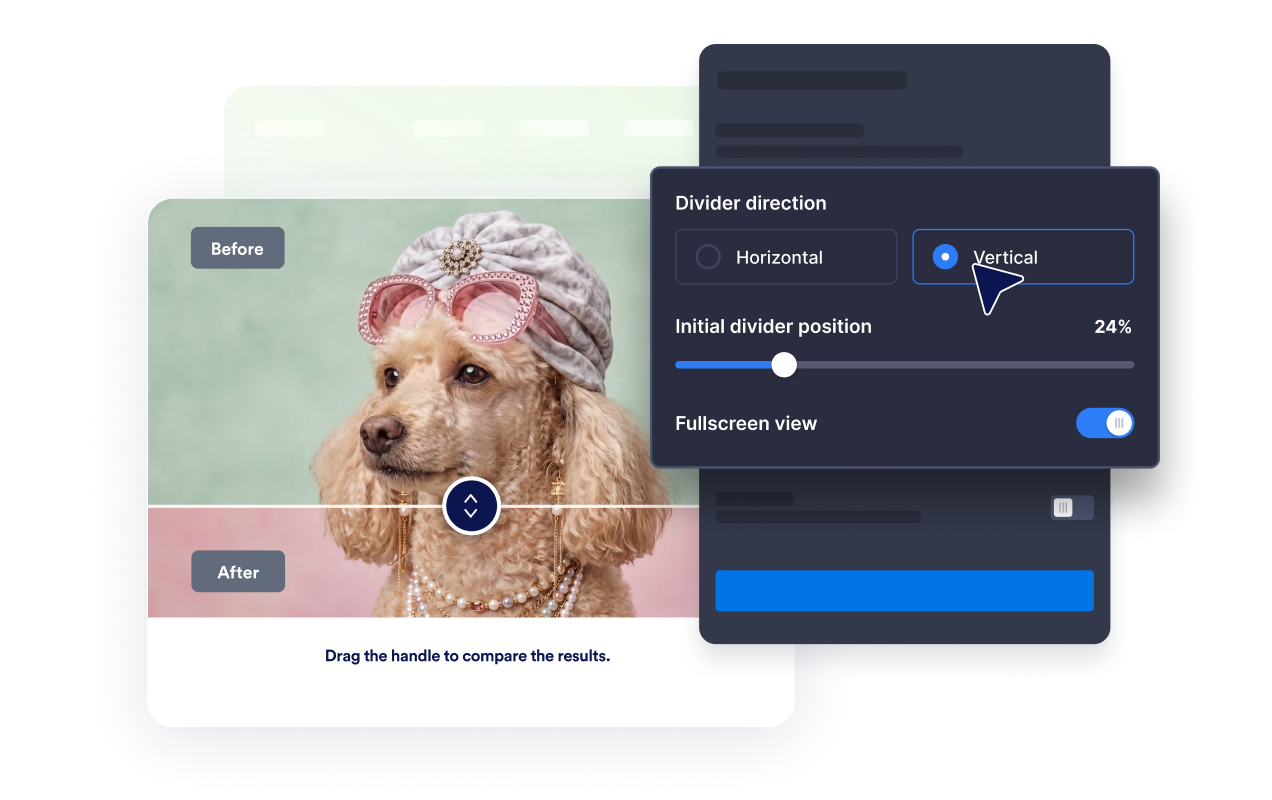
Usa la rivelazione orizzontale o verticale
Cambia la direzione del divisore per adattarla al soggetto e lascia che i visitatori esaminino i cambiamenti trascinando, cliccando o passando il mouse.
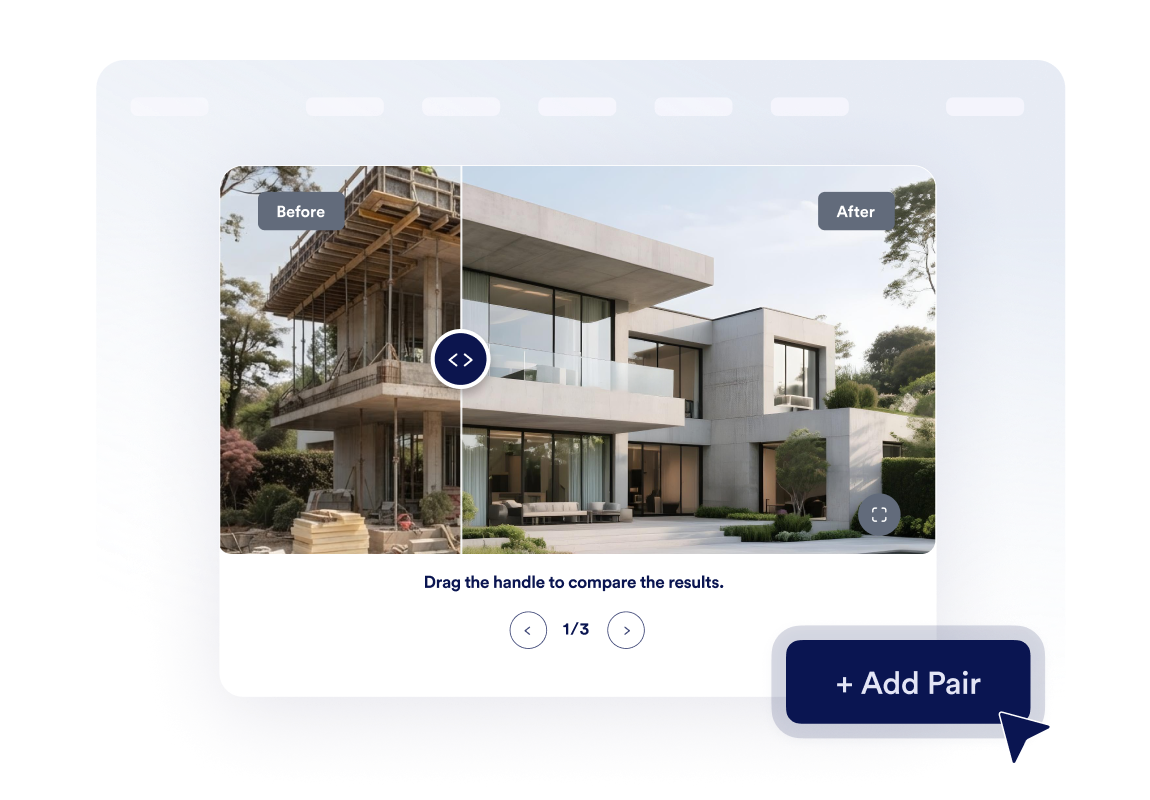
Crea una piccola galleria di trasformazioni
Aggiungi fino a tre coppie di immagini e abilita la navigazione a carosello così i visitatori possono sfogliare più fasi del progetto o case study.
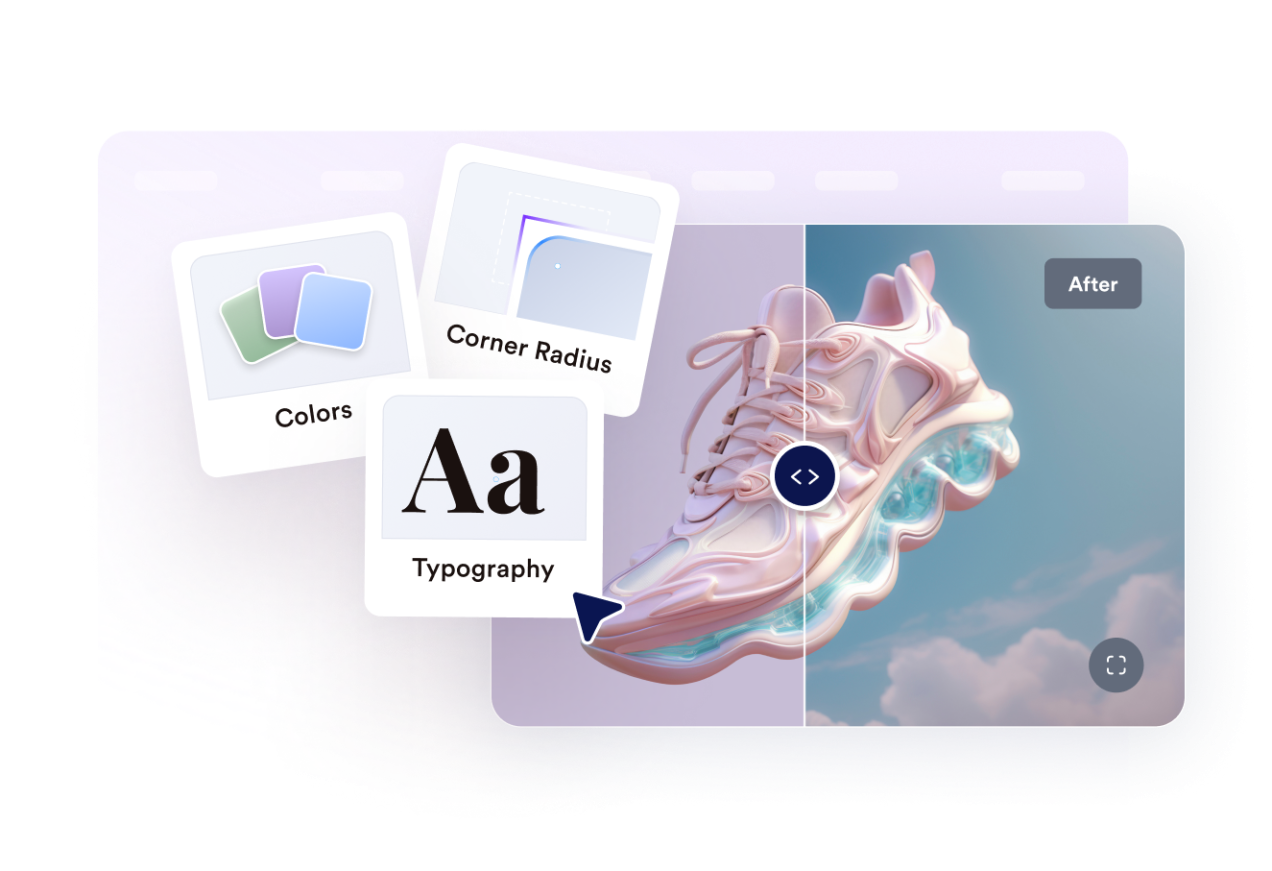
Adatta lo stile al tuo sito web
Controlla larghezza, proporzioni immagine, raggio degli angoli, dimensione del divisore, colori, etichette, didascalie, CSS personalizzato, modalità a schermo intero e visibilità su dispositivi mobili.
Perché i Widget del sito web di Jotform si distinguono
I widget di Jotform rendono il tuo sito web più interattivo e aumentano le conversioni. Sono disponibili molti strumenti, dalle valutazioni a stelle e gli slider di testimonianze ai popup di riprova sociale e agli embed di media. Aggiungi widget ai tuoi moduli o alle tue landing page per raccogliere dati, mostrare prove e acquisire lead, senza bisogno di programmazione.
Aggiungi i widget Jotform al tuo sito web con un semplice codice embed. Personalizza il widget, visualizza in anteprima il suo aspetto e incollalo in qualsiasi pagina che supporti HTML personalizzato o blocchi embed, il tutto senza uno sviluppatore.
Usa i Widget del sito web di Jotform per acquisire lead, mostrare feedback dei clienti, visualizzare riprova sociale, incorporare media o aggiungere utili strumenti per le pagine web. Ogni widget aiuta i visitatori a interagire con la tua attività direttamente dal tuo sito web.
Se hai bisogno di aiuto per configurare, personalizzare, incorporare o risolvere problemi con il tuo widget, il team di assistenza clienti di Jotform è disponibile 24 ore su 24, 7 giorni su 7. Puoi andare avanti con fiducia, sapendo che l'aiuto è a disposizione quando ne hai bisogno.
Dove usare il tuo widget Slider Prima e Dopo
Aggiungi il widget ovunque un confronto visivo aiuti i visitatori a fidarsi del risultato, a comprenderne la qualità o a decidere più velocemente.
Pagine di ristrutturazione e interior design per mostrare le trasformazioni dei progetti completati.
Siti di bellezza, benessere e fitness per confrontare i progressi visibili di clienti o trattamenti.
Pagine di prodotto per evidenziare miglioramenti, restauri, modifiche o funzionalità potenziate.
Pagine di portfolio e case study per rendere i risultati più tangibili del solo testo.
Annunci immobiliari per confrontare l'allestimento, le riparazioni, la sistemazione del giardino o i lavori di ristrutturazione.
Pagine di servizi creativi per mostrare ritocchi, mockup, revisioni di design o restyling del brand.
Converti i lead in clienti paganti con il costruttore di Moduli Jotform
Trasforma il coinvolgimento in azione con Jotform. Crea moduli potenti che acquisiscono lead, raccolgono pagamenti e automatizzano le risposte, tutto in un unico posto. Ogni risposta arriva nella tua Posta Jotform, dove puoi dare seguito o collegarti con le tue app preferite.
Inizia Subito — È Gratis!
FAQ
Cos'è un widget Slider Prima e Dopo?
Un widget Slider Prima e Dopo mostra due immagini correlate in un'unica cornice interattiva. I visitatori spostano un divisore per rivelare di più dell'immagine prima o dopo e confrontare la trasformazione.
Posso scegliere la direzione dello slider?
Come possono i visitatori spostare il divisore?
Posso impostare la posizione iniziale del divisore?
Posso mostrare più di un confronto?
Posso aggiungere etichette e didascalie?
Il widget supporta la visualizzazione a schermo intero?
Funziona sui dispositivi mobili?
Devo scrivere codice?