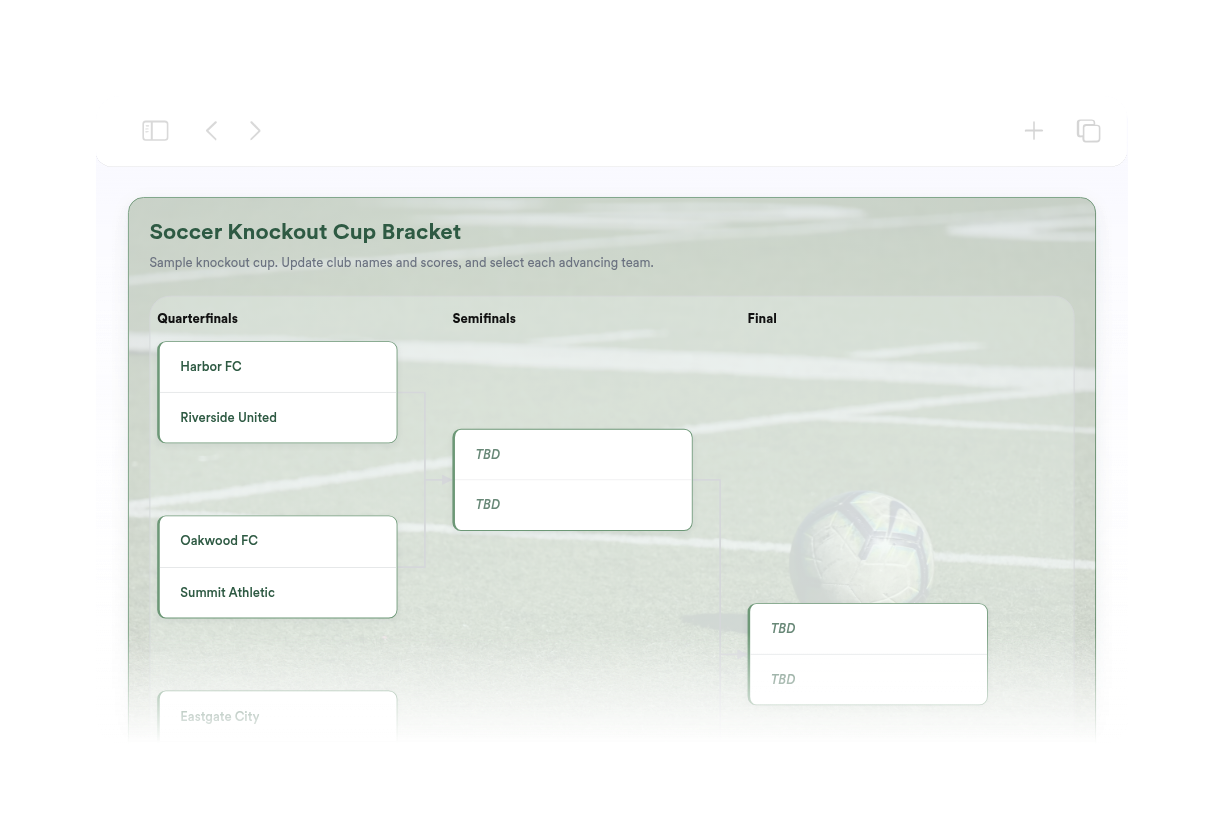
Soccer Bracket Maker
We couldn't create your widget. Please try again.
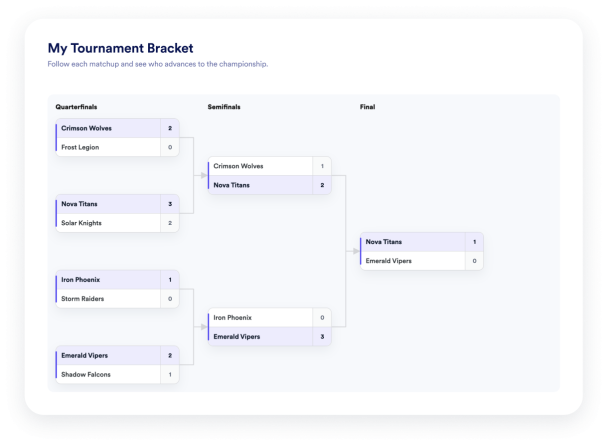

We couldn't create your widget. Please try again.
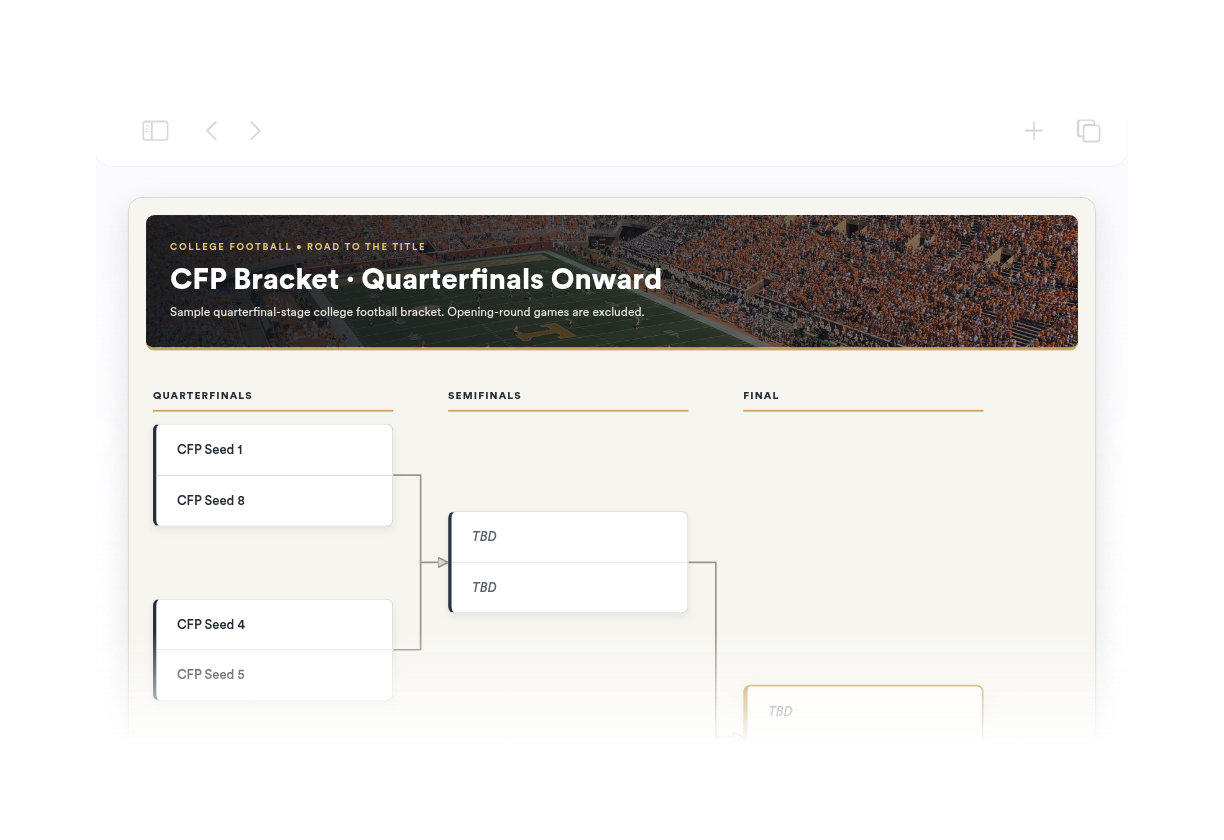
We couldn't create your widget. Please try again.
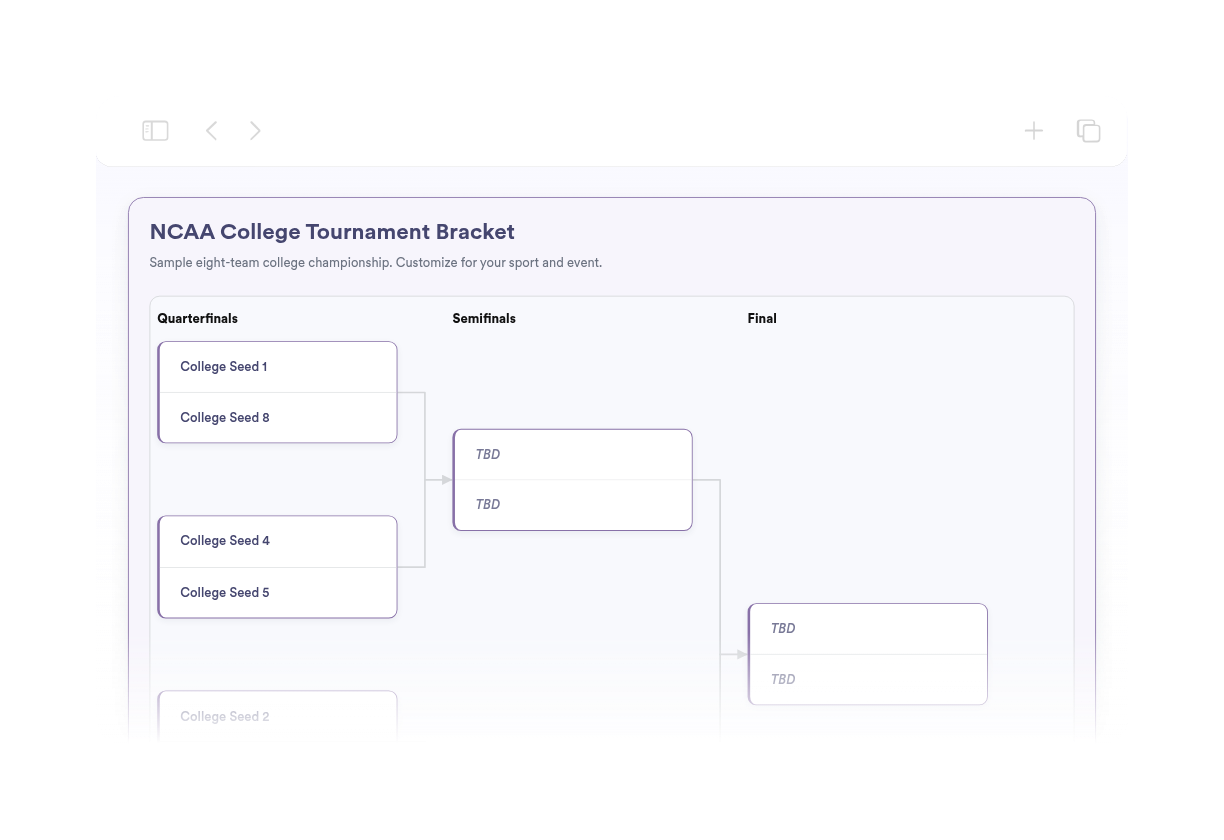
We couldn't create your widget. Please try again.
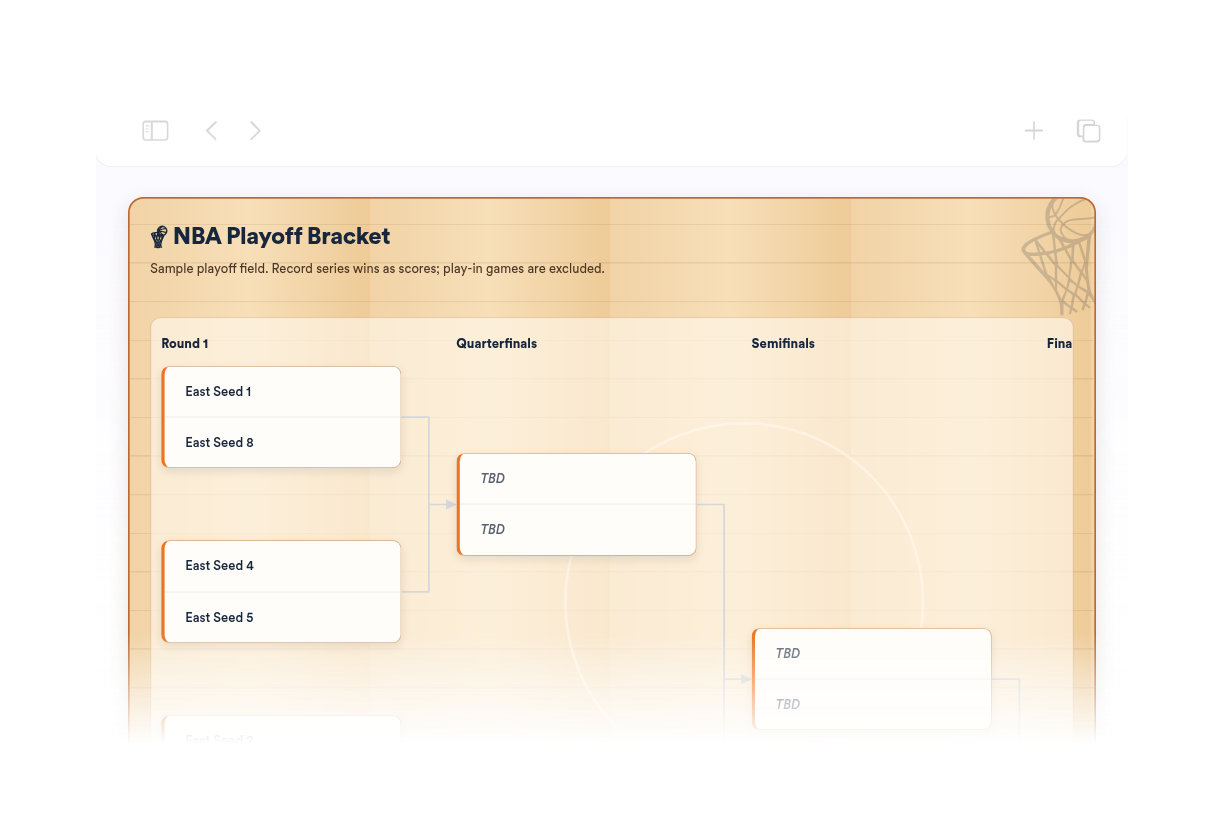
We couldn't create your widget. Please try again.
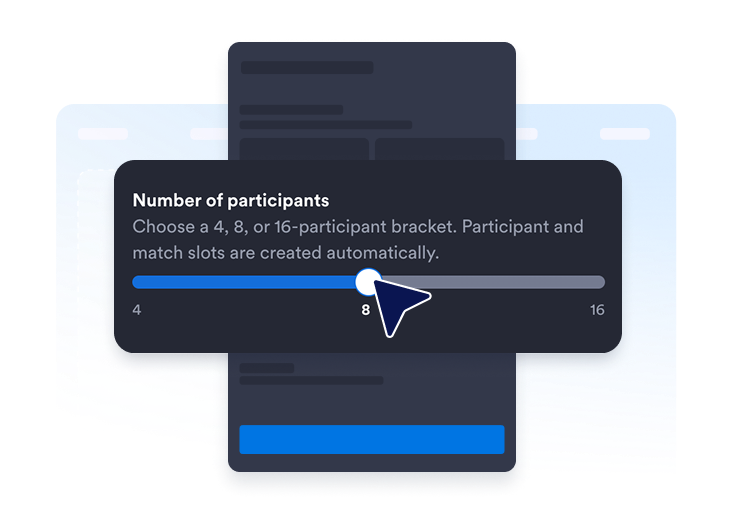
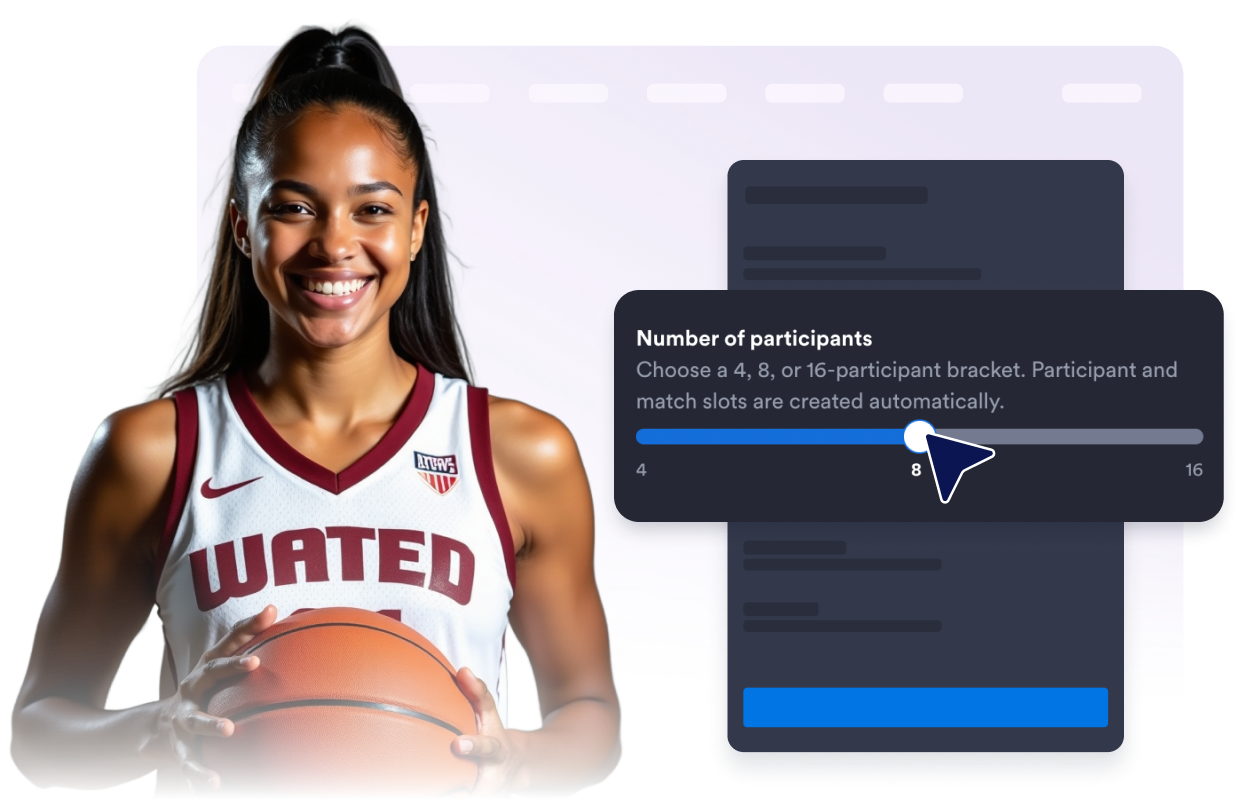
Seleziona un tabellone per 4, 8 o 16 partecipanti. Gli slot per partecipanti e incontri vengono creati per te.
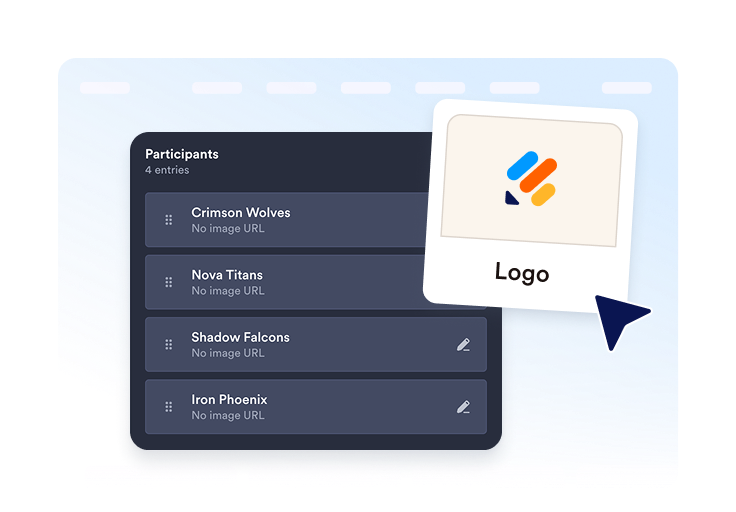
Aggiungi squadre o giocatori, includi logo o avatar opzionali e organizza ogni voce prima della pubblicazione.
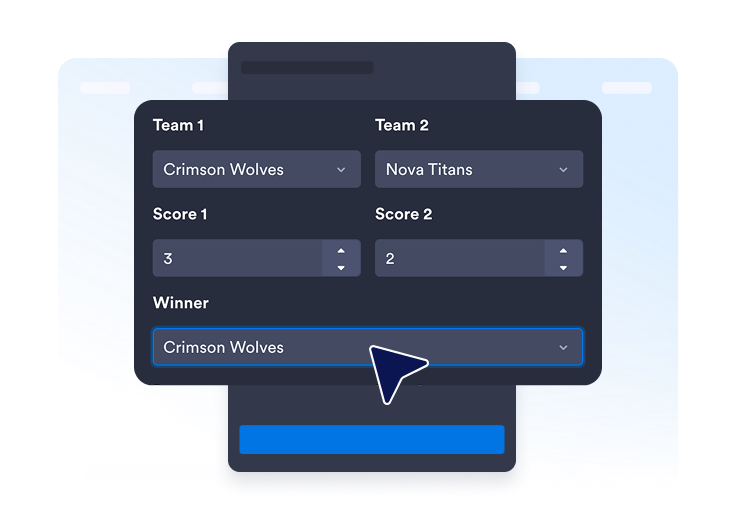
Inserisci punteggi, vincitori, date o luoghi quando necessario. Pubblica il widget, copia il suo codice embed e aggiungilo al tuo sito.
Scegli la dimensione del tabellone adatta al tuo evento. Gli slot per partecipanti e incontri vengono preparati automaticamente, così non devi disegnare tu stesso il tabellone.
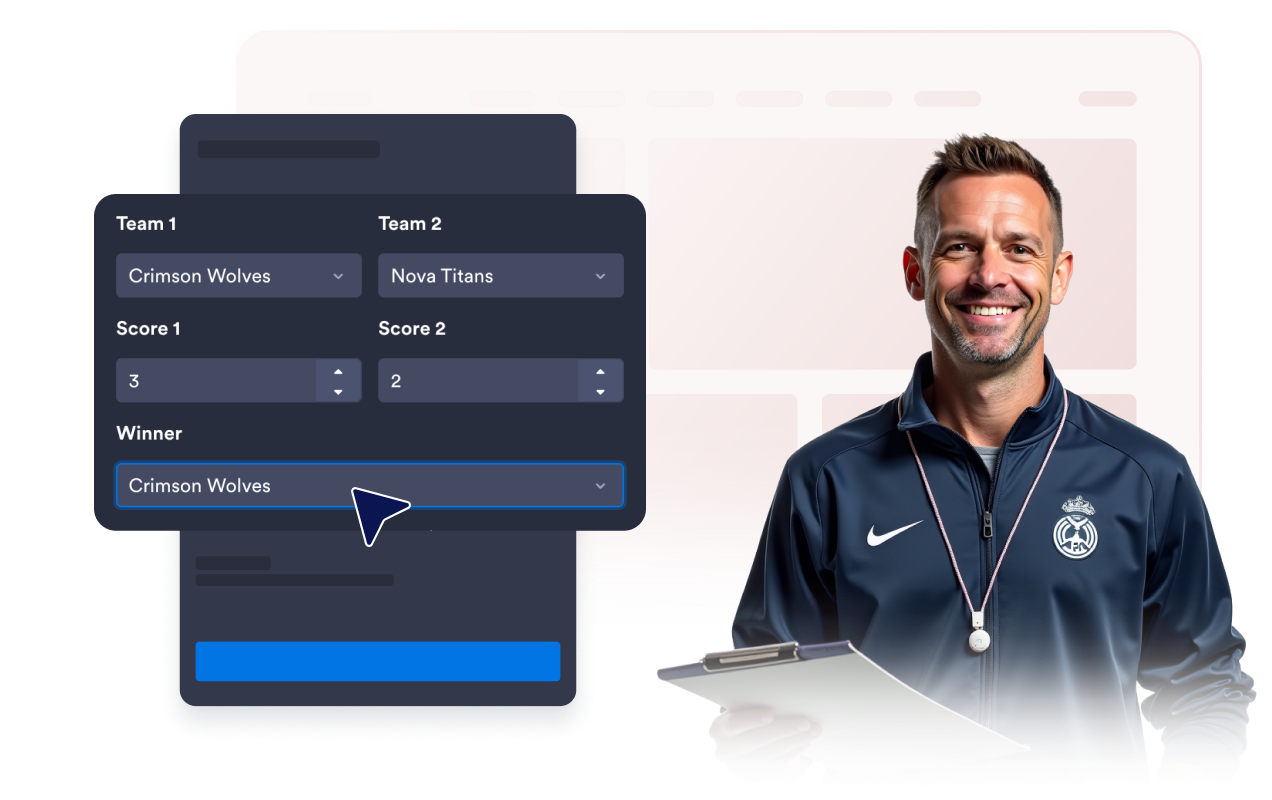
Modifica i nomi dei partecipanti, assegna le teste di serie, aggiungi logo o avatar opzionali, duplica le voci e mantieni ogni concorrente organizzato.
Inserisci punteggi e vincitori per gli incontri completati. Includi date o luoghi opzionali quando i visitatori hanno bisogno di più contesto.
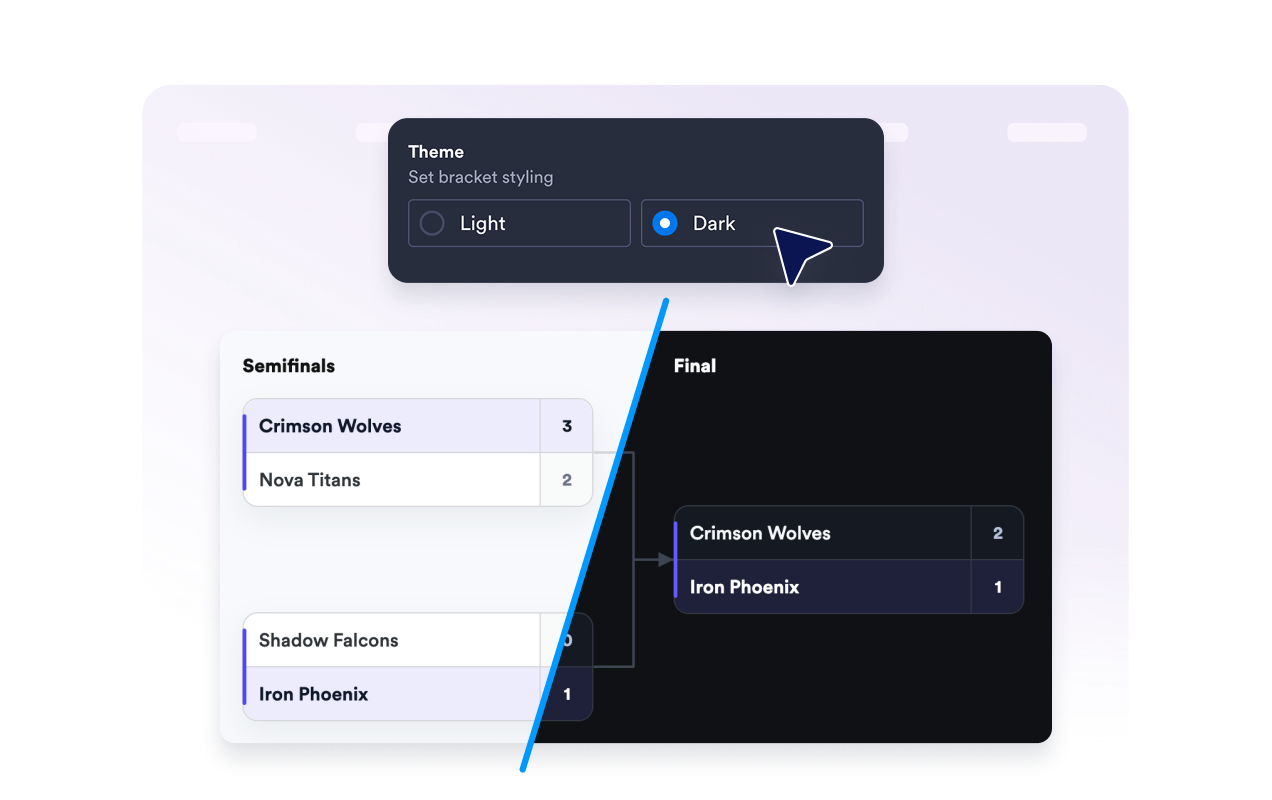
Mostra o nascondi il titolo del tabellone, la descrizione, le etichette dei turni, i punteggi, le date e i luoghi per mantenere tutto chiaro e organizzato.
Scegli un tema chiaro o scuro, seleziona uno stile degli angoli per le schede degli incontri e decidi se mostrare il marchio Jotform sotto il widget.
I widget di Jotform rendono il tuo sito web più interattivo e aumentano le conversioni. Sono disponibili molti strumenti, dalle valutazioni a stelle e gli slider di testimonianze ai popup di riprova sociale e agli embed di media. Aggiungi widget ai tuoi moduli o alle tue landing page per raccogliere dati, mostrare prove e acquisire lead, senza bisogno di programmazione.
Aggiungi i widget Jotform al tuo sito web con un semplice codice embed. Personalizza il widget, visualizza in anteprima il suo aspetto e incollalo in qualsiasi pagina che supporti HTML personalizzato o blocchi embed, il tutto senza uno sviluppatore.
Usa i Widget del sito web di Jotform per acquisire lead, mostrare feedback dei clienti, visualizzare riprova sociale, incorporare media o aggiungere utili strumenti per le pagine web. Ogni widget aiuta i visitatori a interagire con la tua attività direttamente dal tuo sito web.
Se hai bisogno di aiuto per configurare, personalizzare, incorporare o risolvere problemi con il tuo widget, il team di assistenza clienti di Jotform è disponibile 24 ore su 24, 7 giorni su 7. Puoi andare avanti con fiducia, sapendo che l'aiuto è a disposizione quando ne hai bisogno.
Aggiungi un tabellone ovunque i visitatori abbiano bisogno di una visione chiara di partecipanti, incontri, risultati e avanzamento del torneo.
Siti web di tornei sportivi per leghe scolastiche, tornei locali, playoff ed eventi di campionato
Pagine di gaming ed esports per competizioni online, gaming club ed eventi in livestream
Siti scolastici per dibattiti, tornei di quiz, sfide di lettura e attività di gruppo
Pagine di eventi aziendali per competizioni in ufficio, attività di team building e tornei interni
Siti web di comunità e organizzazioni no profit per eventi di beneficenza, competizioni ricreative e tornei di quartiere
Pagine di concorsi e intrattenimento per sfide testa a testa e risultati in stile torneo
Trasforma il coinvolgimento in azione con Jotform. Crea moduli potenti che acquisiscono lead, raccolgono pagamenti e automatizzano le risposte, tutto in un unico posto. Ogni risposta arriva nella tua Posta Jotform, dove puoi dare seguito o collegarti con le tue app preferite.
Inizia Subito — È Gratis!
Un widget per tabelloni dei tornei è un elemento incorporabile che mostra partecipanti, incontri, turni, punteggi, e vincitori sul tuo sito.

