Widget Pulsante per il tuo sito web
Crea un pulsante CTA senza codice che indirizza i visitatori verso il passaggio successivo giusto. Collega a una pagina, avvia una chiamata, apri un'email, lancia una chat o scorri verso una sezione della pagina con un pulsante che puoi personalizzare e incorporare ovunque.
Create Now — It’s Free!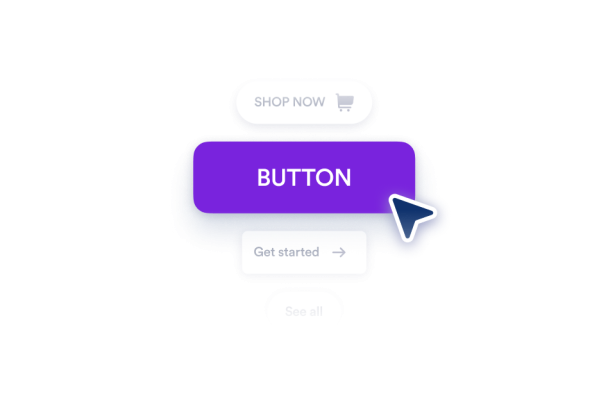

Come creare un widget Pulsante
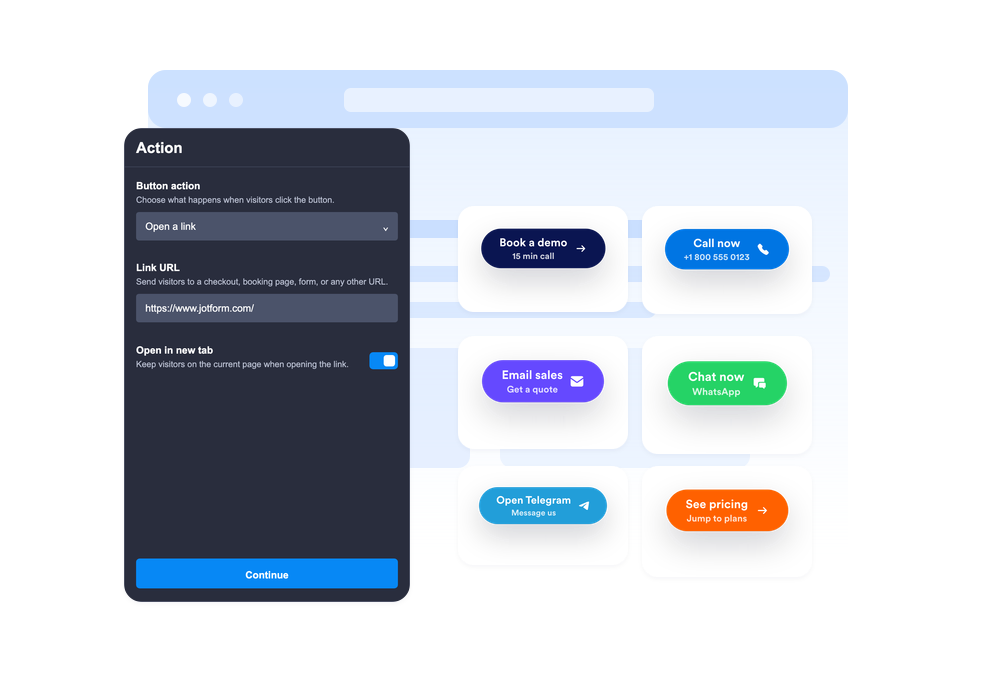
Scegli l'azione del pulsante
Scegli se il pulsante apre un link, avvia una telefonata, crea un'email, apre WhatsApp o Telegram, oppure scorre verso una sezione della pagina.
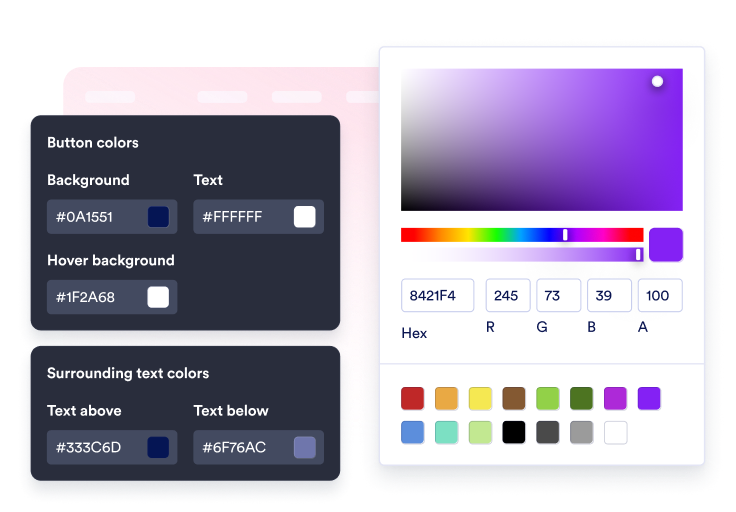
Personalizza contenuto e stile
Modifica l'etichetta, la seconda riga opzionale, il testo circostante, l'icona, i colori, la dimensione, il raggio degli angoli, l'ombra e il posizionamento.

Incorporalo sul tuo sito
Visualizza l'anteprima della CTA nel contesto, copia il codice embed generato e pubblica il pulsante sul tuo sito web senza codice personalizzato.
Guida i visitatori all'azione successiva con un solo click
Collega il pulsante a più azioni
Usa un unico widget per link di vendita, moduli di iscrizione, email di supporto, telefonate, chat WhatsApp, chat Telegram, link di profili social o passaggi fluidi tra sezioni.
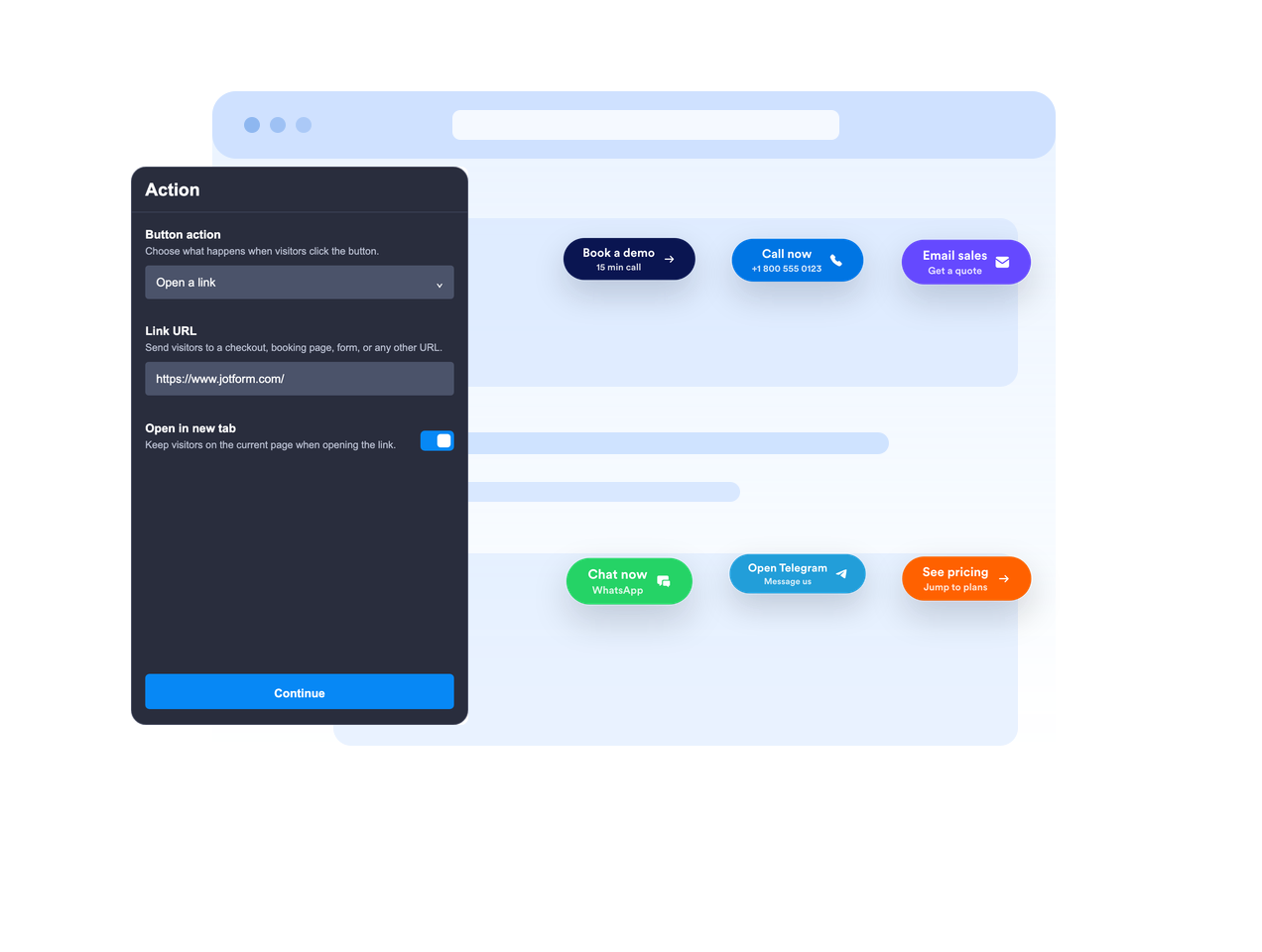
Posizionalo in linea o mantienilo fluttuante
Incorpora il pulsante nel contenuto della pagina oppure lascialo fluttuare in una posizione fissa dello schermo, così la call to action rimane visibile mentre i visitatori scorrono.

Rendi chiaro il messaggio della CTA
Usa un'etichetta principale, una seconda riga opzionale, testo sopra e testo sotto per dare ai visitatori un contesto sufficiente prima di cliccare.
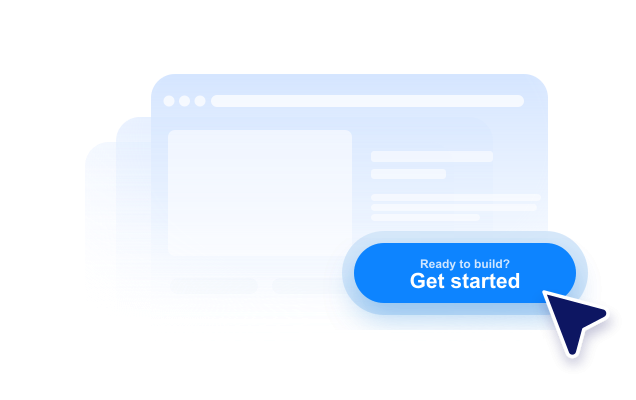
Adatta lo stile al tuo sito web
Modifica il posizionamento dell'icona, l'altezza del pulsante, il padding, la dimensione del font, i colori, il colore al passaggio del mouse, il raggio degli angoli, l'ombra, la visibilità sui dispositivi, il branding e il CSS personalizzato con ambito definito.
Perché i Widget del sito web di Jotform si distinguono
I widget di Jotform rendono il tuo sito web più interattivo e aumentano le conversioni. Sono disponibili molti strumenti, dalle valutazioni a stelle e gli slider di testimonianze ai popup di riprova sociale e agli embed di media. Aggiungi widget ai tuoi moduli o alle tue landing page per raccogliere dati, mostrare prove e acquisire lead, senza bisogno di programmazione.
Aggiungi i widget Jotform al tuo sito web con un semplice codice embed. Personalizza il widget, visualizza in anteprima il suo aspetto e incollalo in qualsiasi pagina che supporti HTML personalizzato o blocchi embed, il tutto senza uno sviluppatore.
Usa i Widget del sito web di Jotform per acquisire lead, mostrare feedback dei clienti, visualizzare riprova sociale, incorporare media o aggiungere utili strumenti per le pagine web. Ogni widget aiuta i visitatori a interagire con la tua attività direttamente dal tuo sito web.
Se hai bisogno di aiuto per configurare, personalizzare, incorporare o risolvere problemi con il tuo widget, il team di assistenza clienti di Jotform è disponibile 24 ore su 24, 7 giorni su 7. Puoi andare avanti con fiducia, sapendo che l'aiuto è a disposizione quando ne hai bisogno.
Dove usare il tuo widget Pulsante
Aggiungi un widget Pulsante ovunque i visitatori abbiano bisogno di un passaggio successivo chiaro, soprattutto sulle pagine dove l'azione principale deve rimanere facile da trovare.
Landing page per indirizzare i visitatori verso moduli di iscrizione, prezzi, checkout, prenotazioni o richieste di demo.
Pagine dei prodotti per evidenziare azioni come aggiungi al carrello, acquista ora, contatta le vendite o richiedi un preventivo.
Pagine di supporto per avviare conversazioni via email, telefono, WhatsApp o Telegram da un'unica CTA.
Post del blog e guide dettagliate per indirizzare i lettori verso moduli, file da scaricare, offerte o sezioni pertinenti.
Pagine di campagne social per indirizzare i visitatori a Instagram, Facebook, TikTok, X, Pinterest o altri link di profili.
Pagine per dispositivi mobili dove una CTA fluttuante e compatta può rendere più veloce chiamare, chattare o acquistare.
Converti i lead in clienti paganti con il costruttore di Moduli Jotform
Trasforma il coinvolgimento in azione con Jotform. Crea moduli potenti che acquisiscono lead, raccolgono pagamenti e automatizzano le risposte, tutto in un unico posto. Ogni risposta arriva nella tua Posta Jotform, dove puoi dare seguito o collegarti con le tue app preferite.
Inizia Subito — È Gratis!
FAQ
Cos'è un widget Pulsante?
Un widget Pulsante è un pulsante di call-to-action personalizzabile che puoi incorporare sul tuo sito web. Può aprire link, chiamate, email, chat e sezioni della pagina.
Quali azioni può eseguire il pulsante?
Il pulsante può fluttuare sullo schermo?
Posso personalizzare il testo del pulsante?
Posso usare un'icona?
Posso adattare il design al mio sito web?
Il widget Pulsante funziona su dispositivi mobili?
Devo scrivere codice?