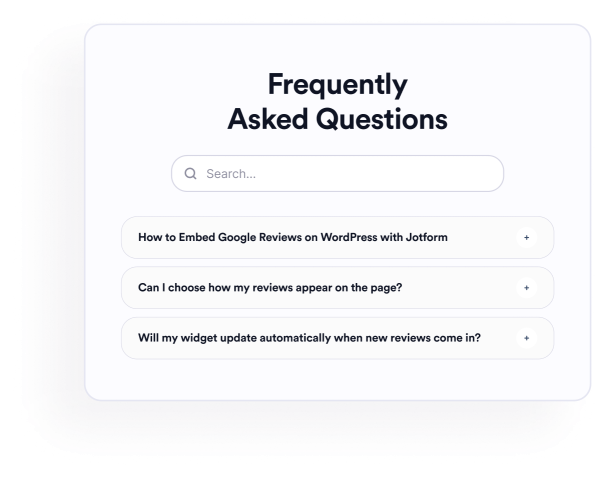

Come creare un widget FAQ
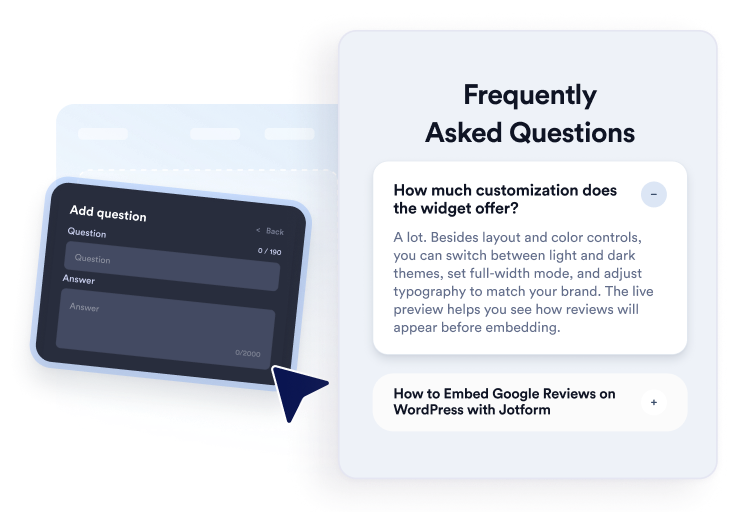
Aggiungi le tue domande
Scrivi e organizza le risposte per argomenti relativi a prodotto, prezzi, assistenza, policy o onboarding. Aggiungi link o immagini quando utile, quindi duplica, riordina o rimuovi le domande nell'editor visivo.
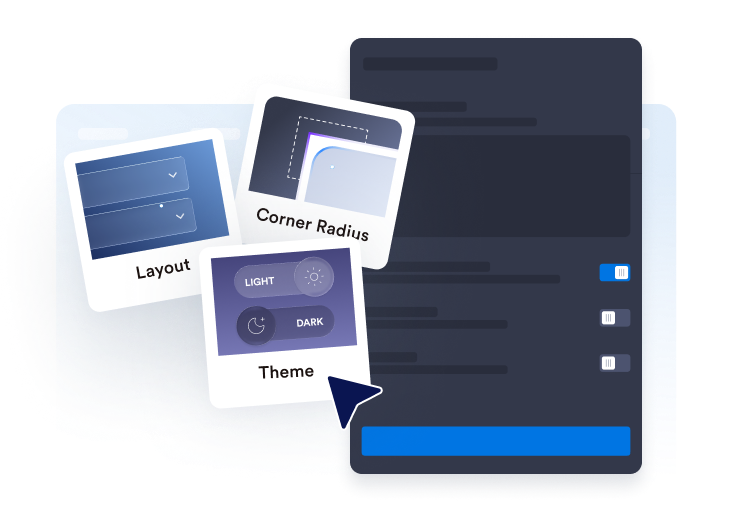
Personalizza layout e stile
Scegli un layout ad accordion, elenco o multicolonna. Configura la barra di ricerca, le icone, il comportamento delle domande, i colori, la spaziatura e altre impostazioni di design per adattarle alla tua sezione FAQ.

Incorporalo nel tuo sito web
Visualizza l'anteprima delle domande frequenti completate, copia il codice embed generato e incollalo in un blocco HTML personalizzato o embed. Pubblica la pagina e testa domande, ricerca, link e media.
Crea facilmente domande frequenti utili e ricercabili
Organizza le domande in un unico editor
Aggiungi, duplica, riordina e rimuovi le domande senza ricostruire manualmente la sezione. Usa risposte in rich text per organizzare i dettagli dei prodotti, le politiche di fatturazione, le istruzioni di configurazione, le informazioni di spedizione o altri argomenti su cui i visitatori chiedono comunemente.
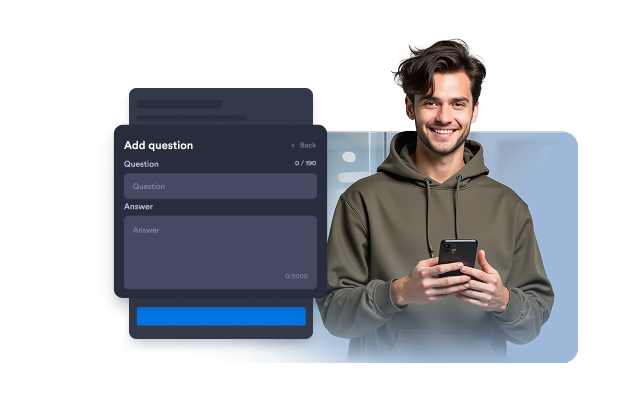
Adatta le domande frequenti a diversi layout
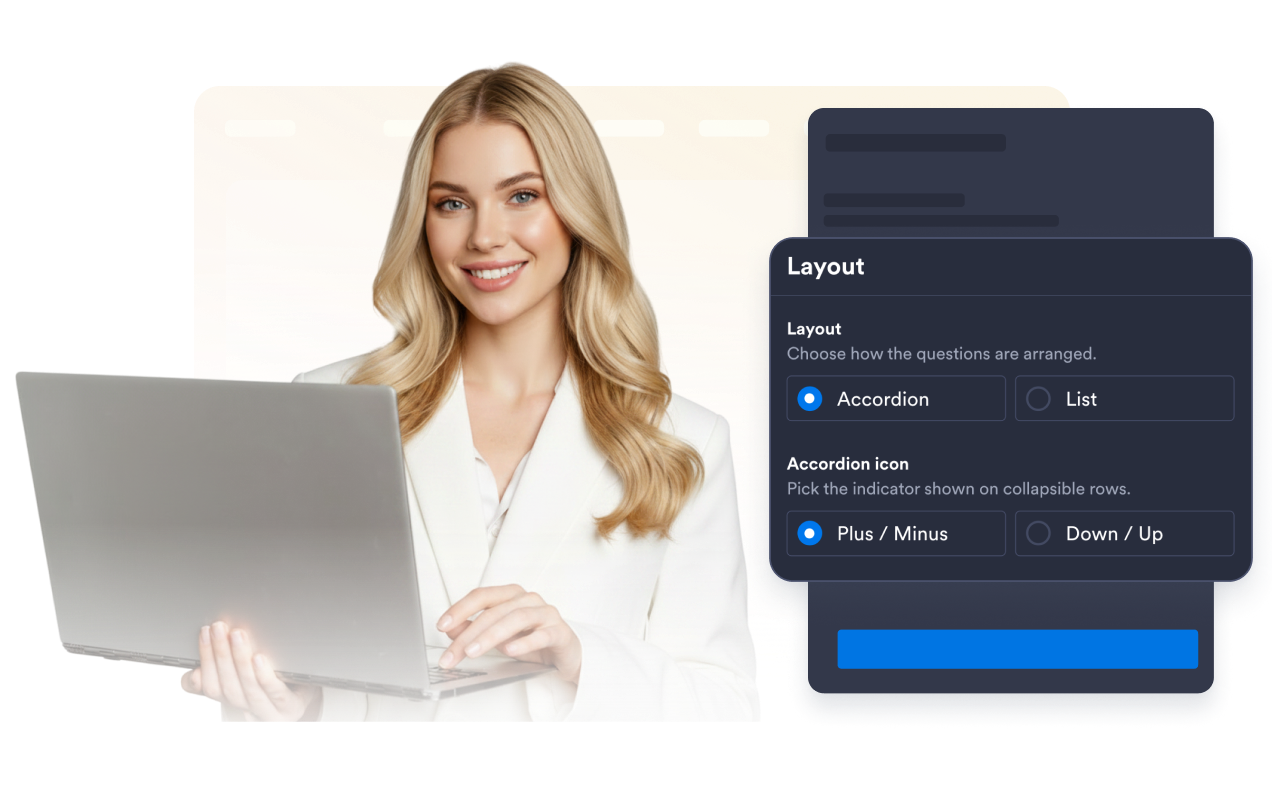
Scegli un accordion per gruppi di domande compatti, un elenco per le risposte che devono rimanere visibili o un layout multicolonna per sezioni FAQ più ampie. Il layout giusto può rendere le raccolte più grandi più facili da consultare.
Aiuta i visitatori a cercare i contenuti delle FAQ
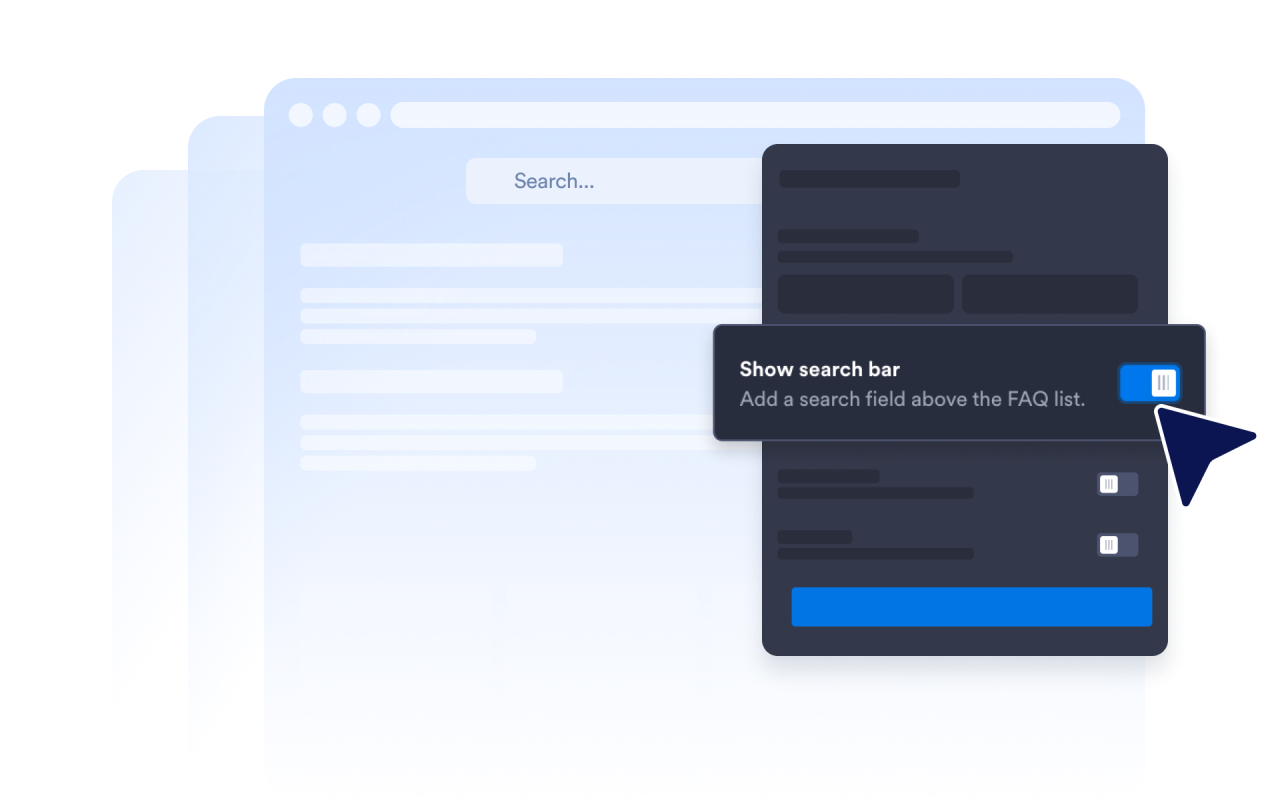
Attiva la barra di ricerca così i visitatori possono filtrare domande e risposte usando parole chiave. La ricerca è particolarmente utile nelle pagine di aiuto e nelle sezioni FAQ dettagliate dove esaminare manualmente ogni domanda richiederebbe più tempo.
Controlla come si espandono le risposte
Scegli l'icona dell'accordion e la sua posizione, imposta quante domande appaiono inizialmente e decidi se una o più risposte possono rimanere aperte. Questi controlli ti permettono di modellare il modo in cui i visitatori esplorano le sezioni FAQ più lunghe.
Perché i Widget del sito web di Jotform si distinguono
I widget di Jotform rendono il tuo sito web più interattivo e aumentano le conversioni. Sono disponibili molti strumenti, dalle valutazioni a stelle e gli slider di testimonianze ai popup di riprova sociale e agli embed di media. Aggiungi widget ai tuoi moduli o alle tue landing page per raccogliere dati, mostrare prove e acquisire lead, senza bisogno di programmazione.
Aggiungi i widget Jotform al tuo sito web con un semplice codice embed. Personalizza il widget, visualizza in anteprima il suo aspetto e incollalo in qualsiasi pagina che supporti HTML personalizzato o blocchi embed, il tutto senza uno sviluppatore.
Usa i Widget del sito web di Jotform per acquisire lead, mostrare feedback dei clienti, visualizzare riprova sociale, incorporare media o aggiungere utili strumenti per le pagine web. Ogni widget aiuta i visitatori a interagire con la tua attività direttamente dal tuo sito web.
Se hai bisogno di aiuto per configurare, personalizzare, incorporare o risolvere problemi con il tuo widget, il team di assistenza clienti di Jotform è disponibile 24 ore su 24, 7 giorni su 7. Puoi andare avanti con fiducia, sapendo che l'aiuto è a disposizione quando ne hai bisogno.
Dove utilizzare il tuo widget FAQ
Aggiungi il widget alle pagine in cui risposte chiare possono aiutare i visitatori a comprendere le loro opzioni e a decidere cosa fare dopo.
Pagine dei prodotti per rispondere a domande su funzionalità, dimensioni, configurazione, compatibilità e consegna.
Pagine dei prezzi per chiarire piani, prove, cicli di fatturazione, cancellazioni e upgrade.
Centri assistenza per organizzare le domande di supporto comuni in una sezione ricercabile.
Pagine di prenotazione ed eventi per spiegare orari, luoghi, rimborsi e requisiti di partecipazione.
Pagine di corsi e abbonamenti per rispondere a domande su accesso, programma, pagamenti e supporto.
Landing page per rispondere ai dubbi comuni prima che i visitatori si registrino, prenotino o inviino un modulo.
Converti i lead in clienti paganti con il costruttore di Moduli Jotform
Trasforma il coinvolgimento in azione con Jotform. Crea moduli potenti che acquisiscono lead, raccolgono pagamenti e automatizzano le risposte, tutto in un unico posto. Ogni risposta arriva nella tua Posta Jotform, dove puoi dare seguito o collegarti con le tue app preferite.
Inizia Subito — È Gratis!
FAQ
Cos'è un widget FAQ?
Un widget FAQ è una sezione di domande e risposte incorporabile per un sito web. Aiuta i visitatori a esplorare le domande frequenti tramite layout ricercabili ad accordion, a elenco o a più colonne senza dover navigare verso un'altra pagina.
Il widget FAQ Jotform è gratuito?
Come aggiungo una FAQ al mio sito web?
Devo scrivere codice?
Quante domande posso aggiungere?
Il Widget FAQ include la ricerca?
Quali layout FAQ posso utilizzare?
Più risposte delle FAQ possono rimanere aperte?
Le risposte delle FAQ possono includere link, immagini o video?
Posso personalizzare il design delle FAQ?
Il Widget FAQ funziona sui dispositivi mobili?
Quali piattaforme di siti web supportano il widget FAQ?
Posso ricevere assistenza nella configurazione del mio Widget FAQ?