
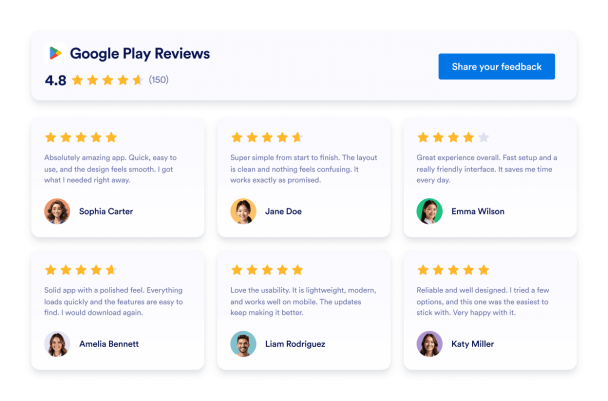
Modern Google Play Reviews Badge
We couldn't create your widget. Please try again.

We couldn't create your widget. Please try again.

We couldn't create your widget. Please try again.

We couldn't create your widget. Please try again.

We couldn't create your widget. Please try again.
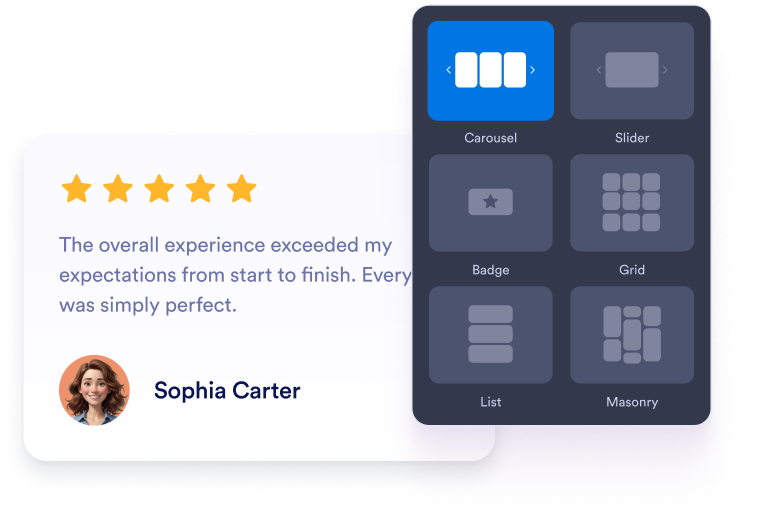
Scegli un layout a carosello, slider, badge, griglia o elenco. Regola i colori, la tipografia, la spaziatura e la larghezza per adattarli al sito web della tua app.
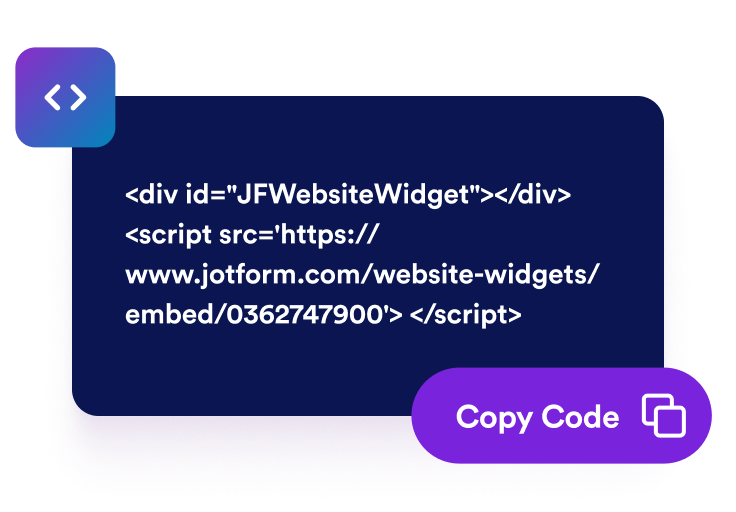
Visualizza l'anteprima delle tue recensioni Google Play e prosegui verso la fase di pubblicazione. Jotform genera automaticamente il codice embed, quindi non devi crearlo o modificarlo manualmente.

Incolla il codice generato in un blocco HTML personalizzato o embed. Pubblica la pagina e verifica come appaiono le recensioni sugli schermi desktop e mobili.
Mostra valutazioni e commenti degli utenti Google Play accanto alla descrizione della tua app. I feedback diretti offrono ai potenziali utenti un contesto prezioso sulle funzionalità, l'usabilità, l'affidabilità e l'esperienza complessiva dell'app prima di valutarne l'installazione.
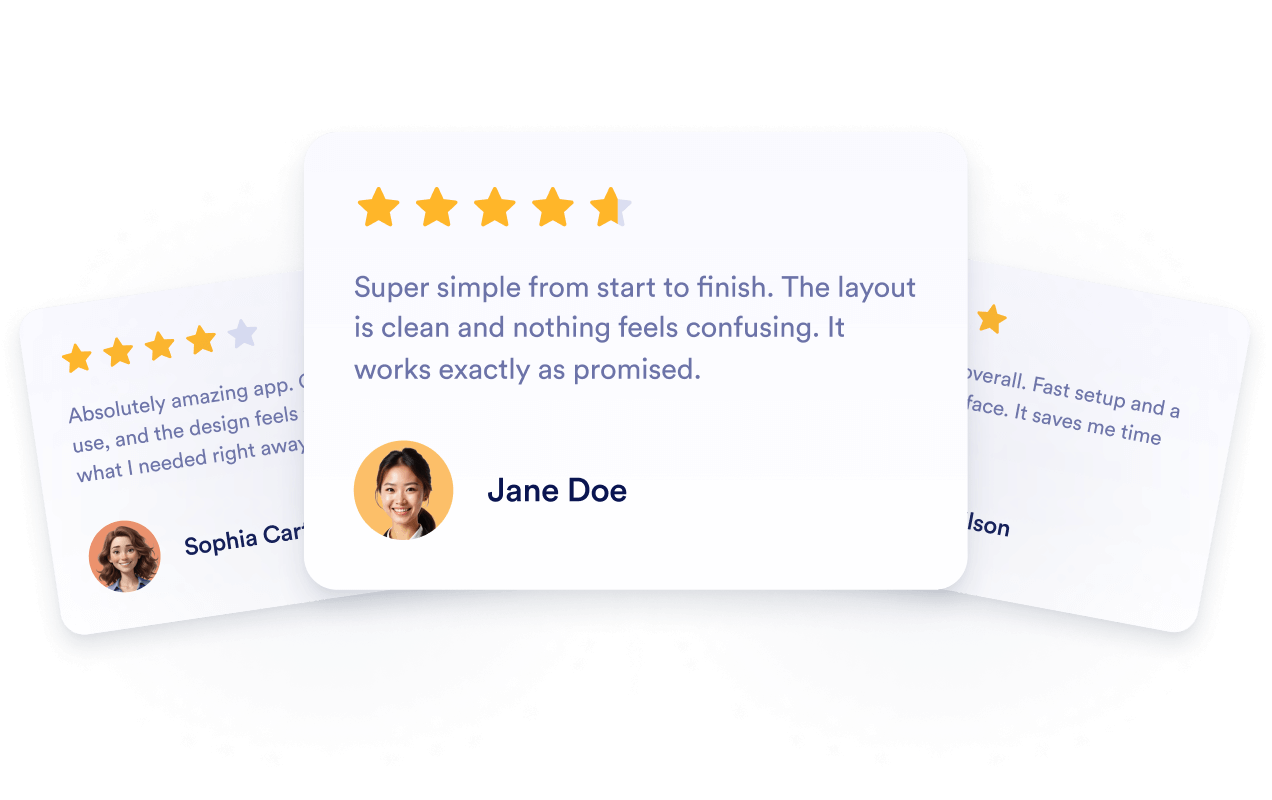
Collega il widget alla tua scheda pubblica Google Play affinché le nuove valutazioni e recensioni disponibili possano comparire automaticamente. Puoi continuare a mostrare i feedback recenti degli utenti senza ricostruire manualmente la sezione o sostituire il suo codice embed.
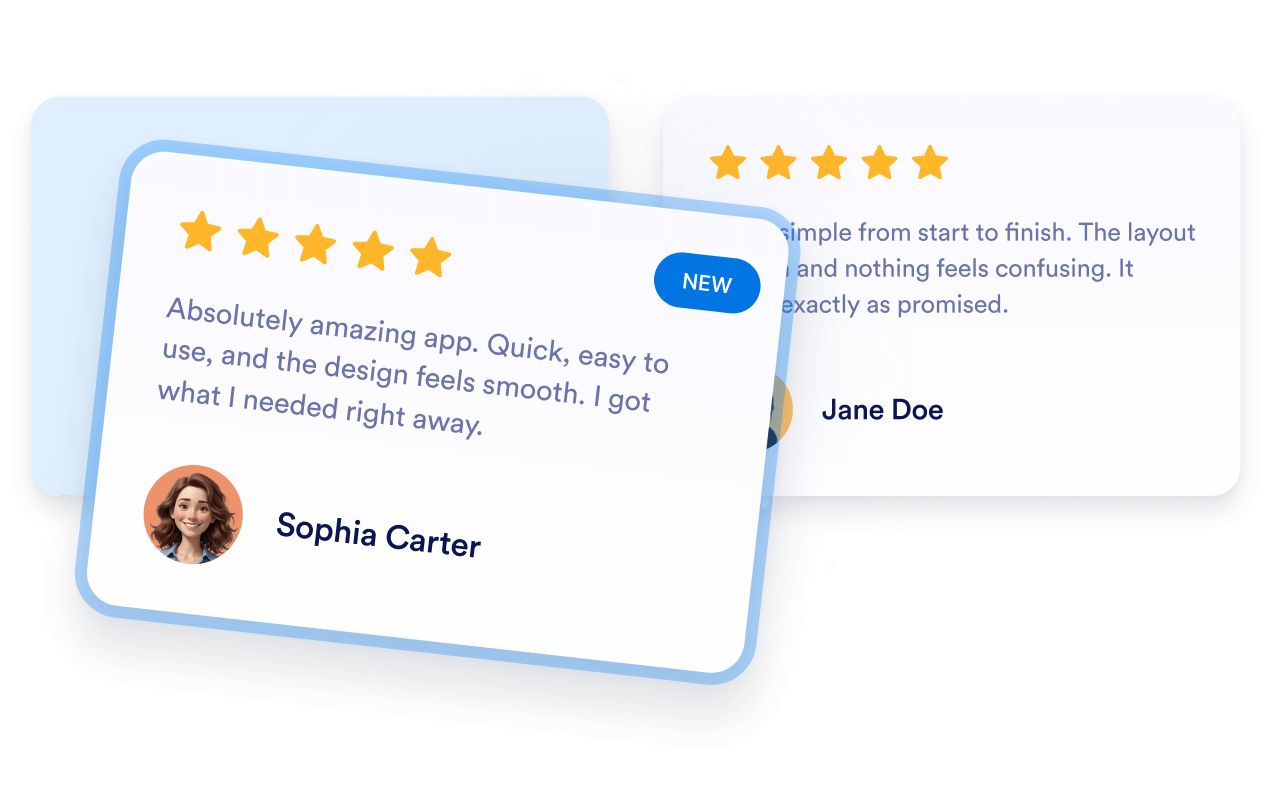
Aggiungi feedback pertinenti di Google Play alle landing page dell'app dove i visitatori si informano sul tuo prodotto. Le recensioni forniscono un contesto utile per i potenziali utenti, anche se il loro inserimento non garantisce l'indicizzazione né un posizionamento più elevato nei risultati di ricerca.

Posiziona i feedback positivi degli utenti vicino ai pulsanti di scaricamento, alle descrizioni delle funzionalità, alle demo o alle opzioni di iscrizione. Le recensioni pertinenti possono rispondere alle preoccupazioni più comuni e aiutare i visitatori a decidere se installare l'app o esplorarla ulteriormente.

I widget di Jotform rendono il tuo sito web più interattivo e aumentano le conversioni. Sono disponibili molti strumenti, dalle valutazioni a stelle e gli slider di testimonianze ai popup di riprova sociale e agli embed di media. Aggiungi widget ai tuoi moduli o alle tue landing page per raccogliere dati, mostrare prove e acquisire lead, senza bisogno di programmazione.
Aggiungi i widget Jotform al tuo sito web con un semplice codice embed. Personalizza il widget, visualizza in anteprima il suo aspetto e incollalo in qualsiasi pagina che supporti HTML personalizzato o blocchi embed, il tutto senza uno sviluppatore.
Usa i Widget del sito web di Jotform per acquisire lead, mostrare feedback dei clienti, visualizzare riprova sociale, incorporare media o aggiungere utili strumenti per le pagine web. Ogni widget aiuta i visitatori a interagire con la tua attività direttamente dal tuo sito web.
Se hai bisogno di aiuto per configurare, personalizzare, incorporare o risolvere problemi con il tuo widget, il team di assistenza clienti di Jotform è disponibile 24 ore su 24, 7 giorni su 7. Puoi andare avanti con fiducia, sapendo che l'aiuto è a disposizione quando ne hai bisogno.
Aggiungi le recensioni alle pagine in cui i visitatori confrontano le funzionalità, valutano le esperienze degli utenti o decidono se installare la tua app.
Pagine di download delle app per mostrare il feedback degli utenti vicino agli screenshot e ai pulsanti di installazione.
Sezioni della homepage per introdurre valutazioni e recensioni insieme al messaggio principale della tua app.
Pagine delle funzionalità per supportare le informazioni sul prodotto con le esperienze condivise dagli utenti attuali.
Pagine dei prezzi per fornire un contesto aggiuntivo prima che i visitatori selezionino un piano.
Pagine di rilascio per presentare i feedback recenti insieme alle informazioni sulla versione e sugli aggiornamenti.
Pagine di supporto per rassicurare i potenziali utenti che stanno esaminando configurazione, usabilità o affidabilità.
Trasforma il coinvolgimento in azione con Jotform. Crea moduli potenti che acquisiscono lead, raccolgono pagamenti e automatizzano le risposte, tutto in un unico posto. Ogni risposta arriva nella tua Posta Jotform, dove puoi dare seguito o collegarti con le tue app preferite.
Inizia Subito — È Gratis!
Un Widget Recensioni Google Play mostra sul tuo sito web le valutazioni e i feedback pubblici degli utenti provenienti dalla scheda Google Play di un'app. I visitatori possono valutare le esperienze con l'app senza lasciare la tua pagina prodotto o di scaricamento.