Widget Carosello Immagini per il tuo sito
Crea un carosello immagini a pagina singola per banner, prodotti in evidenza, gallerie di immagini, annunci e sezioni di caroselli promozionali. Usa il widget Carosello Immagini di Jotform per aggiungere immagini o video, titoli, badge, pulsanti CTA, link, overlay, riproduzione automatica, loop, transizioni con dissolvenza o scorrimento e navigazione responsive senza scrivere codice HTML.
Create Now — It’s Free!

Come creare un widget Slider immagini
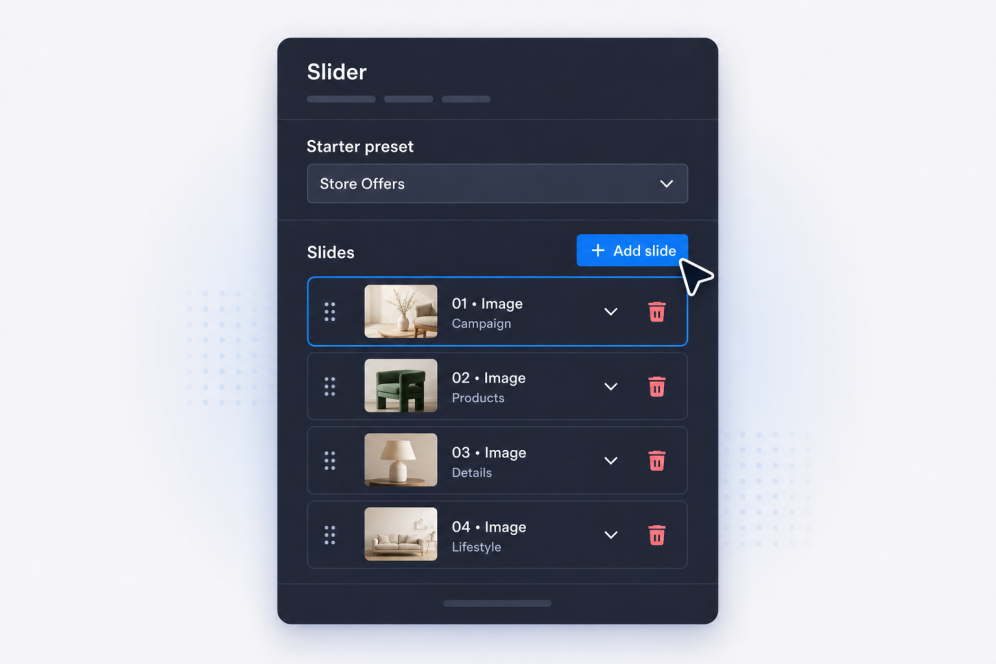
Aggiungi le tue slide
Crea slide con titoli, testi, badge, pulsanti, immagini, video e link di destinazione per ogni banner, promozione, elemento della galleria o annuncio.
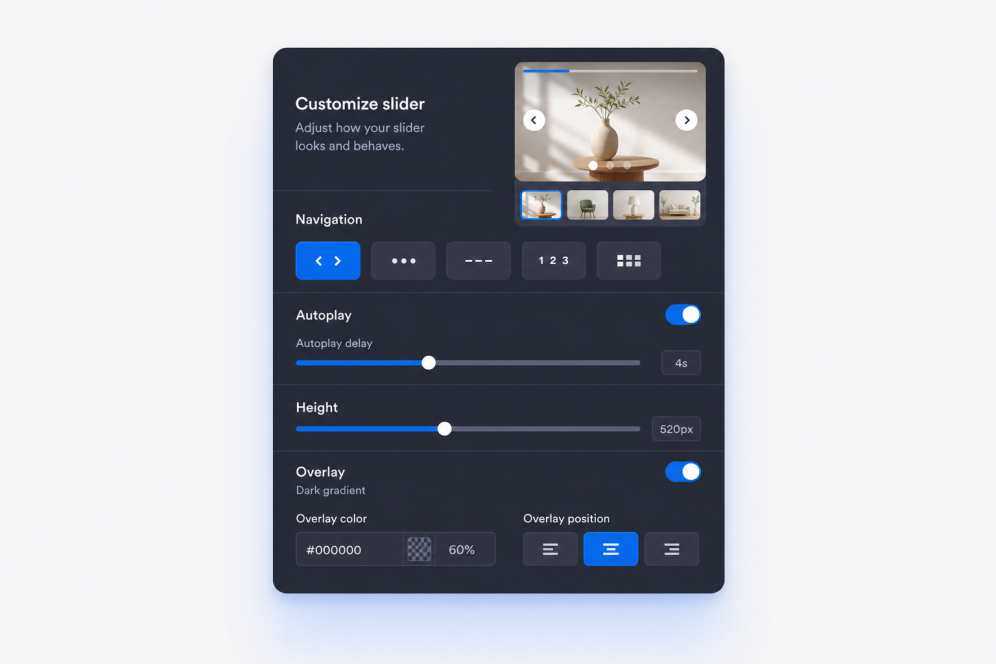
Imposta layout e movimento
Scegli dove mostrare il contenuto delle slide, poi imposta le transizioni con dissolvenza o scorrimento, i tempi di riproduzione automatica, il comportamento del loop e i controlli di navigazione.

Personalizza lo stile e incorpora
Regola larghezza, altezza, overlay, adattamento, frecce, paginazione, colori e branding, poi copia il codice embed per aggiungere il widget Carosello Immagini al tuo sito.
Crea caroselli per le tue pagine
Crea sezioni ricche di immagini
Trasforma un semplice carosello di immagini in una sezione del tuo sito. Ogni slide può includere un badge, un titolo, una descrizione, un pulsante CTA, un link, un'immagine e una fonte video opzionale per campagne, gallerie o prodotti in evidenza.
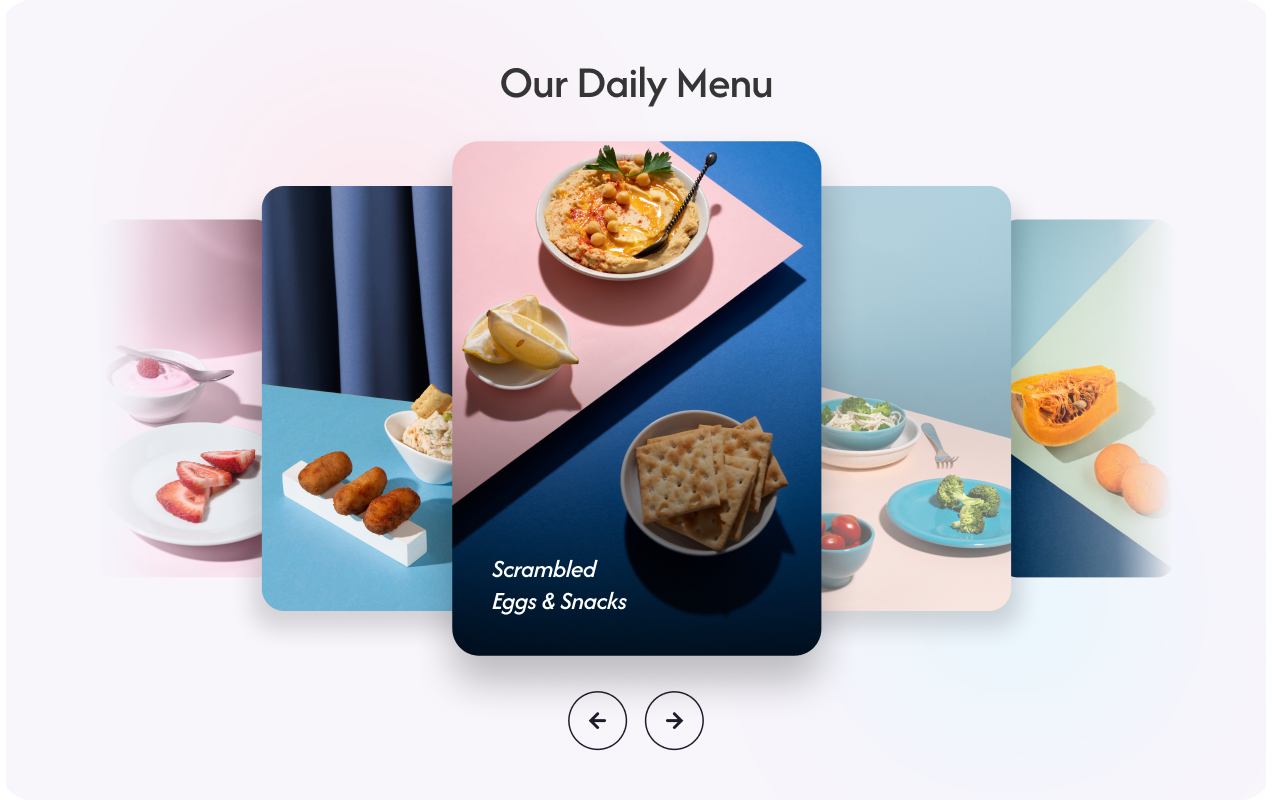
Mantieni i banner chiari e leggibili
Posiziona testo e pulsanti su immagini o video. Il posizionamento flessibile dei contenuti aiuta il carosello di immagini a rimanere chiaro, che la slide venga usata come hero banner, blocco promozionale o storia visiva.
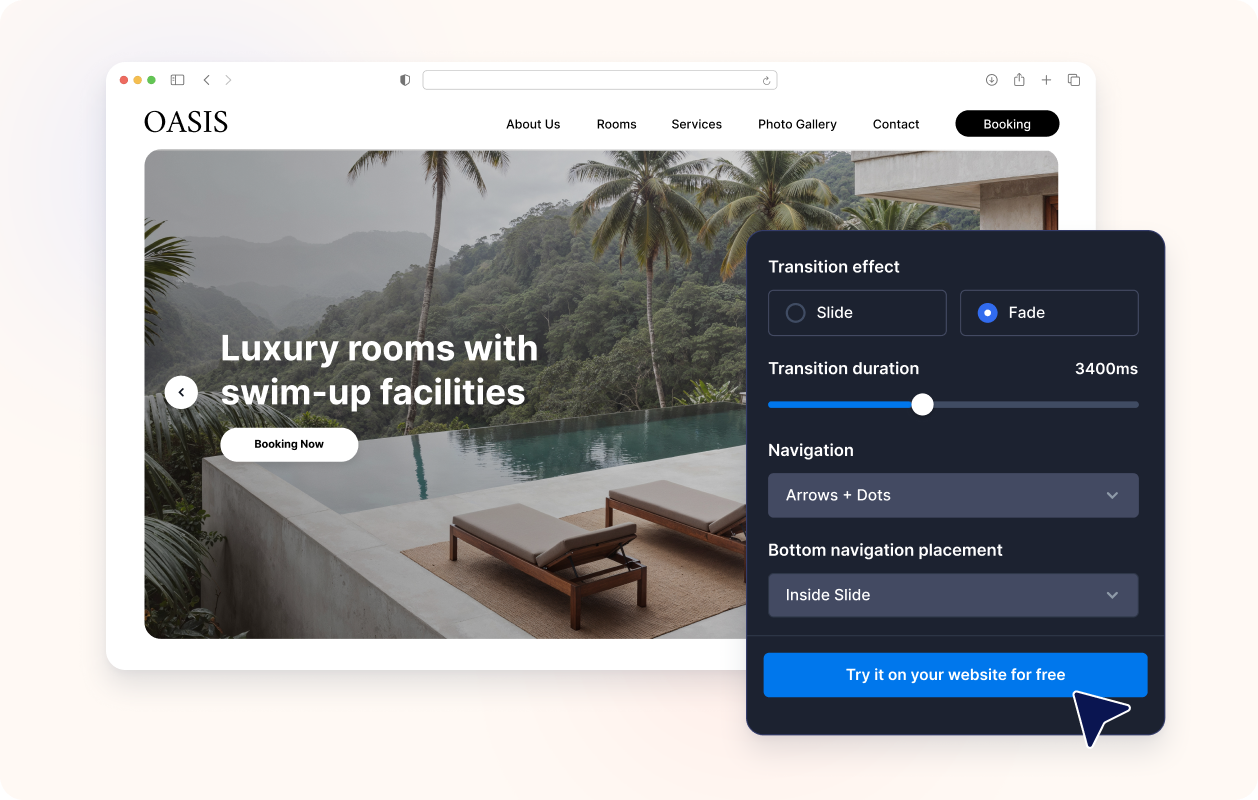
Controlla il movimento e la navigazione
Usa transizioni con scorrimento o dissolvenza, riproduzione automatica, loop, frecce, punti, numeri, tratti o paginazione con miniature. Crea un carosello di banner che i visitatori possono sfogliare manualmente o guardare automaticamente senza perdere il messaggio principale.

Adatta al design del tuo sito
Regola la larghezza, l'altezza, lo stile delle card, il padding dei contenuti, l'intensità dell'overlay, i preset dei temi, gli stili dei pulsanti, i colori e il CSS personalizzato del carosello, così che il widget Carosello Immagini si integri naturalmente sulla tua pagina.

Perché i Widget del sito web di Jotform si distinguono
I widget di Jotform rendono il tuo sito web più interattivo e aumentano le conversioni. Sono disponibili molti strumenti, dalle valutazioni a stelle e gli slider di testimonianze ai popup di riprova sociale e agli embed di media. Aggiungi widget ai tuoi moduli o alle tue landing page per raccogliere dati, mostrare prove e acquisire lead, senza bisogno di programmazione.
Aggiungi i widget Jotform al tuo sito web con un semplice codice embed. Personalizza il widget, visualizza in anteprima il suo aspetto e incollalo in qualsiasi pagina che supporti HTML personalizzato o blocchi embed, il tutto senza uno sviluppatore.
Usa i Widget del sito web di Jotform per acquisire lead, mostrare feedback dei clienti, visualizzare riprova sociale, incorporare media o aggiungere utili strumenti per le pagine web. Ogni widget aiuta i visitatori a interagire con la tua attività direttamente dal tuo sito web.
Se hai bisogno di aiuto per configurare, personalizzare, incorporare o risolvere problemi con il tuo widget, il team di assistenza clienti di Jotform è disponibile 24 ore su 24, 7 giorni su 7. Puoi andare avanti con fiducia, sapendo che l'aiuto è a disposizione quando ne hai bisogno.
Dove usare il widget Carosello Immagini
Aggiungi un carosello per mostrare elementi visivi a rotazione, messaggi promozionali o se cerchi un modo compatto per mostrare diversi contenuti in un'unica sezione.
Sezioni hero della homepage per mostrare campagne, lanci di prodotti, offerte stagionali e annunci importanti.
Sezioni con caroselli promozionali per mettere in evidenza saldi, offerte a tempo limitato, messaggi con coupon o CTA in primo piano.
Pagine di prodotti e collezioni per combinare foto dei prodotti, vantaggi e link di acquisto in un carosello di banner.
Pagine di portfolio e case study per guidare i visitatori attraverso immagini di progetti, risultati, testimonianze ed elementi di prova.
Pagine di eventi e webinar per mostrare relatori, programmi, sponsor e inviti alla registrazione in un carosello a pagina singola.
Landing page per creare un carosello di immagini per siti web basato su una narrazione che accompagna i visitatori attraverso immagini, messaggi e call to action.
Converti i lead in clienti paganti con il costruttore di Moduli Jotform
Trasforma il coinvolgimento in azione con Jotform. Crea moduli potenti che acquisiscono lead, raccolgono pagamenti e automatizzano le risposte, tutto in un unico posto. Ogni risposta arriva nella tua Posta Jotform, dove puoi dare seguito o collegarti con le tue app preferite.
Inizia Subito — È Gratis!
FAQ
Cos'è un widget Carosello Immagini?
Un widget Carosello Immagini mostra più slide all'interno di un singolo componente nel sito web. Ogni slide può combinare immagini o video con testo, badge, link e pulsanti CTA.
Posso usarlo come carosello di banner per il mio sito?
Posso creare un carosello immagini per il mio sito web?
Posso usare immagini e video nello stesso carosello?
Ogni slide può avere testo e link diversi?
Posso scegliere dove mostrare il testo?
Supporta le transizioni con dissolvenza e scorrimento?
Il carosello può riprodursi automaticamente in loop?
Quali stili di navigazione sono disponibili?
Posso modificare le dimensioni del carosello?
Ho bisogno dell'HTML del carosello per incorporarlo?
Quali piattaforme web supportano il widget Carosello di Immagini?
Posso ricevere assistenza per configurare il mio widget Carosello di Immagini?
Il widget Carosello di Immagini è gratuito?