

Come creare un widget Tumblr Feed
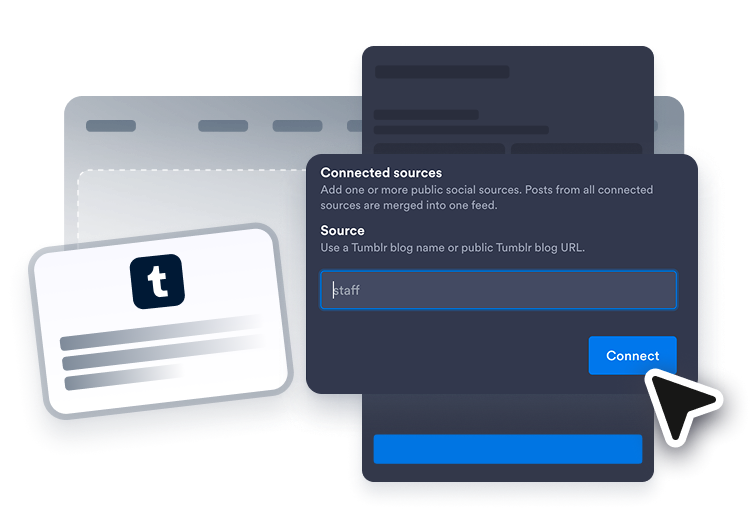
Collega una fonte Tumblr
Aggiungi la fonte pubblica Tumblr che vuoi mostrare nel feed del tuo sito web.

Personalizza il feed
Scegli il layout, i dettagli dei post, il comportamento dei popup, i colori e le impostazioni degli accenti in stile Tumblr.
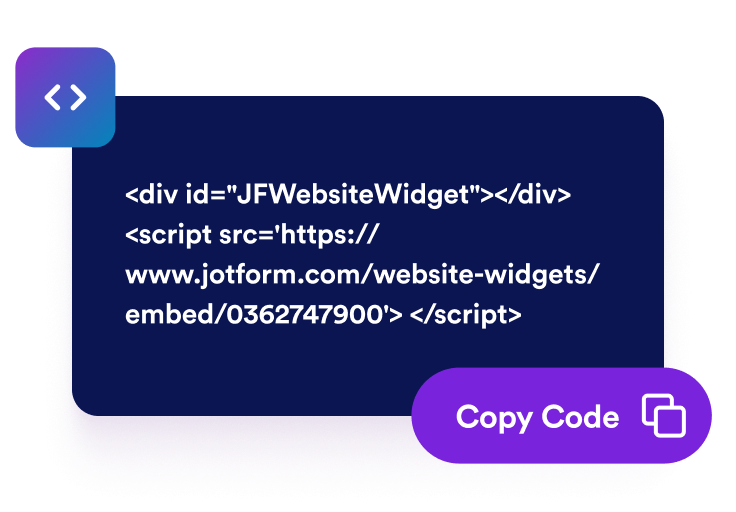
Ottieni il codice embed
Copia il codice embed generato e pubblica il widget Tumblr Feed sul tuo sito web.
Mostra i post di Tumblr sul tuo sito web
Collega i post del blog Tumblr
Aggiungi una fonte pubblica Tumblr e mostra gli aggiornamenti del blog in un feed incorporato. Il widget Tumblr Feed aiuta i visitatori a sfogliare post, immagini, didascalie, link, bacheche di ispirazione, contenuti delle campagne e aggiornamenti della community direttamente dal tuo sito web.

Adatta i post al tuo layout
Scegli i layout a griglia, masonry, elenco, carosello o slider per abbinarli alla tua pagina. Usa il feed di Tumblr come sezione portfolio visiva, feed di campagna, anteprima del blog o area di aggiornamenti della community.

Scegli i dettagli da mostrare
Controlla cosa mostra ogni anteprima dei post di Tumblr. Mostra o nascondi i nomi degli autori, le date, le didascalie, le etichette delle fonti, i conteggi delle azioni, i link e i dettagli dei popup, così i visitatori ottengono un contesto utile prima di aprire un post.

Personalizza lo stile del feed di Tumblr
Abbina il widget Tumblr Feed al tuo sito web mantenendo i post facili da sfogliare. Personalizza i temi, gli accenti della piattaforma, i colori delle card, le frecce, la paginazione e il CSS personalizzato per un feed incorporato curato.

Perché i Widget del sito web di Jotform si distinguono
I widget di Jotform rendono il tuo sito web più interattivo e aumentano le conversioni. Sono disponibili molti strumenti, dalle valutazioni a stelle e gli slider di testimonianze ai popup di riprova sociale e agli embed di media. Aggiungi widget ai tuoi moduli o alle tue landing page per raccogliere dati, mostrare prove e acquisire lead, senza bisogno di programmazione.
Aggiungi i widget Jotform al tuo sito web con un semplice codice embed. Personalizza il widget, visualizza in anteprima il suo aspetto e incollalo in qualsiasi pagina che supporti HTML personalizzato o blocchi embed, il tutto senza uno sviluppatore.
Usa i Widget del sito web di Jotform per acquisire lead, mostrare feedback dei clienti, visualizzare riprova sociale, incorporare media o aggiungere utili strumenti per le pagine web. Ogni widget aiuta i visitatori a interagire con la tua attività direttamente dal tuo sito web.
Se hai bisogno di aiuto per configurare, personalizzare, incorporare o risolvere problemi con il tuo widget, il team di assistenza clienti di Jotform è disponibile 24 ore su 24, 7 giorni su 7. Puoi andare avanti con fiducia, sapendo che l'aiuto è a disposizione quando ne hai bisogno.
Converti i lead in clienti paganti con il costruttore di Moduli Jotform
Trasforma il coinvolgimento in azione con Jotform. Crea moduli potenti che acquisiscono lead, raccolgono pagamenti e automatizzano le risposte, tutto in un unico posto. Ogni risposta arriva nella tua Posta Jotform, dove puoi dare seguito o collegarti con le tue app preferite.
Inizia Subito — È Gratis!
FAQ
Cos'è un widget Tumblr Feed?
Un widget Tumblr Feed mostra i post pubblici di Tumblr sul tuo sito web in un feed incorporato e responsive. Aiuta i visitatori a sfogliare gli aggiornamenti del blog, le immagini, le didascalie, i link e i contenuti della community senza dover lasciare subito la tua pagina.
Posso incorporare un feed di Tumblr sul mio sito web?
Quali contenuti di Tumblr posso mostrare?
Posso personalizzare il layout del widget Tumblr Feed?
I visitatori possono aprire i post di Tumblr dal widget?
Il widget Tumblr Feed funziona su mobile?
Devo scrivere codice per aggiungere il feed di Tumblr?
Quali piattaforme web supportano il widget Tumblr Feed?
Posso ricevere aiuto per configurare il mio widget Tumblr Feed?