Widget Twitter Feed per il tuo sito web
Aggiungi un feed di X al tuo sito web così i visitatori possono sfogliare post recenti, annunci, lanci e aggiornamenti social senza lasciare la pagina. Usa il Twitter / X Feed Widget per mostrare i post del profilo in card responsive, personalizzare i dettagli dei post, aggiungere popup e definire lo stile del feed senza codice personalizzato.
Create Now — It’s Free!

Come creare un widget Twitter/X Feed
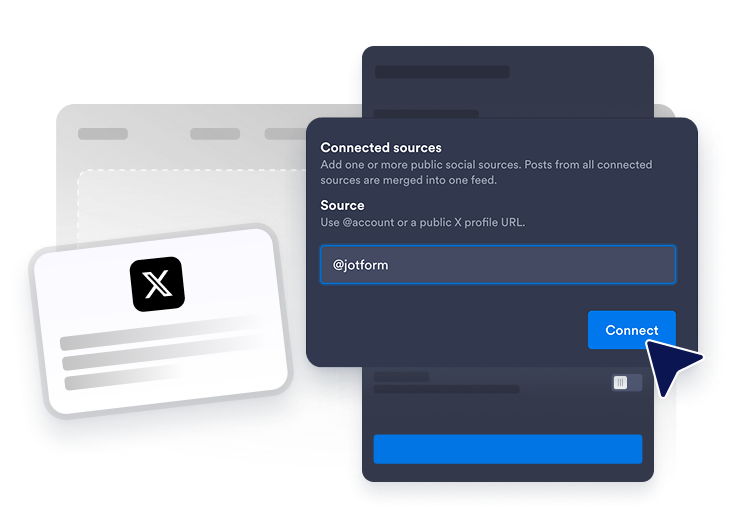
Collega un profilo X
Aggiungi la fonte pubblica Twitter/X che vuoi mostrare nel feed del tuo sito web.
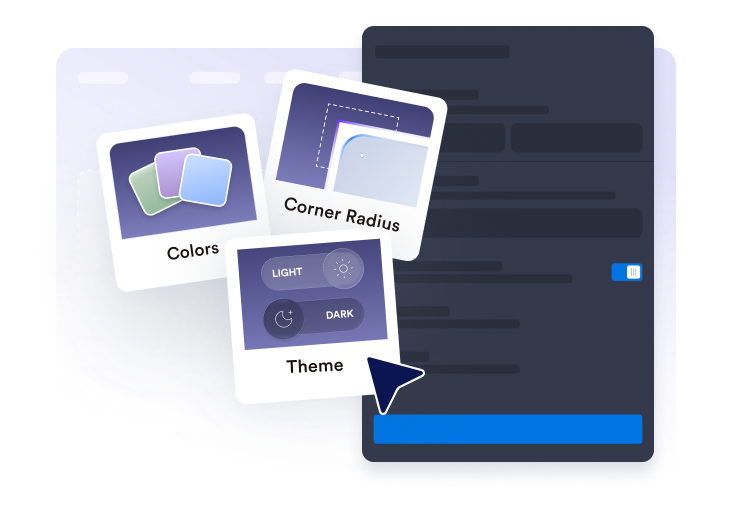
Personalizza il feed
Scegli il layout, i dettagli dei post, il comportamento dei popup, i colori e le impostazioni degli accenti in stile Twitter/X.

Ottieni il codice embed
Copia il codice embed generato e pubblica il twitter feed widget sul tuo sito web.
Mostra i post di Twitter/X sul tuo sito web
Collega i post del profilo Twitter/X
Aggiungi un profilo X pubblico e mostra i post in un feed incorporato. Il twitter feed widget aiuta i visitatori a sfogliare aggiornamenti recenti, lanci di prodotti, annunci, consigli e riprove sociali direttamente dal tuo sito web.

Adatta i post al tuo layout
Scegli i layout a griglia, masonry, elenco, carosello o slider per adattarli alla tua pagina. Usa il feed di X come blocco social compatto, sezione di aggiornamenti nella homepage, feed per la pagina di lancio o area di annunci a rotazione.

Scegli i dettagli da mostrare
Controlla cosa mostra ogni anteprima dei post di Twitter/X. Mostra o nascondi i nomi degli autori, le date, le didascalie, le etichette delle fonti, i conteggi delle azioni, i link e i dettagli popup, così i visitatori ottengono il contesto giusto prima di aprire un post.

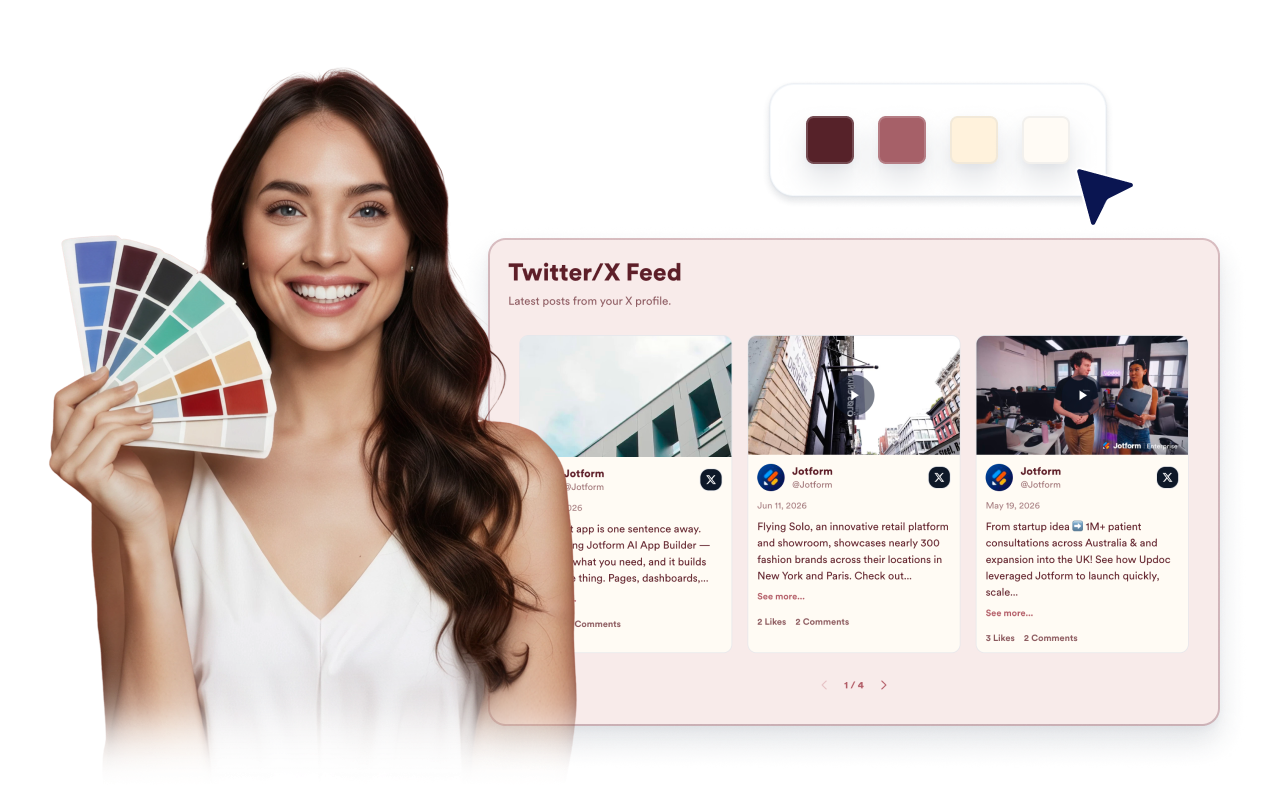
Personalizza lo stile del tuo twitter feed
Abbina il Twitter/X Feed Widget al tuo sito web mantenendo i post facili da leggere. Personalizza temi, accenti della piattaforma, colori delle card, frecce, impaginazione e CSS personalizzato per un feed incorporato più pulito.
Perché i Widget del sito web di Jotform si distinguono
I widget di Jotform rendono il tuo sito web più interattivo e aumentano le conversioni. Sono disponibili molti strumenti, dalle valutazioni a stelle e gli slider di testimonianze ai popup di riprova sociale e agli embed di media. Aggiungi widget ai tuoi moduli o alle tue landing page per raccogliere dati, mostrare prove e acquisire lead, senza bisogno di programmazione.
Aggiungi i widget Jotform al tuo sito web con un semplice codice embed. Personalizza il widget, visualizza in anteprima il suo aspetto e incollalo in qualsiasi pagina che supporti HTML personalizzato o blocchi embed, il tutto senza uno sviluppatore.
Usa i Widget del sito web di Jotform per acquisire lead, mostrare feedback dei clienti, visualizzare riprova sociale, incorporare media o aggiungere utili strumenti per le pagine web. Ogni widget aiuta i visitatori a interagire con la tua attività direttamente dal tuo sito web.
Se hai bisogno di aiuto per configurare, personalizzare, incorporare o risolvere problemi con il tuo widget, il team di assistenza clienti di Jotform è disponibile 24 ore su 24, 7 giorni su 7. Puoi andare avanti con fiducia, sapendo che l'aiuto è a disposizione quando ne hai bisogno.
Converti i lead in clienti paganti con il costruttore di Moduli Jotform
Trasforma il coinvolgimento in azione con Jotform. Crea moduli potenti che acquisiscono lead, raccolgono pagamenti e automatizzano le risposte, tutto in un unico posto. Ogni risposta arriva nella tua Posta Jotform, dove puoi dare seguito o collegarti con le tue app preferite.
Inizia Subito — È Gratis!
FAQ
Cos'è un twitter feed widget?
Un Twitter/X Feed widget mostra i post pubblici di un profilo X sul tuo sito web in un feed incorporato e responsive. Aiuta i visitatori a sfogliare aggiornamenti recenti, annunci, lanci e post social senza dover lasciare subito la tua pagina.
Posso incorporare i contenuti del twitter feed sul mio sito web?
Posso usarlo come twitter feed creator?
Qual è la differenza tra un twitter feed creator e un twitter feed maker in questo caso?
Quali contenuti Twitter/X posso mostrare?
Posso personalizzare il layout del Twitter/X Feed Widget?
I visitatori possono aprire i post di Twitter/X dal widget?
Il twitter feed widget funziona su dispositivi mobili?
Devo scrivere del codice per incorporare i contenuti del twitter feed?
Quali piattaforme web supportano il Twitter/X Feed Widget?
Posso ricevere aiuto per configurare il mio Twitter/X Feed Widget?